Key takeaways
- Daily tracking is the right default for most prompts. Faster monitors (every 12, 6 or 1 hours) are for defined windows: a launch, a campaign, a PR moment.
- AI answers vary between runs, so more runs per day give you a steadier visibility number. They do not give you more prompts, and breadth of prompts still matters more.
- Set an end date before you turn on hourly tracking, then step back to daily. Otherwise it quietly becomes your default and eats your usage.
- Annotate everything: model updates, your own publishing, press hits. Without notes, a jump in visibility gets misread as a campaign effect.
- In Promptwatch, the faster options are on Business and Agency Scale (Enterprise on request) and are set per monitor.
Why tracking frequency is a real decision
Most AI visibility tools run each prompt once a day, and for a long time that was fine. Then launches started happening in AI answers as much as in search results, and people noticed the gap. You publish a comparison page at 9am, a news site covers your release at noon, and by the next morning's single data point you cannot tell which one moved anything.
The question is not "more data is better." More runs cost usage, and more points on a chart are not automatically more signal. The question is what you are trying to detect, and how quickly the answer can change.
Two definitions help here:
- Collection frequency is how often prompts actually run.
- Decision frequency is how often a human looks at the result and changes something.
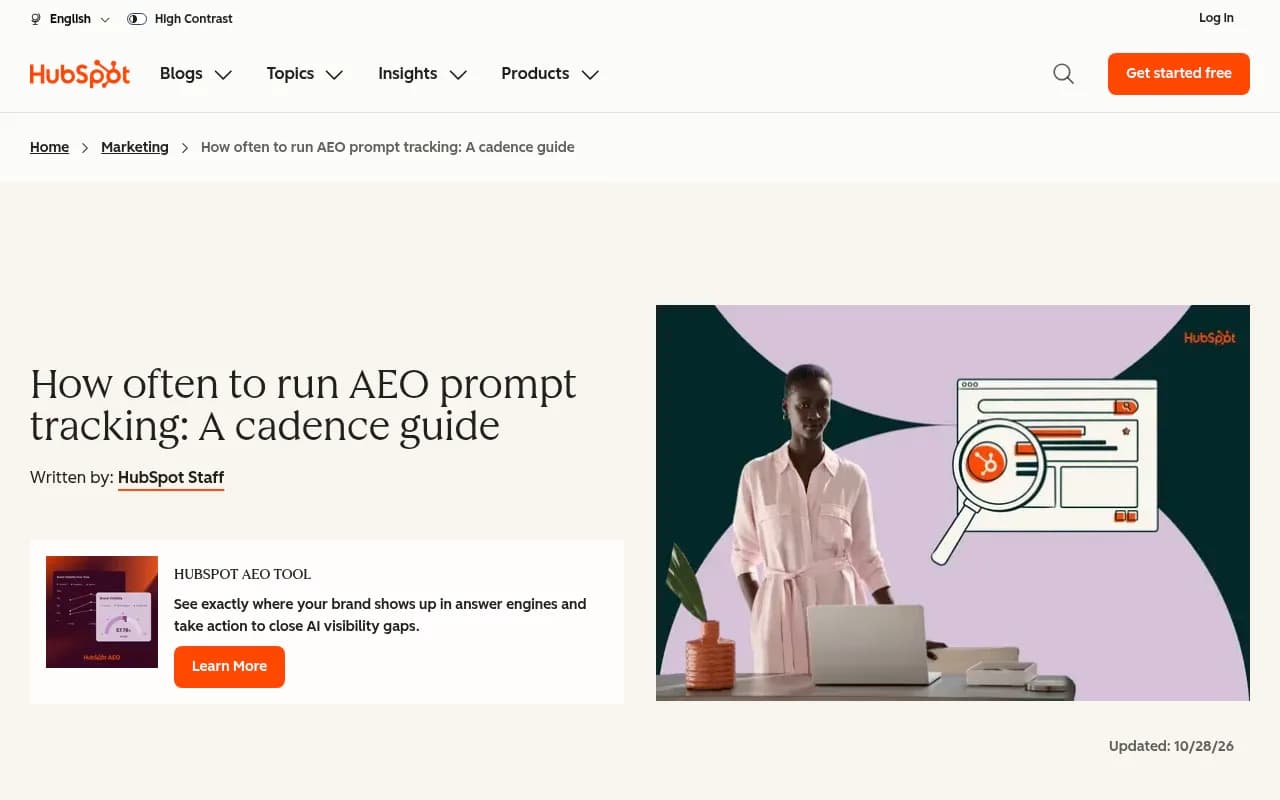
HubSpot's cadence guide makes the same split: collect daily where your tool supports it, interpret weekly, and only go to daily review during launches or major changes. Faster collection does not mean you should react faster. It means the number you eventually react to is better.
Why a single answer is a weak measurement
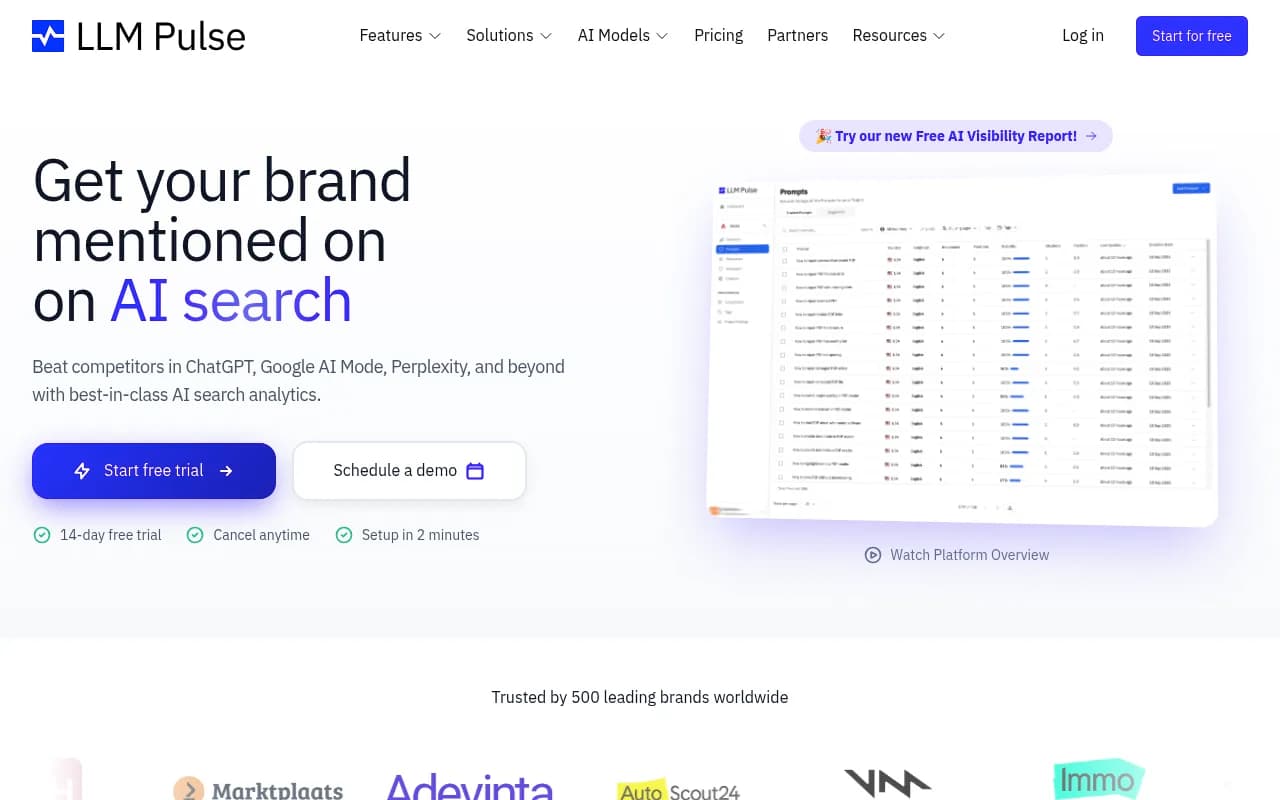
A prompt has a distribution of answers, not one answer. LLM Pulse puts it plainly: ask ChatGPT the same question twice in an hour and you can get two different brand lists citing different pages. One run per day samples that distribution once.
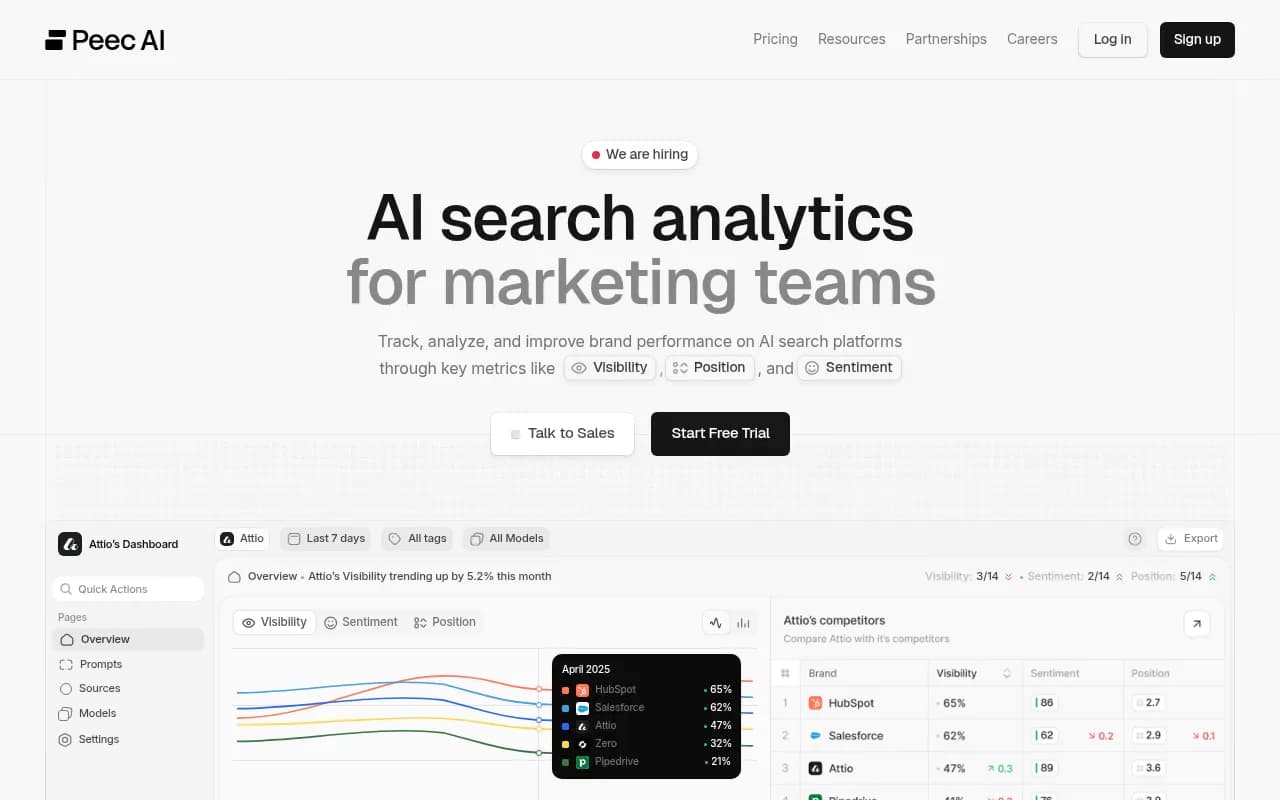
Peec's analysis of run counts shows how thin that is. Say a prompt runs once a day for 14 days and your brand appears in 6 of the 14 runs. That tells you almost nothing about your real visibility rate. Their conclusion is worth keeping in mind: choose more prompts rather than more runs, because asking many different questions once tells you more than asking one question over and over.
That is the honest trade-off. Frequency reduces noise on the prompts you already track. It does nothing about coverage. If your 50 prompts miss how buyers actually ask, hourly runs just give you a very precise measurement of the wrong thing.
Retrieval behavior also shifts in steps
The other source of noise is the model itself. Promptwatch Data's ChatGPT query fanout report shows average web searches per response falling from 2.15 in early December to about 1.84 by early March, then resetting to 1.0 when fanouts returned in April. Average query length dropped from about 117 characters to roughly 53 over the same stretch. Changes like these arrive abruptly, not as a slow drift.
A separate Promptwatch Data report found that ChatGPT started using the site: operator at scale on August 8, 2026, taking it from about 0.4% to about 17% of fanout queries overnight. And reddit.com's share of ChatGPT citations fell from roughly 4% to 0.5% on August 14, 2026. If you were running an hourly monitor on those days, you would have seen the cliff with a timestamp. With daily tracking you would have seen it a day later, which is still fine, but you would have had less to separate it from your own activity.
What the faster options actually are
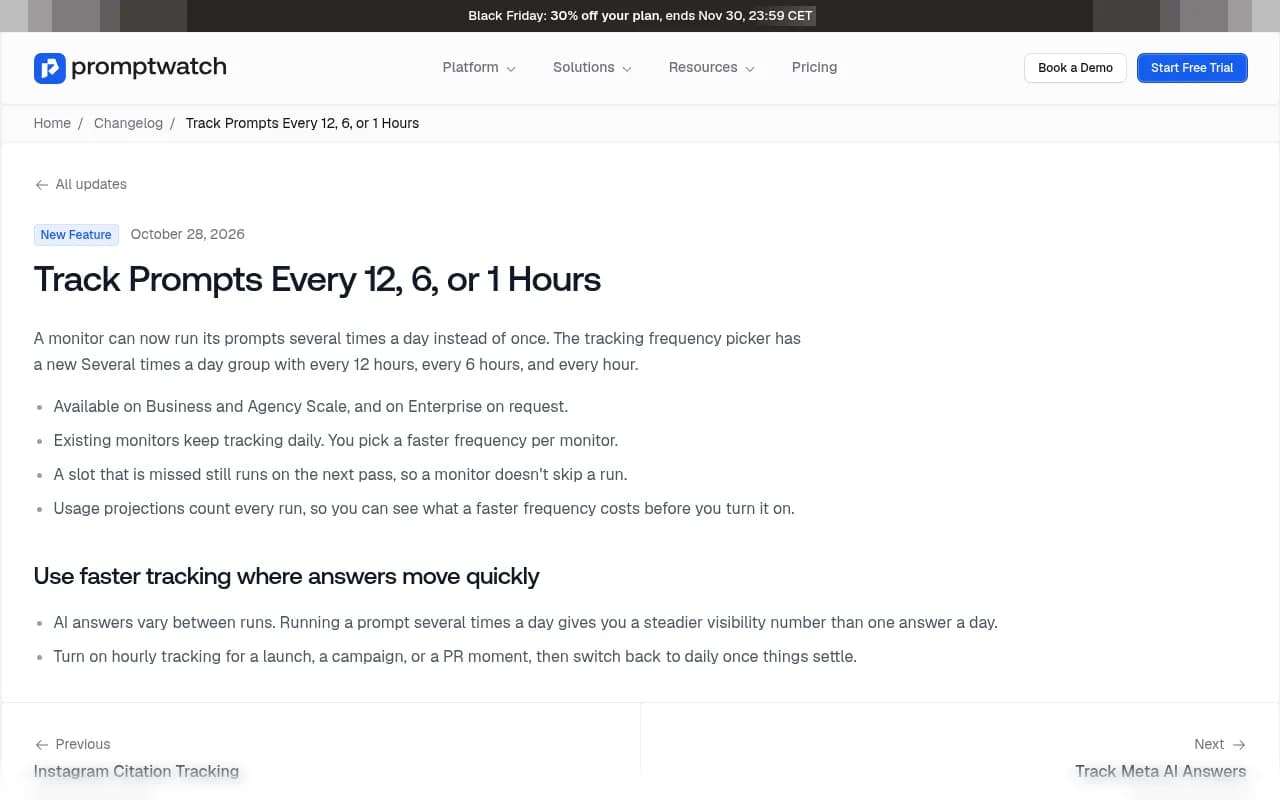
Promptwatch added faster frequencies on October 28, 2026. A monitor can now run its prompts several times a day, and the frequency picker has a new "Several times a day" group with every 12 hours, every 6 hours and every hour. Details worth knowing:
- Available on Business and Agency Scale, and on Enterprise on request.
- Existing monitors keep tracking daily. You pick the faster frequency per monitor, not account-wide.
- A missed slot still runs on the next pass, so a monitor does not skip a run.
- Usage projections count every run, so you can see what a faster frequency costs before you turn it on.
That last point matters. Hourly is 24 runs a day per prompt, against 1 on daily. I did not find a per-run price published anywhere, so check the projection in the product and the Promptwatch pricing page before switching a big monitor. A sensible habit is to put only the prompts that matter for the window into a dedicated monitor, and leave the rest on daily.

Daily vs 12-hour vs 6-hour vs hourly
| Frequency | Runs per prompt per day | Best for | Watch out for |
|---|---|---|---|
| Daily | 1 | Baseline tracking, trends, monthly reporting | One answer per day is noisy on any single prompt |
| Every 12 hours | 2 | Steadier numbers for key prompts, ongoing campaigns | Modest gain over daily, so only worth it on prompts you act on |
| Every 6 hours | 4 | Launch weeks, multi-day campaigns, competitor moves | Usage grows 4x, so scope the monitor tightly |
| Every hour | 24 | Launch day, live PR moments, incident response | Highest cost, so set an end date |
My rule of thumb: 12 hours is the "I want a steadier number" setting, 6 hours is for a launch week, and hourly is for the first day or two when something is actively happening.
When faster tracking pays off
Product launches
The first 48 hours decide whether your page enters the answers that matter. Hourly tracking on a short list of launch prompts (your product name, category prompts, "X vs Y" comparisons) shows you when the first citation lands and whether the answer reads correctly. If an engine states the wrong price or features, you want to know that on day one, not day eight.
Campaigns and content pushes
If you publish a batch of pages or run a PR push, 6-hour tracking is usually enough. You are looking for whether visibility moves in the days after, not minute by minute. Pair it with page-level tracking so you can see whether the new URLs get crawled and cited.
PR moments and incidents
A news story, a competitor announcement or a bad review thread changes what engines say about you. Hourly tracking on brand and competitor-comparison prompts lets you see sentiment shift as it happens. Be aware that news content decays fast. Promptwatch Data's content half-life report tracked every page ChatGPT cited on July 6, 2026 over 90 days: news lost half its pages after 36 days, and almost a quarter were never cited again after day 0. Landing pages and docs held up far better, with 78% and 76% still cited after 30 days.
That is a useful argument for short windows. Press coverage gives bursts of visibility, so a burst-sized monitoring window fits. The durable assets (landing pages, docs, comparison pages) are what your daily baseline should track over the following weeks.
A practical launch playbook
Here is the schedule I would use, with the frequency stepping down as the noise matters less.
- Before launch (1 to 2 weeks out): Keep everything on daily. Build a launch monitor with 15 to 30 prompts: branded, category, comparison and a few persona-specific ones. You want a pre-launch baseline.
- Launch day and day after: Move the launch monitor to hourly. Log the exact time of every change you make and every press hit.
- Days 3 to 7: Step down to every 6 hours.
- Week 2: Every 12 hours, or back to daily if the number has stabilized.
- Week 3 onward: Daily. Interpret weekly, report monthly.
Scale Theory proposes a similar taper for new prompt sets: track daily for the first two weeks to get 14 data points per prompt instead of 2, then three times a week in weeks 3 to 6, then twice a week. Their logic is checking that lowering frequency does not change your presence percentage in any meaningful way. If your brand appeared in 65% of daily runs, it should still read near 65% at lower frequency. Their taper is about weekly tracking cadences, so on a tool that runs daily by default, treat it as a pattern for stepping down rather than a script.
Keep the window short on purpose
HubSpot's guide says it directly: set an end date for faster monitoring so it does not become your default. I agree. Put the date on the monitor's name or in your calendar. Hourly tracking you forgot about for three months is the most common way people burn through usage.
How to read faster data without fooling yourself
High-frequency data produces pretty charts and bad conclusions if you are not careful.
- Aggregate before you judge. An hourly line will wobble. Look at daily averages, then weekly averages. Hourly points are for timing, not for verdicts.
- Annotate changes. Model updates, prompt additions and removals, your own publishing, and press hits all belong on the timeline. LLM Pulse annotates prompt and frequency changes on its charts automatically, and Promptwatch lets you work from the same principle with a clear log. Either way, write it down.
- Do not swap prompts mid-window. LLM Pulse's point holds: change the prompt set and your line moves for two reasons at once, because the models changed and you changed the exam. If you must add prompts, say so and compare from that date.
- Read the answers, not just the score. A flat Visibility Score can hide a drop in position or a worsening claim. Read a handful of raw responses every day of the launch window.
- Separate the engines. ChatGPT, Gemini, Perplexity and Google AI Overviews react at different speeds and cite different sources. Promptwatch Data's social media citation report showed ChatGPT drawing 0.46% of citations from social platforms and AI Overviews 12.2% (Sep 28 to Oct 4, 2026), which is a good reminder that one blended number hides real differences.
Frequency is one lever among several
Faster tracking does not replace the basics. Before you spend usage on it, check the following.
- Prompt coverage. Peec's advice stands. If you have to choose, add prompts before adding runs.
- Crawler access. If AI bots cannot read the launch page, hourly tracking will faithfully record that nothing happens. Promptwatch's AI crawler logs show whether bots hit the page and where they fail.
- Page type. Promptwatch Data's content type report found product pages were the most cited type in ChatGPT at 22.4% of citations (Sep 28 to Oct 4, 2026). A launch without a strong product or landing page is working against the grain.
- Traffic, not just mentions. Visitor analytics tell you whether the visibility turns into visits and conversions.
How other tools handle cadence
Not every tracker offers sub-daily runs, and many are weekly by default. Check before you commit to a launch plan that depends on it.
| Tool | Cadence notes |
|---|---|
| Promptwatch | Daily on every plan, plus 12-, 6- and 1-hour monitors on Business and Agency Scale (Enterprise on request) |
| LLM Pulse | Weekly by default, daily available on every plan, monthly on request |
| HubSpot AEO | Guidance favors daily collection and weekly interpretation |
| Peec AI | Daily runs, with published guidance to prefer more prompts over more runs |
For a broader view of the category, the GEO software directory at bestgeosoftware.com lists the major options, and the head-to-head comparison hub covers how they differ on features beyond cadence.
Common mistakes
- Turning on hourly for everything. Put the 15 prompts that matter in their own monitor. Leave the other 300 on daily.
- Forgetting to switch back. Calendar the end date.
- Reacting to one hour. A single run is one sample from a distribution. Wait for the daily average.
- No pre-launch baseline. Without it you cannot say whether anything changed.
- Changing prompts and frequency together. Change one thing at a time, or note both on the timeline.
FAQ
Should I run hourly tracking all the time?
No. Daily is the right default. Hourly costs 24 runs per prompt per day and the extra timing detail only matters when something is actively happening.
Does more frequent tracking make my visibility score more accurate?
It makes it steadier on the prompts you already track, because you average more answers. It does not fix a weak prompt set, so cover your buyers' questions first.
How long should a launch monitor stay on hourly?
One to two days is typical, then every 6 hours for the rest of launch week, then 12-hour or daily. Set the end date before you start.
How do I know what a faster frequency will cost?
Promptwatch's usage projections count every run, so you can see the effect before enabling it. Confirm plan limits on the pricing page.
Can I try this without committing?
Promptwatch has a 7-day free trial on monthly billing for Business, and the free AI visibility report gives you a baseline scan of ChatGPT, Gemini and Perplexity first.
The short version
Track daily. Go to 12 hours when you need a steadier number on prompts you act on, 6 hours for a launch week, and hourly for the first day or two of a real event. Keep the monitor small, write down every change, aggregate before you judge, and step back to daily when things settle. If you also want help planning a launch around AI search, 1001 SEO Media runs GEO programs for brands, and the tracking side of that work runs on Promptwatch.