Key takeaways
- API answers and consumer UI answers are different products. Surfer's 2026 study of 13,779 answers found the overlap between API and scraped UI data was "just 30% at best".
- The UI wraps the model in search, memory, system prompts, ads, shopping cards and citation logic that a bare API call skips.
- ChatGPT's API wrote 2.05x as many words as the ChatGPT interface shows its users, while Perplexity went the other direction.
- Even a perfect collection method is noisy. One prompt tells you little, so measure across many prompts and re-run often.
- Ask any vendor four questions: what interface, what country, how many runs, and does it capture citations and UI-only elements.
The problem: two trackers, two different answers
You have probably seen it. Tool A says your brand shows up in 40% of ChatGPT answers about your category. Tool B says 12%. You open ChatGPT yourself, type the prompt, and see something that matches neither.
Nobody is necessarily lying. The tools may simply be measuring different things. One of the comparison guides in our research puts it bluntly: two tools can report wildly different ChatGPT numbers for the same brand purely because they queried different paths. The path is the whole story.
There are two main ways a tracker gets an answer out of ChatGPT, Gemini, Perplexity or Google's AI surfaces:
- Call the vendor's developer API with your prompt and record the output.
- Drive the real consumer interface, the thing your buyers use, and record what it displays.
The first is cheap and easy to scale. The second is harder and more expensive. And they do not return the same answers.
What the API actually is (and is not)
The ChatGPT web app and the OpenAI API are not the same system. A Reddit thread in our research states the basics: the web app takes your text and wraps it with assistant history, user context and its own instructions before the model sees anything. An OpenAI community post makes the same complaint from a developer's side, that the API gave drastically less relevant results than the chat UI, even when no extra context was entered in the interface.
What the consumer product adds on top of the raw model, roughly:
- A system prompt you never see, tuned for the chat product
- Web search decisions, including whether to search at all and how many queries to fire
- Source selection and citation rendering
- Memory, personalization and location signals
- UI-only elements like shopping carousels, ads and, since October 2026, interactive answers
An API call can reproduce some of this if you work hard at it. It will not reproduce all of it, and nobody outside the vendor knows exactly what the UI does.
The evidence: what the 2026 studies found
Surfer's 13,779-answer comparison
Surfer ran 1,000 prompts across five AI products, once by scraping the interface and once through an API. That produced 13,779 answers across 14 model-and-method combinations. They compared cited brands, sources, pages and answer length.
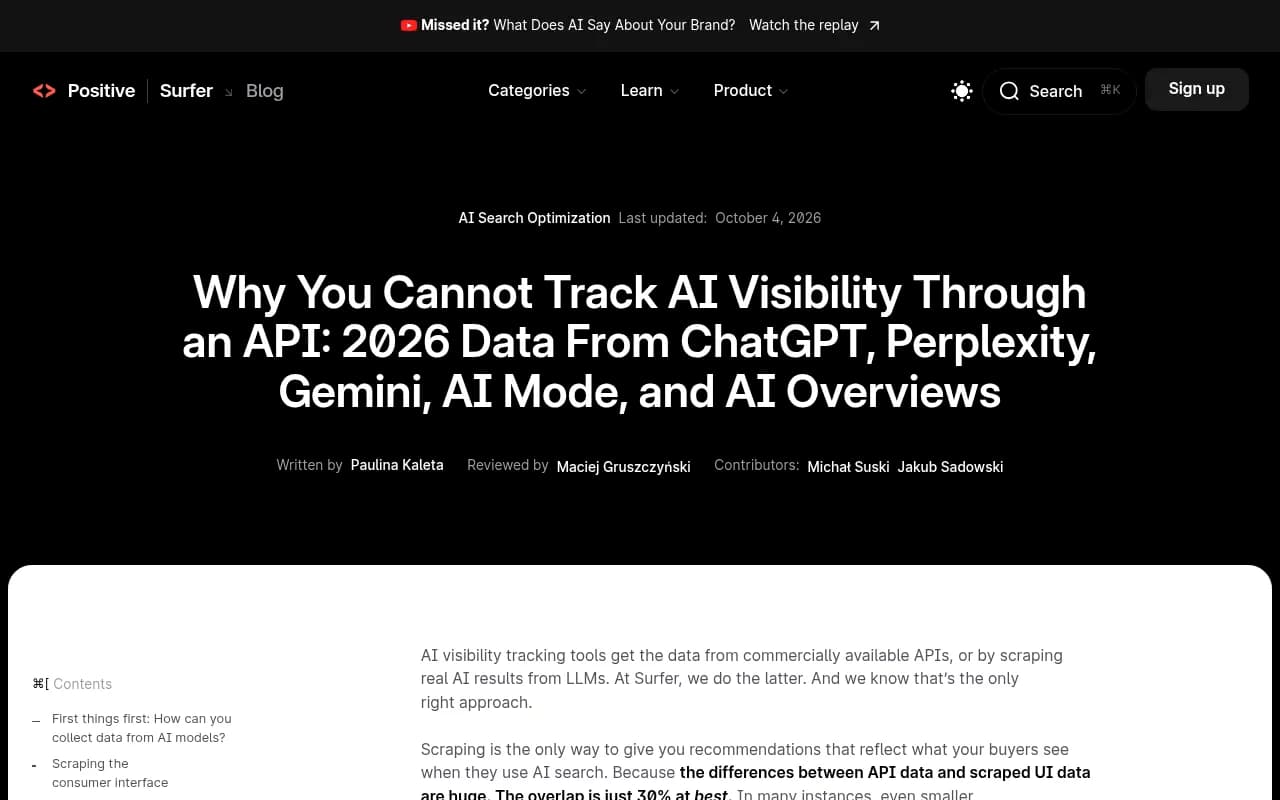
The headline numbers from the study, last updated October 4, 2026:
- Overlap between API and UI data was about 30% at best, and often lower
- ChatGPT's API wrote 2.05x as many words as the ChatGPT UI shows
- Perplexity was the reverse: its API answers were shorter
- Not every product followed the same pattern, but none of the APIs reproduced the consumer experience
- For AI Overviews, the "API" method was borrowed from AI Mode, because no model is sold that matches what powers Overviews
One caveat worth stating plainly: Surfer sells a scraping-based tracker, so it has a stake in this conclusion. I would not treat "30%" as a universal constant. But the direction matches everything else we see, and Promptwatch's own approach (more below) rests on the same premise.
Why length matters more than it sounds
Longer API answers mention more brands and cite more things simply because they have more room. If your tracker counts mentions in a 600-word API response while the user sees a 300-word UI answer, your visibility number is inflated by construction. The reverse can happen on Perplexity.
Why the same prompt behaves differently in the UI
Hidden searches and query fan-outs
ChatGPT does not just run your prompt as a search. It breaks it into web searches of its own. Promptwatch's ChatGPT query fanout data shows an average of about 2.15 fanouts per response in early December 2025, easing to roughly 1.84 by early March 2026. The average fanout query length fell from about 117 characters to the high 80s over the same stretch.
Those numbers move. A bare API call without the search tool attached may skip this step completely and answer from training data. That alone changes which brands appear.
The platform changes under you
On August 8, 2026, ChatGPT started using the site: operator at scale. According to Promptwatch Data, the share of fanout queries using it jumped from 0.37% to 16.8% in a day, and searches per response went from about 1.08 to about 1.83. Nothing changed on your site. The retrieval behavior changed.
Similar shifts:
- Reddit's share of ChatGPT citations collapsed from roughly 4% to 0.5% on August 14, 2026, per Promptwatch's Reddit citation report
- Average citations per response dropped around the GPT-5.3 rollout on March 4, 2026, per the ChatGPT citation drop report
A tracker pointed at a fixed API model snapshot will miss all of this, or show it late. A tracker that watches the live interface sees it the day it happens.
Source lists are long, and they vary by prompt type
In the week of Sep 28 to Oct 4, 2026, 47.6% of ChatGPT responses with citations cited 10 or more unique domains, according to Promptwatch's unique domains report. Organic prompts hit 52.5%. Brand-specific prompts were lower, with 21.3% citing 10 or more and five domains the most common count.
If an API response returns three sources and the UI shows twelve, you are measuring a different game.
UI-only elements
Some of what buyers see in ChatGPT is not text at all. Shopping carousels, ads, and now interactive answers. On October 7, 2026, OpenAI began rolling out GPT-6 with Intelligent UI, where an answer can arrive as a chart, a comparison grid or a small tool. The Digital Applied write-up notes the announcement is about ChatGPT, not the API, and that OpenAI has not said how sources get chosen for these answers.
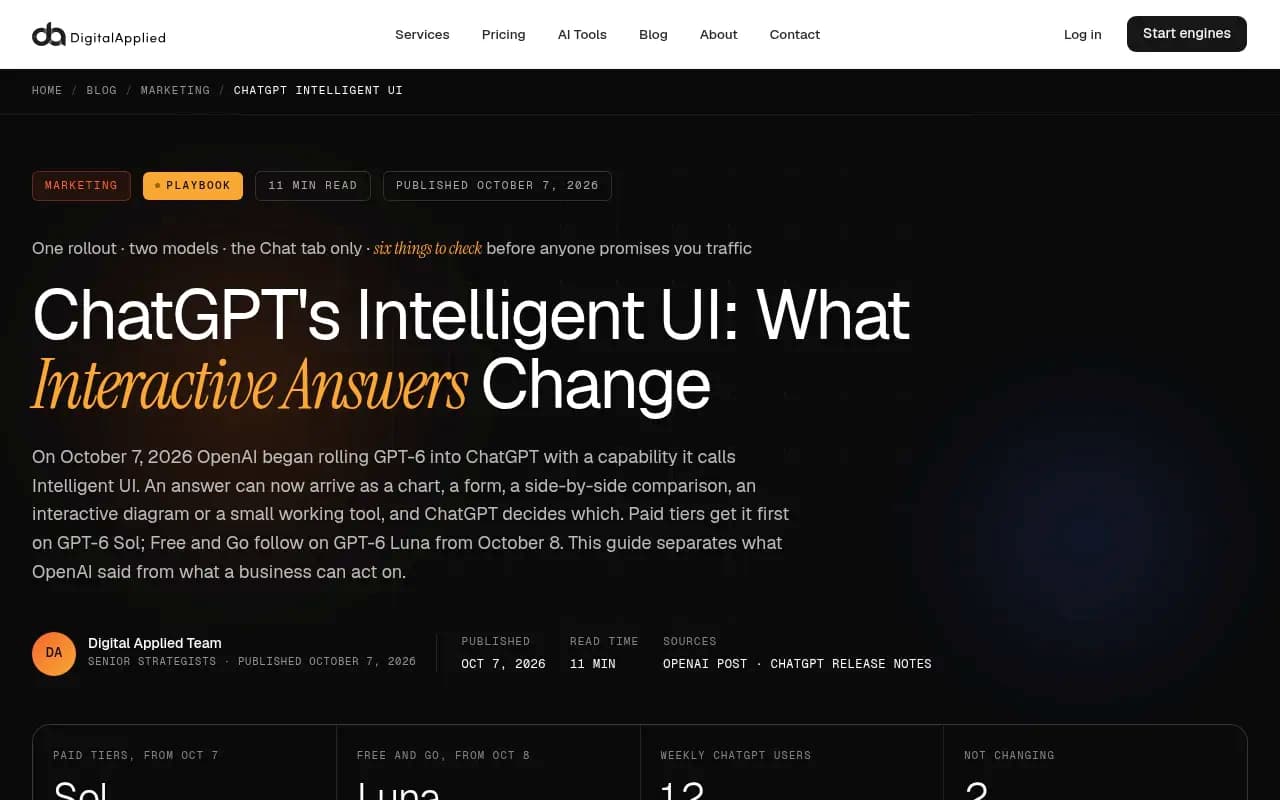
An API tracker cannot see any of that. Promptwatch tracks ChatGPT ad frequency (see ChatGPT Ads over time) and shopping feature usage separately because they only exist in the interface.
Real UI vs API at a glance
| Dimension | API collection | Real UI collection |
|---|---|---|
| Cost to run at scale | Low | Higher |
| Matches what buyers see | Partially, 30% overlap at best in Surfer's study | Yes, by design |
| Web search and fan-outs | Depends on tool config | Whatever the product does that day |
| Citations and source order | Often differ from UI | As displayed |
| Ads, shopping cards, interactive answers | Not visible | Visible |
| Country and language | Hard to emulate | Can be set per monitor |
| Catches overnight platform changes | Slowly | Same day |
| Answer length | Often much longer (ChatGPT) | Matches user-facing length |
| Best use | Seeing what a model believes from training data | Measuring real buyer exposure |
APIs are not useless. They are a decent window into what a model "knows" without live search. They are just a poor proxy for what a customer sees.
Randomness is a separate problem
Switching to UI collection does not make results deterministic. One guide in our research frames it well: traditional rank tracking is deterministic, while ChatGPT visibility is probabilistic. The same prompt can produce different brand orderings, citations or omissions across runs. Region, language and phrasing shift things constantly.
So two layers of noise stack up:
- Method noise: API vs UI, which model, which tools enabled
- Sampling noise: the same UI prompt returns different answers each time
The fix for the second is volume and repetition. Promptwatch's advice from the unique-domains report is the right one: measure citations across many organic prompts, not just one, because with this many sources per answer a single prompt tells you little.
How to audit your current tracker
Run this checklist against whatever you use today.
Ask the vendor
- Does it collect from the consumer interface or the developer API?
- If API, which model, with web search on or off, and with what system prompt?
- Which countries and languages, and are they fixed per monitor?
- How many runs per prompt, and how often?
- Are citations and their order captured, or only brand mentions?
- Can it see ads, shopping results and other UI-only elements?
Do a manual spot check
- Pick five prompts your buyers genuinely use.
- Run each three times in a logged-out or clean browser session in the target country.
- Note which brands appear, how they are ordered, and which domains are cited.
- Compare against the tracker's output for the same prompts.
- If the tracker shows consistently longer answers, more brands, or citations you never see, suspect API collection.
This is rough. It will not give you statistics. It will tell you quickly whether the tool is in the right neighborhood.
Check the trend, not just the level
A tool can have a biased absolute number and still be useful if its trend is faithful. The problem is that API trends can miss platform-side shifts like the August 8 site: change. If your tracker never showed a blip around known events, that is a warning sign.
Tools that collect from the real UI
The market is crowded and collection methods vary, so verify each claim yourself. Here is how I would sort the field.
Promptwatch collects responses, citations and clicks from the actual user interfaces of ChatGPT, Google AI Overviews, Google AI Mode, Gemini, Perplexity, Copilot, Meta AI and others, in each country and language you set. API models like Claude, DeepSeek and Mistral are tracked alongside them to show what models believe from training data, so you can see both views and not confuse them. It also reads IP-verified AI crawler logs and visitor analytics, so you can connect what AI shows to what actually reaches your site. See its prompt tracking page for details, and its Academy guide on how data is collected.
Other trackers worth evaluating, each of which you should interrogate with the vendor checklist above:
Profound
Otterly.AI

The SE Ranking guide in our research compares several of these on pricing and focus.
If you want a wider list, the AI rank tracking directory is a good place to browse more options by category.
| Tool | Where to start | What to check |
|---|---|---|
| Promptwatch | Free AI visibility report or 7-day trial | Real-UI collection plus crawler logs and traffic data |
| Profound | Enterprise monitoring | Pricing and collection method |
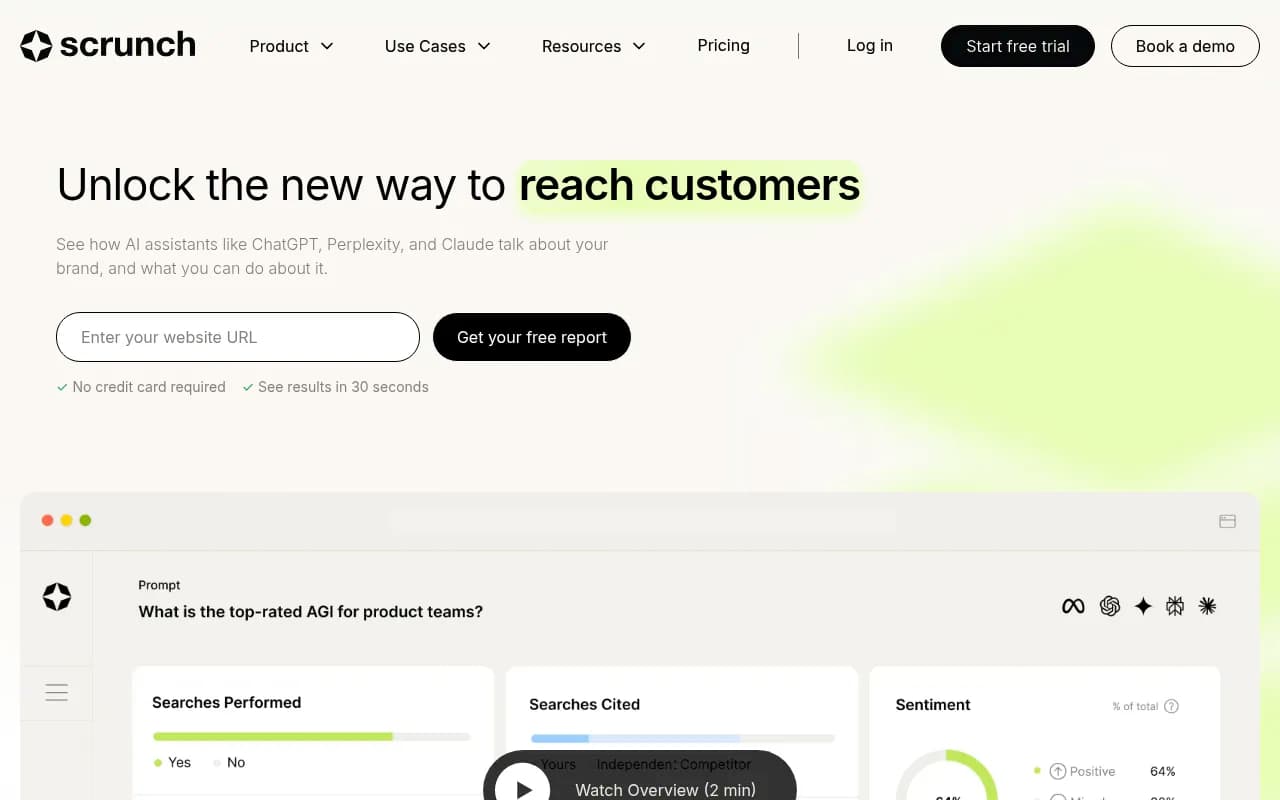
| Otterly.AI | Lightweight cross-engine monitoring | Prompt limits on lower tiers |
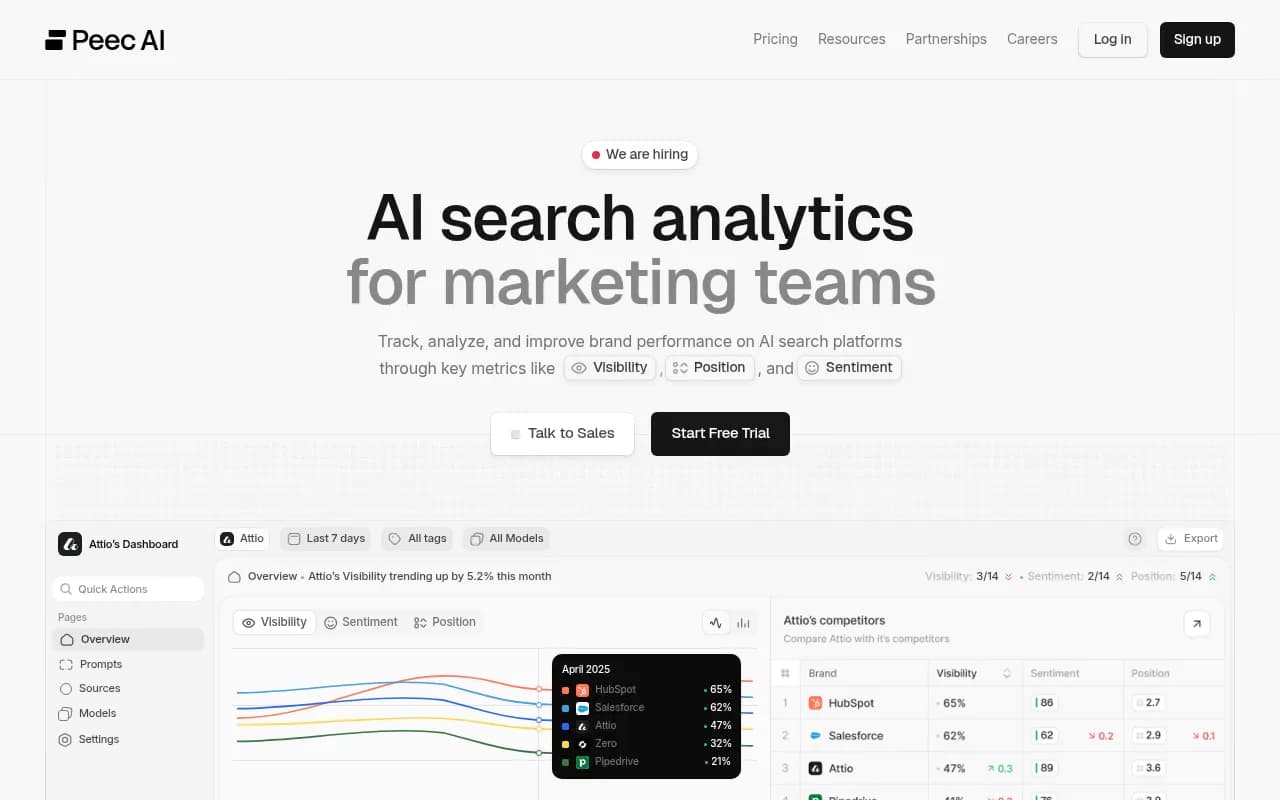
| Peec AI | Marketing team tracking | Depth beyond monitoring |
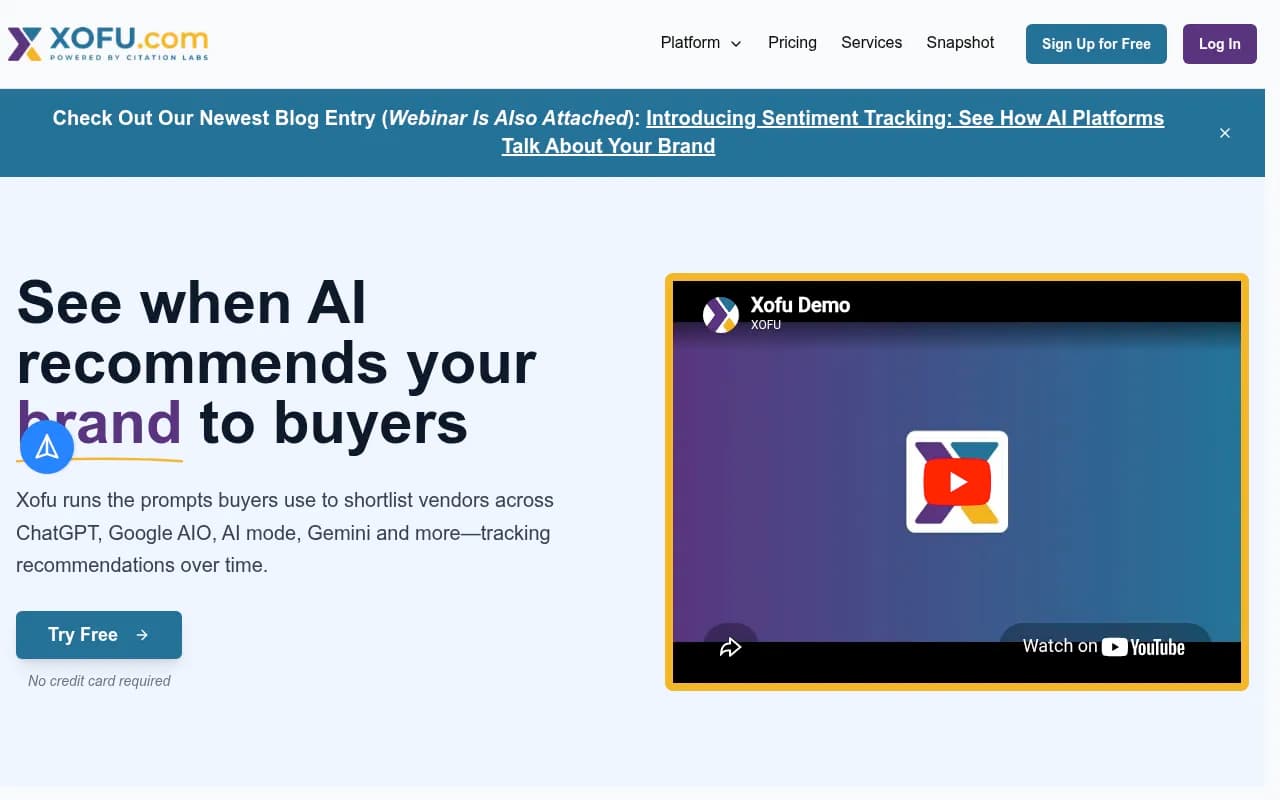
| Xofu | Bottom-of-funnel prompts | Learning curve, niche focus |
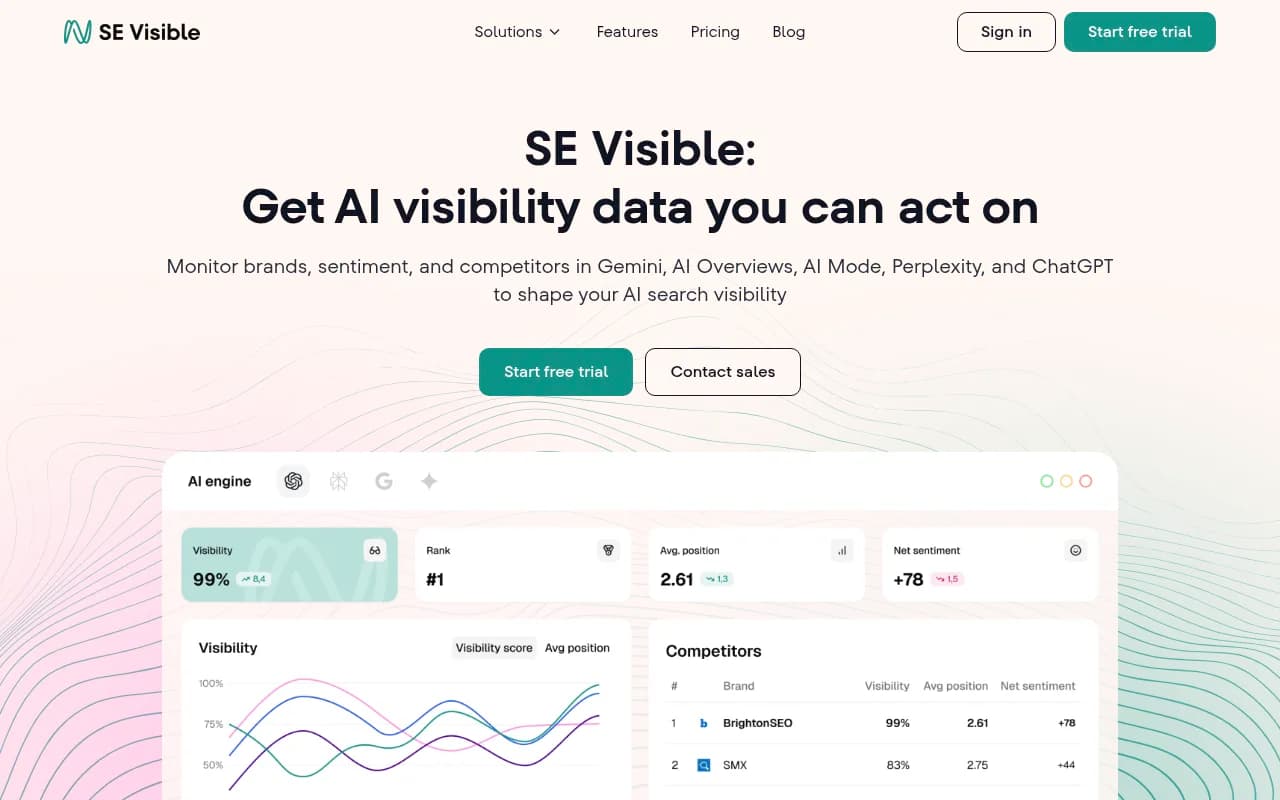
| SE Visible | Brand-level visibility | Export options |
I have not verified current pricing for most of these, so confirm on each vendor's site. Promptwatch's own pricing sits at promptwatch.com/pricing.
When an API is the right choice
Be fair to the API. It is the right instrument in a few cases:
- You want to know what a model says without live search, a pure training-data view
- You are building your own evaluation harness and need full control over parameters
- You need huge volumes for exploratory research where exact buyer parity does not matter
In those cases, label the data as API data. Do not mix it into a report that claims to show what customers see.
What to do next
- Find out how your current tracker collects data. Get the answer in writing.
- Run the five-prompt spot check above and compare.
- Track across many prompts and topics, not a handful, and keep monitors fixed by country and language.
- Pair visibility data with evidence from your own site: crawler logs and AI referral traffic tell you whether any of it matters.
- Re-audit after major ChatGPT updates. Promptwatch notes that phrasing which matched last quarter's queries may already be stale.
For a no-commitment look at how ChatGPT, Gemini and Perplexity describe your brand in their real interfaces, Promptwatch's free AI visibility report is a quick way to get a baseline, and the broader research hub at Promptwatch Data is useful for sanity-checking whatever number your tracker gives you.
The short version: if the number came from an API, treat it as a statement about the model. If it came from the interface, treat it as a statement about your buyers. Know which one you are looking at before you present it to anyone.