Key takeaways
- LinkedIn's 2026 ranking system tests every new post with a small slice of your network before deciding on wider distribution, and roughly 29.5% of a post's ranking weight comes from its own performance, with the first 90 minutes of engagement carrying outsized influence. Schedule for windows when you can actually work the comments; fire-and-forget is now a losing strategy.
- External links in the post body cost you around 60% of reach. First-comment scheduling, which Buffer and Supergrow both support, is the most valuable LinkedIn-specific feature to shop for.
- Best picks by team: Buffer for solo marketers and small teams, Planable for approval-heavy B2B, Sprout Social for enterprise reporting, Metricool for budget analytics, Taplio or Supergrow when LinkedIn is your only channel.
- LinkedIn's free native scheduler queues posts up to three months out, but has no bulk upload, no calendar view, no analytics, and no way to edit a post once it's scheduled.
- AI engines do cite LinkedIn, but it accounts for just 0.74% of social citations across major engines. Buy a scheduler for human reach and pipeline, not for AI visibility.
Why LinkedIn scheduling got harder in 2026
LinkedIn rebuilt its ranking infrastructure in early 2026. The new system, called 360Brew, replaced the legacy stack, and a lot of what worked in 2024 and 2025 quietly stopped working. Dataslayer's February 2026 algorithm breakdown put views down around 50% and engagement down around 25% for many creators, which matches the general sense of dread in every B2B marketing Slack I've been in this year.
The mechanics matter for scheduling decisions, so here's the short version. Every new post gets tested on roughly 2 to 5% of your network first, and only about 5% of posts that underperform in that first hour ever recover to reach a broader audience. Richard van der Blom's 2026 Algorithm Insights Report, based on an analysis of 1.3 million LinkedIn posts, found that about 29.5% of a post's ranking weight comes from its own performance, meaning reactions, comments, and reposts, with meaningful engagement in the first 90 minutes strongly influencing amplification.
The format data from the same period is blunt. Text-only posts struggle to break 2% engagement. Native video sits around 5.6%. Document posts (PDF carousels) are the strongest format for B2B thought leadership. Polls cratered to a 0.07% engagement rate, which is the algorithm's way of telling you to stop scheduling them. Posts with external links see roughly 60% less reach than posts without. And posting twice within 24 hours can cannibalize both posts, with LinkedIn consultant Charlie Hills reporting a penalty of up to 20% for back-to-back publishing.
One myth worth killing: nobody has produced credible evidence that scheduled posts get penalized versus posts published in the moment. Scheduling itself is safe. What's risky is scheduling a post for 9 PM Friday and going offline.
All of this reshapes what you need from a scheduler. Volume stopped being the point. The tools that earn their subscription now are the ones that handle link placement, spacing, format support, and timing control well.
Start with the baseline: LinkedIn's native scheduler
Before you pay anyone, know what LinkedIn gives you for free. The native scheduler (the clock icon in the composer) queues posts up to three months ahead, on desktop and mobile, for personal profiles and, with admin rights, company pages. Document posts can be scheduled natively too.
The wall you hit is familiar: one post at a time, no recurring slots, no calendar view, no analytics, no best-time suggestions, no team approvals, and no way to edit a post's copy once it's scheduled. Polls, events, job posts, and reshares can't be scheduled at all.
For a founder posting their own thoughts, that's genuinely fine. For a team coordinating a company page alongside three executives' personal brands, it falls apart within a week.
What a LinkedIn-first B2B marketer should shop for
First-comment scheduling is the feature I'd check first. Links in the post body cost you reach, so the move is to publish the post clean and drop the link in the first comment automatically. Buffer and Supergrow both handle this.
Profiles and pages in one place matter more than it sounds. Most B2B programs run a company page plus founder and exec profiles, and some tools bill these separately. Buffer, for example, counts a personal profile and a company page as two channels.
Approval workflows are non-negotiable if legal, product, or the founder reviews posts before they go live. This is where mid-tier plans distinguish themselves.
Document post support is easy to overlook. Carousels are the top-performing LinkedIn format in 2026, most schedulers handle them, but check the preview, because broken formatting kills a carousel.
Look for analytics you'd actually show a CRO. Follower counts are noise; engagement rate and click data, ideally with some path toward pipeline, are the numbers that matter.
Cadence controls close the list. With the 24-hour spacing penalty in play, a tool that enforces minimum gaps between posts is quietly valuable.
The best LinkedIn scheduling tools for B2B in 2026
Buffer: best for solo marketers and small teams
Buffer's per-channel pricing is the most honest model in the category. The free tier covers 3 channels with 10 scheduled posts each, Essentials runs $6 per channel per month ($5 annual), and Team at $12 per channel ($10 annual) adds approval workflows and unlimited users. First-comment scheduling for LinkedIn kicks in at Essentials. Volume discounts scale down to $1 per channel once you're managing 51 or more.
The catch: a personal profile and a company page count as separate channels, so a typical B2B setup with a page plus two exec profiles is three channels. Even then, you're likely paying under $20 a month on Essentials. The AI assistant is included with unlimited credits even on the free plan.
Planable: best when every post passes through review
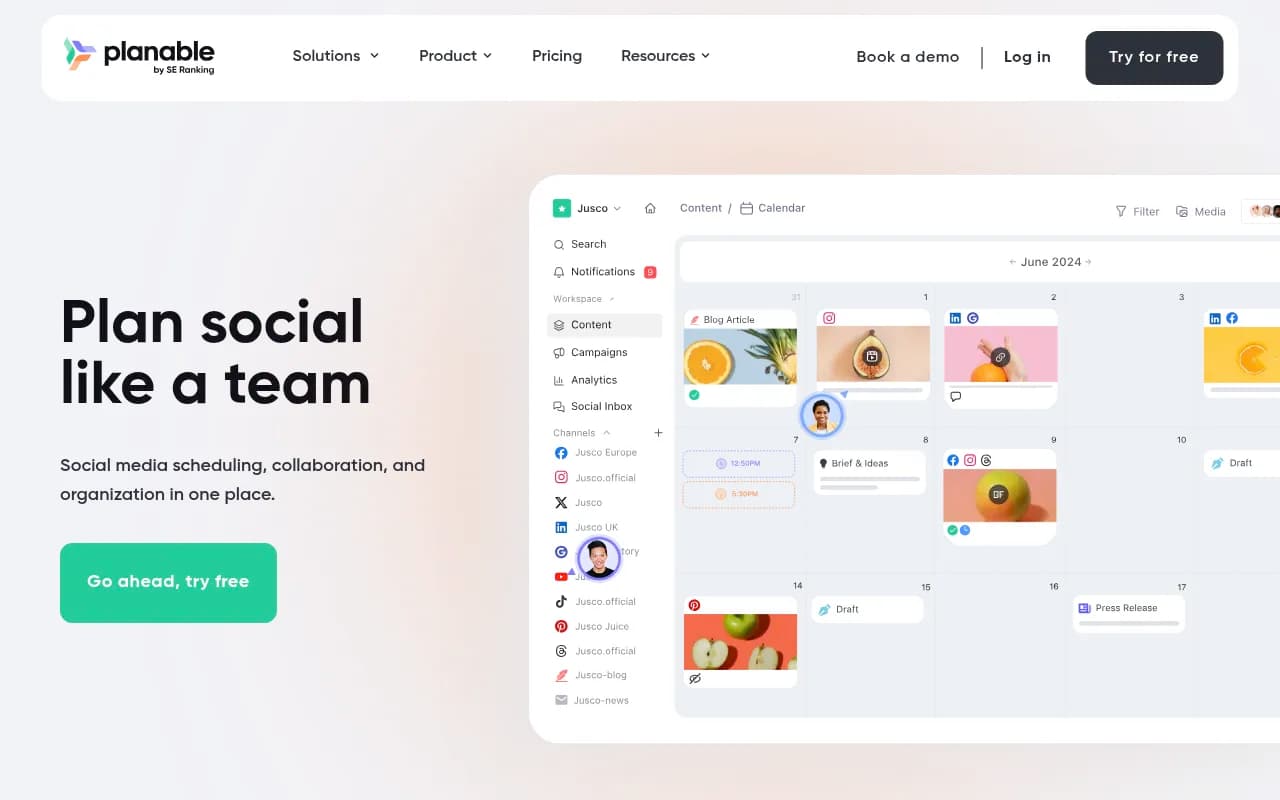
Planable starts at $33 per workspace per month (annual billing), and its whole reason to exist is the approval chain. Custom, multi-level workflows let a post route from drafter to product owner to legal without a single Slack message that says "approved, please post." Previews are pixel-perfect for LinkedIn, which sounds like a small thing until you've shipped a post with a broken tag or a truncated hook.
The B2B case study making the rounds: teams that moved approvals into Planable cut review time to four minutes a post and held a two-post-a-day LinkedIn cadence even with legal sign-off in the loop. The trade-off is that analytics are a paid add-on.
Taplio: best LinkedIn-only tool with AI in the loop
Taplio is built for people whose entire strategy is LinkedIn. Starter is $39 a month and covers scheduling and analytics but no AI writing. Growth at $69 ($49 annual) adds AI post writing and is the plan most people should pick. Pro at $199 ($149 annual) throws in unlimited AI posts and automated lead outreach for sales-driven users. The 7-day trial gives you full Pro access regardless of which plan you're evaluating, which is a refreshing way to run a trial, and there's a 30-day money-back guarantee.
The limitation is the mirror image of the strength: it's LinkedIn only. If your mix includes X, YouTube, or a newsletter cross-post, you'll need a second tool.
Supergrow: best budget pick for LinkedIn-only creators
Supergrow starts at $19 a month with a calendar view, a drag-and-drop Kanban board (Draft, In Review, Changes Needed, Approved), first-comment scheduling, and a carousel maker that doesn't require opening a design tool. Here's the honest part: the Starter plan has zero analytics and caps the AI interview-to-content feature at two sessions. Pro at $39 is the actual product. Budget for it.
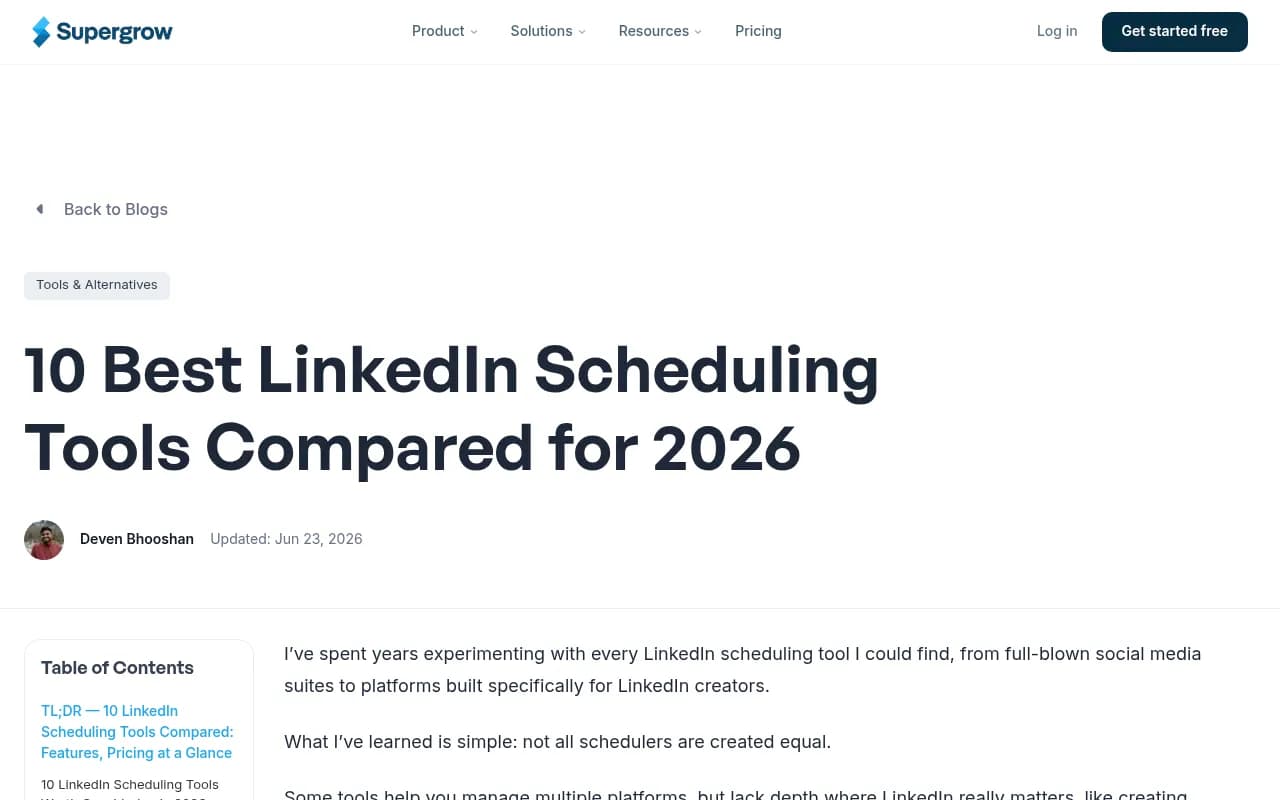
Supergrow publishes its own comparison of LinkedIn scheduling tools (above), which is worth reading with the obvious caveat that the vendor ranks itself first.
AuthoredUp: best for formatting control and lower ban risk
AuthoredUp costs $19.95 a month for individuals, or $14.95 per profile on business plans with a 3-profile minimum. It deliberately refuses to do AI generation, automated comments, or auto-DMs, and that's the pitch: it avoids using LinkedIn session cookies, which lowers the risk of account restrictions. Publishing runs through a Chrome extension rather than the cloud. You get a serious post editor with text styling, multi-device previews, unlimited drafts, a library of 300+ hooks and endings, and content analytics. Company pages are managed free, data is hosted in Germany, and the whole thing is GDPR-compliant. If compliance keeps you up at night, this is your tool.
Sprout Social: best for enterprise reporting
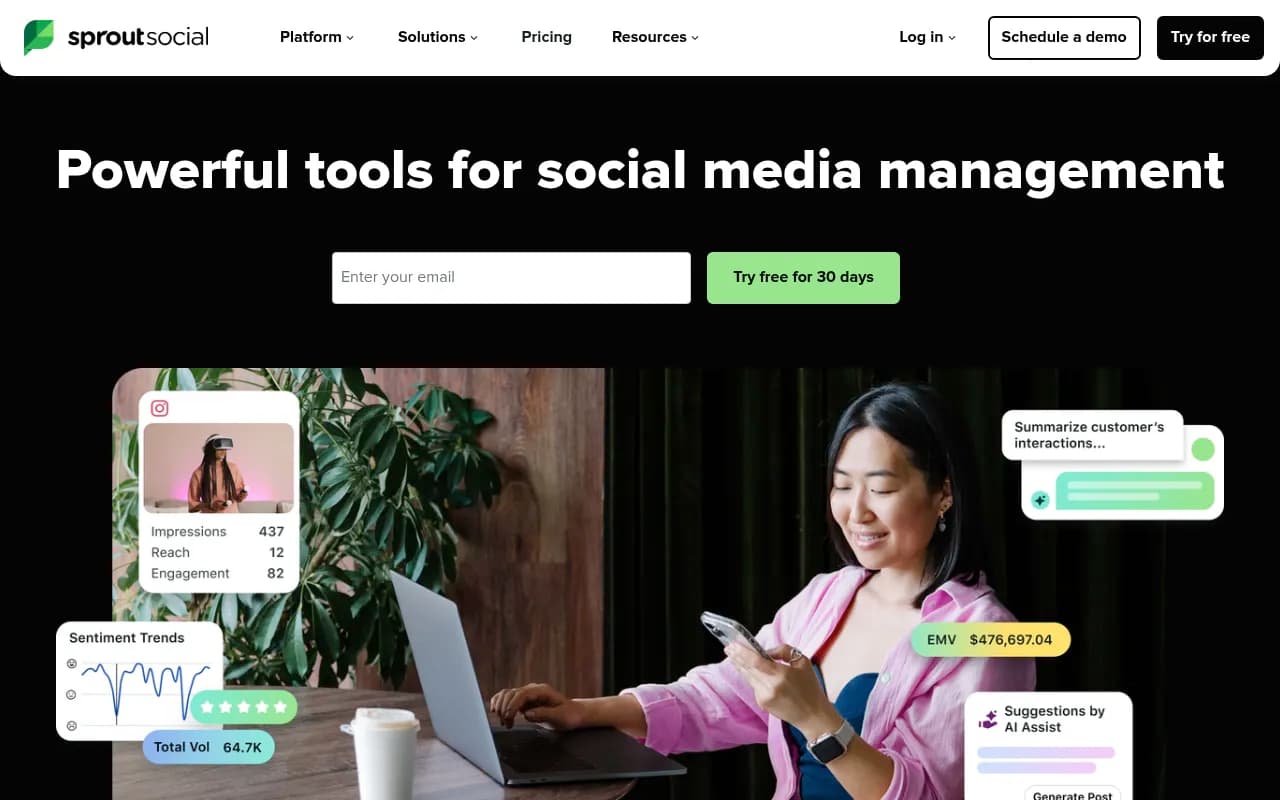
Sprout Social's 2026 pricing is $199 per seat per month for Standard, $299 for Professional, and $399 for Advanced (annual billing). If you remember Sprout's $79 entry tier, it's gone, and the increase is the main complaint in reviews. What you get for the money is the deepest LinkedIn analytics in the category, social listening, approval workflows on higher tiers, and an employee advocacy module. For enterprise teams that need to walk into a QBR with pipeline-adjacent social data, Sprout is the safe answer. For everyone else, it's hard to justify.
Hootsuite: best for large multi-platform teams
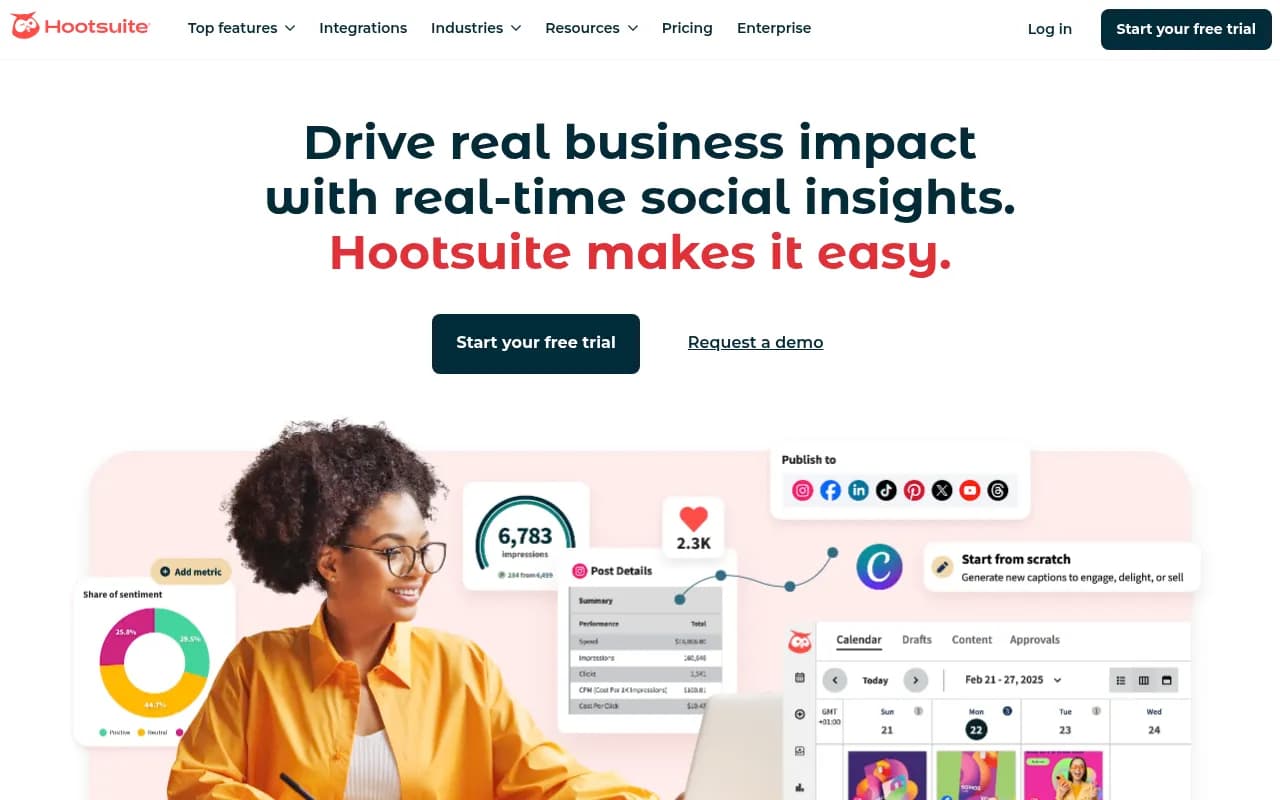
Hootsuite's 2026 pricing runs $99 per user per month (Standard), $199 (Professional), and $399 (Advanced), with Enterprise reportedly starting around $16,000 to $18,000 a year. Here's the part that stings: bulk scheduling (350 posts via CSV) is locked to the $399 Advanced tier, and approval workflows are Enterprise-only. Hootsuite bills per user, so a 3-person team on Advanced pays $1,197 a month. It's a reliable veteran platform with every integration you'd want. It's also the easiest way to spend $12,000 a year on scheduling.
Metricool: best budget analytics
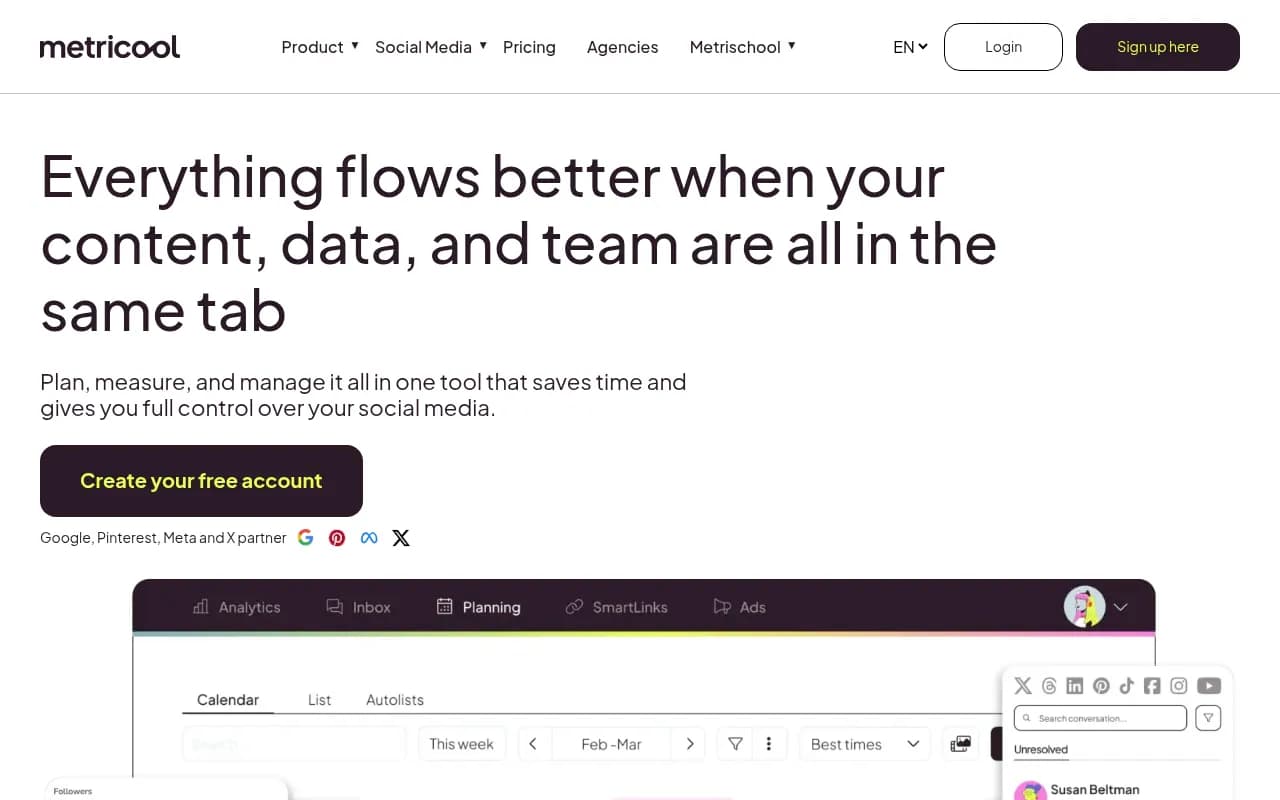
Metricool keeps coming up as the "underrated" answer when marketers ask about affordable tools with real reporting. There's a free tier to start, and the paid plans deliver analytics depth that punches well above the price. If your LinkedIn program lives and dies by performance data and your budget is under $50 a month, start here.
Also worth a look
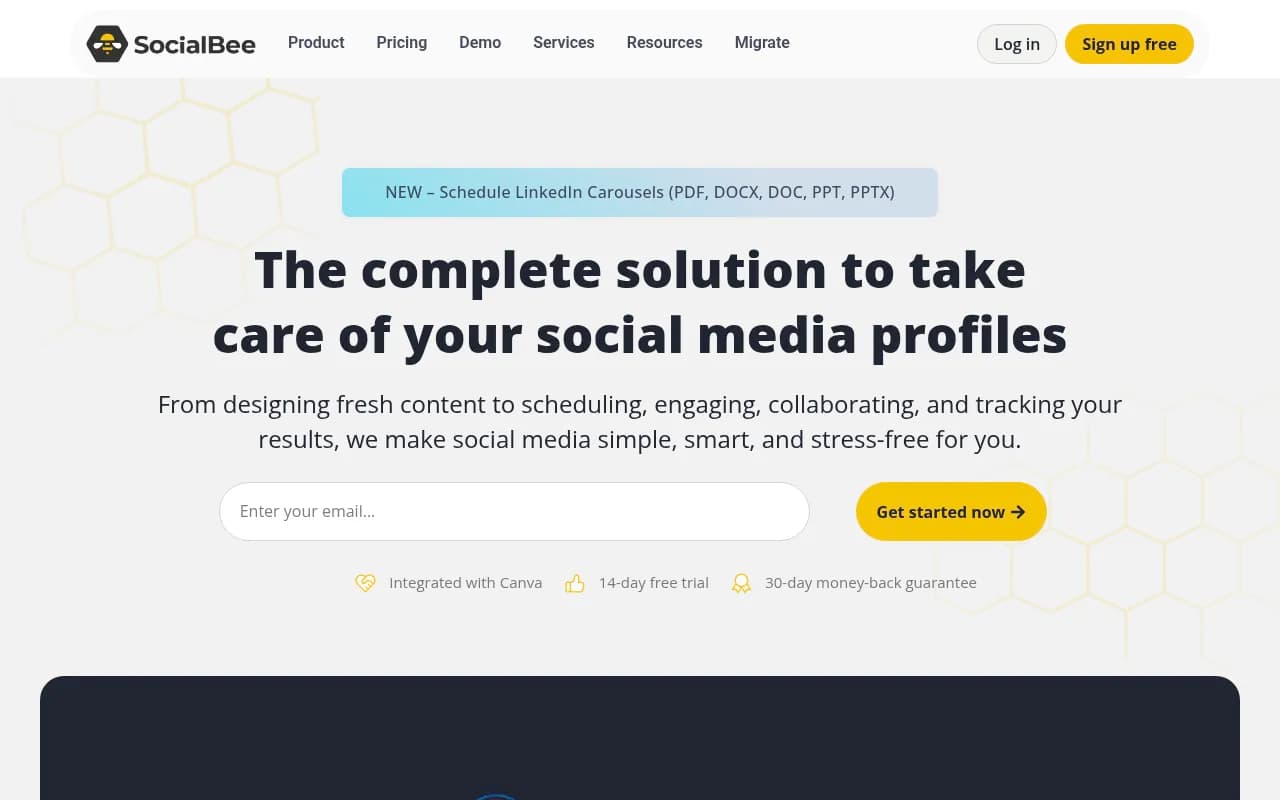
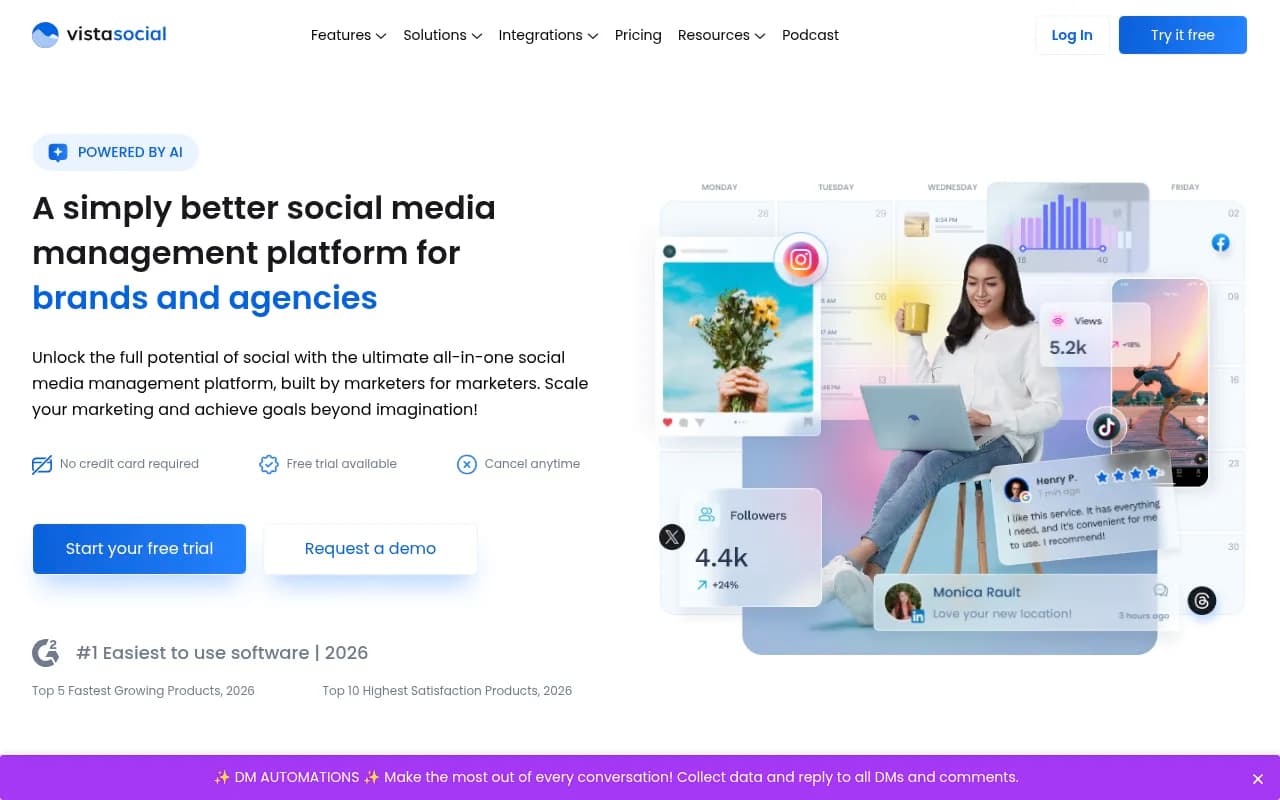
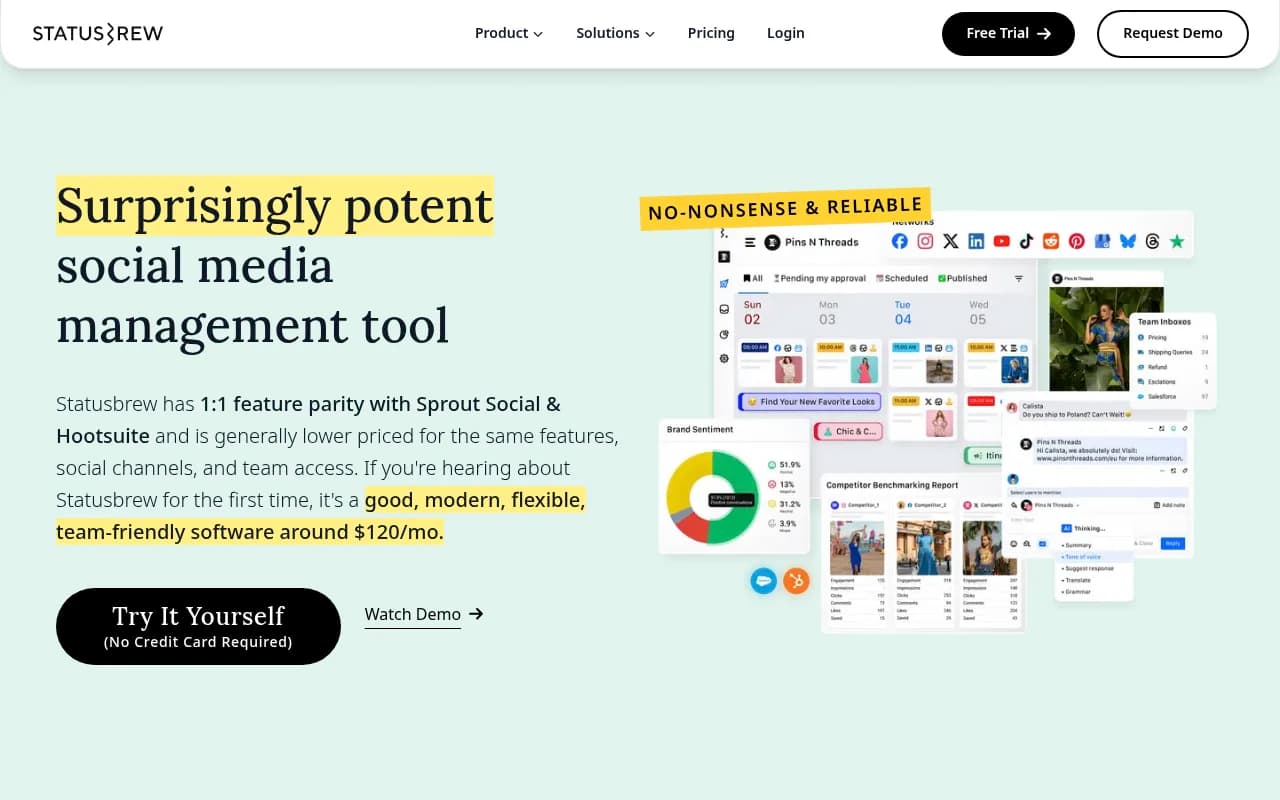
Sendible (from around $29 a month) covers bulk upload via CSV and white-label reports, with approvals above the entry tier, which makes it a solid agency pick. CoSchedule ($19 per user per month) unifies your editorial calendar and social schedule in one place and recycles top posts automatically with ReQueue, though its social analytics are thinner than a dedicated suite. SocialBee and Vista Social are two more affordable all-rounders worth a trial, and Statusbrew suits teams that want scheduling plus a shared inbox, with 230+ reportable metrics.
How the main tools compare
| Tool | Best for | Starting price (2026) | The catch |
|---|---|---|---|
| Buffer | Solo marketers, small teams | $6/channel/mo | Profiles and pages bill as separate channels |
| Planable | Legal and product review loops | $33/workspace/mo (annual) | Analytics are a paid add-on |
| Taplio | LinkedIn-only AI workflows | $39/mo | LinkedIn only, no other networks |
| Supergrow | Budget LinkedIn creators | $19/mo | Starter tier has no analytics |
| AuthoredUp | Formatting and compliance first | $19.95/mo | No AI writing, no automation, Chrome extension required |
| Sprout Social | Enterprise reporting | $199/seat/mo | The old $79 entry tier is gone |
| Hootsuite | Multi-platform teams | $99/user/mo | Bulk scheduling and approvals sit on the top tiers |
| Metricool | Budget analytics | Free tier available | The deeper reports need a paid plan |
| Sendible | Agencies | ~$29/mo | Approvals only above the entry tier |
| CoSchedule | Editorial calendar teams | $19/user/mo | Thinner social analytics than dedicated suites |
The AI search angle: what actually gets cited from LinkedIn
Here's a question more B2B marketers are asking in 2026: does LinkedIn content show up in ChatGPT, Perplexity, and Google's AI answers? Yes, but the details should shape your content workflow more than your tool choice.
Data from Promptwatch on which LinkedIn page types AI engines cite (covering May 17 to June 16, 2026) shows that across all major models combined, Pulse articles take 37.67% of LinkedIn citations, regular feed posts 32.19%, and company pages 13.35%. Product pages, LinkedIn Learning pages, and help articles are nearly invisible to AI.
The engines want very different things, though:
| AI engine | LinkedIn content it cites most | What it means for your calendar |
|---|---|---|
| Google AI Mode | Pulse articles (44.85%) | Keep a manual long-form workflow alive |
| Google AI Overviews | Pulse articles (42.25%) | Same; it cited LinkedIn's homepage 0% of the time |
| Perplexity | Feed posts (41.88%) | Your scheduler already covers this |
| ChatGPT | Company pages (23.84%) and the LinkedIn homepage (22.55%) | Keep the company page current; Pulse barely registers at 8.77% |
The practical wrinkle: none of the scheduling tools in this list automate Pulse publishing. Articles go through LinkedIn's native editor, full stop. So if Google AI visibility is part of your rationale for investing in LinkedIn, your scheduler handles the feed posts and the company page, and you keep a separate manual rhythm for long-form, maybe one article a month.
Now the perspective check. LinkedIn is a small source of AI citations overall. Promptwatch's social media citation data puts LinkedIn at 0.74% of citations across major engines, against Reddit's 3.36% and YouTube's 2.94%. ChatGPT's LinkedIn share is 0.23%. LinkedIn is a human channel first: the buyers you want are scrolling it with their own eyes, and that's the real reason to schedule consistently. If AI visibility is a stated goal, track whether your LinkedIn content actually gets cited rather than assuming it does. Promptwatch monitors LinkedIn citations by page type across ChatGPT, Perplexity, Google AI Mode, and AI Overviews, so you can see which of your posts and articles are pulling their weight.

One cautionary tale worth internalizing. Reddit's share of ChatGPT Search citations collapsed from roughly 4% to 0.5% on a single day in August 2026, a drop Promptwatch documented day by day. Platform taps can close overnight. If your entire demand engine runs through LinkedIn, that's a structural risk no scheduler fixes, and it's the argument for keeping your email list and SEO alive alongside it.
How to choose by team type
- If you're a solo founder or ghostwriter, start with Buffer on Essentials, or Supergrow if LinkedIn is genuinely your only channel.
- If you run a small marketing team, Buffer's Team plan adds approvals at a sane price; Metricool if analytics drive your decisions.
- If legal or product review sits on every post, Planable is the purpose-built answer.
- If you're an enterprise that needs pipeline-grade reporting, Sprout Social, budget permitting.
- If you're an agency managing client pages, Sendible for white-label reports or Metricool for margin-friendly pricing.
- If you're building a personal brand on LinkedIn alone, Taplio for AI assistance, Supergrow for budget, AuthoredUp for formatting and safety.
One adjacent category deserves a mention: employee advocacy, which multiple 2026 sources call the highest-ROI distribution channel in B2B. GaggleAMP is built for sales-driven advocacy with Salesforce and HubSpot attribution, EveryoneSocial emphasizes governance for regulated industries, and Sociabble adds gamification for large rollouts at around $4 per employee per month. None of these replace a scheduler; they multiply what you publish through employees instead.
Scheduling tactics that matter more than the tool
- Schedule for the first 90 minutes, not for convenience. If a post goes live at a time you can't be online replying to comments, you're burning the window where a big chunk of ranking weight gets decided.
- Respect the 24-hour rule. Back-to-back posts reportedly cannibalize each other by up to 20%. Most tools let you enforce spacing; use it.
- Put links in the first comment, always. A 60% reach penalty is too steep a price for a URL in the body.
- Prioritize document posts. PDF carousels are the top-performing B2B format in 2026, and a scheduler's preview feature is exactly what protects them from formatting disasters.
- Retire polls. At 0.07% engagement, they're dead weight in your queue.
- Stay topically consistent. Distribution is now interest-based rather than purely network-based, so consistent topics earn reach even outside your followers, while scattered topics make you distribution-invisible.
- Skip weekends and Monday mornings. Current timing guidance says both underperform.
Where to go from here
If you want broader context beyond LinkedIn, Zapier's 2026 roundup of social media management tools covers the multi-platform category in depth and is a solid sanity check on pricing.
You can also browse reviews and alternatives for every tool named here, plus the rest of the category, in our social media tools directory.
The short version of all of this: pick the tool that matches your approval chain and budget, schedule for the windows when you can actually work the comments, put your links in the first comment, and keep one Pulse article a month in your manual queue. That combination will outperform any feature list.