Key takeaways
- Coding agents read docs differently from consumer AI search. They fetch specific pages, READMEs, and API references, and they prefer clean text they can parse cheaply.
- Tool names and descriptions are documentation too. Short, distinct, and unambiguous beats clever.
- Deprecated content left in your docs gets recommended. Pruning is as important as writing.
- Keep HTML as your main surface, and add .md endpoints only for developer docs. Markdown is 0.05% of AI search citations but shows up heavily in coding agent crawl logs.
- Check your server logs and citation data. Without feedback you are guessing.
Why MCP docs are a different writing problem
Most documentation advice assumes a human reads the page top to bottom. With an MCP server, your reader is often a model that has about a minute of attention, a limited context window, and no patience for marketing copy. It will either find the exact parameter it needs or it will guess. Guessing is how you end up with an agent recommending an endpoint you removed two years ago.
There are really two audiences here. The first is the agent at runtime, which sees your tool definitions and the results your server returns. The second is the agent at research time, which fetches your docs, README, and API reference to decide whether your product is worth recommending in the first place. Good MCP documentation serves both, and they need different things.
Anthropic launched MCP in November 2024 as an open standard for connecting agents to external systems. According to GitBook's MCP explainer, a server exposes three kinds of capability: resources (file-like data an agent can read), tools (callable functions), and prompts (reusable templates). Each one needs its own documentation habits, so I will take them in turn.
What coding agents actually do with your docs
It helps to know the real behavior before writing anything. Promptwatch Data on markdown in AI search (published Feb 19, 2026, covering the previous 7 days across ChatGPT, Claude, Perplexity, and AI Overviews) found that HTML made up 99.94% of citations and markdown only 0.05%. That is roughly 2,000 HTML citations for every .md citation. For consumer AI search, markdown mirrors of your pages don't help.
Developer docs are the exception. The same report shows a large uptick in docs being crawled by Claude's bot (which powers Claude Code) and OpenAI's bot (which powers Codex). The top request patterns in the crawler log table were /docs/**/*.md paths, with the busiest path at 3,241 requests, from anthropic-claudebot and openai-searchbot. Coding agents fetch specific docs, READMEs, and API references, and markdown is simpler, cheaper to parse, and keeps the context window clean.
So the working split is:
- Marketing and blog pages: well-structured, server-rendered HTML.
- Developer docs: HTML for humans and search, plus .md versions agents can fetch directly.
The software category also tells you where citations go. In Promptwatch's ChatGPT citation data for software prompts (Sep 28 to Oct 4, 2026), github.com led at 1.2%, followed by learn.microsoft.com at 0.98%, and docs and help centers earned the largest source-type share at 2.64%. Vendor sites plus docs totaled 4.65%, about three times the share of review sites and analysts. Your own docs are the main citation source you control.
Start with the tool descriptions
The most-read documentation you will ever write is a single line: the description of a tool. Most MCP clients load every tool definition into context up front. Anthropic's write-up on code execution with MCP points out that with many servers connected, agents can process hundreds of thousands of tokens of tool definitions before they even read the user's request.
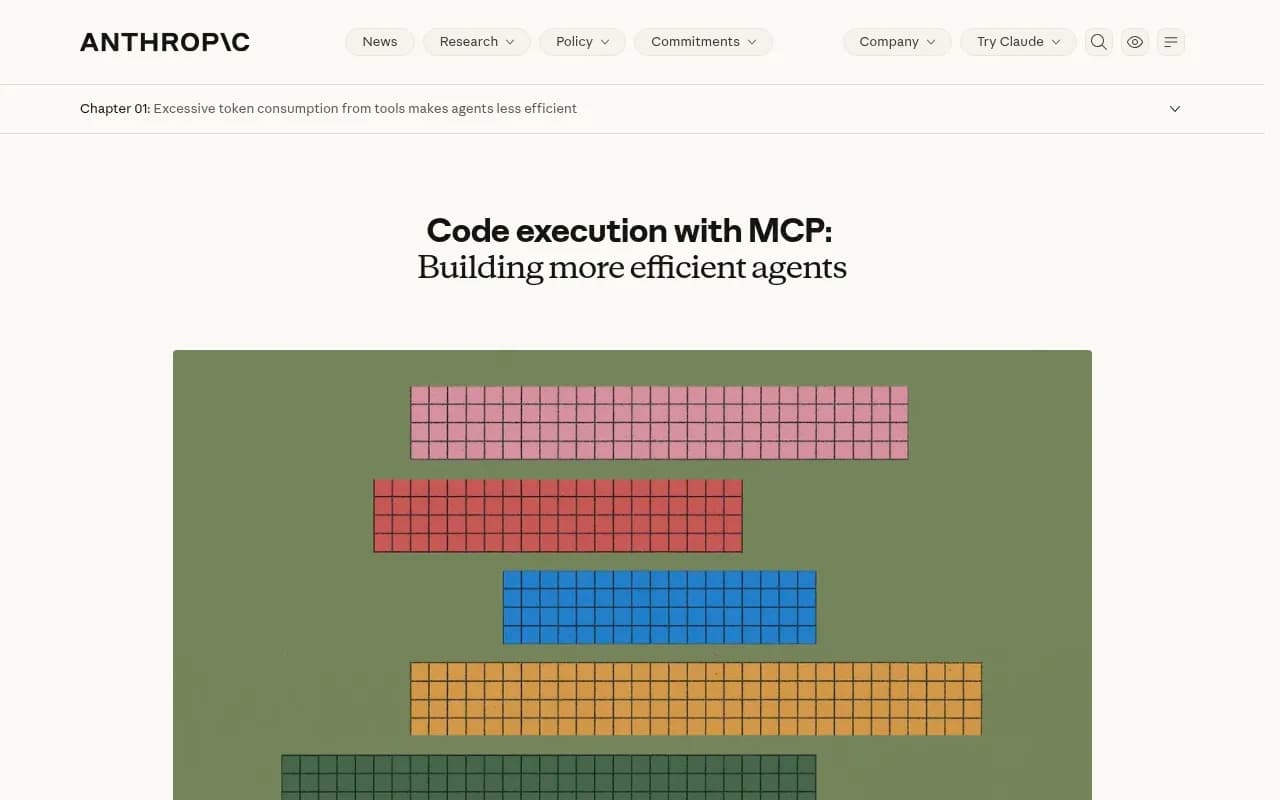
The implication for you is blunt. Verbose descriptions cost every user tokens, and similar-sounding tools confuse selection. Here is what I would aim for.
Name tools for the job, not the product
search_docs is better than acme_knowledge_retrieval_engine. The agent already knows which server it is calling. Use verbs that match the user's intent: search, get, list, create.
Write one sentence for what, one for when
A good description says what the tool does and when to prefer it over its neighbors. Compare:
Bad:  Powerful documentation tool for accessing information.
Good: Search Acme API docs by keyword. Use for questions about endpoints, auth, and rate limits. Returns up to 5 results with source URLs.
The second tells the agent what it gets back, how big it is, and when not to use something else.
Document every parameter with type, default, and an example
Anthropic's own examples show the pattern: required or optional, type, and a plain-language explanation of each parameter. Add allowed values for enums and say what the default does. Agents guess far less when the schema tells them.
Keep tool counts and overlaps low
Two tools that do nearly the same thing force the model to pick at random. If you have to keep both, say in each description why the other exists. I would also resist exposing every API endpoint as its own tool. Group them by task.
Return results an agent can cite
The flow GitBook describes is: the agent calls a search tool, the server returns structured results with parameters, defaults, and code examples, and the agent writes a grounded answer from them. Whether the agent cites you depends on what your server returns.
Mintlify's roundup of MCP servers for coding agents makes a useful point on this: structured text with source URLs gives the agent evidence it can cite and gives a reviewer a direct path back. Build that into your responses.
- Include the canonical URL of the source page in every result.
- Include the last-updated date or version so the agent can judge freshness.
- Return small snippets, not whole pages. Anthropic's advice about small, structured results applies directly.
- Keep a consistent shape: title, URL, snippet, version.
A minimal result looks like this:
{
  "results": [
    {
      "title": "Authentication",
      "url": "https://docs.example.com/auth",
      "version": "v3",
      "updated": "2026-09-14",
      "snippet": "Send your API key in the Authorization header as Bearer <key>. Keys are scoped per project."
    }
  ]
}
There is a progressive-disclosure idea worth stealing here, from a Reddit post about a project-docs MCP server. Let the agent search first for small results, then fetch a full page only when it needs it. I have not verified that thread beyond the snippet, but the pattern is sound and matches the context-efficiency argument above.
Prune before you publish
This is the unglamorous part and probably the highest-impact one. GitBook says it plainly: if deprecated features are still in your docs, the agent will recommend them. Cherryleaf made a similar point in October 2025, that gaps and ambiguities in docs surface directly in AI output.
Before exposing anything through an MCP server, run a pass:
- Remove or clearly mark deprecated endpoints, flags, and SDK versions.
- Put version numbers in headings and code samples.
- Resolve contradictions between the README, the docs site, and the changelog.
- State limits explicitly: rate limits, payload sizes, supported regions.
- Name an owner. Fern's guidance on documentation servers advises assigning ownership before launch to prevent drift, and I agree. Docs rot the week after the person who wrote them moves teams.
Fern also claims that live specs stop agents recommending deprecated endpoints and reduce support tickets. That is vendor positioning, not measured results, so treat it as a plausible direction rather than a promise.
Structure pages the way agents read them
Whether the agent hits your HTML page or a .md file, the same habits pay off.
- One topic per page, with a title that matches the question a developer would ask.
- A clear heading hierarchy. Promptwatch's markdown report recommends this for HTML pages, along with semantic markup and content that answers a question directly.
- Lead with the answer, then explain. Put the working code sample near the top.
- Make code blocks complete and runnable, with imports and auth included.
- Server-render your docs. A page that relies heavily on client-side JavaScript can lose citations because the crawler cannot read it.
Add an install section agents can copy
The MCP server's own README is probably the single most fetched page. Include the exact config snippet for the major clients, the required environment variables, and a one-line check that confirms it works. Developers often follow a pattern like the one in Cole Medin's popular video on three must-have MCP servers, where the install step in the IDE is the part people get stuck on.
Publish .md endpoints for developer docs only
If your docs platform can serve /docs/page.md alongside /docs/page, turn it on. Keep it to developer documentation. For marketing pages, Promptwatch's data says to put the effort into HTML structure instead.
Make the server discoverable and configurable
Eric Ma's approach to exposing documentation to any LLM agent has a sensible sequence: build a semantic database during CI/CD, create an MCP server with a search tool, make it discoverable and configurable, then design for agent use. I have only seen the outline, but the CI/CD part matters. If your search index is rebuilt on every docs deploy, freshness stops being a manual chore.
Practical discoverability steps:
- Link to the MCP server from the top of your docs and your README.
- Use a stable, documented endpoint, and list the transport it supports.
- Document auth in two lines, not two pages.
- Keep a public GitHub repo. GitHub leads software citations in the Promptwatch data above.
- Make sure AI crawlers can reach your docs. Check robots.txt, CDN, and WAF rules for every major provider.
If you build the server yourself rather than using a docs platform, remember what that entails according to Fern: implementing JSON-RPC 2.0, handling auth, hosting it, and maintaining it as your API changes. That maintenance cost is the reason many teams use their docs platform's built-in MCP support instead.
Docs platforms and what they handle for you
Several documentation vendors now generate MCP servers from your docs. I have only seen the marketing pages for most of them, so treat this as a starting point for evaluation, not a verdict.
| Approach | What you maintain | Best for | Watch out for |
|---|---|---|---|
| Docs platform with built-in MCP (GitBook, Mintlify, Fern) | Content only | Teams with an existing docs site | Limited control over tool descriptions and result shape |
| Custom server over a semantic index | Server, hosting, auth, index pipeline | Products with unusual retrieval needs | Ongoing maintenance as the API changes |
| README and .md files only | Files in the repo | Early-stage open-source projects | No search, so agents must guess the right file |
| Hybrid: docs platform plus custom action tools | Content plus a small server for actions | APIs where agents also need to do things | Two surfaces to keep in sync |
Check whether agents are actually reading you
Writing is half the work. The other half is finding out whether it worked.
Start with crawler logs. Promptwatch's AI crawler traffic data (IP-verified requests, weekly, June 8 to Sep 6, 2026) shows OpenAI's share of verified AI crawler requests was 79.8% in Aug 31 to Sep 6, down from 94.8% in Jun 8 to Jun 14. Its advice is useful for docs teams: compare your own logs against this mix, and treat a provider that is large in the data but near zero in your logs as a sign you may be blocked. Separate training crawlers from answer-time fetchers, too, since only the latter drive recommendations.
Then look at citations. You want to know which of your docs pages get cited when someone asks an agent how to do the thing your server does. Promptwatch is one platform that tracks this across ChatGPT, Claude Code, Codex, and OpenCode, and shows IP-verified crawler hits per page.

Other options exist for AI agent traffic analytics and visibility tracking, and the GEO software directory at bestgeosoftware.com lists many of them. Whichever you pick, track three things: which docs pages agents fetch, which errors they hit, and which pages end up cited.
A pre-launch checklist
- Every tool has a one-sentence what, one-sentence when, and typed parameters with examples.
- No two tools overlap without an explanation of the difference.
- Results include a source URL, a version, and a short snippet.
- Deprecated content is removed or labeled, and versions appear in headings.
- The install section has copy-paste config for major clients plus a verification step.
- Developer docs are server-rendered and available as .md; marketing pages are clean HTML.
- robots.txt, CDN, and WAF rules allow the AI crawlers you want.
- Someone owns the docs, and the index rebuilds on deploy.
- You have a way to see crawler hits and citations, and a date on the calendar to look at them.
What I would do first
If you have one afternoon, rewrite your tool descriptions and delete the deprecated pages. Those two changes cost nothing, and they remove the two most common ways an agent misrepresents your product. Then check your logs a few weeks later. If Claude's and OpenAI's bots are fetching your .md paths and your pages are showing up in answers, you are on the right track. If they are not, the problem is usually access, not wording.