HubSpot Content Hub Review 2026
HubSpot Content Hub is an all-in-one content marketing platform combining AI-powered content creation, CMS, and optimization tools. Built for marketing teams and agencies managing websites, blogs, and multi-channel content, it offers AI agents for instant content generation, content remixing, SEO re

Key Takeaways:
• Best for: Marketing teams and agencies already in the HubSpot ecosystem who want AI-powered content creation tightly integrated with CRM data and marketing automation • Standout strength: Content Agent and Content Remix features turn one piece of content into multiple formats (blog posts, landing pages, podcasts, case studies) while maintaining brand voice • Limitation: Pricing scales quickly -- Professional tier starts at $500/month, making it expensive for solo marketers or small teams not using other HubSpot products • Free tier available: Includes basic landing pages, blog posts, and SEO tips -- good for testing before committing • Unique advantage: Deep CRM integration means content can be personalized based on actual customer data, and case studies can be auto-generated from deal records
HubSpot Content Hub is HubSpot's rebranded and expanded content marketing platform (formerly CMS Hub), now positioned as an AI-first content creation and management system. Launched as part of HubSpot's 2025 product rebrand, Content Hub sits within the broader HubSpot Customer Platform alongside Marketing Hub, Sales Hub, Service Hub, Commerce Hub, and Data Hub. It's designed for marketing teams, agencies, and content operations teams who need to create, manage, and optimize content at scale -- particularly those already using HubSpot for CRM, marketing automation, or sales.
The platform targets mid-market companies (50-500 employees) and agencies managing multiple client sites, though it offers a free tier for startups and small businesses testing the waters. HubSpot reports 268,000+ customers globally using its platform, with Content Hub specifically showing 15% increase in deals created, 110% increase in website traffic, and 83% of users reporting higher conversion rates after six months.
Content Agent & AI-Powered Creation The flagship feature is Content Agent, an AI system that generates full landing pages, blog posts, and podcasts from prompts or briefs. Unlike generic AI writing tools, Content Agent is trained on your brand voice (you define tone, style, and messaging guidelines in the platform) and can pull data from your HubSpot CRM to personalize content. For example, if you're creating a landing page for enterprise customers, it can reference deal data, customer pain points from support tickets, or sales call transcripts stored in HubSpot.
The AI Blog Writer specifically focuses on SEO-optimized blog content, providing topic suggestions based on keyword research and competitor analysis. It generates outlines, writes drafts, and suggests internal links to other content in your HubSpot site. The quality is solid for first drafts -- better than most AI writing tools because it understands your existing content library and can maintain consistency.
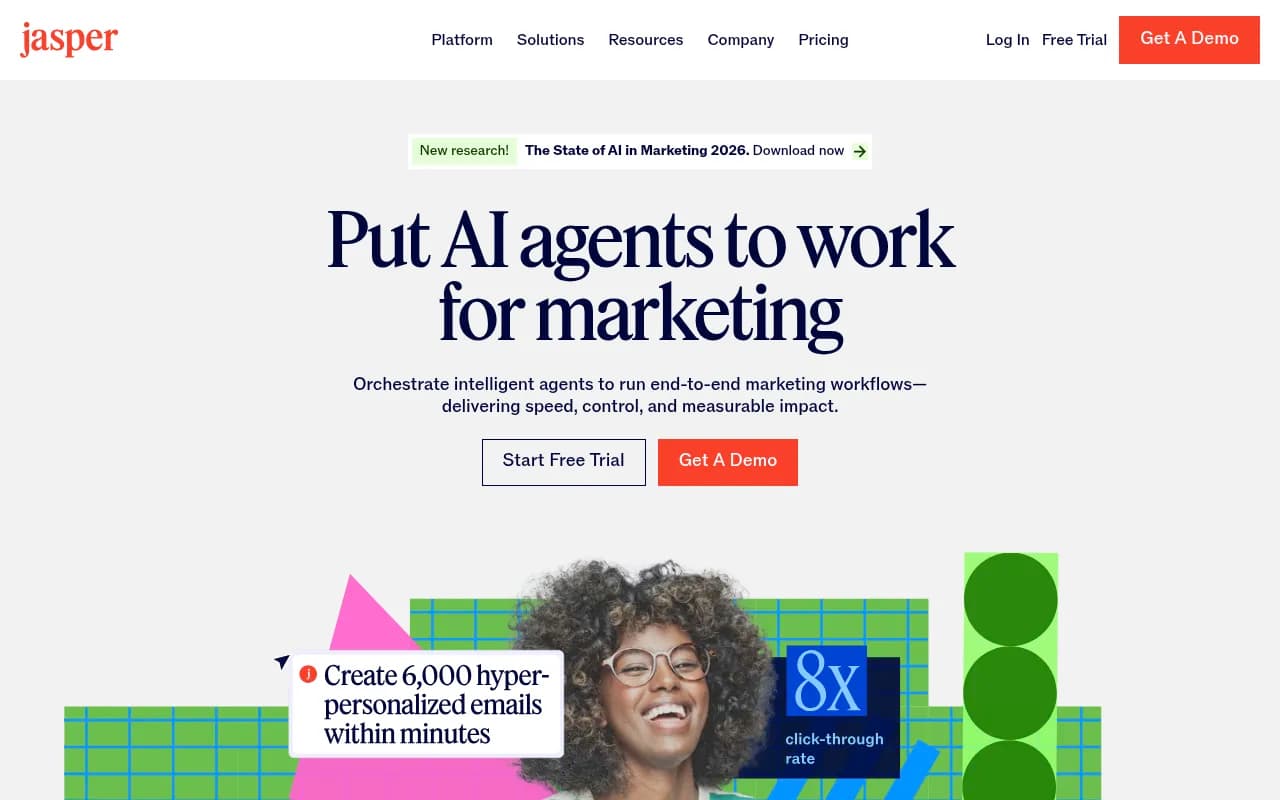
Content Remix: Multi-Format Repurposing Content Remix is where Content Hub differentiates itself from competitors like WordPress + plugins or standalone tools like Jasper or Copy.ai. Take one blog post and Remix automatically generates: social media posts (LinkedIn, Twitter, Facebook), email newsletter copy, video scripts, podcast outlines, and even case study drafts. It maintains your brand voice across all formats and suggests optimal distribution channels based on past performance data.
This is particularly powerful for agencies managing 10-20 client sites -- create one piece of pillar content, then Remix it into 15-20 derivative assets in minutes. The time savings are real: HubSpot's internal data shows teams reduce content production time by 40-60% using Remix vs manual repurposing.
Case Study Generator Unique to HubSpot: the Case Study Generator pulls data directly from closed deals in your CRM. It identifies successful customer stories, extracts key metrics (revenue impact, time saved, ROI), and generates a case study draft complete with customer quotes (pulled from support tickets or sales notes), before/after comparisons, and results. You still need to get customer approval and polish the copy, but it eliminates the "staring at a blank page" problem and ensures case studies are grounded in real data, not marketing fluff.
Podcast Software Built-in podcast creation and editing tools let you record, edit (trim, add intro/outro music, remove filler words), transcribe, and publish podcasts directly from Content Hub. The AI transcription is accurate (comparable to Descript or Otter.ai), and it auto-generates show notes, episode descriptions, and social media clips. Podcasts are hosted on HubSpot's CDN and can be embedded on your site or distributed to Apple Podcasts, Spotify, etc. via RSS feed.
This is a newer feature (launched late 2024) and still maturing -- advanced editing features like multi-track mixing or detailed audio effects are limited compared to dedicated tools like Descript. But for marketing teams who want "good enough" podcast production without learning a separate tool, it's solid.
Scalable CMS & Website Management At its core, Content Hub is still a full-featured CMS for building and managing websites. The drag-and-drop page builder is intuitive (similar to Webflow or Squarespace in ease of use, but with more developer flexibility). Pre-designed themes are available, or developers can build custom themes using HubL (HubSpot's templating language, similar to Liquid or Twig).
Key CMS capabilities: dynamic content blocks (show different content based on visitor attributes like industry, lifecycle stage, or past behavior), A/B testing, multi-language support, and membership/gated content features. The platform handles hosting, security, SSL certificates, and CDN automatically -- no DevOps required.
For developers: full API access, webhooks, custom modules, and serverless functions. The developer experience is strong -- HubSpot's CLI tools and local development environment are well-documented. GitHub integration is available via third-party apps (not native), which is a gap compared to platforms like Netlify or Vercel.
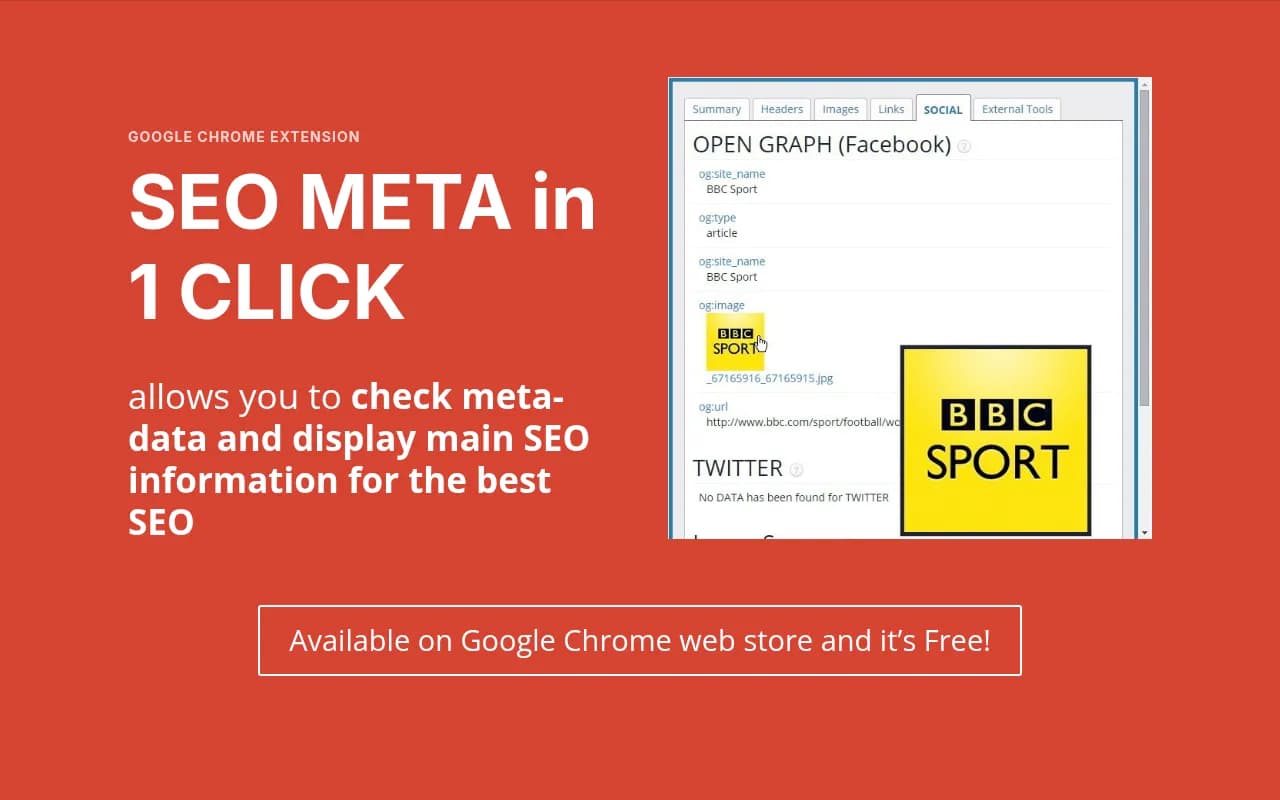
SEO Recommendations & Optimization Built-in SEO tools provide real-time recommendations as you write: keyword optimization, meta descriptions, header structure, internal linking suggestions, and image alt text. The 2025 update added LLM-specific SEO recommendations -- optimizing content for how ChatGPT, Claude, and Perplexity cite sources, not just traditional Google search. This includes structured data markup, clear answer formatting, and citation-friendly content structure.
However, the SEO features are not as deep as dedicated tools like Semrush, Ahrefs, or Surfer SEO. You get solid on-page optimization and basic keyword research, but advanced features like backlink analysis, competitor gap analysis, or detailed SERP tracking require integrations with external tools. For AI search visibility specifically, platforms like Promptwatch offer more comprehensive tracking and optimization (monitoring how your content appears in ChatGPT, Perplexity, and other LLMs, with prompt-level analytics and content gap analysis).
Video Marketing & Clip Generation Upload long-form videos and the AI automatically generates short clips optimized for different platforms (Instagram Reels, TikTok, YouTube Shorts, LinkedIn). It identifies key moments, adds captions, and suggests thumbnails. The clip quality is good for social media -- not broadcast-quality, but sufficient for organic social content. Videos are hosted on HubSpot's CDN and can be embedded anywhere.
Reporting & Analytics Customizable dashboards show content performance: page views, conversion rates, time on page, bounce rates, and attribution to deals/revenue (if using HubSpot CRM). You can track which blog posts drive the most leads, which landing pages convert best, and how content influences the customer journey from first touch to closed deal.
The attribution modeling is a major advantage over standalone CMS platforms -- because Content Hub is part of the HubSpot ecosystem, you can see exactly how content impacts revenue, not just traffic. For example: "This blog post generated 47 leads, 12 became opportunities, 3 closed as customers worth $87K in revenue." That level of closed-loop reporting is rare outside of all-in-one platforms.
Looker Studio integration and API access allow exporting data for custom reporting or connecting to BI tools.
Integrations & Ecosystem Native integrations with the rest of HubSpot's platform (Marketing Hub for email campaigns and automation, Sales Hub for CRM and deal tracking, Service Hub for support tickets, Commerce Hub for payments). This is the killer feature if you're already in the HubSpot ecosystem -- content, CRM, email, and sales data all in one place.
Third-party integrations via HubSpot's App Marketplace: Salesforce, Slack, Zapier, Google Analytics, Google Search Console, Shopify, WordPress (for migrations), and 1,000+ other apps. However, some integrations require paid plans or additional setup. GitHub integration exists via third-party apps like Relay.app, but it's not as seamless as native Git-based workflows in platforms like Contentful or Sanity.
No native Discord integration for community management, though Relay.app offers a workaround.
Personalization & Dynamic Content Show different content to different visitors based on CRM data: industry, company size, lifecycle stage, past behavior, geographic location, device type, referral source, or custom properties. For example, show enterprise pricing to visitors from Fortune 500 companies, or display case studies from the visitor's industry.
This is more powerful than basic A/B testing -- it's true 1:1 personalization at scale. The limitation: it only works well if you have rich CRM data. If you're not capturing detailed visitor information (via forms, tracking, or integrations), the personalization features are underutilized.
Multi-Site Management (Enterprise) Enterprise tier supports managing multiple websites from one account -- critical for agencies or brands with regional sites, product-specific sites, or franchise locations. Centralized theme management, shared content libraries, and role-based permissions let you maintain brand consistency while giving local teams autonomy.
Content Approvals & Workflows (Enterprise) Set up approval workflows for content before it goes live: draft → review → legal approval → publish. Assign roles, track changes, and maintain audit logs. This is essential for regulated industries (finance, healthcare, legal) or large organizations with compliance requirements.
Limitations & Honest Drawbacks
Pricing scales aggressively. Free tier is genuinely useful (landing pages, blog posts, basic SEO), but Starter at $15-20/seat/month is limited (removes branding, adds website pages). The real power unlocks at Professional ($500/month for 3 seats) where you get Content Agent, Content Remix, and brand voice. Enterprise ($1,500/month for 5 seats) adds multi-site management and approvals. For solo marketers or small teams not using other HubSpot products, this is expensive compared to WordPress + plugins or standalone tools.
Lock-in risk. Content Hub is deeply integrated with HubSpot's ecosystem, which is great if you're all-in on HubSpot, but makes migration difficult if you want to leave. Exporting content is possible, but you lose personalization rules, CRM integrations, and automation workflows. This is less of an issue if you're already committed to HubSpot, but a consideration for teams evaluating multiple platforms.
SEO features are good, not great. On-page optimization is solid, but lacks the depth of Semrush, Ahrefs, or Surfer SEO for competitive analysis, backlink tracking, or advanced keyword research. The LLM-specific SEO recommendations are a nice addition, but for comprehensive AI search visibility (tracking how your content appears in ChatGPT, Claude, Perplexity, etc.), dedicated platforms like Promptwatch offer more detailed monitoring and optimization.
Developer experience is strong but not cutting-edge. HubL templating language is powerful, but not as modern as React-based frameworks (Next.js, Gatsby). No native Git-based workflows or CI/CD pipelines -- you use HubSpot's CLI or web-based editor. For teams used to Jamstack workflows (Netlify, Vercel, Contentful), the developer experience feels more traditional.
AI content quality varies. Content Agent and AI Blog Writer produce solid first drafts, but still require human editing for accuracy, tone, and depth. The AI is better than generic tools because it understands your brand voice and CRM data, but it's not a replacement for skilled writers -- it's a productivity multiplier.
Podcast editing is basic. Compared to Descript or Adobe Audition, the podcast editing features are limited. Good for simple edits (trim, add music, remove filler words), but not for complex multi-track production or advanced audio effects.
Pricing & Value
Free: $0/month. Landing pages, blog posts, basic SEO, drag-and-drop builder. HubSpot branding on pages. Good for testing or very small sites.
Starter: $15/month per seat (annual) or $20/month (monthly). Removes branding, adds website pages, basic personalization. Limited AI features.
Professional: $500/month (includes 3 seats). Content Agent, Content Remix, brand voice, podcast software, case study generator, advanced SEO, A/B testing, dynamic content. This is where most mid-market teams land.
Enterprise: $1,500/month (includes 5 seats). Multi-site management, content approvals, advanced permissions, custom CMS development, dedicated support.
Additional seats: ~$50-100/month depending on tier.
Value assessment: If you're already using HubSpot for CRM or marketing automation, Content Hub is a strong value -- the integration and closed-loop reporting justify the cost. If you're evaluating Content Hub standalone (not using other HubSpot products), it's expensive compared to WordPress + plugins ($50-100/month) or headless CMS options like Contentful or Sanity ($300-500/month). The AI features and content repurposing tools are the differentiators that justify the premium.
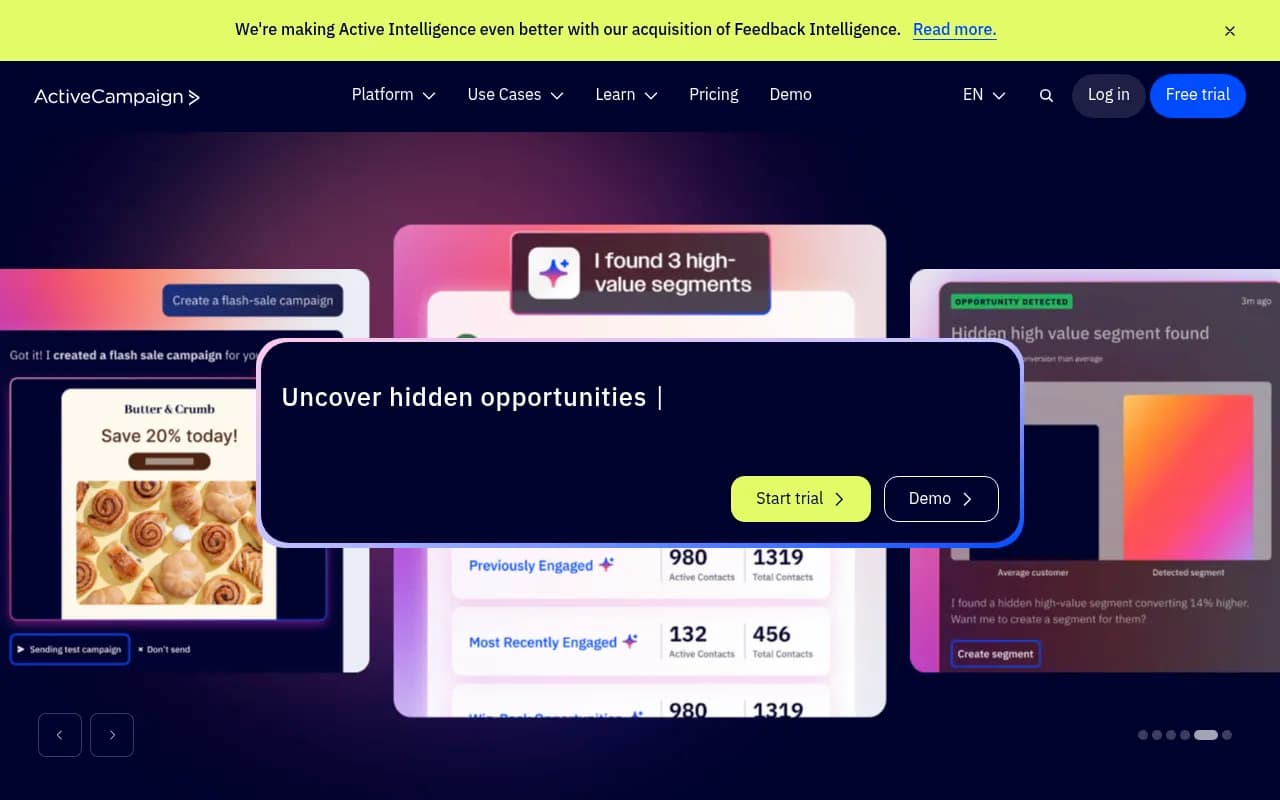
Competitor comparison: vs WordPress (more flexible, cheaper, but requires more technical setup and plugin management). vs Webflow (similar ease of use, better for design-focused teams, but lacks CRM integration and AI content tools). vs Contentful/Sanity (better for developers, headless architecture, but no built-in AI content creation or marketing features). vs all-in-one platforms like ActiveCampaign or Marketo (HubSpot is more user-friendly and has stronger content/CMS features, but can be more expensive at scale).
Who Should Use Content Hub
Best for: Marketing teams at mid-market companies (50-500 employees) already using HubSpot for CRM or marketing automation. Agencies managing 5-20 client websites who need centralized content creation and multi-site management. Content operations teams producing high volumes of content across multiple formats (blog, social, email, video, podcasts).
Specific personas: Marketing directors at B2B SaaS companies tracking content ROI and attribution. Agency account managers juggling 10+ client sites with different brand voices. Content marketers at e-commerce brands personalizing content based on customer segments. Demand gen teams running ABM campaigns with personalized landing pages for target accounts.
Team size: Works for solo marketers (Free or Starter tier), but really shines for teams of 3-10 marketers who can leverage the collaboration, approval workflows, and AI content tools. Enterprise tier is for 10+ person marketing teams or agencies with 20+ client sites.
Industries: Strong fit for B2B SaaS, professional services, agencies, e-commerce, education, and healthcare (with compliance workflows). Less ideal for publishers or media companies who need advanced editorial workflows and paywalls (better served by dedicated publishing platforms like Ghost or Substack).
Who should NOT use this: Solo bloggers or small businesses not using HubSpot's CRM (WordPress or Ghost are cheaper and simpler). Developers who want cutting-edge Jamstack workflows and Git-based deployments (Netlify + Contentful or Vercel + Sanity are better). Teams needing advanced SEO competitive analysis (Semrush or Ahrefs are more comprehensive). Publishers needing sophisticated editorial workflows and subscription management (dedicated publishing platforms are better).
Bottom Line
HubSpot Content Hub is a powerful all-in-one content marketing platform that excels at AI-powered content creation, multi-format repurposing, and closed-loop attribution -- especially for teams already in the HubSpot ecosystem. The Content Agent and Content Remix features genuinely save time and improve content velocity, and the deep CRM integration enables personalization and ROI tracking that standalone CMS platforms can't match. However, the pricing scales quickly (Professional at $500/month is where real value starts), and the platform lock-in is real. For mid-market B2B companies and agencies managing multiple sites, it's a strong choice. For solo marketers or teams not using HubSpot's CRM, cheaper alternatives like WordPress or standalone AI writing tools may be more cost-effective.
Best use case in one sentence: Marketing teams at B2B companies using HubSpot CRM who need to create, repurpose, and personalize content at scale while tracking its impact on revenue.
Tags:
Similar and alternative tools to HubSpot Content Hub