Wistia Review 2026
Professional video hosting and marketing platform offering robust analytics, lead capture capabilities, and tools for measuring video performance.
Key Takeaways:
• Best for B2B marketing teams who need professional video hosting with lead capture, analytics, and CRM integrations — not a consumer platform like YouTube • All-in-one solution combining video hosting, webinar software, screen recording, AI editing, and engagement analytics in one platform • Standout analytics track individual viewer behavior (who watched what, for how long) and sync that data directly to HubSpot, Pardot, Marketo, and other marketing tools • Honest limitation: Higher price point than basic hosting solutions — you're paying for marketing features, not just storage • Free tier available with 3 videos and basic features; paid plans start at $79/month
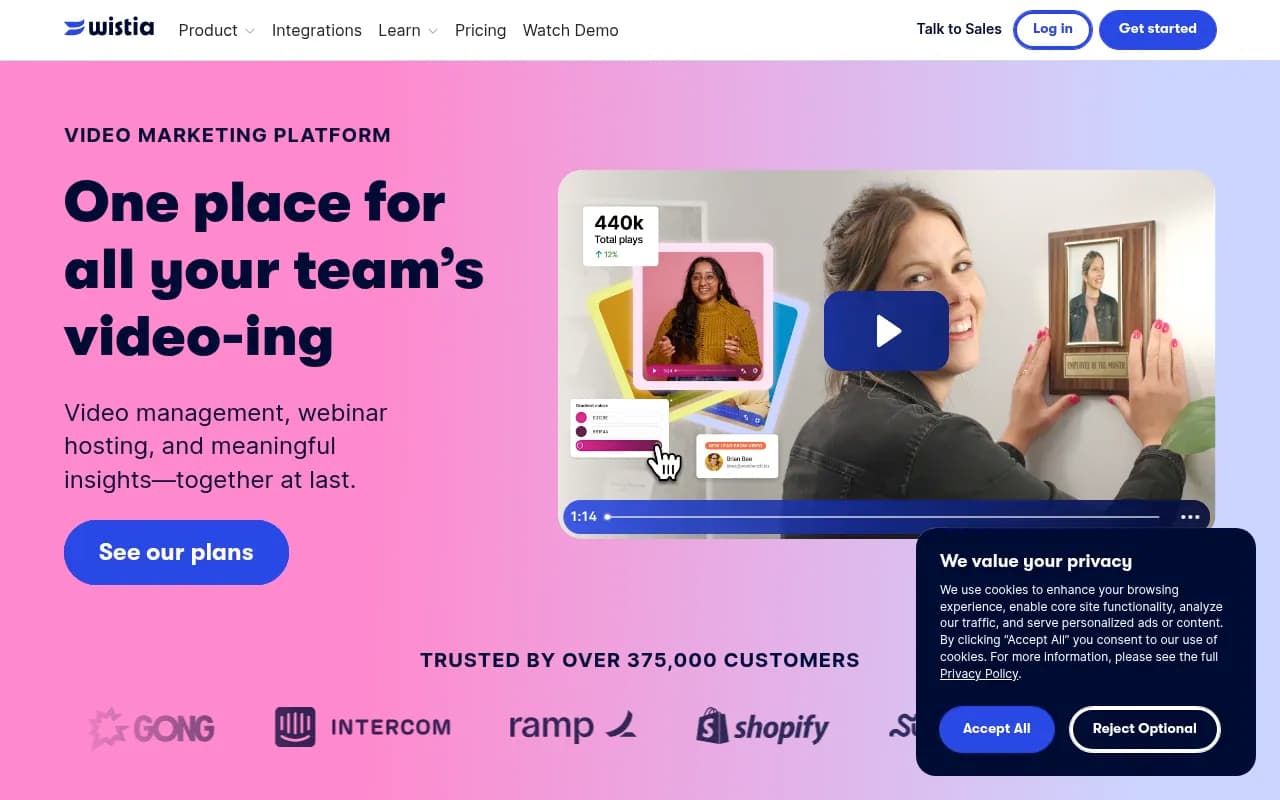
Wistia has been around since 2006, making it one of the earliest players in the business video hosting space. Founded in Cambridge, Massachusetts, the company has grown to serve over 375,000 customers including major brands like Shopify, Zendesk, Intercom, and Gong. Unlike YouTube or Vimeo, which cater to broad consumer audiences, Wistia was built specifically for businesses that want to use video as a marketing and sales tool — not just a content distribution channel.
The platform's core philosophy is simple: video should generate leads, integrate with your existing marketing stack, and provide actionable data about viewer behavior. If you're a B2B SaaS company embedding product demos on your website, an agency creating client case studies, or a sales team recording personalized video messages, Wistia gives you the infrastructure to make those videos work harder for your business.
Video Hosting & Management: Wistia's video player is completely ad-free and highly customizable. You can match the player colors to your brand, add your logo, customize the play button, and control every aspect of the viewing experience. The player is responsive and works seamlessly across devices. You can embed videos anywhere — your website, landing pages, email campaigns, or knowledge base articles — using a simple embed code. The platform automatically handles transcoding and adaptive bitrate streaming, so your videos load quickly regardless of the viewer's connection speed. The video library includes folders, tags, and filters to keep everything organized, which becomes critical when you're managing hundreds of videos across multiple campaigns. You can also create video galleries and playlists that showcase multiple videos in a searchable, browsable format.
Lead Capture & Email Collection: This is where Wistia differentiates itself from basic hosting platforms. You can add customizable email capture forms (called Turnstile) directly into your videos at any point in the timeline. For example, you might require an email address before someone can watch the second half of a product demo, or show a form at the end of a case study video. The forms are fully customizable and can include multiple fields beyond just email (name, company, phone, custom fields). These leads automatically sync to your CRM or marketing automation platform via native integrations. You can also add clickable calls-to-action (CTAs) that appear at specific moments in the video, driving viewers to landing pages, product pages, or booking links.
Webinar Hosting: Wistia's webinar product (launched in 2020) lets you host live and on-demand webinars without needing a separate tool like Zoom or GoToWebinar. The webinar interface is fully branded to match your company, not Wistia. You can customize registration pages, email reminders, and the live event experience. During the webinar, you can share your screen, enable live chat, run polls, and see who's attending in real-time. After the event, the recording is automatically saved to your Wistia library and can be repurposed as evergreen content with chapters, CTAs, and lead capture forms. The webinar data (registrations, attendance, engagement) syncs directly to your marketing tools. This is particularly valuable for companies that run regular webinars as part of their demand generation strategy — you get hosting, recording, and post-event nurturing in one platform.
Recording & Editing Tools: Wistia includes a Chrome extension for screen and webcam recording, so you can create videos directly from your browser without needing separate recording software. This is useful for product demos, tutorial videos, sales outreach, or internal training. Once recorded, you can edit videos directly in Wistia using their AI-powered editing tools. The AI can automatically remove filler words (ums, ahs), add captions, generate transcripts, and even suggest cuts to tighten up your content. You can also manually trim clips, stitch together multiple recordings, and add text overlays. While not as robust as professional editing software like Premiere Pro, it's more than sufficient for most business video needs and significantly faster than exporting to a separate editor.
Analytics & Engagement Tracking: Wistia's analytics are exceptionally detailed. You can see total plays, play rate (what percentage of page visitors actually hit play), engagement graphs showing exactly where viewers drop off, and heatmaps indicating which parts of the video get rewatched. More importantly, you can track individual viewer behavior — if someone from Acme Corp watched 87% of your product demo, you'll see their email, company, and engagement timeline. This data is gold for sales teams doing outbound outreach or marketing teams scoring leads. The analytics dashboard lets you filter by video, date range, or viewer segment. You can also set up custom events to track specific interactions (like CTA clicks or form submissions) and push those events to Google Analytics, Segment, or your data warehouse.
Integrations & Marketing Stack Connectivity: Wistia integrates natively with HubSpot, Pardot, Marketo, Mailchimp, ActiveCampaign, Klaviyo, and dozens of other marketing automation platforms. When someone watches a video, that engagement data automatically flows into your CRM as a contact property or activity. This means you can trigger email workflows based on video views, score leads based on engagement, or segment audiences by which videos they've watched. Wistia also integrates with Google Analytics, Facebook Pixel, LinkedIn Insight Tag, and other tracking tools, so video views and conversions are captured in your broader analytics. The platform has a public API for custom integrations and supports Zapier for connecting to 5,000+ other apps. There's also a WordPress plugin for easy embedding, and Wistia works seamlessly with popular website builders like Webflow, Squarespace, and Wix.
Channels & Video SEO: Wistia Channels is a feature that lets you create a branded video hub on your website — essentially a Netflix-style video library that visitors can browse. You can organize videos into categories, add descriptions and tags, and customize the design to match your brand. Channels are great for resource centers, video courses, or customer education portals. On the SEO front, Wistia automatically generates video sitemaps and schema markup to help your videos rank in Google search results. Videos hosted on Wistia can appear in Google's video carousel, driving organic traffic directly to your website (unlike YouTube, where traffic stays on YouTube). Wistia also provides automatic transcripts and captions, which improve accessibility and SEO.
Who Is It For: Wistia is built for B2B marketing teams, agencies, and sales organizations that treat video as a core part of their go-to-market strategy. The typical customer is a mid-market or enterprise company (50-500 employees) with a dedicated marketing team that's already using tools like HubSpot, Salesforce, or Marketo. Specific personas include: demand generation managers running video-heavy campaigns, product marketers creating demo libraries, customer success teams building video knowledge bases, sales reps sending personalized video messages, and agencies managing video content for multiple clients. It's particularly popular in the SaaS, technology, professional services, and e-learning industries. If you're a solo creator, YouTuber, or small business just looking for basic video hosting, Wistia is probably overkill — you'd be better served by YouTube, Vimeo, or a simpler platform. Wistia makes sense when you need lead capture, detailed analytics, and marketing automation integrations.
Who Should NOT Use Wistia: If you're primarily focused on building a public audience or monetizing video content through ads, YouTube is the better choice. Wistia doesn't have a built-in discovery algorithm or social sharing features — it's designed for embedding videos on your own properties, not building a channel. It's also not ideal for companies that need advanced video collaboration features (like frame-by-frame commenting) — tools like Frame.io or Wipster are better for that. And if budget is extremely tight, there are cheaper hosting options like Vimeo or even self-hosting on AWS. Wistia's value comes from the marketing features, so if you don't need lead capture, analytics, or integrations, you're paying for capabilities you won't use.
Integrations & Ecosystem: Wistia has native integrations with HubSpot, Pardot (Salesforce Marketing Cloud), Marketo, Mailchimp, ActiveCampaign, Constant Contact, Keap, Klaviyo, Drip, and ConvertKit. For analytics, it connects to Google Analytics, Google Tag Manager, Facebook Pixel, LinkedIn Insight Tag, and Segment. You can also integrate with Zapier to connect to thousands of other apps. Wistia has a public API that developers can use to build custom integrations, automate video uploads, or pull analytics data into internal dashboards. There's a Chrome extension for screen recording, a WordPress plugin for easy embedding, and mobile apps (iOS and Android) for uploading and managing videos on the go. Wistia also supports single sign-on (SSO) via SAML for enterprise customers.
Pricing & Value: Wistia offers a free plan that includes 3 videos and basic features — enough to test the platform but not sufficient for ongoing use. The Pro plan starts at $79/month (billed annually) and includes 10 videos, unlimited plays, lead capture, basic analytics, and integrations. You can add more videos for $0.25 per video per month. The Advanced plan starts at $399/month and includes 50 videos, advanced analytics, A/B testing, custom CTAs, and priority support. Enterprise plans (custom pricing) add features like SSO, dedicated account management, SLA guarantees, and custom contracts. Compared to competitors, Wistia is more expensive than basic hosting (Vimeo Pro is $20/month) but cheaper than enterprise video platforms like Vidyard or Brightcove. The value proposition is strongest for companies that will actually use the lead capture and analytics features — if you're just hosting videos without tracking engagement, you're overpaying. For a mid-market B2B company running video campaigns, the ROI is clear: better lead data, tighter CRM integration, and measurable impact on pipeline.
Strengths: Wistia excels at turning video into a measurable marketing channel. The lead capture forms are easy to set up and highly effective. The analytics are detailed and actionable, especially the individual viewer tracking. The integrations with HubSpot, Pardot, and other marketing tools are seamless and reliable. The webinar product is surprisingly good and eliminates the need for a separate tool. The customer support is excellent — responsive, knowledgeable, and genuinely helpful. The platform is also very user-friendly; non-technical marketers can upload, customize, and embed videos without needing developer help.
Limitations: Wistia is more expensive than basic hosting platforms, which can be a barrier for smaller teams or companies with tight budgets. The free plan is too limited for real use (only 3 videos), so you're essentially forced onto a paid plan quickly. The video editing tools, while convenient, are fairly basic — if you need advanced editing, you'll still need software like Premiere or Final Cut. Wistia also doesn't have a built-in social distribution feature; if you want to share videos on social media, you'll need to download and re-upload them to each platform. Some users report that the per-video pricing model can get expensive as your library grows. Finally, Wistia's webinar product is solid but not as feature-rich as dedicated webinar platforms like Demio or WebinarJam (e.g., no breakout rooms or advanced automation).
Bottom Line: Wistia is the best video hosting platform for B2B marketing teams that need more than just a place to store videos. If you're running campaigns where video is a core asset — product demos, case studies, webinars, explainer videos — and you need to capture leads, track engagement, and sync that data to your CRM, Wistia delivers exceptional value. It's not the cheapest option, but the ROI comes from better lead quality, tighter sales and marketing alignment, and the ability to prove video's impact on revenue. Best use case in one sentence: A SaaS company with a 5-10 person marketing team that runs regular webinars, embeds product demos on their website, and uses HubSpot or Pardot for marketing automation.
Tags:
Similar and alternative tools to Wistia