Constant Contact Review 2026
Established email marketing platform with easy-to-use editor, event marketing tools, social media integration, and excellent customer support.
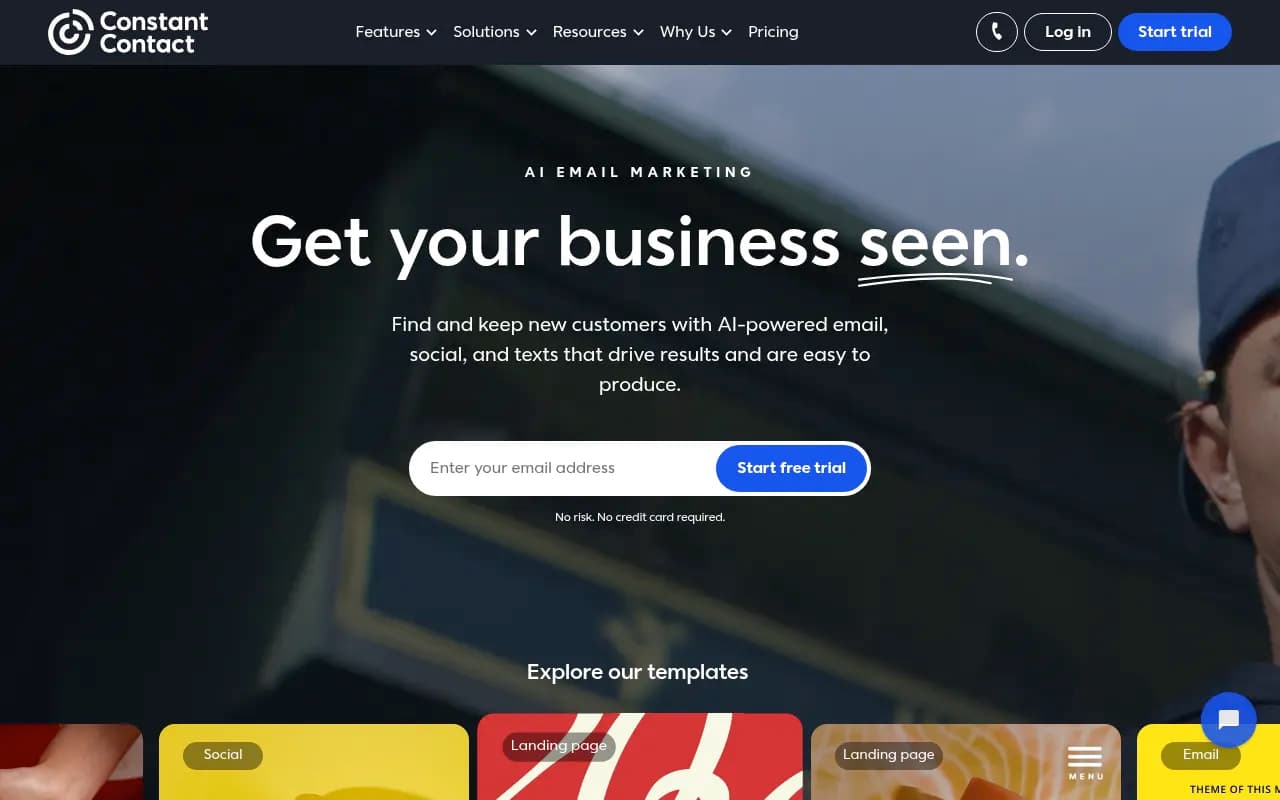
Summary: Key Takeaways
• Best for: Small businesses, nonprofits, franchises, and multi-location teams that need reliable email marketing with strong customer support and easy-to-use tools • Standout strengths: Exceptional phone support on all plans, robust multi-account management for teams, 300+ integrations, and AI-powered content creation • Limitations: Higher pricing than some competitors at scale, fewer advanced automation features compared to enterprise platforms • Pricing: 30-day free trial, then from $12/month (Lite) to $80/month (Premium), with nonprofit discounts available • Bottom line: If you value reliability, customer support, and ease of use over cutting-edge automation, Constant Contact delivers a solid all-in-one marketing platform
Constant Contact has been a fixture in the email marketing space for over two decades, serving as the go-to platform for small businesses, nonprofits, and organizations that prioritize ease of use and customer support over bleeding-edge features. Founded in 1995 and now part of Endurance International Group, the platform has evolved from a pure email marketing tool into a comprehensive digital marketing suite that includes social media management, SMS marketing, event ticketing, and ecommerce integrations.
The platform serves over 600,000 customers globally, with a particularly strong presence among small businesses, nonprofits, franchises, and multi-location organizations. Unlike newer competitors that chase the latest marketing trends, Constant Contact has built its reputation on reliability, straightforward tools, and industry-leading customer support that includes phone assistance on every plan — a rarity in the email marketing space.
Constant Contact targets business owners who want marketing tools that work without requiring a marketing degree to operate them. The platform is particularly popular with solopreneurs, local businesses, nonprofits, real estate agents, and franchise systems that need to maintain brand consistency across multiple locations.
Email Marketing Builder The core email editor uses a drag-and-drop interface with over 300 customizable templates organized by industry and use case. You can start from scratch or choose templates for newsletters, promotions, events, announcements, and seasonal campaigns. The editor includes AI writing assistance that helps draft subject lines, email copy, and calls-to-action based on your business type and campaign goals. You can add images, videos, buttons, social sharing links, and custom HTML blocks. The template library is extensive but skews traditional — if you want ultra-modern, minimalist designs, you might find the options somewhat dated. Mobile preview is standard, with device-specific previews available on higher tiers.
Contact Management & Segmentation Constant Contact offers robust list management with unlimited contacts across all plans (you pay based on list size, not contact count). You can segment lists based on engagement behavior, contact details, custom fields, purchase history, and email activity. Dynamic content blocks let you show or hide content based on recipient attributes like location, job title, or custom fields, enabling basic personalization without creating separate campaigns. The platform supports tagging, custom fields, and list segmentation, though it lacks the advanced behavioral triggers and predictive segmentation found in platforms like ActiveCampaign or HubSpot.
Automation Flows The Lite plan includes one pre-built automation (welcome series), while Standard includes three automation flows, and Premium offers unlimited automation. Available automation triggers include welcome emails, birthday messages, anniversary emails, abandoned cart recovery (with ecommerce integrations), and resending to non-openers. You can set up drip campaigns with time delays and conditional logic, but the automation builder is less sophisticated than dedicated automation platforms. For most small businesses running basic nurture sequences and transactional emails, it's sufficient. For complex, multi-branch automation with advanced scoring and triggers, you'll hit limitations.
Social Media Management Constant Contact includes social posting and scheduling for Facebook, Instagram, LinkedIn, and Twitter. You can create posts from scratch or automatically convert email campaigns into social posts with one click. The social calendar lets you schedule posts in advance, and you can manage comments and mentions from a unified inbox. Social advertising tools (Standard plan and above) let you create Facebook and Instagram ads directly from the platform, with lookalike audience targeting available on Premium. The social tools are solid for basic posting and scheduling but lack advanced features like social listening, competitor analysis, or in-depth analytics found in dedicated social media management platforms like Hootsuite or Sprout Social.
SMS Marketing Premium plan subscribers get 500 free SMS messages per month, with additional messages available starting at $10/month for 1-500 messages. You can send promotional texts, appointment reminders, event updates, and automated SMS campaigns. The SMS editor is straightforward — compose your message, add a link, and send or schedule. SMS automation can be triggered by email signups, purchases, or custom events. Compliance tools help you manage opt-ins and opt-outs according to TCPA regulations. The SMS feature is a nice addition for local businesses and service providers, though dedicated SMS platforms like Twilio or SimpleTexting offer more advanced features.
Event Marketing & Ticketing Constant Contact includes built-in event management tools for creating event registration pages, selling tickets, and managing attendees. You can set up free or paid events, create custom registration forms, send automated confirmation and reminder emails, and track RSVPs. The event ticketing feature integrates with payment processors for collecting ticket fees. This is particularly valuable for nonprofits, community organizations, and local businesses that host workshops, fundraisers, or networking events. The event tools are more robust than most email platforms offer, though dedicated event platforms like Eventbrite provide more advanced features.
Ecommerce Integrations Constant Contact integrates with Shopify, WooCommerce, Square, and other ecommerce platforms to sync customer data, track purchases, and send abandoned cart emails. You can create product recommendation emails, segment customers by purchase history, and track revenue generated from email campaigns. The ecommerce features are solid for basic email marketing to online store customers, but they're not as advanced as dedicated ecommerce marketing platforms like Klaviyo, which offers more sophisticated product recommendations and revenue attribution.
Reporting & Analytics All plans include basic reporting with open rates, click rates, bounce rates, and unsubscribe data. Standard and Premium plans add advanced reporting with click maps, device breakdowns, social post performance, and comparative reports across campaigns. You can track email performance over time, see which links get the most clicks, and compare campaign results. The reporting is clear and actionable for small businesses, though it lacks the predictive analytics, revenue attribution, and advanced funnel tracking found in enterprise platforms.
Integrations & Ecosystem Constant Contact offers 300+ integrations through native connections and Zapier, including Salesforce, Microsoft Dynamics, QuickBooks, Eventbrite, WordPress, Canva, Google Analytics, Facebook Lead Ads, and dozens of CRM, ecommerce, and productivity tools. The integration library is extensive and covers most common business tools. API access is available for custom integrations, though the API documentation is less developer-friendly than platforms like Mailchimp or SendGrid. No mobile app is currently offered, which is a notable gap for business owners who want to manage campaigns on the go.
Teams from Constant Contact For franchises, multi-location businesses, and organizations with multiple teams, Constant Contact offers a Teams solution that provides centralized billing, brand template locking, campaign sharing and approvals, permission controls, and consolidated reporting across sub-accounts. This is particularly valuable for franchise systems, real estate brokerages, financial services firms, and healthcare organizations that need to maintain brand consistency while empowering local teams to execute their own marketing. The Teams solution is one of Constant Contact's strongest differentiators — few email platforms offer this level of multi-account management without jumping to enterprise pricing.
Who Is Constant Contact For?
Constant Contact is ideal for small business owners, solopreneurs, and nonprofits who want reliable email marketing without a steep learning curve. It's particularly well-suited for local businesses like restaurants, retail stores, salons, gyms, and service providers who need to stay in touch with customers through email, social media, and SMS. The platform shines for organizations that value customer support — every plan includes phone support, which is rare in the email marketing space.
Nonprofits benefit from special pricing discounts (20-30% off with prepayment) and event management tools for fundraisers and community events. Real estate agents, insurance agents, and financial advisors appreciate the professional templates and CAN-SPAM compliance tools. Franchise systems and multi-location businesses benefit from the Teams solution for maintaining brand consistency across locations.
Constant Contact is less ideal for ecommerce businesses that need advanced product recommendations and revenue attribution (Klaviyo is better), SaaS companies that need complex automation and lead scoring (ActiveCampaign or HubSpot are better), or large enterprises that need advanced segmentation and predictive analytics (Salesforce Marketing Cloud is better). If you're a solo marketer managing a simple email list and you want tools that just work, Constant Contact is a strong choice. If you're a growth marketer who needs advanced automation and experimentation, you'll outgrow it quickly.
Integrations & Ecosystem
Constant Contact integrates with over 300 business tools including Salesforce, Microsoft Dynamics 365, QuickBooks, Shopify, WooCommerce, Square, WordPress, Eventbrite, Canva, Google Analytics, Facebook Lead Ads, Zapier, and dozens of CRM, accounting, and ecommerce platforms. The integration library is extensive and covers most common small business tools. Native integrations are available for major platforms, while Zapier handles long-tail integrations.
API access is available for custom integrations, though the developer documentation is less comprehensive than platforms like Mailchimp or SendGrid. No official mobile app is offered, which is a notable gap for business owners who want to create and send campaigns from their phone. Browser extensions are not available. Import/export capabilities are straightforward — you can import contacts via CSV, copy-paste, or direct integrations, and export contact lists and campaign reports as needed.
Pricing & Value
Constant Contact offers a 30-day free trial that includes up to 100 emails, social posting, and access to email templates. After the trial, pricing is based on contact list size:
Lite Plan: Starts at $12/month for up to 500 contacts. Includes drag-and-drop email editor, social posting, AI writing assistance, 300+ integrations, one automation flow (welcome series), and phone support.
Standard Plan: Starts at $35/month for up to 500 contacts. Includes everything in Lite, plus email and social post scheduling, three automation flows, resending to non-openers, social advertising, and advanced reporting.
Premium Plan: Starts at $80/month for up to 500 contacts. Includes everything in Standard, plus unlimited automation, unlimited custom segments, 500 SMS messages per month, lookalike ad targeting, and SEO recommendations.
Pricing scales with list size — for example, the Lite plan costs $35/month for 2,500 contacts, $65/month for 10,000 contacts, and $195/month for 50,000 contacts. Discounts are available for prepayment: 10% off for 6 months, 15% off for 12 months. Nonprofits get enhanced discounts: 20% off for 6 months, 30% off for 12 months.
SMS messages cost $10/month for 1-500 additional messages beyond the 500 included in Premium. Custom pricing is available for Teams solutions and high-volume senders.
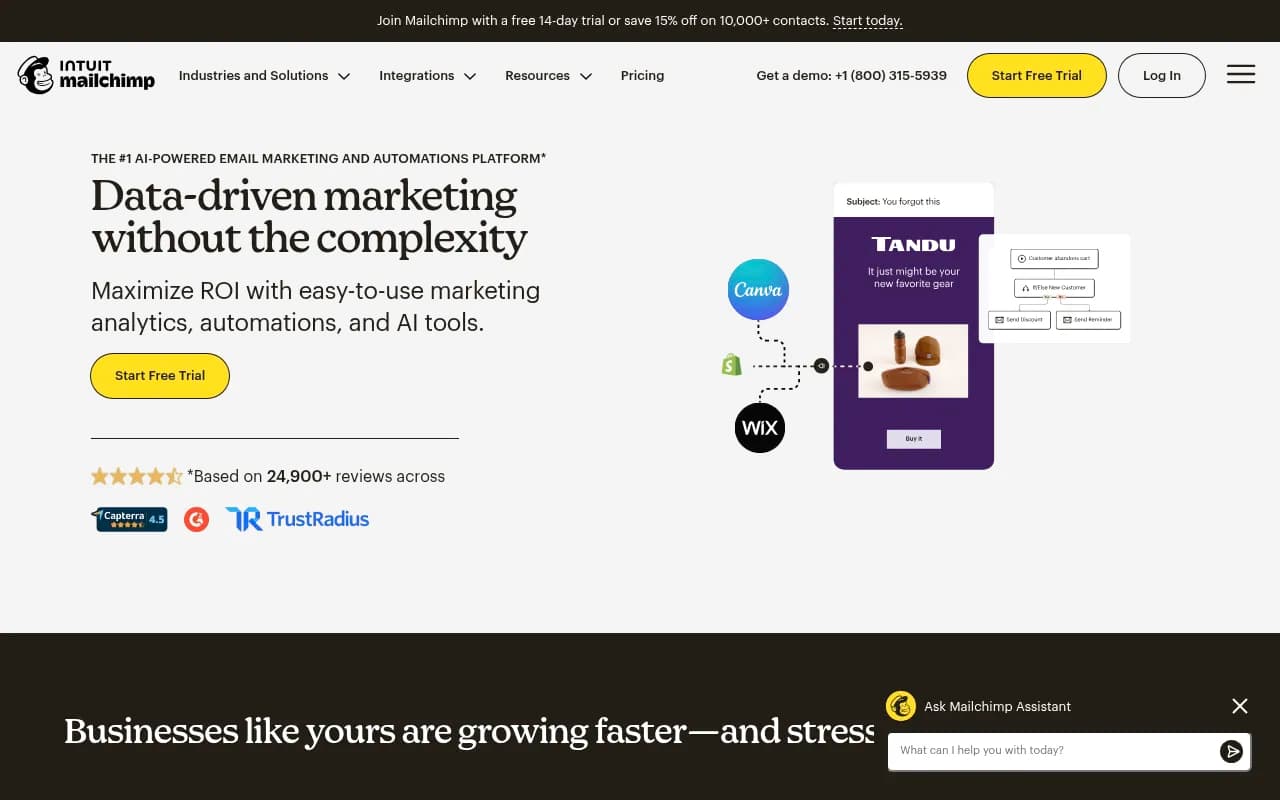
Compared to competitors, Constant Contact is mid-priced. Mailchimp's free plan is more generous, but Constant Contact includes phone support on all plans (Mailchimp charges extra for phone support). ActiveCampaign offers more advanced automation but starts at $29/month. Klaviyo is more expensive but better for ecommerce. For small businesses that value support and reliability, Constant Contact offers good value, especially with nonprofit discounts.
Strengths & Limitations
Strengths: • Phone support included on every plan, including the $12/month Lite plan — this is extremely rare in email marketing and a huge advantage for non-technical users • Teams solution for multi-location businesses and franchises is one of the best in the industry, with brand template locking, campaign approvals, and centralized billing • 300+ integrations cover most common business tools, making it easy to connect Constant Contact to your existing tech stack • Event management and ticketing tools are more robust than most email platforms, making it ideal for nonprofits and community organizations • Nonprofit discounts (up to 30% off) make it one of the most affordable options for charitable organizations
Limitations: • Automation features are basic compared to ActiveCampaign, HubSpot, or Klaviyo — you can run simple drip campaigns and triggered emails, but complex multi-branch automation is limited • No mobile app for creating and sending campaigns on the go, which is a notable gap for busy business owners • Template designs skew traditional and somewhat dated — if you want ultra-modern, minimalist designs, you'll need to build custom templates • Pricing scales quickly with list size — at 50,000 contacts, you're paying $195/month for the Lite plan, which is expensive compared to competitors
Bottom Line
Constant Contact is the reliable, customer-support-focused choice for small businesses, nonprofits, and multi-location teams that want email marketing tools that work without requiring a marketing degree. If you value phone support, ease of use, and straightforward tools over advanced automation and experimentation, Constant Contact delivers a solid all-in-one platform. It's particularly strong for franchises and multi-location businesses thanks to the Teams solution, and nonprofits benefit from generous discounts and event management tools.
Best use case in one sentence: Small business owners and nonprofits who want reliable email, social, and SMS marketing with exceptional customer support and easy-to-use tools, without needing advanced automation or enterprise features.
Tags:
Similar and alternative tools to Constant Contact