Google Keyword Planner Review 2026
Official Google tool providing keyword ideas, search volumes, and forecasting features ideal for both SEO and paid search planning.
Key Takeaways:
- Free access to Google's search data: Get actual search volumes, trends, and forecasts directly from the source — no third-party estimates
- Built for PPC but useful for SEO: Designed primarily for Google Ads campaigns, but SEO teams use it for keyword research and search volume validation
- Requires Google Ads account: You need to set up a Google Ads account (no spending required) to access the tool
- Limited granularity for low spenders: Search volume ranges become broader if you're not actively spending on Google Ads
- Best for: PPC managers planning campaigns, SEO teams validating keyword volumes, and anyone needing authoritative search data without paying for third-party tools
Google Keyword Planner is the official keyword research tool built into Google Ads, giving advertisers and marketers direct access to Google's search data. Launched as part of the Google Ads platform (formerly Google AdWords), it replaced the original Keyword Tool in 2013 and has been the go-to resource for understanding search demand ever since. While it's designed primarily for planning paid search campaigns, SEO professionals have adopted it as a free alternative to paid keyword research tools — with some important caveats.
The tool is completely free to use, though you need a Google Ads account to access it. You don't have to run active campaigns or spend any money, but Google does show more granular search volume data to accounts that are actively spending on ads. For non-spenders, you'll see volume ranges (like "10K-100K") instead of exact numbers, which is still useful but less precise than what paying advertisers get.
Google Keyword Planner serves two main audiences: PPC managers building and optimizing Google Ads campaigns, and SEO teams who need reliable search volume data without paying for tools like Ahrefs or Semrush. It's particularly valuable for validating keyword opportunities, understanding seasonal trends, and getting a reality check on search demand before investing in content or ad spend.
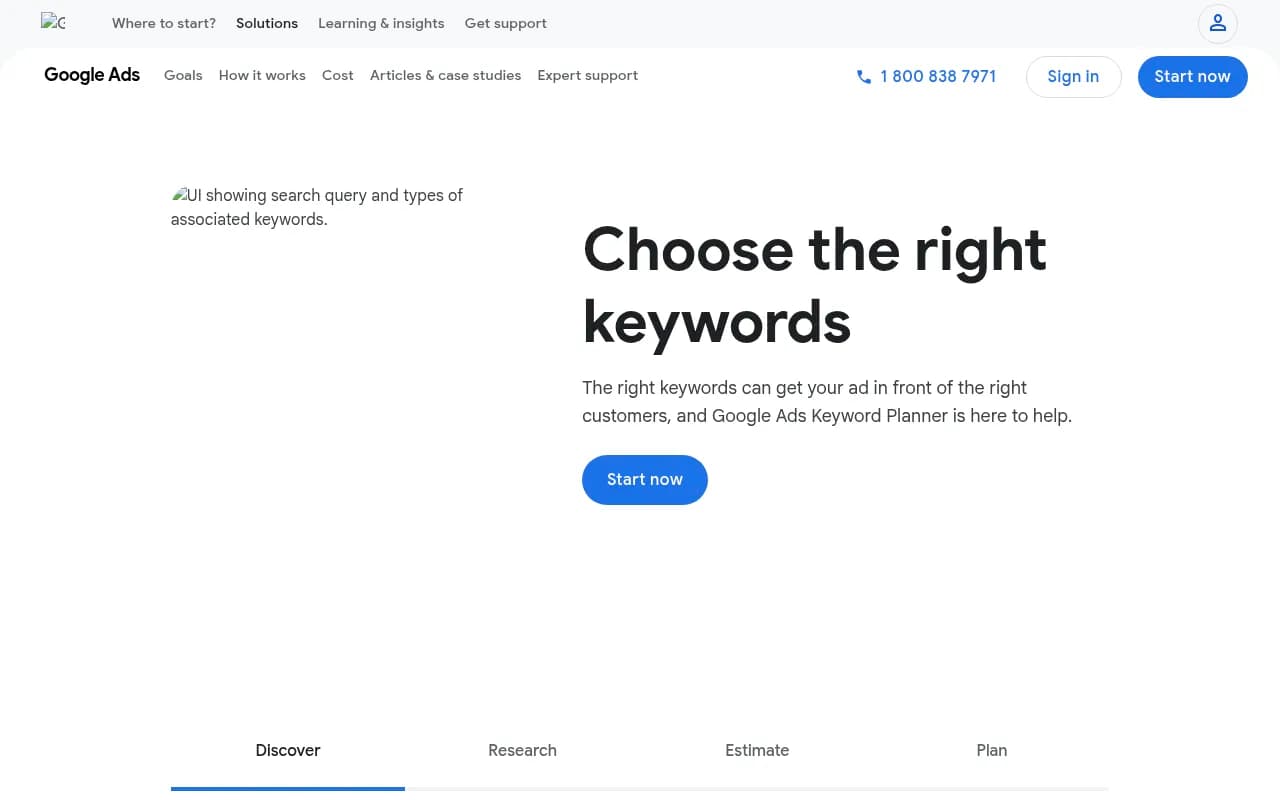
Discover New Keywords: The core feature lets you enter seed keywords, phrases, or even a website URL to generate hundreds of related keyword ideas. Google pulls these suggestions from actual search queries, related searches, and semantic variations. You can filter by location, language, and search network (Google Search vs. Search Partners). The tool groups keywords by theme, making it easy to organize ideas into ad groups or content clusters. For example, entering "running shoes" might surface "best trail running shoes," "women's running shoes wide width," and "running shoes for plantar fasciitis" — all with their respective search volumes and competition levels.
Search Volume and Trends: Each keyword shows average monthly searches over the past 12 months, plus a trend chart showing seasonality. This is invaluable for understanding when demand peaks (e.g., "tax software" spikes in March-April, "Halloween costumes" in September-October). The data is based on actual Google searches, making it more authoritative than third-party estimates. However, the volume numbers represent searches across all match types and don't account for search intent quality — a keyword with 10K searches might have terrible conversion rates if the intent is informational rather than transactional.
Competition and Bid Estimates: For each keyword, Google shows competition level (Low, Medium, High) based on how many advertisers are bidding on that term. It also provides suggested bid ranges — the estimated cost-per-click (CPC) you'd pay to appear in top ad positions. These metrics are gold for PPC planning but also useful for SEO: high competition and high CPCs often indicate commercial intent and valuable traffic. If advertisers are willing to pay $15 per click for "personal injury lawyer," that keyword is probably worth ranking for organically.
Keyword Forecasting: You can create a keyword plan with your target keywords and budget, and Google will forecast expected clicks, impressions, conversions, and cost. This helps you model campaign performance before spending a dollar. You set your daily budget and target CPC, and the tool estimates how many clicks you'll get and at what average position. It's not perfect — actual performance varies based on ad quality, landing pages, and competition — but it gives you a realistic baseline for planning.
Location and Language Targeting: You can narrow keyword data to specific countries, regions, cities, or even radius targeting around a location. This is critical for local businesses or geo-targeted campaigns. A keyword might have 50K monthly searches nationally but only 500 in your target city. You can also filter by language, which is useful for multilingual campaigns or international SEO research.
Negative Keyword Discovery: While researching keywords, you'll often find irrelevant terms you want to exclude from your campaigns. Keyword Planner helps you identify these early. For example, if you sell premium watches, you might add "cheap," "free," and "repair" as negative keywords to avoid wasting ad spend on low-intent searches.
Historical Metrics and Trends: Beyond the 12-month average, you can view historical search volume data going back several years. This helps you spot long-term trends (is interest growing or declining?) and understand how events like COVID-19 or seasonal shifts impact search behavior. You can also compare year-over-year data to see if a keyword is gaining or losing momentum.
Keyword Organization and Export: Once you've built a keyword list, you can organize terms into ad groups, add them to a plan, or export everything to CSV or Google Sheets. This makes it easy to share research with your team or import keywords directly into a campaign. The export includes all the metrics — search volume, competition, CPC estimates, and trends — so you can analyze the data further in Excel or other tools.
Integration with Google Ads: Since Keyword Planner is built into Google Ads, you can seamlessly move from research to campaign creation. Once you've finalized your keyword list, you can launch a Search campaign directly from the tool with those keywords already loaded. This tight integration is a huge time-saver for PPC managers running multiple campaigns.
Who Is It For
Google Keyword Planner is ideal for PPC managers and paid search specialists who need authoritative data for campaign planning. If you're running Google Ads campaigns — whether for e-commerce, lead generation, or brand awareness — this tool is essential. It's also valuable for freelance PPC consultants and agencies managing client campaigns, as it provides the exact data Google uses to serve ads.
SEO professionals and content marketers use Keyword Planner as a free supplement to paid tools. If you're a solo blogger, small business owner, or startup with no budget for Ahrefs or Semrush, Keyword Planner gives you reliable search volume data at no cost. It's particularly useful for validating keyword opportunities before creating content or for understanding search demand in new markets or niches.
Small businesses and local businesses benefit from the location targeting features. If you run a local service business (plumber, dentist, real estate agent), you can research keywords specific to your city or region and see exactly how many people are searching for your services locally.
Enterprise marketing teams often use Keyword Planner alongside paid tools. Even if you have Semrush or Ahrefs, Google's data is the source of truth for PPC planning, and it's useful for cross-referencing search volumes and validating keyword strategies.
Who should NOT rely solely on Keyword Planner: SEO teams doing deep competitive analysis or content gap research. The tool doesn't show you what keywords competitors rank for, what content is ranking, or SERP features. It also doesn't provide keyword difficulty scores or backlink data. For comprehensive SEO research, you'll need tools like Ahrefs, Semrush, or Moz in addition to Keyword Planner.
Integrations & Ecosystem
Keyword Planner is tightly integrated with the Google Ads platform. You can move seamlessly from keyword research to campaign creation, and any keyword plans you build can be turned into live campaigns with a few clicks. The tool also integrates with Google Analytics if you've linked your accounts, allowing you to see how keywords perform post-click.
You can export keyword data to Google Sheets, Excel, or CSV, making it easy to share with teams or import into other tools. Many third-party SEO platforms (like Semrush and Ahrefs) allow you to import Google Keyword Planner data to supplement their own keyword databases.
There's no official API for Keyword Planner, but the Google Ads API does provide programmatic access to keyword data for developers building custom tools or automations. This is mainly used by agencies and enterprise teams with technical resources.
The tool works entirely in-browser — no desktop app or mobile app. You access it through the Google Ads web interface, which works on any modern browser.
Pricing & Value
Google Keyword Planner is completely free. You need a Google Ads account to access it, but you don't have to run campaigns or spend any money. Setting up an account takes a few minutes, and once you're in, you have unlimited access to the tool.
The catch: Google shows more detailed search volume data to accounts that are actively spending on ads. If you're not running campaigns, you'll see volume ranges (e.g., "10K-100K monthly searches") instead of exact numbers (e.g., "47,300 monthly searches"). For many use cases, the ranges are sufficient, but if you need precise data, you'll either need to spend on Google Ads or use a paid third-party tool.
Compared to paid keyword research tools, Keyword Planner offers incredible value. Ahrefs starts at $129/month, Semrush at $139.95/month, and Moz at $99/month. If you're primarily doing PPC research or just need basic search volume data, Keyword Planner gives you 80% of what you need for free. However, those paid tools offer much more — keyword difficulty scores, SERP analysis, competitor research, backlink data, rank tracking, and more. Keyword Planner is a great free option but not a full replacement for dedicated SEO tools.
Strengths & Limitations
Strengths: The data comes directly from Google, making it the most authoritative source for search volume and trends. It's completely free with no usage limits. The bid estimates and competition data are invaluable for PPC planning. The location and language targeting features are robust and precise. The integration with Google Ads makes it seamless to move from research to campaign launch.
Limitations: The tool is designed for advertisers, not SEO professionals, so it lacks features like keyword difficulty, SERP analysis, and competitor research. Search volume data is less granular for non-spenders (ranges instead of exact numbers). It doesn't show you what content is ranking or what keywords your competitors are targeting. The interface is functional but not as intuitive or feature-rich as dedicated SEO tools. It also tends to group similar keywords together, which can make it harder to find long-tail variations.
Notable missing features: No keyword difficulty scores, no SERP feature data (like featured snippets or People Also Ask), no content gap analysis, no rank tracking, and no backlink insights. For comprehensive SEO research, you'll need to supplement Keyword Planner with other tools.
Bottom Line
Google Keyword Planner is essential for anyone running Google Ads campaigns and a valuable free resource for SEO teams on a budget. If you're planning PPC campaigns, it's the single best tool for keyword research, bid planning, and forecasting — nothing else gives you Google's actual data. For SEO professionals, it's a solid free option for validating search volumes and discovering keyword ideas, though you'll likely need paid tools for deeper competitive analysis and content planning. Best use case in one sentence: PPC managers planning Google Ads campaigns and SEO teams validating keyword opportunities without paying for third-party tools.
Similar and alternative tools to Google Keyword Planner