Key Takeaways
- Google Search Console is non-negotiable: Free, first-party data directly from Google showing exactly how your site performs in search—no other tool can replace it
- SEOMinion excels at quick on-page checks: The fastest way to audit meta tags, headers, and links while browsing—ideal for content writers and quick site reviews
- Ubersuggest bridges the keyword gap: Gives you search volume, competition scores, and content ideas that GSC doesn't provide—perfect for planning new content
- Each tool has blind spots: GSC lacks keyword research, SEOMinion has no rank tracking, Ubersuggest's data isn't always accurate—you need multiple tools to see the full picture
- The best approach combines all three: Use GSC for performance data, SEOMinion for on-page audits, and Ubersuggest for keyword research—together they cover 80% of what paid tools do
Why Free SEO Tools Still Matter in 2026
The SEO tool market has exploded. Every week brings another platform promising to revolutionize your rankings with AI-powered insights, predictive analytics, and automated workflows. Most cost $99-$500 per month.
But here's what nobody talks about: the best free SEO tools in 2026 still outperform most paid options for core tasks.
Google Search Console gives you data straight from Google's index. SEOMinion lets you audit any page in seconds. Ubersuggest surfaces keyword opportunities without the Ahrefs price tag. Together, these three tools handle 80% of what most websites need—keyword research, technical audits, performance tracking, and content optimization.
The catch? Each tool has specific strengths and blind spots. Google Search Console won't help you find new keywords. SEOMinion can't track rankings over time. Ubersuggest's backlink data is limited. Understanding what each tool does best—and where it falls short—is the difference between wasting time and actually moving the needle.
This guide breaks down exactly how Google Search Console, SEOMinion, and Ubersuggest compare in 2026. You'll learn what each tool excels at, where it fails, and how to combine them into a complete free SEO workflow that rivals paid platforms.
Google Search Console: The Foundation of Free SEO
Google Search Console is the only free tool that shows you exactly how Google sees your website. It's not a third-party estimate or scraped data—it's first-party information directly from Google's index.
What Google Search Console Actually Does
GSC tracks four core metrics:
- Impressions: How many times your pages appeared in search results
- Clicks: How many people actually clicked through to your site
- Average Position: Where your pages rank for specific queries
- Click-Through Rate (CTR): The percentage of impressions that resulted in clicks
You can filter this data by page, query, country, device, and date range. This makes GSC the single best tool for understanding what's already working on your site and where you're losing traffic.
Where Google Search Console Excels
Performance tracking: GSC shows exactly which queries drive traffic to your site. You can see which pages rank for which keywords, identify pages that rank on page 2 (positions 11-20) that could be optimized to page 1, and spot seasonal trends in your traffic.
Technical issue detection: The Coverage report flags indexing errors, mobile usability problems, and Core Web Vitals issues. When Google can't crawl or index a page, GSC tells you why and how to fix it.
Content opportunity discovery: The Queries report reveals keywords you rank for but didn't target. These are low-hanging fruit—you're already ranking, so optimizing the page for that keyword can boost rankings quickly.
Backlink monitoring: GSC shows which external sites link to you and which of your pages receive the most backlinks. It's not as comprehensive as Ahrefs or Majestic, but it's accurate and free.
What Google Search Console Can't Do
GSC has major limitations:
- No keyword research: GSC only shows keywords you already rank for. It won't suggest new keywords to target or show search volumes for queries you don't rank for yet.
- No competitor analysis: You can't see what keywords competitors rank for or compare your performance to theirs.
- Limited historical data: GSC only stores 16 months of data. If you need year-over-year comparisons beyond that, you'll need to export data regularly.
- No rank tracking: GSC shows average position, but it doesn't track daily ranking changes or alert you when rankings drop.
How to Use Google Search Console Effectively
Start with the Performance report. Filter by pages with impressions above 100 and CTR below 2%. These pages get visibility but don't convert clicks—usually because of weak titles or meta descriptions. Rewrite them to be more compelling.
Next, check the Coverage report weekly. Fix any errors immediately—these are pages Google can't index, which means they can't rank. Common issues include blocked resources, redirect chains, and soft 404 errors.
Finally, use the Queries report to find position 8-20 keywords. These are queries where you're close to page 1 but not quite there. Add more content to those pages, improve internal linking, and optimize for the target keyword. Small improvements here often yield quick ranking gains.
Google Search Console Pricing
Completely free. No limits on sites, queries, or data exports.
SEOMinion: The Fastest On-Page Audit Tool
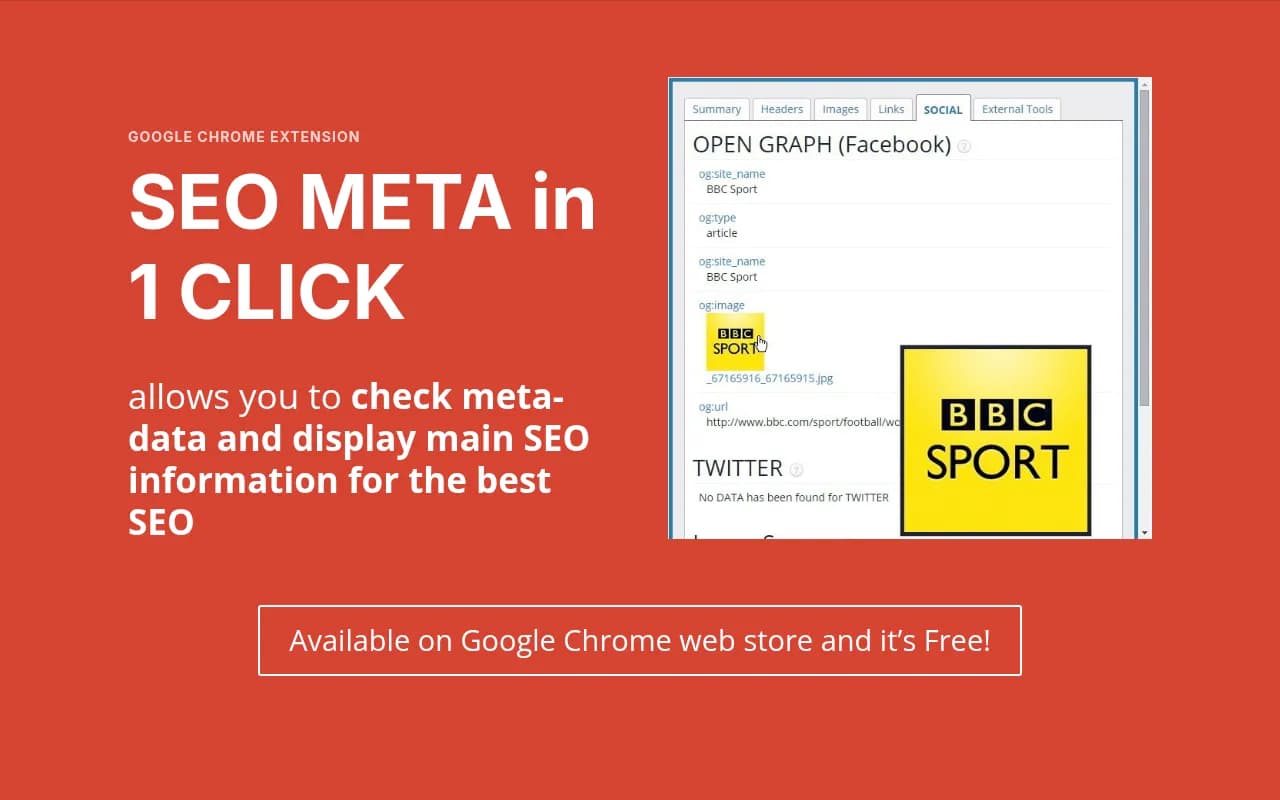
SEOMinion is a Chrome extension that analyzes any webpage in seconds. It's designed for quick on-page SEO checks—meta tags, headers, links, images, and structured data.
What SEOMinion Actually Does
SEOMinion adds a toolbar to your browser. Click the icon and it instantly shows:
- On-page SEO analysis: Title tag, meta description, H1-H6 headers, word count, and keyword density
- Link analysis: All internal and external links on the page, including nofollow links and broken links
- SERP preview: How your page will appear in Google search results
- Hreflang checker: Validates hreflang tags for international SEO
- Highlight elements: Visually highlights all links, images, or headings on the page
It's not a comprehensive audit tool—it won't crawl your entire site or track rankings. But for analyzing individual pages, it's the fastest option available.
Where SEOMinion Excels
Speed: SEOMinion analyzes pages instantly. No waiting for crawls or reports—click the icon and see results in under 2 seconds.
On-page optimization: The tool shows exactly what's on the page—title length, meta description length, header structure, and keyword usage. This makes it perfect for content writers who need to check SEO basics before publishing.
Competitor analysis: You can use SEOMinion on any website, not just your own. Visit a competitor's page, run the analysis, and see their title tags, headers, and link structure. This is useful for understanding what's working in your niche.
SERP analysis: SEOMinion can disable personalization in Google search results, showing you the true organic rankings without location or search history bias. It also highlights nofollow links in SERPs, which helps you identify paid placements.
What SEOMinion Can't Do
SEOMinion is limited to single-page analysis:
- No site-wide audits: You can't crawl an entire website or get a list of all pages with missing meta descriptions.
- No rank tracking: SEOMinion doesn't monitor rankings over time or alert you to ranking changes.
- No keyword research: It won't suggest keywords or show search volumes.
- No backlink analysis: You can see links on a page, but not who links to the page from external sites.
How to Use SEOMinion Effectively
Use SEOMinion for quick content checks before publishing. Open your draft in the browser, run the analysis, and verify:
- Title tag is 50-60 characters
- Meta description is 150-160 characters
- H1 tag exists and includes the target keyword
- Headers follow a logical hierarchy (H1 → H2 → H3)
- Images have alt text
- Internal links point to relevant pages
Also use it for competitor research. When you find a page ranking above you, run SEOMinion to see their title tag, headers, and content structure. Look for patterns—are they using specific keywords in H2s? Do they have more internal links? Use these insights to improve your own pages.
SEOMinion Pricing
Free with optional premium features. The free version covers all core on-page analysis. Premium ($19/month) adds SERP location tracking and advanced link analysis.
Ubersuggest: Keyword Research Without the Price Tag
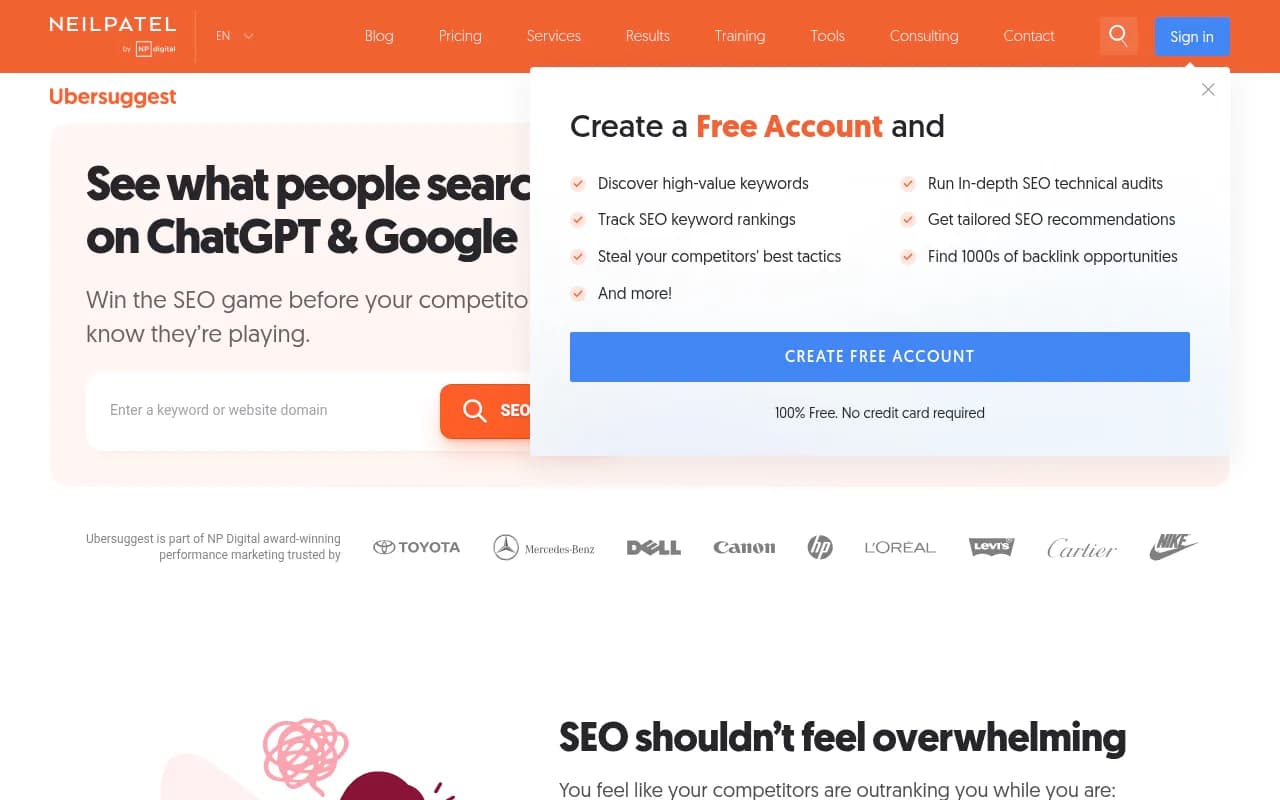
Ubersuggest is Neil Patel's keyword research and SEO analysis tool. It's designed to give you keyword ideas, search volumes, and competition scores without paying for Ahrefs or Semrush.
What Ubersuggest Actually Does
Ubersuggest provides:
- Keyword research: Enter a seed keyword and get hundreds of related keywords with search volume, CPC, and competition scores
- Content ideas: See the top-performing content for any keyword, including social shares and backlinks
- Rank tracking: Monitor your rankings for specific keywords over time
- Site audit: Crawl your website and identify technical SEO issues
- Backlink analysis: See who links to your site and your competitors
It's a full SEO platform, not just a keyword tool. But keyword research is where it shines.
Where Ubersuggest Excels
Keyword discovery: Ubersuggest generates keyword ideas faster than most paid tools. Type a seed keyword and get related keywords, questions, prepositions, and comparisons. Each keyword includes search volume, SEO difficulty, paid difficulty, and CPC.
Search volume data: Unlike Google Search Console, Ubersuggest shows search volume for keywords you don't rank for yet. This helps you prioritize which keywords to target based on potential traffic.
Content gap analysis: Ubersuggest shows which keywords your competitors rank for but you don't. This is one of the most valuable features for finding new content opportunities.
Affordable pricing: Ubersuggest offers a free tier with limited searches per day. The paid plans start at $29/month, which is significantly cheaper than Ahrefs ($129/month) or Semrush ($139/month).
What Ubersuggest Can't Do
Ubersuggest has accuracy and depth limitations:
- Data accuracy: Ubersuggest's keyword volumes and difficulty scores are estimates, not exact numbers. They're directionally correct but not as precise as Ahrefs or Semrush.
- Limited backlink data: Ubersuggest's backlink index is smaller than Ahrefs or Majestic. You'll see major backlinks but miss smaller ones.
- Basic site audits: The site audit feature flags common issues but doesn't provide the depth of Screaming Frog or Sitebulb.
- No AI search tracking: Ubersuggest focuses on traditional Google search. It doesn't track how your brand appears in ChatGPT, Perplexity, or other AI search engines—an increasingly important channel in 2026.
How to Use Ubersuggest Effectively
Start with keyword research. Enter your main topic and review the keyword suggestions. Look for:
- High volume, low difficulty keywords: These are the easiest wins—lots of searches but not much competition
- Question keywords: These often have lower competition and match user intent well
- Long-tail variations: Longer, more specific keywords are easier to rank for
Next, use the Content Ideas feature. See which articles rank for your target keyword and analyze their structure. How long are they? What subtopics do they cover? What questions do they answer? Use this to create more comprehensive content.
Finally, run a site audit monthly. Fix critical issues first—broken links, missing meta descriptions, slow page speed. These have the biggest impact on rankings.
Ubersuggest Pricing
Free tier: 3 searches per day, limited data per search
Paid plans: Individual ($29/month), Business ($49/month), Enterprise ($99/month). Lifetime plans available for one-time payments.
Head-to-Head Comparison: GSC vs SEOMinion vs Ubersuggest
Keyword Research
- Google Search Console: Shows keywords you already rank for, but no search volumes for new keywords. Good for discovering unexpected rankings, bad for planning new content.
- SEOMinion: No keyword research features at all.
- Ubersuggest: Full keyword research with search volumes, difficulty scores, and related keywords. Best option for finding new keywords to target.
Winner: Ubersuggest
On-Page SEO Analysis
- Google Search Console: Shows which pages rank and their CTR, but doesn't analyze on-page elements like title tags or headers.
- SEOMinion: Instant analysis of title tags, meta descriptions, headers, links, and images. Perfect for quick checks.
- Ubersuggest: Provides on-page suggestions in the site audit, but slower than SEOMinion and less detailed.
Winner: SEOMinion
Performance Tracking
- Google Search Console: Shows impressions, clicks, CTR, and average position for every query and page. The gold standard for performance data.
- SEOMinion: No performance tracking.
- Ubersuggest: Tracks rankings for specific keywords, but doesn't show impressions or CTR.
Winner: Google Search Console
Technical SEO
- Google Search Console: Flags indexing errors, mobile usability issues, and Core Web Vitals problems. Essential for technical SEO.
- SEOMinion: Shows on-page elements but doesn't crawl the site or identify technical issues.
- Ubersuggest: Site audit identifies common technical issues like broken links, missing alt text, and slow pages.
Winner: Google Search Console (for accuracy), Ubersuggest (for actionable recommendations)
Competitor Analysis
- Google Search Console: Only shows your own site data.
- SEOMinion: Can analyze any page, including competitors, but only one page at a time.
- Ubersuggest: Shows competitor keywords, backlinks, and top pages. Best for understanding what's working in your niche.
Winner: Ubersuggest
Backlink Analysis
- Google Search Console: Shows who links to you and which pages receive links. Accurate but limited to your own site.
- SEOMinion: No backlink analysis.
- Ubersuggest: Shows backlinks for your site and competitors, but the index is smaller than Ahrefs or Majestic.
Winner: Tie between GSC (for your own site) and Ubersuggest (for competitors)
Ease of Use
- Google Search Console: Steeper learning curve. The interface is powerful but not intuitive for beginners.
- SEOMinion: Extremely simple. Click the icon, see the results. No setup required.
- Ubersuggest: Clean interface with clear explanations. Easier than most paid tools.
Winner: SEOMinion
Cost
- Google Search Console: Free, unlimited
- SEOMinion: Free with optional premium ($19/month)
- Ubersuggest: Free tier with limits, paid plans start at $29/month
Winner: Google Search Console
The Best Free SEO Workflow for 2026
No single tool does everything. The best approach combines all three:
Step 1: Start with Google Search Console
GSC is your foundation. Check it weekly to:
- Identify pages losing traffic (filter by date comparison)
- Find position 8-20 keywords to optimize
- Fix indexing errors and Core Web Vitals issues
- Discover new keywords you're ranking for
Export your top 100 queries monthly. This gives you a baseline to track progress over time.
Step 2: Use Ubersuggest for Keyword Research
When planning new content:
- Enter your main topic in Ubersuggest
- Filter for keywords with 500+ monthly searches and difficulty under 40
- Export the list and prioritize based on relevance to your audience
- Check the Content Ideas tab to see what's already ranking
Run a site audit monthly and fix critical issues first—broken links, missing meta descriptions, and slow pages.
Step 3: Use SEOMinion for On-Page Checks
Before publishing any content:
- Open the draft in your browser
- Run SEOMinion to check title tag, meta description, headers, and links
- Verify the title is 50-60 characters and includes the target keyword
- Ensure headers follow a logical hierarchy
- Check that all images have alt text
Also use SEOMinion when analyzing competitor pages. See what they're doing differently and apply those insights to your own content.
Step 4: Track Results in Google Search Console
After publishing new content or making optimizations:
- Wait 2-4 weeks for Google to re-crawl and re-index
- Check GSC to see if impressions and clicks increase
- Monitor average position for target keywords
- If rankings don't improve, revisit the content and add more depth
This workflow covers keyword research, content optimization, technical SEO, and performance tracking—all without spending a dollar.
What Free Tools Can't Do (And When to Upgrade)
Free tools have limits. Here's what you'll miss:
Advanced Rank Tracking
GSC shows average position, but it doesn't track daily ranking changes or alert you when rankings drop. If you need precise rank tracking with historical data, consider AccuRanker or SE Ranking.
Comprehensive Backlink Analysis
GSC and Ubersuggest show backlinks, but their indexes are smaller than Ahrefs or Majestic. If you're doing serious link building or competitor analysis, you need a paid backlink tool.
AI Search Visibility
None of these tools track how your brand appears in ChatGPT, Perplexity, Claude, or other AI search engines. As AI search grows in 2026, this becomes increasingly important. Tools like Promptwatch track your visibility across 10+ AI models and help you optimize content to get cited more often.
Content Optimization at Scale
SEOMinion checks individual pages, but if you're managing hundreds of pages, you need automation. Tools like Clearscope or Surfer SEO analyze content at scale and provide optimization recommendations.
Enterprise-Level Reporting
Free tools don't integrate with data warehouses or provide white-label reporting. If you're an agency managing multiple clients, you'll eventually need a paid platform with better reporting and collaboration features.
Common Mistakes When Using Free SEO Tools
Relying Only on Google Search Console
GSC is essential, but it only shows what's already happening. You need keyword research tools like Ubersuggest to find new opportunities and plan content.
Ignoring Technical Issues
Many people focus on content and ignore the Coverage report in GSC. If Google can't crawl or index your pages, no amount of content optimization will help. Fix technical issues first.
Not Tracking Competitors
Free tools make it easy to analyze competitors—Ubersuggest shows their keywords and backlinks, SEOMinion shows their on-page structure. Use this data to identify gaps in your own strategy.
Expecting Instant Results
SEO takes time. Don't check GSC daily and panic when rankings fluctuate. Track trends over weeks and months, not days.
Forgetting to Export Data
GSC only stores 16 months of data. Export your top queries and pages monthly so you have historical data for year-over-year comparisons.
Alternative Free Tools Worth Considering
If GSC, SEOMinion, and Ubersuggest don't fit your workflow, consider these alternatives:
Google Analytics 4
GA4 tracks user behavior on your site—which pages they visit, how long they stay, and what actions they take. It's essential for understanding how SEO traffic converts into leads or sales.
Ahrefs Webmaster Tools
Ahrefs offers a free version of their platform for your own website. It includes site audits, backlink monitoring, and keyword rankings. The catch: you can only analyze sites you own, and you need to verify ownership.
Screaming Frog (Free Version)
Screaming Frog crawls up to 500 URLs for free. It's the best tool for technical SEO audits—finding broken links, duplicate content, and missing meta tags. The paid version ($259/year) removes the URL limit.
Google Keyword Planner
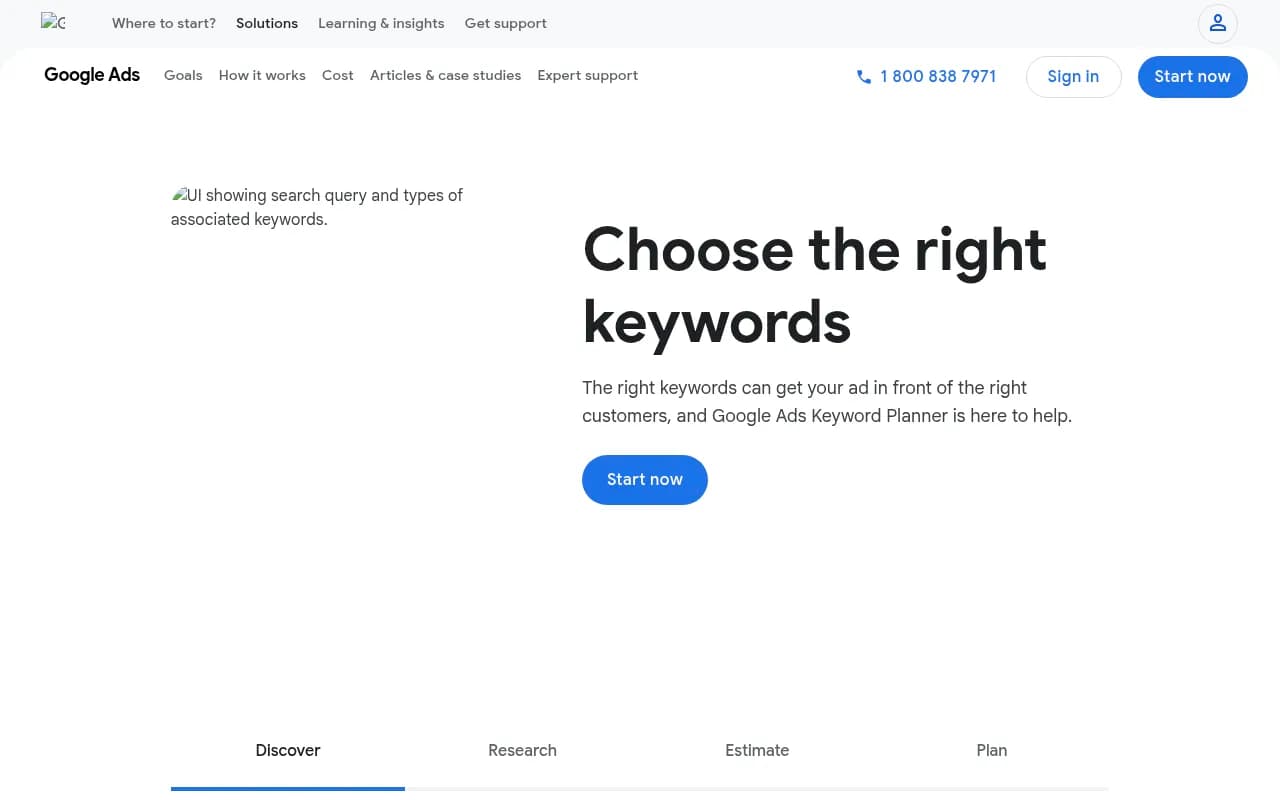
Keyword Planner is Google's official keyword research tool. It shows search volumes and competition for Google Ads, but the data is useful for SEO too. The interface is clunky, but the data is accurate.
Yoast SEO (WordPress)
If you use WordPress, Yoast SEO is the best free plugin for on-page optimization. It analyzes your content as you write and provides real-time suggestions for improving SEO.
Final Thoughts: Building a Complete Free SEO Stack
You don't need to spend thousands on SEO tools. Google Search Console, SEOMinion, and Ubersuggest cover the fundamentals:
- GSC for performance tracking and technical SEO
- SEOMinion for fast on-page audits
- Ubersuggest for keyword research and competitor analysis
Combine these with Google Analytics 4 for conversion tracking and you have a complete free SEO workflow that rivals most paid platforms.
The limitations only matter when you scale. If you're managing dozens of sites, need advanced rank tracking, or want to track AI search visibility, you'll eventually need paid tools. But for most websites—especially small businesses, bloggers, and startups—free tools are more than enough to drive real results.
Start with the basics. Master GSC, SEOMinion, and Ubersuggest. Track your progress. Optimize based on data, not guesses. When you outgrow free tools, you'll know exactly what features you need in a paid platform.
Until then, these three tools will take you further than you think.