Key Takeaways
- Desktop tools (SEO PowerSuite, Screaming Frog) offer unlimited data processing, one-time licensing, and full control over your data—ideal for agencies running large-scale audits or working with bandwidth constraints
- Cloud platforms (Semrush, Ahrefs, Surfer SEO) provide real-time collaboration, automatic updates, AI-powered insights, and cross-device access—better for distributed teams and businesses that need integrated workflows
- Hybrid approaches are increasingly common: use desktop tools for heavy lifting (crawls, bulk analysis) and cloud platforms for daily monitoring, reporting, and team collaboration
- AI search visibility (GEO/AEO) is a cloud-only capability—tracking how ChatGPT, Perplexity, and Google AI Overviews cite your brand requires real-time monitoring that desktop tools cannot provide
- Cost structures differ dramatically: desktop tools charge $299-$699 one-time, cloud platforms run $99-$500+/month—your break-even point depends on team size, data volume, and how long you'll use the tool
The Fundamental Shift: What's Changed in 2026
The SEO tool landscape has undergone a seismic transformation. Five years ago, the choice between desktop and cloud was straightforward: desktop tools were for technical audits, cloud platforms were for rank tracking and reporting. Today, that line has blurred.
Cloud platforms now offer enterprise-grade crawling, while desktop tools have added cloud sync features. More importantly, the rise of AI search engines—ChatGPT, Perplexity, Claude, Google AI Overviews—has created an entirely new category of optimization that only cloud platforms can address.
According to Research and Markets, the global SEO services market is projected to reach $146.96 billion by 2027, growing at 18.4% CAGR. This explosive growth isn't just about more businesses investing in SEO—it's about the fundamental shift in how search works and how users find information.
Desktop SEO Tools: The Case for Local Processing
Desktop SEO tools install on your computer and process data locally. They've been the backbone of technical SEO for over a decade, and in 2026, they still offer compelling advantages for specific use cases.
When Desktop Tools Make Sense
1. Unlimited Data Processing
Desktop tools don't impose artificial limits on crawl depth, keyword lists, or backlink analysis. If you're auditing a 500,000-page e-commerce site or analyzing 10 million backlinks, desktop tools won't throttle you or charge overage fees.
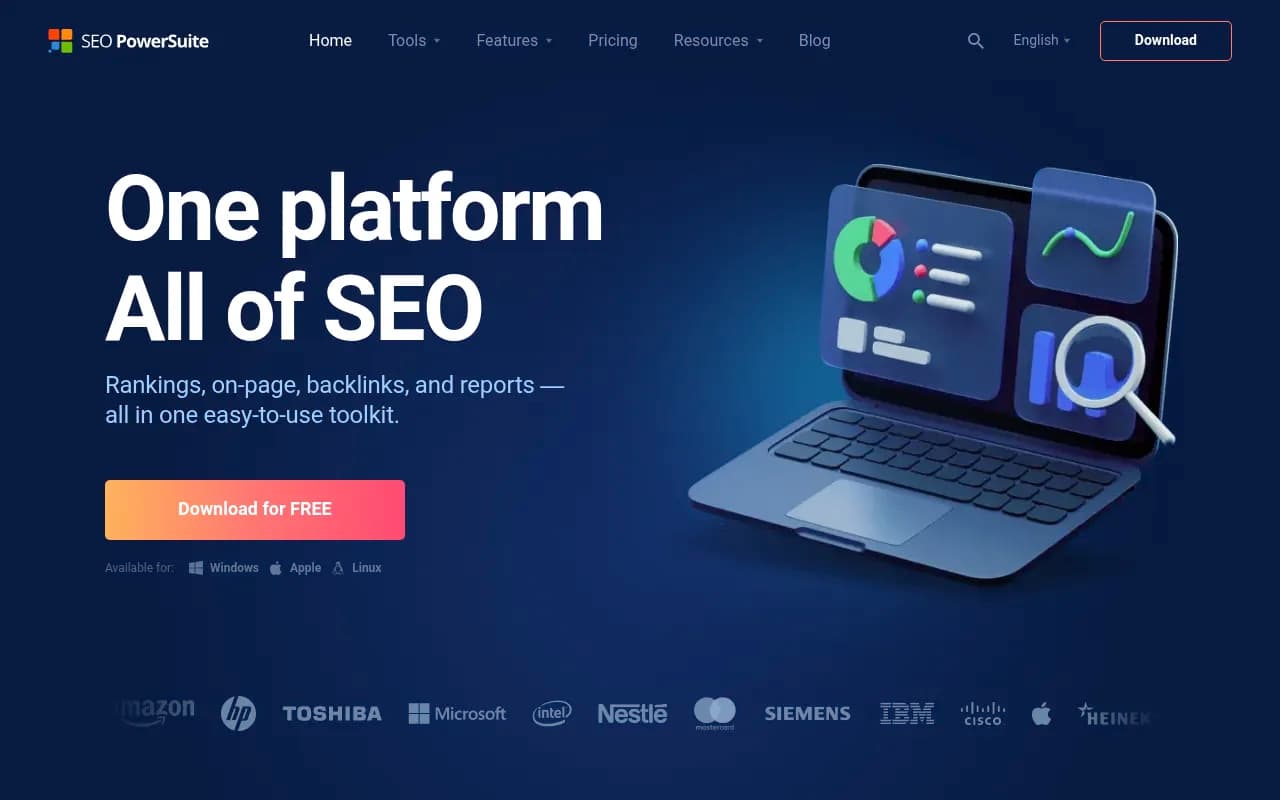
SEO PowerSuite, for example, offers unlimited site audits, rank tracking, and backlink analysis for a one-time fee of $299-$699. Compare that to cloud platforms that cap you at 10,000-50,000 URLs per project and charge $300-$500/month.
2. One-Time Licensing = Predictable Costs
For agencies and consultants working with multiple clients, the math is simple: a $699 one-time purchase pays for itself in 2-3 months compared to a $299/month cloud subscription. After year one, you're saving $3,588 annually.
3. Full Data Control and Privacy
Your crawl data, keyword lists, and competitive intelligence never leave your machine. For agencies working with enterprise clients under strict NDAs, or businesses in regulated industries (healthcare, finance), this matters.
4. Bandwidth and Speed Control
Desktop crawlers let you control crawl speed, user agents, and server load. You can pause, resume, and schedule crawls during off-peak hours without worrying about cloud platform rate limits.
Screening Frog SEO Spider is the gold standard here—used by 98% of enterprise SEO teams for technical audits. The free version handles 500 URLs; the paid version ($259/year) crawls unlimited URLs at speeds up to 10 URLs/second.
The Desktop Tool Disadvantages
1. No Real-Time Collaboration
Desktop tools are single-user by design. Sharing data means exporting CSVs or PDFs and emailing them. There's no live dashboard where your team can see updates in real-time.
2. Manual Updates and Maintenance
You're responsible for installing updates, managing licenses across multiple machines, and ensuring compatibility with OS updates. Cloud platforms update automatically.
3. Device-Locked Access
Your data lives on one computer. Want to check rankings from your phone? Pull up a competitor analysis during a client call? You can't—unless you've manually synced to cloud storage.
4. No AI Search Visibility
Desktop tools cannot track how ChatGPT, Perplexity, or Google AI Overviews cite your brand. This is a cloud-only capability that requires real-time monitoring of AI model outputs across multiple engines.
Cloud SEO Platforms: The Case for Connected Intelligence
Cloud platforms run entirely in your browser. Your data lives on the vendor's servers, accessible from any device, with automatic updates and built-in collaboration features.
When Cloud Platforms Make Sense
1. Real-Time Collaboration and Reporting
Cloud platforms are built for teams. Multiple users can access the same dashboard, leave comments, assign tasks, and share reports without exporting anything. Clients can log in and see live data.
Semrush, for example, offers white-label reporting, client access portals, and team collaboration features that desktop tools simply cannot match. Your entire marketing team—SEO, content, PPC—can work from the same data.
2. AI-Powered Insights and Automation
Cloud platforms leverage machine learning to surface anomalies, predict trends, and automate recommendations. They analyze billions of data points across millions of websites to identify patterns your team would never spot manually.
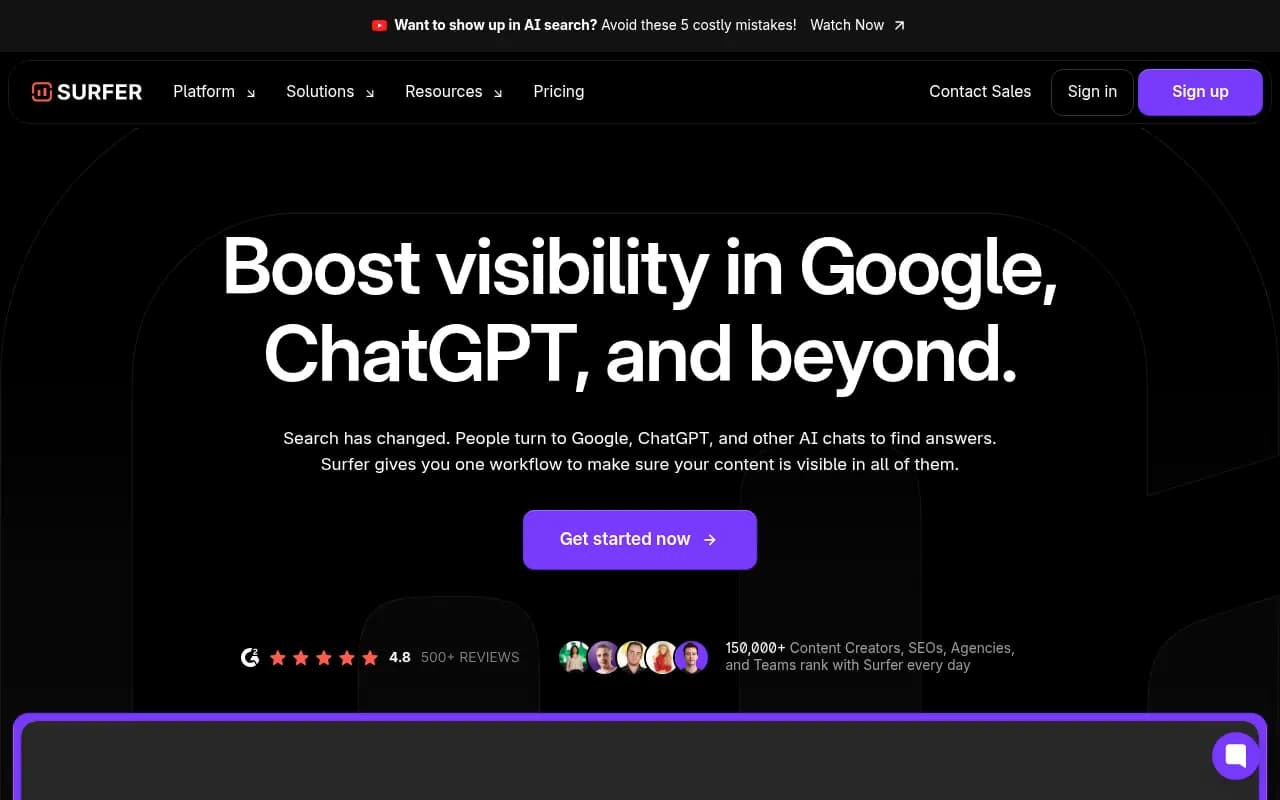
Surfer SEO's Content Editor, for instance, uses AI to analyze top-ranking pages and generate real-time optimization suggestions as you write. Desktop tools require manual SERP analysis and spreadsheet work.
3. Cross-Device Access
Check rankings from your phone during a client call. Pull up a site audit on your tablet during a flight. Cloud platforms work anywhere with an internet connection.
4. Automatic Updates and New Features
Cloud platforms update continuously. New features, algorithm adjustments, and data source integrations happen automatically—no reinstalling software or managing licenses.
5. AI Search Visibility (GEO/AEO)
This is the game-changer for 2026. Cloud platforms can track how AI search engines—ChatGPT, Perplexity, Claude, Google AI Overviews—cite your brand, recommend your products, and answer prompts related to your industry.

Promptwatch, for example, monitors 10 AI models and shows exactly which prompts trigger citations of your brand, which competitors are winning AI visibility, and what content gaps are preventing you from being cited. It also includes an AI writing agent that generates articles optimized for AI search—something desktop tools cannot do.
Other platforms like Otterly.AI, Scrunch, and AthenaHQ offer similar AI search monitoring, but most stop at tracking. Promptwatch goes further by helping you fix the gaps with content generation and optimization tools.
The Cloud Platform Disadvantages
1. Recurring Subscription Costs
Cloud platforms charge monthly or annually, and costs add up fast. A mid-tier Semrush subscription runs $229/month ($2,748/year). Ahrefs starts at $129/month ($1,548/year). For agencies managing 10+ clients, you're looking at $500-$1,000/month in tool costs.
2. Data Limits and Overage Fees
Most cloud platforms cap crawl depth, keyword tracking, and backlink analysis. Exceed those limits and you'll pay overage fees or need to upgrade to a higher tier.
3. Internet Dependency
No internet? No access to your data. Cloud platforms require stable connectivity, which can be a problem in remote locations or during travel.
4. Vendor Lock-In
Your historical data lives on the vendor's servers. Cancel your subscription and you lose access to years of rank tracking, audit history, and competitive intelligence—unless you've been exporting regularly.
The Hybrid Approach: Best of Both Worlds
Most sophisticated SEO teams don't choose one or the other—they use both strategically.
A Practical Hybrid Stack
Desktop Tools for Heavy Lifting:
- Screaming Frog for deep technical audits (unlimited crawls, custom extraction)
- SEO PowerSuite for bulk rank tracking and backlink analysis (no data caps)
Cloud Platforms for Daily Operations:
- Semrush or Ahrefs for keyword research, competitor analysis, and content gap analysis
- Surfer SEO for real-time content optimization and AI-powered writing assistance
- Promptwatch for AI search visibility tracking and GEO optimization
The Workflow:
- Use Screaming Frog to crawl a client's 100,000-page site and identify technical issues
- Export the data and upload key findings to your cloud platform for client reporting
- Use Semrush to research keywords and build content strategies
- Use Surfer SEO's AI Content Editor to write and optimize articles
- Use Promptwatch to track how AI engines cite your client's brand and generate content that fills citation gaps
- Use Screaming Frog again quarterly for deep technical audits
This approach gives you unlimited data processing when you need it, real-time collaboration for daily work, and AI search visibility tracking—all without paying for overlapping features.
Cost Analysis: When Does Each Approach Make Sense?
Let's break down the math for different business scenarios.
Solo Consultant or Small Agency (1-5 Clients)
Desktop-Only Approach:
- SEO PowerSuite: $699 one-time
- Screaming Frog: $259/year
- Year 1 Total: $958
- Year 2+ Total: $259/year
Cloud-Only Approach:
- Semrush Guru: $229/month = $2,748/year
- Surfer SEO Essential: $99/month = $1,188/year
- Year 1 Total: $3,936
Hybrid Approach:
- Screaming Frog: $259/year
- Semrush Pro: $129/month = $1,548/year
- Promptwatch Essential: $99/month = $1,188/year
- Year 1 Total: $2,995
Verdict: If you're working solo and don't need AI search tracking, desktop tools save you $2,978 in year one. But if you need client collaboration and AI visibility, the hybrid approach offers the best value.
Mid-Size Agency (5-20 Clients)
Desktop-Only Approach:
- SEO PowerSuite Business: $699 one-time
- Screaming Frog: $259/year
- Year 1 Total: $958
Cloud-Only Approach:
- Semrush Business: $449/month = $5,388/year
- Surfer SEO Professional: $249/month = $2,988/year
- Promptwatch Professional: $249/month = $2,988/year
- Year 1 Total: $11,364
Hybrid Approach:
- Screaming Frog: $259/year
- SEO PowerSuite: $699 one-time
- Semrush Guru: $229/month = $2,748/year
- Promptwatch Professional: $249/month = $2,988/year
- Year 1 Total: $6,694
Verdict: The hybrid approach saves you $4,670 in year one while giving you AI search tracking, client collaboration, and unlimited technical audits.
Enterprise Team (20+ Clients, 5+ Team Members)
Cloud-Only Approach:
- Semrush Enterprise: Custom pricing (~$1,000+/month)
- Surfer SEO Business: $579/month = $6,948/year
- Promptwatch Business: $579/month = $6,948/year
- Estimated Year 1 Total: $25,000+
Hybrid Approach:
- Screaming Frog (5 licenses): $1,295/year
- SEO PowerSuite Enterprise: Custom pricing (~$2,000/year)
- Semrush Business: $449/month = $5,388/year
- Promptwatch Business: $579/month = $6,948/year
- Estimated Year 1 Total: $15,631
Verdict: Even at enterprise scale, the hybrid approach saves ~$10,000/year while maintaining full functionality.
AI Search Visibility: Why Cloud Is Non-Negotiable
The biggest shift in 2026 is the rise of Generative Engine Optimization (GEO)—optimizing for how AI search engines cite your brand.
Traditional SEO focused on ranking in Google's organic results. GEO focuses on getting cited in AI-generated responses from ChatGPT, Perplexity, Claude, Google AI Overviews, and other large language models.
Why This Matters:
- 40% of searches now happen in AI chat interfaces, not traditional search engines
- AI-generated answers synthesize information from multiple sources—if you're not cited, you're invisible
- Users trust AI recommendations more than traditional ads or even organic listings
Why Desktop Tools Can't Do This:
AI search monitoring requires:
- Real-time querying of multiple AI models (ChatGPT, Perplexity, Claude, Gemini, etc.)
- Tracking which sources get cited in responses
- Monitoring how citations change over time as models are updated
- Analyzing prompt variations and persona-based responses
- Identifying content gaps that prevent your brand from being cited
This is computationally expensive and requires cloud infrastructure. Desktop tools process data locally—they can't query external APIs at scale or monitor real-time model outputs.
Cloud Platforms That Track AI Search:
Otterly.AI

Otterly.AI tracks brand mentions across ChatGPT, Perplexity, and Google AI Overviews. It's monitoring-focused—you see where you're cited, but you're on your own to fix gaps.
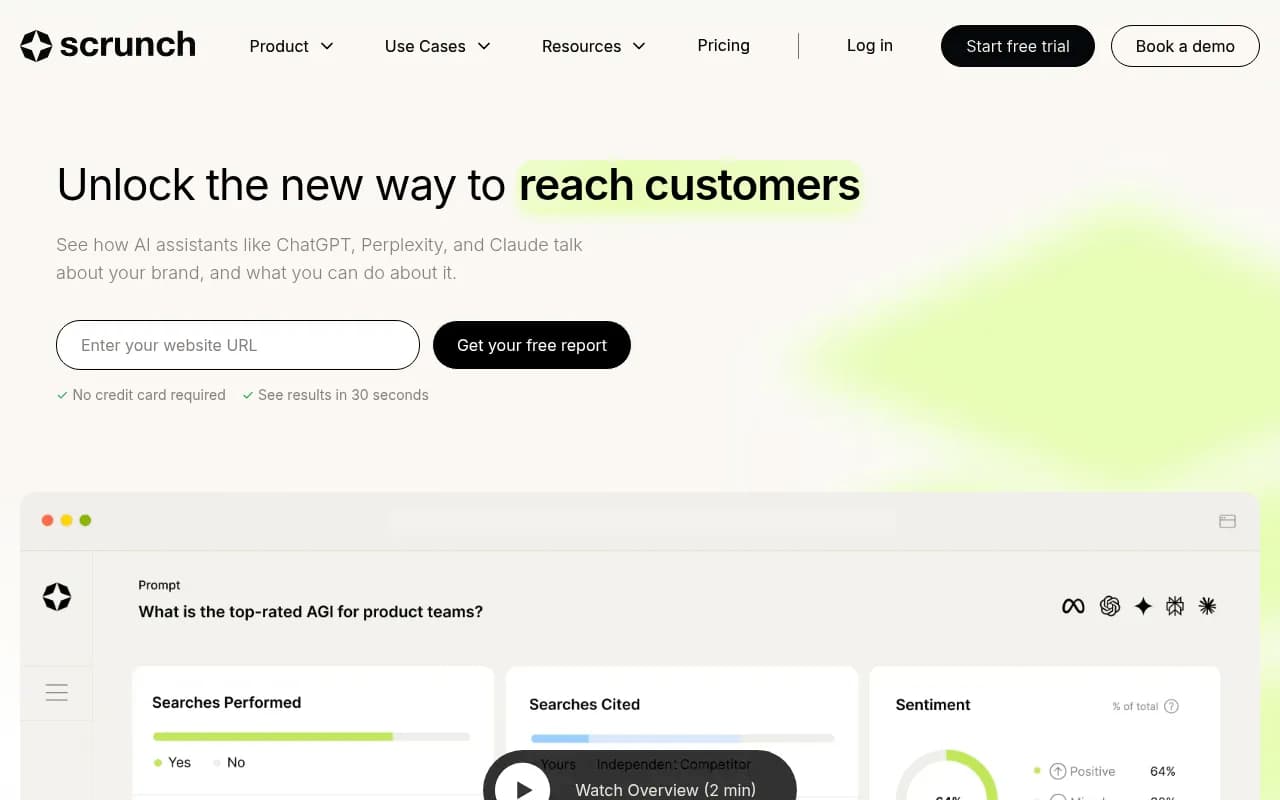
Scrunch offers similar tracking with better prompt volume data and competitor analysis. Still primarily a monitoring tool.

AthenaHQ adds citation source analysis—you can see which pages, Reddit threads, and YouTube videos AI models cite. Lacks content optimization features.
Promptwatch is the only platform that closes the loop: it shows you where you're invisible, then helps you fix it with AI-powered content generation, answer gap analysis, and page-level optimization recommendations. It also tracks AI crawler logs—real-time data on how ChatGPT, Claude, and Perplexity crawl your website.
Technical SEO: Where Desktop Still Dominates
For deep technical audits—especially on large sites—desktop tools remain unmatched.
Why Desktop Wins for Technical SEO:
-
Unlimited Crawl Depth: Cloud platforms cap crawls at 10,000-50,000 URLs. Desktop tools crawl millions of pages without throttling.
-
Custom Extraction: Screaming Frog lets you extract any data from any page using XPath or CSS selectors. Cloud platforms offer preset reports.
-
Log File Analysis: Desktop tools can process gigabytes of server logs to analyze how search engines crawl your site. Cloud platforms either don't offer this or charge extra.
-
Speed and Control: Desktop crawlers run at 10+ URLs/second. Cloud crawlers are slower to avoid overloading servers.
Best Desktop Tools for Technical SEO:
Screening Frog is the industry standard. It crawls unlimited URLs, extracts custom data, integrates with Google Analytics and Search Console, and exports to any format.
SEO PowerSuite includes WebSite Auditor for technical audits, Rank Tracker for unlimited keyword tracking, SEO SpyGlass for backlink analysis, and LinkAssistant for outreach.
Content Optimization: Cloud Platforms Pull Ahead
For content creation and optimization, cloud platforms offer AI-powered features that desktop tools cannot match.
Why Cloud Wins for Content:
-
Real-Time SERP Analysis: Cloud platforms analyze top-ranking pages in real-time and generate optimization suggestions as you write.
-
AI Writing Assistance: Platforms like Surfer SEO, Frase, and Clearscope use AI to generate outlines, suggest keywords, and even write full drafts.
-
Content Gap Analysis: Cloud platforms compare your content to competitors and identify topics, keywords, and questions you're missing.
-
GEO Optimization: Platforms like Promptwatch analyze what content AI models want to cite and help you create it.
Surfer SEO's Content Editor is the gold standard. It analyzes top-ranking pages, suggests keywords, tracks content score in real-time, and integrates with Google Docs and WordPress.
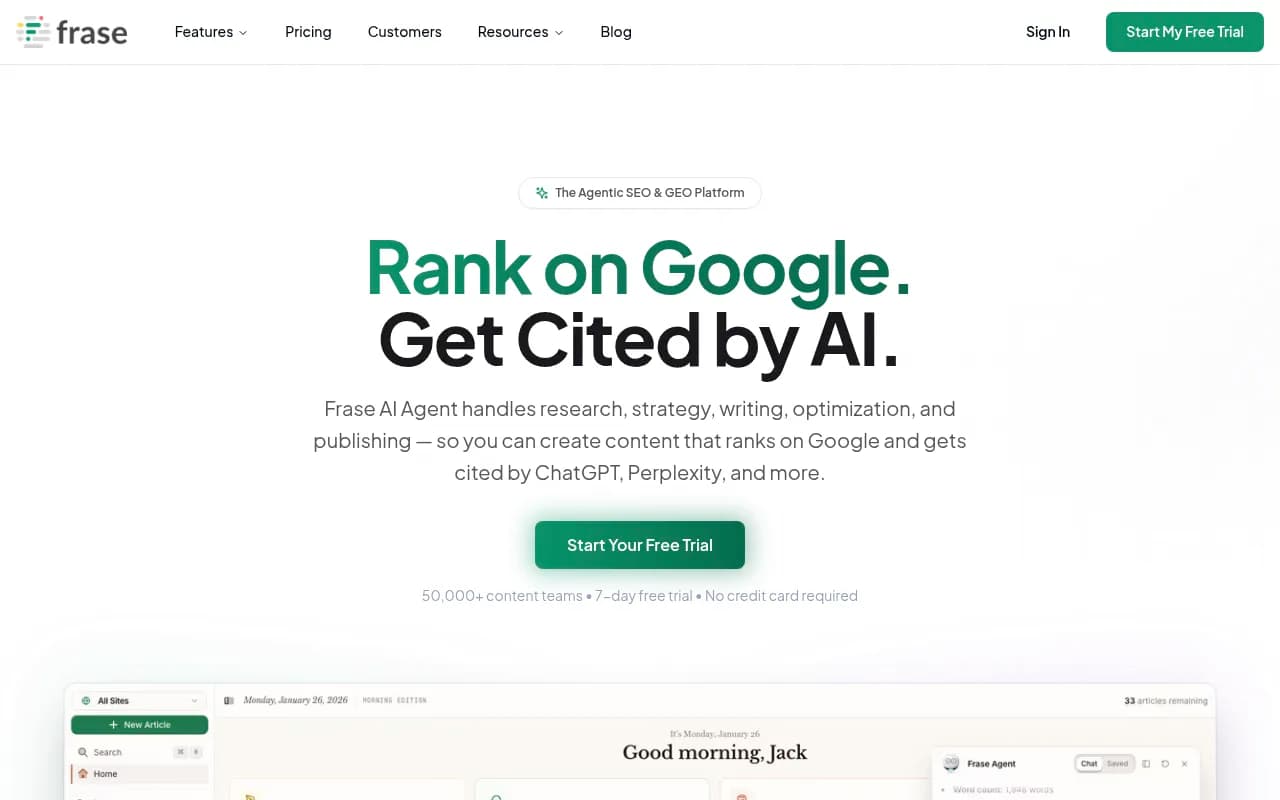
Frase combines content research, AI writing, and optimization in one platform. It's ideal for teams that need to produce high volumes of SEO-optimized content quickly.

Clearscope focuses on content quality and relevance. It's used by enterprise content teams at companies like Shopify, HubSpot, and Deloitte.
Rank Tracking: Cloud for Daily Monitoring, Desktop for Bulk
Cloud Platforms:
- Daily or on-demand rank updates
- Mobile and desktop tracking
- Local rank tracking by city or zip code
- SERP feature tracking (featured snippets, People Also Ask, etc.)
- Competitor comparison and share-of-voice analysis
Desktop Tools:
- Unlimited keyword tracking (no caps)
- One-time cost vs recurring subscription
- Slower update frequency (manual checks)
- Full control over data storage and privacy
Best Cloud Rank Trackers:
Semrush Position Tracking monitors unlimited keywords across 200+ countries, tracks SERP features, and integrates with Google Analytics and Search Console.
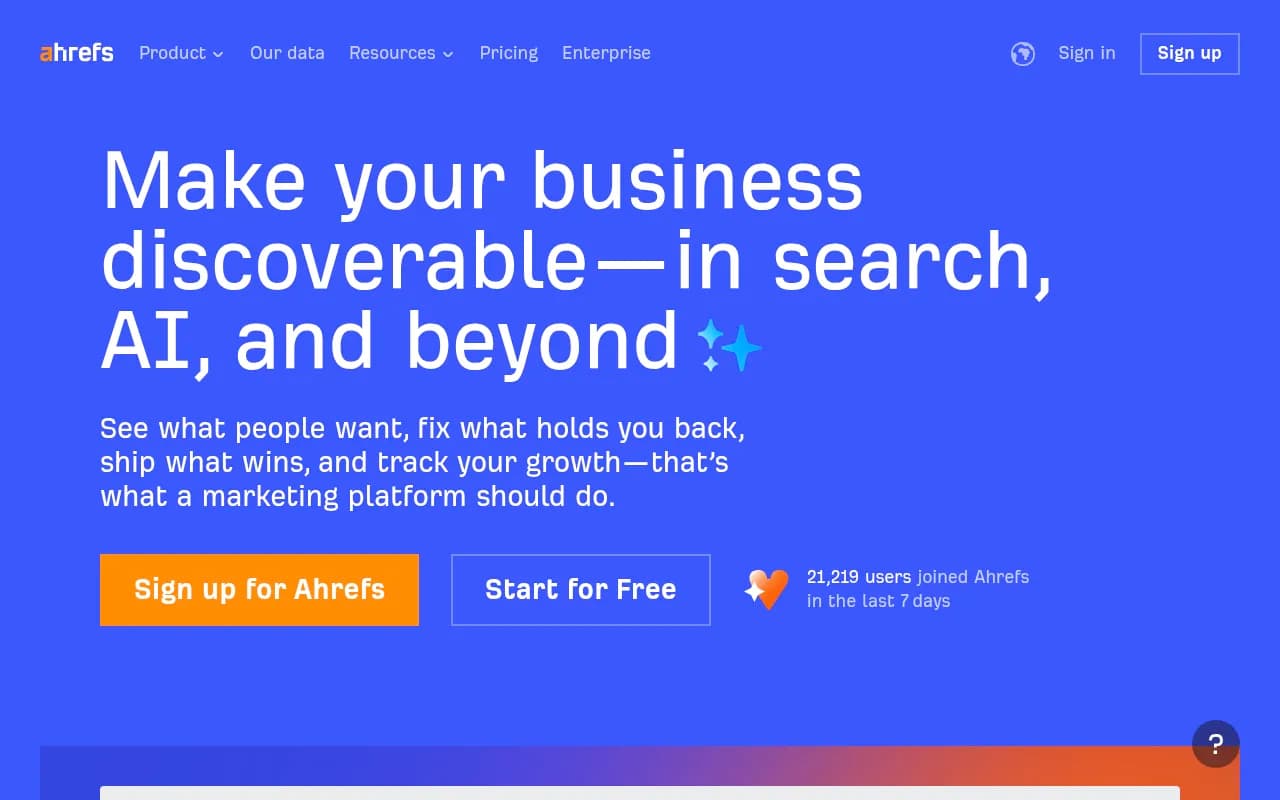
Ahrefs Rank Tracker updates daily, tracks mobile and desktop separately, and shows keyword difficulty and search volume trends.
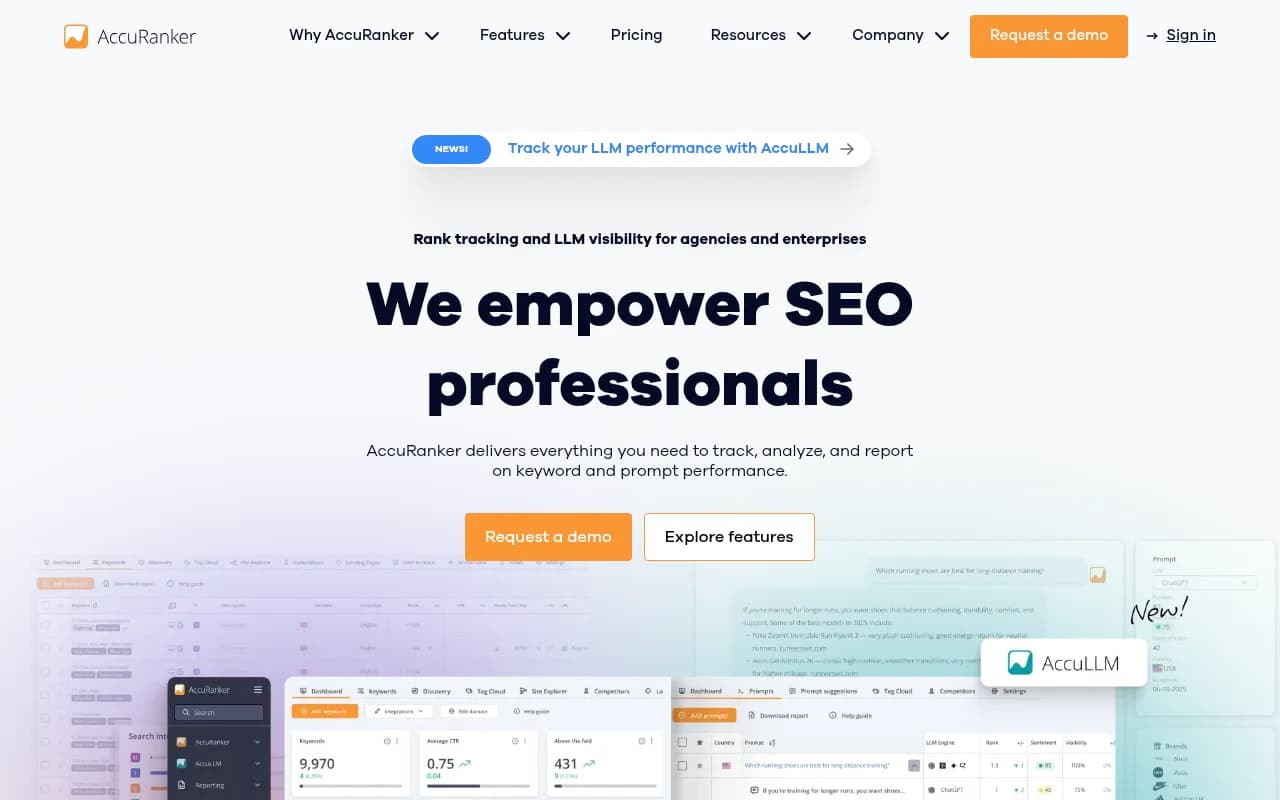
AccuRanker offers on-demand rank updates (check rankings anytime, not just daily), unlimited competitor tracking, and agency-focused reporting.
Best Desktop Rank Trackers:
SEO PowerSuite's Rank Tracker monitors unlimited keywords across 597 search engines, tracks local rankings by city, and exports to any format.
The Decision Framework: Which Approach Is Right for You?
Use this framework to decide between desktop, cloud, or hybrid:
Choose Desktop-Only If:
- You're a solo consultant or small agency (1-5 clients)
- You primarily do technical audits and don't need real-time collaboration
- You work with large sites (100,000+ pages) that exceed cloud platform limits
- You need full data control for privacy or compliance reasons
- You want predictable, one-time costs
Choose Cloud-Only If:
- You're a distributed team that needs real-time collaboration
- You prioritize AI-powered insights and automation
- You need cross-device access (work from anywhere)
- You want automatic updates and new features
- You need AI search visibility tracking (GEO/AEO)
- You work with clients who need live dashboards and reporting
Choose Hybrid If:
- You're a mid-size agency (5-20 clients) or enterprise team
- You need unlimited data processing for technical audits but also want real-time collaboration
- You want to balance cost savings with modern features
- You need both traditional SEO and AI search visibility
- You work with a mix of small and large sites
The Future: Convergence and Specialization
The desktop vs cloud debate is evolving. Desktop tools are adding cloud sync features, while cloud platforms are offering desktop apps for offline access. We're moving toward a hybrid model where the distinction matters less.
What's Coming in 2026-2027:
-
AI-Native SEO Platforms: Tools built from the ground up for GEO/AEO, not retrofitted with AI features. Promptwatch, Relixir, and Atomic AGI are early examples.
-
Unified Dashboards: Platforms that aggregate data from multiple tools (desktop and cloud) into a single reporting interface.
-
API-First Architecture: Desktop tools offering APIs so you can build custom workflows and integrations with cloud platforms.
-
Privacy-First Cloud: Cloud platforms offering on-premise or private cloud deployments for enterprises with strict data requirements.
-
Vertical-Specific Tools: SEO platforms tailored for e-commerce, SaaS, local businesses, or publishers—not generic all-in-one suites.
Final Recommendations by Business Type
Solo SEO Consultant
Recommended Stack:
- Screaming Frog ($259/year) for technical audits
- Semrush Pro ($129/month) for keyword research and rank tracking
- Promptwatch Essential ($99/month) for AI search visibility
- Total: $2,995/year
Small Agency (5-10 Clients)
Recommended Stack:
- SEO PowerSuite Business ($699 one-time) for unlimited rank tracking and backlink analysis
- Screaming Frog ($259/year) for technical audits
- Semrush Guru ($229/month) for team collaboration and reporting
- Promptwatch Professional ($249/month) for AI search visibility with content generation
- Total Year 1: $6,694 | Year 2+: $5,995
Mid-Size Agency (10-20 Clients)
Recommended Stack:
- Screaming Frog (3 licenses: $777/year) for technical audits
- SEO PowerSuite Enterprise (custom pricing ~$2,000/year) for unlimited data
- Semrush Business ($449/month) for advanced reporting and team features
- Surfer SEO Professional ($249/month) for content optimization
- Promptwatch Business ($579/month) for AI search visibility at scale
- Total Year 1: ~$18,000
Enterprise Team (20+ Clients, 5+ Team Members)
Recommended Stack:
- Screaming Frog (5+ licenses) for technical audits
- SEO PowerSuite Enterprise for unlimited data processing
- Semrush Enterprise (custom pricing) for full-team collaboration
- Surfer SEO Business ($579/month) for content at scale
- Promptwatch Business or Enterprise for AI search visibility
- Custom integrations and API access
- Total Year 1: $25,000-$50,000+
Conclusion: It's Not Either/Or—It's Strategic Allocation
The desktop vs cloud debate is a false dichotomy. The real question is: What problems are you solving, and which tools solve them most efficiently?
Desktop tools excel at unlimited data processing, one-time costs, and full control. Cloud platforms excel at collaboration, AI-powered insights, and real-time monitoring. AI search visibility—the fastest-growing area of SEO in 2026—is cloud-only.
Most sophisticated SEO teams use both: desktop tools for heavy lifting, cloud platforms for daily operations, and specialized AI search platforms like Promptwatch for GEO/AEO.
The key is avoiding tool bloat. Don't pay for overlapping features. Build a stack that aligns with your workflow, team size, and client needs—then optimize costs annually as your business evolves.
In 2026, the winning strategy isn't choosing between desktop and cloud. It's choosing the right tool for each job, integrating them intelligently, and staying ahead of the AI search revolution that's reshaping how users find information.