Key takeaways
- Buffer's free plan (3 channels, 10 queued posts per channel) is still the most usable all-around free tier in 2026, and the cap refills as posts publish rather than resetting monthly
- Metricool and Publer are solid alternatives if you need more platforms covered, but each trades away something: Metricool blocks LinkedIn and X on free, Publer wipes your post history after 24 hours
- Hootsuite dropped its free plan back in 2023 and now starts at $99/user/month, so don't go looking for a free tier there
- Native schedulers built into Meta Business Suite, LinkedIn, and X are completely free with no post caps, and pairing one with a third-party tool covers most small businesses' needs
- Every free plan is designed to hit a wall once you grow past one brand or a handful of channels, so pick based on which wall you're least likely to hit first
Why free still works in 2026
I'll be honest, when I started looking into this, I expected most of these "free plans" to be thinly disguised 14-day trials. Some are. Hootsuite flat out killed its free tier in March 2023 and now wants $99 a month per user just to get in the door. Later, depending on which page you land on, might not have a free plan at all anymore either (more on that mess below).
But a handful of tools still give away something genuinely usable, not just a teaser. If you're a solo creator, a side-hustle brand, or a small business posting to two or three platforms a week, you can probably run your entire content calendar on $0 for a long time. The trick is knowing exactly where each free plan caps out, because every single one of them caps out somewhere.
The free plans that are actually worth your time
Buffer: the most balanced free option
Buffer's free plan connects 3 channels and lets you queue 10 scheduled posts per channel at a time. That sounds small, but it's a rolling queue, not a monthly allowance: once a scheduled post publishes, that slot opens back up. So if you're posting a couple times a week per channel, you can realistically publish well past 10 posts a month without ever paying.
What's genuinely good on the free tier: unlimited use of Buffer's AI Assistant for caption writing (text only, no images or video), a shared team inbox, 30 days of analytics history, and support for all 11 networks Buffer connects to, including Bluesky, Threads, Mastodon, TikTok, and YouTube. There's also a Start Page for a link-in-bio setup, though that eats one of your three channel slots.
The catch nobody mentions upfront: Buffer caps you at 8 unique channel connections for the lifetime of a free account. Swap out a channel here and there and you'll eventually hit that ceiling even if you never exceed 3 active connections at once. And if you post daily rather than a few times a week, you'll find yourself manually refilling the queue mid-week, which defeats half the point of scheduling in the first place.
Metricool: generous post count, missing two big platforms
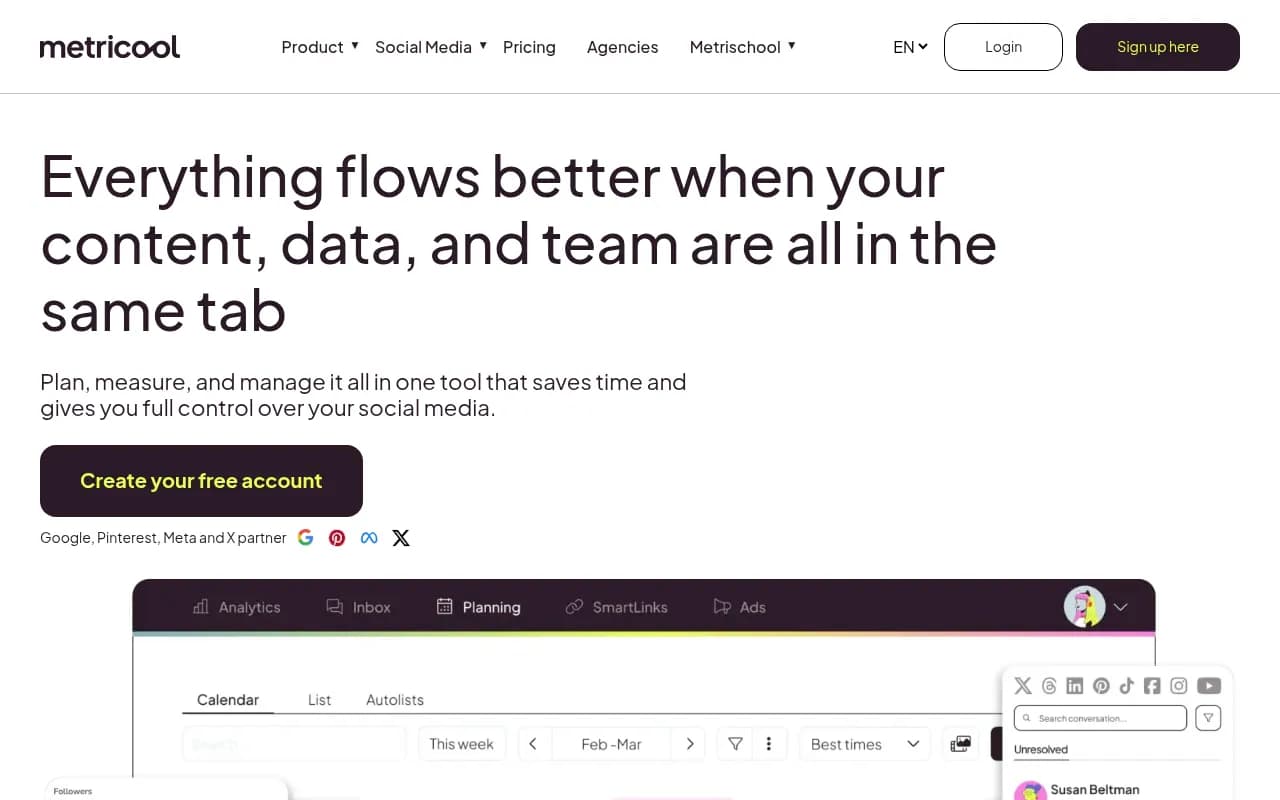
Metricool's free plan gives you 1 brand and 20 scheduled posts per month, plus 30 days of analytics (watermarked) and 5 fixed competitor profiles across Facebook, Instagram, Bluesky, and Twitch. For a single-brand setup, 20 posts a month is actually more generous than it sounds, roughly 5 posts a week.
The real limitation is network coverage. You cannot connect LinkedIn at all on the free plan, and X/Twitter is only available as a paid add-on. If your content strategy leans on either of those, Metricool's free tier isn't going to cut it no matter how many posts you have left. There's also no Canva integration, no hashtag finder, and no post library on free, all of which show up once you move to the Starter plan at roughly $25/month.
Publer: widest platform spread, shortest memory
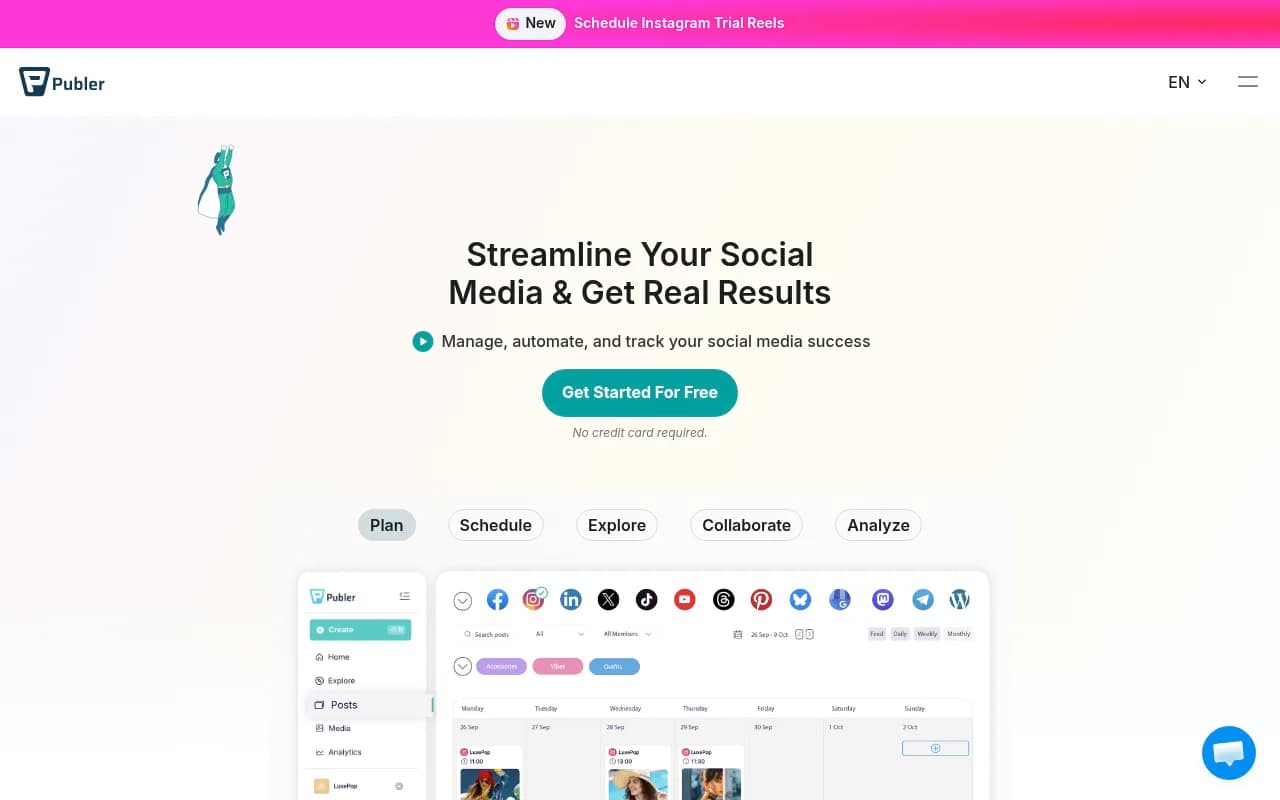
Publer covers 3 social accounts on its free plan (notably excluding X/Twitter) with 10 scheduled posts per account at a time, for 30 slots total. It's free forever, no expiration clock ticking down.
What stands out is how much functionality Publer packs into free: Canva integration, a built-in photo editor, a link-in-bio tool called Linkie, link shortening with UTM tagging, and a browser extension for grabbing content to schedule later. For a free tool, that's a surprisingly complete toolkit.
The tradeoff is analytics, or rather the lack of them. Publer's free plan has no analytics whatsoever, and published post history disappears after just 24 hours. If you want to look back at what you posted last week, you can't, at least not inside Publer.
Later: check before you commit
Here's where things get murky. Later's current pricing page shows no free plan at all, just a 14-day trial followed by a Starter plan at $18.75/month (with a promo). Buffer's own 2026 comparison agrees, listing Later as "no free plan, 14-day trial, then $25/mo."
Yet several third-party roundups still describe a Later free tier with roughly 30 posts a month and watermarked analytics. That's either stale information that hasn't been updated, or a regional variation that's since disappeared. Either way, don't plan around a Later free plan without checking the pricing page yourself the day you sign up. If you specifically want Instagram grid previews and Later does still offer something free in your region, it's worth it for that feature alone. Otherwise, treat it as a paid tool.
Pallyy: lean but functional for one account each
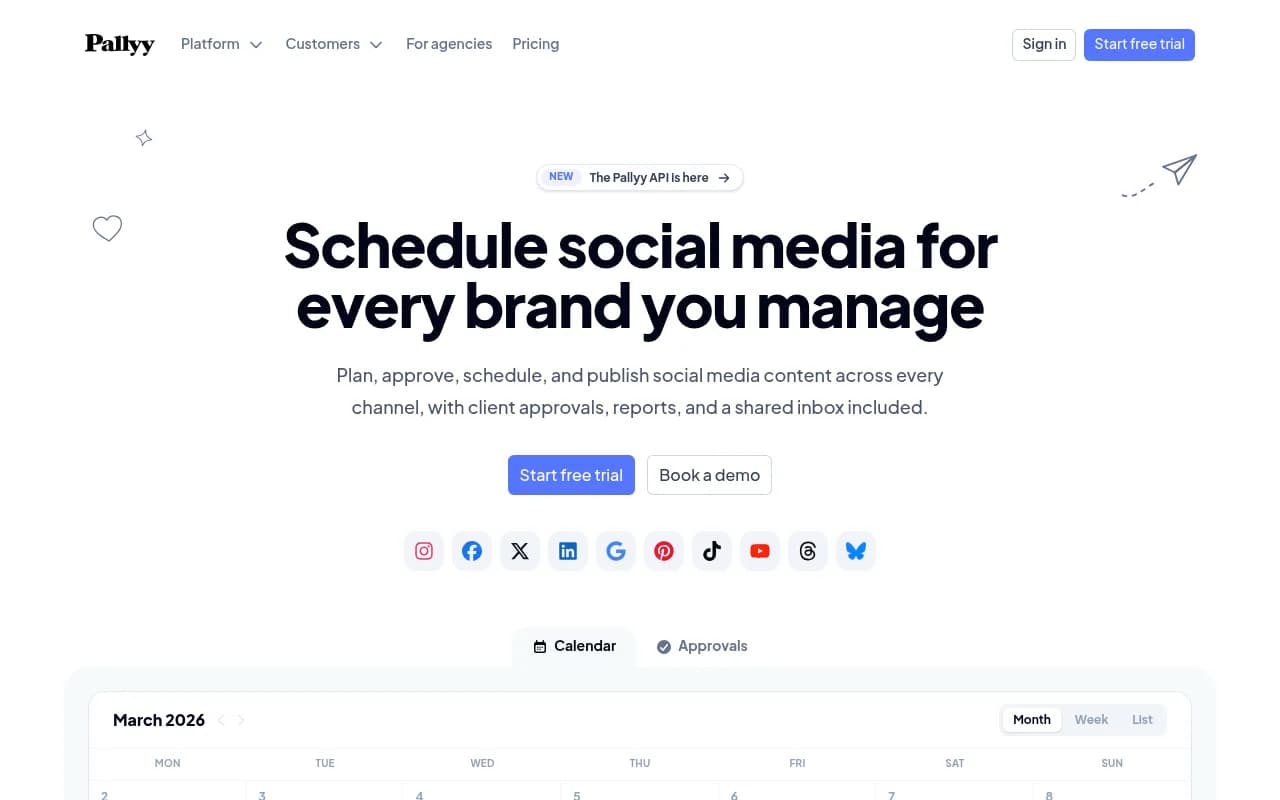
Pallyy's free plan gives you 1 social set covering up to 11 accounts, 15 scheduled posts per month, and 200MB of media storage (10MB max file size). It also tracks exactly 1 competitor and doesn't let you hide Pallyy's branding on your link-in-bio page. Fine for testing the waters, tight once you're actually running a content calendar.
Planable: free, but it's a lifetime cap not a monthly one
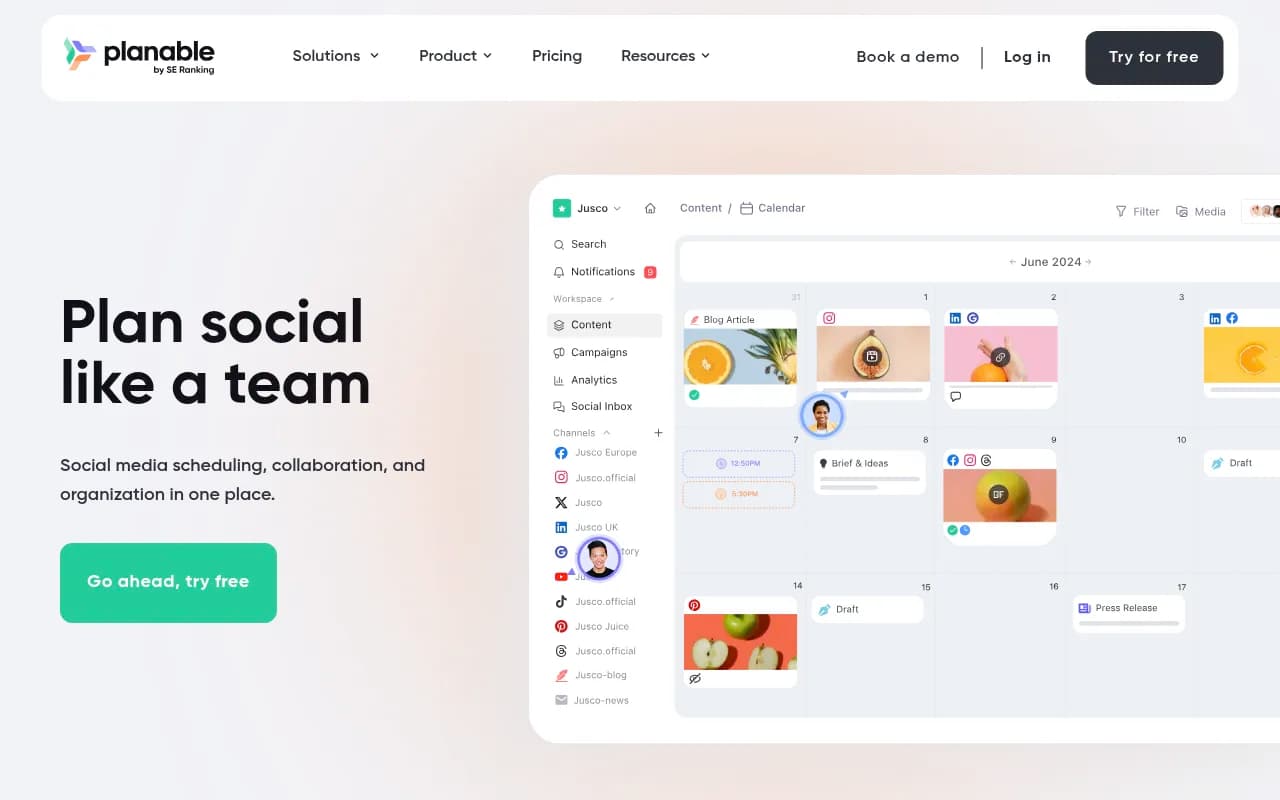
Planable's free plan is unusual: you get 50 total posts, period, not per month. That count doesn't reset even if you delete old posts. Everything else, unlimited team members and full feature access, is included, which makes Planable a decent fit for a short campaign or a very small, low-frequency account, but a bad fit for ongoing daily posting since you'll burn through 50 posts fast.
Hootsuite and CoSchedule: know what you're actually getting
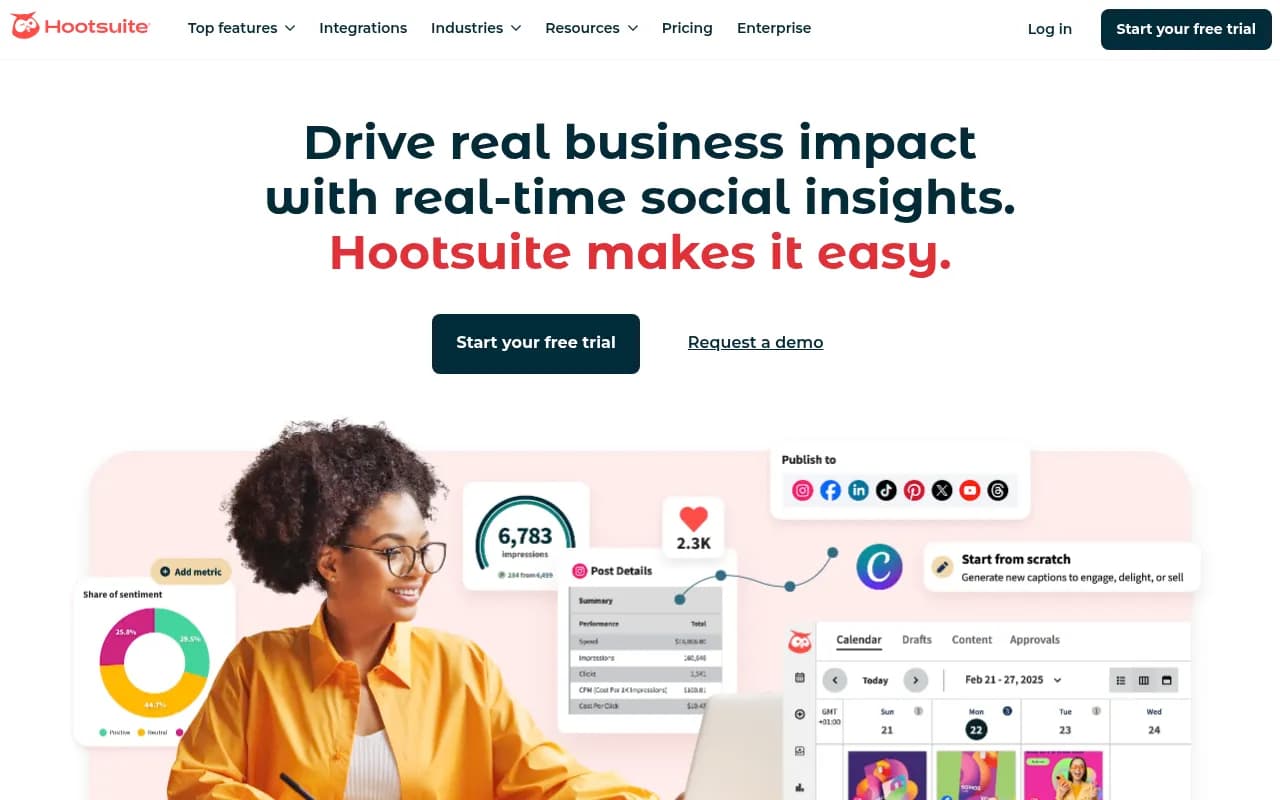
Hootsuite doesn't have a free plan anymore, full stop. It discontinued it in March 2023, and pricing now starts at $99/user/month for Standard and climbs to $249/user/month for Advanced. If you see Hootsuite described as free anywhere in 2026, that information is out of date.
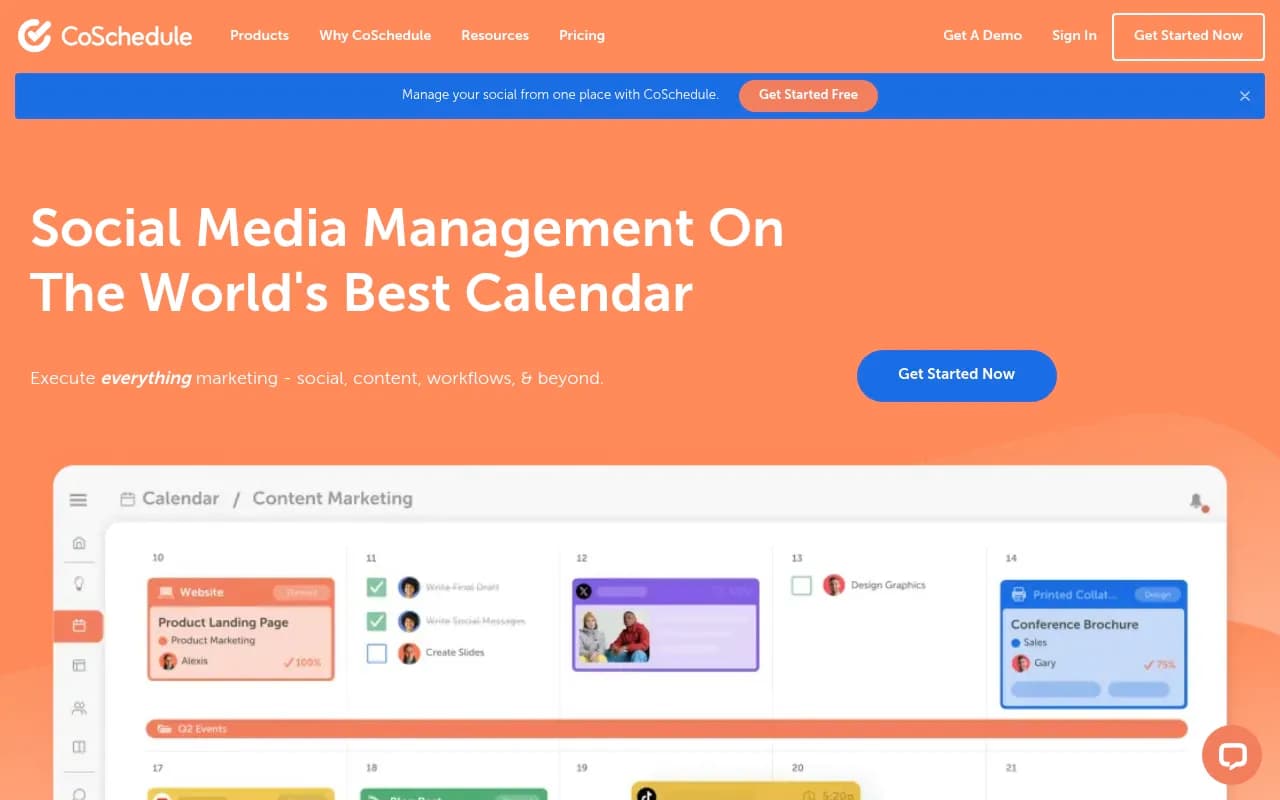
CoSchedule markets a free marketing calendar, but X/Twitter scheduling is gated behind an $8/month per-profile add-on even on the "free" tier, so read the fine print before assuming it covers everything.
Don't overlook the native schedulers
This is the part most comparison posts skip, and it's probably the most useful tip in this whole guide: the platforms themselves give away scheduling for free, with no post caps.
- Meta Business Suite is completely free, with no post or channel limit for Facebook Pages and Instagram Business accounts, bulk CSV upload for up to 100 scheduled posts at once, and AI-suggested posting times based on your own engagement history. It doesn't cover Facebook Groups or personal profiles, and it only works for Meta properties, but for those two platforms it's hard to beat.
- LinkedIn's native scheduler is built right into the compose box, unlimited, and requires no third-party app at all.
- X's native scheduler works the same way, built into the composer with no meaningful limit reported.
- Pinterest's business scheduler lets you queue roughly 10 pins at a time, up to 30 days out.
- TikTok's native desktop scheduler (business accounts only) has a notably short scheduling window of 15 minutes to 10 days out, which is easy to get caught out by if you're used to scheduling weeks ahead on other platforms.
Native tools have one underrated advantage: they never break when a third-party app's API access gets revoked or rate-limited, and there's no third-party data sharing involved. A common setup I've seen recommended is Meta Business Suite for Facebook and Instagram, paired with a free Buffer or Publer account for whatever else you post to, like LinkedIn or TikTok.
Comparison table: free tiers side by side
| Tool | Channels/brands | Post limit | Missing on free | Best for |
|---|---|---|---|---|
| Buffer | 3 channels (8 lifetime connections) | 10 queued per channel, refills on publish | Approval workflows, first-comment scheduling | Solo creators on 2-3 channels |
| Metricool | 1 brand | 20 posts/month | LinkedIn, X (paid add-on only) | Single-brand, Meta/TikTok-heavy accounts |
| Publer | 3 accounts (no X) | 10 posts/account at a time | Analytics, post history beyond 24 hrs | Widest free platform spread |
| Later | Unclear/trial only | 14-day trial, no confirmed free plan | Varies, verify before signing up | Visual Instagram grid planning, if available |
| Pallyy | 1 social set, 11 accounts | 15 posts/month | Branding removal, multiple competitors | Very light posting cadence |
| Planable | Unlimited users | 50 posts, lifetime (not monthly) | Post renewal once cap hit | Short campaigns, low-volume teams |
| Hootsuite | None (no free plan) | n/a, 30-day trial only | Everything, trial requires card | Not recommended if budget is zero |
| Meta Business Suite | Facebook + Instagram only | No cap | Any non-Meta platform | Facebook/Instagram-only businesses |
The mistakes that undo a free plan
A few things come up over and over in how people misuse these free tools, free or paid doesn't really matter here:
- Treating scheduling as a reason to disappear entirely from the platform. Queued posts don't reply to comments or DMs, and ignoring that engagement defeats half the reason to be on social media.
- Copy-pasting the same caption across every network instead of adjusting for how each platform's audience actually reads content. What lands on LinkedIn rarely lands the same way on TikTok.
- Never checking the analytics you do have access to. Even Buffer's 30-day window on free is enough to spot which days or formats are working, but only if you actually look.
When it's time to pay
Every free plan here is built to convert you once your business outgrows a single brand or a small handful of channels, and that's by design, not an accident. The moment you need approval workflows, more than 3-4 connected profiles, longer analytics history, or a second brand inside the same account, you're going to hit a wall on all of these. Buffer's Essentials tier runs $6 per channel per month, which stays affordable even as you scale, while Metricool's Starter plan jumps to around $25/month in one move.
If you're running a solo account or a very small business, start with Buffer or a native scheduler, see exactly where the free cap pinches you, and upgrade only that specific thing rather than jumping to an all-in-one platform you don't need yet. For broader research on scheduling and content tools beyond what's covered here, the software directory at surferstack.com is worth a browse before you commit a budget line to anything.
None of these free tiers are going to carry a growing agency or a multi-brand operation indefinitely. But for testing a workflow, validating that you'll actually stick with a posting schedule, or running a single small account, they'll get you a lot further in 2026 than most people assume before they even try.