Key takeaways
- Promptwatch exposes an MCP (Model Context Protocol) server that lets agencies connect their AI agents, reporting tools, and automation workflows directly to live AI visibility data
- Instead of logging into dashboards and manually pulling screenshots, agencies can schedule automated reports that surface citation drops, competitor gains, and content gaps
- The real value isn't just the report -- it's the action loop: MCP lets you pull the gap data and feed it straight into a content generation step, all in one workflow
- Agencies running 10+ client accounts report the biggest time savings, since the setup cost is fixed but the per-client overhead drops to near zero
- This only works well if you've already done the foundational work: prompt lists, competitor sets, and baseline visibility scores configured in Promptwatch
Why agencies started caring about MCP in 2026
For most of 2024 and 2025, AI visibility reporting was a manual slog. Someone on the team would log into a monitoring tool, screenshot the brand mention rates, export a CSV, paste numbers into a slide deck, and email it to the client. Every two weeks. For every client. It was the kind of work that looks like it takes ten minutes but actually eats half a day once you account for context-switching.
MCP changed the economics of that problem.
The Model Context Protocol -- originally developed by Anthropic and now an open standard -- is essentially a structured JSON-based communication layer that lets AI agents and automation tools talk directly to external data sources. Instead of a human pulling data from a dashboard, an AI agent can call an MCP server, get structured results back, and use those results to do something: write a summary, flag an anomaly, trigger a content brief, or send a Slack message.
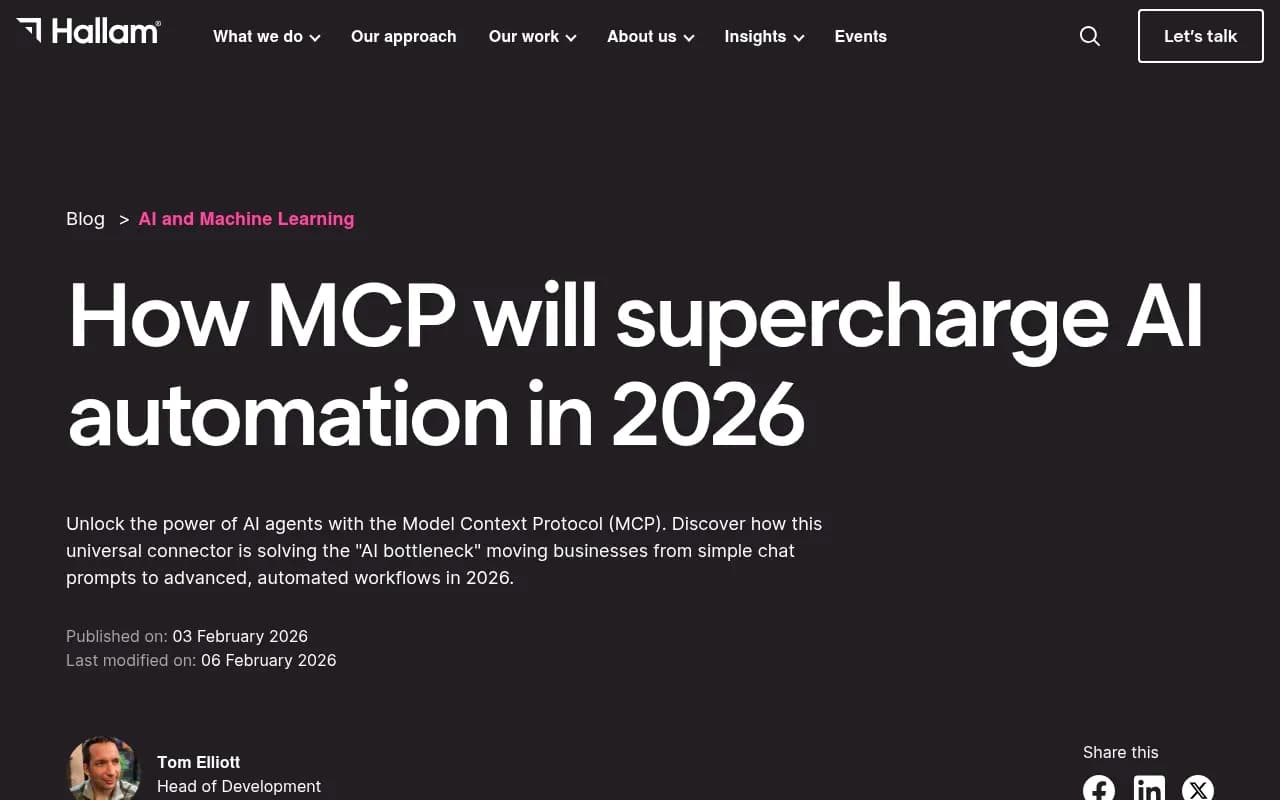
As Hallam Agency put it in their 2026 analysis, the bottleneck in AI automation was never the model's capability -- it was getting models to communicate with the rest of the business. MCP solves that by giving tools a standard interface to expose their data and actions.
Promptwatch built an MCP server on top of its platform, which means any MCP-compatible AI agent or workflow tool can now query Promptwatch data directly. That's the foundation everything else in this guide builds on.

What Promptwatch's MCP server actually exposes
Before getting into agency workflows, it's worth being concrete about what data is available through the MCP connection. The Promptwatch MCP server exposes:
- Brand visibility scores per AI model (ChatGPT, Perplexity, Claude, Gemini, Google AI Overviews, and more)
- Citation counts and citation share vs. competitors for any tracked prompt
- Answer Gap Analysis results -- the specific prompts where competitors appear but you don't
- Page-level citation data -- which URLs are being cited, by which models, and how often
- AI crawler log activity -- when GPTBot, ClaudeBot, or PerplexityBot last crawled specific pages
- Prompt volume and difficulty scores
- Week-over-week and month-over-month visibility trend data
That's a lot of structured data that previously required a human to navigate a UI to retrieve. With MCP, an agent can pull all of it in a single workflow run.
The three workflows agencies are actually running
1. Automated weekly visibility reports
This is the most common use case and the easiest to set up. The workflow looks like this:
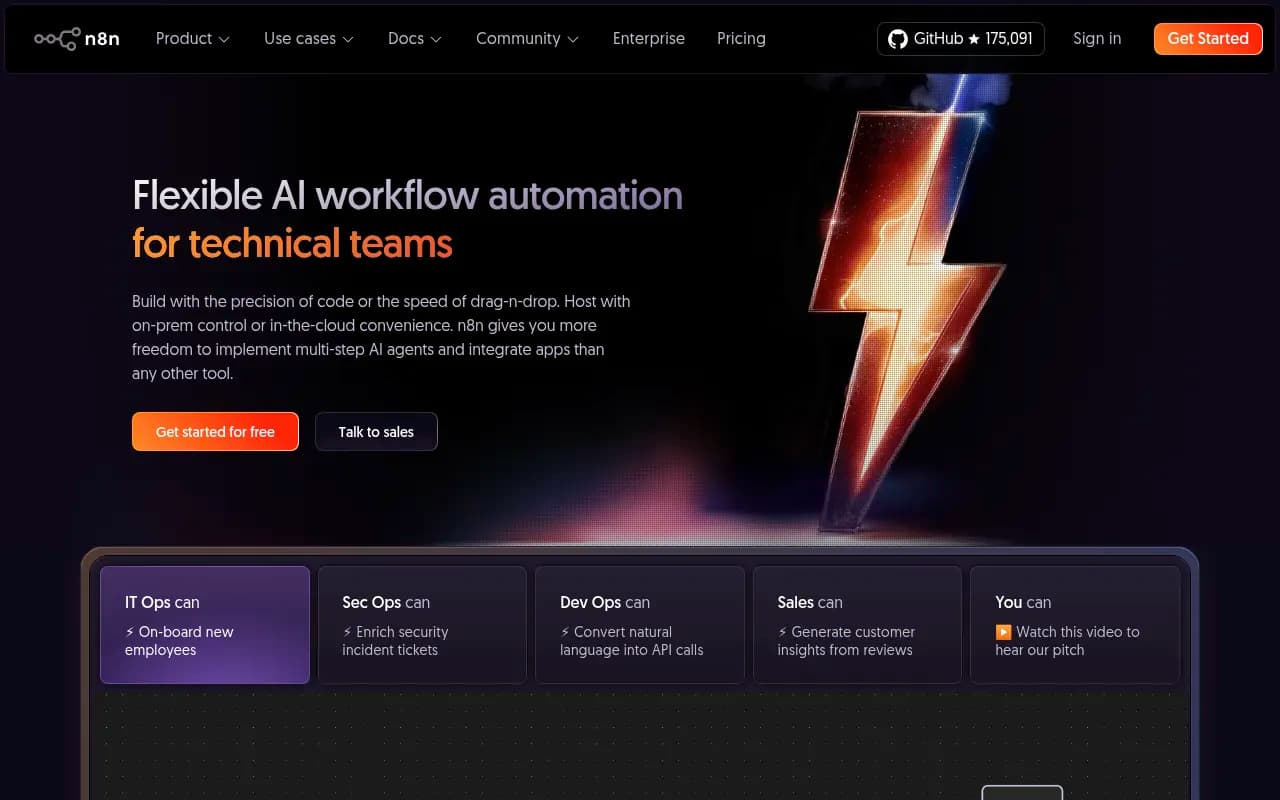
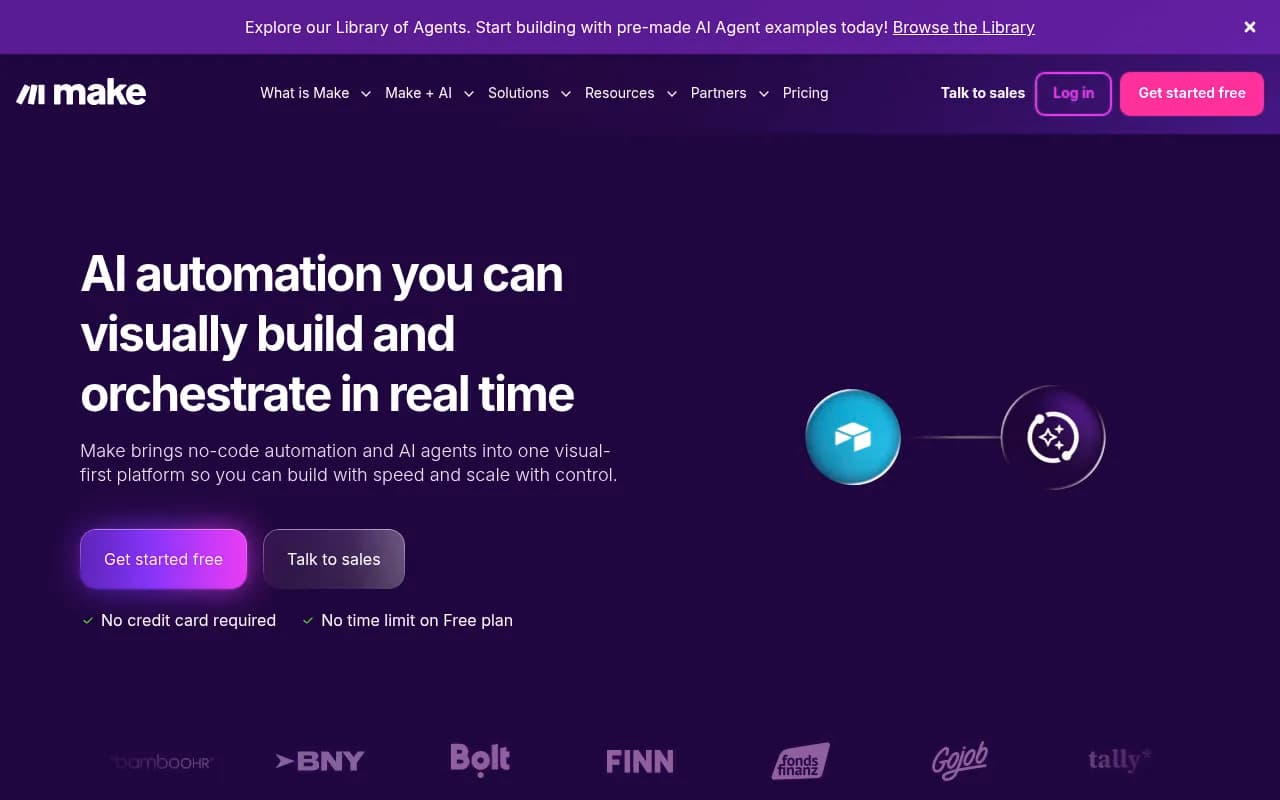
- A scheduled trigger fires every Monday morning (via n8n, Make, or Zapier)
- The agent calls the Promptwatch MCP server and pulls visibility scores for each client's tracked prompts
- It compares this week's scores to last week's baseline
- Any prompt where visibility dropped more than a defined threshold gets flagged
- The agent generates a plain-language summary: "Your brand appeared in 34% of ChatGPT responses for 'best project management software for agencies' this week, down from 41% last week. Three competitors gained ground: [X], [Y], [Z]."
- That summary gets formatted into a report and delivered via email or Slack
The key thing here is that the report isn't just numbers -- it's interpreted. The agent can be prompted to explain what the changes mean and suggest what to look at next. That's the difference between a data dump and something a client actually reads.

2. Gap-to-content pipeline
This is where things get genuinely interesting. The answer gap analysis in Promptwatch identifies prompts where competitors are visible but the client isn't. Historically, an agency analyst would review that list, pick the highest-priority gaps, and write a content brief. That's now automatable.
The workflow:
- Agent pulls Answer Gap Analysis results from Promptwatch MCP
- Filters gaps by prompt volume (prioritizing high-traffic prompts) and difficulty score
- For the top 3-5 gaps, it generates a content brief using Promptwatch's built-in AI writing agent -- or passes the gap data to an external writing tool
- Briefs land in a project management tool or content queue for human review before publishing
The human review step matters. Agencies that skipped it ended up with content that was technically on-topic but missed the client's voice or made claims that needed fact-checking. The automation handles the research and structure; a human does a 15-minute review before anything goes live.
3. Anomaly detection and client alerts
Not every workflow needs to run on a schedule. Some agencies have set up event-driven triggers: if a client's visibility score drops more than 10% in a single day, an alert fires immediately.
This is particularly useful for clients in competitive categories -- software, finance, travel -- where a competitor publishing a well-cited piece can shift AI recommendations quickly. Catching it fast means the agency can respond fast.
The alert workflow typically:
- Checks Promptwatch data daily (or even twice daily for high-priority clients)
- Compares current scores to a rolling 7-day average
- If a threshold is breached, sends a Slack message to the account manager with the specific prompts affected and which competitors gained
- Account manager reviews and decides whether to escalate to a content response
Setting this up: what you need before you start
A few things need to be in place before the MCP automation is worth building.
First, your Promptwatch account needs to be properly configured. That means a solid prompt list (the specific questions and queries you want to track), a defined competitor set, and at least 4-6 weeks of baseline data. Without a baseline, trend comparisons are meaningless.
Second, you need an MCP-compatible orchestration layer. The most common choices agencies use:
- n8n (open-source, self-hostable, good for agencies that want full control)
- Make (formerly Integromat) -- visual, easier to set up, good for teams without developers
- Zapier -- the simplest option but less flexible for complex multi-step workflows
Third, you need to decide what the output looks like. A Google Doc? A Slack message? A slide deck? An email? The MCP gives you the data; you still need to design the presentation layer.
Comparison: manual reporting vs. MCP-automated reporting
| Dimension | Manual reporting | MCP-automated reporting |
|---|---|---|
| Time per client per month | 3-5 hours | 15-30 minutes (review only) |
| Scalability | Degrades with each new client | Near-linear scaling |
| Consistency | Depends on analyst | Identical format every time |
| Speed of anomaly detection | Next scheduled report | Same day or faster |
| Gap-to-content pipeline | Manual handoff | Automated brief generation |
| Setup cost | None | 4-8 hours initial configuration |
| Requires developer? | No | Depends on tool (n8n: yes; Make/Zapier: no) |
The math is pretty clear for agencies running more than five clients. The setup investment pays back within the first month.
What agencies are reporting in 2026
Based on publicly available case studies and agency commentary (including a piece from The Pilot News covering eight agencies working in AI brand visibility optimization in 2026), a few patterns stand out:
Agencies that tied reporting to outcomes -- not just metrics -- retained clients longer. Showing a client that their visibility score went from 28% to 41% on a high-volume prompt is good. Showing them that this corresponded to a measurable increase in AI-referred traffic is better. Promptwatch's traffic attribution (via code snippet, GSC integration, or server log analysis) makes that second step possible.
Agencies also found that framing AI visibility as a share-of-voice metric resonated better with clients than technical explanations of citation rates. "You appear in 3 out of 10 ChatGPT responses for your category. Your top competitor appears in 7 out of 10. Here's the gap and here's the plan" is a sentence any CMO understands.
The agencies seeing the best results weren't just automating reports -- they were using the automated data to drive a content calendar. Every month, the gap analysis surfaces new opportunities. Every month, content gets created to address those gaps. Every quarter, the visibility scores move.
The limits of automation (and where humans still matter)
MCP automation handles the data retrieval, comparison, and initial interpretation well. It doesn't handle:
- Client relationship context. An automated report doesn't know that the client just launched a rebrand and some visibility changes are expected.
- Editorial judgment. The gap analysis might surface a prompt that's technically high-volume but irrelevant to the client's actual business.
- Strategic pivots. If a client's category is shifting -- say, a new competitor enters with a lot of AI-cited content -- a human needs to reassess the prompt list and strategy, not just respond to the data.
The agencies doing this well treat automation as a way to free up analyst time for those judgment calls, not as a replacement for them.
Getting started: a practical checklist
If you're an agency that wants to build this out, here's a reasonable sequence:
- Set up Promptwatch properly for 2-3 pilot clients. Get the prompt lists right, configure competitors, let baseline data accumulate.
- Connect Promptwatch's MCP server to your orchestration tool of choice (n8n, Make, or Zapier).
- Build the weekly report workflow first -- it's the most straightforward and gives you something to show clients quickly.
- Add anomaly detection once the weekly workflow is stable.
- Pilot the gap-to-content pipeline with one client before rolling it out broadly.
- Review the first month of automated reports manually to catch any formatting or interpretation issues before clients see them.
The whole setup, done carefully, takes about two to three weeks from first configuration to first automated client report.
A note on the broader MCP ecosystem
Promptwatch isn't the only tool building MCP servers, and agencies that invest in MCP infrastructure now will find it increasingly useful as more tools adopt the standard. The pattern -- connect data sources via MCP, orchestrate with an agent, produce structured outputs -- applies to SEO rank tracking, CRM data, analytics platforms, and more.
For AI visibility specifically, though, the data quality matters enormously. An MCP connection is only as useful as the underlying data it exposes. Promptwatch's dataset -- over 1.1 billion citations, clicks, and prompts processed -- is what makes the automated reports worth reading. A thinner dataset would produce reports that look automated because they'd lack the specificity to be actionable.
That's the real reason this workflow is worth building: not because automation is inherently good, but because the combination of rich, real-time AI visibility data and automated delivery means clients get better information faster, and agencies spend less time on the retrieval work that doesn't require human judgment.
The agencies that figure this out in 2026 will have a structural advantage over those still building slide decks by hand.