Key takeaways
- AI models like ChatGPT respond differently depending on the city or region a user is searching from -- your visibility in Austin doesn't tell you anything about your visibility in Denver.
- Effective local AI tracking requires location-specific prompts, not generic brand queries.
- The biggest mistake multi-location brands make is treating AI visibility as a single number rather than a per-market metric.
- Local schema, location-specific content pages, and citation sources (like local directories and review platforms) are the main levers you can pull.
- Tools like Promptwatch support state/city-level tracking, which is what you actually need for this kind of setup -- not just national-level monitoring.
Why city-level AI tracking is different from traditional local SEO
Traditional local SEO had a clean mental model: you rank in Google Maps for your city, you win local customers. The signals were well-understood -- Google Business Profile, citations, reviews, proximity.
AI search doesn't work that way. When someone in Chicago asks ChatGPT "what's the best HVAC company near me," the model isn't pulling from a real-time location database. It's drawing on training data, web crawls, and in some cases live search integrations -- and the quality of that response depends heavily on what content exists about your business in that city specifically.
This creates a problem for multi-location businesses. You might have 40 locations across the US, but if ChatGPT only "knows" about your flagship location in Dallas, you're invisible everywhere else. And the only way to find out is to actually test it, city by city.
That's what this guide is about.
Step 1: Map your locations to prompt templates
Before you track anything, you need a prompt framework. The goal is to simulate how real customers in each city would actually ask AI for help.
There are three types of prompts worth building:
Category prompts -- "What are the best [service category] companies in [city]?" These are the highest-volume queries. Someone who doesn't know your brand yet is asking for recommendations.
Problem-based prompts -- "My [problem] in [city], who should I call?" These tend to be more conversion-ready. The person has a specific need, not just a category interest.
Comparison prompts -- "Is [your brand] or [competitor] better for [service] in [city]?" These matter more as your brand grows. If someone is already comparing you, you want to know what AI says.
For a business with 10 locations, you might end up with 30-50 core prompts per city. That scales quickly -- 10 cities × 40 prompts = 400 prompts to track. This is why having a tool that handles this at scale matters. Manual testing in ChatGPT every week isn't sustainable.
Step 2: Choose your tracking setup
There are a few different approaches depending on your budget and team size.
Manual testing (not recommended at scale)
You can open ChatGPT, set your location context in the prompt ("I'm in Denver, Colorado"), and run your prompts manually. This works for an initial audit but falls apart quickly. You can't track changes over time, you can't compare across 10+ cities, and you have no data to act on.
Dedicated AI visibility tools
This is where most multi-location teams should start. Tools in this space vary a lot in how well they handle local/city-level tracking specifically.
Promptwatch is one of the few platforms that explicitly supports state and city-level tracking -- it's available on the Professional plan and above. You can set up location-specific personas that simulate queries from a particular city, which is closer to how real users actually prompt.

For local-specific tracking, a few other tools are worth knowing about:
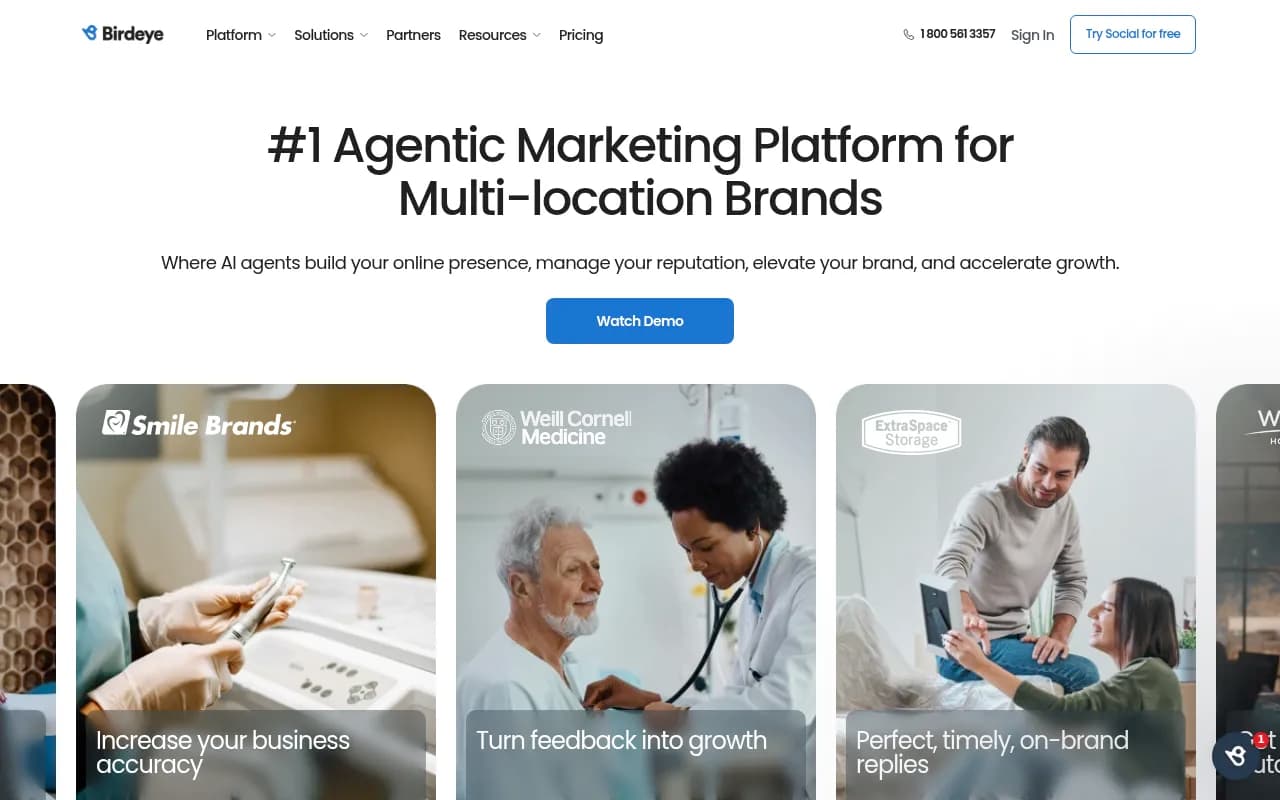
Birdeye has built out AI visibility features specifically for local businesses, including monitoring how AI models surface business information for location-based queries. It's particularly useful if you're already using Birdeye for reviews and reputation management.
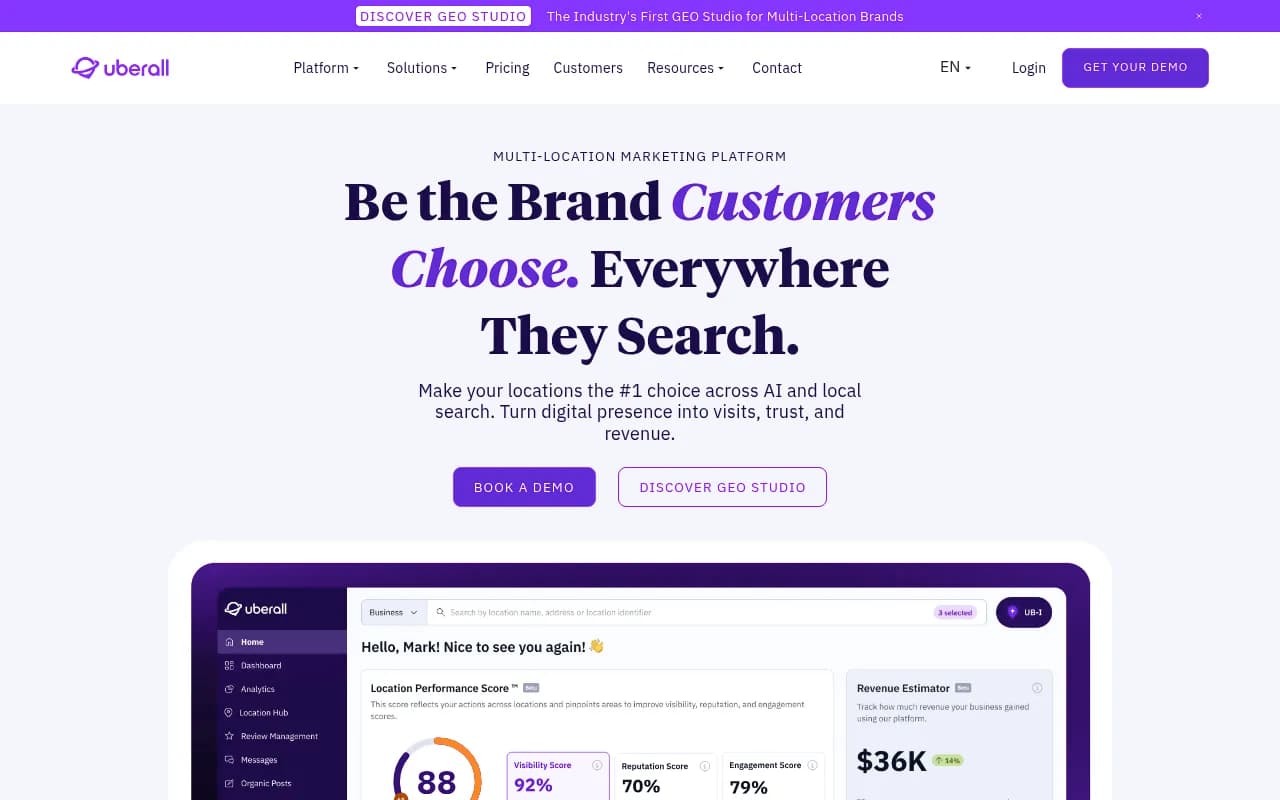
Uberall has an AI Visibility Grader designed for multi-location brands. It's more focused on the listing/data accuracy side of the equation -- making sure the information AI models pull about your locations is correct.
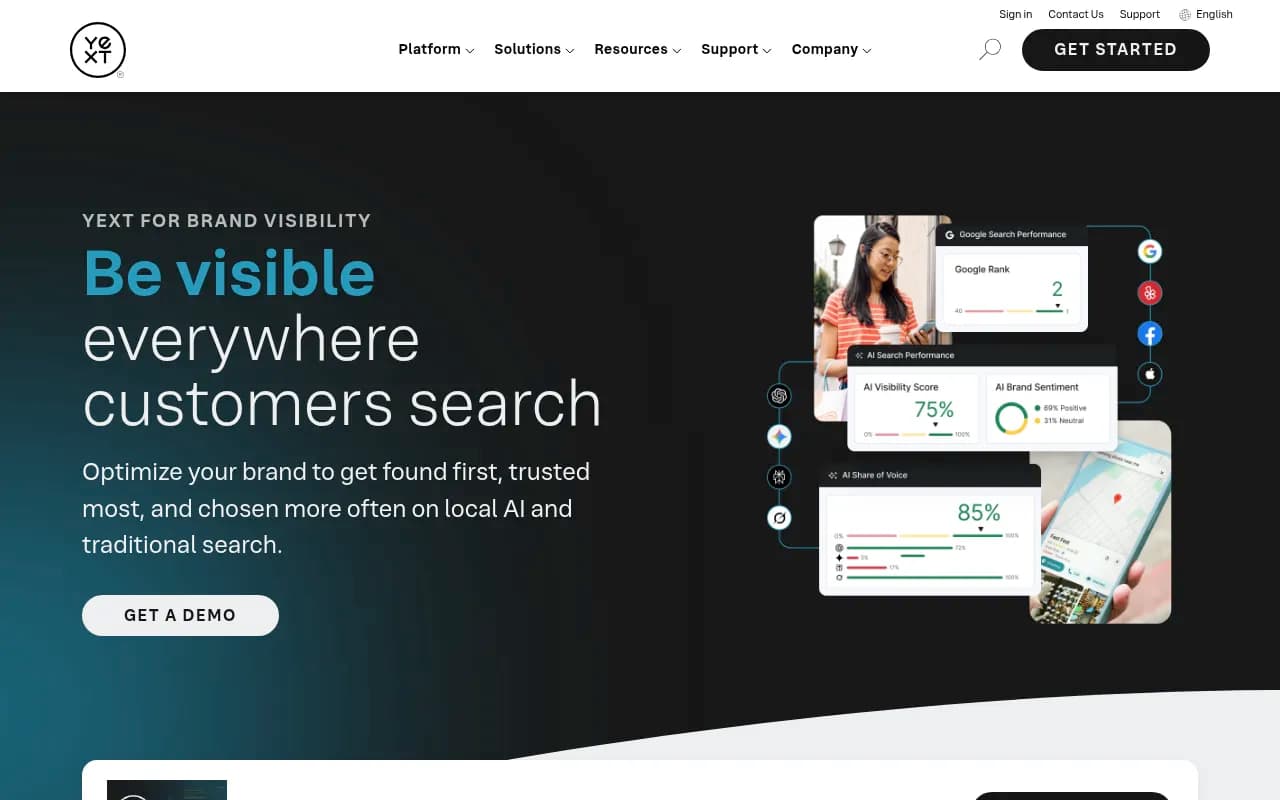
Yext has been pushing hard into AI search visibility for multi-location brands. Their pitch is that if your structured data is accurate and consistent across all their publisher network, AI models will have better information to draw from. That's true, but it's only part of the picture.
Here's a quick comparison of how these tools handle city-level tracking:
| Tool | City/state-level tracking | Content gap analysis | AI content generation | Local schema support |
|---|---|---|---|---|
| Promptwatch | Yes (Professional+) | Yes | Yes | Via content recommendations |
| Birdeye | Yes | Limited | No | Yes (GBP integration) |
| Uberall | Yes | Limited | No | Yes |
| Yext | Yes | No | No | Yes |
| Otterly.AI | No | No | No | No |
Step 3: Audit your current local AI visibility
Once you have tracking set up, run a baseline audit before you change anything. You want to know:
- Which cities is your brand mentioned in AI responses, and for which prompts?
- Where are competitors appearing instead of you?
- What does AI say about your brand when it does mention you -- is it accurate?
The last point is underrated. AI models sometimes pull outdated or incorrect information about business locations, hours, or services. If ChatGPT is telling people your Denver location closed (because it scraped an old news article), that's a real problem.
For the accuracy check, run prompts like "Tell me about [brand name] in [city]" and read the responses carefully. Look for wrong addresses, outdated service descriptions, or missing locations entirely.
The Sterling Sky team published a detailed session on exactly this -- what types of local business pages actually get cited by ChatGPT versus which ones get ignored. The short version: pages that answer specific questions clearly, with real business details, outperform generic "about us" pages every time.
Step 4: Build location-specific content that AI can actually cite
This is where most multi-location businesses fall short. They have one page per location with the address, phone number, and a paragraph of boilerplate. That's not enough for AI models to confidently recommend you.
What AI models actually need to cite your location:
Specificity about what you do in that market. Not "we serve the Denver area" but "we've installed over 400 residential HVAC systems in Denver's Capitol Hill and Wash Park neighborhoods since 2019."
Answers to questions people actually ask. If people in Phoenix ask "how long does it take to get a permit for a home addition," your Phoenix location page should answer that -- because that's the kind of content that gets cited when someone asks ChatGPT the same question.
Local social proof. Reviews, case studies, and testimonials that mention the city. AI models weight this kind of locally-specific evidence.
Structured data. LocalBusiness schema with accurate NAP (name, address, phone), service areas, and opening hours. This isn't magic, but it helps AI models parse your information correctly.
For a 40-location business, building this content manually is a significant project. This is where content generation tools that understand AI citation patterns become useful. Promptwatch's built-in writing agent generates location-specific content grounded in citation data -- it knows what kinds of content AI models actually cite, which is different from what ranks well in Google.
Step 5: Fix your citation sources
AI models don't just read your website. They pull from a broader ecosystem: Google Business Profile, Yelp, industry directories, local news, Reddit threads, and review platforms. For local queries especially, these third-party sources carry a lot of weight.
For each location, audit:
- Is your Google Business Profile complete, accurate, and active? Posts, Q&A, and photos all matter.
- Are you listed in relevant local and industry directories with consistent NAP?
- Do you have recent reviews that mention your services specifically (not just star ratings)?
- Are there any local news mentions or blog posts about your business in that city?
The Reddit angle is worth taking seriously. When someone in Seattle asks ChatGPT for a plumber recommendation, the model may be drawing on Reddit discussions from r/Seattle or r/HomeImprovement where your business was mentioned. You can't manufacture this, but you can monitor it. Promptwatch tracks Reddit discussions that influence AI recommendations -- most tools don't touch this at all.
Step 6: Set up ongoing monitoring and reporting
A one-time audit isn't enough. AI model behavior changes as models are updated, as new content gets indexed, and as competitors improve their own visibility. You need a monitoring cadence.
For most multi-location businesses, a monthly review works well. Here's what to track:
- Visibility score per city (what percentage of your tracked prompts result in a mention?)
- Share of voice vs. competitors per city
- Which new prompts are competitors winning that you're not?
- Any accuracy issues in how AI describes your locations?
If you're managing this for a client as an agency, the reporting structure matters. Local Falcon published a useful playbook for agencies building local AI visibility services, which covers how to package this into a repeatable service offering.
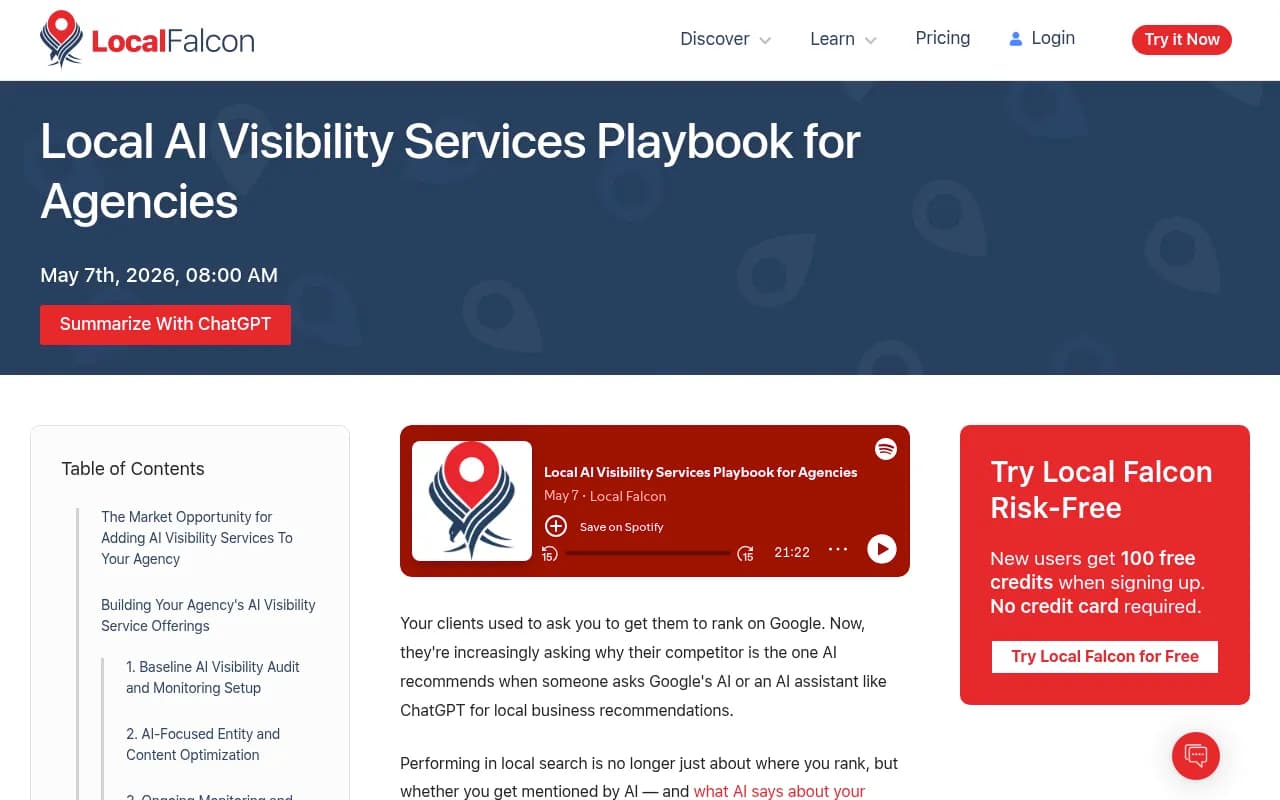
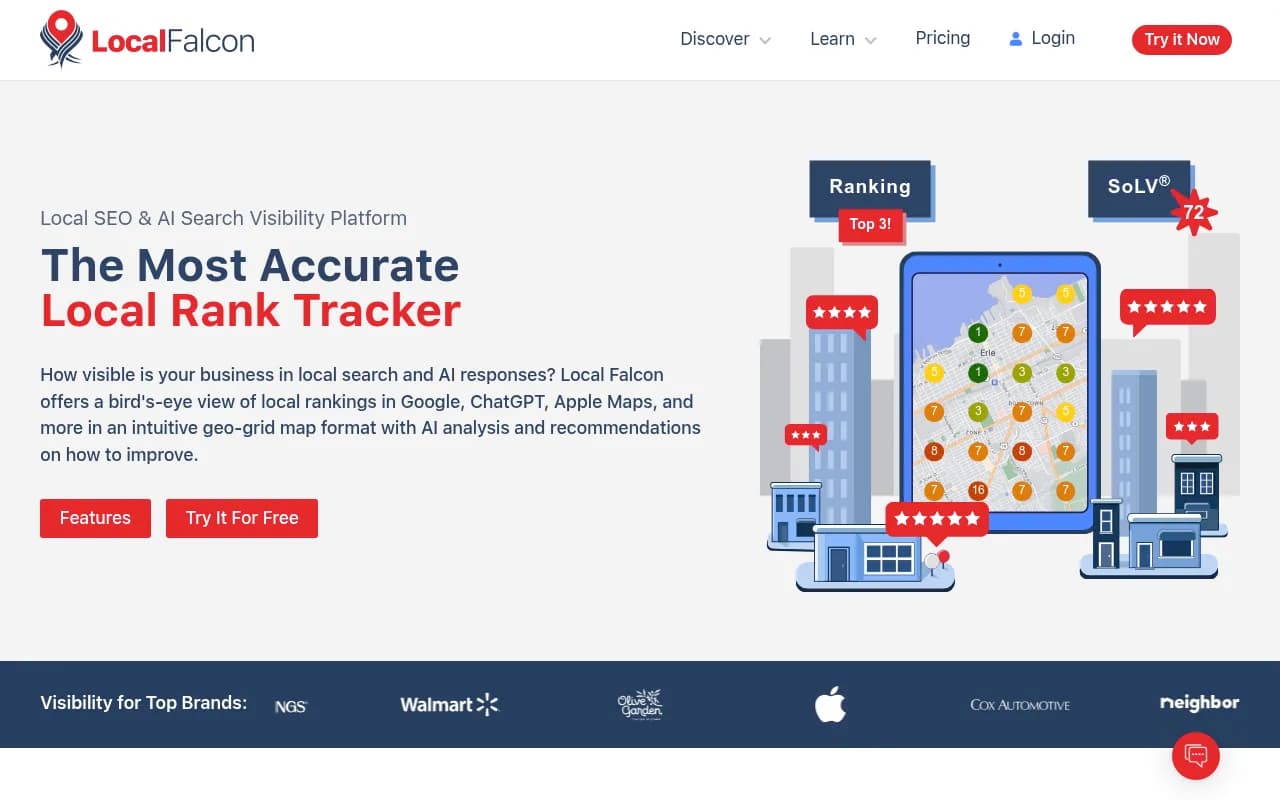
Local Falcon is primarily known for geo-grid rank tracking in Google Maps, but they've expanded into AI visibility monitoring. For agencies managing local clients, their playbook is worth reading even if you end up using a different tool for the actual tracking.
Step 7: Prioritize which cities to focus on first
If you have 30+ locations, you can't optimize all of them simultaneously. You need a prioritization framework.
Start with cities where:
- You have the highest revenue concentration (protecting what you have)
- Competitors are winning AI visibility and you're not (highest opportunity)
- You have the most complete existing content (easiest wins)
The worst thing to do is spread effort evenly across all locations. Pick 5-8 cities for your first optimization sprint, get results, then expand.
Prompt volume matters here too. A city with 2 million people will have more AI search activity than a city with 200,000. Tools that provide prompt volume estimates help you prioritize -- Promptwatch includes volume and difficulty scoring for tracked prompts, so you can see which city/prompt combinations are worth the effort.
Common mistakes to avoid
Tracking only brand queries. If you only track "is [brand] in [city]," you're missing the category queries where you should be appearing but aren't. Most of the opportunity is in prompts where your brand isn't mentioned at all.
Treating all AI models the same. ChatGPT, Perplexity, and Google AI Overviews behave differently for local queries. Perplexity tends to cite more web sources explicitly. Google AI Overviews are heavily influenced by traditional local SEO signals. ChatGPT with browsing enabled pulls from live search results. Track them separately.
Ignoring the accuracy problem. Before you try to appear more often, make sure what AI says about you is correct. Inaccurate information in AI responses is worse than no mention at all.
One-and-done content. Publishing a better location page once and then forgetting about it isn't a strategy. AI models update their knowledge as they crawl new content. You need to keep improving pages and adding new locally-relevant content.
Not connecting visibility to revenue. This is the hardest part. If you can't show that improved AI visibility in Denver led to more leads from Denver, the program won't survive budget reviews. Set up traffic attribution from day one -- UTM parameters, server log analysis, or a tool that connects AI visibility data to actual conversions.
Putting it together: a realistic timeline
Week 1-2: Baseline audit. Set up tracking for your top 5-8 cities. Run initial prompts. Document what AI currently says about each location.
Week 3-4: Fix accuracy issues. Update GBP listings, correct schema errors, fix any wrong information in major directories.
Month 2: Content sprint. Build or improve location pages for your priority cities with specific, question-answering content.
Month 3: Review results. Compare visibility scores to baseline. Identify which cities improved and why. Expand to next tier of locations.
Ongoing: Monthly monitoring, quarterly content updates, competitor gap analysis.
This isn't a fast process. AI visibility for local businesses is a 6-12 month project, not a 2-week fix. But the businesses that start now will have a meaningful advantage over those that wait -- the gap between visible and invisible in AI search is only going to widen.