Key takeaways
- Multi-client AI visibility tracking requires a different setup than single-brand monitoring: you need workspace isolation, role-based access, and client-specific prompt sets
- Seven metrics matter for client reporting: citation share, share of voice, mention rate, sentiment, source diversity, competitor gap, and response consistency
- Only a handful of platforms are genuinely built for agency workflows -- most tools are designed for single-brand teams and break down at scale
- The best setups combine a purpose-built tracking platform with a defined reporting cadence (daily alerts, weekly summaries, monthly reviews, quarterly strategy)
- Content generation tied to gap analysis is what separates agencies that grow retainers from those that just send dashboards
If a client asks "are we showing up in ChatGPT?" and your answer is a screenshot and a shrug, you already know the problem. That works once. It doesn't work as a recurring service.
The challenge for agencies in 2026 isn't whether AI visibility matters -- it clearly does, with AI-powered search now accounting for over 40% of searches according to recent industry data. The challenge is building a monitoring setup that scales across 5, 10, or 20 client accounts without becoming a full-time manual job.
This guide covers the full operational setup: how to structure your workspace, which metrics to track, how to design prompt sets per client, what a good reporting cadence looks like, and which tools can actually handle multi-client workflows.
Why single-brand tools break down for agencies
Most AI visibility tools were built for in-house teams managing one brand. That's fine if you're a solo operator, but it creates real problems at agency scale:
- No workspace separation means client data bleeds together
- No role-based access means you can't give clients read-only views without exposing other accounts
- Prompt libraries aren't portable across clients with different industries and personas
- Reporting is manual -- you export data and rebuild it in a slide deck every month
- There's no way to benchmark one client against another or show relative progress
The tools that work for agencies have specific features: multi-workspace support, white-label reporting, team permissions, and ideally some form of content generation so you can act on the gaps you find -- not just report them.
Step 1: Structure your workspace before you onboard a single client
The biggest mistake agencies make is starting with the tool before thinking about the structure. You end up with a messy account where client A's prompts are mixed with client B's, and you're manually filtering everything.
Before you onboard anyone, decide:
One workspace per client or one account with sub-workspaces?
Most serious platforms support sub-workspaces or "projects" under a single agency account. This is what you want. Each client gets their own isolated environment with their own prompt set, their own tracked competitors, and their own reporting view. You manage everything from one login.
Who gets access to what?
Define your permission tiers upfront:
- Agency admin: full access across all client workspaces
- Account manager: access to assigned clients only
- Client stakeholder: read-only access to their own workspace, ideally white-labeled
How will you handle competitor overlap?
Two clients in the same industry will have overlapping competitors. That's fine -- track them independently per workspace. The data will differ because the prompt sets differ, and that's actually useful: you can see which client is winning for which queries.
Step 2: Design prompt sets that reflect real demand
The quality of your AI visibility tracking is only as good as your prompt set. Generic prompts like "best [category] software" will give you data, but they won't tell you much about what your client's actual customers are asking.
For each client, build prompts across three layers:
Awareness prompts -- broad category questions a buyer might ask early in their research. "What's the best CRM for small businesses?" or "How do I improve my local SEO?"
Consideration prompts -- more specific queries that signal active evaluation. "Compare [Client Brand] vs [Competitor]" or "Is [Client Brand] worth it for agencies?"
Brand prompts -- direct brand queries. "[Client Brand] reviews", "[Client Brand] pricing", "What do people say about [Client Brand]?"
A good starting point is 30-50 prompts per client. That's enough to get meaningful data without burning through your plan's prompt quota on day one. Prioritize prompts with real search volume behind them -- tools that show prompt difficulty scores and volume estimates help you pick the ones worth tracking.
One thing worth doing: run each prompt manually in ChatGPT, Perplexity, and Google AI Overviews before you add it to your tracking set. You'll quickly learn which prompts trigger useful responses and which ones return generic non-answers.
Step 3: Choose a platform that's actually built for agencies
Here's an honest comparison of the main options agencies are using in 2026:
| Platform | Multi-client workspaces | White-label reporting | Content generation | Crawler logs | Prompt volume data | Agency pricing |
|---|---|---|---|---|---|---|
| Promptwatch | Yes | Yes | Yes (Content Agents) | Yes | Yes | Custom agency plans |
| Profound | Yes | Yes | Limited | Yes | Yes | Enterprise-focused |
| Rankscale | Yes | Yes | No | No | Limited | Agency-focused |
| Otterly.AI | Limited | No | No | No | No | Per-brand pricing |
| Peec AI | Limited | No | No | No | No | Per-brand pricing |
| ScrunchAI | Yes | Partial | No | No | No | Agency plans |
| AthenaHQ | Yes | Partial | No | No | No | Team plans |
The table above reflects a real gap in the market. Most platforms stop at monitoring. They show you where you're invisible, but they don't help you fix it. For an agency, that's a problem -- your clients are paying for results, not dashboards.
Promptwatch is one of the few platforms that closes the loop: it finds the gaps, generates content to fill them, and tracks whether that content starts getting cited. That cycle -- find gaps, create content, track results -- is what turns AI visibility into a recurring service line rather than a one-time audit.

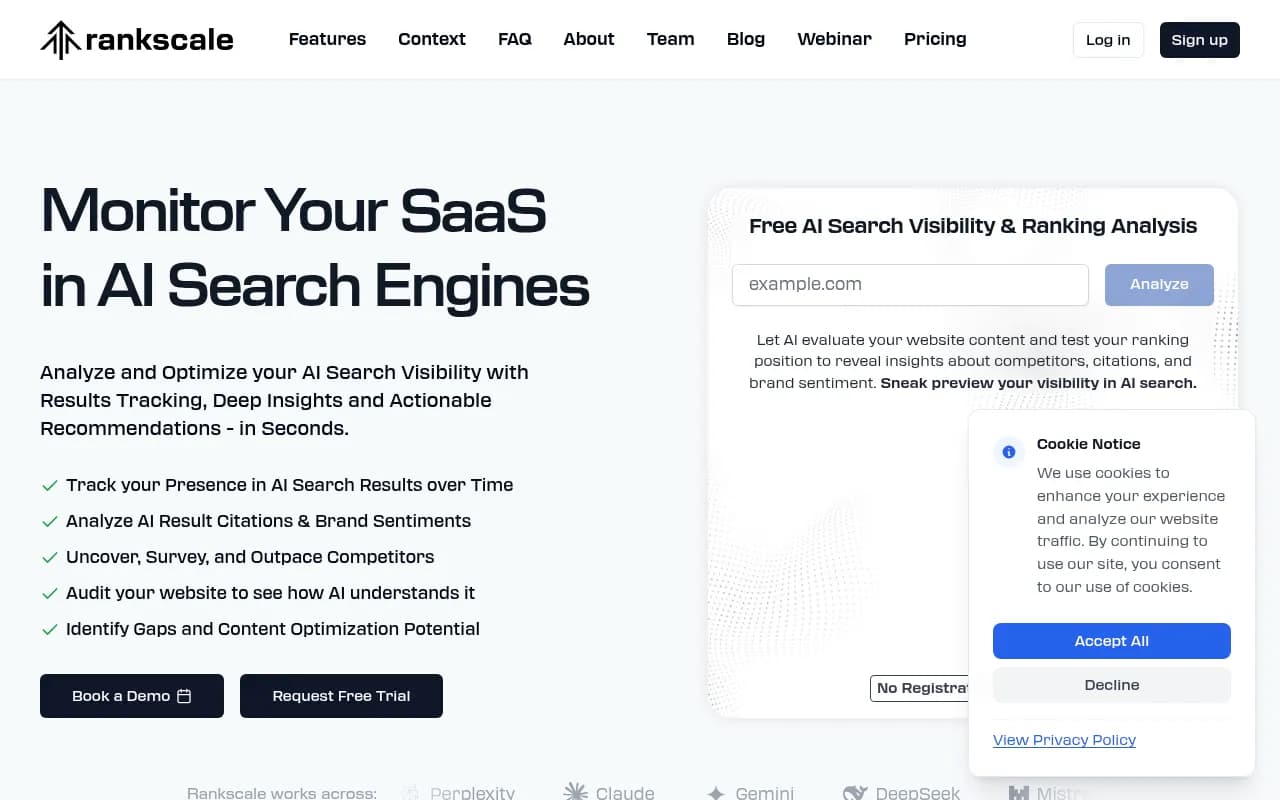
For agencies that want a dedicated agency-focused tracker, Rankscale is worth evaluating:
And for teams that want to start simple before committing to a full platform:
Otterly.AI


Step 4: The seven metrics that matter for client reporting
Not every metric an AI visibility tool surfaces is worth putting in a client report. Here are the seven that actually move conversations forward:
Citation share -- what percentage of AI responses to your tracked prompts include a citation to the client's website. This is the clearest signal of content authority.
Share of voice -- how often the client's brand is mentioned across all tracked prompts, compared to competitors. Expressed as a percentage.
Mention rate -- how often the brand name appears in AI responses, even without a direct citation. Useful for brand awareness tracking.
Sentiment -- when the brand is mentioned, is it positive, neutral, or negative? AI models tend to reflect the sentiment of their training data, so negative mentions often trace back to review sites or forum discussions.
Source diversity -- which domains are AI models citing when they mention the client? A healthy profile includes the client's own site, third-party review sites, industry publications, and occasionally Reddit or YouTube.
Competitor gap -- which prompts are competitors appearing for that the client isn't? This is the most actionable metric for content strategy.
Response consistency -- how stable are the AI responses across multiple runs of the same prompt? Research from AirOps found that only 30% of brands stay visible from one AI answer to the next, and only 20% remain visible across five consecutive runs. Consistency scores tell you whether a client's visibility is solid or fragile.
Step 5: Build a reporting cadence clients actually read
Most agencies over-report. They send weekly PDFs full of charts that clients don't open. Here's a cadence that works:
Daily (internal only) -- automated alerts for significant changes: a competitor suddenly appearing in a prompt the client was dominating, a citation drop on a key page, a new AI crawler hitting the site. These are for your team, not the client.
Weekly (client-facing, lightweight) -- a short summary: share of voice this week vs last week, any notable changes, one action item. Keep it to five minutes of reading time. A Slack message or a brief email works better than a PDF.
Monthly (client-facing, substantive) -- the full picture. Citation share trends, share of voice by AI model, competitor gap analysis, content published and its impact on visibility. This is the report that justifies the retainer.
Quarterly (strategic) -- a review of the full program. Which content investments paid off? Which AI models are driving the most traffic? What's the plan for the next quarter? This is where you upsell.
The agencies that retain clients longest are the ones that connect visibility data to business outcomes. "Your citation share on Perplexity went from 12% to 34% this quarter, and we can trace 180 new organic sessions to AI referral traffic" is a much better conversation than "here are your brand mention numbers."
Step 6: Set up AI crawler monitoring for each client site
This is the part most agencies skip, and it's a mistake.
AI crawler logs tell you which AI engines are actually visiting your client's pages, how often, which pages they're reading, and whether they're encountering errors. This matters because there's often a significant lag between when you publish content and when AI models start citing it. Without crawler logs, you're flying blind on that timeline.
Practically, this means:
- Connect each client site to your tracking platform via Cloudflare, server logs, Google Search Console, or a tracking snippet
- Monitor for crawl errors -- pages that return 404s or load too slowly for AI crawlers to index
- Track the "crawl to citation" timeline for new content so you can set realistic expectations with clients
- Alert on unusual crawler activity that might indicate a competitor is scraping content
Platforms that include this level of crawler visibility are rare. It's worth specifically asking about it when evaluating tools.
Step 7: Turn gap analysis into content -- and track the results
The most defensible agency service in 2026 isn't reporting. It's the ability to find what's missing and fix it.
Answer gap analysis shows you which prompts competitors are visible for that your client isn't. That's a content brief waiting to happen. The workflow looks like this:
- Run gap analysis across the client's tracked prompt set
- Identify prompts with meaningful volume where competitors are cited but the client isn't
- Determine whether the gap is a missing page, a thin page, or a page that exists but isn't being cited
- Create or optimize content to fill the gap
- Track whether AI models start citing the new content
This is the difference between a monitoring retainer and an optimization retainer. The second one is worth more and harder to cancel.
Some platforms have content generation built in -- they can produce articles, listicles, and comparison pages grounded in real prompt data, citation patterns, and competitor analysis. That's not the same as generic AI writing. Content built around specific prompt gaps performs differently because it's engineered to answer the exact questions AI models are already surfacing.
Tools worth knowing for specific agency needs
Beyond the main tracking platforms, a few tools serve specific functions in an agency AI visibility stack:
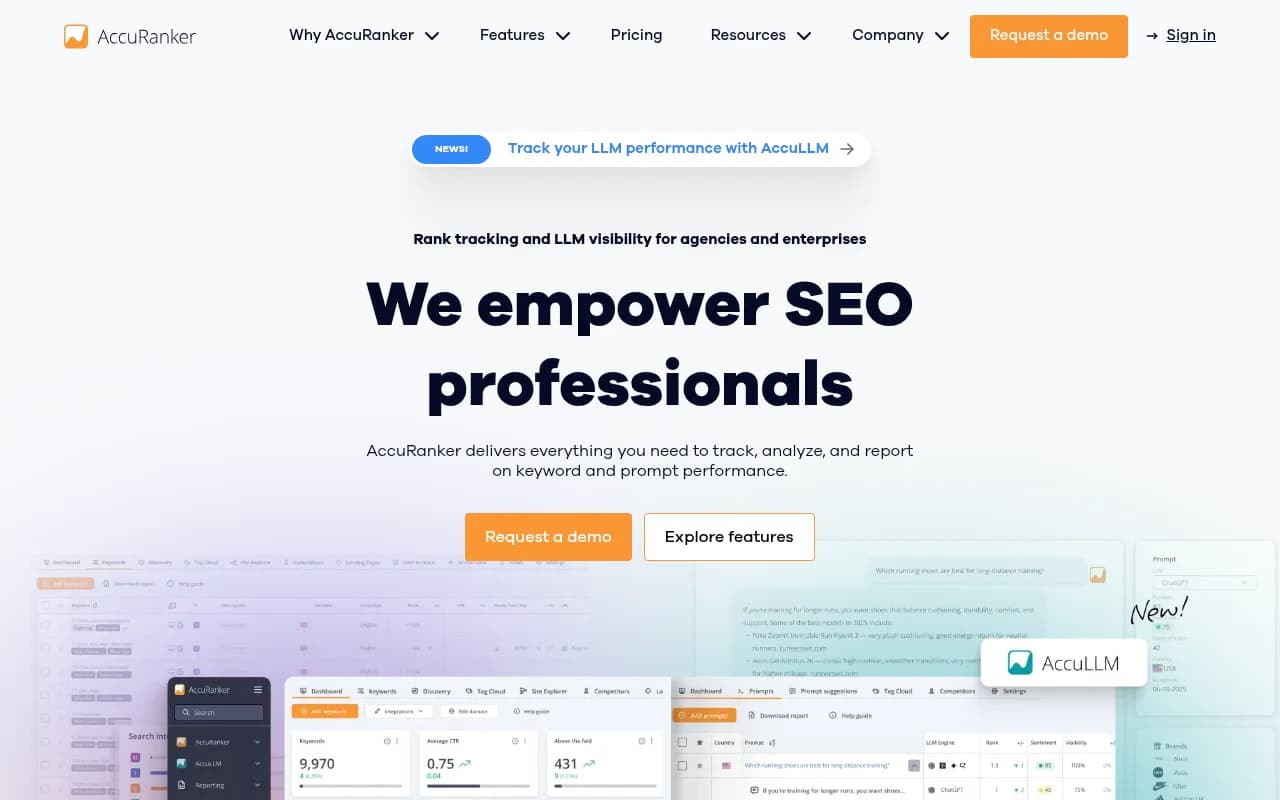
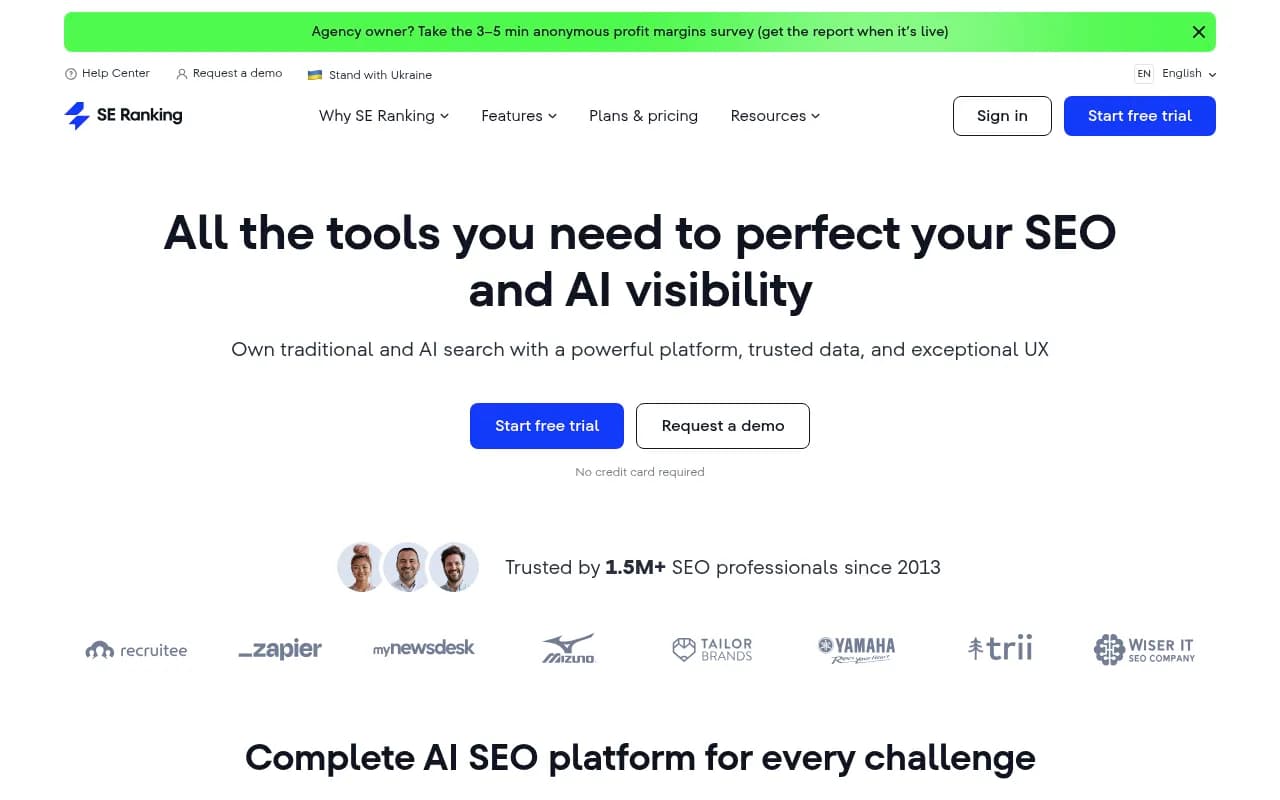
For agencies that also need traditional rank tracking alongside AI visibility:
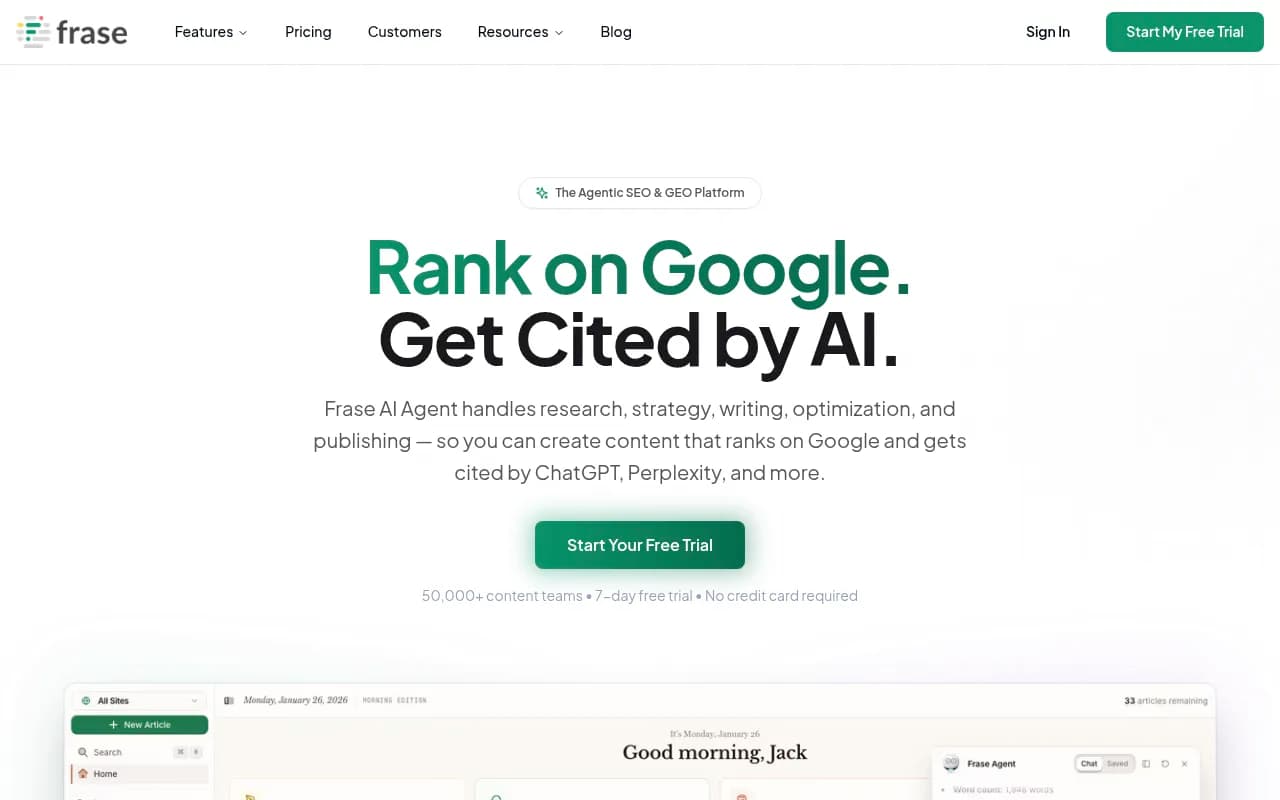
For content gap research and brief creation:
For agencies managing multi-location or franchise clients where local AI visibility matters:
For tracking brand mentions across the broader web (not just AI responses):
Common mistakes agencies make when setting up multi-client AI tracking
Using the same prompt set for every client. A SaaS company and a local restaurant need completely different prompts. Generic prompts produce generic data.
Tracking too many AI models at once. Start with the three or four models your clients' customers actually use -- usually ChatGPT, Perplexity, and Google AI Overviews. Add more as you understand the data.
Reporting on visibility without connecting it to traffic. AI visibility that doesn't drive any sessions is interesting but not defensible. Set up traffic attribution from day one so you can show the revenue connection.
Ignoring offsite citations. A significant portion of AI visibility comes from third-party sources: review sites, Reddit threads, industry publications. If you're only tracking the client's own domain, you're missing half the picture.
Not setting a baseline before you start optimizing. You need at least 30 days of baseline data before you can show meaningful improvement. Onboard clients with that expectation set upfront.
Putting it together: the agency AI visibility stack for 2026
A mature agency setup looks something like this:
- A primary AI visibility platform with multi-workspace support, content generation, and crawler logs (Promptwatch covers all of this)
- A traditional rank tracker for clients who still care about Google rankings alongside AI visibility
- A content brief tool for the gaps that need new pages rather than optimization
- A reporting layer -- either the platform's native white-label reports or a Looker Studio integration for custom dashboards
The agencies winning on AI visibility right now aren't the ones with the most sophisticated tools. They're the ones who built a repeatable process: define prompts, track consistently, find gaps, create content, measure the results. That loop, run well, is a service clients will pay for month after month.
The platforms that support that loop -- rather than just showing you data and leaving you to figure out the rest -- are the ones worth building your agency practice around.