Key takeaways
- Model Context Protocol (MCP) lets AI tools like Claude pull live visibility data directly from your GEO platform, no manual exports needed.
- You can automate the entire briefing pipeline: gap analysis in, structured writer brief out, delivered to Slack or Notion in one conversation.
- The briefs only work if the underlying data is good -- prompt volume, competitor gaps, and citation context all need to feed the brief, not just raw rankings.
- AI writes the structure; a human still needs to make the strategic calls about angle, audience, and what to cut.
- Tools like Promptwatch and Peec AI both support MCP-style integrations, but differ significantly in how much data they surface for brief generation.
The problem with manual AI visibility reporting
Here's how most content teams still operate in 2026: someone logs into an AI visibility dashboard on Monday morning, screenshots the gaps, pastes them into a Google Doc, writes a brief, shares it in Slack, and waits for a writer to pick it up. The whole process takes two to three hours. By Thursday, half the data is stale.
It's not that the dashboards are bad. It's that the workflow around them is still entirely manual. You're acting as a human API between your visibility tool and your writing team.
MCP -- Model Context Protocol -- fixes this. It's an open standard that lets AI assistants connect directly to live data sources and act on them in real time. Instead of you going to get the data, the data travels to wherever you're working.
The result: you ask Claude "what are our biggest AI visibility gaps this week?" and it pulls the answer, formats it as a brief, and drops it into your team's workflow. No export. No copy-paste. No Monday morning ritual.
What MCP actually does (and doesn't do)
MCP is not magic. It's a protocol -- a standardized way for an AI tool to authenticate with an external service and query it. Think of it like giving Claude read access to your visibility platform's API, but through a conversational interface.
What this means practically:
- Claude (or another MCP-compatible AI) can ask your visibility platform: "Which prompts are competitors ranking for that we're not?"
- The platform returns structured data: prompt text, competitor visibility scores, your current score, estimated volume.
- Claude reasons over that data and produces something useful -- a brief, a Slack summary, a prioritized list.
What it doesn't do: it won't make strategic decisions for you. If three competitors are visible for "best project management software for remote teams" and you're not, MCP can surface that gap and draft a brief. It can't tell you whether that topic fits your positioning or whether you should write a listicle versus a comparison page. That judgment is still yours.
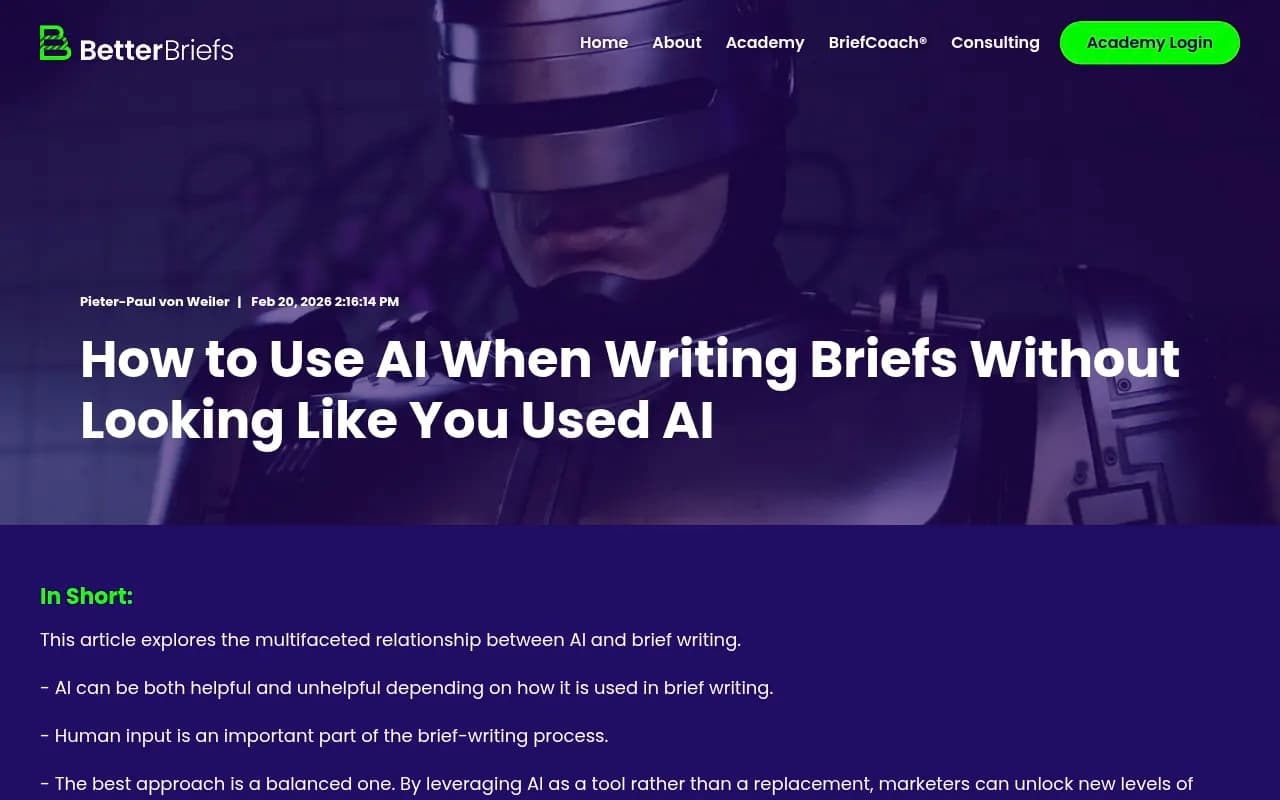
This is actually the same limitation that applies to AI-written briefs generally. Research from BetterBriefs found that AI-generated briefs tend to be "balanced to the point of blandness" -- they include everything and commit to nothing, because the model doesn't know which strategic trade-offs matter to your business. MCP solves the data-gathering problem. The strategic layer still needs a human.
Setting up your MCP pipeline: step by step
Step 1: Choose a visibility platform with MCP support
Not every AI visibility tool exposes an MCP endpoint. As of 2026, Peec AI has shipped a native MCP integration that connects directly to Claude, Cursor, and n8n.

Promptwatch, which tracks 10 AI models and has processed over 1.1 billion citations, offers API access and Looker Studio integration that can feed into MCP-compatible workflows -- particularly useful if you want to combine citation data, prompt volumes, and competitor heatmaps in a single brief.

The key question when evaluating any platform for MCP briefing: does it expose actionable data, or just rankings? A brief built on "your brand appeared in 34% of responses" is useless to a writer. A brief built on "here are the 12 specific prompts where Competitor X is cited and you're not, with estimated monthly volume and the exact angle their cited page takes" is something a writer can actually use.
Step 2: Connect your platform to Claude (or your AI of choice)
For Peec AI's MCP, the setup takes about five minutes:
- Go to your Peec AI account settings and find the MCP connection section.
- Copy your MCP server URL and API key.
- In Claude's settings (or your MCP client), add a new server connection using those credentials.
- Test it: ask Claude "what are my top visibility gaps this week?" -- if it returns data from your account, you're connected.
For Promptwatch, you'd use the API to build a similar connection, either directly or through an automation layer like n8n or Zapier.

Step 3: Design your briefing prompt
This is where most teams underinvest. The quality of the brief depends almost entirely on how you instruct the AI to use the data it retrieves.
A weak prompt:
"Write a content brief based on our visibility gaps."
A strong prompt:
"Pull our top 10 visibility gaps where competitors rank and we don't. For each gap, identify: the prompt, estimated volume, the competitor being cited, the likely content format (comparison, FAQ, listicle, how-to), and a recommended angle for our brand. Format this as a structured brief with a one-paragraph strategic rationale at the top. Flag any gaps that seem low-effort to close based on the competitor's content quality."
The difference is specificity. You're telling the AI what data to pull, how to structure it, and what judgment calls to make. You're not asking it to think for you -- you're giving it a framework to apply.
Step 4: Route the output to your team
Once Claude generates the brief, you need it to land somewhere your writers actually work. Common destinations:
- Slack: Claude can post directly to a channel via a webhook or n8n workflow.
- Notion: Use n8n or Zapier to push the brief into a Notion database with the right properties pre-filled.
- Google Docs: A simple automation creates a new doc from the brief text.
- Linear or Asana: If your content team tracks work in a project management tool, the brief can become a task automatically.
The goal is zero friction between "brief generated" and "writer picks it up." Every manual step you add is a step that gets skipped when someone's busy.
What a good MCP-generated brief looks like
Here's a rough template for what Claude should produce when it queries your visibility data:
CONTENT BRIEF: [Topic]
Generated: [Date]
Priority: High / Medium / Low

VISIBILITY GAP
Prompt: "best [category] tools for [use case]"
Your current visibility: 0%
Top cited competitor: [Competitor name]
Their cited page: [URL or description]
Estimated prompt volume: [X searches/month]

RECOMMENDED CONTENT TYPE
Comparison article / FAQ / How-to guide

RECOMMENDED ANGLE
[One paragraph explaining why this angle fits your brand positioning
and what the competitor's page is missing]

KEY POINTS TO COVER
- [Point 1]
- [Point 2]
- [Point 3]

SOURCES TO CITE
- [Relevant data points, studies, or pages AI models currently cite on this topic]

WHAT NOT TO DO
- [Common mistakes in existing content on this topic]
- [Angles that are already saturated]

STRATEGIC NOTE
[Human to complete: does this topic fit our current content priorities?
Any brand constraints to flag for the writer?]
Notice the last section. That's intentional. The brief should have a designated space for a human to add the strategic layer before it goes to a writer. The MCP handles the data; a content strategist adds the judgment.
Monday morning briefing, automated
The most common use case teams are running right now is a weekly automated briefing. Here's how it works in practice:
- Every Monday at 8am, an n8n workflow triggers.
- It sends a prompt to Claude via the MCP connection: "Pull last week's visibility changes and our top 5 new gaps. Generate a brief for each gap using our standard template."
- Claude queries the visibility platform, generates five briefs, and posts them to a Slack channel called #content-briefs.
- A content strategist reviews them in 15 minutes, adds the strategic notes, and assigns them to writers.
What used to take two to three hours now takes 15 minutes of human time. The data is always current. The format is always consistent. Writers know exactly what they're getting.
The same workflow can generate client-facing reports for agencies. Instead of manually building a weekly AI visibility update for each client, the MCP pulls the data per brand and Claude formats it in the client's preferred style.
Platforms worth considering for this workflow
Beyond Peec AI and Promptwatch, a few other tools are worth knowing about depending on your stack:
Profound

Profound has strong agency features and covers 9+ AI models. It doesn't have a native MCP integration as of this writing, but its API can be wired into n8n for similar workflows.

AthenaHQ is monitoring-focused -- good for tracking, but it doesn't generate content or expose the kind of gap data you'd want feeding a brief. You'd need to layer a separate content tool on top.
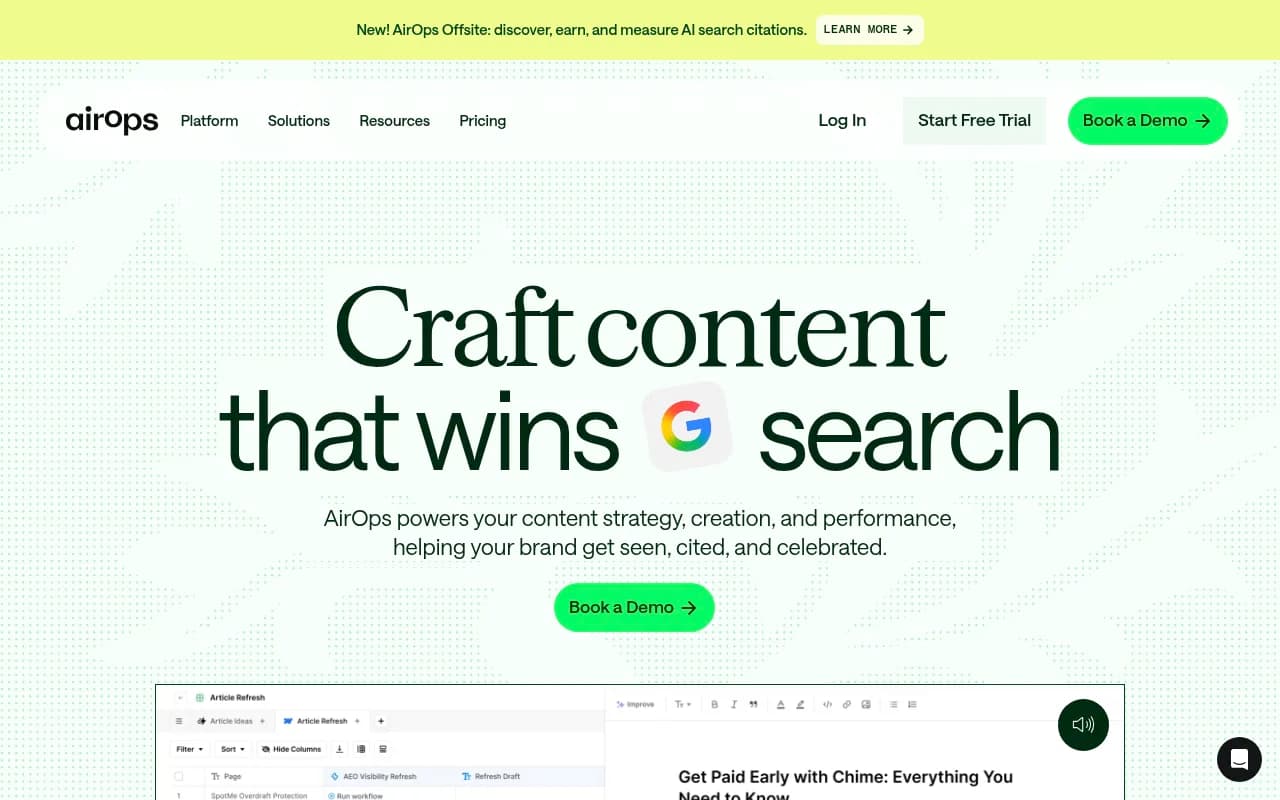
AirOps is worth a look if you want a more opinionated content engineering platform. It's built around AI search visibility and content generation workflows, which maps well to the briefing use case.
Here's a quick comparison of how these platforms stack up for MCP-style briefing workflows:
| Platform | MCP / API access | Gap analysis | Content generation | Prompt volume data | Best for |
|---|---|---|---|---|---|
| Promptwatch | API + Looker Studio | Yes (Answer Gap Analysis) | Yes (built-in AI writer) | Yes | Full briefing pipeline, 10 models |
| Peec AI | Native MCP | Yes | No (needs external AI) | Limited | Quick Claude integration |
| Profound | API | Yes | No | Limited | Agency reporting |
| AthenaHQ | Limited | Basic | No | No | Monitoring only |
| AirOps | Yes | Yes | Yes | Partial | Content engineering teams |
The brief quality problem (and how to avoid it)
There's a real risk with automated briefs: they become generic. If every brief follows the same template and the AI is pulling similar data each week, writers start producing similar content. That's the opposite of what gets cited by AI models.
A few things that keep brief quality high:
Feed the AI richer context. The more specific the data going in, the more specific the brief coming out. Prompt volume, competitor citation frequency, the specific pages being cited, Reddit discussions influencing AI recommendations -- all of this makes the brief more actionable. Platforms that surface Reddit and YouTube data (Promptwatch does this; most others don't) give you angles that competitors miss entirely.
Vary the brief format by content type. A comparison page brief should look different from an FAQ brief. Build separate prompt templates for each content type and let the MCP workflow choose the right one based on the gap type.
Review the brief before it goes to a writer. This sounds obvious but it's the step most teams skip when they automate. The brief review is where a human adds the brand voice, the strategic angle, and the "don't do this" flags that prevent generic output. Make it a 5-minute task, not a 30-minute one, but don't skip it.
Track which briefs produce content that actually gets cited. This is the loop most teams haven't closed yet. If you're generating briefs from visibility gaps, you should be tracking whether the content produced from those briefs improves your visibility scores. Page-level tracking in your visibility platform tells you this. Without it, you're optimizing blind.
Closing the loop: from brief to citation
The briefing workflow is only valuable if it connects back to results. The full cycle looks like this:
- Visibility platform identifies gaps (prompts where competitors rank, you don't).
- MCP pulls gaps into Claude, generates briefs.
- Writers produce content from briefs.
- Content is published.
- AI crawlers discover and index the content.
- Visibility platform tracks whether the new pages get cited.
- If they do, great. If not, the gap stays open and the next brief iteration can adjust the angle.
Step 5 is worth paying attention to. AI crawler logs -- which show you when ChatGPT, Claude, or Perplexity actually crawls your pages -- tell you whether your content is even being considered. If a page gets published and never crawled, the brief worked but the technical setup didn't. Platforms that expose crawler log data (Promptwatch includes this on Professional and Business plans) let you diagnose this quickly.
The teams getting the most out of MCP briefing workflows are the ones treating it as a closed loop, not a one-way content factory. Brief generation is the start of the process, not the end.
A practical note on tooling
You don't need to buy a new tool to start experimenting with this. If you already have a visibility platform with an API, you can build a basic version of this workflow in n8n or Zapier today. Connect the API, write a prompt template, route the output to Slack. It won't be as polished as a native MCP integration, but it'll show you whether the workflow is worth investing in.
If you're starting from scratch and want the most complete data layer for briefing -- gap analysis, prompt volumes, competitor citations, Reddit signals, crawler logs -- Promptwatch covers more ground than any other platform in this space. The built-in AI writing agent means you can close the loop from gap to published content without stitching together multiple tools.
The manual reporting era for AI visibility is over. The teams that figure out the briefing pipeline first will be the ones whose content is getting cited six months from now.