Google Trends Review 2026
Free tool from Google that shows search interest over time for any keyword or topic, useful for identifying trending topics and seasonal demand.
Key takeaways
- Completely free, no account required -- Google Trends gives you access to normalized search interest data going back to 2004
- Best for content strategists, journalists, SEO professionals, and market researchers who need to understand demand patterns and seasonal trends
- Covers Google Search, YouTube, Google News, Google Shopping, and Google Images as separate data sources
- Data is normalized (0-100 index), not raw search volume -- a common source of confusion for new users
- Lacks keyword difficulty scores, search volume estimates, or any actionable SEO metrics -- you'll need a separate tool for that
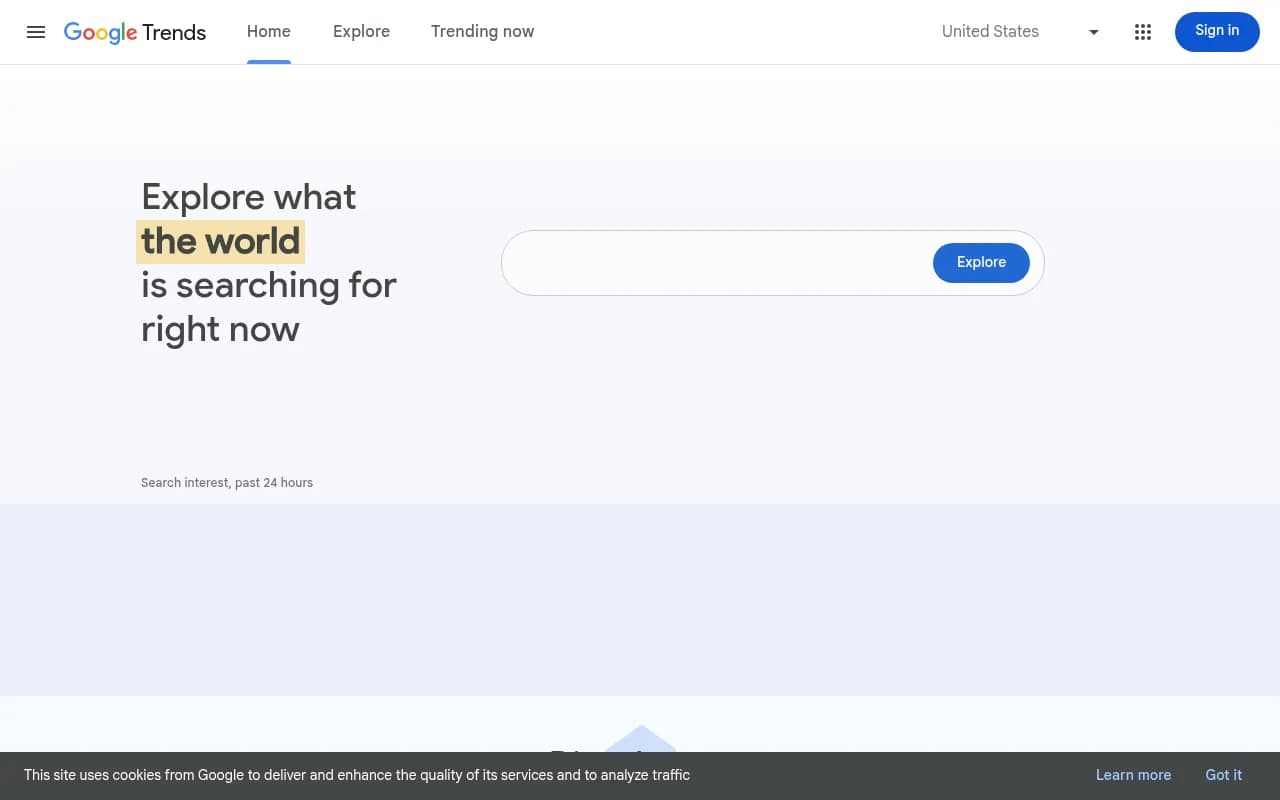
Google Trends has been around since 2006, and it's one of those tools that almost everyone in digital marketing has used at least once but very few people use to its full potential. Built and maintained by Google, it gives you a window into what people are actually searching for, when they're searching for it, and where in the world those searches are coming from. It doesn't cost anything, requires no login, and pulls from the largest search dataset on the planet.
The tool's core audience is broad by design. Journalists use it to verify whether a story is actually gaining traction or just feels important inside a newsroom bubble. Content marketers use it to time blog posts around seasonal demand spikes. SEO professionals use it to compare relative interest between competing keywords. Researchers and academics use it as a proxy for public attention and social behavior. Even retailers use it to anticipate inventory demand before a trend peaks.
Google Trends launched publicly in May 2006, though the underlying data infrastructure predates that. Over the years it's added features like real-time trending data (updated hourly), geographic breakdowns at the city and metro level, topic-based search (not just keyword strings), and curated editorial content from the Trends Data Team. It's never been monetized directly -- it exists partly as a public service and partly as a demonstration of Google's data capabilities.
Key features
Search interest over time
The core feature: enter any keyword or topic and see a line graph showing relative search interest from 2004 to the present, or zoom into the last hour, day, week, month, or custom date range. The data is normalized to a 0-100 scale where 100 represents the peak search interest for that term in the selected period. This is important -- you're not seeing raw search volume. A score of 50 doesn't mean half as many searches as 100; it means half the relative interest compared to the peak. This trips up a lot of new users who assume they can use Trends data as a volume proxy.
Comparison across up to five terms
You can compare up to five keywords or topics simultaneously on the same chart. This is genuinely useful for competitive keyword research -- seeing whether "project management software" or "task management app" has more consistent interest, for example, or whether a competitor brand is gaining or losing ground relative to yours. The comparison view also lets you spot which term has more seasonal volatility versus steady baseline demand.
Geographic breakdown
Every search shows interest broken down by country, and for many countries you can drill down to region, metro area, or city. This is one of the more underrated features. A national trend can mask wildly different regional patterns -- a product that's saturated in coastal US cities might have untapped demand in the Midwest. The geographic data is particularly useful for local SEO campaigns and for businesses deciding where to expand.
Topic vs. keyword search
When you type a query, Google Trends gives you the option to search for a specific keyword string or a broader "topic" (a semantic concept Google has identified). Searching for the topic "Coffee" captures searches for "coffee," "cafe," "espresso," and related terms across languages. Searching for the keyword "coffee" only captures that exact string. For most research purposes, topic-level data is more meaningful, but the distinction matters and isn't always obvious to casual users.
Related queries and related topics
Below the main chart, Trends shows two sets of related data: related topics (broader concepts associated with your search) and related queries (specific keyword strings). Each can be sorted by "Top" (highest overall volume relative to your term) or "Rising" (biggest percentage increase in recent interest). The "Rising" filter is where you find emerging trends before they peak -- a genuinely useful signal for content teams trying to get ahead of the curve rather than chasing it.
Trending now
A separate section of the tool shows what's spiking in real-time, updated hourly. You can filter by country and category. This is more useful for news publishers and social media teams than for SEO work, since real-time spikes are usually news-driven and short-lived. But for reactive content strategies, it's a solid free alternative to paid social listening tools.
Year in Search
Google publishes an annual "Year in Search" report that curates the biggest trending topics of the year by category. It's more editorial than analytical, but it's a useful reference for understanding cultural moments and for content teams doing annual retrospectives or planning seasonal campaigns.
Multi-platform data sources
You can filter Trends data by platform: Google Search (default), YouTube Search, Google News, Google Shopping, and Google Images. This is underused. YouTube Trends data, for instance, can tell you whether a topic has video content demand -- useful for deciding whether to invest in video production. Google Shopping trends can inform e-commerce inventory and ad timing decisions.
Trends TV and data visualizations
Google has built a real-time visualization tool (Trends TV) that displays what's trending globally in a screensaver-style format. There's also a series of curated data visualization projects produced in collaboration with external designers. These are more interesting as demonstrations of what's possible with the data than as practical tools, but they show the breadth of what the underlying dataset can support.
Who is it for
Content strategists and SEO professionals at agencies or in-house teams are probably the heaviest practical users. The typical use case is validating content ideas before investing in production -- checking whether a topic has consistent search interest or is a one-time spike, identifying the best time of year to publish seasonal content, or comparing two keyword variants to see which has stronger demand. An SEO at a travel company, for example, might use Trends to confirm that "best beaches in Portugal" peaks in March-April and plan their content calendar accordingly.
Journalists and newsrooms are another core audience, and Google has invested specifically in this segment through the Google News Initiative, which offers dedicated training materials for using Trends in reporting. The tool helps reporters verify whether a story has genuine public interest or is just generating internal buzz, and it's useful for finding the geographic epicenter of a trend.
Market researchers and product teams use it as a lightweight demand signal. A startup considering entering a new product category might use Trends to see whether interest in that category is growing, flat, or declining -- and how it compares across different markets. It won't replace a proper market research study, but it's a fast, free first pass.
Who should not rely on Google Trends as their primary tool: anyone who needs actual search volume numbers, keyword difficulty scores, or click-through data. Trends gives you relative interest, not absolute volume. A keyword with a Trends score of 80 might get 10,000 monthly searches or 10 million -- you can't tell from Trends alone. For that, you need a tool like Ahrefs, Semrush, or Moz. Trends is a complement to those tools, not a replacement.
Integrations and ecosystem
Google Trends doesn't have official API access for general users. Google discontinued its public API years ago. However, the Python library pytrends (an unofficial wrapper) is widely used by data scientists and developers to pull Trends data programmatically. There's also a third-party API from DataForSEO that provides structured access to Trends data for a fee, which is useful for teams that need to automate reporting or integrate Trends data into dashboards.
Data can be exported manually as CSV files from any Trends chart -- a basic but functional option for analysts who want to work with the data in Excel or Google Sheets. There's no native integration with Google Analytics, Google Search Console, or any other Google product, which is a notable gap given that all three are Google tools.
The tool is entirely web-based with no mobile app, though the website works on mobile browsers. There's no browser extension. For teams that want to embed Trends data into custom reports, the manual CSV export or the unofficial pytrends library are the main options.
Pricing and value
Google Trends is completely free. No tiers, no account required, no usage limits on the web interface. This is its single biggest advantage over every competitor.
For programmatic access, third-party providers like DataForSEO charge for API access to Trends data. Pricing varies by volume, but this is a separate product from Google itself.
The value proposition is straightforward: for what it does (relative search interest, geographic breakdown, trend comparison, related queries), there's nothing else at this price point. Paid tools like Semrush and Ahrefs include trend data as part of their keyword research features, but they charge $100-$450/month for full access. Google Trends gives you the raw trend signal for free; you just have to accept that it won't give you volume numbers or competitive metrics.
Strengths and limitations
What it does well:
- The data is authoritative -- it comes directly from Google's search index, which processes roughly 8.5 billion queries per day. No other tool has access to this dataset at this scale.
- The geographic granularity is genuinely impressive. City-level and metro-level breakdowns are available for many countries, which is rare even in paid tools.
- The related queries "Rising" filter is one of the best free tools for spotting emerging topics before they peak. Content teams that monitor this regularly have a real advantage.
- Comparing up to five terms simultaneously on a normalized scale makes relative demand comparison fast and visual.
- The multi-platform breakdown (YouTube, News, Shopping, Images) adds dimensions that most keyword tools don't offer.
Honest limitations:
- No absolute search volume. The 0-100 normalized index is useful for relative comparisons but tells you nothing about actual query volume. You can't prioritize keywords by traffic potential using Trends alone.
- Data sampling for low-volume queries is unreliable. Google applies sampling to its Trends data, and for niche or low-volume keywords, the results can be noisy or show as zero even when some searches exist.
- No API for general users. The lack of official programmatic access means automation requires unofficial workarounds, which can break without warning.
- No historical data for very recent terms. If a keyword didn't exist before a certain date, the historical chart simply starts from when it first appeared -- which is fine, but the tool doesn't always make this clear.
- The interface hasn't changed substantially in years. It's functional but not particularly sophisticated compared to modern analytics tools.
Bottom line
Google Trends is an essential free tool for anyone doing keyword research, content planning, or market analysis -- not because it's the most powerful tool available, but because the data it provides is unique and the price is zero. Use it alongside a proper keyword research tool (Ahrefs, Semrush, or similar) to get both the trend signal and the volume data you need to make informed decisions.
Best use case in one sentence: validating content ideas and timing campaigns around seasonal demand patterns, using real Google search data at no cost.
Frequently asked questions
Is Google Trends completely free?
Does Google Trends show actual search volume?
How far back does Google Trends data go?
Can I access Google Trends data via API?
What platforms does Google Trends cover beyond Google Search?
Who uses Google Trends professionally?
Similar and alternative tools to Google Trends