Key takeaways
- ChatGPT doesn't have a stable "position #3". It writes a fresh answer on every run, so report a visibility rate and share of voice instead of a rank.
- Run each prompt daily and report monthly. A five-point move on 30 answers is noise; the same move on 900 answers is worth a client email.
- Annotate engine-side changes (retrieval updates, citation drops) in every monthly report so clients don't read them as agency performance.
- Set a two to four week baseline before changing anything, and tie visibility to AI referral traffic before you promise revenue.
- For agencies, per-client workspaces and white-label reporting matter more than the number of engines a tool covers.
Why "ChatGPT rank" is the wrong thing to report
Clients ask, "Where do we rank in ChatGPT?" It is a fair question and the honest answer is awkward: nowhere in particular. ChatGPT retrieves sources at query time, synthesizes them, and names a small handful of brands. Run the same prompt twice and the brands, and their order, can change.
So a tool that tells you "you rank #3" is selling you a snapshot. The Swydo guide on AI rank tracking compares this to a poll: one voter's answer tells you nothing, a poll of 300 tells you where you stand. That is the right mental model for client reporting.
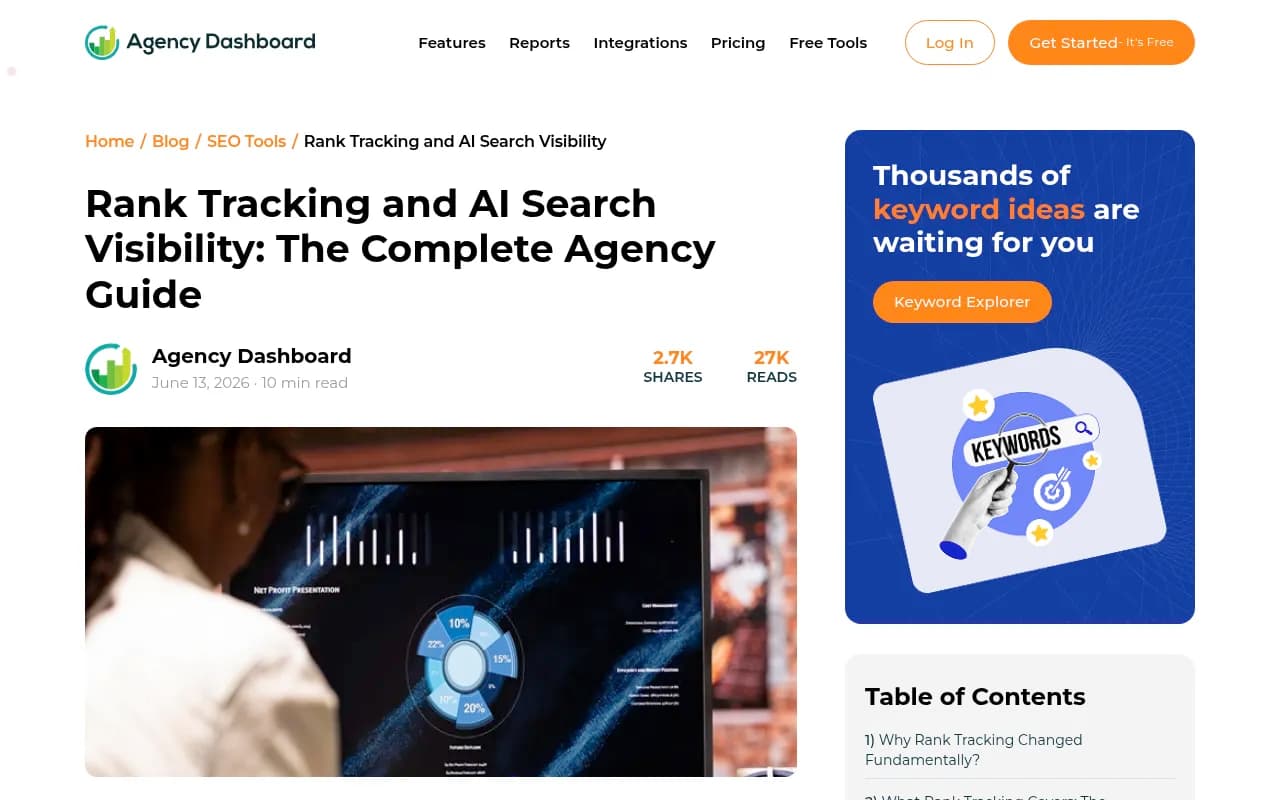
A client can also hold position one on Google for a target keyword and still be absent from the answer a buyer gets when they ask ChatGPT to recommend a vendor. Agency Dashboard makes the same point in its agency guide to rank tracking and AI search visibility: the rank tracker shows green and the client still loses the sale.
The metrics worth putting in a monthly report
Vendors use the same words to mean different things, so define each metric in the first report and keep the definitions fixed afterwards.
| Metric | What it means | Why clients care |
|---|---|---|
| Visibility rate | Share of tracked-prompt answers that mention the brand | The closest thing to a "rank" |
| Share of voice | Brand mentions divided by all brand mentions in the set | Moves only when you gain or lose ground against competitors |
| Citation rate | How often a page of the client's is linked as a source | Shows which pages feed the answers |
| Position in answer | Where the brand appears within a response | Early mentions get shortlisted more often |
| Sentiment | Tone of how the brand is described | Catches reputation or accuracy problems |
| AI referral sessions | Visits from chatgpt.com, perplexity.ai and similar | Ties visibility to business results |
A mention names the brand in the answer. A citation links to a page as a source. Track both. If competitors are named 300 times and your client is named 100 times, share of voice is 25%. It is the single best number for showing how a client compares, because it doesn't move when the whole category gets mentioned more.
How to set up tracking so the numbers hold up
Write prompts the way buyers talk
Pull wording from sales calls, support tickets and forums, not keyword lists. Swydo suggests starting with 25 to 50 prompts per product line and market, and keeping branded prompts to about 10% of the set. That is vendor advice, not measured data, but it matches common sense. A set full of branded questions flatters the client and hides the gaps.
Add prompts when sales calls surface new questions, not to make the dashboard look bigger.
Sample often, report slowly
Run prompts daily and report monthly. Daily runs build enough answers for a steady percentage, and the longer reporting window keeps normal swings from triggering panicked emails. Accuracy depends on how many times each prompt runs, so ask any vendor how many samples sit behind each number.
Track each market separately
Location, language and logged-in chat history all change answers. Most dedicated trackers let you set country and language per prompt. Keep each market as its own prompt set rather than averaging them into one score.
Lock a baseline first
Spend two to four weeks measuring before you change anything on the client's site. Without a baseline you can't tell real movement from noise, and your first monthly report will have nothing to compare against.
Why positions move even when you did nothing
This is the part that gets agencies in trouble. Some of the movement in a client's ChatGPT visibility comes from ChatGPT, not from your work. Promptwatch Data shows how often the engine itself shifts:
- Average citations per response dropped across GPT-5.3, GPT-5.4 and GPT-5-Mini around the GPT-5.3 rollout on March 4, 2026, per Promptwatch's citation drop report.
- On August 8, 2026, ChatGPT started using the site: operator at scale, jumping from about 0.4% to about 17% of fanout queries overnight, with searches per response nearly doubling (ChatGPT site: operator report).
- reddit.com's share of ChatGPT citations fell from roughly 4% to 0.5% on August 14, 2026 (Reddit citations report).
- Fanout averages have wandered too. Promptwatch's ChatGPT query fanouts report measured about 2.15 searches per response in early December and about 1.84 by early March.
Content also ages. In the content half-life study, news lost half its cited pages within 36 days of the July 6, 2026 snapshot, while landing pages and docs stayed cited longest. If a client's visibility rests on news posts, expect decay.
The practical rule: keep a running "engine changes" log, and print the relevant entries in a box on every monthly report. When a drop lines up with a documented shift across the whole platform, you can say so with a source instead of an excuse.
Engines differ in how noisy they are
Promptwatch's average sources per response report (dated September 2025, so treat it as a pattern, not current numbers) found Perplexity cited almost exactly 10 sources every day, while Copilot's average swung from under 2 to nearly 17 within weeks. Its advice: use steady engines as a test bench, and judge volatile ones on monthly trends. That fits a monthly cadence well.
Choosing a tracker for agency work
An agency monitoring several clients needs per-client workspaces and white-label reporting more than it needs extra engines, especially if clients only care about ChatGPT. Compare these before the trial ends:
- Does the plan include the engines the homepage lists, or only three?
- What is the cost per AI answer, not the plan price?
- Can you export raw answers behind each number?
- Are there white-label PDF reports or a client login?
- Can you set country and language per prompt, and is it extra?
Swydo's advice is to avoid an annual contract in week one. Plans and prices change often in this category, so run a monthly plan through a full baseline first. Verify any price below against the vendor's pricing page, since they move.
| Tool | Agency angle | Notes |
|---|---|---|
| Promptwatch | Agency plans with unlimited projects, white-label reports, branded client access | Real-UI tracking, crawler logs, visitor analytics, content tools |
| Searchable | Separate agency pricing, per-client projects, white-label reports | Tracks multiple ChatGPT surfaces |
| Rankability | Agency plans from about $297/mo for 300 AI queries | Combines tracking with content optimization |
| Peec AI | Clean daily tracker with unlimited seats | Cited by Swydo as strongest all-rounder |
| Otterly.AI | Low entry price covering four engines | Budget option |
| Nightwatch | White-label reporting for client-facing teams | Rank tracking plus AI monitoring |
| Profound | Widest engine coverage, enterprise contracts | Priced for enterprise clients |
Where each fits
Promptwatch is the one I'd look at first if you want more than a scoreboard. It monitors the real ChatGPT interface by country and language, and its agency plans start at $199/mo for Kick-off with unlimited projects and prompts. Beyond tracking, it adds IP-verified AI crawler logs and visitor analytics, so you can show a client how many visits ChatGPT actually sent, plus white-label PDF reports and branded read-only client access. That covers the "so what?" part of the monthly call. Agency plans don't include the Content Agent or AEO articles, so check the pricing page for what your tier covers.

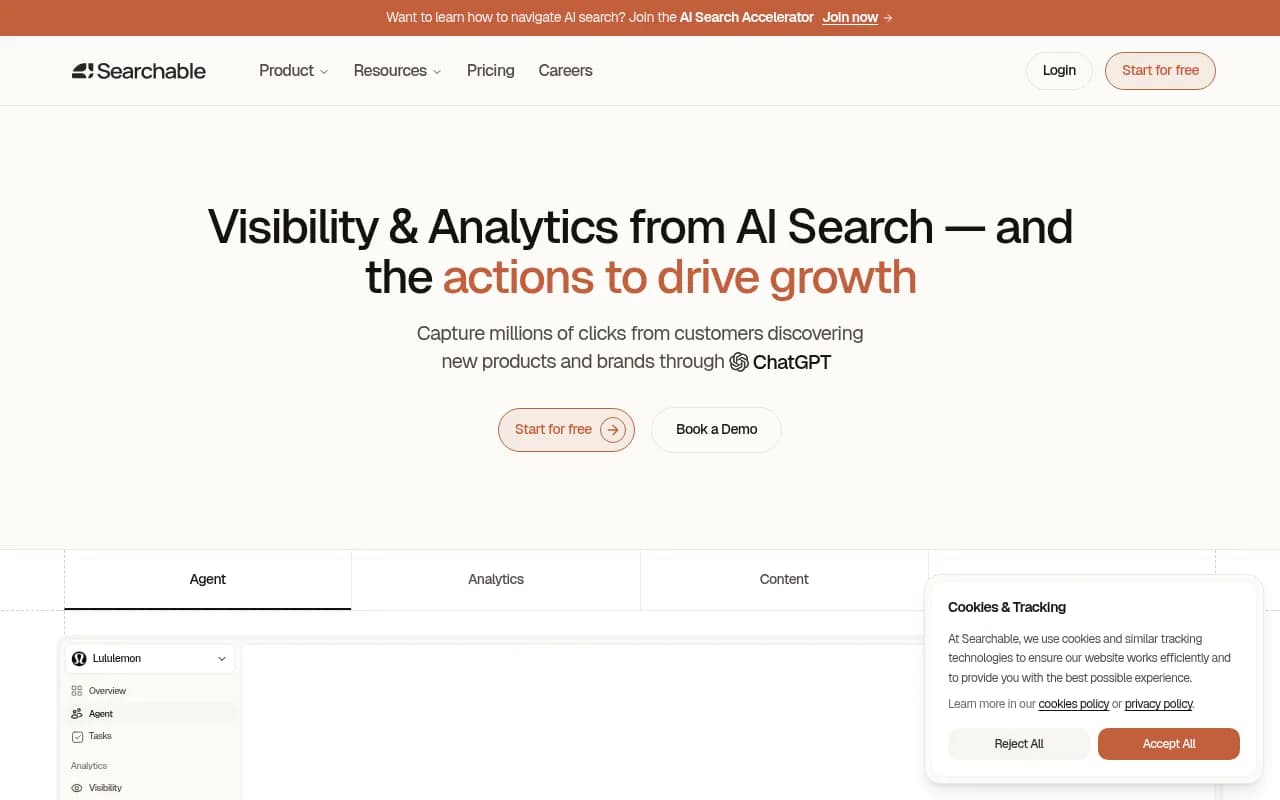
Searchable is built around tracking several ChatGPT surfaces and offers per-client projects and white-label reports.
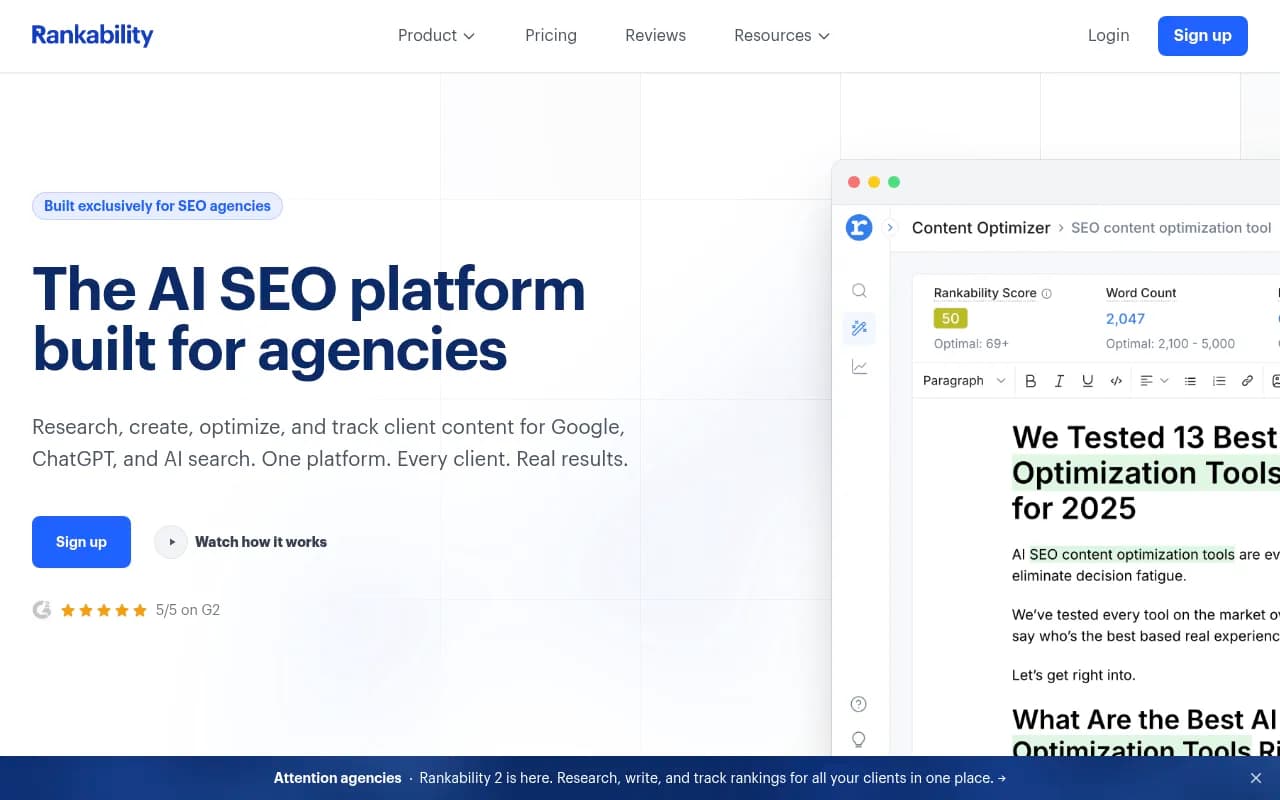
Rankability bundles tracking and content optimization, which suits agencies that want to act on gaps in the same tool.
Peec AI and Otterly.AI are the budget-minded trackers most often shortlisted for smaller client rosters.

Otterly.AI

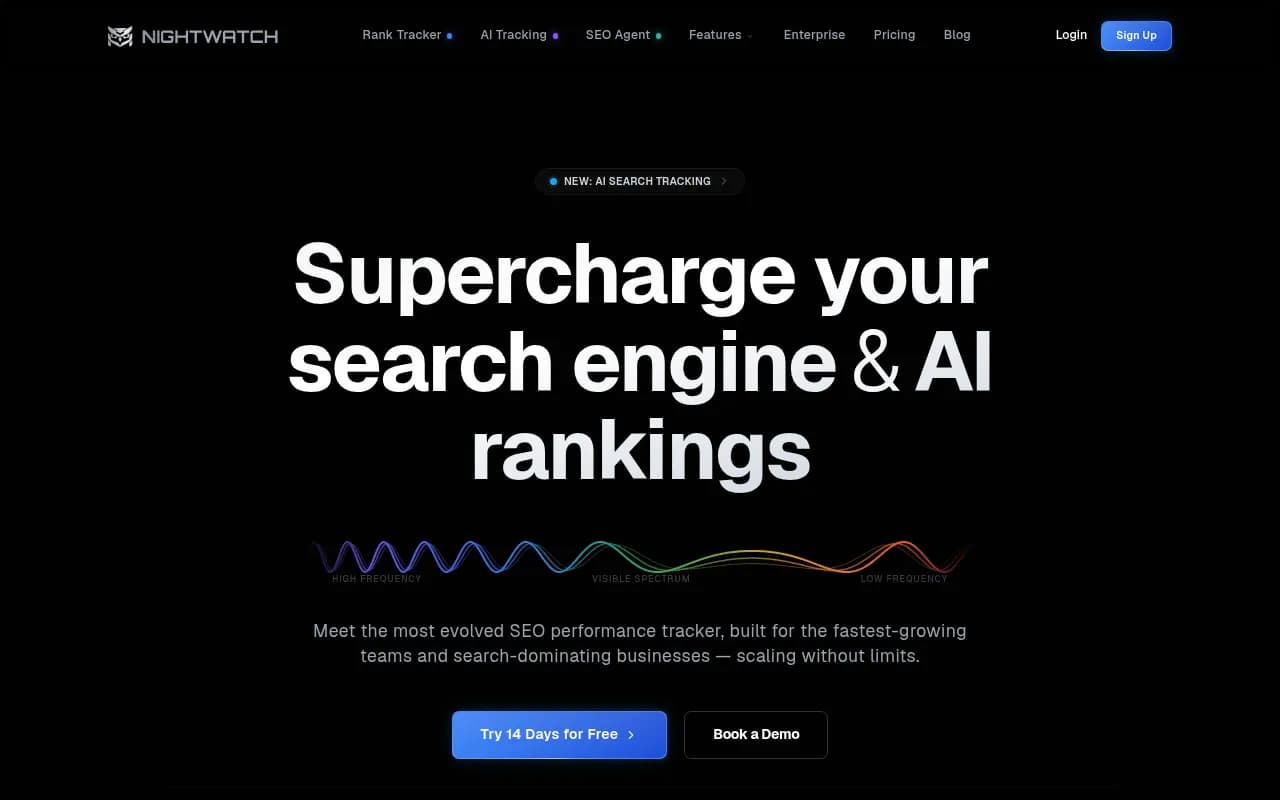
Nightwatch is worth a look if your clients already live in traditional rank tracking and you want both in one place.
If you want to browse more options, the directories at ai-rank-tools.com and bestgeosoftware.com list AI rank trackers and GEO platforms side by side.
Building the monthly client report
Put AI visibility in the same document as SEO and paid results. A separate AI report means another login and another thing for the client to ignore. Reporting platforms such as Swydo pull a Google Sheets source per client, so AI tracking exports can sit next to GA4 and Search Console data. Swydo's single plan starts at $69/month with unlimited clients and users, per its own pricing, which is worth confirming before you budget.
A one-page template
- Headline. Visibility rate and share of voice this month versus last month and versus the baseline, with the sample size (for example, 900 answers).
- Competitor view. Share of voice for the client and top three competitors. This is the number that stays honest.
- Prompt movers. The five prompts that gained and the five that lost the most visibility, in plain language.
- Sources. Which pages and third-party sites got cited, and which sources AI uses when your client is missing.
- Engine notes. A short log of any documented platform changes during the month.
- Traffic. AI referral sessions and conversions from GA4.
- Next month. Two or three specific actions.
Present movement in terms of business impact. "Three prompts moved from absent to named in most answers" is better than "visibility rose 6 points". And keep a brief plain-language summary at the top; clients don't read percentages the way you do.
Track AI traffic in GA4
Create a custom channel group or segment matching AI referrers: chatgpt.com, perplexity.ai, gemini.google.com, copilot.microsoft.com and claude.ai. Report sessions and conversions from that group each month. Agency Dashboard's own data claims AI search visitors convert at 4.4x the rate of traditional organic, but that is one vendor's platform data, so use your clients' numbers rather than quoting it.
For reporting dashboards, tools like Whatagraph and Swydo can assemble the client-facing view.
Setting expectations and handling pushback
The awkward moment arrives when a client runs one of your tracked prompts themselves and sees a different answer. Prepare for it before the first report goes out. Explain that one answer is a single draw, that you sample hundreds, and that location, language and chat history all vary what they see.
A few other habits help:
- Don't promise revenue. A rising mention rate is an early signal. Tie it to AI referral traffic and conversions first.
- Ask the client's sales team where prospects say they did their research. If nobody mentions AI tools, the channel may not justify heavy reporting yet.
- Don't report one number per engine as if they were comparable. Engines retrieve differently.
- Be honest when a drop is engine-wide. The sourced log of platform changes is what makes you credible.
Common mistakes
- Reporting a single AI "rank" that reshuffles every run.
- Buying on engine count and finding the plan covers three.
- Loading the prompt set with branded questions.
- Averaging different countries and languages into one score.
- Changing the prompt set mid-quarter and then comparing month over month.
- Treating visibility as revenue.
Fixing what the report shows
Tracking only pays off if it leads somewhere. Start with the sources AI cites when the client is missing, and earn a presence there. Then fill gaps on the client's own site with comparison pages, clear pricing and use-case pages, since those formats get cited often. Promptwatch's content type report found product pages the most cited type in ChatGPT, at 22.4% of citations from September 28 to October 4, 2026, followed by landing pages and listicles.
If you want a partner to run this work rather than build the practice in-house, agencies such as 1001 SEO Media handle GEO and AI search reporting alongside technical SEO and content.
A simple monthly routine
- Week one of the month: export visibility rate, share of voice and citations for the prior month.
- Check your engine-change log against any large swings.
- Pull AI referral sessions and conversions from GA4.
- Write the three-line plain-language summary.
- Send the report with next month's actions.
- Review the prompt set quarterly, not monthly.
That is the whole workflow. Report visibility as a rate, show it against competitors, annotate what ChatGPT changed on its own, and connect it to traffic. Clients stop asking where they rank and start asking what to do next.