Key takeaways
- A gap is a prompt where an AI engine or coding agent names a competitor and leaves you out. Gap analysis finds those prompts, then traces the sources behind each answer.
- Coding agents like Codex, Claude Code and OpenCode recommend SDKs, libraries and docs inside a developer's workflow, so a missed recommendation can mean a missed integration.
- Start with a fixed prompt set, three to five real competitors, and several engines. Repeat the same prompts over time.
- Prioritize by prompt value and by how many engines share the same gap. Fix the ones you control on your own site first.
- Promptwatch's data has no report specific to coding agents yet. Its software report is the closest proxy, and it points at docs, GitHub and review sites.
Why coding agents change the competitor question
A developer used to Google "best auth library for Next.js", skim five tabs, and pick one. Now a lot of them type that into an agent and accept what comes back. The agent searches, reads, and recommends a package, then often installs it.
There is no page two. If the agent names your competitor's SDK and not yours, you were never in the running, and you probably never saw the moment happen.
That is the problem competitor gap analysis solves. KIME's glossary defines it as finding the prompts where AI engines recommend a competitor but not you, then identifying the sources behind those answers (KIME). The method is the same for coding agents. What changes is the prompt set and the sources.
I'll be honest about one limit up front. I could not find first-party data on coding agents specifically. The framework below is well established for AI search in general, and I've adapted it. Treat the coding-agent specifics as a working method, not a proven benchmark.
What a gap actually is
There are three layers, and it helps to keep them separate:
- Prompt gaps. Prompts where a competitor is mentioned and you are missing, or where they rank above you.
- Source gaps. Domains the engine cites in those answers that mention the competitor but not you.
- Content gaps. Topics, comparisons or questions the competitor has pages for and you do not.
The prompt layer tells you where you lose. The source layer tells you why. For coding agents, the source layer usually means GitHub repos, documentation sites, package registry pages, Stack Overflow answers, and the occasional blog tutorial.
Step 1: build a prompt set that sounds like a developer
Developer prompts differ from marketing buyer prompts. They are narrower and full of constraints. A good set mixes four types:
- Task prompts. "Add rate limiting to an Express API. Which library should I use?"
- Comparison prompts. "Compare [your SDK] and [competitor SDK] for a TypeScript project."
- Migration prompts. "I'm moving off [competitor]. What are the alternatives?"
- Stack prompts. "What's the best way to send transactional email from a Python FastAPI app?"
Add the details a real developer includes: language, framework, deployment target, a must-have feature, and what they want back (a library name, a code sample, a table). Snoika's guidance on competitor prompts makes the same point for buyers: a role, a use case, a constraint, an output format, and permission to say no (Snoika). For developers, swap "role" for "stack".
Keep brand names out of most of the set. The valuable gaps live in unbranded task and stack prompts, because those are discovery moments. Branded prompts tell you about reputation, not reach.
How many competitors to track
Three to five. KIME suggests including the brands buyers actually compare you with, plus any rival the engines keep recommending even if you don't see them as a direct threat. In developer tooling that second group matters. The tool beating you in agent answers is often an open-source project or a cloud provider's built-in service, not the startup in your pitch deck.
Step 2: run the same prompts repeatedly
One run proves nothing. SparkToro ran 2,961 prompts with 600 volunteers and found ChatGPT returned the same brand list less than 1% of the time (Search Engine Journal). Coding agents are no different. They search the web live, and what they retrieve shifts.
So repeat each prompt at least five times, then divide each brand's appearances by total runs. That gives you a rate instead of an anecdote. A prompt where a rival shows up in 4 of 5 runs and you show up in 0 is a real gap. A prompt where you appear in 2 of 5 is noise you should watch.
Also watch for platform changes. Promptwatch Data found that on August 8, 2026, ChatGPT Search began using the site: operator at scale, jumping from about 0.4% to roughly 17% of fanout queries overnight (Promptwatch Data). If an agent now runs site:docs.yourdomain.com style lookups, your docs become a direct retrieval surface, and thin or unindexed pages cost you answers. Behavior can change in a day, so monitor continuously instead of auditing once.
Step 3: filter to the real gaps
The filter is simple. Keep prompts where at least one competitor appears and you do not. Then sort.
| Signal | What it tells you | Priority |
|---|---|---|
| Competitor appears, you are absent, on several engines | Systemic gap, likely a content or source problem | High |
| Competitor appears above you on one engine only | Engine-specific retrieval issue | Medium |
| High-intent prompt ("best", "alternative to", "which library") | Direct influence on tool choice | High |
| Informational how-to prompt | Awareness, slower payoff | Lower |
| A rival you are not even tracking wins | Add them to the competitor list | Check now |
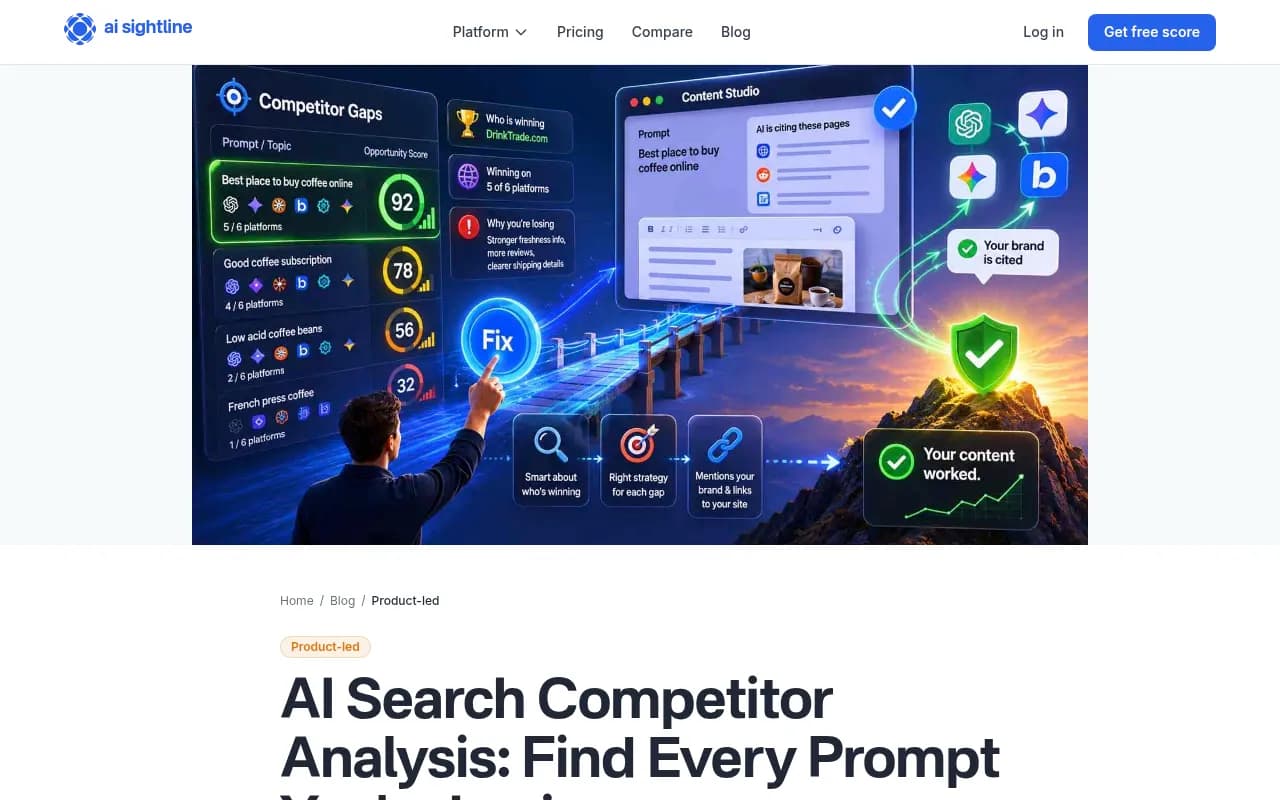
AI Sightline's approach is a useful reference here. It scores every tracked prompt from 0 to 100 for opportunity and separates "a real rival is winning" from "a news site or Reddit thread is winning", because the fix differs (AI Sightline). You can do a rough version in a spreadsheet: prompt value, number of engines sharing the gap, and whether the fix sits on your own site.
Step 4: open the sources behind each loss
This is the step most teams skip, and it is where the plan comes from. For every gap prompt, list the pages the agent cited or fetched, then mark which ones mention your competitor and not you.
Promptwatch's software report gives a sense of what to expect. For software prompts from Sep 28 to Oct 4, 2026, GitHub was the most cited domain at 1.2% of citations, followed by learn.microsoft.com at 0.98% and G2 at 0.73%. Docs and help centers earned the largest share by source type at 2.64% (Promptwatch Data). The report covers general software prompts in ChatGPT, not coding agents, so read it as a directional signal.
Still, it matches what developer-tool teams see. The report's advice is to keep a public GitHub presence, publish crawlable docs, and keep G2 and Capterra profiles current. Review sites together (G2, Gartner, Capterra, Software Advice) earned 1.57%, more than any single vendor including Microsoft.
Also expect crowded answers. In Promptwatch's data, 47.6% of ChatGPT responses with citations cite 10 or more domains, and for competitor comparison prompts it is 49.1% (Promptwatch Data). You are always sharing the answer with many sources. The job is to find which ones carry your rival and skip you.
Step 5: group the fixes by type
Once sources are listed, fixes fall into a few buckets:
| Gap type | Typical cause | Fix |
|---|---|---|
| Missing comparison | No page covering "you vs rival" | Publish your own comparison page for the competitors you are most compared with |
| Weak docs | Thin, unindexed or JS-only documentation | Rewrite docs around real tasks, make them crawlable, add code samples |
| Source absence | Rival listed on G2, a registry roundup, or a trade blog and you are not | Outreach, profile updates, contributed examples |
| Thin repo presence | README is vague, few examples, stale | Improve the README, add quickstarts, keep the repo active |
| Crawl failure | Bots blocked or erroring | Check robots rules and crawler logs |
The fourth and fifth rows catch teams out. If an agent cannot read your docs, no amount of new content helps. Separate an access problem from a content problem before you write anything.
Step 6: close the gaps and confirm they closed
KIME's advice is to start with high-value prompts where the fix is on your own site, then move to outreach for sources that keep showing up. I agree. Own-site fixes are fast and under your control. Outreach is slow and uncertain, so aim it at the handful of domains that appear across many gap prompts.
Then re-run. AI Sightline marks a gap as published and checks the same prompt on the next scan to see whether you are now cited. That loop is the whole point: find the gap, fill it, confirm the win, move on. Without the re-check you are guessing.
A realistic expectation: new content takes time to get crawled and cited. Promptwatch's half-life report found landing pages and docs stayed cited longest while news lost half its pages within 36 days (Promptwatch Data). Docs and landing pages are the durable investment.
Tools for running the analysis
You can start by hand with a spreadsheet and a few agents. It gets tedious fast, so a dedicated platform helps once you have more than a few dozen prompts.
Promptwatch is the one I'd look at first for this job, since it tracks Codex, Claude Code and OpenCode directly alongside ChatGPT, Gemini, Perplexity and Google AI Overviews. It runs prompts across engines, shows which competitors appear in the same responses, traces the cited sources, and has an Action Board and content tools to act on the gaps. Its content gap analysis maps your pages against the prompts AI answers, and IP-verified crawler logs tell you whether bots can actually read your docs. See the prompt tracking page for the setup.

Other tools in the same space track brand visibility with varying depth:
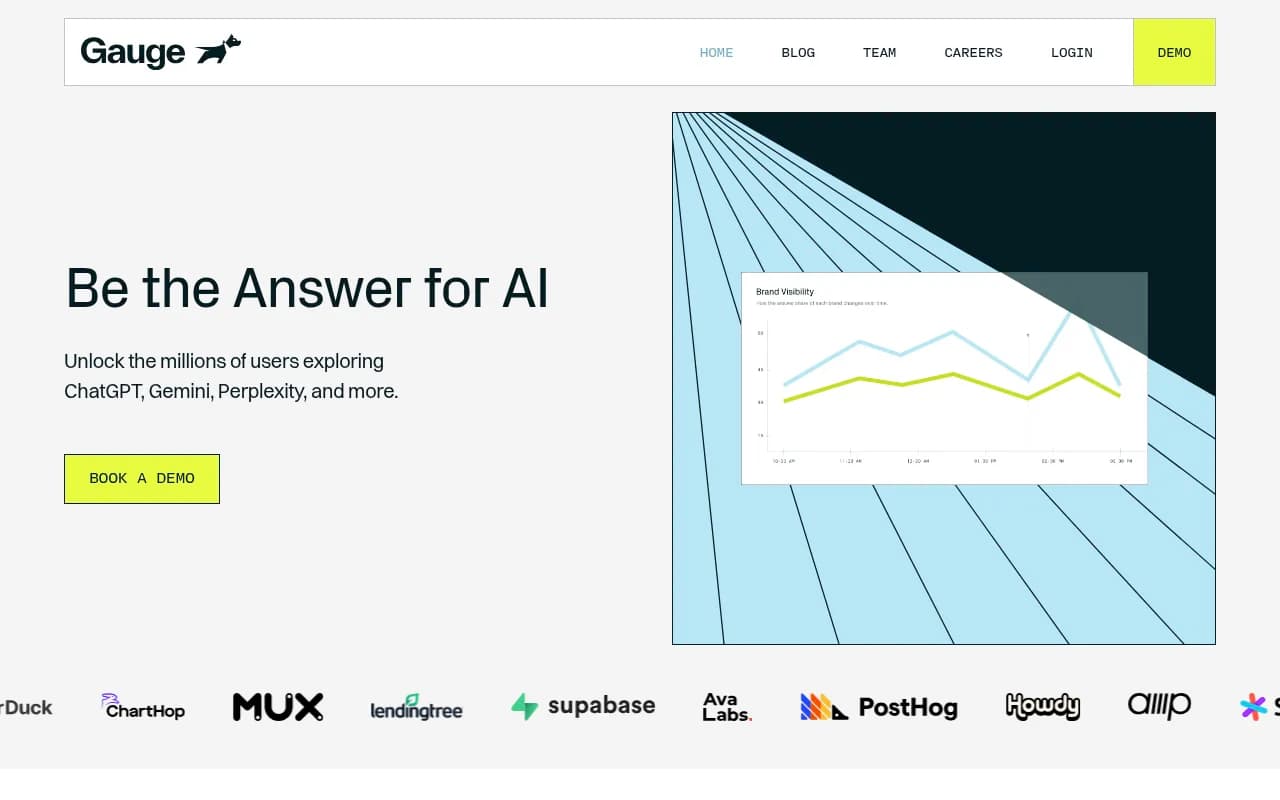
Gauge lets you add competitors and tracks them alongside you on every prompt, with a side-by-side view of who is cited and where you trail.
Profound
Profound is an enterprise AI visibility platform, worth a look if you need broad engine coverage.
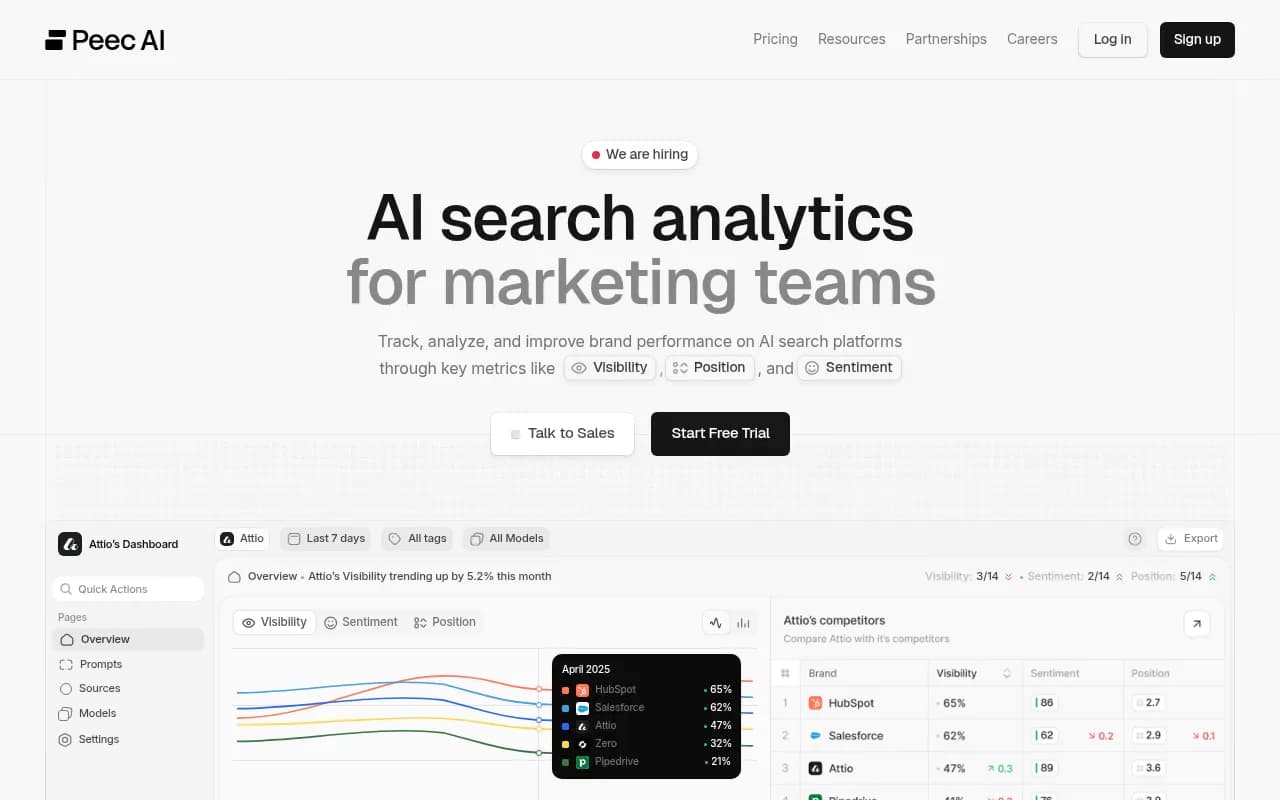
Peec AI is a lighter option for marketing teams that mainly want tracking.
Otterly.AI

Otterly.AI covers monitoring across ChatGPT, Perplexity and AI Overviews.
| Tool | Strength for gap analysis | Watch out for |
|---|---|---|
| Promptwatch | Tracks coding agents, traces sources, crawler logs, content agents to act on gaps | Content Agent starts on the Business plan |
| Gauge | Competitor side-by-side per prompt | Narrower action tooling |
| Profound | Broad engine coverage, enterprise reporting | Higher price point |
| Peec AI | Simple tracking | No crawler logs or content generation |
| Otterly.AI | Quick brand monitoring | Monitoring focus |
For wider browsing, the GEO software directory at bestgeosoftware.com lists more options. Confirm current plan details on each vendor's pricing page, and for Promptwatch at promptwatch.com/pricing.
A simple weekly routine
- Monday: review the gap list, sorted by prompt value and engine count.
- Pick the top two gaps with an own-site fix.
- Write or rewrite the page: a direct answer to the developer's question, a code sample, a comparison if relevant.
- Check crawler access for the pages involved.
- Re-run the prompts the following week and compare the rate.
- Once a month, add any untracked rival that keeps winning.
Small and boring, but it compounds. Teams that look at this once a quarter see a snapshot. Teams that look weekly see which fixes work.
Common mistakes
- Tracking one competitor. Two or three rivals will beat you on different prompts. Use three to five.
- Reading a single answer. Rates over repeated runs, not one screenshot.
- Writing before checking access. If bots can't read the page, new content is wasted.
- Ignoring third-party sources. Review sites and registries often decide the answer. Your own site can't fix that alone.
- Treating all gaps equally. A gap on an informational prompt rarely beats one on a "which library should I use" prompt.
The short version
Pick real competitors, write prompts the way developers do, run them repeatedly across agents, and keep only the ones where a rival shows up and you don't. Open the sources behind each, fix what sits on your own site first, and re-run to check. The method is the same one used for AI search broadly, and the direct evidence for coding agents is still thin, so measure your own results instead of trusting anyone's averages, including mine.
For reference material, see Promptwatch Data and the content gap academy guide.