Key takeaways
- A user-agent string is a claim, not proof. In one week of logs from a single site, 80% of "GPTBot" requests and 100% of "Perplexity-User" requests came from IPs outside the operators' published ranges.
- Split traffic by purpose, not just provider: training (GPTBot, ClaudeBot), search indexing (OAI-SearchBot, Claude-SearchBot), and user-triggered fetches (ChatGPT-User, Claude-User) tell you different things.
- Server logs show access, not visibility. Pair them with citation data to find pages that are crawled but never cited, or cited but failing for some bots.
- On large sites, the wins are usually operational: 404s, long redirect chains, WAF rules that silently block real bots, and crawl spread across the wrong URLs.
- Blocking everything on principle is rarely a good default. Selective robots.txt rules for training bots, with answer bots left open, is easier to defend.
Why logs are the only complete record
AI crawlers do not run JavaScript, so your analytics tag never sees them. Google Search Console only reports Googlebot. That leaves server and CDN logs as the single place where GPTBot, ClaudeBot and PerplexityBot show up as they actually behave.
For a small site this is a curiosity. For an enterprise site with millions of URLs, it is an operations question. JetOctopus reports, from enterprise logs it has reviewed, that AI bots now run at roughly 40 to 50% of Googlebot-level activity, that one AI crawler covered 2.2x more unique URLs than desktop Googlebot, and that 67% of one GPTBot's visits hit 404s. Those are vendor-reported figures from a specific set of sites, so treat them as a prompt to check your own logs rather than a benchmark. Still, 404 waste at that scale is the kind of thing you can only see here.
Step one: capture the right fields
You do not need a dedicated platform to start. You need request-level logs that preserve enough to identify the requester. The fields that decide what you can answer:
| Field | What it lets you answer |
|---|---|
| Timestamp | Crawl frequency, spikes, recrawl intervals |
| Source IP | Whether the request is authentic |
| Hostname | Which subdomain or property was hit |
| Path | Which sections and page types get attention |
| HTTP status | Whether requests succeed |
| User agent | Which crawler the requester claims to be |
| Bytes and response time | Whether slow or heavy pages are being abandoned |
NGINX access logs can record all of these at the web-server layer. At the CDN layer, Fastly and Cloudflare logging can expose the same set. On a big site, the CDN is usually the better source, because the origin never sees cached hits.
Step two: match first, verify second
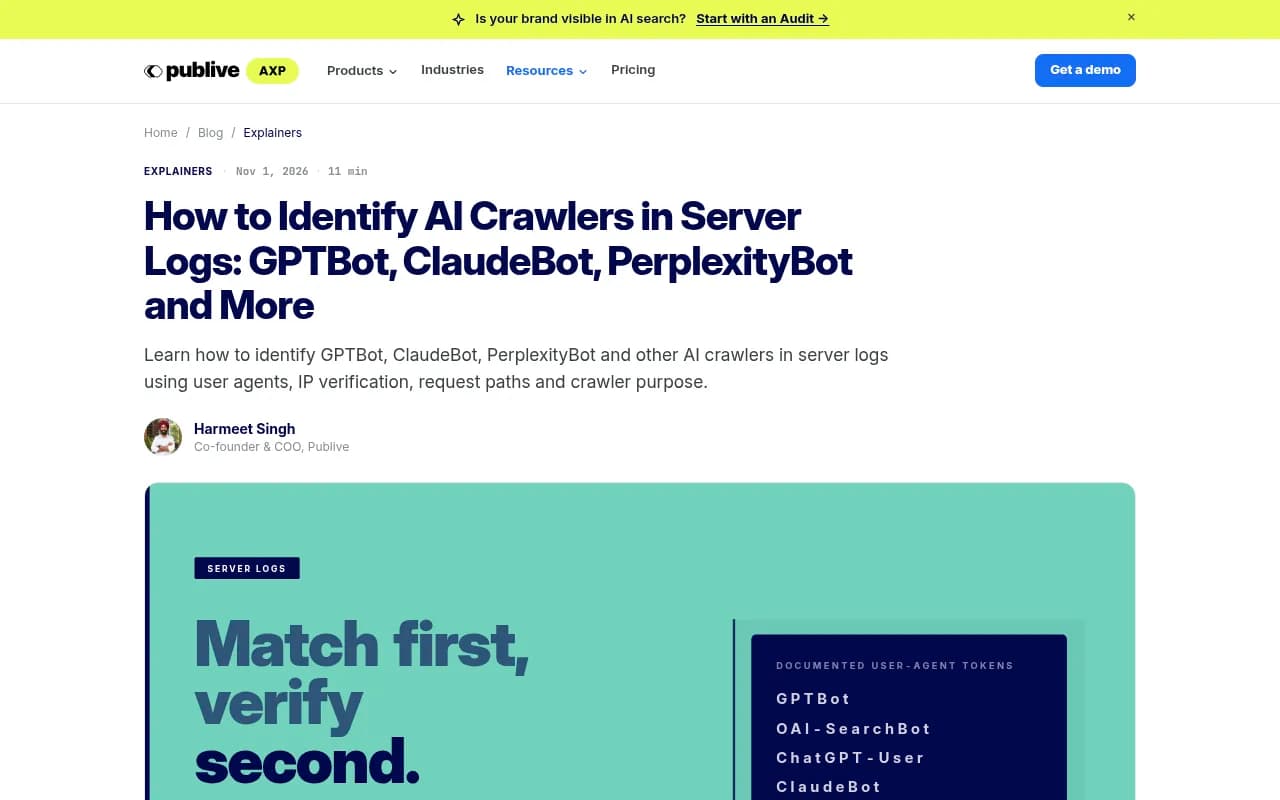
Match on stable tokens (GPTBot, ClaudeBot, PerplexityBot), not full user-agent strings, since version suffixes change. Then verify every match against the operator's published ranges.
The IP lists that exist today:
- OpenAI: gptbot.json, searchbot.json and chatgpt-user.json on openai.com
- Anthropic: bots.json under claude.com/crawling
- Perplexity: perplexitybot.json and perplexity-user.json on perplexity.com
- Google: the googlebot.json ranges file in Search Central docs
An older guide may still tell you Claude's IPs cannot be verified. That is no longer true.
What spoofing looks like in practice
One site owner measured a week of logs against those lists:
| User agent | Claimed | Real | Fake share |
|---|---|---|---|
| GPTBot | 137 | 27 | 80% |
| OAI-SearchBot | 551 | 453 | 18% |
| ClaudeBot | 285 | 176 | 38% |
| PerplexityBot | 160 | 51 | 68% |
| Perplexity-User | 105 | 0 | 100% |
That is one small site, so the percentages will differ on yours. The pattern is what matters: the fakes were largely vulnerability scanners wearing an AI company's name, probing for credentials. They also tend to show up as a wall of errors, which makes your AI crawl health look far worse than it is.
There is a security side effect too. Many teams now allowlist AI crawlers in their firewall or bot protection so they can appear in AI answers. If the allowlist keys on user agent alone, you have handed scanners a pass. Allowlist by verified IP.
A minimal check in Python loads each published list, converts the prefixes to networks, and tests each log line's client IP against the list for the bot it claims to be. Download the lists fresh on every run, because they change.
grep -E "GPTBot|ClaudeBot|PerplexityBot" /var/log/nginx/access.log | \
  awk '{print $9}' | sort | uniq -c | sort -rn
That one-liner gives you the status code distribution for claimed AI crawlers. Run the IP check first, or you are counting impostors.
Step three: classify by purpose
The biggest analysis mistake is lumping all OpenAI or all Anthropic traffic together. A spike in GPTBot is a training signal. A spike in OAI-SearchBot or ChatGPT-User is closer to a live answer signal. Reporting them as one number leads to the wrong conclusions.
| Operator | Training or bulk | Search or index | User-triggered |
|---|---|---|---|
| OpenAI | GPTBot | OAI-SearchBot | ChatGPT-User |
| Anthropic | ClaudeBot | Claude-SearchBot | Claude-User |
| Perplexity | PerplexityBot | PerplexityBot | Perplexity-User |
| Google-Extended | n/a | Google-Agent | |
| Meta | meta-externalagent | meta-webindexer | meta-externalfetcher |
The boundaries are not perfectly crisp. Sources disagree on a few edges: HG Insights describes Claude-User as firing when someone asks Claude to visit a specific URL, while Promptwatch's crawler research treats it as the citation crawler that fires when someone asks Claude a question or uses Claude Code. Either way, the useful move is to keep ClaudeBot, Claude-SearchBot and Claude-User as separate lines in your reporting.
One consequence worth knowing: blocking GPTBot in robots.txt restricts future training collection. It does not stop ChatGPT from reading the site at answer time, because that runs through different agents.
What the cross-site data shows
Individual logs are noisy. Aggregate data helps you sanity check what you see. Promptwatch's AI crawler traffic report covers IP-verified requests from June 8 to September 6, 2026, drawn from raw server and CDN logs. OpenAI made up 79.8% of verified requests in the week of August 31 to September 6, down from 94.8% in the week of June 8 to 14. So the mix is diversifying fast.
Two specific movements are worth knowing about:
- Meta-WebIndexer grew from about 2% to nearly 38% of tracked AI crawler requests between mid-July and August 9, 2026, making it the heaviest AI crawler in that data set. One developer reported server load alerts from it. If you pay per request at the CDN, budget for sustained Meta traffic, not just a spike.
- Claude's citation crawler grew more than 100x between December 2025 and April 2026, from about 30 visits a day to several thousand. It was still only about 1% of tracked citation crawler traffic at the end of that window, with ChatGPT dominating the rest.
The practical use of this is a comparison. If a provider is large in the aggregate but near zero in your logs, you are probably blocked or unreachable for it. Check robots.txt, CDN rules and WAF bot rules for every provider in the chart.
Step four: read the status codes like an operator
Once traffic is verified and classified, the interesting findings are mostly about failure.
404s and wasted crawl
AI crawlers follow old links, outdated sitemaps and external references to URLs you retired years ago. On large sites with long histories this produces a steady stream of 404s. It is wasted budget you cannot see anywhere but the logs. The fix is usually redirects for the URLs that still attract links, and cleaning sitemaps for the rest.
403s and silent blocks
A 403 means something blocked a bot. Zero entries for a bot you expect can mean a robots.txt rule or a CDN firewall rule. Cloudflare Bot Fight Mode and custom WAF rules sometimes block AI crawler ranges because they look like automated traffic. This is the most common way a company ends up invisible to a provider without anyone deciding it should be.
Redirect chains
One analysis of crawler behavior reported observed limits of about five hops for GPTBot and ClaudeBot, and about three for Claude-SearchBot, with the page silently dropped past that point. These come from a single source's observations, so verify on your own logs. The takeaway is low cost anyway: collapse chains on important URLs to a single hop.
5xx and 429 handling
Server errors cause a retry later. A 429 slows the crawler until the rate window passes. If you need to throttle, a 429 with a Retry-After header is more dependable than a robots.txt crawl-delay directive.
Step five: connect crawling to citations
This is where log analysis stops being an infrastructure exercise. Crawl volume is not visibility. A page can be crawled constantly and still lose the citation to a competitor. A page can also be cited without being crawled recently, from a cached or indexed copy.
The useful questions pair the two data sets:
- Which important page types are barely crawled by answer bots?
- Which pages get heavy crawling but never earn a citation? That points to a content problem, not an access problem.
- Do comparison and category pages get crawled at a rate that matches their citation share?
- When a page was refreshed, how long until a bot came back?
Promptwatch's data on content types is a good reference for what to expect. Product pages were the most cited content type in ChatGPT at 22.4% of citations from September 28 to October 4, 2026, and landing pages and docs stayed cited longest while news lost half its pages within 36 days. If your logs show answer bots ignoring your product pages, that is where to look first.
Tools for enterprise log analysis
Grep works for a spot check. It will not verify IPs, join crawl data to other sources, chart trends, or handle billions of lines.
Promptwatch is the option I would point to if the goal is connecting crawl behavior to AI citations and traffic. Its AI crawler logs are IP-verified against operator ranges, so spoofed bots are excluded. They show which pages each bot read, the errors it hit with plain-language explanations, and the crawl-to-citation path per page, which helps separate an access problem from a content problem. Setup runs through Cloudflare, CloudFront, Fastly, Vercel, Netlify, Akamai, Google Cloud CDN, a custom endpoint, or the WordPress plugin.
For classic enterprise log analysis at scale, JetOctopus preconfigures 40+ bots and filters spoofed traffic against vendor IP ranges.
If you already run technical SEO crawls, OnCrawl and Botify cover log analysis inside broader enterprise platforms.
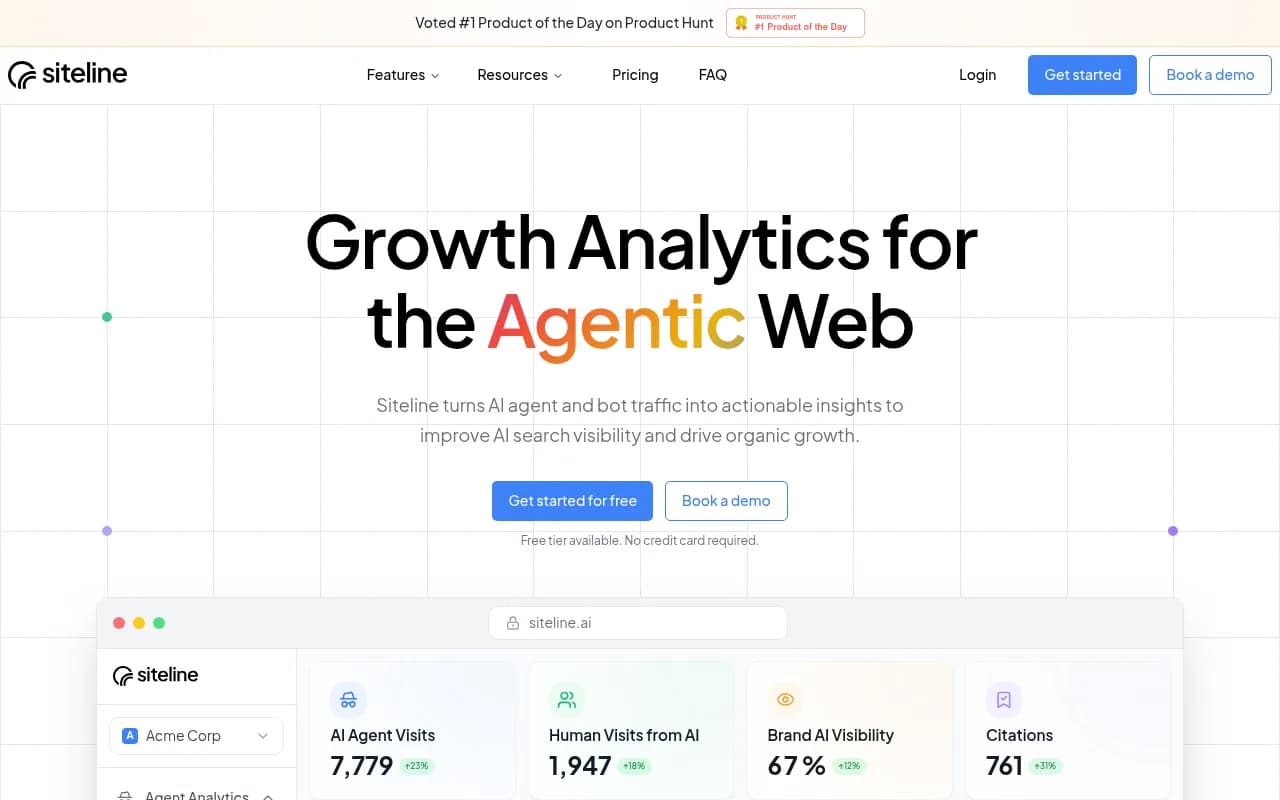
Siteline AI focuses specifically on AI agent traffic analytics.
| Tool | Strength | Best for |
|---|---|---|
| Promptwatch | IP-verified crawler logs tied to citations, traffic and content actions | Teams who want to act on what the logs show |
| JetOctopus | Billions-of-lines log analysis, 40+ bots, spoof filtering | Large ecommerce and publisher sites |
| OnCrawl | Crawl plus log data in one technical SEO platform | Technical SEO teams |
| Botify | Enterprise SEO and AI search platform | Large organizations with existing Botify use |
| Siteline AI | AI agent traffic analytics | Quick visibility into agent visits |
| Manual grep and scripts | Free, transparent | Spot checks and prototypes |
For more options in the category, the GEO software directory lists tools side by side.
Robots.txt decisions after you have data
Resist the urge to block everything as the first reaction. Research from Rutgers and Wharton, published in December 2025 and covered by PPC Land, found that publishers who blocked AI crawlers saw a 23.1% drop in total traffic without a reliable reduction in citations. That was a study of news publishers, so it will not map perfectly onto every enterprise site. But it supports a more careful default: restrict training crawlers where you have a reason to, leave search and user-triggered agents open, and revisit when you have log evidence.
Before changing anything, the robots.txt generator for AI and the AI bots directory are useful references for current user agents.
What to put in the monthly report
Pick a small set of numbers and track them consistently:
- Verified requests by operator and by purpose (training, search, user-triggered)
- Spoofed share of claimed AI crawler traffic
- Status code mix per bot, with 404, 403 and 5xx rates called out
- Crawl share by page class versus citation share by page class
- Median time from content update to next verified bot visit
- Bots expected but absent (a blocked-for-provider flag)
That set lets you say something more useful than "GPTBot visited us." You can say which AI systems request which parts of the site, why, whether they are real, and whether your infrastructure serves them successfully.
A simple rollout plan
- Turn on CDN-level logging with IP, path, status, user agent, bytes and timing if it is not already.
- Pull fresh published IP lists and verify two weeks of data.
- Classify by purpose and build the status code view.
- Fix the loudest problems: blocked real bots, long redirect chains, mass 404s.
- Add citation data and start comparing crawl to citation by page type.
- Review robots.txt only after steps one to five.
The free Agentic Readiness Check is a fast way to see which AI crawlers can currently reach your site before you dig into logs.
One honest limit: logs cannot tell you whether a page was cited, and they cannot tell you what a bot did with the content. They tell you access. Everything past that needs a second data source.