Summary
- AI crawlers (ChatGPT, Claude, Perplexity) revisit pages at different rates based on perceived value -- track these return rates to identify which content AI engines consider stale or low-priority
- Content decay happens faster in 2026 than ever before -- rankings drop in weeks, not quarters, making scheduled quarterly audits too slow to protect performance
- Prioritize refresh work by combining crawler return rates with traffic decay, CTR drops, and revenue impact -- not every page deserves the same attention
- Automate monitoring and surface pages that need attention using tools like Promptwatch to track AI crawler behavior and visibility changes in real time
- Human editors remain essential for high-stakes content (product pages, pricing, legal) -- automation handles discovery and drafting, humans handle final approval

Why AI crawler return rates matter for content refresh
Traditional SEO taught us to refresh content on a schedule -- quarterly audits, annual overhauls, maybe a mid-year check-in if traffic dipped. That cadence worked when Google was the only game in town and rankings shifted slowly.
Now you're dealing with ChatGPT, Claude, Perplexity, Gemini, and a dozen other AI engines that crawl your site, extract information, and decide whether to cite you in their responses. These crawlers don't wait for your quarterly audit. They revisit pages at different rates based on signals like freshness, authority, and how often the content changes. If a crawler stops coming back frequently, it's a warning sign that your page is losing relevance in AI search.
Crawler return rates tell you which pages AI engines consider valuable enough to check regularly. A page that ChatGPT's crawler visits daily is being treated as a high-priority source. A page that hasn't been crawled in three weeks is effectively invisible to that engine until it decides to check again.
This matters because AI search visibility decays faster than traditional SEO rankings. A page that drops out of ChatGPT's responses loses traffic immediately -- there's no page two to fall back on. You need to catch decay early, before it compounds.
The content decay problem in 2026
Content decay used to be a slow burn. You'd notice a gradual traffic decline over months, run an audit, update some metadata, maybe add a few paragraphs. Rankings would stabilize.
That timeline is gone. In 2026, content decay happens in weeks. AI engines prioritize fresh, comprehensive answers. If your competitor publishes an updated guide with 2026 data and you're still citing 2024 statistics, you lose citations. If your documentation is missing a new API endpoint that launched last month, AI assistants stop recommending your docs.
The problem compounds because AI engines don't just rank pages -- they extract and synthesize information. A page that's 80% accurate but 20% outdated gets ignored entirely, because the AI can't trust which parts are current. There's no partial credit.
This creates a vicious cycle: outdated content gets fewer crawler visits, which means longer gaps before the next crawl, which means the content falls further behind. By the time you notice the traffic drop in your analytics dashboard, you're already weeks into the decay curve.
How to track AI crawler return rates
Most analytics platforms don't surface AI crawler behavior in a useful way. You'll see user agents like "ChatGPT-User" or "ClaudeBot" buried in server logs, but raw logs don't tell you which pages are being prioritized or how return rates are changing over time.
You need a system that:
- Identifies AI crawlers by user agent -- ChatGPT, Claude, Perplexity, Gemini, and others all use distinct identifiers
- Tracks visit frequency per page -- not just total crawls, but how often each page is revisited
- Flags changes in return rate -- a page that went from daily crawls to weekly crawls is losing priority
- Correlates crawler behavior with visibility -- does a drop in crawl frequency predict a drop in citations?
Tools like Promptwatch provide real-time AI crawler logs that show exactly which pages are being visited, how often, and by which engines. You can see when a page's return rate drops and investigate before it impacts visibility.
If you're building your own tracking system, start by parsing server logs for AI crawler user agents. Set up alerts for pages where crawl frequency drops below a threshold (e.g., no visits in 7 days for a previously high-traffic page). Export the data to a dashboard that shows trends over time.
Building a prioritization framework
Not every page deserves the same refresh effort. A product landing page that drives $50K in monthly revenue needs immediate attention when crawler return rates drop. A three-year-old blog post with 10 monthly visitors can wait.
Your prioritization framework should combine multiple signals:
1. Revenue impact
Which pages directly drive conversions, signups, or purchases? These are your tier-one priorities. If a high-converting page loses AI visibility, you lose revenue immediately.
Pull conversion data from your analytics platform and tag pages by revenue contribution. Any page in the top 20% by revenue gets automatic priority when crawler return rates drop.
2. Traffic decay rate
A page losing 5% traffic per week is in freefall. A page losing 5% per quarter is stable. Calculate the rate of decline, not just the absolute drop.
Set thresholds: pages losing >10% traffic week-over-week get flagged for immediate refresh. Pages losing 5-10% get queued for review. Pages with stable or growing traffic stay in maintenance mode.
3. Crawler return rate changes
A page that went from daily crawls to weekly crawls is losing priority with AI engines. This is an early warning signal -- often weeks before you see traffic impact.
Track the ratio of current crawl frequency to historical average. If a page drops below 50% of its normal crawl rate, investigate why. Common causes: outdated information, broken links, missing schema markup, or competitors publishing fresher content.
4. CTR and engagement signals
If users are clicking through from AI search but immediately bouncing, the content isn't meeting expectations. Low engagement tells you the page needs more than a date update -- it needs a structural rewrite.
Pull CTR and bounce rate data from Google Search Console and your analytics platform. Pages with high impressions but low CTR are underperforming in traditional search. Pages with high bounce rates after AI referrals are underperforming in AI search.
Scoring formula example
| Signal | Weight | Threshold | Score |
|---|---|---|---|
| Revenue impact | 40% | Top 20% of pages | 0-10 |
| Traffic decay rate | 30% | >10% weekly decline | 0-10 |
| Crawler return rate drop | 20% | <50% of historical avg | 0-10 |
| CTR/engagement | 10% | <2% CTR or >70% bounce | 0-10 |
Multiply each score by its weight and sum to get a priority score out of 10. Pages scoring 7+ get immediate refresh. Pages scoring 4-6 get queued. Pages scoring <4 stay in monitoring mode.
Automating the monitoring layer
Manual audits don't scale. You need automation to continuously monitor crawler behavior, traffic trends, and visibility changes across hundreds or thousands of pages.
Here's what an automated monitoring workflow looks like:
Step 1: Ingest data sources
Connect your monitoring system to:
- AI crawler logs -- either from your own server logs or a platform like Promptwatch that aggregates crawler data
- Analytics platform -- Google Analytics, Mixpanel, or similar for traffic and engagement metrics
- Search Console -- for CTR, impressions, and position data
- CRM or revenue tracking -- to map pages to conversions and revenue
Step 2: Calculate priority scores
Run the scoring formula daily or weekly. Pages that cross the threshold for immediate refresh get added to a queue. Pages that were previously queued but have stabilized get removed.
Store historical scores so you can track trends. A page that's been declining for three consecutive weeks is a different signal than a page with one bad week.
Step 3: Surface actionable insights
Don't just dump a list of 200 pages that need attention. Group pages by:
- Content type -- blog posts, documentation, product pages, landing pages
- Topic cluster -- pages covering related topics that can be refreshed together
- Urgency -- immediate (revenue-critical), high (traffic declining fast), medium (early warning signals), low (monitoring only)
Provide specific recommendations for each page: "Update statistics to 2026 data", "Add missing schema markup", "Rewrite intro to match current search intent", "Consolidate with related page to reduce cannibalization".
Step 4: Integrate with content workflows
Push high-priority pages directly into your content management system or project management tool. Create tickets in Jira, tasks in Asana, or drafts in your CMS with the recommended changes pre-populated.
This is where tools like AirOps or Averi AI come in -- they can automatically generate updated drafts based on the gaps you've identified, then route them to human editors for approval.

What to refresh (and what to skip)
Not every outdated page needs a refresh. Some content is evergreen by nature. Some content has served its purpose and should be archived.
Always refresh:
- Product and pricing pages -- outdated product info loses sales immediately
- Documentation and guides -- developers and users expect current information
- High-converting landing pages -- these directly impact revenue
- Top-performing blog posts -- if a post drives significant traffic, keep it current
- Pages cited by AI engines -- if ChatGPT or Perplexity is actively citing your page, keep it accurate
Consider refreshing:
- Seasonal content -- update annually or when the season approaches
- Comparison and alternative pages -- update when competitors change pricing or features
- Statistical reports -- update when new data becomes available
- How-to guides -- update when tools or processes change
Skip or archive:
- Outdated announcements -- "We're launching X in 2024" has no value in 2026
- Low-traffic posts with no backlinks -- if no one's reading it and no one's linking to it, let it go
- Content that no longer aligns with your positioning -- sometimes the best refresh is deletion
- Duplicate or cannibalized content -- consolidate instead of refreshing both versions
Using AI to draft refreshed content
Once you've identified which pages need attention, you need to actually update them. This is where AI content tools earn their keep -- not by replacing human writers, but by handling the mechanical work of updating dates, adding new sections, and filling content gaps.
The AI-assisted refresh workflow:
- Identify content gaps -- what's missing from the current version? New features, updated statistics, changed best practices, competitor information?
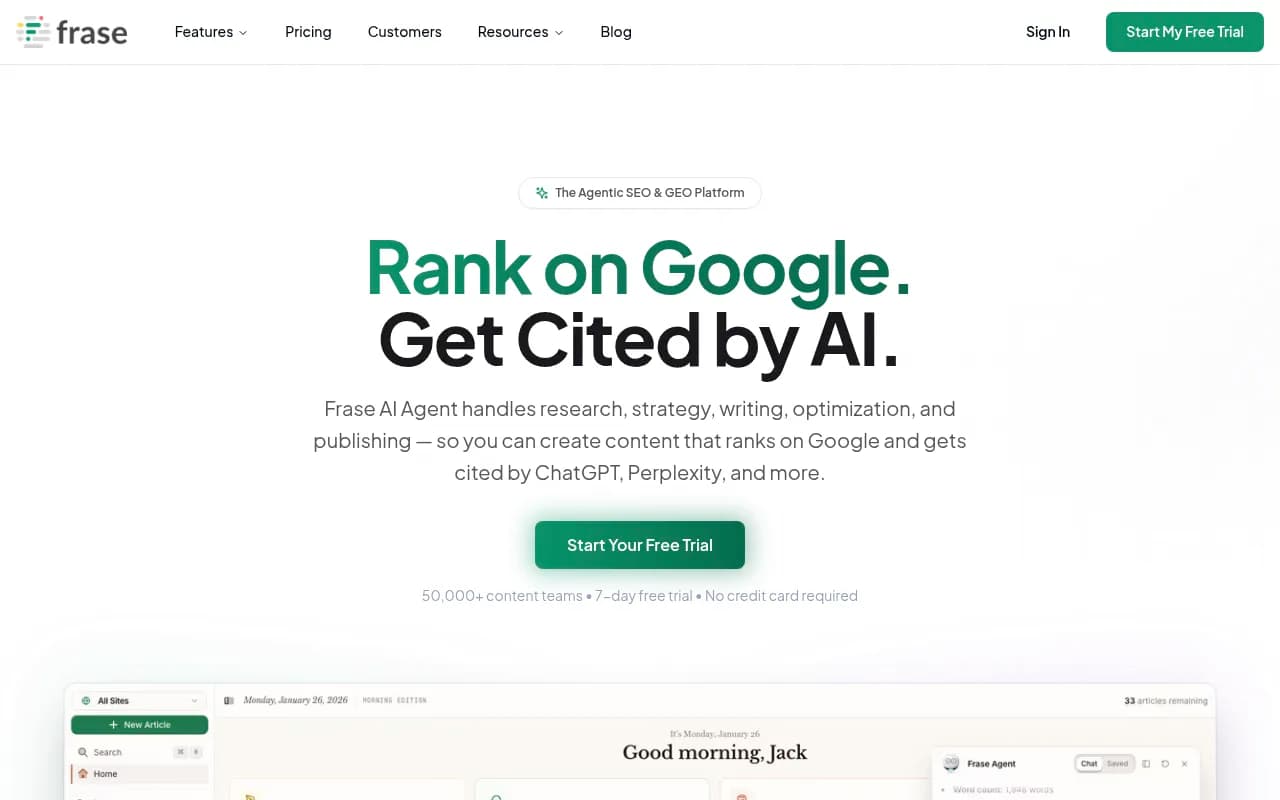
- Generate updated sections -- use an AI writing tool to draft new paragraphs or sections based on the gaps. Tools like Jasper, Surfer SEO, or Frase can analyze top-ranking content and suggest additions.
- Update factual information -- dates, statistics, tool names, pricing, feature lists. This is mechanical work that AI handles well.
- Preserve brand voice -- run the AI-generated content through your brand voice guidelines. Most AI tools let you set tone and style parameters.
- Human review and approval -- an editor reviews the updated draft, fixes any hallucinations or awkward phrasing, and approves for publishing.
The key is keeping humans in the loop for judgment calls. AI can suggest adding a section on "Best practices for X in 2026", but a human editor decides whether that section is actually valuable or just filler.
Structuring content for AI crawlers
Refreshing content isn't just about updating dates. You need to structure the content so AI crawlers can easily extract and cite it.
Use extractable summary blocks
Start each section with a 40-60 word summary that can stand alone. AI engines often extract these blocks directly into their responses.
Example:
Good: "Content decay in 2026 happens in weeks, not months. AI engines prioritize fresh, comprehensive answers. If your competitor publishes updated content with current data and you're still citing outdated statistics, you lose citations immediately."
Bad: "In this section, we'll explore how content decay has changed in recent years and what that means for your content strategy going forward."
The first version is citation-ready. The second version is filler.
Add structured data
JSON-LD schema markup helps AI engines understand your content structure. Use:
- Article schema for blog posts and guides
- HowTo schema for step-by-step instructions
- FAQPage schema for Q&A content
- Product schema for product pages
- Organization schema for about pages
AI engines use this structured data to extract specific information without parsing the full page.
Include statistics with sources
AI engines prioritize content that cites authoritative sources. When you include a statistic, link to the original source.
Example: "According to Gartner, search engine query volume is expected to drop 25% by 2026 due to AI chatbots and virtual agents (source)."
This makes your content more trustworthy to both AI engines and human readers.
Use clear heading hierarchy
AI crawlers rely on heading structure to understand content organization. Use H2 for main sections, H3 for subsections, H4 for sub-subsections. Don't skip levels.
Measuring refresh impact
You've refreshed a batch of pages. Now you need to know if it worked.
Track these metrics:
- Crawler return rate changes -- did the refresh trigger more frequent crawls? You should see an uptick within days.
- AI visibility changes -- are the refreshed pages being cited more often in ChatGPT, Perplexity, and other AI engines? Tools like Promptwatch track citation frequency.
- Traffic recovery -- did organic traffic stabilize or increase? Compare the 30 days post-refresh to the 30 days pre-refresh.
- Engagement improvements -- did CTR, time on page, or conversion rate improve? These signals tell you the refresh actually improved the content, not just the metadata.
- Position changes -- did the page move up in traditional search rankings? Check Google Search Console for position trends.
Set realistic expectations
Crawler return rates usually improve within 3-7 days of publishing a refresh. AI visibility changes take 1-2 weeks as engines re-crawl and re-evaluate the page. Traffic recovery takes 2-4 weeks as the improved visibility translates to clicks.
If you don't see improvement after 4 weeks, the refresh either didn't address the right gaps or the page has deeper issues (technical problems, poor backlink profile, topic no longer relevant).
When to get help
Building a content refresh workflow from scratch is a multi-month project. You need to integrate data sources, build scoring logic, set up monitoring, and train your team on the new process.
If you're a small team or you need results faster, consider using a platform that handles the infrastructure:
- Promptwatch tracks AI crawler behavior, visibility changes, and content gaps, then helps you generate optimized content to fill those gaps. It's the only platform that closes the full loop from discovery to action.
- AirOps automates content monitoring and refresh workflows with AI agents that surface pages needing attention and draft updates.
- Averi AI provides end-to-end content operations for scaling teams, including refresh prioritization and automated drafting.
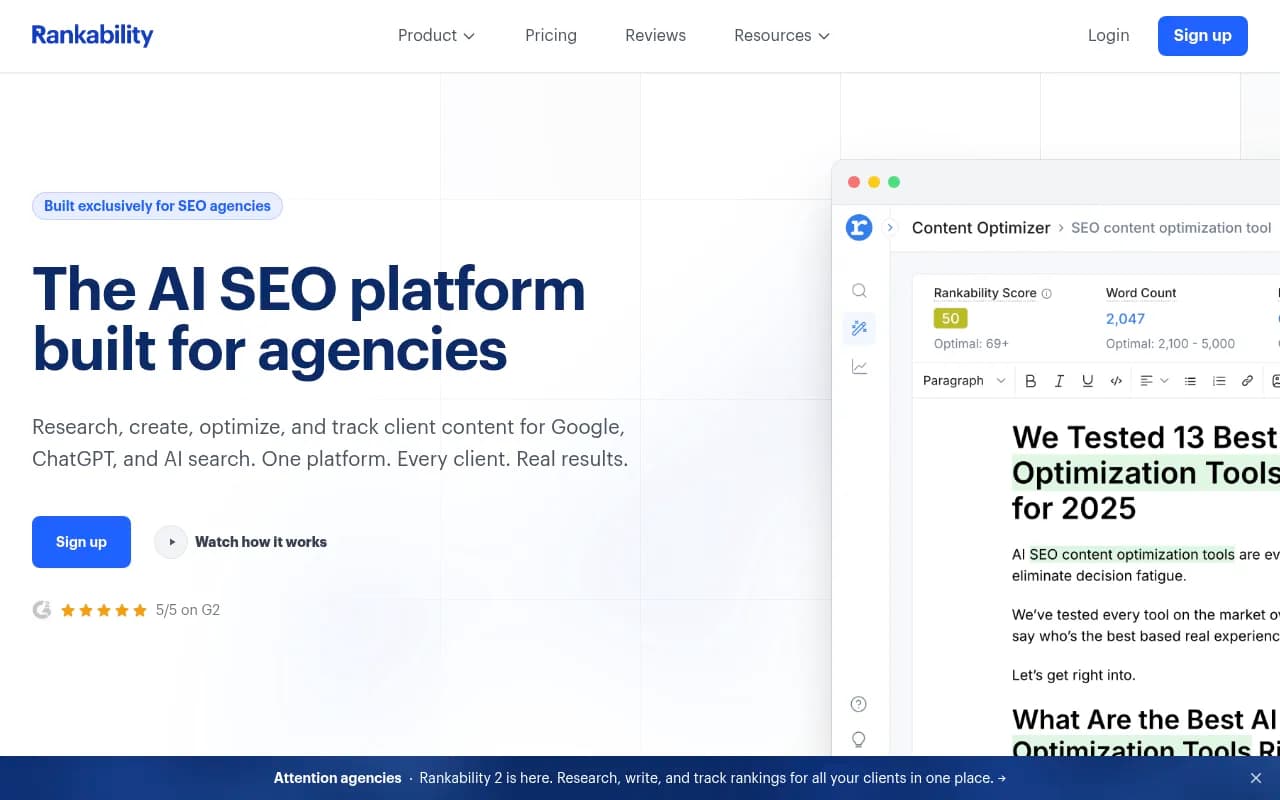
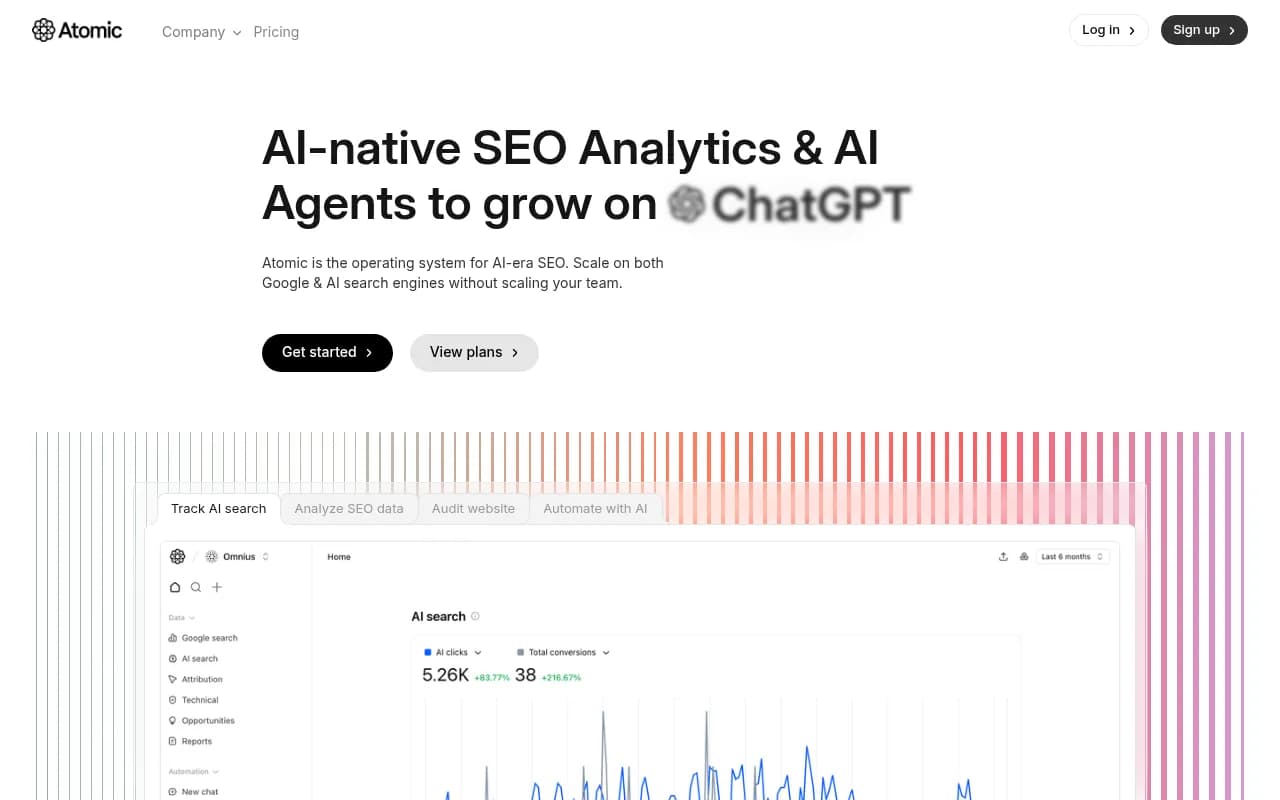
For agencies managing multiple clients, tools like Rankability or Atomic AGI offer multi-site dashboards and white-label reporting.
Comparison: Content refresh platforms
| Platform | Crawler logs | Visibility tracking | Content gap analysis | AI content generation | Traffic attribution |
|---|---|---|---|---|---|
| Promptwatch | Yes | 10 AI engines | Yes | Yes | Yes |
| AirOps | No | Limited | Yes | Yes | No |
| Averi AI | No | No | Yes | Yes | No |
| Otterly.AI | No | 3 AI engines | No | No | No |
| Peec AI | No | 3 AI engines | No | No | No |
Promptwatch is the only platform that tracks AI crawler behavior at the page level, identifies content gaps, generates optimized content, and connects visibility changes to actual traffic. Most competitors stop at monitoring.
Final thoughts
Content refresh in 2026 isn't a quarterly project -- it's a continuous workflow. AI crawlers revisit your pages at different rates based on perceived value. When return rates drop, it's an early warning that your content is losing relevance.
The winning approach: automate the monitoring layer, prioritize by revenue impact and decay rate, use AI to draft updates, and keep humans in the loop for high-stakes decisions. Tools like Promptwatch handle the infrastructure so you can focus on strategy and execution.
Start by tracking crawler return rates for your top 50 pages. Identify the ones where return rates are dropping. Refresh those first. Measure the impact. Expand from there. You don't need to refresh everything at once -- you need to refresh the right things at the right time.