Key takeaways
- Hall AI is shutting down in 2026, leaving users without an AI visibility and prompt tracking platform
- Before the shutdown, export all prompt data, citation records, and visibility reports you want to keep
- Promptwatch is the most complete replacement -- it covers monitoring, content gap analysis, and AI content generation in one platform
- The migration process takes less than a day for most teams; the hardest part is rebuilding your prompt library
- Several lighter alternatives exist if your needs are simpler, but most stop at monitoring and won't help you actually improve your AI visibility
If you're reading this, you've probably already seen the notice. Hall AI is winding down, and you need to figure out what comes next before your data disappears and your AI visibility tracking goes dark.
This guide walks through the full migration process: what to export, how to evaluate replacements, and how to get set up on a new platform without losing weeks of momentum. We'll focus on Promptwatch as the primary destination -- it's the most complete like-for-like replacement and then some -- but we'll also cover lighter options if your needs are simpler.
Step 1: Export everything from Hall AI before it closes
Don't wait on this. Platforms in shutdown mode often reduce access before the official close date, and support response times slow down. Do your exports now.
Here's what to grab:
Prompt library. Export every prompt you've been tracking. Most platforms let you do this as a CSV or JSON. If Hall AI has a bulk export option, use it. If not, copy-paste the prompts into a spreadsheet manually -- it's tedious but worth it.
Historical visibility data. Download any reports showing your brand's mention rate, citation frequency, and model-by-model breakdown over time. You won't be able to recreate this history in a new tool, so having it as a reference baseline matters.
Competitor benchmarks. If Hall AI tracked competitor visibility alongside yours, export those snapshots too. You'll want to know where you stood relative to competitors when you start fresh.
Citation and source data. Any records of which pages, domains, or third-party sources were driving your AI citations -- export these. They'll inform your content strategy in the new platform.
Team settings and configurations. Note down your tracked keywords, personas, regions, and any custom configurations. You'll need to recreate these in your new tool.
Step 2: Understand what you actually need from a replacement
Hall AI's shutdown is a good forcing function to reassess what you actually need. A lot of teams were using these tools primarily as monitoring dashboards -- they'd check visibility scores weekly and not do much with the data. That's fine, but it's also a limited use of what these platforms can do.
Before picking a replacement, answer these questions honestly:
- Do you just want to know your visibility scores, or do you want to improve them?
- Are you tracking one brand or multiple?
- Do you need to monitor specific AI models (ChatGPT, Perplexity, Gemini, etc.) separately?
- Do you care about which pages on your site are being cited?
- Do you need content generation capabilities, or will you handle content separately?
- Does your team need agency-style reporting for clients?
Your answers will determine whether you need a full optimization platform or a lighter monitoring tool.
Step 3: Compare your replacement options
Here's an honest look at the main platforms you'll encounter:
| Platform | Monitoring | Content generation | Crawler logs | Prompt volume data | Price (starting) |
|---|---|---|---|---|---|
| Promptwatch | 10 AI models | Yes (Content Agents) | Yes | Yes | $99/mo |
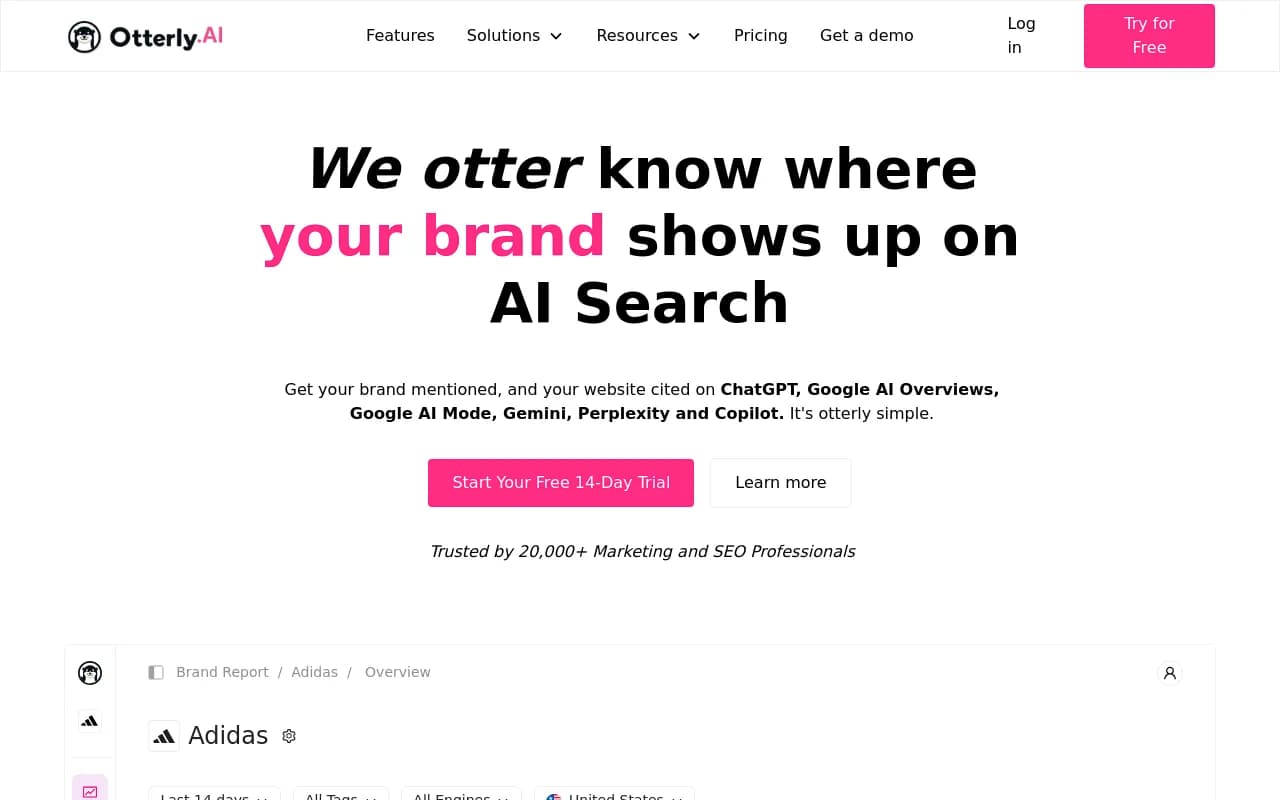
| Otterly.AI | ChatGPT, Perplexity, AI Overviews | No | No | No | ~$49/mo |
| Peec AI | Multiple models | No | No | Limited | ~$49/mo |
| Profound | 9+ models | No | No | Limited | Higher |
| AthenaHQ | Multiple models | No | No | No | Mid-range |
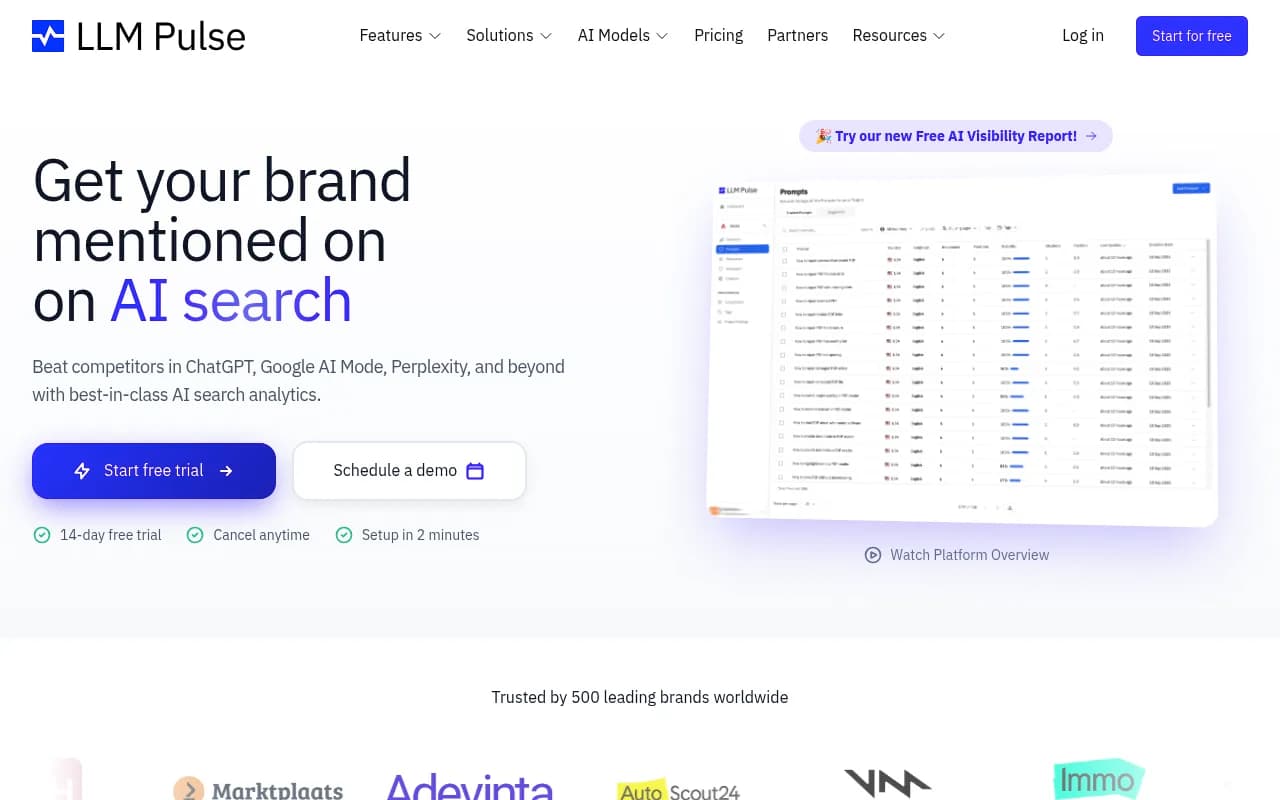
| LLM Pulse | Multiple models | No | No | No | Low |
The pattern is clear: most tools monitor. Promptwatch monitors and helps you fix what's broken.

Otterly.AI


Profound

Step 4: Set up Promptwatch as your new platform
Once you've decided on Promptwatch, here's how to get up and running quickly.
Create your account and connect your site
Promptwatch supports several website integration methods: Cloudflare, Fastly, Vercel, server logs, Google Search Console, or a lightweight tracking snippet. For most teams, the tracking snippet is the fastest path -- add it to your site's <head> and you're done in under five minutes.
The Cloudflare or Fastly integration is worth the extra setup time if you want the full AI crawler log data. This shows you exactly when GPTBot, ClaudeBot, PerplexityBot, and other AI crawlers are hitting your pages, which pages they're reading, and whether they're encountering errors. Most teams coming from Hall AI won't have had access to this level of data before.
Rebuild your prompt library
This is the most time-consuming part of the migration. Take the prompts you exported from Hall AI and add them to Promptwatch's prompt tracker. A few things to note:
- Promptwatch assigns volume estimates and difficulty scores to each prompt, so you'll immediately see which ones are worth prioritizing
- The query fan-out feature shows how each prompt branches into sub-queries -- useful for understanding the full scope of a topic
- You can organize prompts by persona, which matters if your customers ask questions differently depending on their role or location
Don't just copy your old prompts wholesale. Use this as an opportunity to add prompts you weren't tracking before. The Answer Gap Analysis will show you prompts your competitors rank for that you don't -- start there.
Run your first Answer Gap Analysis
This is where Promptwatch earns its keep. The Answer Gap Analysis compares your current content against AI responses across your tracked prompts and shows you exactly where you're invisible.
You'll see:
- Which prompts competitors appear in that you don't
- The specific content your site is missing
- Which topics AI models want to answer but can't find on your site
This is the data that drives actual improvement. Monitoring tools tell you your visibility score is 23%. Promptwatch tells you why it's 23% and what to do about it.
Configure your competitor tracking
Add the same competitors you were tracking in Hall AI. Promptwatch's competitor heatmaps show you who's winning for each prompt across different AI models -- so you can see, for example, that you're competitive in ChatGPT but invisible in Perplexity for the same query.
Set up multi-region and multi-language monitoring if needed
If Hall AI was tracking you across multiple countries or languages, recreate that configuration here. Promptwatch supports any language and country, with customizable personas that match how your actual customers prompt.
Step 5: Use Content Agents to close your visibility gaps
Once your gap analysis is done, you have a list of content you need to create. This is where most teams get stuck -- they have the data but not the bandwidth to act on it.
Promptwatch's Content Agents generate articles, listicles, comparisons, and content briefs grounded in real prompt data. This isn't generic AI writing -- the output is built around the specific gaps your analysis identified, with citation data, prompt volumes, competitor analysis, and brand guidance baked in.
The workflow looks like this:
- Answer Gap Analysis identifies a topic you're missing
- You create a content brief (or let the agent generate one)
- Content Agent writes the article, optimized for the specific prompts you're targeting
- You publish it
- Page-level tracking shows when AI crawlers discover it and when it starts generating citations
The agent analytics timeline -- from publish to crawl to citation -- is something most teams coming from monitoring-only tools have never had. It closes the loop between content creation and visibility results.
Step 6: Validate your migration is working
After two to four weeks on Promptwatch, you should be able to answer these questions:
- Are your visibility scores moving for the prompts you targeted?
- Which pages are being cited most frequently, and by which AI models?
- Are AI crawlers discovering your new content? (Check the crawler logs)
- Are there new gaps that have emerged since you started tracking?
If you connected Google Search Console or set up traffic attribution, you can also start connecting AI visibility to actual traffic and revenue -- something Hall AI almost certainly wasn't providing.
Lighter alternatives if Promptwatch is more than you need
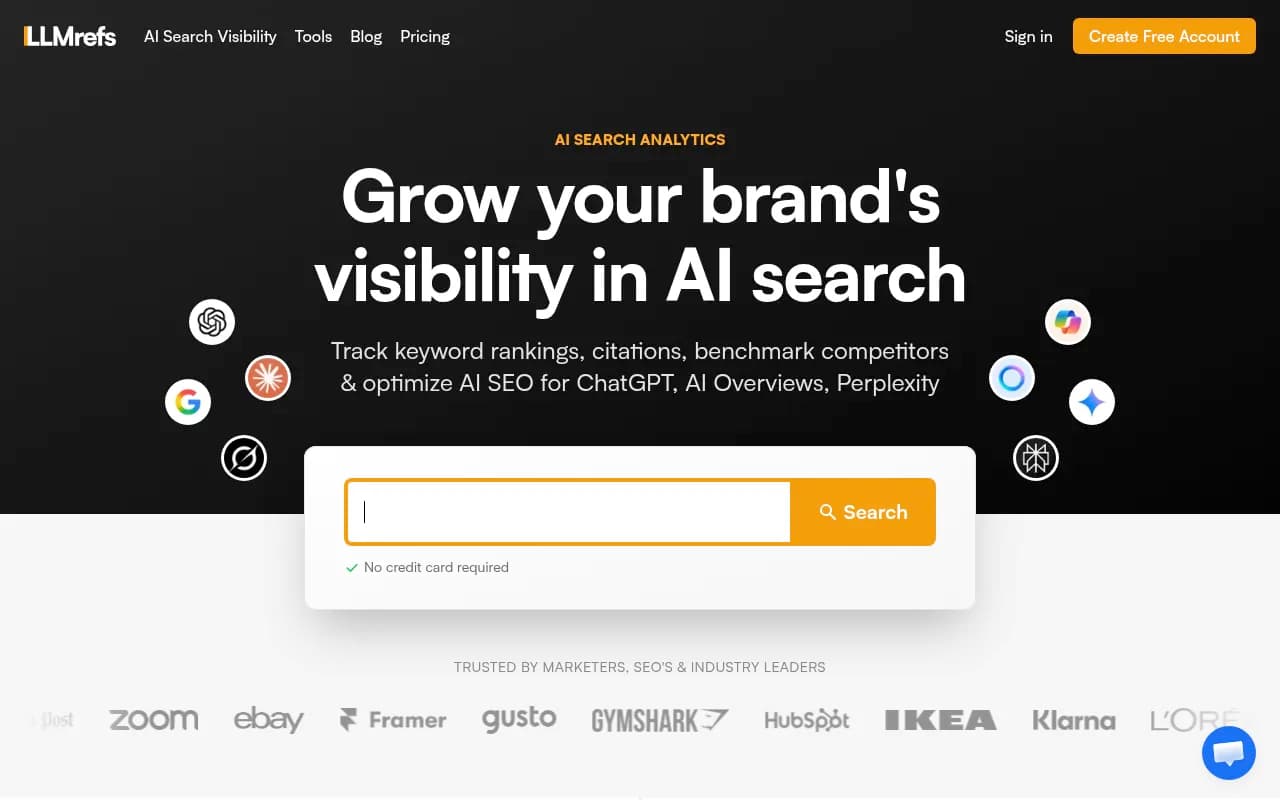
If your use case is genuinely just "I want to see my brand's mention rate in ChatGPT and Perplexity," there are cheaper options. They won't help you improve, but they'll keep the lights on for monitoring.
LLMrefs

These tools are fine for basic awareness. The trade-off is that you'll see your visibility score but have no clear path to improving it. That's a reasonable choice for some teams -- just go in with eyes open.
What you'll gain that Hall AI didn't offer
Most teams migrating from Hall AI will find Promptwatch covers everything they had before, plus several capabilities they didn't know they were missing:
- AI crawler logs: Real-time visibility into which AI bots are crawling your site, how often, and what they're finding. This is genuinely new information for most teams.
- Reddit and YouTube tracking: AI models frequently cite Reddit threads and YouTube videos. Knowing which ones are influencing recommendations in your category is useful for offsite strategy.
- ChatGPT Shopping tracking: If you sell products, knowing when your brand appears in ChatGPT's shopping recommendations is a distinct signal from regular citation tracking.
- Prompt volume and difficulty scoring: Not all prompts are worth tracking. Volume estimates help you prioritize the ones that actually drive traffic.
- Traffic attribution: Connect AI visibility to actual site visits and revenue, not just mention counts.
Timeline for a clean migration
Here's a realistic schedule if you're starting today:
| Day | Task |
|---|---|
| Day 1 | Export all data from Hall AI |
| Day 1-2 | Sign up for Promptwatch, connect site integration |
| Day 2-3 | Rebuild prompt library, configure competitors and personas |
| Day 3-5 | Run Answer Gap Analysis, review findings |
| Day 5-7 | Brief and publish first round of gap-filling content |
| Week 2-4 | Monitor crawler logs, track citation changes |
| Month 2 | Review visibility improvements, iterate on content strategy |
The technical setup is fast. The strategic work -- understanding your gaps and creating content to close them -- is ongoing. But that's true of any serious AI visibility program.
Final thought
Platform shutdowns are disruptive, but they're also a chance to upgrade. If Hall AI was your first AI visibility tool, you were probably using it primarily as a monitoring dashboard. The platforms available now -- Promptwatch especially -- are built around actually improving your visibility, not just measuring it.
The gap analysis alone will show you things about your AI search presence that you couldn't see before. That's worth the migration effort.