Key takeaways
- Traditional rank trackers and Google Search Console don't isolate AI Overview visibility -- you need a separate tracking setup for this
- Start by building a targeted query set before you track anything; random keyword lists produce useless data
- The metrics that matter are citation rate, cited page URL, competitive share of voice, and trend over time -- not just "did we appear?"
- Dedicated AI visibility tools (Promptwatch, Semrush, AccuRanker, SE Ranking) handle the heavy lifting; Google Search Console fills in the traffic attribution gaps
- A Looker Studio dashboard connecting Search Console data with your AI visibility tool gives you one place to review everything weekly
Why your current rank tracking setup is missing AI Overviews
If you're using a traditional rank tracker, here's what it's actually measuring: your position in the blue-link results below the AI Overview box. That's a different thing entirely.
Google AI Overviews appear above organic results for a growing share of queries -- estimates in early 2026 put that at somewhere between 15% and 25% of all searches, depending on the category. When an AI Overview appears, it often absorbs clicks that would have gone to the top organic result. So you can be sitting at position 1 and still losing traffic because the AI Overview is citing a competitor instead of you.
Google Search Console doesn't help much here either. It doesn't separate AI Overview clicks from regular organic clicks. If your CTR has been dropping on queries where you hold a strong position, AI Overviews are a likely culprit -- but Search Console won't tell you that directly.
Manual spot-checking is the other common approach, and it breaks immediately at any meaningful scale. AI Overview content varies by location, device, login state, and even time of day. Checking 10 queries by hand once a week tells you almost nothing reliable.
What you actually need is a system that:
- Tracks whether an AI Overview appears for each query you care about
- Records whether your site is cited in that overview
- Captures which specific page is cited
- Shows how that changes over time
- Compares your citation rate against competitors
Let's build that.
Step 1: Build your query set before you track anything
This is the step most people skip, and it's the reason their dashboards end up full of noise.
Not every query triggers an AI Overview. Google tends to show them for informational and research-oriented queries -- "how does X work," "what's the best Y for Z," "compare A vs B" -- rather than navigational or transactional queries like brand names or "buy X near me."
Before you set up any tracking tool, spend time identifying the queries where AI Overviews actually appear for your category. A practical way to do this:
- Pull your top 50-100 organic queries from Search Console (filter for queries with meaningful impressions, not just clicks)
- Manually check 20-30 of them in Google to see which ones trigger an AI Overview
- Add competitor-focused queries: "best [your category]," "top [product type] tools," "[your category] vs [competitor]"
- Add question-format queries relevant to your product or service
- Add any queries where you know competitors are getting cited (more on how to find these below)
Aim for a query set of 50-150 prompts for most businesses. Fewer than 50 and you won't have enough signal. More than 150 and you'll struggle to act on what you find.
Organize queries into clusters by intent or topic. This makes it much easier to spot patterns -- for example, "we're getting cited for how-to queries but not for comparison queries."
Step 2: Choose your tracking tools
Here's the honest situation: no single free tool does this well. Google Search Console is essential for traffic attribution, but it doesn't track AI Overview citations. You need at least one dedicated AI visibility tool alongside it.
Dedicated AI overview tracking tools
Promptwatch is the most complete option available in 2026. Beyond just showing whether you appear in AI Overviews, it tracks citation data across 10 AI models (including Google AI Overviews and Google AI Mode), shows which specific pages are being cited, and includes an Answer Gap Analysis that identifies which queries your competitors are visible for but you're not. That last feature is genuinely useful -- it turns a monitoring dashboard into something you can act on.

For teams that want a more traditional SEO tool with AI Overview tracking bolted on, Semrush added AI Overview monitoring to its rank tracking module. It's not as deep as a dedicated platform, but if you're already paying for Semrush, it's worth enabling.
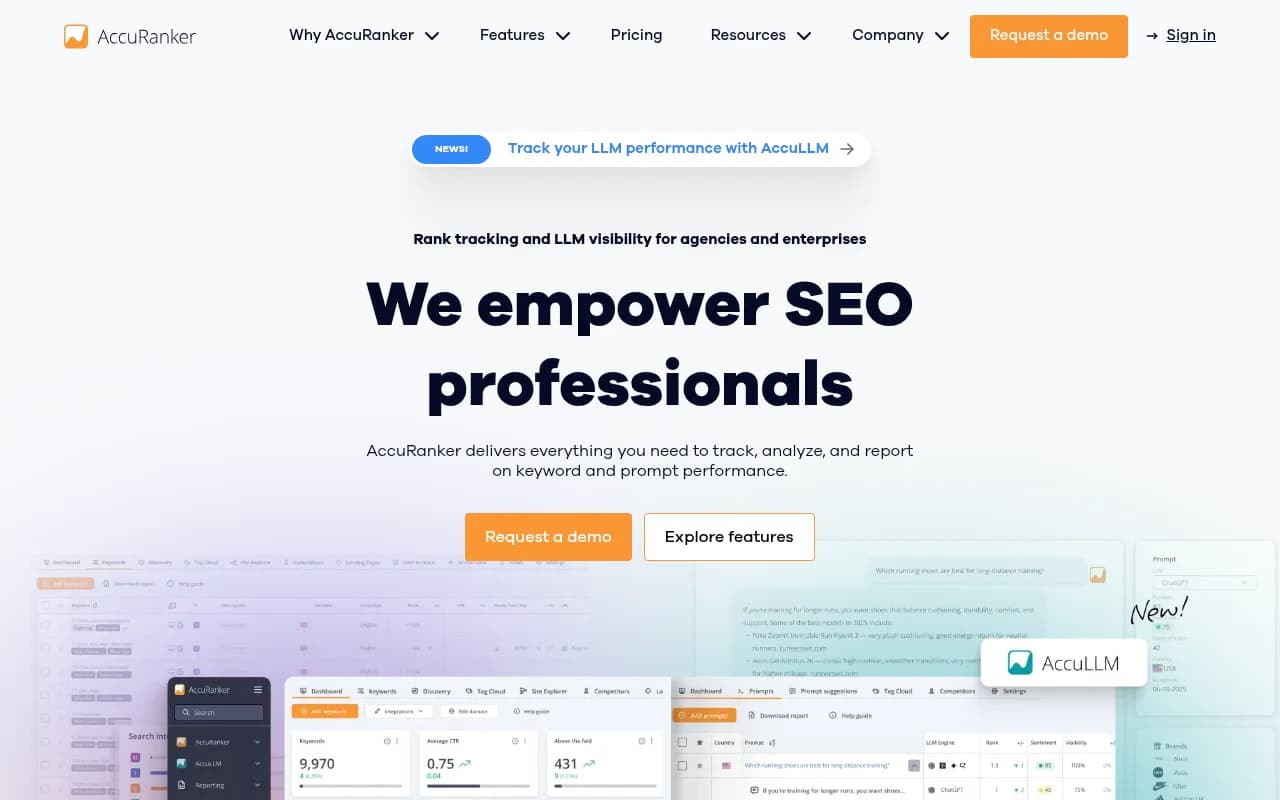
AccuRanker has added AI Overview detection to its rank tracking, with on-demand refresh rates that are faster than most competitors. Good for agencies managing multiple clients who need fresh data quickly.
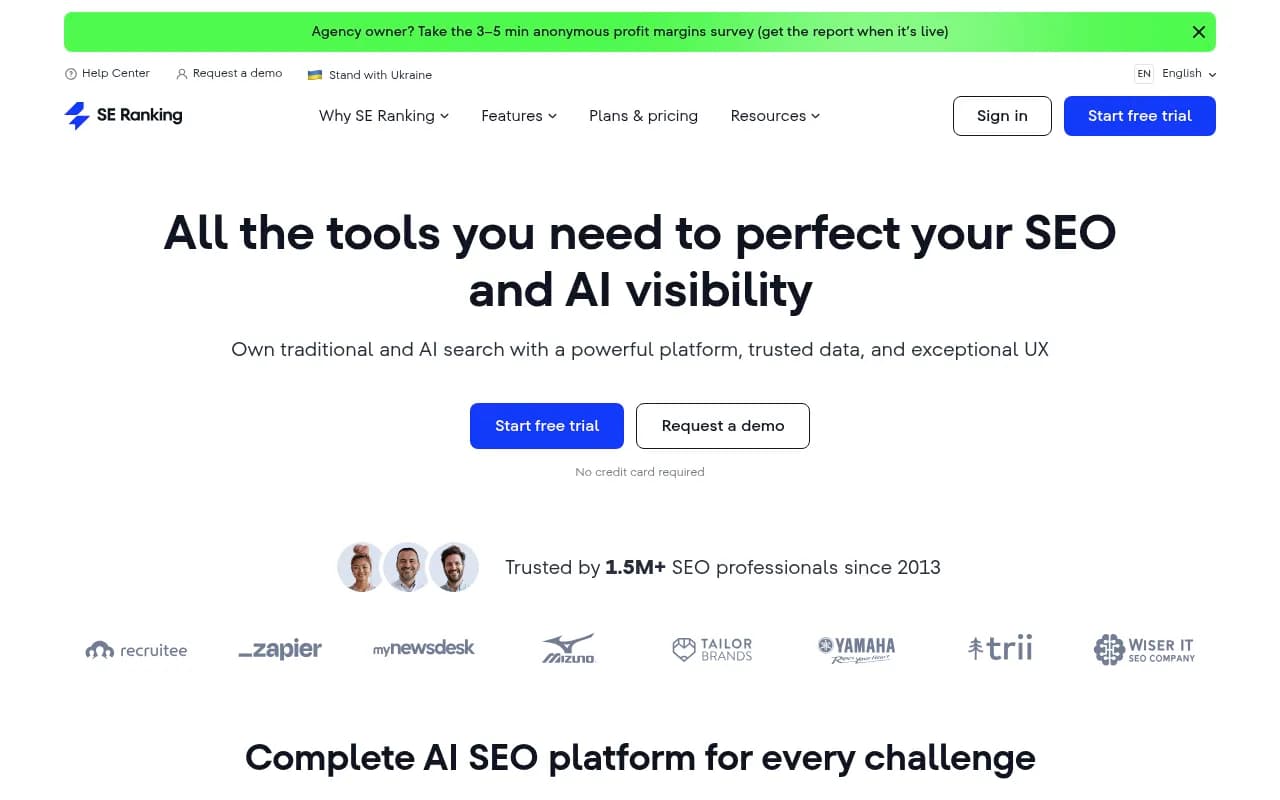
SE Ranking includes AI Overview tracking in its platform alongside traditional rank tracking, site audits, and content tools. Solid mid-market option.
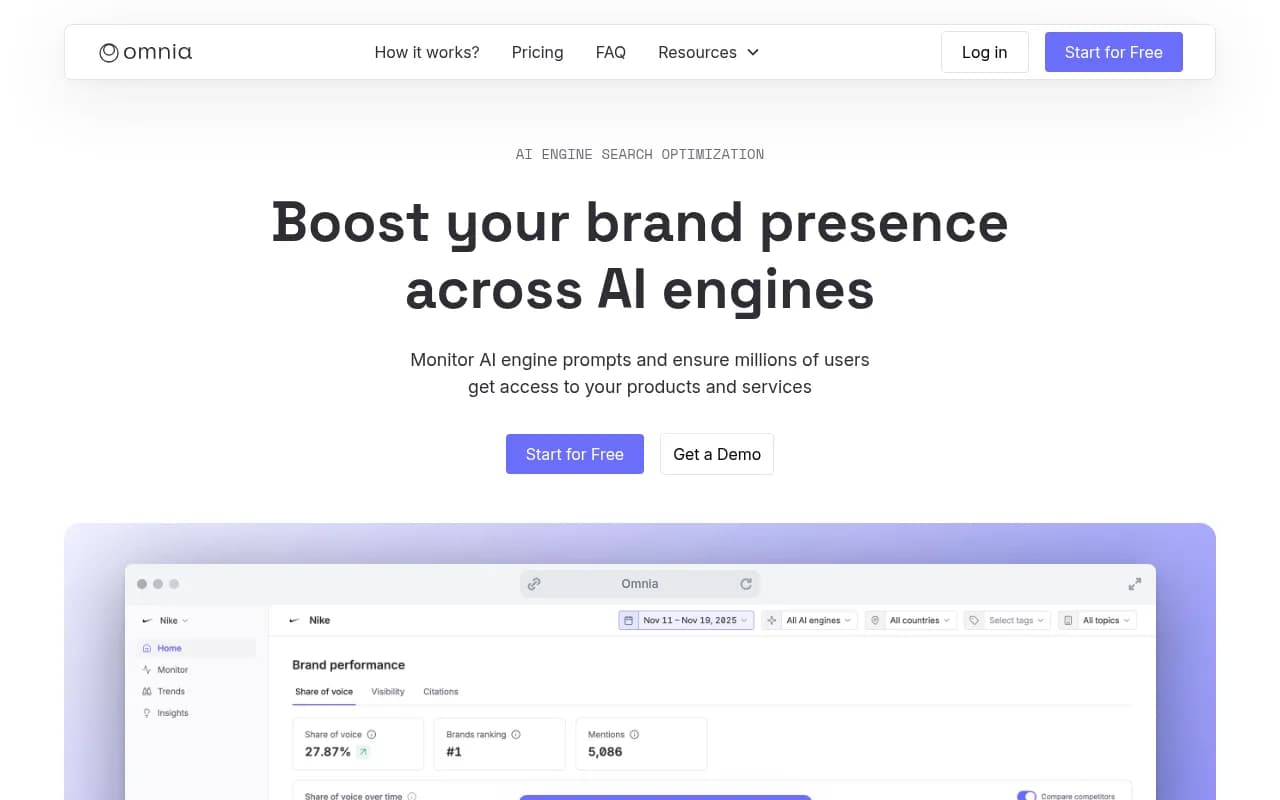
Omnia focuses specifically on measuring brand presence in AI-generated answers, including Google AI Overviews. Lighter on the optimization side but clean for monitoring.
Free baseline: Google Search Console
Google Search Console remains essential for understanding traffic impact. While it can't isolate AI Overview clicks directly, you can use it as a proxy:
- Filter for queries where you rank in positions 1-3 and watch for CTR drops -- this often signals an AI Overview is absorbing clicks
- Use the new weekly and monthly chart views (added in late 2025) to spot trend changes after Google AI Overview updates
- The branded vs. non-branded query split helps you understand whether AI Overview visibility is affecting informational vs. navigational traffic differently
Tool comparison
| Tool | AI Overview tracking | Competitor tracking | Content gap analysis | Traffic attribution | Price |
|---|---|---|---|---|---|
| Promptwatch | Yes (10 models) | Yes | Yes | Yes (GSC + logs) | From $99/mo |
| Semrush | Yes (limited) | Yes | Partial | Yes (GSC) | From $139/mo |
| AccuRanker | Yes | Yes | No | No | From $129/mo |
| SE Ranking | Yes | Yes | Partial | Yes (GSC) | From $65/mo |
| Omnia | Yes | Yes | No | No | Custom |
| Google Search Console | Proxy only | No | No | Yes | Free |
Step 3: Configure your tracking setup
Once you've chosen your tools, here's the setup sequence that produces reliable data.
Establish a dated baseline
Before you start optimizing anything, capture a baseline snapshot. Record, for each query in your set:
- Does an AI Overview appear? (Yes/No)
- Is your site cited? (Yes/No)
- Which page is cited?
- Which competitors are cited?
- Date of capture
This baseline is what you'll compare against in 4, 8, and 12 weeks. Without it, you can't measure whether your optimization efforts are working.
Set tracking cadence
AI Overview content changes more frequently than traditional rankings. Weekly tracking is the minimum cadence that gives you meaningful trend data. Daily tracking is better if you're in a competitive category or actively publishing new content.
Most dedicated tools handle this automatically once you've uploaded your query set. In Promptwatch, for example, you configure your prompts once and the platform re-runs them on your chosen schedule, storing historical results so you can see trends over time.
Track cited pages, not just brand mentions
This is a detail that matters a lot. Knowing "your brand appeared in 40% of AI Overviews this week" is less useful than knowing "your /blog/how-to-use-X page is being cited for 12 queries, but your /product/X page is being cited for zero."
Page-level citation data tells you which content is actually working and which pages need improvement. Configure your tool to capture the specific URL being cited, not just the domain.
Set up competitive tracking
Add 3-5 competitors to your tracking setup. You want to see:
- Their citation rate for the same queries you're tracking
- Queries where they're cited but you're not (these are your content gaps)
- Whether their citation rate is trending up or down relative to yours
Step 4: Build your reporting dashboard in Looker Studio
Looker Studio (free) is the best way to combine your AI visibility data with Search Console traffic data in one place. Here's a template structure that works well.
Page 1: Executive summary
- AI Overview citation rate this week vs. last week (big number cards)
- Share of voice vs. top 3 competitors (bar chart)
- Queries where you gained citations this week (table)
- Queries where you lost citations this week (table)
Page 2: Query-level detail
- Full query list with: AI Overview present (Y/N), cited (Y/N), cited URL, competitor citations
- Filter by topic cluster
- Trend sparklines for citation rate over the past 8 weeks
Page 3: Traffic impact
- Search Console data: impressions, clicks, CTR, position
- Filtered to queries in your AI Overview tracking set
- Highlight queries where position is strong (1-3) but CTR is low -- these are likely AI Overview impact cases
- Week-over-week CTR trend for tracked queries
Page 4: Content gap analysis
- Queries where competitors are cited but you're not
- Sorted by estimated query volume (use your AI visibility tool's volume data if available)
- Column for "content exists on site?" to prioritize whether you need to create or optimize
If your AI visibility tool has a Looker Studio connector or API, connect it directly. Promptwatch has a Looker Studio integration and API for this. If not, export weekly data to Google Sheets and connect that as a data source in Looker Studio.
Step 5: Measure traffic impact accurately
The biggest challenge with AI Overview tracking is connecting visibility to actual business outcomes. Here are the methods that work.
Proxy method: CTR vs. position analysis
Pull Search Console data for queries in your tracking set. For queries where you hold position 1-3, plot CTR over time. A declining CTR on a stable-position query is a strong signal that an AI Overview is intercepting clicks.
Compare this against your AI Overview citation data. If your citation rate for that query goes up and CTR recovers, you have evidence that being cited in the AI Overview drives clicks.
Direct attribution: UTM parameters and server logs
Some AI Overview citations include clickable links. When users click through from an AI Overview, the referral source in GA4 shows as "google / organic" -- indistinguishable from a regular organic click. To separate them, you need either:
- Server log analysis: Look for requests from Googlebot-Extended or Google's AI crawlers. Promptwatch's AI Crawler Logs feature shows exactly which pages Google's AI crawlers are reading and how frequently.
- GSC integration: Connect your AI visibility tool to Search Console to correlate citation events with traffic changes at the page level.
Impression-based proxy
For queries where no click happens (the AI Overview answers the question completely), impressions in Search Console still increase if your content is being cited -- because Google is reading your page to generate the answer. A rising impression count with flat or declining clicks on a query is often a sign of AI Overview citation without click-through.
Step 6: Weekly review process (15 minutes)
Once your dashboard is set up, the weekly review should be fast. Here's the routine:
- Check citation rate trend (2 min): Is your overall citation rate up or down vs. last week?
- Review lost citations (3 min): Which queries did you drop out of? Was there a content change or a Google update?
- Review gained citations (2 min): Which new queries are you appearing in? What content drove that?
- Check competitor shifts (3 min): Did any competitor gain or lose significant ground?
- Prioritize content gaps (5 min): Pick 1-2 content gaps from your gap analysis to address this week -- either creating new content or updating existing pages.
The last step is where most teams fall down. Tracking without action is just an expensive way to watch competitors win. The gap analysis output should feed directly into your content calendar.
Step 7: Optimize content for AI Overview citations
Tracking tells you where you stand. Here's what actually moves the needle.
Structure content to answer questions directly
AI Overviews pull from pages that answer questions clearly and concisely. If your page buries the answer in paragraph 8 after 600 words of preamble, it's less likely to be cited than a competitor's page that leads with a direct answer.
For each query you want to be cited for, make sure your page has:
- A clear, direct answer in the first 100-150 words
- Proper heading structure (H2/H3) that mirrors the question format
- Factual claims with specific numbers or examples (AI models prefer citable specifics)
- Schema markup where relevant (FAQ, HowTo, Article)
Use your citation data to find what's working
Look at the pages that are already being cited. What do they have in common? Length, format, heading structure, recency? Replicate those patterns on pages that aren't being cited yet.
Address content gaps before competitors do
The queries where competitors are cited but you're not are your highest-priority content opportunities. These are queries where an AI Overview already exists -- Google has decided this query deserves an AI answer -- and your competitors have content that qualifies. You just need better content.
Tools like Promptwatch's built-in AI writing agent can generate content specifically engineered to get cited, grounded in citation data from 880M+ analyzed citations. That's a different approach from generic SEO content generation -- the output is shaped by what AI models actually cite, not just keyword density.
Common mistakes to avoid
A few patterns that consistently produce bad data or wasted effort:
Tracking too many queries without a plan. A 500-query tracking set sounds thorough. In practice, you'll never act on 95% of it. Start with 50-100 high-priority queries and expand only when you've built a review rhythm.
Checking only whether you appeared, not which page. Domain-level citation data hides the page-level insights that drive optimization decisions. Always track the cited URL.
Reviewing monthly instead of weekly. AI Overview content changes fast. Monthly reviews mean you're always reacting to changes that happened 3-4 weeks ago.
Ignoring competitor citation trends. Your absolute citation rate matters less than your rate relative to competitors. A 40% citation rate is great if competitors are at 20%. It's a problem if they're at 70%.
Treating AI Overview tracking as separate from your content strategy. The tracking dashboard only creates value if it feeds into content decisions. Build the connection between your gap analysis output and your editorial calendar from day one.
Recommended tool stack by team size
| Team size | Recommended stack | Monthly cost (approx.) |
|---|---|---|
| Solo / small site | Google Search Console + manual spot checks | Free |
| Small marketing team | GSC + SE Ranking (AI tracking plan) + Looker Studio | ~$65-100/mo |
| Mid-size team | GSC + Promptwatch Professional + Looker Studio | ~$249/mo |
| Agency / enterprise | GSC + Promptwatch Business/Agency + custom Looker Studio | $579+/mo |
For most marketing teams with a real AI search visibility goal, the Promptwatch Professional plan at $249/month covers 2 sites, 150 prompts, 15 AI-generated articles per month, crawler logs, and city/state-level tracking. That's enough to run a serious program without overspending.
The free tier of Google Search Console remains non-negotiable regardless of what else you use -- it's the only source of actual click and impression data tied to your site.
Putting it together
Setting up a Google AI Overview tracking dashboard in 2026 isn't complicated, but it does require getting the sequence right: build your query set first, establish a baseline, connect your tools, build a dashboard that shows both visibility and traffic impact, and create a weekly review habit that feeds into content decisions.
The teams winning in AI search right now aren't the ones with the most sophisticated dashboards. They're the ones who review their data weekly and consistently act on what they find -- publishing new content, updating existing pages, and closing the gaps that let competitors get cited instead of them.
Start with 50 queries, one tracking tool, and a simple Looker Studio template. Get the habit right first. Scale the query set and tooling once you've proven the process works.