Key takeaways
- Traditional rank trackers and Google Search Console don't isolate AI Overview performance -- you need a different approach entirely.
- The foundation is a well-built query set: tracking the wrong prompts gives you useless data.
- Free methods (GSC filters, manual spot-checking) work at small scale but break quickly as your query list grows.
- Dedicated AI visibility tools like Promptwatch, seoClarity, and BrightEdge provide citation-level tracking that standard SEO platforms can't match.
- Traffic attribution is the missing piece most teams skip -- without it, you can't connect AI Overview visibility to actual revenue.
Why your existing rank tracker is lying to you
If you're using a traditional rank tracker to monitor Google AI Overviews, you're measuring the wrong thing. Tools built for position 1-10 tracking weren't designed for AI-generated answers. They might tell you that you rank #3 for a keyword, but they have no idea whether Google's AI cited your page, ignored it, or cited a competitor instead.
Google Search Console has the same problem. It records impressions and clicks from AI Overviews, but it lumps them in with everything else. There's no native filter that says "these clicks came from an AI Overview citation." You're flying blind.
Manual spot-checking -- actually Googling queries and looking for your brand in the AI Overview -- works fine for five queries. It falls apart at fifty. And it gives you no historical data, no competitive context, and no way to detect changes over time.
The core issue is that AI Overview tracking is a fundamentally different measurement problem. You're not tracking a position number. You're tracking whether your content gets cited inside a dynamically generated AI response, for which queries, how often, and compared to whom.
Here's what that actually requires.
Step 1: Build your query set before you track anything
This is the step most people skip, and it's the reason their tracking data ends up useless.
Your query set is the list of prompts you'll monitor. If you track the wrong queries, you'll get data that looks fine while your actual AI visibility is collapsing. If you track too few, you'll miss the queries that are actually driving traffic.
A good query set for AI Overview tracking should include:
- Your core product/service queries (the obvious ones)
- Comparison queries ("X vs Y", "best X for Y")
- Question-format queries ("how to...", "what is...", "why does...")
- Brand-adjacent queries where competitors are likely appearing
- High-intent purchase queries in your category
Aim for at least 50 queries to start. 150-200 is better if you want statistically meaningful data. The Omnia team recommends building this before you touch any tracking tool, because the tool is only as useful as the inputs you give it.
One practical approach: pull your top organic queries from Google Search Console, filter for informational and navigational intent, and add question-format variations. Then layer in competitor-adjacent queries you suspect they're winning.
Step 2: Establish a dated baseline
Before you make any content changes, capture a baseline. Record which queries trigger AI Overviews, which sources Google cites, and whether your brand appears. Date it.
This sounds obvious but most teams don't do it. Without a baseline, you can't measure whether your optimization work actually moved anything. You'll be guessing.
The baseline should capture:
- Which of your tracked queries trigger an AI Overview at all (not every query does)
- Whether your domain appears as a cited source
- Which specific page is cited (the homepage? A blog post? A product page?)
- Which competitors appear in the same AI Overview responses
That last point matters more than most people realize. AI Overviews often cite multiple sources in a single response. Knowing who else is being cited alongside you (or instead of you) tells you exactly who you're competing against for that answer slot.
Step 3: Use Google Search Console as a free proxy
GSC won't give you perfect AI Overview data, but it gives you something. Here's how to extract signal from it.
Go to the Performance report and filter by search type. Look for queries where your click-through rate has dropped significantly despite holding your organic position. This is often a sign that an AI Overview appeared above your result and absorbed the clicks.
You can also look at the "Search Appearance" filter. Google has been gradually adding AI Overview as a filter option -- check whether it's available in your account. If it is, you can segment impressions and clicks specifically from AI Overview appearances.
The CTR-against-position proxy is the most reliable free method. If you're ranking #2 for a query but getting a 0.8% CTR when you'd normally expect 8-12%, something is absorbing clicks above you. AI Overviews are the most likely culprit.
A complementary approach: filter for queries that contain question words (how, what, why, which, best) and compare their CTR trends over the past 12 months. These are the queries most likely to trigger AI Overviews, and CTR declines here are a strong signal.
Step 4: Choose the right tracking tool for your scale
The free GSC approach works up to a point. Once you're tracking more than 30-40 queries, or you need competitive data, you need a dedicated tool. Here's how the main options break down.
For AI visibility monitoring across multiple LLMs
Promptwatch tracks your brand's visibility across Google AI Overviews, ChatGPT, Perplexity, Claude, Gemini, and seven other AI engines. The page-level tracking shows exactly which of your pages are being cited, how often, and by which models -- which is the data you actually need to make optimization decisions.

What separates it from pure monitoring tools is the action loop: it identifies which prompts competitors are visible for that you're not (Answer Gap Analysis), then helps you create content specifically engineered to get cited. Most tools stop at showing you the gap. Promptwatch helps you close it.
For enterprise SEO teams
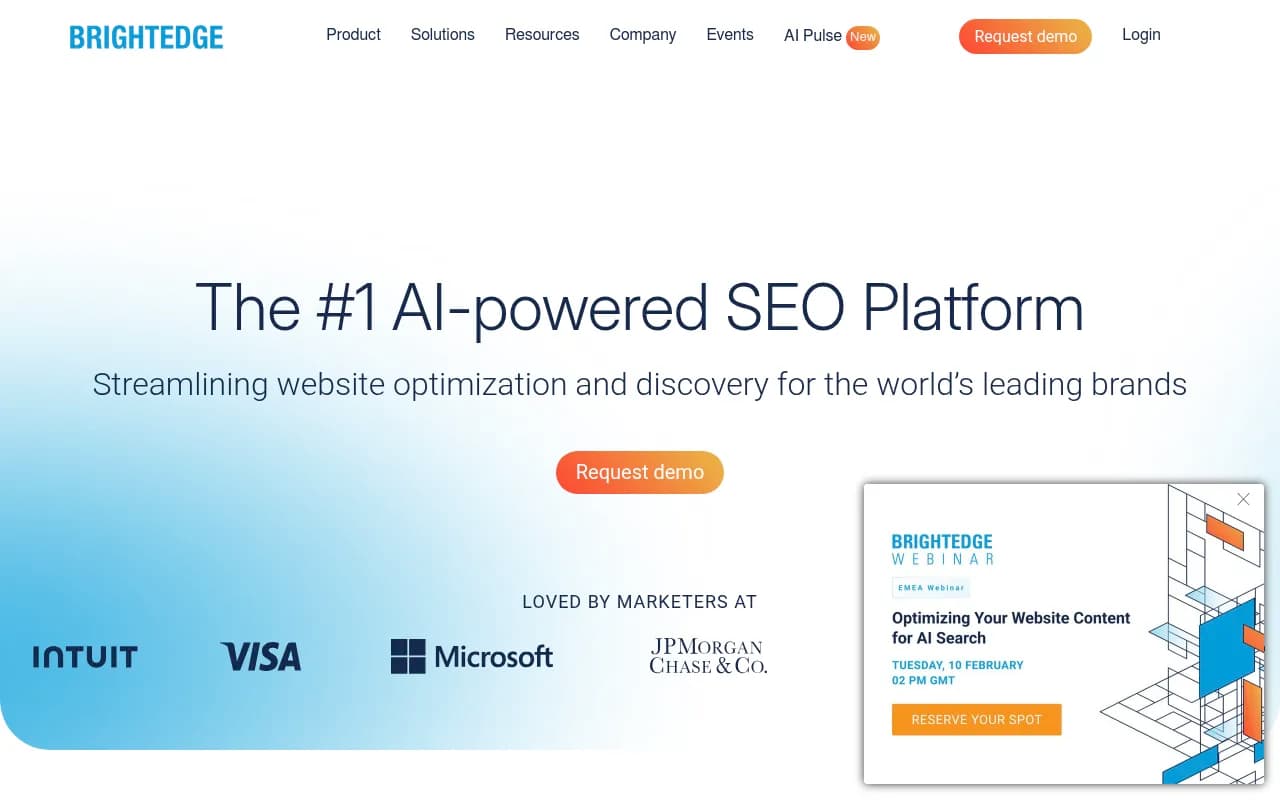
BrightEdge's Story Builder is the most comprehensive enterprise option, monitoring AI Overview appearances with granular citation analysis. It's built for large teams with existing enterprise SEO contracts.
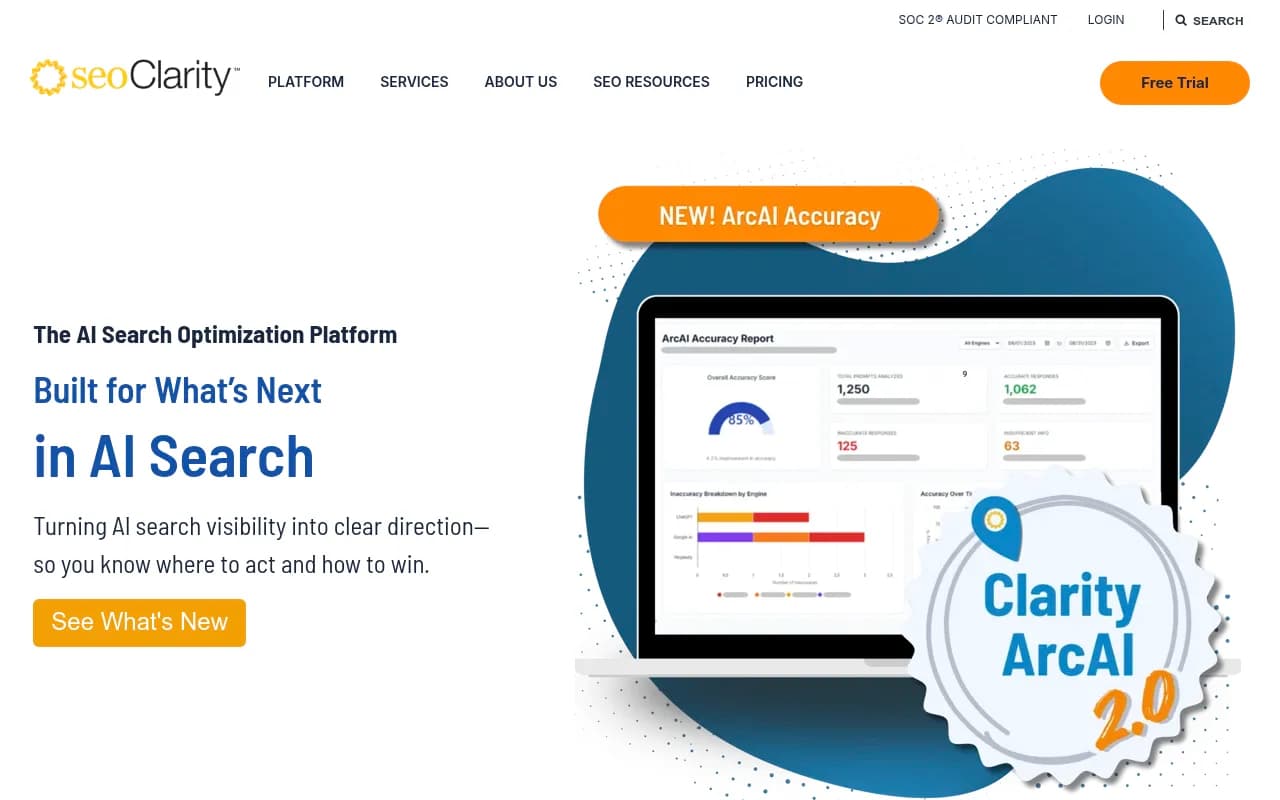
seoClarity has a dedicated AI Overview tracking module. Setup involves enabling the module, configuring keyword lists, and setting up competitive tracking. It integrates with their broader SEO platform, which is useful if you're already using it for traditional rank tracking.
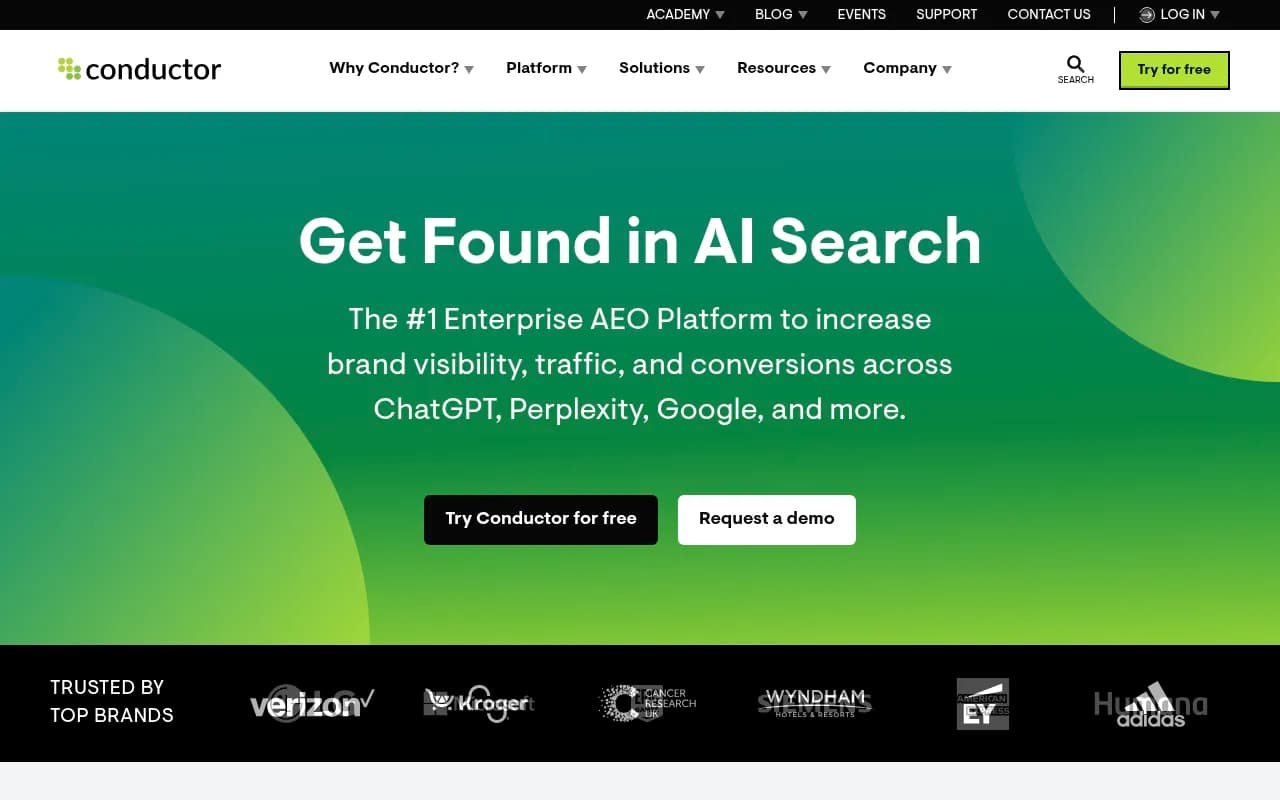
Conductor tracks brand authority and citations in AI search engines alongside traditional SEO metrics.
For agencies and mid-market teams
Semrush has added AI Overview tracking to its platform. The caveat: it uses fixed prompt sets rather than custom queries, which limits how precisely you can track your specific market. Still useful as a starting point, especially if you're already in the Semrush ecosystem.
Ahrefs Brand Radar covers AI visibility but also uses fixed prompts and lacks AI traffic attribution. Better for broad benchmarking than granular optimization.
SE Ranking offers AI Overview tracking at a more accessible price point than enterprise tools, with solid rank tracking foundations underneath.
Comparison table
| Tool | AI Overview tracking | Custom queries | Competitor citations | Content generation | Traffic attribution |
|---|---|---|---|---|---|
| Promptwatch | Yes | Yes | Yes | Yes | Yes |
| BrightEdge | Yes | Yes | Yes | No | Partial |
| seoClarity | Yes | Yes | Yes | No | No |
| Semrush | Partial | Fixed prompts | Partial | No | No |
| Ahrefs | Partial | Fixed prompts | No | No | No |
| SE Ranking | Yes | Yes | Partial | No | No |
| Google Search Console | Proxy only | N/A | No | No | No |
Step 5: Track which page is cited, not just whether you appeared
This is where most teams get sloppy. They see their brand appearing in AI Overviews and call it a win. But "your brand appeared" is almost useless data unless you know which page was cited.
Why does it matter? Because different pages have different conversion paths. If Google's AI is citing your blog post from 2021 instead of your product page, you're getting brand exposure but not purchase intent. If a competitor's comparison page is getting cited for your brand name, that's a different problem entirely.
Page-level tracking lets you:
- Identify which content formats Google's AI prefers (long-form guides? FAQ pages? Product pages?)
- Spot when a page drops out of citations after you update it
- Find pages that are getting cited but aren't optimized for conversion
- Prioritize which pages to improve based on citation frequency
Most dedicated AI visibility tools support page-level tracking. GSC doesn't -- it's another reason the free proxy approach has limits.
Step 6: Set a tracking cadence that matches how fast things change
AI Overviews are not stable. Google updates them frequently, and a page that was cited last week might not be cited this week. A competitor might publish a new piece of content and knock you out of an answer you'd held for months.
Weekly tracking is the minimum for competitive markets. Daily tracking is better if you're in a fast-moving category or running active optimization campaigns.
The cadence matters for a specific reason: if you only check monthly, you can't tell whether a traffic dip happened because of an AI Overview change, a Google core update, or something else entirely. Tighter tracking gives you the resolution to diagnose what actually happened.
Set up alerts for significant changes -- if your citation rate for a high-volume query drops by more than 20% week-over-week, you want to know immediately, not at your next monthly review.
Step 7: Monitor competitive shifts weekly
Knowing your own citation rate is only half the picture. The other half is knowing what your competitors are doing.
Competitive citation tracking answers questions like:
- Which competitors are appearing in AI Overviews for your target queries?
- Are they gaining ground while you're holding steady (which means you're losing relative share)?
- What content format or page type is getting them cited?
- Are there queries where nobody in your category is being cited -- meaning there's an open opportunity?
That last question is underrated. If you find a cluster of high-intent queries where AI Overviews are appearing but no one in your space is being cited, that's a content gap you can fill. It's much easier to become the first cited source for an unanswered question than to displace an established one.
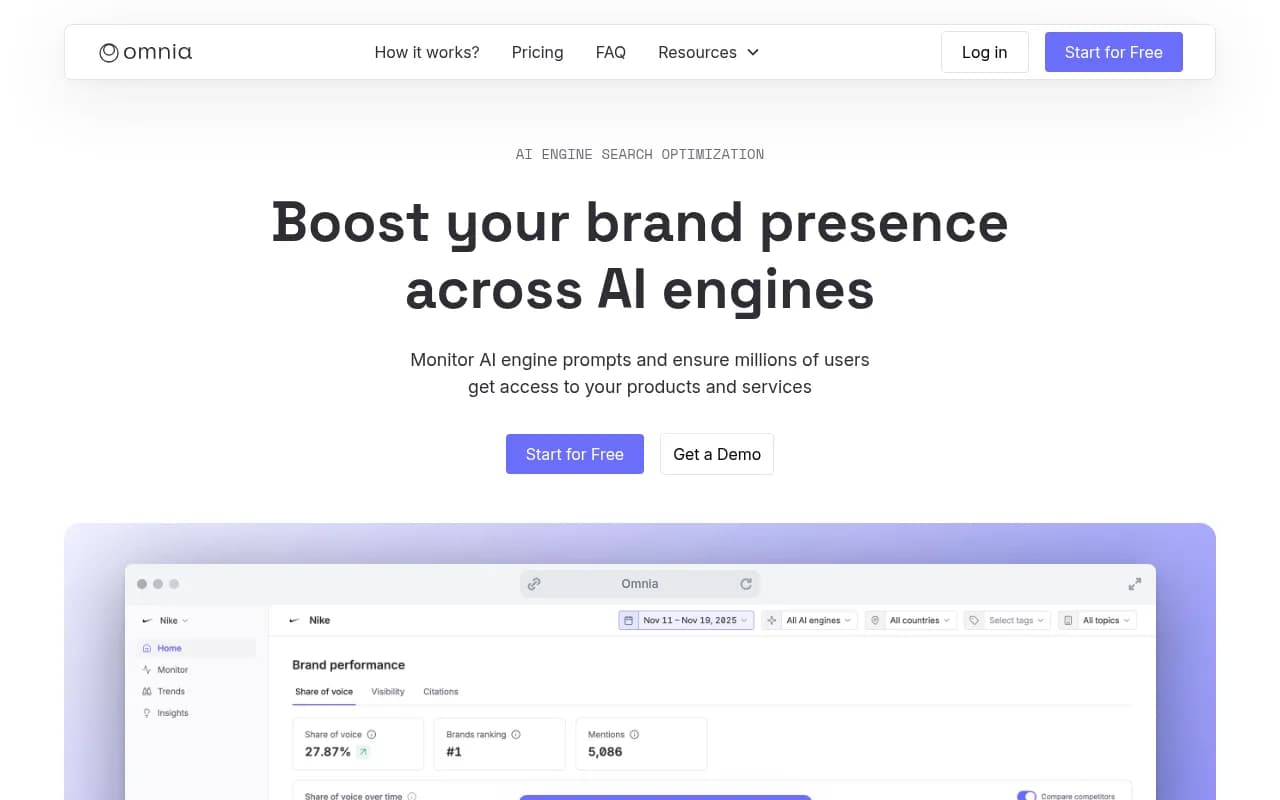
Omnia is specifically built for measuring brand presence in AI-generated answers, with competitive tracking built in.
Step 8: Connect AI visibility to actual traffic and revenue
This is the step that turns AI Overview tracking from a vanity metric into a business metric.
The challenge: AI Overview clicks often don't look different from regular organic clicks in your analytics. A user who clicked through from an AI Overview citation lands on your site the same way as someone who clicked a blue link. Without additional instrumentation, you can't tell them apart.
There are three approaches to attribution:
GSC + Analytics correlation: Compare GSC AI Overview impressions/clicks with your Analytics sessions for the same pages. It's imprecise but gives directional signal.
UTM parameters: Some AI Overview tracking tools can append UTM parameters to tracked URLs, letting you segment AI Overview traffic in GA4. Not all tools support this.
Server log analysis: The most accurate method. AI crawlers (Googlebot, GPTBot, ClaudeBot, PerplexityBot) leave traces in your server logs. Analyzing which pages they crawl most frequently correlates with which pages are likely being cited. Tools like Promptwatch include AI crawler log analysis that shows exactly which pages AI engines are reading, how often, and whether they're encountering errors.
Getting this attribution right matters because it's the only way to answer the question your CMO will eventually ask: "We're appearing in AI Overviews -- is it actually driving revenue?"
Step 9: Act on the data, not just collect it
Tracking AI Overview rankings without acting on the data is just expensive reporting.
The action loop looks like this:
- Find queries where competitors are cited but you're not
- Analyze what content format and structure is getting them cited
- Create or update content to fill that gap
- Track whether your citation rate improves over the following weeks
The content that tends to get cited in AI Overviews shares some consistent characteristics: it directly answers the question in the first few paragraphs, it's structured clearly (headers, lists, concise definitions), it comes from a domain with topical authority, and it's kept current.
If you're creating content specifically to improve AI Overview visibility, tools that generate content grounded in citation data -- rather than generic SEO content -- will outperform standard AI writers. The difference is that citation-grounded content is built around what AI models actually want to reference, not just what ranks in traditional search.
Common mistakes to avoid
A few patterns that consistently produce bad tracking data:
Tracking too few queries. Fifty queries is a starting point, not a ceiling. If you're only tracking your branded terms, you're missing most of the opportunity.
Ignoring query intent. AI Overviews appear much more frequently for informational queries than transactional ones. If your query set is mostly transactional ("buy X", "X pricing"), you'll see very few AI Overview appearances and conclude they don't matter for your business -- which may be wrong.
Checking results from a logged-in browser. Google personalizes search results. Always check AI Overview appearances from an incognito window, ideally with location set to your target market.
Conflating citation with mention. Being cited (your URL appears as a source) is different from being mentioned (your brand name appears in the AI-generated text). Both matter, but they're different signals and require different optimization strategies.
Not tracking after content updates. If you update a page that was previously being cited, monitor it closely for the next two to four weeks. Updates can temporarily drop you out of citations before Google re-evaluates the page.
Putting it together: a practical tracking setup
For most marketing teams in 2026, a reasonable AI Overview tracking setup looks like this:
- GSC: Set up as a free baseline and CTR anomaly detector. Check weekly.
- Dedicated AI visibility tool: Promptwatch, seoClarity, or BrightEdge depending on your budget and scale. This handles citation tracking, competitive monitoring, and page-level data.
- Query set: 100-200 queries covering informational, comparison, and question-format searches in your category.
- Tracking cadence: Weekly for competitive markets, bi-weekly minimum for everyone else.
- Attribution: At minimum, correlate GSC AI Overview data with GA4 landing page sessions. Ideally, implement server log analysis or UTM-based tracking.
- Review rhythm: Weekly competitive shift review, monthly content gap analysis, quarterly strategy adjustment.
The teams getting the most value from AI Overview tracking aren't the ones with the most sophisticated tools. They're the ones who built a consistent process and actually act on what the data tells them.