Key takeaways
- You can set up a useful AI rank tracker in about 30 minutes if you decide three things first: which prompts, which models, which competitors.
- Start with 20-40 prompts written in your buyers' words, across 2-3 AI engines, and leave the set alone for 2-4 weeks to get a baseline.
- Keep branded prompts to roughly 10% of the set. They flatter the chart and tell you little about how new buyers find you.
- Track 3-7 competitors, including one the AI keeps naming that you don't think of as a competitor.
- A position number alone is thin. Record mentions, citations, which URLs get cited, and which competitors show up beside you.
Why AI rank tracking is not classic rank tracking
A classic rank tracker assumes a query returns a stable, ordered list of ten blue links. AI answers don't work that way. The same prompt can return a different answer tomorrow, name different brands, and cite different pages. So "rank" becomes a bundle of questions: were you mentioned, where in the answer, which of your URLs got cited, and who else was named.
That changes how you set things up. The tool matters less than the discipline of the setup: a fixed prompt panel, a short list of engines, a named competitor set, and a baseline you don't touch. Most of the 30 minutes goes into thinking, not clicking.
Here is the rough budget:
| Step | Time | Output |
|---|---|---|
| Write the prompt list | 12 min | 25-40 prompts tagged by funnel stage |
| Pick models | 4 min | 2-3 engines |
| Add competitors | 4 min | 3-7 named brands plus aliases |
| Set country, language, cadence | 4 min | One monitor per market |
| Run first check and note the baseline | 6 min | Starting mention rate and share of voice |
Step 1: Write the prompt list (about 12 minutes)
This is the step people get wrong, and it's the one that decides whether your data means anything. A Reddit thread in r/SEO_LLM put it bluntly: one person could write 50 reasonable prompts today, someone else could write another 50 tomorrow, and you'd get two different pictures of visibility. The answer from that thread, and from most practitioners, is to start from real sales questions and then freeze the set.
Where to find prompts fast
- Questions your sales and support teams answer every week, in the customer's own words. Pull them from call notes, tickets and reviews.
- Google Search Console queries, rewritten as natural questions.
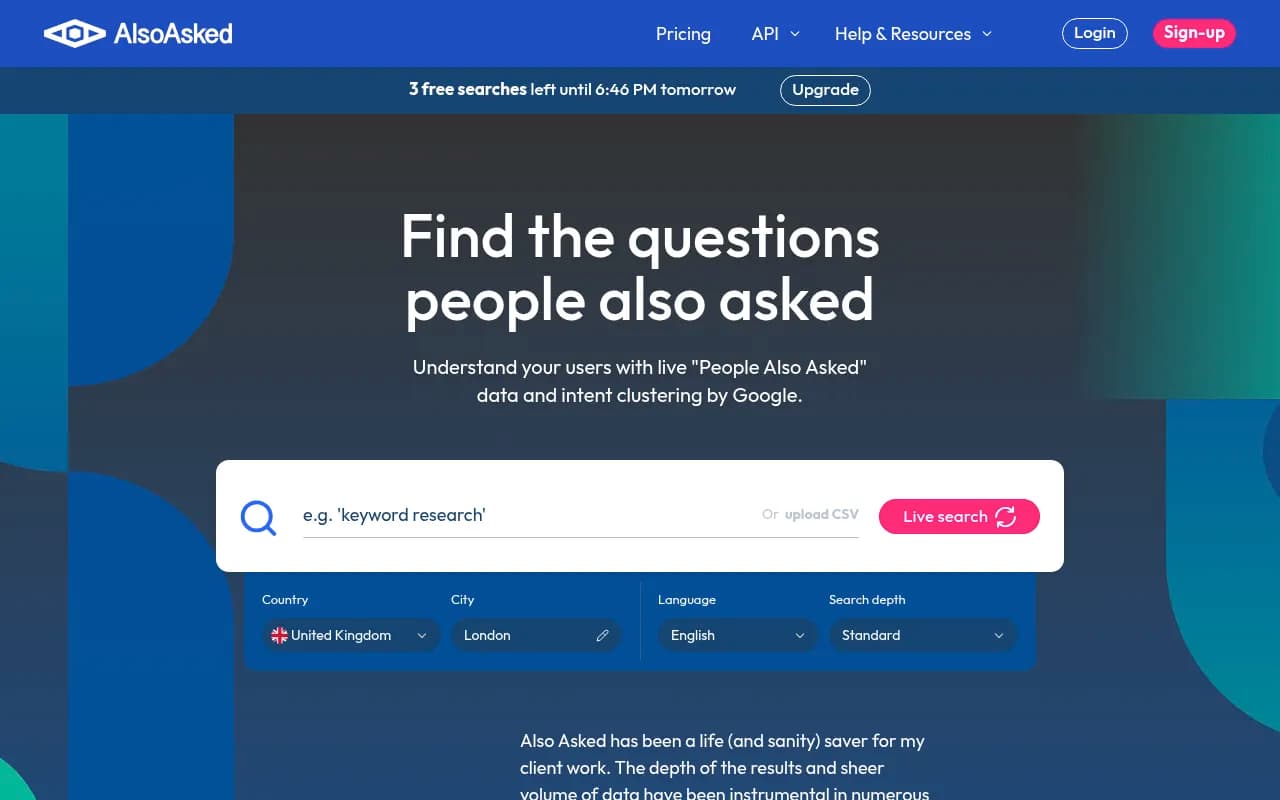
- People Also Ask boxes and AI Overviews for your core topics. A free tool like AlsoAsked is handy here.
- Reddit and community threads where your buyers complain or compare options.
- Competitor sites: what do they claim to be best at?
An LLM can help you expand a seed list. Paste in your site copy and ask for buyer prompts, but treat the output as raw material and edit it. Thirty good prompts beat 300 generic ones.
What the mix should look like
Aim for 25-40 prompts total. Cover category questions ("best e-signature tool for small law offices"), comparisons, alternatives, features, pricing, integrations and trust questions. Tag each one with a funnel stage and, if relevant, a market and target landing page.
Keep brand-name prompts in a separate set, around 10% of the total. Prompts that name you will almost always mention you. A prompt asking for a recommendation tests something different from one where your brand is already in the question, so don't blend them into one score.
Why a single prompt tells you so little
Promptwatch's data on ChatGPT shows how wide the net is. In Promptwatch Data's report on unique domains per ChatGPT response (Sep 28 to Oct 4, 2026), 47.6% of responses cited 10 or more different domains, and for organic prompts with no brand named that rose to 52.5%. With that many sources in play, one prompt is an anecdote. You need a panel.
Also keep in mind that ChatGPT often runs its own searches behind the scenes. Promptwatch's query fanout data found that average fanout queries got shorter through early 2026, so content that reads like short, keyword-style headings tends to line up better with what the engine actually searches.
Step 2: Pick your models (about 4 minutes)
Don't track everything on day one. More engines means more cost and more noise, and you can't act on ten dashboards at once. Start with two or three.
| Audience | Sensible starting engines |
|---|---|
| B2B software buyers | ChatGPT, Perplexity, Google AI Overviews |
| Consumer and local | Google AI Overviews, AI Mode, Gemini |
| Research-heavy or technical | ChatGPT, Claude, Perplexity |
| Microsoft-heavy enterprise | ChatGPT, Copilot, Google AI Overviews |
A few notes that save time:
- ChatGPT has the largest user base, so it is a safe first pick.
- Perplexity is citation-heavy. According to Promptwatch Data's sources-per-response report (an older page, dated September 2025), it cites almost exactly 10 sources per answer, which makes it a steady test bench: when your citations move there, it's more likely your content than engine noise. Check the current numbers on that page before leaning on them.
- Google AI Overviews and AI Mode are different surfaces. Google says they may use different models and techniques, so supporting links can differ. If Google matters to you, track them separately.
- Prefer tools that capture the real user interface rather than only the API. User-facing answers and citations can differ from API output.
Step 3: Add competitors (about 4 minutes)
Name 3-7 competitors. Fewer than three makes share of voice meaningless; more than seven makes the charts unreadable.
Include at least one brand you don't consider a competitor but the AI keeps recommending. That one is often the most useful row in the whole report. You find it by running a handful of your prompts manually in ChatGPT and noting who appears.
Also list aliases for yourself and each competitor: product names, abbreviations, parent company, common misspellings. Without them, a tracker can miss a product mention just because the company name wasn't in the answer. Where a brand name is also a common word, add a note telling the tool what counts as a mention.
Step 4: Set country, language and cadence (about 4 minutes)
Set the location and language per prompt group. If you sell in three markets, duplicate the set three times rather than mixing them. Most tools fix a monitor's language and region at creation, which is a good thing: it keeps markets from contaminating each other.
On cadence, daily runs with weekly or monthly reporting is the common pattern. Some budget tools only run weekly, which is fine for a baseline. If you plan to follow a launch or campaign closely, look for faster-than-daily options.
Step 5: Run it and lock the baseline (about 6 minutes plus 2-4 weeks)
Most tools check a new prompt immediately so the row isn't blank. Good. Now resist the urge to tinker.
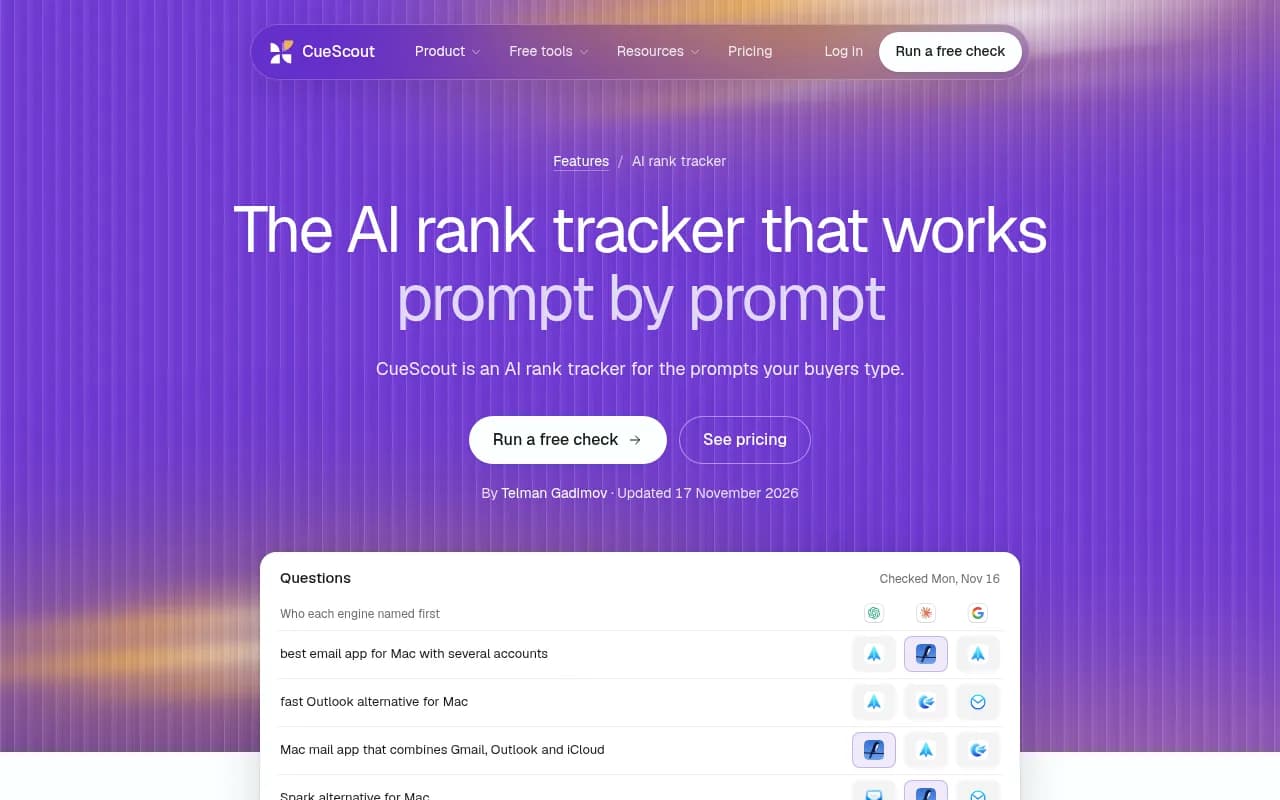
The screenshot above, from CueScout's rank tracker, shows the sort of view you want: per-prompt rows with who each engine named first, so you see competitors, not just yourself.
For 2-4 weeks:
- Run the same set without editing a single prompt. If you reword prompts mid-baseline, your comparison resets.
- Record mention rate and share of voice per prompt group.
- Write down which sources the engines cite most.
- Keep your prompt list in a shared doc with a date next to each version.
Keep a separate exploration set for newly discovered prompts, so the benchmark panel stays comparable week to week.
What to measure beyond position
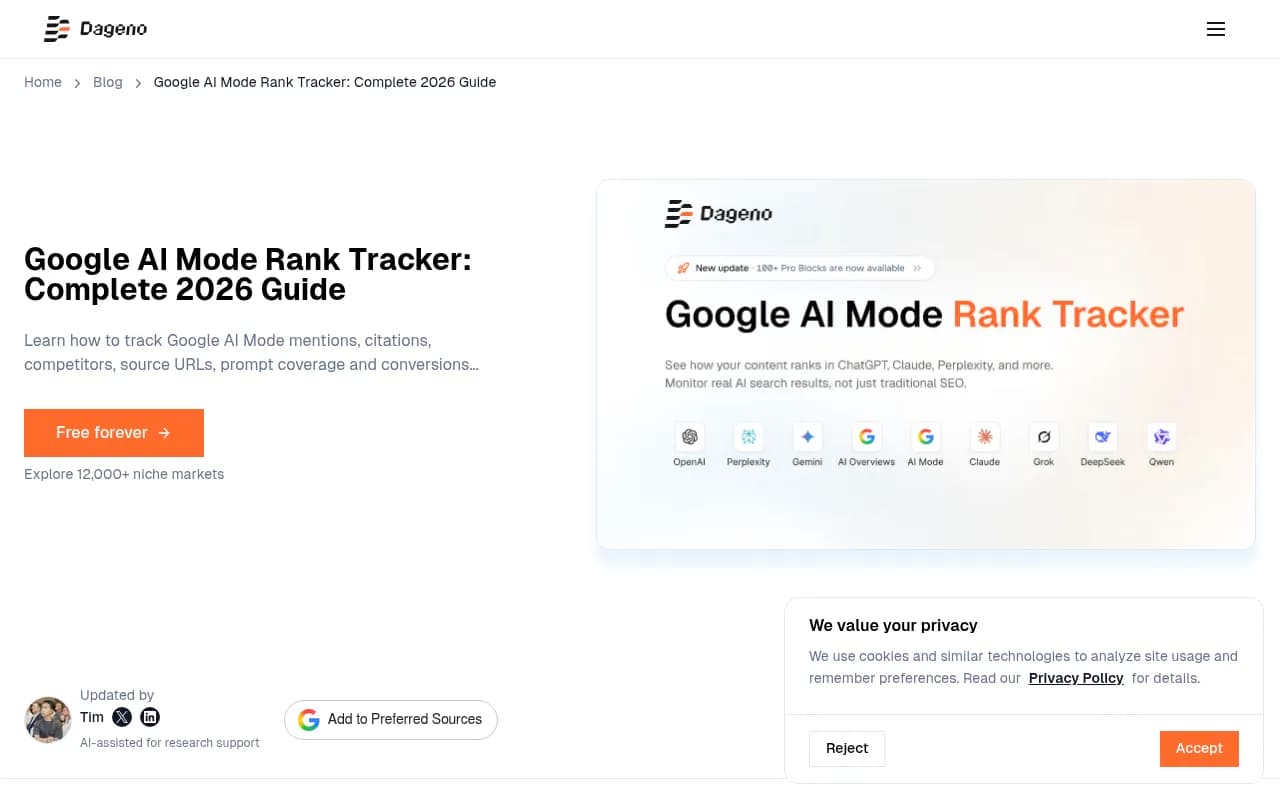
See the Google AI Mode tracking guide from Dageno, which makes a point worth borrowing: a tracker should record whether an AI answer appeared at all, whether you were mentioned or recommended, which owned and third-party URLs were cited, which competitors appeared, and whether any of it produced traffic.
In practice, read the numbers together and let them point at the problem:
- Low share of voice usually means a coverage problem: you aren't in the answers.
- Mentioned but late in the answer is a prominence problem.
- Mentioned but never cited points to a content or crawlability problem.
- Weak sentiment is a reputation problem, which content alone won't fix.
Be skeptical of trackers that can't show you the source behind a score. Be skeptical of any claim about prompt volume too: no public source measures how many people ask an assistant a given question, so volume numbers are estimates at best.
Choosing a tool
You don't need the most expensive option to run this setup. You do need to know what you're buying. Check these first:
- Does it query the real interfaces of the engines you care about?
- Can you set country and language per prompt group?
- Can you name competitors and aliases?
- Does it show cited URLs, not just a score?
- Can you export the data?
Pricing varies a lot. The numbers below come from vendor and third-party roundups and were not independently verified, so confirm them on each pricing page.
| Tool | Reported starting point | Notes |
|---|---|---|
| Otterly.AI | About $29/mo (Lite, 15 prompts) | Short prompt lists, good for testing |
| HubSpot AEO | About $50/mo (25 prompts) | ChatGPT, Perplexity, Gemini; suits small teams |
| RankMonster | From $87/mo | Up to 200 prompts, six engines |
| CueScout | Starter tracks 20 prompts, Growth 100 | Weekly runs, ChatGPT, Claude, AI Overviews |
| Promptwatch | $95/mo Essential (50 prompts), $245/mo Professional (150 prompts) | Tracking plus the fixing side; see promptwatch.com/pricing |
Tools worth a look
If you want to track and then act on what you find, Promptwatch covers the whole loop: real-UI prompt tracking with query fan-outs and personas, competitor share of voice, IP-verified AI crawler logs, visitor analytics, and a Content Agent that writes and publishes pages for the gaps. Its prompt tracking and prompt volumes features map directly onto the steps above, and there's a 7-day free trial on monthly plans.

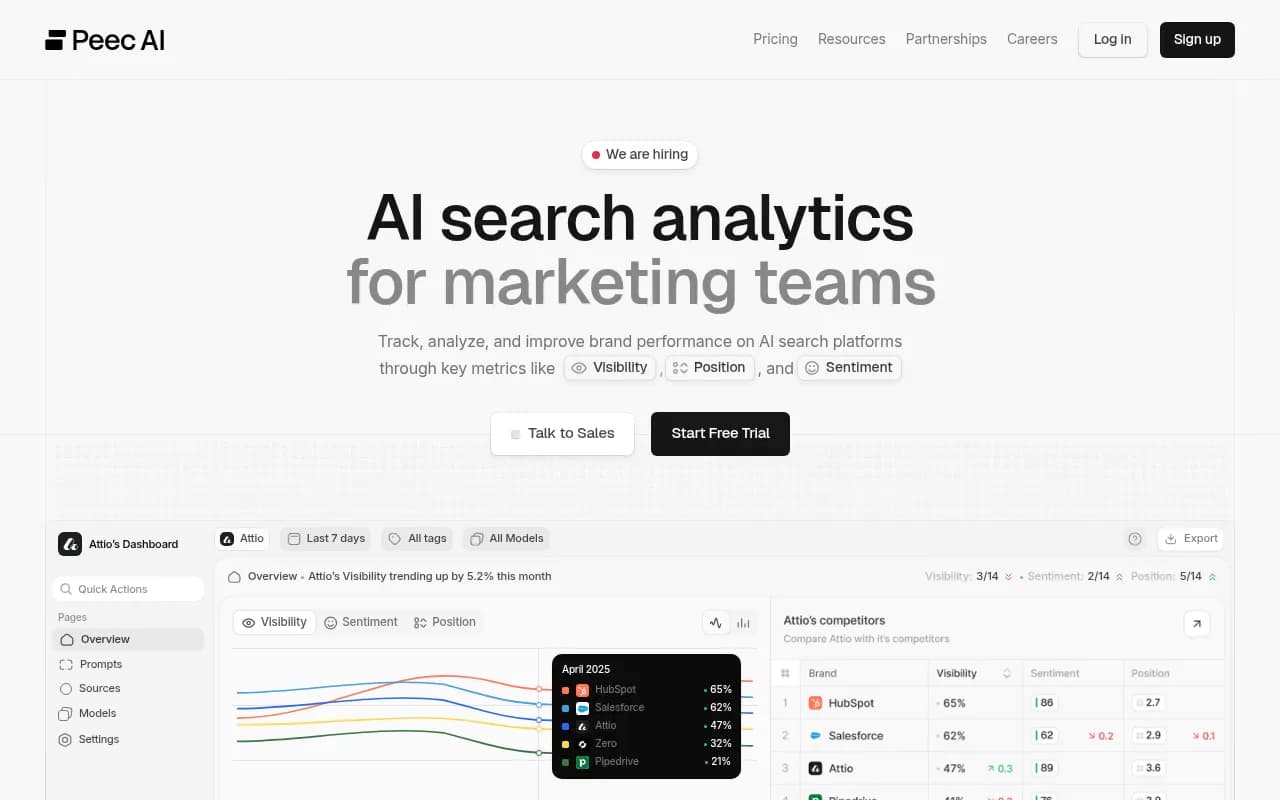
For lighter, cheaper monitoring, these are common starting points:
Otterly.AI


LLMrefs
If you'd rather extend an SEO suite you already pay for, Semrush and Ahrefs both have AI tracking, though with fixed prompt sets and shallower AI-specific data.
To browse more options, the AI rank tracking directory at ai-rank-tools.com lists many of them side by side.
Connect AI data to your own analytics
A tracker tells you what the engines say. It won't tell you whether anyone clicked. Pair it with Google Search Console and your analytics so you can see which pages rank in Google but never get cited by AI, and which AI-referred visits convert. Google Search Console is free and the obvious starting point.
It's also worth checking whether AI crawlers can actually read your pages. A page that bots can't fetch won't get cited no matter how good it is. Promptwatch's free Agentic Readiness Check and its AI crawler logs are one way to separate an access problem from a content problem. Google, for what it's worth, says there is no special markup or AI file required for eligibility: pages need to be indexed and eligible to appear with a snippet, and ordinary SEO fundamentals still apply.
Common mistakes in the first month
- Loading the set with branded prompts. The chart looks great and the insight is zero.
- Changing prompts during the baseline. You can't tell movement from noise afterward.
- Judging a volatile engine on weekly snapshots. In the older Promptwatch sources report, Copilot's average citation count swung from under 2 to nearly 17 within a few weeks, so use monthly trends for it.
- Tracking only yourself. Without competitors, a mention rate has no context.
- Treating a score as the goal. The sources behind the score are what you act on.
What to do after the baseline
Once you have 2-4 weeks of data, pick the three prompt groups where competitors beat you and look at what the engines cite. Often it's a comparison page, a listicle on a third-party site, or a docs page. For software prompts, Promptwatch Data found GitHub, Microsoft's docs and G2 leading ChatGPT citations (Sep 28 to Oct 4, 2026), with documentation and help centers earning the biggest share. For content types overall, product pages were the most cited at 22.4% in the same week. Your category will differ, so check yours.
Then fix one gap at a time, re-run, and see whether the number moved. That loop, track, act, re-measure, is the entire discipline. If you'd rather hand the setup and the ongoing work to specialists, 1001 SEO Media runs AI search and GEO programs for brands.
Quick checklist
- Write 25-40 prompts from real buyer questions; keep brand prompts near 10%.
- Choose 2-3 engines your buyers use.
- Add 3-7 competitors plus aliases.
- Set country and language per prompt group.
- Run the first check and note mention rate and share of voice.
- Don't edit the set for 2-4 weeks.
- Read the cited sources, then pick three gaps to fix.