Key takeaways
- Peak citation rate is not a standard metric, so define it yourself: the highest daily or weekly share of tracked prompts where ChatGPT cites your domain.
- Normalize it against citations per response. ChatGPT cut average citations per search-enabled response from about 6.4 to roughly 4.7-4.9 after the GPT-5.3 rollout on March 4, 2026, and that drop has nothing to do with your content.
- Start with a manual baseline of 30 to 50 buyer-intent prompts, then automate with a tool that runs the same prompts daily.
- Track persistence per content type, not just the peak. Landing pages stay cited far longer than news.
- Annotate every chart with model release dates before you blame your own pages for a dip.
What peak citation rate actually means
I could not find a standard definition of "peak citation rate" anywhere, which is fair. It is a term people use loosely. So here is the definition this guide uses, and you can adjust it to fit your reporting.
Citation rate is the share of tracked prompt runs where ChatGPT includes your domain in its list of cited sources. Peak citation rate is the highest value that metric hits in a chosen window, measured daily or weekly, along with the date it happened.
A citation is different from a mention. ChatGPT can name your brand in the answer text without linking to you, and it can link to you without naming you. Promptwatch's academy has a clear explainer on citations vs mentions if you need to keep the two apart in your reporting. For this guide, a citation means your domain appears in the sources.
Why care about the peak at all? Three reasons:
- It shows what your best content can do when the conditions are right, which is a useful ceiling for goal setting.
- The date of the peak tells you what caused it: a page you published, a model change, a competitor dropping out.
- The gap between peak and average tells you how stable your visibility is. A spiky line means you are borrowing visibility, not owning it.
Why a raw peak number misleads you
Here is where most setups go wrong. They chart citation rate, see a drop, and start rewriting pages. Then it turns out ChatGPT changed how many sources it shows.
Promptwatch Data's ChatGPT citation drop report (published March 12, 2026) shows this clearly. In the week before the GPT-5.3 rollout on March 4, 2026, ChatGPT cited about 6.4 sources per search-enabled response. By late March it had settled at about 4.7 to 4.9, roughly 27% fewer, and there was no recovery a month later. The drop hit GPT-5.3, GPT-5.4, and GPT-5-Mini at the same time, and it happened within a day of the rollout. seoClarity's analysis of the same period reached a similar conclusion: starting in March 2026, ChatGPT sharply reduced how often it cited external sources.
So a brand that held steady through that week still saw fewer citation slots to win. Marginal sources got squeezed out first.
Two consequences for your setup:
- Always track citations per response alongside your own citation rate, so you can tell "we lost visibility" from "ChatGPT is citing fewer sources overall".
- Keep a log of model release dates and check it before reading any dip as a content problem.
The same data also makes single-snapshot audits unreliable. A one-off check in February and another in April would have told you something misleading about your own content. Continuous tracking is the only way to see the step change.
Step 1: Build a prompt set that reflects buyers
Your peak is only as meaningful as the prompts behind it. Pick 30 to 50 buyer-intent prompts, which is the range the OutreachBloom guide on tracking ChatGPT citations also recommends for a baseline audit.
Group them into four types:
- Organic category prompts, like "best project management software for agencies"
- Comparison prompts, like "Tool A vs Tool B"
- Brand-specific prompts, like "is Tool A good for small teams"
- Alternative and pricing prompts, like "cheaper alternatives to Tool A"
Keep the wording stable once you start. If you change prompts mid-stream, you cannot compare weeks. Add new prompts as a separate cohort instead of editing old ones.
It also helps to know what ChatGPT actually searches for when it answers. Promptwatch's query fanout data shows average query length fell from about 117 characters in December 2025 to about 53 characters by April 2026. Shorter fanout queries mean your tracked prompts should be paired with short, keyword-like phrasing in your content headings. One caution: that report quotes both a 1.0 to 2.15 average fanout count and a 3 to 8+ searches range for a single prompt, so do not treat any single number as a constant.
Step 2: Run a manual baseline
Before paying for anything, spend an afternoon on a manual baseline. It teaches you what the output looks like.
- Open a fresh ChatGPT session with web search on, logged out or in a clean account.
- Run each prompt and record whether your domain appears in the sources, and at what position.
- Record how many unique sources were cited in total. This is your normalization denominator.
- Note the date, the model shown in the interface, and the country.
- Repeat the whole set three times across different days, because answers vary run to run.
Put it in a spreadsheet with these columns:
| Date | Prompt | Model | Total sources cited | Your domain cited (Y/N) | Position | Cited URL |
|---|---|---|---|---|---|---|
| 2026-11-10 | best CRM for small agencies | GPT-5.x | 5 | Y | 3 | /crm-for-agencies |
Your baseline citation rate is the count of Y rows divided by total runs. This number is rough, but it is a real starting point, and you will notice how noisy single runs are. That noise is the reason to automate next.
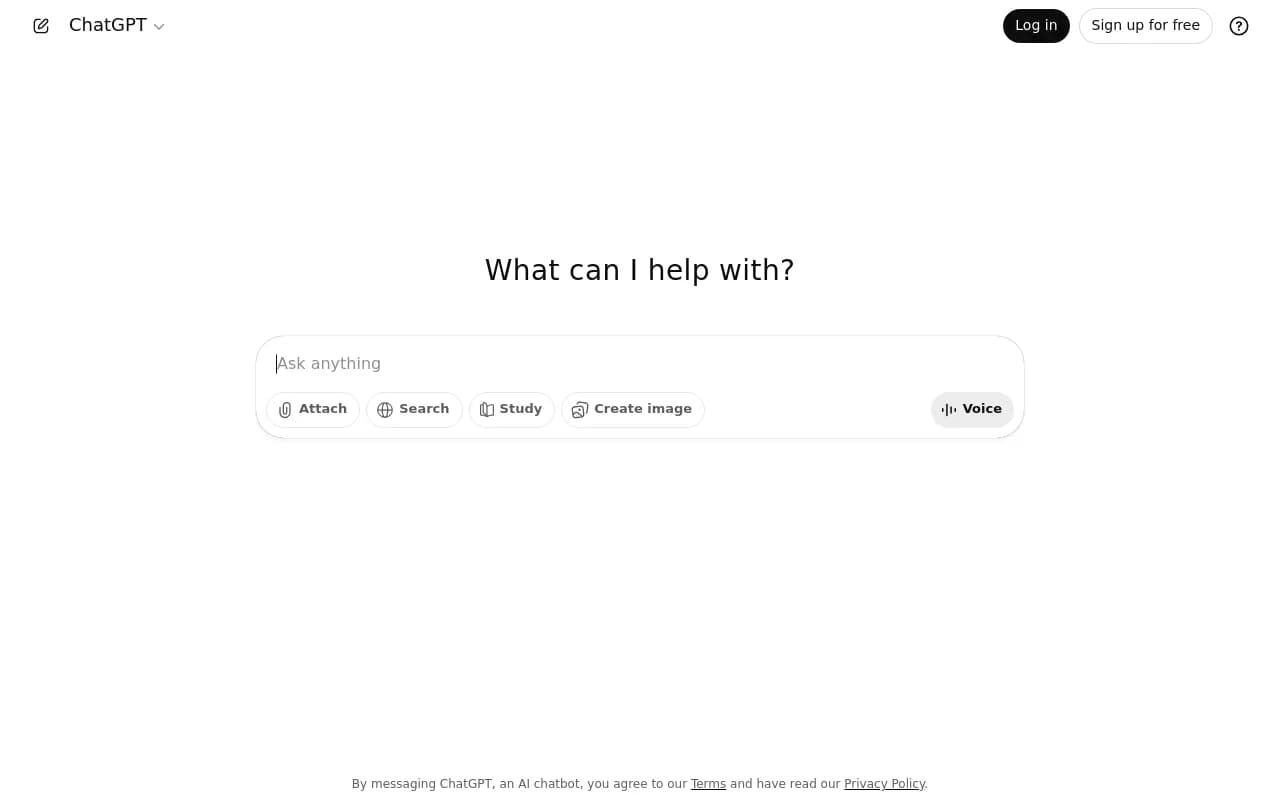
The free ChatGPT interface is enough for this step.
Step 3: Automate daily tracking
Manual checks do not scale and they miss spikes. A peak, by definition, is a moment, and you will not catch it by checking once a week. You need a tool that runs the same prompts on a schedule and stores every response.
What to look for:
- Real-interface collection rather than API-only. User-facing ChatGPT answers and citations can differ from API outputs.
- Daily runs at minimum, with faster options if you are watching a launch.
- Full citation lists per response, not just a brand mention flag.
- Raw response export so you can compute your own normalized rate.
- Country and language controls.
Promptwatch tracks the real ChatGPT interface across countries and languages, runs prompts daily on every plan, and goes to every 12, 6, or 1 hours on Business and Agency Scale. That faster cadence is what makes peaks visible instead of averaged away. It also records cited URLs and their position in the source list, and exports prompts, responses, and citations to CSV or Excel. Pricing starts at $95/month for Essential, so confirm current plans at promptwatch.com/pricing.

Other trackers worth a look, depending on budget and need:
| Tool | Positioning | Where it fits |
|---|---|---|
| Otterly.AI | AI search monitoring across ChatGPT, Perplexity, and AI Overviews | Small teams wanting a lightweight tracker; the OutreachBloom piece lists it from $29/month, though I have not verified current pricing |
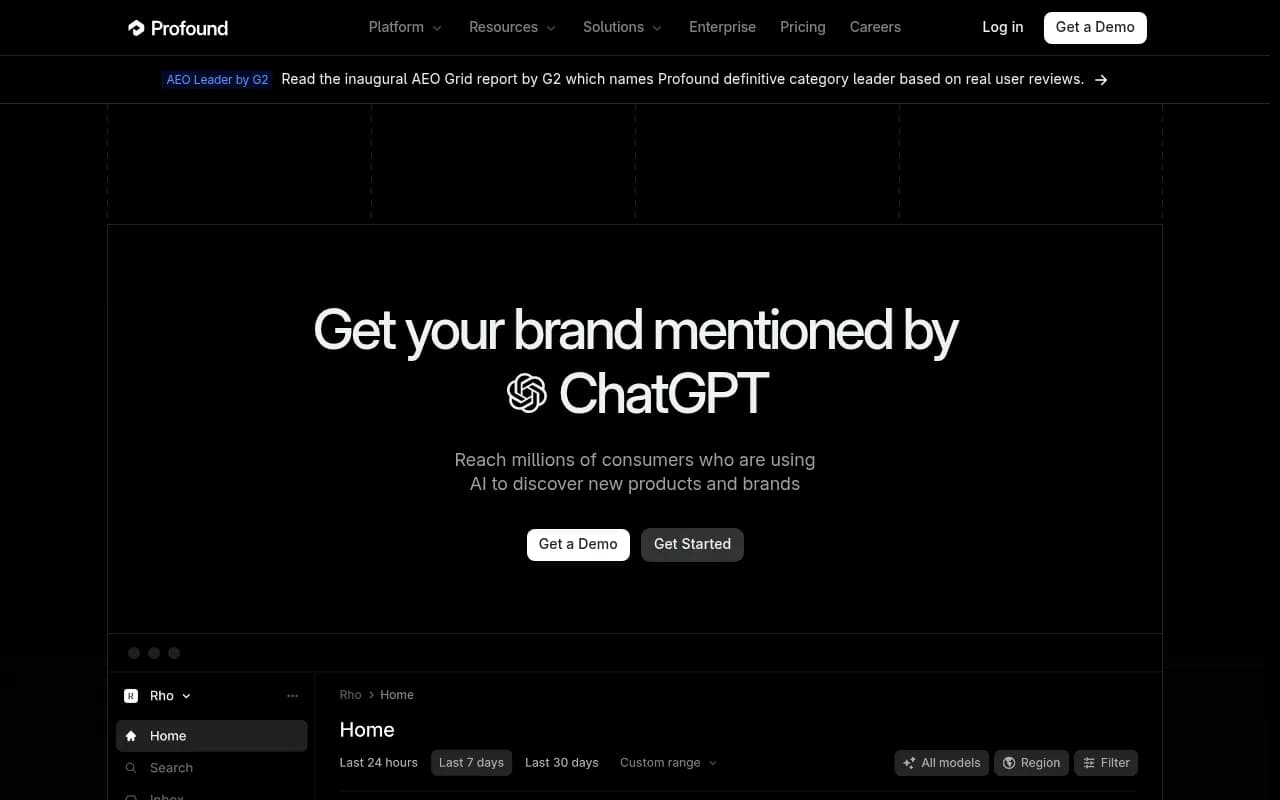
| Profound | Enterprise AI visibility platform | Large brands that want broad engine coverage |
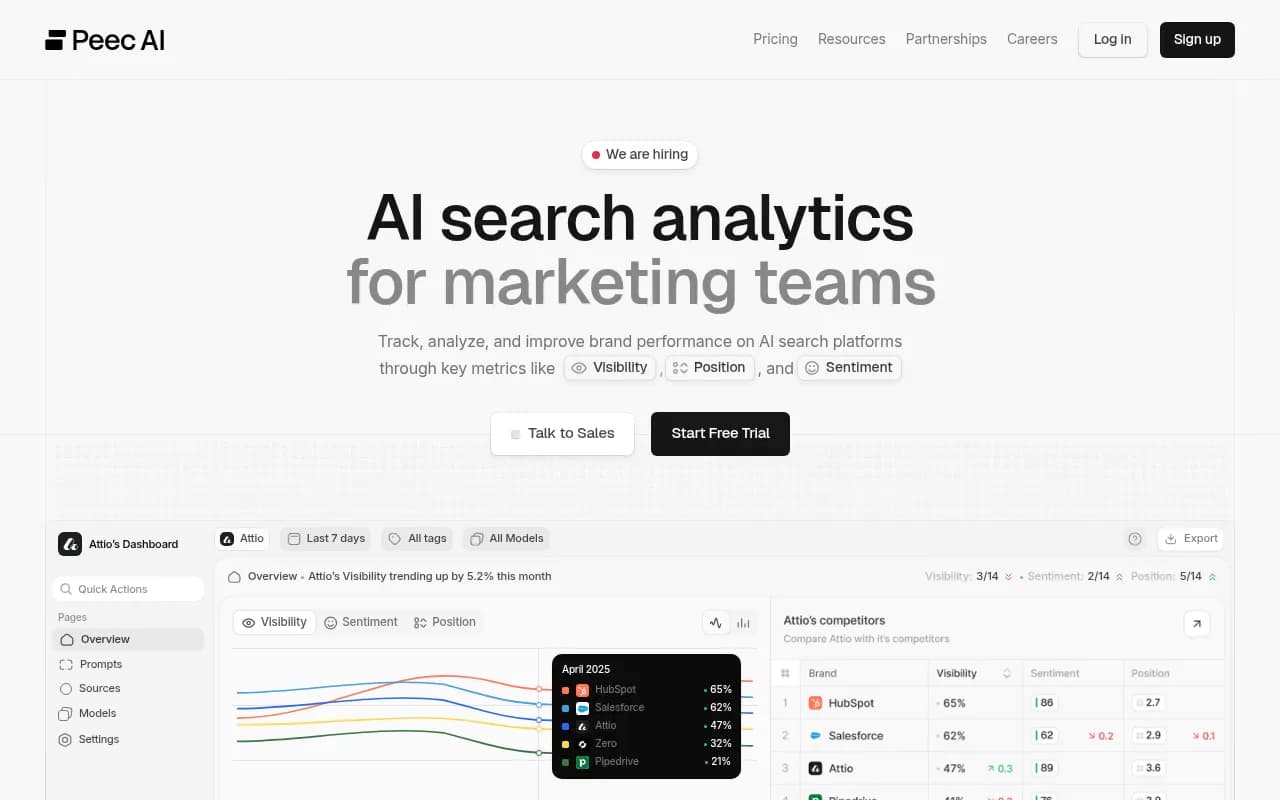
| Peec AI | AI search visibility tracking for marketing teams | Mid-size marketing teams |
| Rankshift | Brand visibility across ChatGPT, Perplexity, and AI search | Teams that want straightforward visibility tracking |
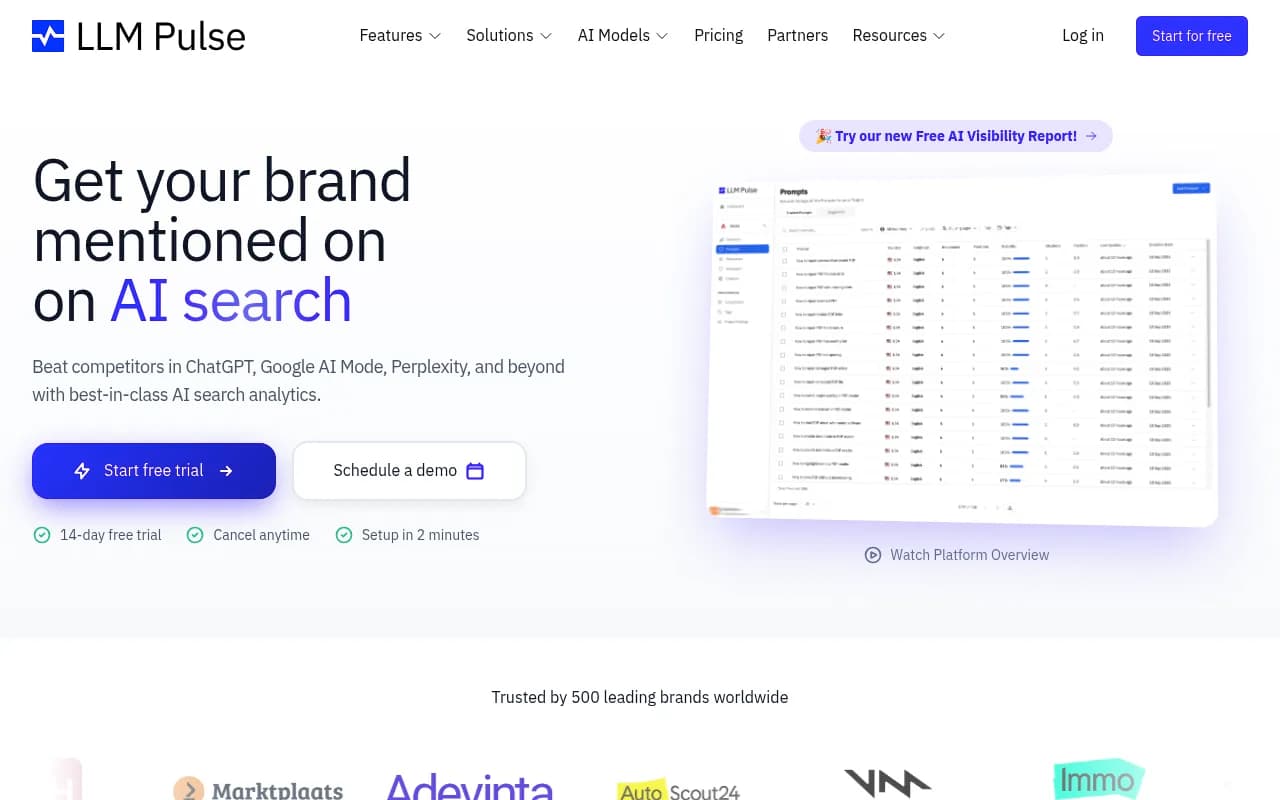
| LLM Pulse | Brand AI visibility tracking | Monitoring-focused setups |
| Semrush | Traditional SEO suite with an AI toolkit | Teams already living in Semrush |
Otterly.AI

Profound

Most of these answer "was my brand mentioned?" Fewer tell you why a page was or was not cited, or help you fix it. If you want a wider list, the GEO software directory at bestgeosoftware.com covers the field.
Step 4: Define the metrics and compute the peak
Once data flows in, compute these from the raw response export. A tool's dashboard score is fine for a quick look, but the peak needs your own calculation.
The core formulas
- Citation rate (daily) = prompts where your domain is cited / prompts run that day
- Normalized citation rate = citation rate / average sources cited per response that day
- Peak citation rate = max(daily citation rate) within the window, with date
- Peak-to-median ratio = peak / median daily rate, as a stability check
Why the normalized version? If ChatGPT drops from 6.4 to 4.8 sources per response, a flat raw rate actually means you improved your hold on the shrinking slots. Normalizing keeps that visible.
Use a 7-day rolling window for the headline number and keep the daily series for the peak. Single-day peaks on a small prompt set can be luck, so require the peak to sit on at least 30 prompt runs before you report it.
Companion metrics
The OutreachBloom guide suggests reporting six metrics monthly: mention rate, citation rate, share of voice, sentiment, source diversity, and LLM referral traffic. That is a reasonable set. I would add two:
- Citation rank, meaning where your domain lands in the source list. Position 1 to 3 is a primary source; position 9 is filler.
- Self-citation rate, the share of citations pointing at your own domain versus third parties talking about you.
Read together they locate the problem. Mentions without citations suggest a crawlability or content-format gap. Citations only at deep positions suggest ChatGPT trusts you as a supporting source but not a primary one.
Step 5: Segment by content type and track persistence
A peak is half the story. What matters for planning is how long a cited page stays cited.
Promptwatch Data's content half-life report followed every classified page ChatGPT cited on July 6, 2026 through October 4, 2026. The numbers are worth keeping next to your own:
| Content type | Still cited after 30 days | Still cited after 60 days | Notes |
|---|---|---|---|
| Landing pages | 78% | 69% | Half-life likely near or beyond 90 days |
| Docs | 76% | 67% | 93% cited again after day 0 |
| Comparisons | 72% | 63% | Slow decay |
| Listicles | n/a | 60% | Slow decay |
| Product pages, reviews, how-tos | n/a | about 55% | Half-life of 74 to 77 days |
| News | n/a | 41% | Half gone after 36 days; nearly a quarter never cited again |
What this means in practice. If your peak came from a news-style post, expect it to fade within weeks and plan a refresh or a follow-up. If it came from a landing page or documentation, it will likely hold, so protect that page from careless edits. Pricing pages are classified as landing or product pages in this data.
Also check what ChatGPT cites overall. Product pages are the most cited type at 22.4% of citations (Sep 28 to Oct 4, 2026), so if your peak pages are all blog posts, you may be underusing a format ChatGPT likes.
Be aware of crowding too. Almost half of ChatGPT responses cite 10 or more unique domains in that same week, which means there is room for several sources per answer, but your share of each response can still be thin.
Step 6: Annotate events so peaks make sense
Every peak and trough needs a cause attached. Keep an event log alongside the chart:
- Model rollouts, like GPT-5.3 on March 4, 2026
- Behavior changes, such as ChatGPT starting to use the site: operator at scale on August 8, 2026, when site: queries jumped from about 0.4% to about 17% of fanouts
- Source-mix shifts, such as Reddit's share of ChatGPT citations falling from about 4% to 0.5% on August 14, 2026. GrowByData saw the same pattern: retail Reddit share went from 5.52% in the week of June 21 to 0.31% by August 16.
- Your own publishing and refresh dates
The Reddit change is a good example of an external shift that moves everyone's numbers. If a competitor's citation rate rose in mid-August, part of that was probably space freed up by Reddit disappearing, not their content improving.
The Tinuiti and Profound Q3 2026 research makes a related point: there is no single most important source in AI search, and the leading source varies by platform and vertical. Track your category, not a generic benchmark.
Step 7: Check that AI can actually reach your pages
If a page never shows a citation, do not assume it is a content problem. It might be a crawl problem. ChatGPT's bots (GPTBot, OAI-SearchBot, ChatGPT-User) need to read the page first.
Two checks:
- Review your robots.txt and CDN rules for AI crawler blocks. The free robots.txt generator for AI and the AI crawler URL inspector help here.
- Look at server or crawler logs to see which pages the bots actually fetch. Promptwatch's AI crawler logs are IP-verified, so spoofed bots are filtered out, and they show the crawl-to-citation path per page.
A page that gets crawled often but never cited has a content or format issue. A page that is never crawled has an access issue. The fix is different, so separating them early saves weeks.
Step 8: Tie citations to traffic and revenue
A high citation rate that sends no visitors is a vanity number. Set up referral tracking in analytics. Be aware that ChatGPT stopped sending a referrer on October 8, 2026, so you may need to count visits tagged utm_source=chatgpt.com as ChatGPT traffic. Promptwatch's guide to attributing AI traffic walks through this, and its visitor analytics can do it with a lightweight script. If you only use Google Analytics, add a custom channel group for AI referrers and watch landing pages specifically.
Compare the pages behind your peaks with the pages receiving AI traffic. They are often not the same list, and that mismatch is where the most useful decisions come from.
Step 9: Report monthly and act on gaps
A workable monthly report has one page:
- Peak citation rate, normalized citation rate, and the dates
- Citations per response trend with event annotations
- Citation rate by content type and by topic
- Persistence: how many pages cited last month are still cited
- AI-referred sessions and conversions
- Three actions for next month
The actions come from gaps: prompts where competitors are cited and you are not, topics with citation share below your overall rate, and decaying pages worth refreshing. Promptwatch's content gap workflow and Action Board turn these into a prioritized list, and the Content Agent can draft pages for the gaps; Business plans include it. If you are working through gaps manually, the LinkedIn walkthrough on closing AI citation gaps is a decent companion.
Common mistakes
- Calling a peak a trend. One day at 40% on 30 prompts is a data point. Look for it to repeat.
- Ignoring the denominator. Raw citation counts fall when ChatGPT cites fewer sources, regardless of what you do.
- Editing prompts mid-stream. Version them instead.
- Mixing countries. Answers differ by location, so keep one market per tracking set.
- Trusting weak benchmarks. The OutreachBloom guide cites a claim that ChatGPT drives 56% of AI referral traffic from OtterlyAI, which published no sample size. Treat numbers like that with caution.
- Chasing one source. The Tinuiti and Profound data says the top cited source differs by platform and category.
A quick setup checklist
- Define citation rate and peak citation rate in writing.
- Pick 30 to 50 buyer-intent prompts and freeze the wording.
- Run a manual baseline three times on different days.
- Move to automated daily tracking with response export.
- Compute normalized citation rate and the peak with its date.
- Segment by content type and track persistence.
- Log model releases and platform behavior changes.
- Check crawler access for pages that never get cited.
- Connect AI referral traffic to the pages behind your peaks.
- Report monthly and turn the gaps into published or refreshed pages.
If you want a quick starting point, Promptwatch's free AI visibility report scans how ChatGPT, Gemini, and Perplexity talk about your brand without a login, and its 7-day free trial is enough time to see a few daily cycles. For a broader look at other trackers, the directory at ai-rank-tools.com compares AI rank tracking tools.
The short version: define the peak yourself, divide by how many slots ChatGPT is offering, and watch how long your pages stay cited. Those three habits turn a noisy chart into something you can plan around.