Key takeaways
- ChatGPT doesn't index content instantly -- there's a lag between publishing and citation that can range from hours to weeks depending on the model and your site's authority
- Tracking requires a controlled, repeatable prompt set run against the live model, not just API calls -- the two can return different results
- AI models are inconsistent: the same prompt can return different brand recommendations on different runs, so single-spot checks are unreliable
- You need to track both on-site citations (your own pages) and off-site mentions (Reddit, publications, listicles) to get the full picture
- Dedicated AI visibility platforms automate this at scale and connect visibility changes to content publish dates
You published a well-researched article. You optimized it. You hit publish. Now what?
The honest answer most marketers don't want to hear: you have no idea if ChatGPT is recommending your brand because of it. Not yet. The feedback loop between publishing content and seeing it reflected in AI recommendations is murky, slow, and inconsistent in ways that traditional SEO rank tracking never prepared us for.
This guide walks through exactly how to close that loop -- from a quick manual spot check you can do today, to a proper tracking system that tells you when your content actually starts influencing AI recommendations.
Why tracking ChatGPT recommendations is harder than it sounds
Before building a tracking system, it helps to understand why this is genuinely difficult.
ChatGPT doesn't crawl your site the moment you publish. GPTBot (OpenAI's crawler) visits pages on its own schedule, and even after crawling, there's no guarantee the content makes it into the model's training data or retrieval layer in any predictable timeframe. One marketer on Reddit reported that Perplexity picked up their new content within 2 hours, while ChatGPT took considerably longer. The gap varies by domain authority, content type, and how the model retrieves information.
There's also the consistency problem. Rand Fishkin's research at SparkToro found that AI models are highly inconsistent when recommending brands -- the same prompt can return different brand mentions across different sessions. That means a single manual check telling you "ChatGPT mentioned us!" is almost meaningless without repeated sampling.
And then there's the mentions vs. citations distinction. A mention is when ChatGPT says your brand name in a response. A citation is when it links to or explicitly attributes a claim to your content. Both matter, but they're different signals and require different tracking approaches.
Step 1: Build your prompt set before you publish
The biggest mistake brands make is trying to track AI visibility reactively. You publish something, then a week later you wonder if ChatGPT is recommending you. By then you've lost your baseline.
Before you publish new content, define the specific prompts you expect that content to influence. These should be the exact questions or requests a real user might type into ChatGPT that your new article is designed to answer.
For example, if you're publishing a comparison article about project management tools, your prompt set might include:
- "What are the best project management tools for remote teams?"
- "Compare Asana vs Monday.com vs Notion"
- "Which project management software do you recommend for a 10-person startup?"
Run these prompts in ChatGPT before publishing and record the results. Screenshot the responses. Note which brands are mentioned and whether yours is among them. This is your pre-publish baseline.
Then run the same prompts again at regular intervals after publishing: 48 hours, 1 week, 2 weeks, 1 month. You're looking for your brand to appear where it didn't before, or to appear more prominently.
Step 2: Run prompts correctly (the live UI matters)
This is a detail most guides skip: always run your tracking prompts in the actual ChatGPT interface, not just through the API.
The user-facing ChatGPT product -- especially ChatGPT with web browsing enabled, or ChatGPT's shopping and recommendations features -- can return different results than the raw API. The live product may pull in real-time web results, use different retrieval mechanisms, and apply different ranking signals. If you're tracking whether ChatGPT recommends your brand to actual users, you need to track what actual users see.
Practically, this means:
- Use a fresh conversation for each prompt (no context carryover)
- Test with web browsing both enabled and disabled if you have access
- Run each prompt at least 3 times across different sessions to account for response variability
- Note the exact model version (GPT-4o, etc.) since different versions can return different recommendations
Step 3: Track off-site mentions, not just your own pages
Here's something that surprises a lot of marketers: ChatGPT often doesn't cite your website directly. It cites the Reddit thread that mentioned your product, the industry roundup that included you, or the review site that featured your brand.
So if you publish a new product feature and want to know if ChatGPT is recommending it, you need to track:
- Is your brand mentioned in responses to relevant prompts? (brand mention tracking)
- Is your actual page being cited as a source? (citation tracking)
- Are third-party pages that mention you being cited? (off-site citation tracking)
This is why publishing alone is rarely enough. The content you publish on your own site needs to be picked up and referenced by other sources before it reliably influences AI recommendations. Getting mentioned in an industry publication, a relevant Reddit thread, or a comparison listicle often accelerates the process.
Step 4: Set up automated tracking
Manual spot checks are fine for a quick baseline, but they don't scale. If you're tracking 20+ prompts across multiple content pieces, you need automation.
Several tools now handle this specifically for AI search visibility:
Promptwatch tracks your brand mentions and citations across ChatGPT, Perplexity, Google AI Overviews, Claude, Gemini, and 7 other AI models. What makes it useful for post-publish tracking specifically is the agent analytics feature: it shows you when AI crawlers hit your pages, when those pages move from crawled to cited, and how your visibility scores change over time. You can see the actual timeline from "GPTBot visited this URL" to "ChatGPT started citing it in responses." That's the feedback loop most marketers are missing.

For teams that want a simpler starting point, a few other tools worth knowing:
Otterly.AI


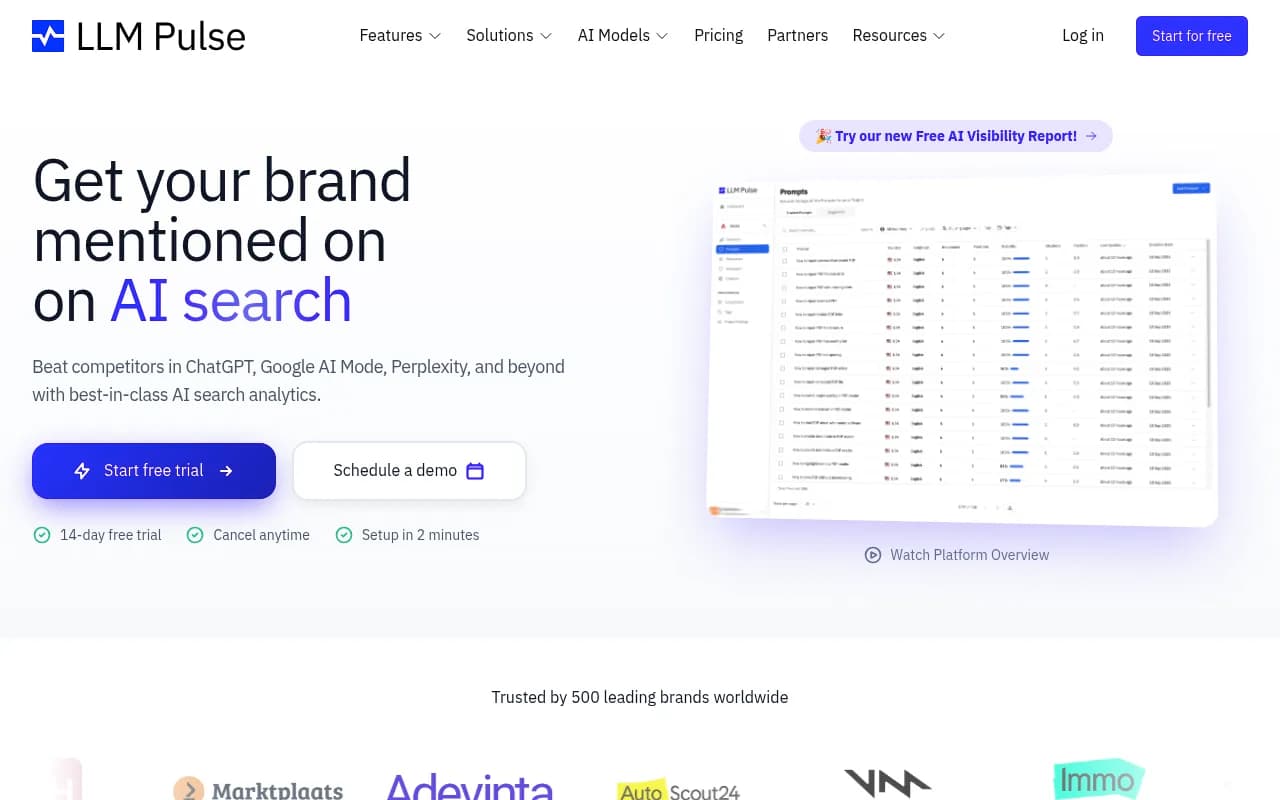
Here's a quick comparison of what these tools actually track:
| Tool | ChatGPT tracking | Crawler logs | Content gap analysis | Off-site citations | Price starts at |
|---|---|---|---|---|---|
| Promptwatch | Yes (live UI) | Yes | Yes | Yes | $99/mo |
| Otterly.AI | Yes | No | No | No | ~$29/mo |
| Rankshift | Yes | No | No | No | ~$49/mo |
| LLM Pulse | Yes | No | No | No | ~$39/mo |
The pattern is clear: most tools tell you whether you're being mentioned. Fewer tell you why you're not, and almost none help you fix it.
Step 5: Interpret the data correctly
Once you have tracking in place, the data can be misleading if you don't know what to look for.
Expect a lag. New content typically takes days to weeks before it influences ChatGPT recommendations, assuming GPTBot crawls it at all. If you're not seeing movement after 2 weeks, the issue might be crawlability (is GPTBot blocked? Is the page indexed?), not content quality.
Watch for inconsistency. If ChatGPT mentions your brand in 2 out of 5 runs of the same prompt, that's a 40% mention rate -- not a binary "yes it recommends us." Track mention rates as percentages across multiple runs, not as yes/no flags.
Separate model behavior. ChatGPT and Perplexity often return very different results for the same prompt. Perplexity tends to cite sources more explicitly and picks up new content faster because it does real-time web retrieval. ChatGPT's base model relies more on training data, though its browsing mode changes that. Track them separately.
Look at prompt-level data. Your brand might be visible for some prompts and invisible for others. A piece of content you published might improve visibility for one specific question but have no effect on adjacent questions. Prompt-level granularity matters more than an aggregate visibility score.
Step 6: Connect visibility changes to specific content
The goal isn't just to know that your visibility improved. It's to know which piece of content caused it.
To do this properly, you need to:
- Tag each content piece with the prompts it's designed to influence
- Record your visibility score for those prompts before publishing
- Record it again at 1 week, 2 weeks, and 1 month post-publish
- Look for statistically meaningful changes (not just noise from model inconsistency)
If you're using a platform like Promptwatch, the agent analytics timeline does a lot of this automatically -- it logs when GPTBot crawled a specific URL and correlates that with citation changes. If you're doing this manually, a simple spreadsheet with prompt, date, brand mentioned (Y/N), and content piece published works fine for a small prompt set.
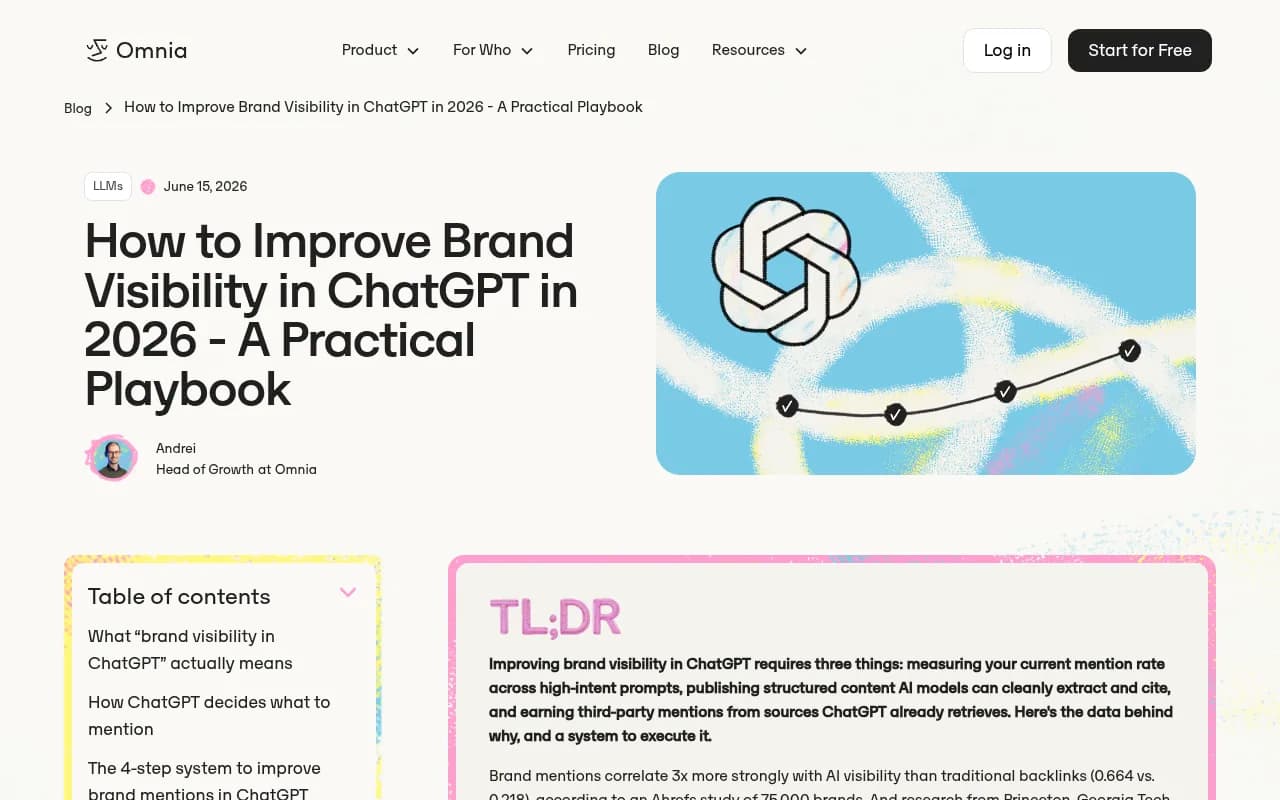
The Omnia blog has a solid breakdown of the four-step system for improving ChatGPT visibility -- worth reading alongside this guide for the content strategy side of the equation.
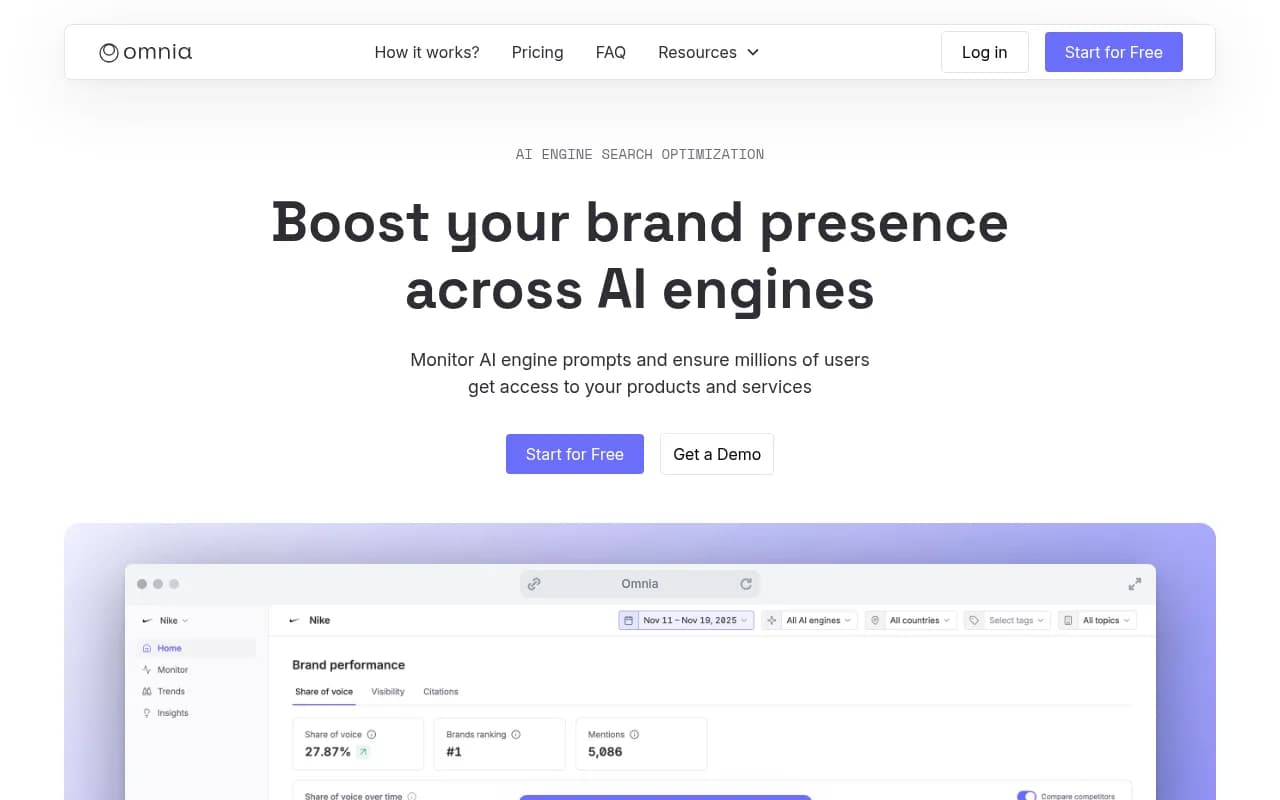
What actually moves the needle (and what doesn't)
Tracking is only useful if it tells you what to do next. Based on how ChatGPT's recommendation behavior works in 2026, here's what the data tends to show:
What helps:
- Publishing structured content that directly answers specific questions (not just general topic coverage)
- Getting mentioned in third-party sources that ChatGPT already cites (industry publications, Reddit, review sites)
- Having clear entity signals -- your brand name, product names, and use cases described consistently across your site and external sources
- Schema markup and structured data that helps AI crawlers understand what your page is about
What doesn't move the needle as much as people expect:
- Publishing volume alone -- 10 thin articles rarely outperform 1 comprehensive one
- Generic SEO optimization that doesn't address the specific questions AI models are being asked
- Social media mentions (these rarely influence ChatGPT's recommendations directly)
A practical weekly workflow
If you want to operationalize this without it taking over your week, here's a lightweight routine:
On publish day: Run your target prompts manually in ChatGPT and record the baseline. Check that GPTBot isn't blocked from crawling the new URL (check robots.txt and your crawler logs if you have them).
At 1 week: Run the same prompts again. Note any changes. Check whether your tracking platform shows GPTBot has visited the page.
At 2-4 weeks: Run prompts again. By this point, if the content is going to influence recommendations, you'll usually start seeing early signals. If nothing has changed, look at whether the page is being cited anywhere externally -- if not, that's the gap to address.
Monthly: Review aggregate visibility trends across your full prompt set. Which content pieces drove the most visibility improvement? Use that to inform what you publish next.
The bigger picture
Tracking ChatGPT recommendations after publishing is really just the measurement layer of a broader content strategy for AI search. The tracking tells you what's working. The harder work is understanding why -- which prompts you're missing, which content formats AI models prefer, and which external sources you need to be mentioned in.
Tools like Promptwatch go further than just tracking: they show you the specific prompts your competitors are visible for that you're not, and help you generate content designed to close those gaps. That's the difference between knowing you're invisible and actually doing something about it.
For most teams, the right starting point is simpler: pick 10-20 high-value prompts, establish a baseline today, and check back in two weeks. You'll learn more from that one experiment than from any amount of theorizing about how ChatGPT works.