Key takeaways
- Google AI Mode has no fixed rankings. You track whether you are cited, linked, and mentioned for a set of prompts, not a position number.
- Start with eligibility: a page must be indexed and snippet-eligible to appear as a supporting link in AI features.
- Search Console is the free starting point, but check what your own property shows before you build reports on it. Reports of an AI Mode filter are not confirmed in Google's documentation.
- A frozen prompt set of 25 or more questions, sampled several times, gives you the most trustworthy trend line.
- Dedicated trackers save time once you pass a few dozen prompts, and analytics closes the loop by showing whether any of it sends visits.
Why AI Mode rankings are a different problem
In classic search you check a keyword and see you are in position 4. AI Mode does not work that way. It writes an answer, runs a bunch of background searches (query fan-outs), and cites a handful of sources. Ask the same question twice and you can get two different answers with different links.
So "rank" has to be redefined. What you can actually measure is:
- Whether your brand is mentioned in the answer
- Whether your URL is cited or linked as a source
- Where it sits in the source list
- Which competitors show up instead
- Whether any traffic follows
That last one matters because Google's own citation behavior is odd. According to Promptwatch Data's Google AI Mode citation share report for June 2026 (May 31 to Jun 26, 2026), google.com took 7.31% of all AI Mode citations, more than YouTube (2.88%) and Reddit (2.52%) combined. Google-owned properties together held over 10%. And no independent site in the top list cleared 1%. The open-web opportunity sits in the long tail, which means you are tracking many small wins across many prompts, not one big keyword.
Step 1: Check that your pages are eligible
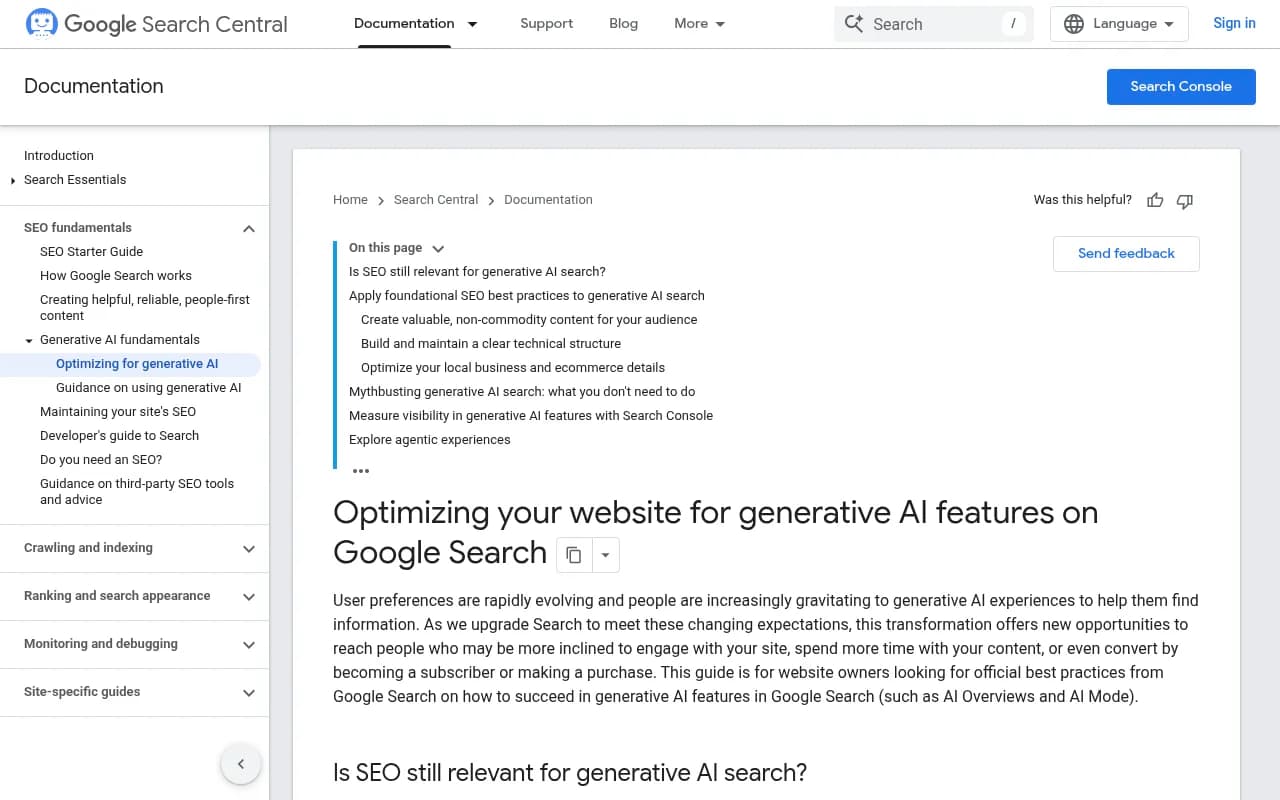
Before measuring anything, make sure there is something to measure. Google ties appearance in its AI features to two conditions: the page is indexed and it is eligible to show with a snippet. Google's own guide to optimizing for generative AI features is the reference for this.
For each priority page:
- Run URL Inspection in Search Console and confirm it is indexed.
- Check for noindex, nosnippet, data-nosnippet, or a restrictive max-snippet directive. These preview controls govern how your content is used in AI features.
- Make sure the page is not blocked in robots.txt for Googlebot.
If a page fails here, no amount of tracking will help. It is removed before content quality even matters.
Step 2: Look at what Search Console shows you
Search Console is free and it is where I would begin, with one caveat. Some guides, including Otterly's, describe a path like this:
- Open Search Console and go to Performance, then Search results.
- Click + New and choose a Search appearance filter.
- Look for an AI Mode option in the dropdown.
I could not confirm that filter against Google's documentation, and Google has generally folded AI Mode activity into the overall Web search type rather than splitting it out. So open your own property and see what is really there. If the filter exists for you, great. If it does not, do not assume the data is missing: it is probably blended into your normal numbers.
Either way, Search Console tells you about impressions and clicks per page and query. It does not tell you which prompts cited you or which competitors appeared alongside you. For that you need your own prompt panel.
Two things worth doing in Search Console regardless:
- Export queries that are long and conversational. These are the closest proxy for what people type into AI Mode.
- Note pages with lots of impressions and few clicks. Those are often pages where an AI answer is absorbing the click.
Step 3: Build a frozen prompt set
This is the core of AI Mode tracking. A frozen prompt set is a fixed list of questions you run on a schedule, so changes in results reflect changes in visibility rather than changes in what you asked.
Guidance from digital PR firm EPR suggests a set of 25 or more questions, run every two weeks, logging whether your brand is linked and which competitors appear. That is a sensible floor. A few tips from experience:
- Mix prompt types: category questions ("best project management tools for agencies"), comparisons ("X vs Y"), problem questions ("how do I reduce churn in a subscription app"), and branded queries.
- Write them the way buyers talk, in full sentences, not keyword fragments.
- Group them by topic so you can see which clusters you own and which you do not.
- Do not edit the list casually. If you must add prompts, add them as a new batch and keep the old trend line intact.
- If you sell in multiple countries or languages, build separate panels per market.
For ideas on what to include, look at how AI expands your question. Promptwatch's explainer on query fan-outs shows how a single prompt becomes several sub-searches, and your pages need to answer those too. The free ChatGPT query fan-out generator can help you brainstorm sub-questions even though AI Mode is a different system.
Step 4: Sample each prompt more than once
This step is where manual tracking usually goes wrong. One run proves nothing. A guide from Supermetrics on measuring AI search visibility makes the point plainly: ask the same prompt twice and you will often get two different answers, so sample each prompt three to five times per engine in a logged-out session, then record the rate rather than the outcome.
So instead of "we were cited for prompt 12", you record "we were cited in 3 of 5 runs". That presence rate is a far steadier number.
A simple spreadsheet works for the manual route:
| Column | What to record |
|---|---|
| Prompt | The exact question |
| Topic | Cluster it belongs to |
| Date and run number | So you can repeat it |
| Brand mentioned? | Yes or no |
| URL cited? | Which page, and which position in the source list |
| Competitors present | Brands named or linked |
| Notes | Odd behavior, new source types |
Run it in a clean, logged-out browser profile from the right location. Personalization and location both change answers, especially for local queries.
The honest downside: 25 prompts times 5 runs is 125 checks every two weeks. That is fine for a pilot and painful for anything bigger. Which brings us to tools.
Step 5: Decide whether to use a tracking tool
Manual tracking is a good way to learn how AI Mode behaves. It stops scaling quickly. Here is a rough guide to what is in the market for monitoring Google AI Mode and related surfaces. Check each vendor's current pricing and AI Mode coverage before buying, since both change fast.
| Approach | Good for | Limits |
|---|---|---|
| Manual spreadsheet | Learning, under 25 prompts | Slow, noisy, no history of competitors |
| Search Console | Free page-level impressions and clicks | No prompt-level or competitor view |
| Monitoring-only trackers | Dashboards of mentions and citations | Often stop at reporting |
| End-to-end GEO platforms | Tracking plus fixing and measuring | Higher cost, more to learn |
A few tools worth a look:
Promptwatch is an end-to-end AI visibility platform that monitors Google AI Mode and AI Overviews through the real user interfaces, by country and language, alongside ChatGPT, Gemini, Perplexity, Copilot and others. It scores each prompt on Visibility Score, Share of Voice, position and sentiment, shows the citations behind each answer, and goes further than most trackers: IP-verified AI crawler logs, visitor analytics, an Action Board of prioritized fixes, and a Content Agent that writes and publishes pages for the gaps it finds. Prompts run daily on every plan, and plans start at $95/mo for Essential (confirm at promptwatch.com/pricing). There is a 7-day free trial and a free AI visibility report if you want to try it before committing. For a closer look at the product, see its prompt tracking page.
Otterly.AI is a monitoring-focused option that covers Google AI Overviews and AI Mode among other engines, and publishes useful tracking guidance.
Otterly.AI

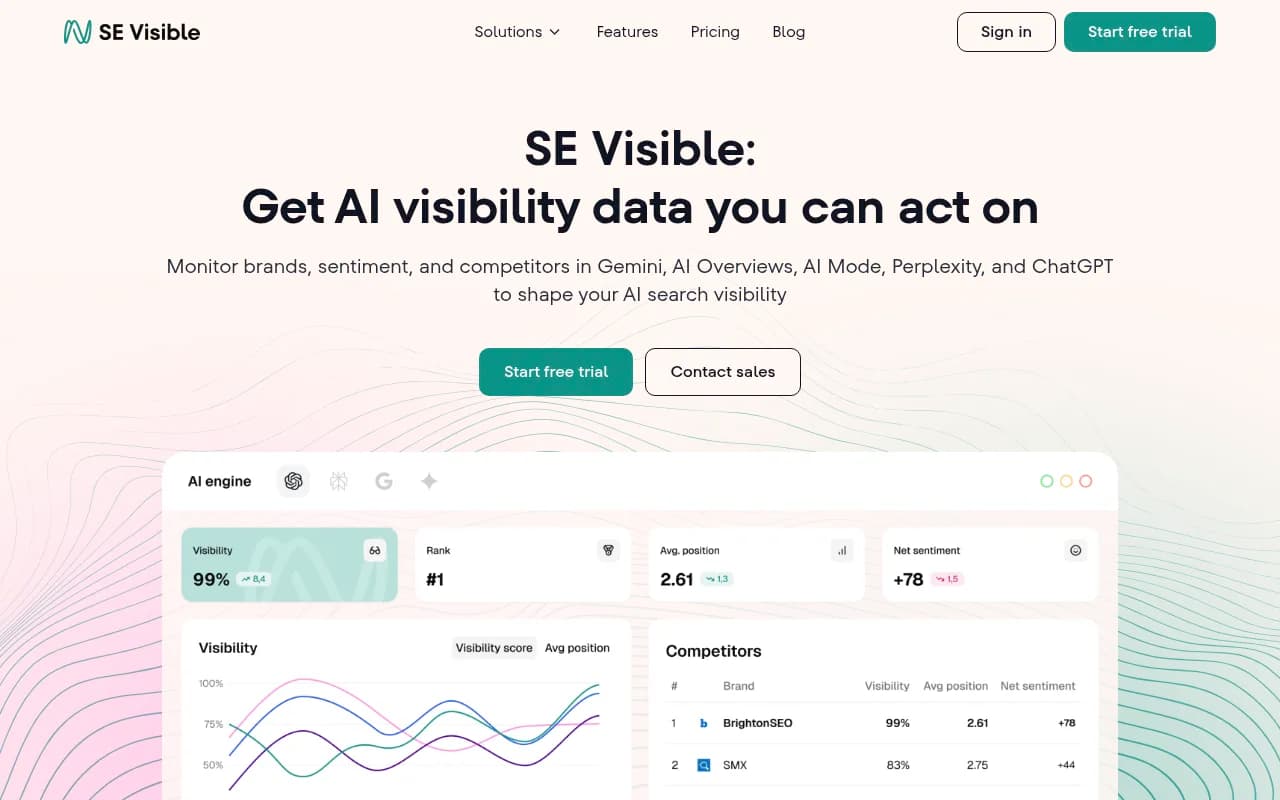
SE Visible, from SE Ranking, pitches itself at marketing teams that want AI Mode tracking without much complexity, and Nightwatch targets agencies with multiple client portfolios and local visibility needs.
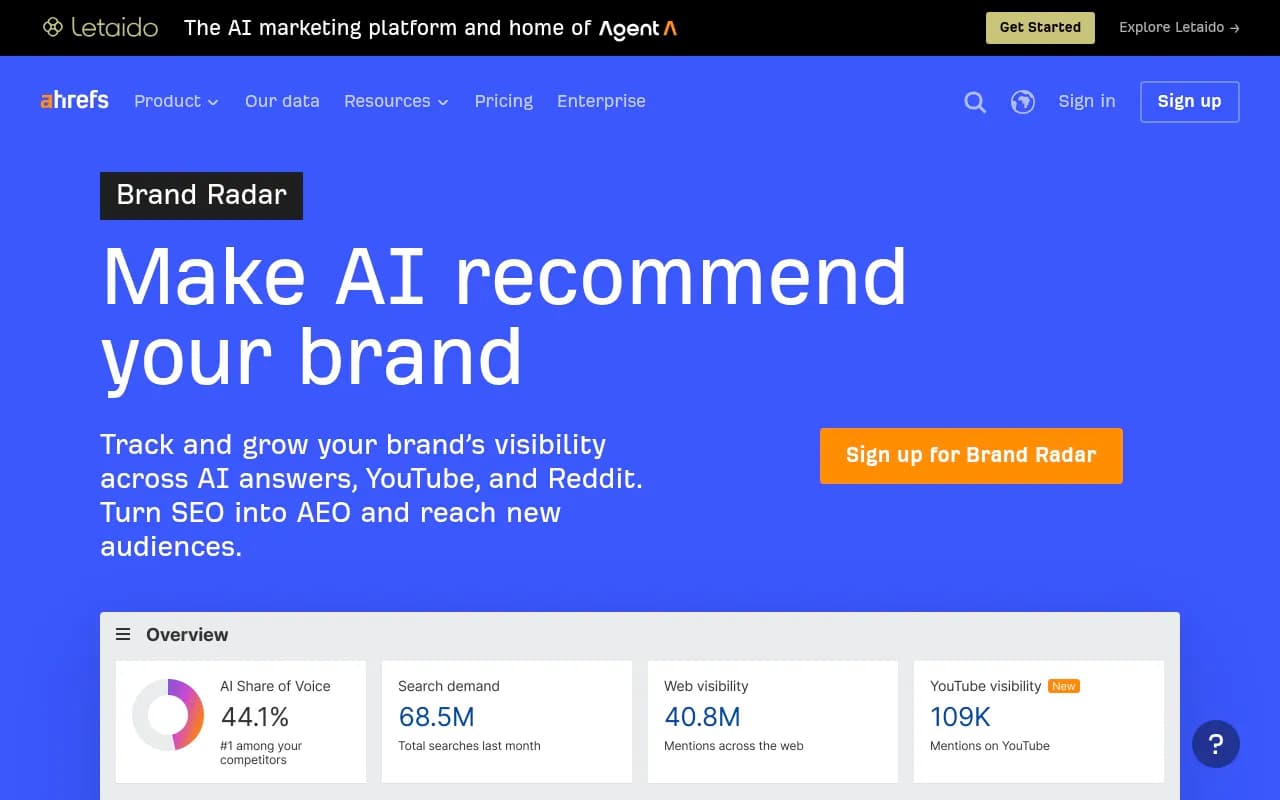
Semrush and Ahrefs Brand Radar are options if you would rather add AI tracking to an existing SEO suite, though suites tend to offer shallower AI-specific data than dedicated platforms.
If you want to compare more options, the GEO software directory at bestgeosoftware.com lists a wide range of trackers.
Step 6: Pick metrics and a reporting rhythm
Do not track everything. A short list reviewed on a fixed cycle beats a sprawling dashboard nobody opens.
Weekly or biweekly
- Presence rate: the share of prompt runs in which you are mentioned or cited. Otterly's guidance suggests aiming for 30% or more in your primary topic cluster, which is a decent first target, not a universal benchmark.
- Citation share by topic: which clusters you appear in and which you do not.
- Competitors named most often in answers you are missing from.
Monthly
- Which of your pages are cited, and whether new pages have entered the source list.
- Sentiment and the claims AI makes about you. A mention that says your product "lacks integrations" is worse than no mention.
- Search Console impressions and clicks for the pages in your panel.
It helps to read the numbers together. Low presence rate is a coverage problem: you have no page that answers the question. Mentions without citations suggest your own content is not what AI is pulling from. Strong presence with weak traffic suggests the answer satisfies people without a click, so you may want to reconsider what that prompt is worth to you.
Step 7: Tie visibility to traffic
Visibility numbers only matter if they connect to business results. In Google Analytics 4 you can look at referral sessions and conversions from AI sources, and the Supermetrics piece is right that referral sessions are the one metric that connects to revenue.
A caveat specific to Google: AI Mode clicks arrive as Google traffic, and attribution is blurry. Do not expect a neat "AI Mode" source line. Instead, watch landing pages that appear in your cited set and compare their Google organic sessions and conversion rate before and after you gain citations.
For AI traffic from other assistants, a platform with its own visitor analytics, such as Promptwatch's, can attribute visits and conversions by engine. Its guide to attributing AI traffic explains the approach.
Step 8: Act on what the tracking shows
Tracking is pointless if nothing changes. Common findings and what to do with them:
- You are absent from a whole topic: write a page that answers the core question in the first two sentences under each heading, then support it with detail. Tightly scoped pages that each answer one question suit fan-out behavior well.
- Competitors win through third-party listicles: Google's AI leans on third-party sites, directories and comparison posts to decide who is trusted in a category. Find the "best [category]" pages that name competitors and not you, and pursue inclusion.
- Your brand info is inconsistent: positioning, pricing and business details that differ across your site, profiles and directories confuse any system trying to summarize you.
- Google-owned surfaces matter: the June 2026 Promptwatch data recommends optimizing the properties you control within Google, such as Business Profile, Maps, Merchant Center and YouTube. For how-to topics, a YouTube video with a full transcript and chapters is worth considering.
- Old pages are slipping: refresh them on a schedule rather than waiting for a decline.
Then repeat the panel on the same cadence and see whether presence rates moved. That is the loop: measure, change something, measure again.
Common mistakes to avoid
- Treating one answer as a ranking. It is a sample.
- Changing the prompt list every month, then wondering why trends look strange.
- Using your logged-in personal account. Results will skew toward your own history.
- Extrapolating from other engines. Social-platform citation patterns, for example, differ a lot between systems. Promptwatch Data's October 2026 social media citation report shows AI Overviews drawing 12.2% of citations from social platforms versus 0.46% for ChatGPT (Sep 28 to Oct 4, 2026), but that report does not cover AI Mode, so do not assume AI Mode behaves like either one.
- Reporting only mentions. A mention without a link sends no traffic.
A simple starting plan
- Week 1: audit eligibility and pull a Search Console baseline.
- Week 2: write 25 to 40 prompts across 4 or 5 topics and freeze them.
- Week 3: run each prompt 3 to 5 times, logged out, and record results.
- Week 4: choose three gaps, ship or refresh pages, and decide whether to move to a tracker.
- Every two weeks after: rerun the panel, and review traffic monthly.
If you want a broader look at how citation sources shift across engines, Promptwatch's data hub is a free place to see what is changing. And if you want a hand tracking AI Mode, building the content, and reporting it, 1001 SEO Media runs this kind of work for clients using Promptwatch.
AI Mode will keep changing, so keep the process boring and repeatable. A consistent panel, sampled properly and reviewed on schedule, tells you more than any single screenshot of a good answer.