Key takeaways
- Later is the strongest pick for Instagram-first brands that need a visual grid planner, link-in-bio tools, and TikTok support in one place
- Planoly is purpose-built for visual aesthetics and works well for smaller brands or solo creators who live and breathe Instagram and Pinterest
- Loomly covers more platforms and adds post ideas, approval workflows, and broader team features — better for brands that aren't exclusively Instagram-focused
- All three have meaningful free or trial tiers, but their paid plans differ significantly in what you get per dollar
- The right choice depends less on feature lists and more on where your content team spends most of its time
If you manage social media for a brand where Instagram is the center of gravity, you've probably landed on the same short list: Later, Planoly, and Loomly. They're all visual-first schedulers. They all handle Instagram. They all promise to save you time.
But they're not interchangeable. Each one makes different trade-offs, and those trade-offs matter a lot depending on whether you're a solo creator, a small in-house team, or an agency juggling multiple brand accounts.
This guide breaks down exactly what each tool does well, where it falls short, and which type of brand should actually pick it.
What "visual-first" actually means for Instagram scheduling
Before comparing tools, it's worth being clear about what visual-first scheduling means in practice. Instagram is a grid. The order, color palette, and visual rhythm of your posts affects how your profile looks to someone who lands on it for the first time. A tool that just lets you queue posts doesn't solve this problem.
A genuinely visual scheduler lets you:
- See a live preview of your grid before publishing
- Drag and drop posts to reorder them
- Preview Stories and Reels in context
- Plan content in a calendar view that reflects the actual visual output
All three tools in this comparison offer some version of this. The question is how well they do it, and what else they bring to the table.
Later
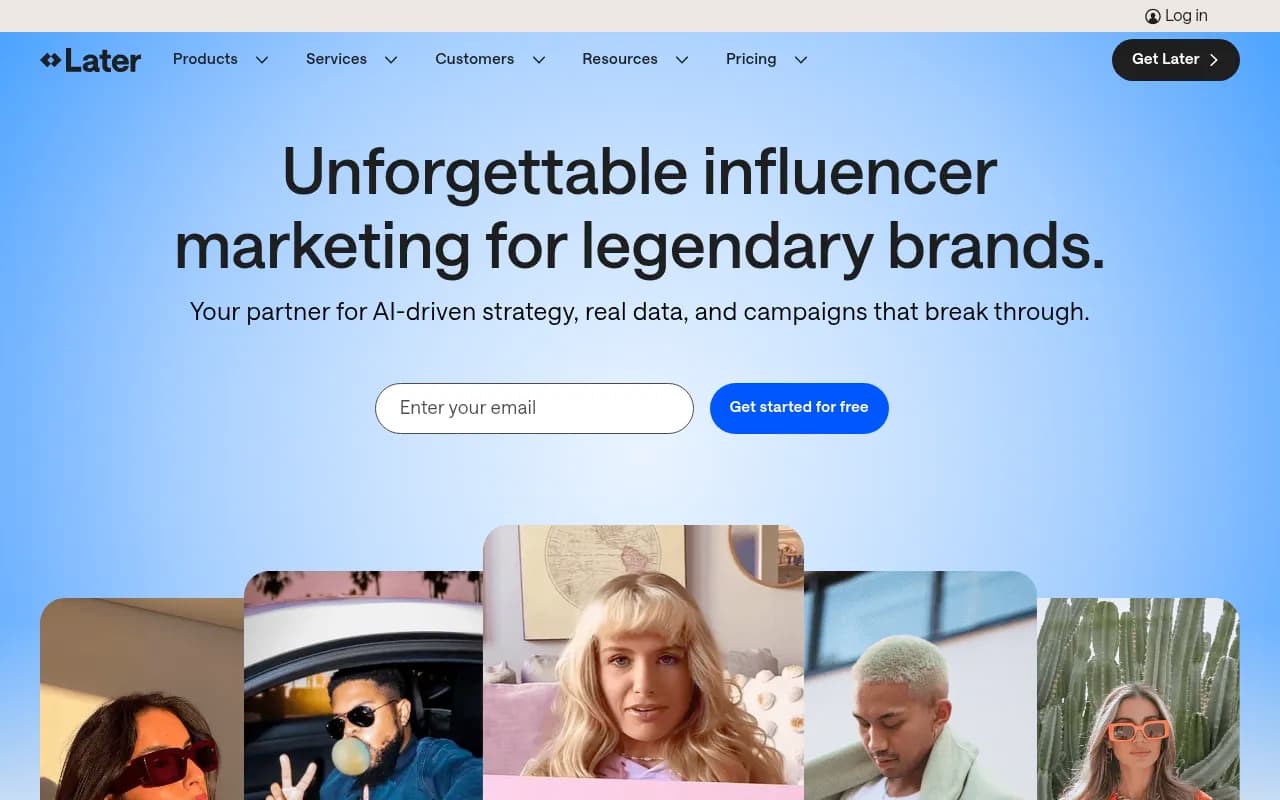
Later built its reputation almost entirely on Instagram. It was one of the first tools to offer a proper visual grid planner, and that heritage shows. The drag-and-drop calendar is genuinely good -- you can see exactly how your grid will look before any post goes live, rearrange content freely, and preview Stories separately.
Where Later excels
The visual planning interface is the strongest in this comparison. You drag media into the calendar, see the grid preview update in real time, and can shuffle posts around without losing your mind. For brands where the aesthetic of the Instagram feed matters -- fashion, food, travel, lifestyle -- this alone is worth a lot.
Later also has the best link-in-bio tool of the three. Linkin.bio (Later's version) lets you create a shoppable landing page that mirrors your Instagram feed, with each post linking to a product or URL. For e-commerce brands or anyone running product-led social content, this is a meaningful feature.
TikTok support is solid. Later handles auto-publishing for TikTok, which isn't a given across all schedulers. Pinterest scheduling is also genuinely good, not an afterthought.
Analytics are decent at the paid tiers -- you get best-time-to-post recommendations, hashtag performance data, and post-level engagement metrics. The free plan is limited here, but the paid tiers open up more.
Where Later falls short
The free plan is restrictive. You get 10 posts per profile per month, which runs out fast for any active brand. Team collaboration features are thin at the lower tiers. If you need approval workflows or multi-user access, you're looking at the higher plans.
Later is also less useful if Instagram isn't your primary platform. LinkedIn scheduling exists but feels secondary. The tool is clearly optimized for visual platforms, and if your brand needs robust Facebook or Twitter/X management, you'll feel that gap.
Pricing starts at $25/month for the Starter plan, going up to $200/month for the Agency tier.
Planoly
Planoly has been a go-to for Instagram-focused creators and brands since it launched, and it's stayed in that lane deliberately. The interface is clean, the grid planner works well, and the overall experience feels designed for people who care deeply about visual consistency.
Where Planoly excels
The grid planner is intuitive and fast. You can upload images, rearrange them, and see your feed preview without friction. Planoly also handles Instagram Stories planning well, with a dedicated Stories planner that lets you sequence and preview story frames before publishing.
For Pinterest users, Planoly is one of the better options. The Pinterest integration is tighter than most competitors, and if your brand runs parallel Instagram and Pinterest strategies, Planoly handles both without making you feel like one platform is a second-class citizen.
Planoly added a "Spaces" feature that functions as a content hub -- you can organize assets, drafts, and ideas in one place. For solo creators or small teams, this reduces the need for a separate asset management tool.
The pricing is competitive at the lower end. The free plan allows 30 posts per month across one Instagram and one Pinterest account, which is more generous than Later's free tier.
Where Planoly falls short
Planoly's platform coverage is narrower. Facebook, Twitter/X, LinkedIn, and TikTok support exists but feels less developed than the Instagram and Pinterest experience. If your brand is expanding beyond visual platforms, Planoly starts to feel limiting.
Analytics are basic. You get engagement data and some follower insights, but nothing that would replace a dedicated analytics tool. For brands that need to report on social performance in detail, this is a real gap.
Team features are limited at lower tiers. Approval workflows and multi-user collaboration require higher plans, similar to Later.
Planoly's pricing starts around $16/month for the Solo plan, with higher tiers for teams.
Loomly
Loomly takes a different approach. It's less obsessively focused on Instagram's visual grid and more focused on being a complete social media management tool that happens to have good visual features. That's not a criticism -- it's a deliberate positioning that makes Loomly the right choice for certain brands.
Where Loomly excels
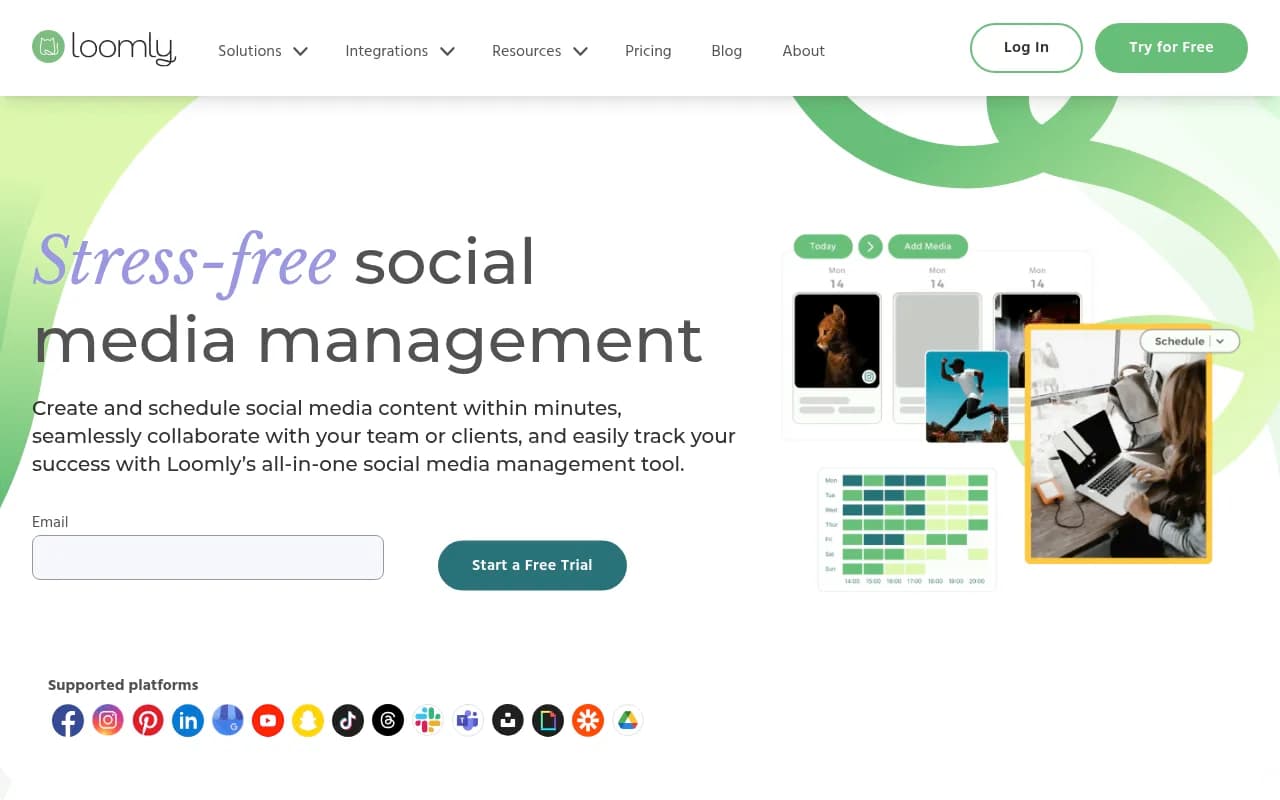
Platform coverage is broader. Loomly handles Instagram, Facebook, Twitter/X, LinkedIn, Pinterest, TikTok, Snapchat, and Google Business Profile. For brands that need to maintain a consistent presence across multiple platforms, this matters.
The post ideas feature is genuinely useful. Loomly surfaces content suggestions based on trending topics, RSS feeds, and calendar events. For teams that struggle with content ideation, this reduces the blank-page problem.
Approval workflows are better than Later or Planoly at comparable price points. You can set up multi-step approval chains, leave comments on drafts, and track the status of posts through the pipeline. For brands with compliance requirements or multiple stakeholders, this is a real differentiator.
The calendar view is clean and flexible. You can filter by platform, status, or content type, which makes it easier to manage a high-volume content operation.
Analytics are more comprehensive than Planoly and comparable to Later, with post-level data, audience insights, and competitor tracking at higher tiers.
Where Loomly falls short
The visual grid preview for Instagram isn't as polished as Later's. It exists, but if your brand's primary concern is how the feed looks, Later wins this comparison. Loomly feels more like a scheduling tool with visual features than a visual tool with scheduling features.
The interface can feel busy. There's a lot going on, and new users sometimes find the learning curve steeper than Later or Planoly.
Pricing starts at $42/month for the Base plan (billed monthly), which is higher than both Later and Planoly at entry level.
Head-to-head comparison
| Feature | Later | Planoly | Loomly |
|---|---|---|---|
| Instagram grid preview | Excellent | Good | Basic |
| TikTok auto-publish | Yes | Limited | Yes |
| Pinterest support | Strong | Strong | Good |
| LinkedIn scheduling | Basic | Basic | Strong |
| Link-in-bio tool | Yes (Linkin.bio) | Yes | No |
| Post ideas / content suggestions | No | No | Yes |
| Approval workflows | Limited (lower tiers) | Limited | Good |
| Team collaboration | Paid tiers | Paid tiers | All tiers |
| Analytics depth | Moderate | Basic | Moderate |
| Free plan | 10 posts/profile/mo | 30 posts/mo | 14-day trial |
| Starting price (paid) | $25/mo | ~$16/mo | $42/mo |
| Best for | Instagram/TikTok/Pinterest brands | Visual creators, Instagram + Pinterest | Multi-platform brands with team workflows |
Which one should you actually pick?
Pick Later if...
Your brand is Instagram-first and the visual quality of your feed is a priority. Later's grid planner is the best of the three, and the Linkin.bio tool adds real value for e-commerce or product-focused brands. If you're also active on TikTok and Pinterest, Later handles all three well in one place.
It's also the right choice if you're a creator or small brand that wants a tool that feels purpose-built for visual content, not a general-purpose scheduler with Instagram support bolted on.
Pick Planoly if...
You're a solo creator or small brand that primarily lives on Instagram and Pinterest, and you want a clean, affordable tool that doesn't overwhelm you with features you won't use. The free plan is more generous than Later's, and the interface is genuinely pleasant to use.
If your content team is one or two people and you don't need approval workflows or deep analytics, Planoly is a solid, cost-effective choice.
Pick Loomly if...
Instagram is important but not your only platform. If your brand needs to maintain a real presence on LinkedIn, Facebook, and Twitter/X alongside Instagram, Loomly's broader platform support and better team features justify the higher price.
It's also the right pick for brands with compliance or approval requirements. The workflow tools are meaningfully better than Later or Planoly at comparable team sizes.
What about other options?
These three aren't the only tools worth considering. A few others come up regularly in this space:
Buffer is simpler and cheaper than all three, and works well for brands that don't need a visual grid planner. If Instagram aesthetics aren't a priority, Buffer's clean interface and generous free plan are hard to beat.
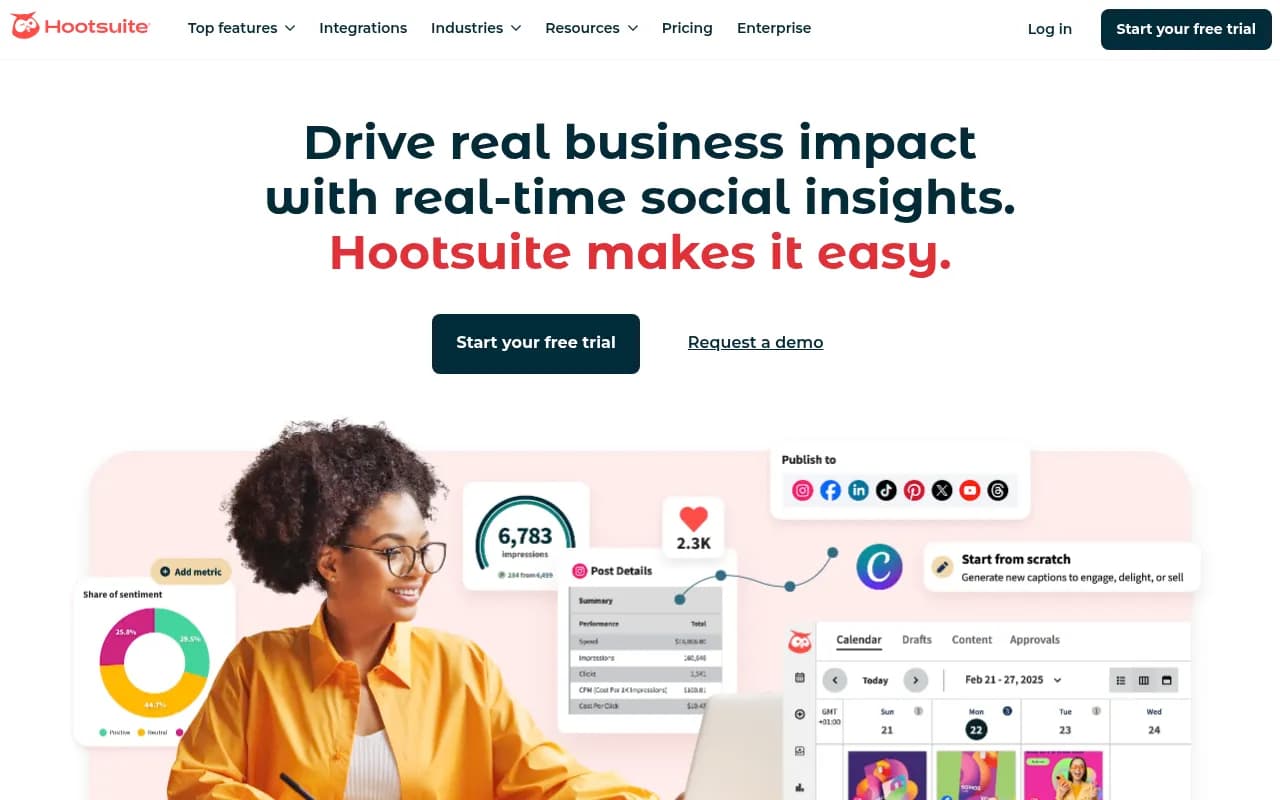
Hootsuite covers more platforms and has deeper analytics, but it's significantly more expensive and the interface feels heavy for Instagram-focused teams. Better suited for enterprise social media management.
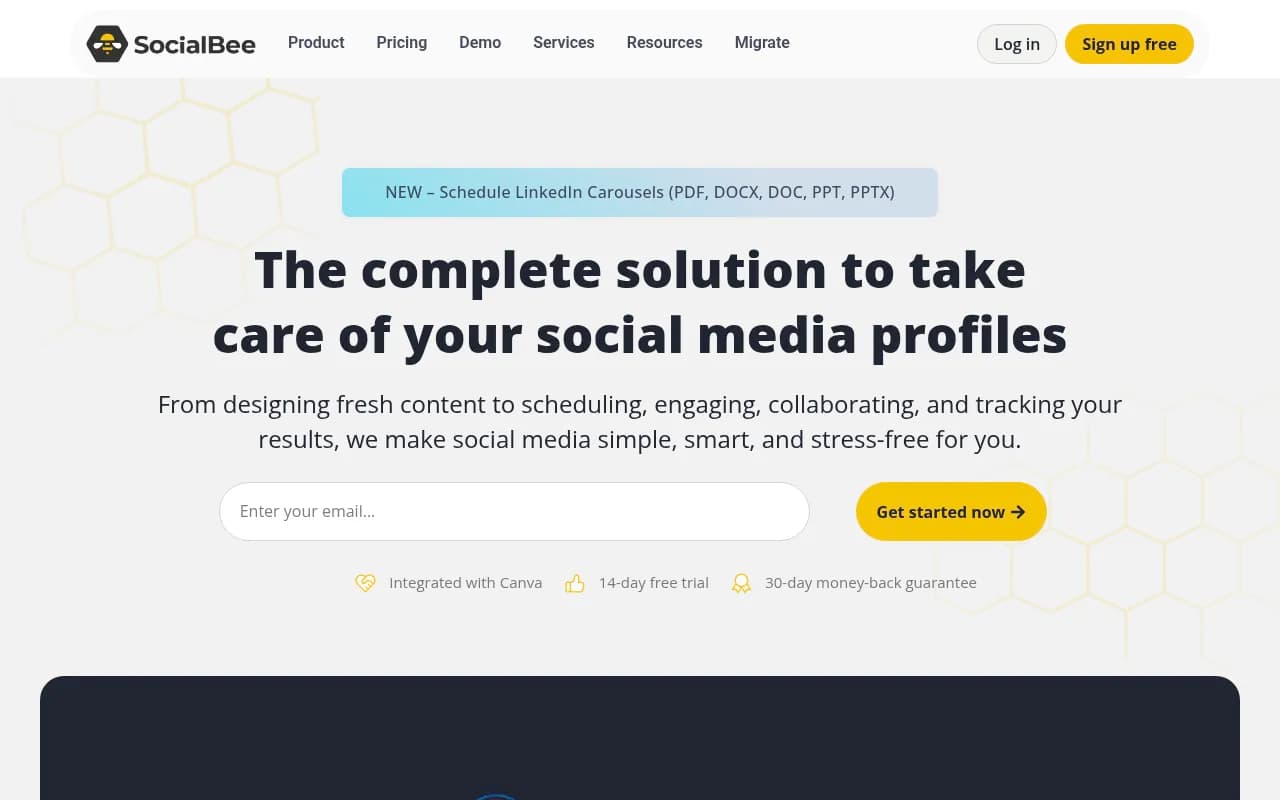
SocialBee adds content recycling and category-based scheduling that none of the three main tools offer. Worth considering if you have evergreen content you want to rotate.
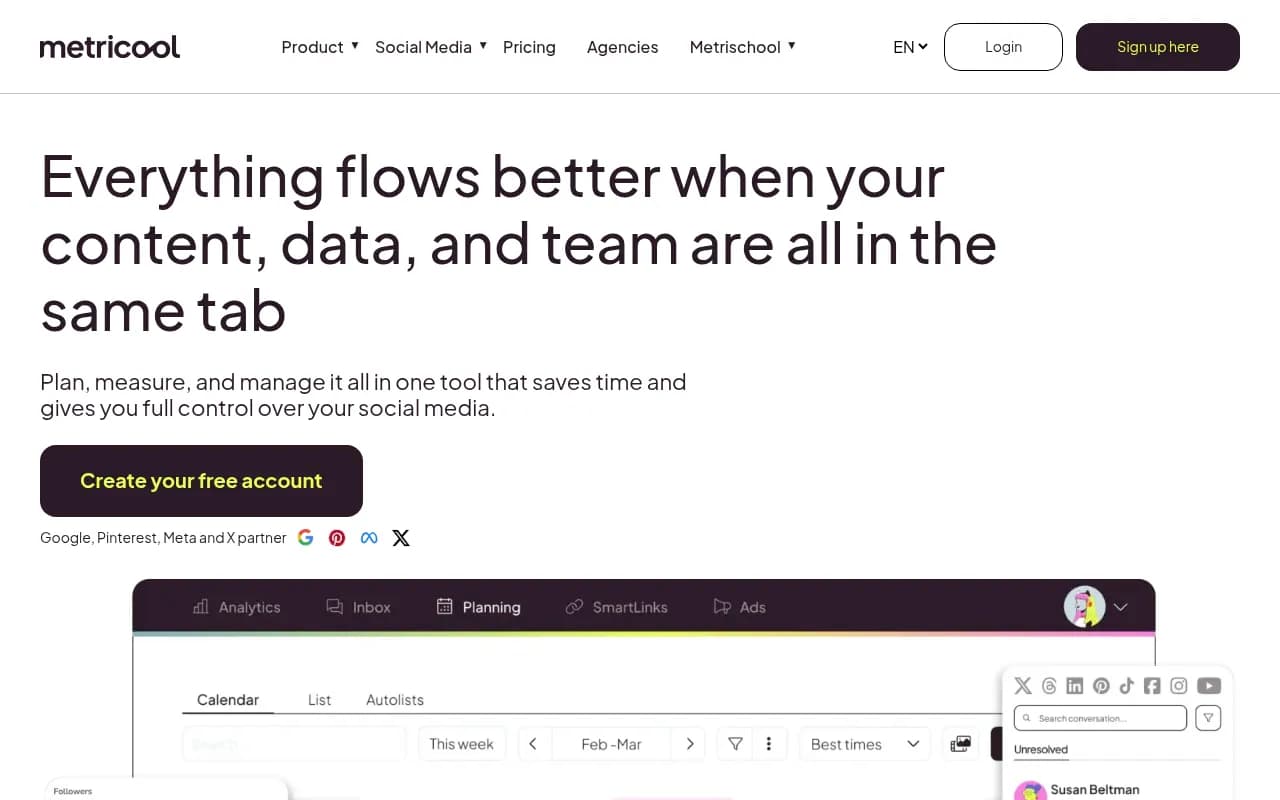
Metricool is worth a look if analytics are a priority. The reporting is more detailed than Later or Planoly, and the pricing is competitive.
A note on AI features in 2026
All three tools have added some version of AI-assisted content creation in recent updates. Later has AI caption generation. Planoly has similar. Loomly's post ideas feature has gotten smarter.
None of them are doing anything particularly sophisticated here -- it's mostly AI caption suggestions and hashtag recommendations. Useful for reducing blank-page friction, but not a reason to pick one tool over another.
If AI-generated content is a bigger priority for your workflow, tools like [tool:flick] or [tool:feedhive] have leaned harder into that angle and might be worth exploring alongside these three.
The bottom line
For most Instagram-heavy brands, Later is the default recommendation. The visual grid planner is genuinely the best, the link-in-bio tool adds real value, and the TikTok and Pinterest support means you're not outgrowing the tool as your content strategy expands.
Planoly is the right call if you're smaller, more budget-conscious, and primarily focused on Instagram and Pinterest. It does less, but what it does, it does cleanly.
Loomly earns its place for brands that need more than Instagram -- better team workflows, broader platform coverage, and content ideation tools that the other two don't offer.
None of them are wrong choices. The question is just which trade-offs fit your actual workflow.