Loom Review 2026
Video communication platform with AI editing features that automatically remove pauses, improve audio quality, and trim videos for better messaging.
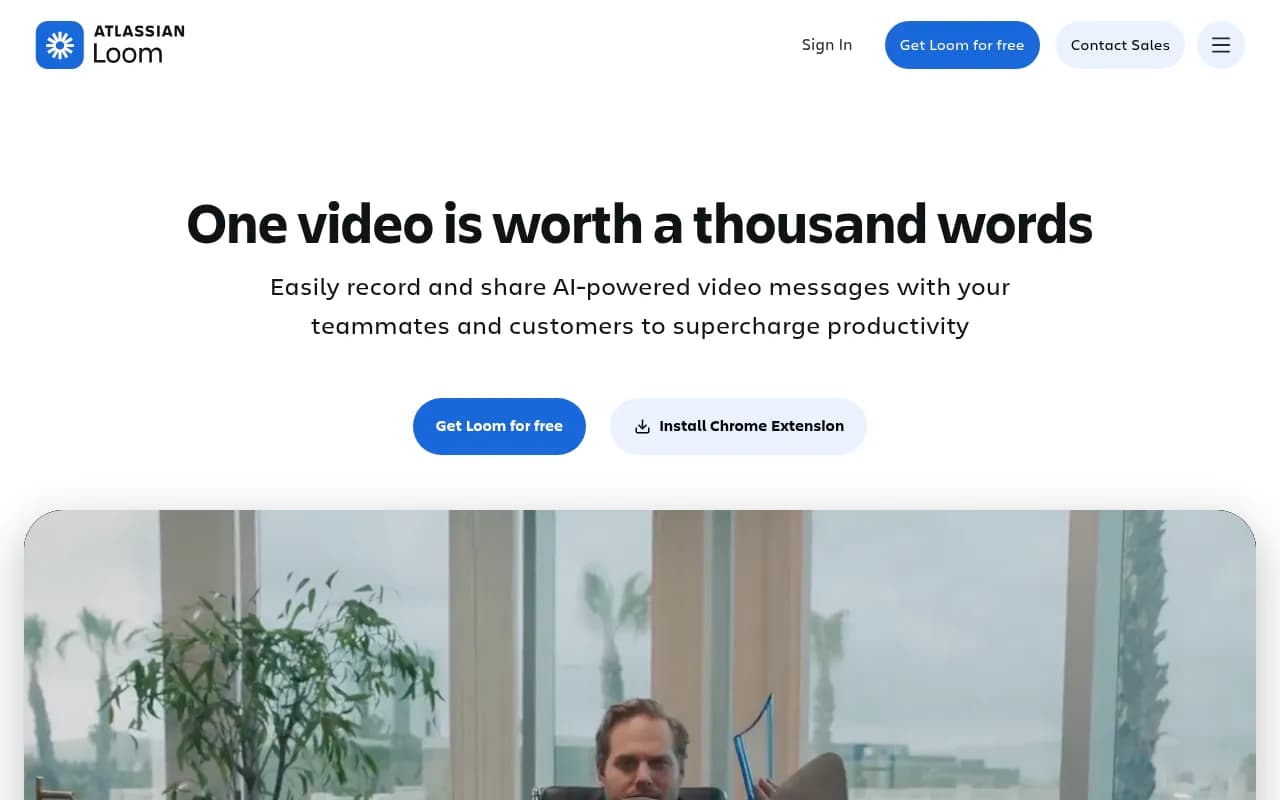
Summary: Key Takeaways
• Best for async communication: Loom excels at replacing unnecessary meetings with quick video messages, saving distributed teams hours per week in scheduling overhead • AI editing is genuinely useful: Auto-remove filler words, generate transcripts, and trim clips without manual editing -- features that actually work in practice, not just marketing claims • Free tier is limited: 25 videos max and 5-minute recording limit on free plan makes it a trial, not a long-term free option • Enterprise-ready: Used by Fortune 500 companies with SSO, advanced admin controls, and robust security -- not just a prosumer tool • Pricing is competitive: $15/user/month for unlimited videos puts it in line with Slack or Zoom, reasonable for teams that will actually use it
Loom launched in 2016 as a simple Chrome extension for screen recording and has grown into the dominant async video messaging platform, processing millions of videos monthly. The company was acquired by Atlassian in 2023 for $975 million, signaling the mainstream acceptance of video-first communication. Loom is used by over 400,000 companies including HubSpot, Tesla, Mercedes-Benz, Walmart, and Disney -- spanning startups to enterprise.
The core premise: replace meetings, long email threads, and Slack novels with quick video messages. Record your screen, your face, or both, then share a link. No scheduling, no Zoom fatigue, just async communication that preserves tone and context better than text.
Who This Is For
Loom targets distributed teams, remote workers, and anyone drowning in meetings. Specific personas who get the most value: Sales teams sending personalized video demos and follow-ups (BDRs at Series A-C SaaS companies love this). Customer success and support teams creating video tutorials instead of writing the same instructions 50 times. Product and engineering teams doing async code reviews, bug reports, and feature walkthroughs without scheduling calls. Marketing and design teams sharing campaign reviews, design feedback, and creative briefs with context that screenshots can't provide. Executives and managers at companies with 50-500 employees who need to communicate decisions or updates to distributed teams without herding everyone into a Zoom.
Team size sweet spot: 10-200 employees, though enterprise customers with thousands of users exist. Works best for companies that are remote-first or hybrid, where async communication is already part of the culture. If your company is 100% in-office and meeting-heavy by choice, Loom won't change that -- culture has to support async work.
Who Should NOT Use This: Fully in-person teams that prefer face-to-face communication. Companies with strict data residency requirements (Loom is US-based). Teams that need advanced video production features (this is messaging, not video editing software). Anyone expecting a robust free tier for long-term use.
Key Features Breakdown
Screen + Camera Recording: The core feature. Record your screen, webcam, or both simultaneously. Works via desktop app (Mac/Windows), Chrome extension, or mobile app (iOS/Android). You can switch between screen-only, camera-only, or split-screen during recording. The Chrome extension is the most popular method -- one click from your browser toolbar and you're recording. Quality is solid: 1080p video, clear audio, and the interface is dead simple. No confusing settings or setup required.
AI-Powered Editing: This is where Loom separates from basic screen recorders. After recording, Loom's AI can automatically remove filler words (um, uh, like), trim silence, and clean up your audio. It's not perfect -- sometimes it cuts mid-sentence if you pause too long -- but it saves 5-10 minutes of manual editing per video. You can also manually trim clips, stitch multiple recordings together, and add custom thumbnails. The editing interface is browser-based and intuitive, though not as powerful as dedicated video editors like Descript or Camtasia.
Auto-Generated Transcripts and Captions: Every video gets an automatic transcript with timestamps. Captions are burned into the video or available as subtitles. Accuracy is 90-95% for clear English audio, lower for accents or technical jargon. You can edit transcripts manually. This feature alone makes Loom accessible and searchable -- viewers can skim the transcript instead of watching the full video, and you can search your video library by spoken content.
Instant Sharing and Embedding: After recording, you get a shareable link immediately. No uploading, no processing delays (beyond a few seconds for transcription). Links can be password-protected, set to expire, or restricted to specific email domains. You can embed Loom videos in Notion, Confluence, Google Docs, Slack, Gmail, Salesforce, Jira, Asana, and dozens of other tools. The embeds are interactive -- viewers can comment with timestamps, react with emojis, and see who else watched.
Viewer Analytics: See who watched your video, how much they watched, and where they dropped off. Useful for sales follow-ups (did the prospect actually watch your demo?) and internal comms (did the team watch the all-hands recap?). You can also see heatmaps of replays and engagement. This is basic analytics, not enterprise-grade BI, but it's more than enough for most use cases.
Custom Branding and CTAs: Business and Enterprise plans let you add custom thumbnails, branded outros, and clickable CTAs (buttons that link to your website, calendar, etc.). Useful for sales teams and agencies who want a polished, on-brand experience. You can also remove the Loom watermark on paid plans.
Video Library and Organization: All your videos live in a searchable library. You can organize by folders (called Spaces), tag videos, and set permissions (private, team-only, or public). The search is good -- it indexes video titles, descriptions, and transcripts. You can also archive old videos to keep your library clean.
Mobile Apps: iOS and Android apps let you record on the go. Quality is lower than desktop (720p), and the mobile interface is more limited, but it works for quick updates or demos. You can also view and comment on videos from mobile.
Integrations and Ecosystem
Loom integrates with the tools remote teams already use: Slack (share videos directly in channels, get notified of comments), Gmail (embed videos in emails with one click), Google Drive (save videos to Drive folders), Notion (embed videos inline), Confluence (native Atlassian integration post-acquisition), Salesforce (attach videos to leads and opportunities), Jira (embed in tickets for bug reports), Asana (attach to tasks), HubSpot (track video views in CRM), Figma (share design feedback), Zoom (record Zoom calls to Loom), and Zapier (automate workflows).
The Chrome extension is the most powerful integration -- it adds a Loom button to Gmail, LinkedIn, Salesforce, and other web apps, so you can record and share without leaving your workflow. The desktop app also has a global hotkey for instant recording.
Loom has a public API for custom integrations, though it's not as robust as competitors like Vimeo or Wistia. No official SDKs, just REST endpoints. Developer docs are decent but not extensive.
Pricing and Value
Loom has four pricing tiers:
Starter (Free): 25 videos max, 5-minute recording limit per video, basic editing, transcripts, and sharing. This is a trial tier, not a long-term free plan. If you hit 25 videos, you have to delete old ones to record new ones. Fine for testing Loom or very light use, but most teams will outgrow it in weeks.
Business ($15/user/month billed annually, $18/month billed monthly): Unlimited videos, unlimited recording time, AI editing (filler word removal), custom branding, viewer analytics, video downloads, and priority support. This is the tier most small-to-midsize teams choose. At $15/user/month, it's comparable to Slack or Zoom -- reasonable if your team will actually use it.
Business + AI ($20/user/month billed annually): Everything in Business plus advanced AI features like auto-titles, auto-chapters, and AI-generated video summaries. Also includes more storage and higher upload limits. Worth it if you record a lot of videos and want to save time on post-production.
Enterprise (Custom pricing): SSO (SAML), advanced admin controls, custom data retention policies, dedicated account manager, and priority onboarding. Starts around $30-50/user/month based on volume. Required for companies with 200+ users or strict security/compliance needs.
Loom offers a 14-day free trial of Business plans (no credit card required). Educational discounts available for students and teachers.
How does this compare? Loom is cheaper than Vidyard ($300+/month for sales teams) and Wistia ($99+/month for marketing teams), but more expensive than basic screen recorders like OBS (free) or Screencastify ($49/year). The value is in the async workflow, not just the recording -- if you're replacing even 2-3 hours of meetings per week per person, $15/month pays for itself.
Strengths
Ease of use: Loom is the easiest screen recorder on the market. One-click recording, instant sharing, no learning curve. Non-technical users can start recording in 60 seconds.
Async-first design: Unlike Zoom or Google Meet, Loom is built for async communication. No scheduling, no live calls, just record and share. This is the killer feature for distributed teams.
AI editing that works: The filler word removal and auto-transcription are genuinely useful, not gimmicks. They save real time and make videos more professional.
Integrations: Loom plugs into the tools teams already use (Slack, Notion, Gmail, etc.), so adoption is frictionless.
Enterprise-ready: SSO, admin controls, and security features make it viable for large companies, not just startups.
Limitations
Free tier is too limited: 25 videos and 5-minute recordings make the free plan a trial, not a freemium option. Competitors like Screencastify offer more generous free tiers.
Video editing is basic: Loom is not a video editor. If you need advanced editing (multi-track audio, effects, animations), use Descript, Camtasia, or Adobe Premiere. Loom is for quick, unpolished videos.
No offline recording: You need an internet connection to record and upload. If you're on a plane or have spotty wifi, you can't use Loom. Competitors like Camtasia let you record offline.
Storage limits on lower tiers: Free and Business plans have storage caps (though they're generous). If you record hours of video daily, you'll hit limits or need Enterprise.
Mobile app is limited: The iOS/Android apps are functional but not as polished as the desktop experience. Recording quality is lower and editing options are minimal.
Bottom Line
Loom is the best async video messaging tool for distributed teams that want to replace meetings with quick, shareable videos. It's not a video editor or a webinar platform -- it's a communication tool. If your team is remote or hybrid, drowning in Zoom calls, and willing to adopt async workflows, Loom will save hours per week. The AI editing and integrations make it more powerful than basic screen recorders, and the enterprise features make it viable for large companies.
Best use case in one sentence: Remote teams of 10-200 people who want to cut meeting time in half by replacing status updates, demos, and feedback sessions with async video messages.
Tags:
Similar and alternative tools to Loom