Summary
- Amplitude - Best for product teams who need advanced cohort analysis and predictive analytics at scale. Generous free tier (10K MTUs) makes it accessible for startups, but can get expensive fast as you grow.
- Mixpanel - Strongest event-based tracking with the most intuitive funnel and retention reports. Pricing is transparent and event-based, which works well if you track selectively but can spiral if you track everything.
- Heap - Only platform that automatically captures every interaction without manual event tracking. Perfect if you want retroactive analysis, but the "capture everything" approach means larger data volumes and higher costs.
- Google Analytics - Free and ubiquitous, but session-based instead of person-centric. GA4 improved user tracking but still doesn't tie actions to individuals the way Kissmetrics does.
- Pendo - Best all-in-one for SaaS teams who need analytics plus in-app guidance and onboarding. More expensive than pure analytics tools, but replaces multiple point solutions.
Kissmetrics built its reputation on person-centric analytics that tie every action to an individual customer across devices and sessions. That's powerful for understanding true customer journeys, but it's also expensive -- starting at $299/month puts it out of reach for many early-stage companies. The interface feels dated compared to newer tools, and the feature set hasn't kept pace with competitors who've added AI-powered insights, automatic event tracking, and deeper product analytics capabilities.
If you're evaluating alternatives, you're probably looking for one of three things: better pricing for similar person-level tracking, more advanced product analytics features, or a more modern interface that your team will actually use. The good news is that the behavioral analytics space has matured significantly since Kissmetrics launched in 2010, and several platforms now offer person-centric tracking with more features at better price points.
Amplitude
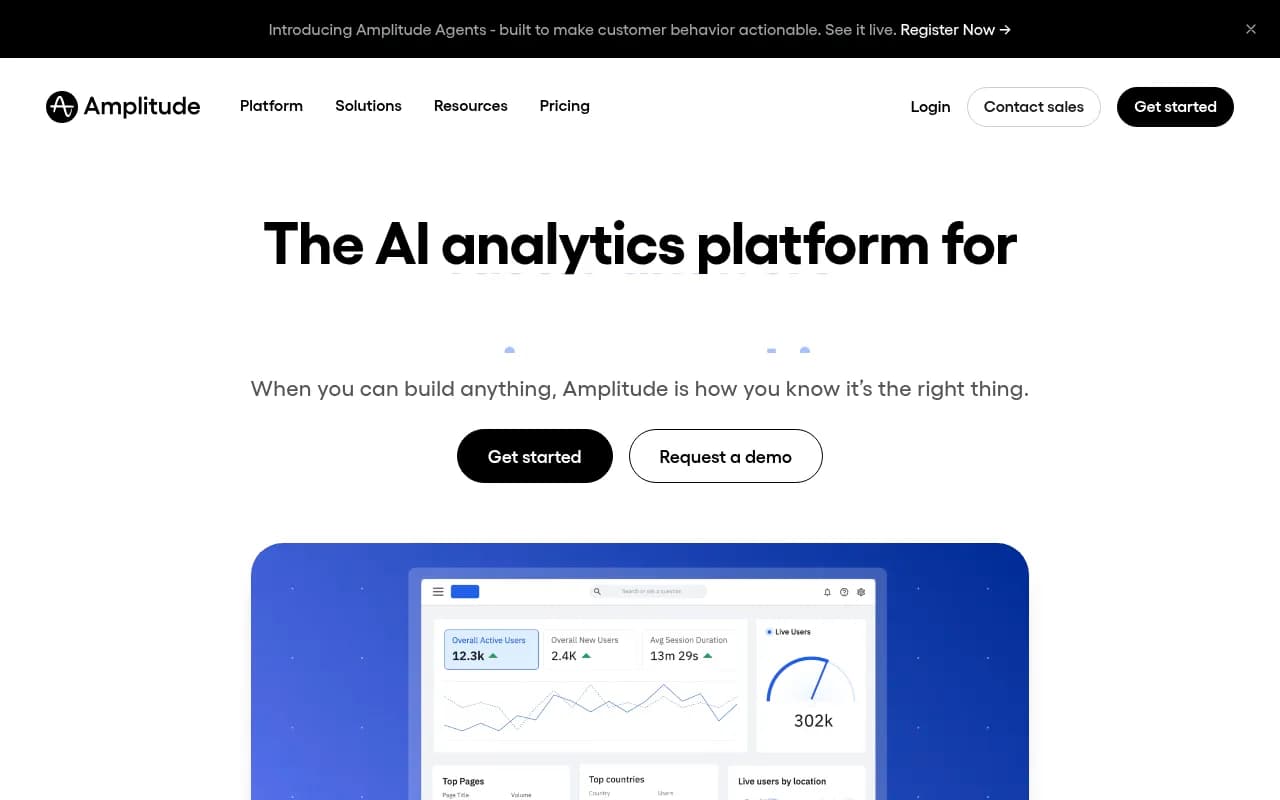
Amplitude has become the default choice for product teams at high-growth companies. It tracks individual user behavior like Kissmetrics but adds sophisticated cohort analysis, predictive analytics, and behavioral modeling that Kissmetrics lacks. The interface is cleaner and more intuitive, and the free tier (10K monthly tracked users) gives you real functionality instead of a time-limited trial.
The core difference: Amplitude is built for product teams who want to understand why users behave the way they do, not just what they do. The Compass feature automatically surfaces insights about which behaviors correlate with retention. Behavioral cohorts let you segment users by any combination of actions, properties, and sequences. Predictive analytics uses machine learning to forecast churn and identify expansion opportunities.
Where Amplitude wins: Better data science capabilities, more flexible segmentation, cleaner visualizations, and a generous free tier that actually works for small teams. The Growth plan starts around $24/month for 10M events, which is cheaper than Kissmetrics' entry point.
Where it falls short: Pricing jumps fast once you exceed the free tier's 10K MTUs. Enterprise contracts often run $20K-$50K+/year. The learning curve is steeper than Kissmetrics -- there are more features but also more complexity. Session replay isn't included (you need to integrate with other tools).
Best for: Product teams at SaaS companies who need advanced analytics and have the budget to scale. If you're doing serious behavioral analysis and want predictive capabilities, Amplitude is worth the investment.
Mixpanel
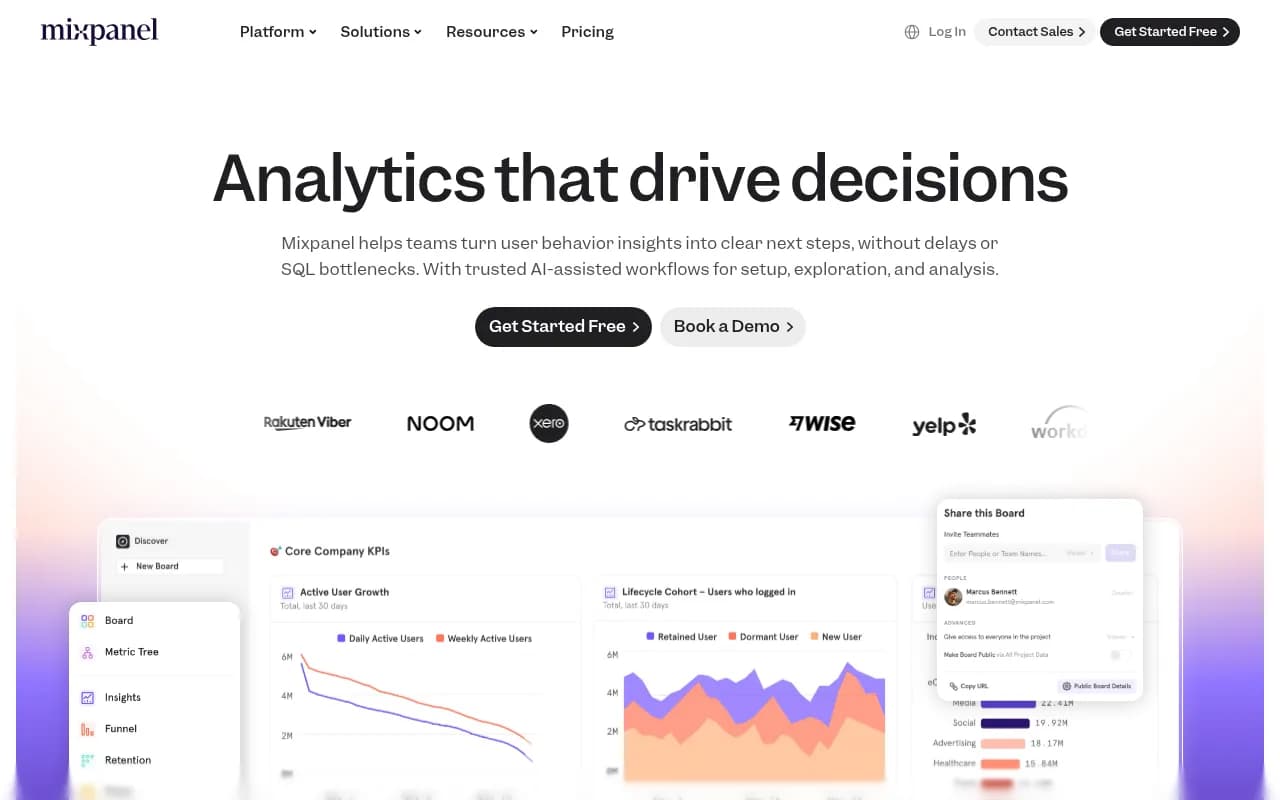
Mixpanel pioneered event-based analytics and still has the best funnel and retention reports in the category. Like Kissmetrics, it tracks individual users across sessions and devices, but the interface is more polished and the pricing model is more transparent. You pay per event tracked, not per monthly user, which can work in your favor if you're selective about what you track.
The standout feature is how easy it is to build and iterate on funnels. You can create a multi-step conversion funnel in seconds, see exactly where users drop off, and drill into individual user paths to understand why. Retention curves show you how different cohorts behave over time. The Flows visualization maps out actual user journeys through your product.
Where Mixpanel wins: Most intuitive funnel and retention analysis. Transparent event-based pricing ($0.28 per 1K events with volume discounts). Free tier includes 1M events/month, which is generous. The mobile SDKs are rock-solid. A/B test analysis is built in.
Where it falls short: Event-based pricing can backfire if you track a lot of events -- costs can spiral quickly. No automatic event capture like Heap (you have to manually instrument everything). Session replay requires a separate integration. The data warehouse export feature is limited compared to Amplitude.
Best for: Growth teams who live in funnels and retention curves. If you know exactly what events matter and want the cleanest interface for analyzing them, Mixpanel delivers. Just be disciplined about what you track or the bill will surprise you.
Heap
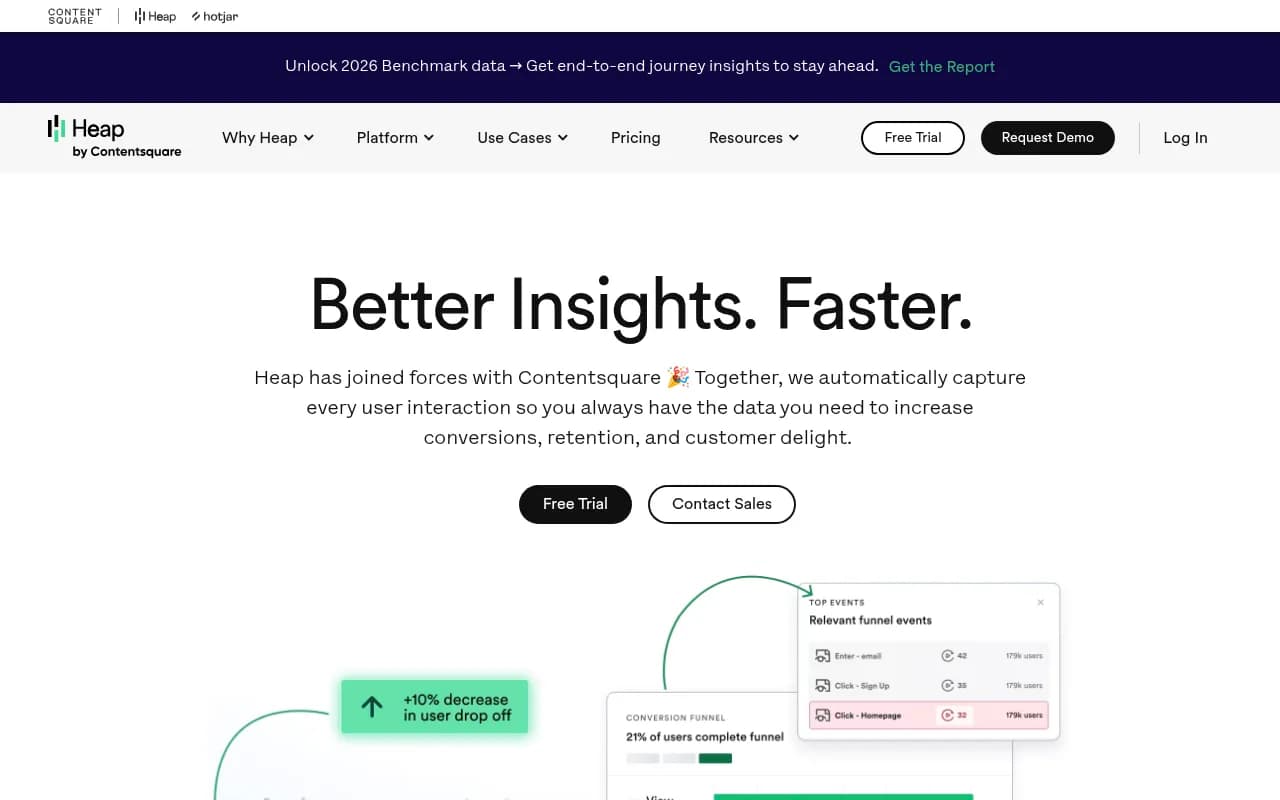
Heap's defining feature is automatic event capture -- you drop in one snippet and it tracks every click, tap, form submission, and page view without manual instrumentation. This is the opposite of Kissmetrics' approach where you explicitly define events. The advantage: you can retroactively analyze behaviors you didn't know to track. The downside: you're capturing and storing everything, which means larger data volumes and higher costs.
Now part of Contentsquare, Heap combines quantitative analytics with session replay and heatmaps in one platform. The Illuminate feature uses data science to automatically surface friction points and opportunities you might miss. You can define events retroactively in the UI without touching code, which is powerful for non-technical teams.
Where Heap wins: Zero manual event tracking -- just install and go. Retroactive event definition means you never miss important behaviors. Session replay is included. The Contentsquare integration adds qualitative context (heatmaps, rage clicks, etc.) that pure analytics tools lack.
Where it falls short: Automatic capture means you're paying to store a lot of noise alongside the signal. Pricing is opaque -- you need to talk to sales for a quote, and it's typically more expensive than Mixpanel or Amplitude for equivalent usage. The free tier caps at 10K sessions/month, which is tight. Advanced features require the Pro or Enterprise tier.
Best for: Teams who want to move fast without engineering dependencies. If you don't want to spend weeks instrumenting events or you need to analyze past behavior you didn't track, Heap's automatic approach is worth the premium. Also strong for e-commerce where you need session replay to understand checkout friction.
Google Analytics
Google Analytics is the elephant in the room -- it's free, it's everywhere, and GA4 added better user tracking than the old session-based model. But it's still fundamentally different from Kissmetrics. GA4 tracks users across sessions using Google signals and device IDs, but it doesn't build the kind of persistent person-level profiles that Kissmetrics does. You can't easily answer "what did this specific customer do across their entire lifecycle" the way you can in Kissmetrics.
GA4 is built for marketers who want to understand traffic sources, content performance, and conversion paths. It's excellent at attribution modeling and integrates natively with Google Ads. The free tier handles up to 10M events/month, which covers most websites. Google Analytics 360 (the paid version) starts at $50K/year and adds unsampled reports, BigQuery export, and SLAs.
Where Google Analytics wins: Free for most use cases. Universal adoption means everyone knows how to use it. Deep integration with Google Ads and Search Console. GA4's predictive metrics (purchase probability, churn probability) are surprisingly good. BigQuery export (on 360) lets you run custom SQL queries.
Where it falls short: Not truly person-centric -- you can't easily track an individual's full journey across devices and sessions. The interface is cluttered and overwhelming. Data sampling kicks in at higher volumes (even on 360). Privacy restrictions (ITP, GDPR) degrade tracking accuracy. No built-in session replay or heatmaps.
Best for: Marketing teams who need free analytics and don't require deep person-level tracking. If you're primarily measuring traffic sources, content performance, and ad ROI, GA4 does the job. But if you need to understand individual customer behavior patterns like Kissmetrics provides, you'll hit its limits fast.
Adobe Analytics
Adobe Analytics is the enterprise-grade alternative to Kissmetrics, built for large organizations with complex multi-channel tracking needs. It handles person-level tracking across web, mobile, call centers, in-store, and any other touchpoint you can instrument. The Analysis Workspace is powerful once you learn it, and the attribution modeling is more sophisticated than Kissmetrics.
This is not a tool for small teams. Pricing starts around $100K/year and can easily exceed $500K for large implementations. You need a dedicated analyst or team to get value from it. But if you're a Fortune 500 company tracking millions of customers across dozens of properties, Adobe Analytics scales in ways that Kissmetrics doesn't.
Where Adobe Analytics wins: Enterprise-grade scalability and reliability. Sophisticated attribution modeling across channels. Deep integration with the rest of Adobe Experience Cloud (Target for testing, Campaign for email, etc.). Custom data processing rules let you clean and transform data on ingestion. Predictive analytics powered by Adobe Sensei AI.
Where it falls short: Extremely expensive -- easily 10-20x the cost of Kissmetrics. Steep learning curve and complex interface. Requires significant implementation effort and ongoing maintenance. Overkill for most SaaS companies and e-commerce businesses. No free trial or self-service signup.
Best for: Enterprise organizations with dedicated analytics teams and budgets to match. If you're tracking customer journeys across online and offline channels at massive scale, Adobe Analytics delivers. But if you're a typical SaaS company or e-commerce business, the cost and complexity aren't justified.
Pendo
Pendo combines product analytics with in-app guidance, making it more than just a Kissmetrics alternative -- it's a full product experience platform. You get person-level behavioral tracking like Kissmetrics, but you can also build in-app guides, tooltips, and onboarding flows without engineering. The churn prediction and AI agent performance tracking features are unique in this category.
The analytics side is solid but not as deep as Amplitude or Mixpanel. Where Pendo shines is helping you act on insights. See that users are dropping off at a specific step? Build an in-app guide to help them through it. Notice a feature isn't being adopted? Add a tooltip to drive discovery. The feedback module lets you collect and prioritize user requests.
Where Pendo wins: Only platform that combines analytics with in-app guidance and user onboarding. Strong for SaaS companies who need to drive product adoption. The free tier (500 MAUs) actually works for small teams. Churn prediction and health scoring are built in. Session replay included.
Where it falls short: Analytics features aren't as advanced as pure-play tools like Amplitude. Pricing jumps significantly after the free tier -- Base plan is around $7K-$10K/year, Core is $20K-$30K/year. The in-app guides can feel intrusive if overused. Learning curve for building effective guides.
Best for: SaaS product teams who need analytics plus the ability to guide users and drive adoption. If you're currently using Kissmetrics for analytics and a separate tool for onboarding, Pendo consolidates both. The ROI comes from reducing churn and increasing feature adoption, not just from the analytics.
Matomo
Matomo is the privacy-first alternative to Kissmetrics and Google Analytics. It's open-source, gives you 100% data ownership, and doesn't require cookie consent banners in most jurisdictions because you're not sharing data with third parties. You can self-host it for free or use the cloud version starting at €19/month.
The analytics capabilities are solid but not as sophisticated as Kissmetrics. You get standard reports (visitors, behavior, conversions, goals), heatmaps, session recordings, and A/B testing. The user tracking works across sessions and devices using Matomo's User ID feature. But you don't get the advanced cohort analysis, predictive analytics, or behavioral modeling that newer tools offer.
Where Matomo wins: Complete data ownership and privacy compliance. Self-hosted version is free forever with no limits. No data sampling ever. Unlimited websites and users on all plans. Strong for organizations in regulated industries (healthcare, finance, government) or privacy-conscious markets (EU).
Where it falls short: Analytics features lag behind modern tools. The interface feels dated. Self-hosting requires technical expertise and server resources. Cloud version pricing scales based on hits, which can get expensive for high-traffic sites. Limited integrations compared to other platforms.
Best for: Organizations that prioritize data ownership and privacy compliance over cutting-edge analytics features. If you're in a regulated industry, operate in privacy-conscious markets, or just don't want to send customer data to third parties, Matomo delivers. The self-hosted option is particularly attractive for technical teams with server capacity.
Segment
Segment isn't a direct Kissmetrics alternative -- it's a customer data platform (CDP) that sits between your data sources and your analytics tools. But it's worth considering because it solves a problem that Kissmetrics users often face: getting clean, unified customer data into the right tools. Segment collects data from 700+ sources, builds unified customer profiles, and sends that data to whatever analytics platform you choose (including Kissmetrics, Amplitude, Mixpanel, etc.).
The value proposition: instrument your tracking once in Segment, then send that data to multiple destinations without touching code. Change analytics vendors? Just flip a switch in Segment instead of re-instrumenting your entire app. The Personas feature builds unified customer profiles with identity resolution across devices. Reverse ETL lets you activate data warehouse data in your tools.
Where Segment wins: Eliminates vendor lock-in -- switch analytics tools without re-instrumentation. Unified tracking across all your tools. Identity resolution builds true person-level profiles. 700+ pre-built integrations. Warehouse-native architecture works with your existing data infrastructure.
Where it falls short: Adds cost on top of your analytics tool -- you're paying for Segment plus whatever analytics platform you use. Free tier is limited (1,000 MTUs). Typical spend is $983-$1,820/month for 50K MTUs. Adds complexity to your data stack. Not an analytics tool itself, so you still need something like Amplitude or Mixpanel.
Best for: Companies with complex data needs who want flexibility to use multiple tools or switch vendors without re-instrumentation. If you're sending data to several destinations (analytics, marketing automation, data warehouse, etc.), Segment's unified approach saves engineering time. But if you just need analytics, paying for Segment plus an analytics tool is overkill.
Promptwatch

This one's different -- Promptwatch isn't a behavioral analytics platform like Kissmetrics. It's a Generative Engine Optimization (GEO) platform that helps you understand and improve how your brand appears in AI search engines like ChatGPT, Claude, Perplexity, and Google AI Overviews. But if you're a SaaS company or e-commerce business tracking customer behavior with Kissmetrics, you should also be tracking your AI visibility because that's increasingly where your customers discover products.
Promptwatch shows you which prompts your competitors rank for but you don't (Answer Gap Analysis), then helps you create content that gets cited by AI models using its built-in AI writing agent. You can track AI crawler logs to see when ChatGPT and Claude are reading your site, monitor your visibility scores across 10 AI models, and connect visibility to actual traffic with attribution tracking.
Where Promptwatch wins: Only platform that combines AI visibility monitoring with content gap analysis and AI-powered content generation. Tracks 10 AI models including ChatGPT, Perplexity, Claude, Gemini, and Google AI Overviews. Shows real citation data (880M+ citations analyzed) instead of guesses. Crawler logs reveal how AI engines discover your content. Reddit and YouTube tracking surfaces discussions that influence AI recommendations.
Where it falls short: Not a behavioral analytics tool -- it won't replace Kissmetrics for tracking user actions on your site. Focused specifically on AI search visibility, which may not be a priority if your customers don't use AI search yet.
Best for: Marketing and SEO teams who want to be visible in AI search results. If you're using Kissmetrics to understand customer behavior on your site, Promptwatch helps you understand how customers find you through AI search in the first place. The two tools are complementary -- Promptwatch drives discovery, Kissmetrics tracks what happens after they arrive.
How to choose the right Kissmetrics alternative
Start with your primary use case. If you're a product team trying to understand feature adoption and user retention, Amplitude or Mixpanel are purpose-built for that. If you're a marketing team measuring campaign performance and traffic sources, Google Analytics (free) or Adobe Analytics (enterprise) make more sense. If you need to guide users through onboarding and drive adoption, Pendo combines analytics with in-app guidance.
Pricing matters. Kissmetrics starts at $299/month, which is mid-range. Amplitude and Mixpanel both offer generous free tiers that work for small teams, then scale based on usage. Heap and Pendo are typically more expensive. Adobe Analytics is enterprise-only. Matomo's self-hosted version is free forever if you have technical resources.
Think about your tracking philosophy. Do you want to manually instrument specific events (Kissmetrics, Mixpanel, Amplitude) or automatically capture everything (Heap)? Manual tracking gives you cleaner data but requires upfront planning. Automatic capture means you never miss anything but generates more noise.
Consider your team's technical sophistication. Mixpanel has the most intuitive interface for non-technical users. Amplitude is more powerful but has a steeper learning curve. Adobe Analytics requires dedicated analysts. Heap's automatic capture reduces engineering dependencies.
Finally, think about privacy and data ownership. If you're in a regulated industry or privacy-conscious market, Matomo's self-hosted option gives you complete control. Segment's warehouse-native architecture keeps your data in your infrastructure. Most other tools (including Kissmetrics) are SaaS platforms where your data lives in their cloud.
The honest answer: there's no single best alternative. Amplitude is the strongest all-around choice for product teams who can afford it. Mixpanel offers the best balance of features and pricing for most SaaS companies. Heap is worth the premium if you want automatic capture. Google Analytics is free and good enough for many use cases. Pendo makes sense if you need analytics plus user guidance. Pick based on your specific needs, budget, and team capabilities.