Google AI Studio Review 2026
Google's platform for structuring and testing prompts with Gemini and other AI models, featuring prompt management and optimization tools.
Key Takeaways:
• Google's official free platform for experimenting with Gemini, Imagen, Veo, and other Google AI models in a unified playground • Includes Vibe Code, a natural language app builder that generates functional applications from text descriptions • Free tier with generous rate limits makes it accessible for prototyping and small-scale production use • Strong multimodal capabilities across text, image, audio, and video generation • Best for developers already in Google's ecosystem or teams wanting cost-effective access to state-of-the-art models
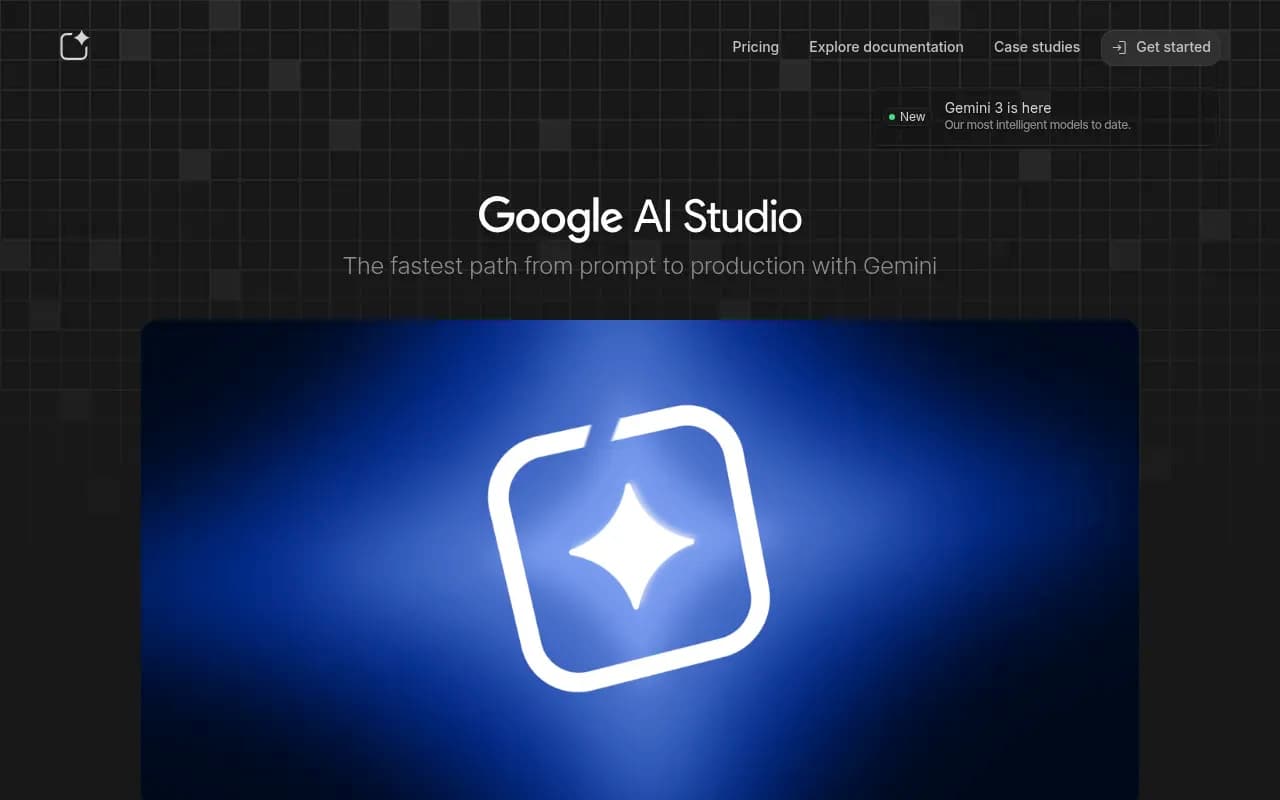
Google AI Studio is Google's answer to OpenAI's Playground and Anthropic's Console -- a web-based development environment where you can experiment with Google's latest AI models without writing code, then export your work directly to production-ready API calls. Launched as part of Google's broader push into generative AI, it serves as both a prototyping sandbox and the primary gateway to the Gemini API. The platform has evolved significantly since its initial release, adding support for image generation (Imagen), video generation (Veo 3), text-to-speech (Gemini TTS), and most recently Vibe Code, a natural language app builder that lets you describe an application and have it generated automatically.
What sets Google AI Studio apart from competitors is its zero-cost entry point combined with access to Google's full model lineup. While OpenAI charges for API usage from day one and Anthropic requires credits, Google AI Studio offers a genuinely free tier with rate limits generous enough for prototyping and even small production workloads. For developers already using Google Cloud, Firebase, or other Google services, it's a natural fit -- API keys work across the ecosystem, and integration with Google Search, Google Home, and other Google products is built-in.
Unified Model Playground: The core of Google AI Studio is its prompt interface, which supports all of Google's generative models in one place. You can test Gemini 3 Pro (the latest flagship model), Gemini 2.5 Flash (optimized for speed), Imagen 3 (image generation), Veo 3 (video generation), Gemini TTS (text-to-speech), and Gemini Native Audio (realistic voice synthesis) without switching tools. Each model has its own parameter controls -- temperature, top-k, top-p, safety settings -- and you can compare outputs side-by-side. The interface shows token counts, latency, and cost estimates in real time, which is critical when you're optimizing for production. Unlike some competitors that silo different modalities into separate products, Google AI Studio treats multimodal AI as a first-class citizen. You can upload images, audio, or video as part of your prompt, and the model will process them natively. This is particularly powerful for use cases like visual question answering, audio transcription with context, or generating video descriptions.
Vibe Code (Natural Language App Builder): This is the most ambitious feature Google has added to AI Studio. Vibe Code lets you describe an application in plain English -- "build a recipe finder that searches by ingredients" or "create a mood tracker with daily check-ins" -- and it generates a fully functional web app with UI, backend logic, and API integrations. The generated apps run on Google's infrastructure and can be deployed with a single click. Under the hood, Vibe Code uses Gemini to interpret your description, generate React or similar frontend code, wire up API calls to Gemini or other Google services, and handle authentication and data storage. You can iterate on the app by giving it additional instructions ("add a dark mode toggle" or "let users export data as CSV"). The quality of generated code is surprisingly high -- it's not just a prototype, it's production-ready in many cases. This positions Google AI Studio as more than a prompt tool; it's a low-code platform for AI-first applications. Competitors like Replit and Cursor offer AI-assisted coding, but they require you to understand code. Vibe Code abstracts that away entirely, making it accessible to product managers, designers, and non-technical founders.
API Key Management and Usage Tracking: Google AI Studio doubles as your control panel for the Gemini API. You generate API keys here, set rate limits, monitor usage across projects, and view detailed request logs. The dashboard shows token consumption, error rates, and cost breakdowns by model and endpoint. This is more robust than what you get with OpenAI's platform (which has basic usage stats but lacks granular logging) and on par with Anthropic's Console. One nice touch: you can create multiple API keys with different scopes and rate limits, which is useful for managing staging vs production environments or giving limited access to contractors. The logs are searchable and exportable, so you can debug issues or analyze usage patterns over time. For teams, this centralized view makes it easier to track who's using what and prevent surprise bills.
Prompt Management and Optimization: Google AI Studio includes tools for saving, versioning, and organizing prompts. You can create prompt templates with variables (e.g., "Summarize this article: {{article_text}}"), test them with different inputs, and export them as code snippets in Python, Node.js, or REST. The platform also suggests optimizations -- if your prompt is too long or uses inefficient phrasing, it will recommend edits to reduce token usage or improve output quality. This is similar to what you'd get with a dedicated prompt engineering tool like PromptLayer or Humanloop, but it's built directly into the platform. For teams building prompt libraries, the ability to share and reuse templates across projects is a time-saver. One limitation: there's no built-in A/B testing or automated evaluation framework. If you want to compare prompt variants at scale, you'll need to export to a third-party tool or write your own scripts.
Multimodal Capabilities (Text, Image, Audio, Video): Google AI Studio's support for multimodal inputs and outputs is a major differentiator. With Imagen 3, you can generate high-resolution images from text prompts, with fine-grained control over style, composition, and aspect ratio. The quality rivals Midjourney and DALL-E 3, and it's faster than most competitors. Veo 3 handles video generation -- you describe a scene or provide a storyboard, and it generates short video clips (up to 60 seconds). This is still experimental, but it's ahead of OpenAI's Sora in terms of public availability. Gemini TTS and Gemini Native Audio cover text-to-speech with multiple voices, accents, and emotional tones. You can generate single-speaker or multi-speaker audio, which is useful for podcasts, audiobooks, or voice assistants. The audio quality is on par with ElevenLabs and Play.ht, and it's included in the free tier (with rate limits). For developers building multimodal applications -- think visual search, audio transcription, or video summarization -- having all these capabilities in one API is a huge convenience.
Integration with Google Ecosystem: If you're already using Google Cloud, Firebase, or Google Workspace, Google AI Studio integrates seamlessly. API keys work across all Google AI services, and you can call Gemini from Cloud Functions, App Engine, or Firebase Cloud Functions without additional setup. There's also built-in support for Google Search (via the Gemini API's grounding feature), which lets you augment model responses with real-time web data. This is similar to Perplexity's approach but with more control over how search results are incorporated. For Google Home users, there's a tie-in with Google Home Premium (included free with Google AI Pro plans), which lets you use Gemini as a smart home assistant. The downside: if you're not in Google's ecosystem, some of these integrations are less useful. There's no native support for AWS, Azure, or other cloud providers, so you'll need to handle cross-platform orchestration yourself.
Documentation and Developer Resources: Google AI Studio links directly to the Gemini API documentation, which is thorough and well-organized. You get quickstart guides for Python, Node.js, and REST, plus deep-dive references for each model and endpoint. Code samples are plentiful and copy-pasteable. The documentation also covers advanced topics like function calling, streaming responses, and fine-tuning (though fine-tuning is still limited to select models). There's a developer forum (discuss.ai.google.dev) where you can ask questions and see what others are building. Compared to OpenAI's docs (which are excellent but sometimes lag behind new features) and Anthropic's (which are concise but sparse on examples), Google's documentation strikes a good balance. One gap: there's no official SDK for languages like Ruby, Go, or Rust. You'll need to use the REST API directly or rely on community-built libraries.
Pricing and Free Tier: Google AI Studio is free to use, with rate limits that vary by model. As of 2026, the free tier includes 15 requests per minute for Gemini 3 Pro, 1,500 requests per day for Gemini 2.5 Flash, and similar limits for Imagen, Veo, and audio models. These limits are generous enough for prototyping and small-scale production use -- you can build a chatbot, image generator, or voice assistant without paying anything. If you exceed the free tier, you're automatically upgraded to pay-as-you-go pricing, which is competitive with OpenAI and Anthropic. For example, Gemini 3 Pro costs $0.01 per 1,000 input tokens and $0.03 per 1,000 output tokens (as of early 2026), which is cheaper than GPT-4 Turbo and on par with Claude 3.5 Sonnet. Imagen and Veo are priced per generation, with Imagen starting at $0.02 per image and Veo at $0.10 per video clip. There's no monthly subscription fee, so you only pay for what you use. For teams that want predictable costs, Google offers reserved capacity and volume discounts through Google Cloud.
Who Is It For: Google AI Studio is best suited for developers, researchers, and small teams building AI-powered applications on a budget. If you're a solo founder or indie hacker, the free tier lets you prototype and launch without upfront costs. If you're a startup or agency, the pay-as-you-go pricing scales with your usage, and the multimodal capabilities mean you can build richer experiences (image generation, video summaries, voice interfaces) without stitching together multiple APIs. For enterprise teams already using Google Cloud, it's a no-brainer -- the integration is seamless, and you can manage everything from one dashboard. It's also a strong choice for educators and researchers who need access to state-of-the-art models without budget constraints. Who should NOT use Google AI Studio: teams that need fine-grained control over model behavior (OpenAI and Anthropic offer more customization options), developers building on AWS or Azure (the Google-centric integrations won't help), and anyone who needs 24/7 enterprise support (Google's support for AI Studio is community-driven, not SLA-backed).
Strengths: Free tier with generous rate limits makes it accessible for prototyping and small production workloads. Unified playground for text, image, audio, and video models saves time and reduces complexity. Vibe Code is a genuinely innovative feature that lowers the barrier to building AI apps. Seamless integration with Google Cloud, Firebase, and other Google services. Competitive pricing on par with or cheaper than OpenAI and Anthropic. Strong documentation and code samples.
Limitations: No fine-tuning support for most models (only select Gemini variants can be fine-tuned, and it's limited). No built-in A/B testing or evaluation framework for prompts. Vibe Code is still experimental and occasionally generates buggy code. Limited SDK support for languages beyond Python and Node.js. No enterprise SLA or dedicated support unless you're on Google Cloud with a paid plan. Some advanced features (like function calling and grounding) are less mature than OpenAI's equivalents.
Bottom Line: Google AI Studio is the best free entry point into Google's AI ecosystem, offering a unified playground for Gemini, Imagen, Veo, and other models with generous rate limits and competitive pricing. The addition of Vibe Code makes it a compelling low-code platform for building AI-first applications, and the tight integration with Google Cloud and Firebase is a major advantage for teams already in that ecosystem. It's not as feature-rich as OpenAI's platform or as customizable as Anthropic's, but for developers who want cost-effective access to state-of-the-art multimodal models, it's hard to beat. Best use case: prototyping and launching AI-powered apps on a budget, especially if you need image, video, or audio generation alongside text.
Tags:
Similar and alternative tools to Google AI Studio