Key takeaways
- No-code platforms like Make, Zapier, and n8n can connect to AI visibility APIs (Promptwatch, Otterly.AI, Profound) to automate brand monitoring and reporting workflows
- Tools like Airtable and Notion let you build custom dashboards that pull AI visibility data via API and display it alongside your other marketing metrics
- Workflow automation platforms can trigger actions based on AI visibility changes -- send Slack alerts when your brand drops out of ChatGPT responses, create Jira tickets when competitors gain ground, or auto-generate reports
- Most AI visibility platforms offer REST APIs with straightforward authentication, making them accessible to no-code tools without custom coding
- The real power comes from combining multiple tools: pull data from an AI visibility API, enrich it with SEO metrics from Ahrefs or Semrush, visualize it in a custom dashboard, and automate alerts
AI visibility APIs give you raw data about how your brand appears in ChatGPT, Perplexity, and other AI search engines. But staring at JSON responses or logging into yet another dashboard isn't how most marketing teams want to work.
The solution: no-code tools that connect to these APIs and turn visibility data into automated workflows, custom dashboards, and actionable alerts. You can build a complete AI visibility monitoring system without writing a single line of code.
I've tested dozens of no-code platforms to see which ones actually work with AI visibility APIs. Here are the 10 that deliver.
What makes a tool "no-code" for API connections?
Before we get into specific tools, let's clarify what "no-code" means in this context. A true no-code platform lets you:
- Authenticate with an API using a visual interface (paste your API key, click "Connect")
- Make API requests by filling out forms instead of writing code
- Transform and map API responses using visual builders
- Trigger actions based on API data without scripting
Some platforms market themselves as "no-code" but still require you to write JavaScript for anything beyond basic tasks. Those didn't make this list.
Category 1: Workflow automation platforms
These tools connect APIs to other services and automate multi-step processes.
1. Make (formerly Integromat)
Make is a visual workflow builder that connects 3,000+ apps and APIs. It's particularly strong for AI visibility monitoring because it handles complex data transformations without code.
What you can build: Pull daily visibility scores from Promptwatch, compare them to yesterday's scores, and send a Slack message if your brand dropped out of the top 3 citations for key prompts. Add a second branch that creates a Google Sheet row with the details.

API connection process: Make's HTTP module lets you authenticate with any REST API. Paste your API key into the headers field, configure the endpoint URL, and Make handles the rest. The visual data mapper shows you exactly what the API returned and lets you pick which fields to use in subsequent steps.
Standout feature: Scenarios can run on schedules (every hour, daily, weekly) or be triggered by webhooks. This means you can set up real-time monitoring that fires the moment your visibility changes.
Price: Free tier includes 1,000 operations/month. Pro starts at $10.59/month.
Best for: Marketing teams who want sophisticated automation without hiring developers. Make's visual interface makes it easy to build complex workflows that would take hours to code.
2. Zapier
Zapier is the most popular no-code automation platform, connecting 7,000+ apps. While it's less flexible than Make for complex workflows, it's easier to learn and has pre-built integrations for most marketing tools.

What you can build: When your AI visibility score drops below a threshold (detected via API), create a task in Asana, send an email to your content team, and log the event in a Google Sheet. All without code.
API connection process: Zapier's Webhooks app lets you make API requests. You'll configure the request type (GET, POST), add authentication headers, and map the response fields to other apps in your workflow.
Standout feature: Zapier's multi-step Zaps can branch based on conditions. If your visibility dropped for ChatGPT but not Perplexity, send different alerts to different teams.
Price: Free tier includes 100 tasks/month. Starter plan is $29.99/month for 750 tasks.
Best for: Small teams who want simple, reliable automation and don't need Make's advanced features. Zapier's interface is more beginner-friendly.
3. n8n
An open-source workflow automation platform that gives you more control than Zapier or Make. You can self-host it or use the cloud version.
What you can build: Pull visibility data from multiple AI search APIs (Promptwatch, Otterly.AI, Profound), merge the results, calculate aggregate scores, and push everything to a custom database or dashboard.
API connection process: n8n's HTTP Request node supports OAuth, API keys, and custom headers. The visual workflow editor shows you the data flowing through each step, making debugging straightforward.
Standout feature: Self-hosting means unlimited workflows and executions. No usage limits, no surprise bills. Plus you can write custom JavaScript functions if you ever need to (but most workflows won't require it).
Price: Cloud version starts at $20/month. Self-hosted is free (you pay for hosting).
Best for: Teams who want full control over their automation infrastructure or need to process large volumes of API data without hitting usage limits.
Category 2: Database and dashboard builders
These platforms let you build custom interfaces that pull data from APIs and display it however you want.
4. Airtable
Airtable is a spreadsheet-database hybrid with a powerful scripting extension. But you don't need to touch the scripting -- the visual interface handles most API connections.
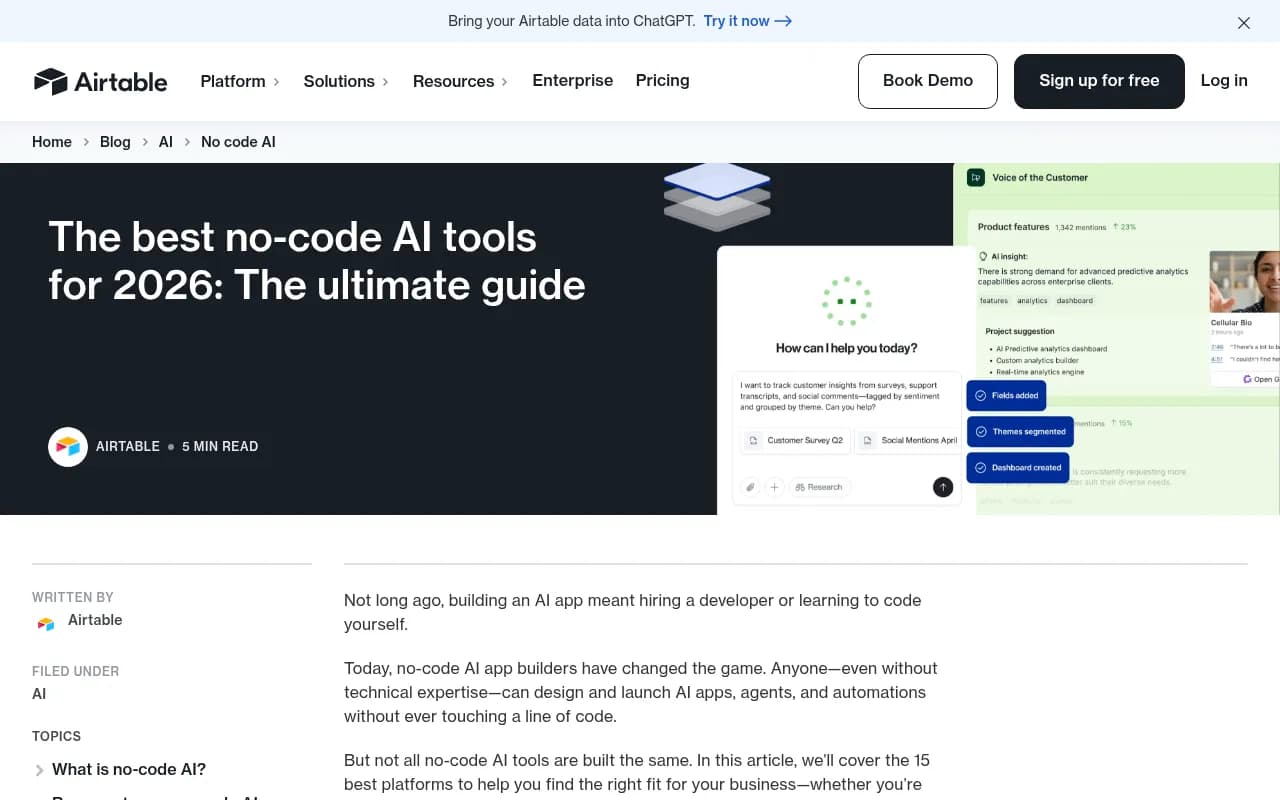
What you can build: A custom dashboard that shows your AI visibility scores across all monitored prompts, with color-coded cells indicating changes from last week. Pull data via API, store it in Airtable, and share read-only views with stakeholders.
API connection process: Airtable's Data Fetcher extension lets you connect to REST APIs without code. Configure the endpoint, set up authentication, map the response fields to Airtable columns, and schedule automatic syncs.
Standout feature: Airtable's interface designer lets you build custom views (kanban boards, calendars, galleries) on top of your API data. Your visibility scores don't have to live in a boring table.
Price: Free tier includes unlimited bases. Plus plan is $20/user/month.
Best for: Teams who want a flexible database for AI visibility data that non-technical people can actually use and understand.
5. Notion
Notion is a workspace tool that recently added database features and API integrations. It's less powerful than Airtable for data manipulation but more intuitive for building internal wikis and dashboards.
What you can build: A weekly AI visibility report page that automatically updates with fresh data from your visibility API. Embed charts, add commentary, and share the page with your entire marketing team.
API connection process: Notion's API works in reverse -- you push data into Notion from external tools (like Make or Zapier) rather than pulling data into Notion. Connect your AI visibility API to Make, transform the data, and push it to a Notion database.
Standout feature: Notion's collaborative editing makes it easy for teams to add context around raw API data. Your visibility scores sit next to strategic notes, action items, and meeting summaries.
Price: Free for individuals. Plus plan is $10/user/month.
Best for: Marketing teams who already use Notion and want to centralize AI visibility data alongside their other documentation.
6. Retool
Retool is a low-code platform for building internal tools. While it's technically "low-code" (you can write JavaScript), most API integrations work through visual configuration.
What you can build: A custom admin panel that shows real-time AI visibility data, lets you drill down into specific prompts, and triggers content optimization workflows with a button click.
API connection process: Retool's REST API resource lets you configure endpoints, authentication, and request parameters through a form. The query editor shows you the raw response and lets you transform it using visual tools or SQL.
Standout feature: Retool's component library includes charts, tables, forms, and buttons that connect directly to your API data. You can build a professional-looking dashboard in hours.
Price: Free tier includes 5 users. Team plan is $10/user/month.
Best for: Teams who need custom internal tools for AI visibility monitoring and have basic technical skills (but don't want to build from scratch).
Category 3: Specialized no-code AI tools
These platforms are built specifically for AI workflows and include API connectivity as a core feature.
7. Lindy AI
Lindy is an AI assistant platform that automates workflows by connecting to your tools and APIs. It's designed for business users, not developers.
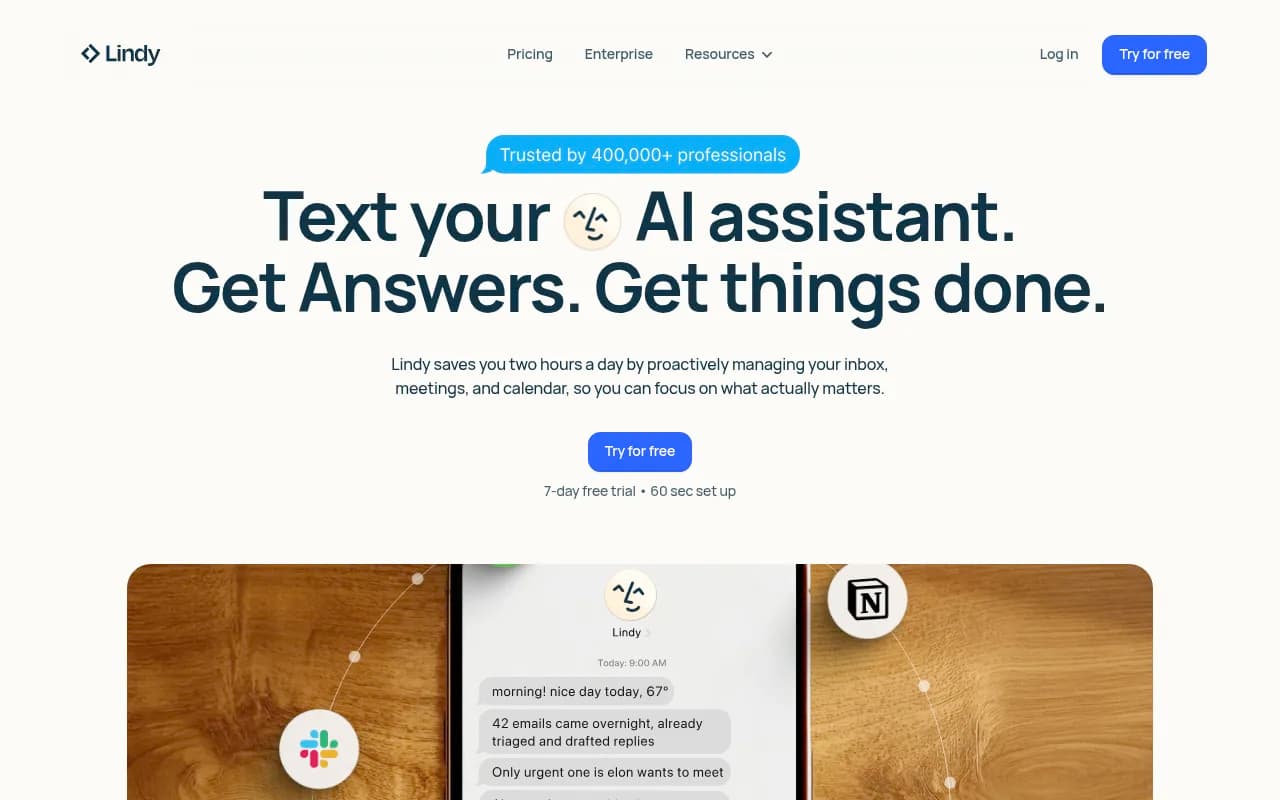
What you can build: An AI assistant that checks your visibility scores every morning, analyzes the changes, and sends you a natural language summary ("Your visibility for 'project management software' dropped 15% in ChatGPT but improved in Perplexity").
API connection process: Lindy's integration builder walks you through API setup with a conversational interface. Describe what you want to connect, paste your API credentials, and Lindy figures out the rest.
Standout feature: Lindy can chain multiple API calls together and make decisions based on the responses. If your visibility drops, it can automatically pull competitor data from another API and compare.
Price: Free tier available. Pro is $49/month.
Best for: Marketing managers who want an AI assistant to handle visibility monitoring without learning workflow automation tools.
8. Relevance AI
Relevance AI lets you build autonomous AI agent teams that work 24/7. It's more powerful than Lindy but still requires no code.
What you can build: An AI agent that monitors your visibility APIs, identifies drops, researches why they happened (by analyzing competitor content), and drafts optimization recommendations.
API connection process: Relevance AI's tool builder lets you wrap any API in a conversational interface. Configure the endpoint and parameters, and your AI agents can call it as needed.
Standout feature: Agents can execute multi-step workflows autonomously. They don't just fetch data -- they analyze it, make decisions, and take actions.
Price: Free tier includes 1,000 agent actions/month. Pro is $199/month.
Best for: Teams who want AI agents to handle visibility monitoring end-to-end, not just pull data.
Category 4: Spreadsheet and data tools
Sometimes you just want to pull API data into a spreadsheet. These tools make it simple.
9. Google Sheets with Apipheny
Apipheny is a Google Sheets add-on that lets you import data from any API without code. It's the simplest option on this list.
What you can build: A Google Sheet that refreshes daily with your latest AI visibility scores. Share it with stakeholders, build pivot tables, create charts -- all the spreadsheet features you already know.
API connection process: Install Apipheny, open the sidebar, paste your API endpoint and credentials, and click "Run". The data appears in your sheet. Set up automatic refreshes on a schedule.
Standout feature: It's just a spreadsheet. No learning curve, no new interface. If you can use Google Sheets, you can pull API data.
Price: Free tier includes 100 API calls/month. Pro is $10/month for unlimited calls.
Best for: Small teams or individuals who want visibility data in a familiar spreadsheet format without learning new tools.
10. Coefficient
Coefficient is another Google Sheets add-on, but it's more powerful than Apipheny. It's designed for business intelligence and supports complex data transformations.
What you can build: A live dashboard in Google Sheets that pulls visibility data from multiple APIs, joins it with SEO metrics from Google Search Console, and calculates custom KPIs.
API connection process: Coefficient's visual query builder lets you configure API requests, map response fields to columns, and set up automatic syncs. It handles pagination and rate limiting automatically.
Standout feature: Coefficient can merge data from multiple sources. Pull visibility scores from Promptwatch, traffic data from Google Analytics, and keyword rankings from Ahrefs -- all in one sheet.
Price: Free tier includes 1,000 rows/month. Pro is $59/month.
Best for: Marketing analysts who want to combine AI visibility data with other metrics in spreadsheets.
How to choose the right tool
Here's a decision framework:
| If you want to... | Use this tool |
|---|---|
| Automate multi-step workflows (alerts, tasks, reports) | Make or Zapier |
| Build a custom dashboard for your team | Airtable or Retool |
| Store visibility data alongside other documentation | Notion |
| Let AI agents handle monitoring autonomously | Lindy AI or Relevance AI |
| Pull data into spreadsheets | Apipheny or Coefficient |
| Self-host with no usage limits | n8n |
Most teams end up using a combination. Pull data with Make, store it in Airtable, and visualize it in a custom dashboard. Or use Zapier to trigger alerts and Coefficient to build reports.
Real-world example: Building an AI visibility monitoring system
Here's how a typical marketing team might connect these tools:
- Data collection: Make runs every 6 hours, pulling visibility scores from Promptwatch API for 50 monitored prompts
- Storage: Make pushes the data to an Airtable base, which maintains historical records
- Analysis: Coefficient pulls data from Airtable into Google Sheets, where the team calculates week-over-week changes and identifies trends
- Alerts: Zapier monitors the Airtable base and sends Slack notifications when visibility drops more than 10% for any prompt
- Reporting: Notion pulls weekly summaries from Airtable and displays them in a dashboard the entire marketing team can access
Total setup time: 4-6 hours. No code written. The system runs automatically from that point forward.
Common API connection patterns
Most AI visibility APIs follow similar patterns. Here's what you'll typically need to configure in your no-code tool:
Authentication: Usually an API key passed in the request headers. Format: Authorization: Bearer YOUR_API_KEY
Base URL: The root endpoint for the API (e.g. https://api.promptwatch.com/v1/)
Endpoints: Specific paths for different data types:
/visibility/scores-- overall visibility metrics/prompts-- list of monitored prompts/citations-- detailed citation data/competitors-- competitor comparison data
Request parameters: Filters like date ranges, prompt IDs, or AI models
Response format: JSON, which all the tools on this list can parse automatically
Rate limits: Most APIs limit you to 100-1000 requests per hour. No-code tools handle this by spacing out requests or caching data.
Tips for working with AI visibility APIs in no-code tools
Start simple: Pull basic visibility scores before building complex workflows. Make sure the API connection works before adding transformations and alerts.
Cache data locally: Don't hit the API every time someone opens your dashboard. Pull data once per hour/day and store it in Airtable or a database.
Handle errors gracefully: APIs fail sometimes. Configure your workflows to retry failed requests and send you an alert if something breaks.
Document your setup: Future you (or your replacement) will thank you. Write down which tools connect to which APIs and what each workflow does.
Monitor API usage: Most platforms charge based on API calls. Track your usage to avoid surprise bills.
The future of no-code API connections
AI is making no-code tools even more accessible. Instead of configuring API requests manually, you'll soon be able to describe what you want in plain English:
"Pull my visibility scores from Promptwatch every morning and send me a Slack message if anything dropped more than 10%."
The tool figures out the API endpoints, authentication, and workflow logic automatically.
We're not quite there yet, but tools like Lindy AI and Relevance AI are moving in that direction. Within a year or two, connecting to APIs will feel less like configuration and more like conversation.
Conclusion
You don't need to be a developer to build sophisticated AI visibility monitoring systems. The no-code tools on this list give you everything you need to connect to APIs, automate workflows, and build custom dashboards.
Start with one tool and one simple workflow. Pull your visibility scores into a Google Sheet using Apipheny. Once that works, add an alert using Zapier. Then build a dashboard in Airtable. You'll be surprised how quickly you can build a complete system without writing code.
The barrier to entry for AI visibility monitoring isn't technical anymore. It's just deciding to start.