Key takeaways
- An AI visibility platform runs a set of prompts through ChatGPT, Gemini, Perplexity and others, then records whether your brand is mentioned, cited, and in what position.
- Beginners should start with 20 to 50 short, keyword-like prompts, not hundreds. Measure each engine separately because being cited in one doesn't predict the others.
- Three tool types exist: pure trackers, SEO suites with AI add-ons, and platforms that also help you fix what the data shows. Which you need depends on whether you have time to act on the data.
- Pricing and feature sets change quickly. Confirm everything on each vendor's pricing page before buying.
- A free baseline scan costs nothing and tells you whether paid tracking is worth it yet.
What an AI visibility platform actually does
If you've only ever tracked Google rankings, the idea is simple but strange. Instead of a keyword and a position, you have a prompt and an answer. Someone asks ChatGPT "best CRM for small agencies," and the model writes a paragraph naming a few brands and citing a few sources. Your job is to find out whether you're one of them.
An AI visibility platform automates that. It runs your prompts on a schedule, stores the responses, and reports a few core numbers:
- Mentions: how often your brand is named in the answer.
- Citations: how often your domain appears in the source list.
- Position: where in the answer you show up (first recommendation or fifth).
- Share of voice: your mentions compared with competitors on the same prompts.
- Sentiment: whether the model describes you positively, neutrally, or badly.
That's the monitoring layer. Everything beyond it (crawler logs, traffic attribution, content generation) is where tools start to differ a lot, and where beginners usually get confused by feature lists.
Why you can't just ask ChatGPT yourself
Every beginner does this first. You open ChatGPT, type your brand name, and read the answer. It's a fine gut check, but it's a bad measurement. Answers vary between runs, between countries, between logged-in and logged-out users, and between models.
The engines also behave differently. According to Promptwatch's average sources per response data, ChatGPT cites roughly 5 sources per web-search answer, while Google AI Overviews cites about 10 and Perplexity sits almost exactly at 10 every day. Copilot swung from under 2 to nearly 17 sources within a few weeks before settling low. So a single manual check tells you almost nothing, and weekly snapshots of a volatile engine will mislead you.
Two practical takeaways from that data. First, measure each engine on its own, because a citation in one says little about the others. Second, AI Overviews tends to be more forgiving for newer or mid-authority domains, so it's often where beginners see the first wins.
Do the free baseline first
Before paying anyone, spend an hour on a free baseline. Run 10 to 20 prompts yourself in ChatGPT, Gemini and Perplexity. Write down which competitors keep showing up and which sources get cited. Check whether your own pages appear anywhere.
Then try a no-login scan. Promptwatch has a free AI Visibility Report that shows how ChatGPT, Gemini and Perplexity talk about your brand, and a free Agentic Readiness Check that tells you which AI crawlers can read your site. Neither requires a subscription, and together they'll tell you if you have a real problem or just a vague worry.
If the baseline shows you're absent from answers where competitors appear, that's your case for a paid tool.
What to look for as a beginner
Feature checklists are overwhelming. These are the ones that matter when you're starting out.
Real interface data versus API data
Some tools query model APIs. Others capture what users actually see in the ChatGPT or AI Overviews interface. The two can differ, particularly on citations and shopping results. If you can find out which method a vendor uses, do. Interface data is closer to what your customers experience.
Model coverage
Check which engines are included. One reviewer on Medium noted that Amplitude's AI Visibility feature tracks only ChatGPT and Google AI Overviews. That's a limit worth knowing about, and I haven't verified it independently, so check it yourself. If your buyers use Perplexity or Gemini, a two-engine tool leaves holes.
Prompt setup help
Beginners don't know which prompts to track. Good tools suggest prompts, show volumes or difficulty, and ideally reveal query fan-outs. Fan-outs are the background searches a model runs to build an answer. Promptwatch's ChatGPT query fanout data puts the range at 3 to 8+ searches for a single prompt according to the page intro, though the charted average is lower (about 1.84 per response in early March 2026). Short, keyword-like prompts and headings that read like search queries tend to match how these background searches are written.
Competitor tracking
A number with no comparison is useless. You want share of voice against two to five competitors from day one.
A path from data to action
This is the big divider. Many tools stop at a dashboard. If you're a team of one, a dashboard that tells you what's wrong but not what to do about it can become another tab you ignore.
The three kinds of tools
Pure trackers
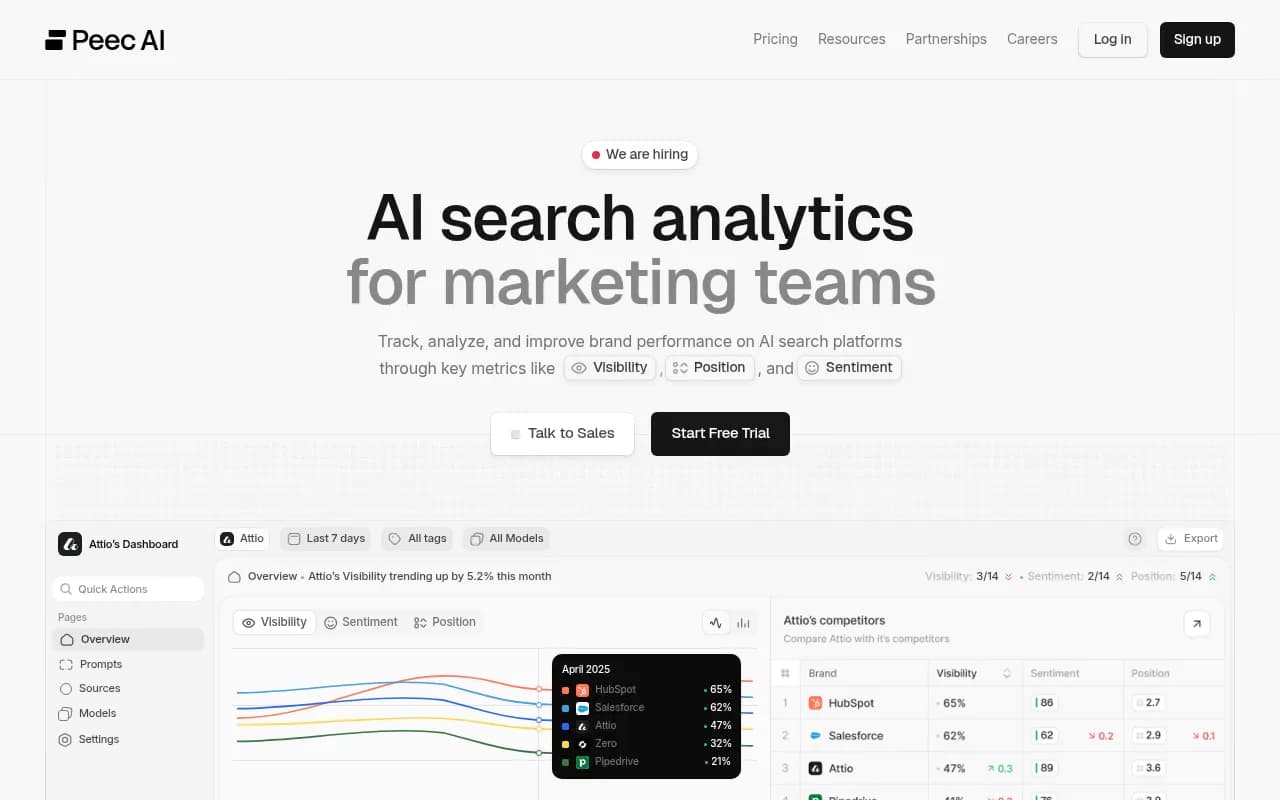
These answer "was I mentioned?" and nothing more. They're cheaper and simpler, which makes them a reasonable first step. Peec AI is often recommended to beginners; one 2026 review says that if you're moving from traditional SEO reporting into AI visibility for the first time, it's one of the easier places to start.
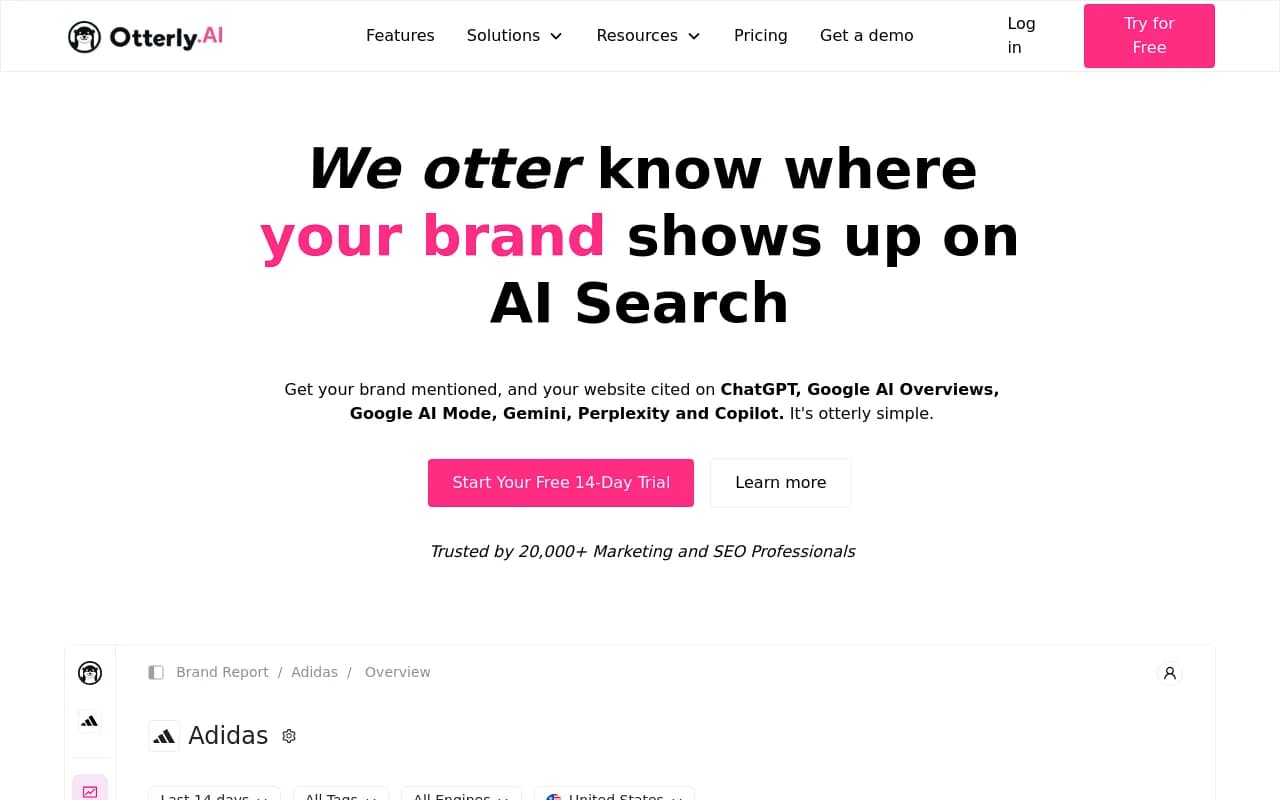
OtterlyAI is the other name that comes up repeatedly for affordability, and Zapier's 2026 roundup lists it first for that reason.
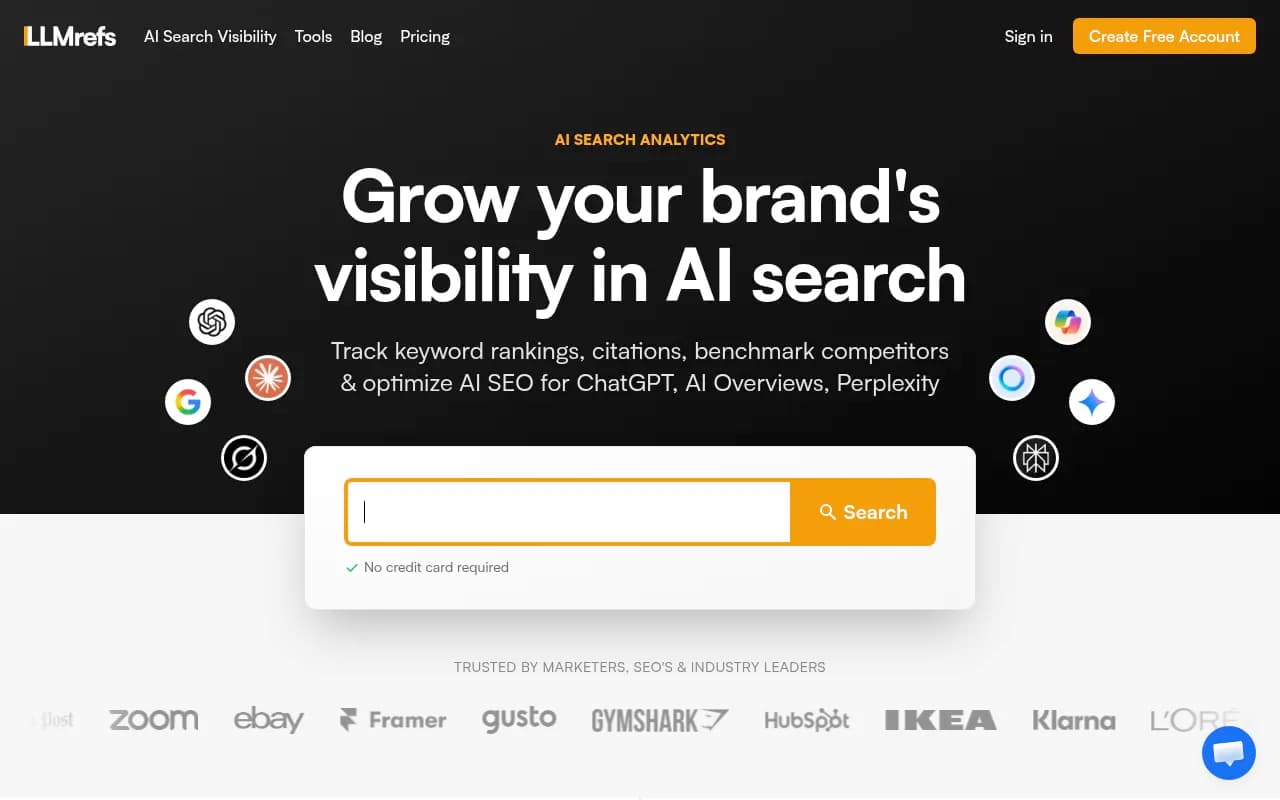
LLMrefs starts from keywords, which suits people who already have keyword lists and SEO reporting habits.
LLMrefs
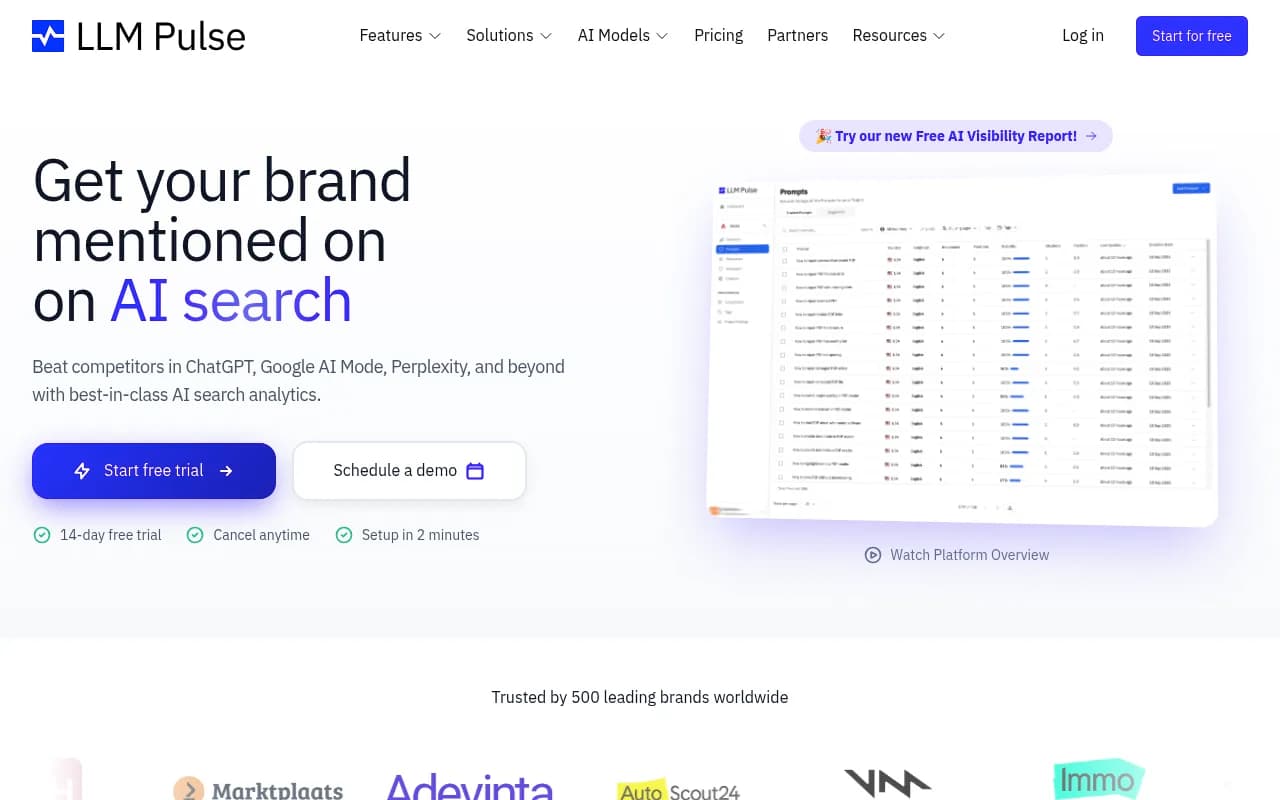
Other lightweight monitors in this category include LLM Pulse and Rankshift.

SEO suites with AI add-ons
If you already pay for an SEO platform, check what it offers before buying something new. Zapier's roundup describes Semrush's AI Toolkit as a solid option if you're already in that ecosystem and want SEO data and AI tracking in one place.
SE Ranking has its own AI visibility product, SE Visible, which one reviewer positions for teams that want to trace AI visibility back to the sources and search data behind it. Nightwatch pairs traditional rank tracking with AI monitoring.
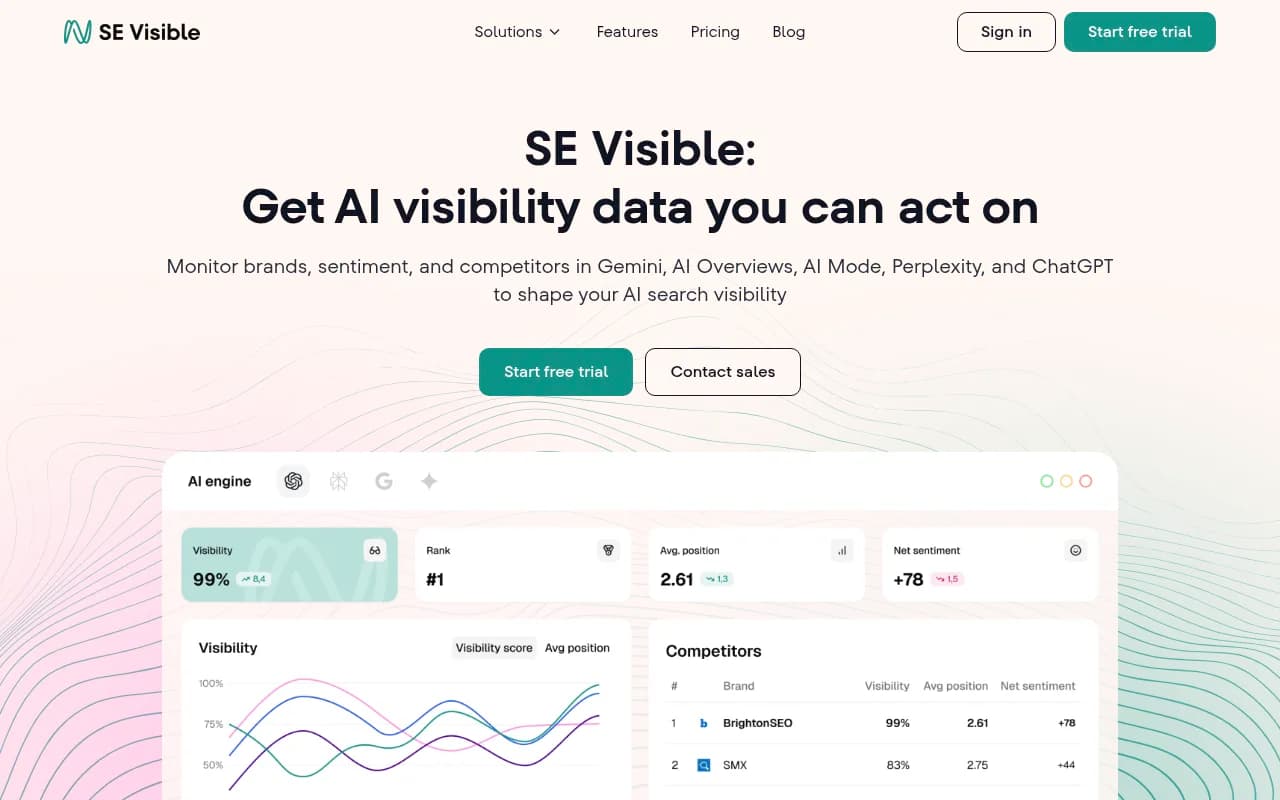
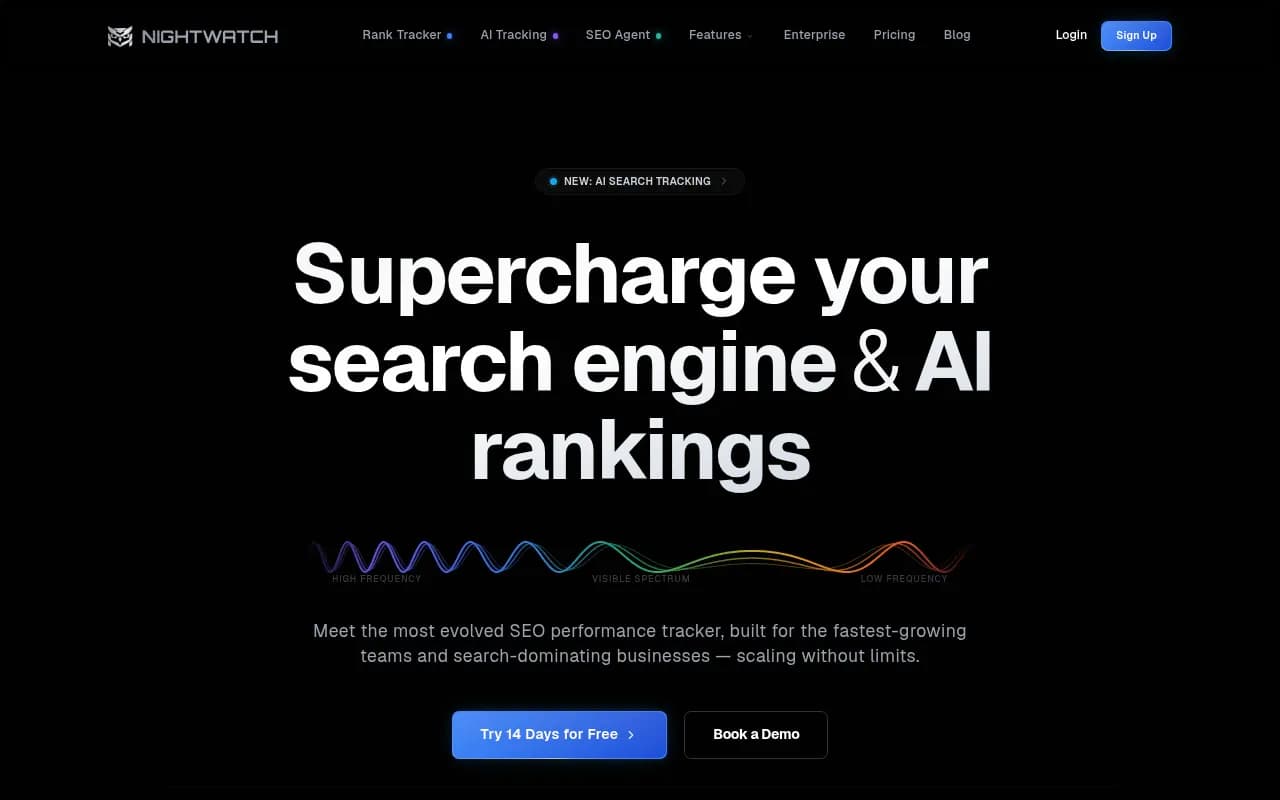
The trade-off is depth. Suites bolt AI tracking onto a product built for keyword rankings, so prompt sets can be fixed or shallow. For a beginner that's often acceptable. You get one login, one invoice, and familiar reporting.
Platforms that help you act
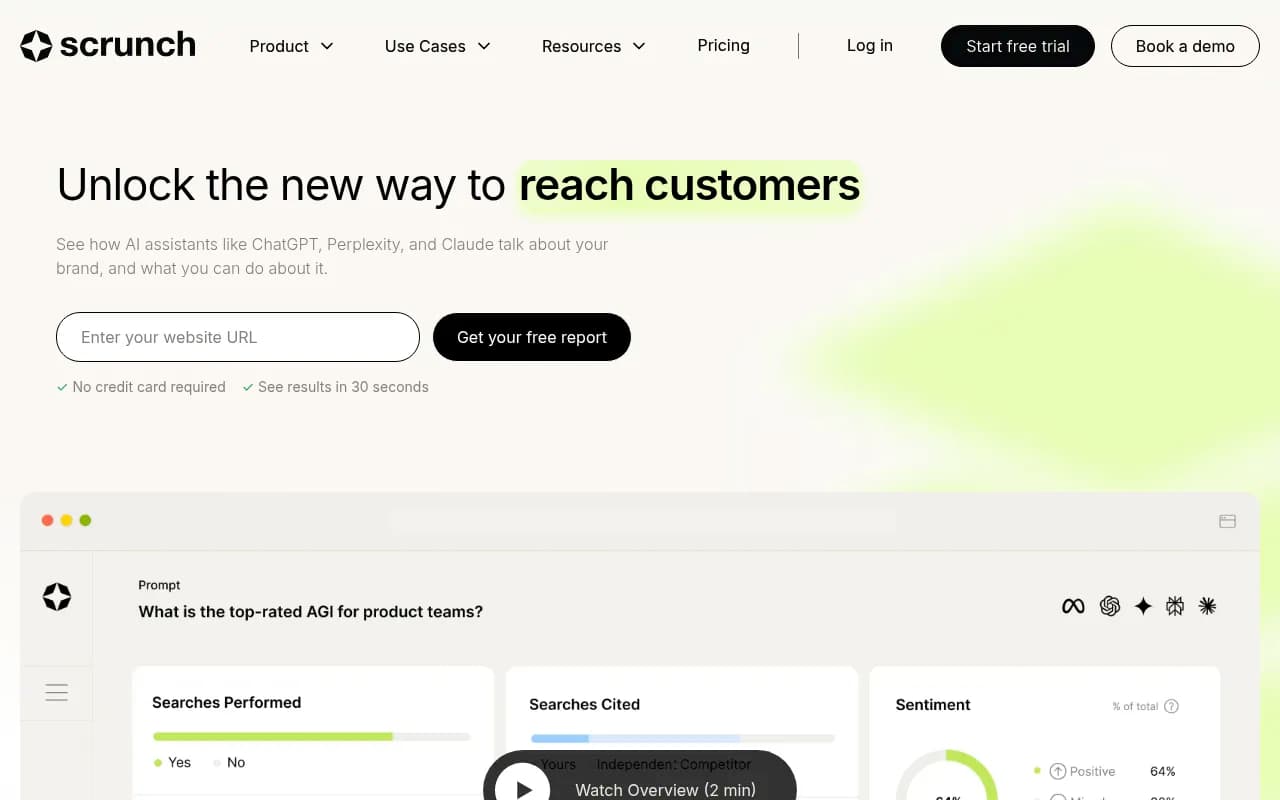
These add content analysis, crawler data, traffic attribution, or content generation on top of tracking. Scrunch is described by one reviewer as one of the few tools trying to influence outcomes rather than just measure them.
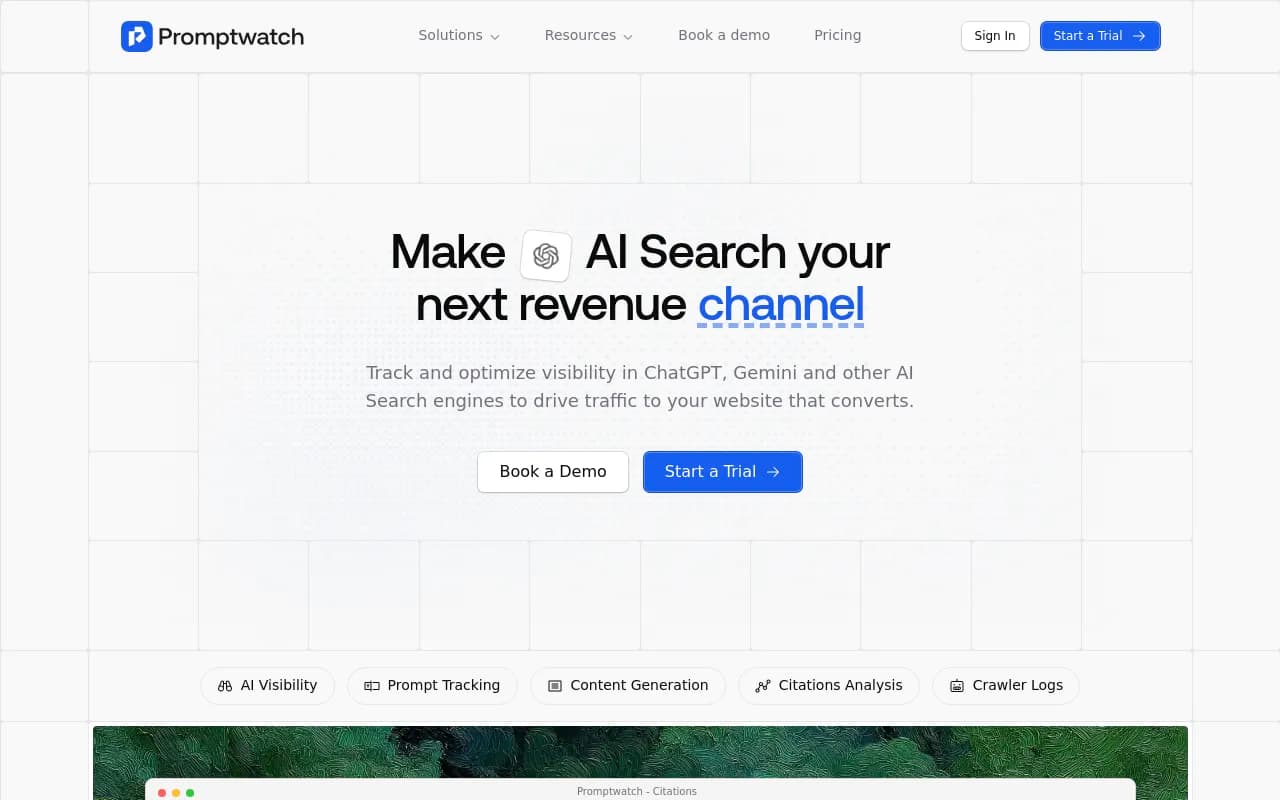
Promptwatch is in this group too. Besides tracking real-interface answers across ChatGPT, Google AI Overviews, Gemini, Perplexity and others, it logs AI crawler visits to your site, attributes AI-referred traffic, and has a content agent that drafts and publishes pages against the gaps it finds. For a beginner, the useful part is the Action Board, a prioritized to-do list generated from your data, so you aren't left guessing what to do first. There's a free Explore plan (1 project, 10 prompts, ChatGPT only) and paid plans start at $95 a month; confirm current pricing at promptwatch.com/pricing.
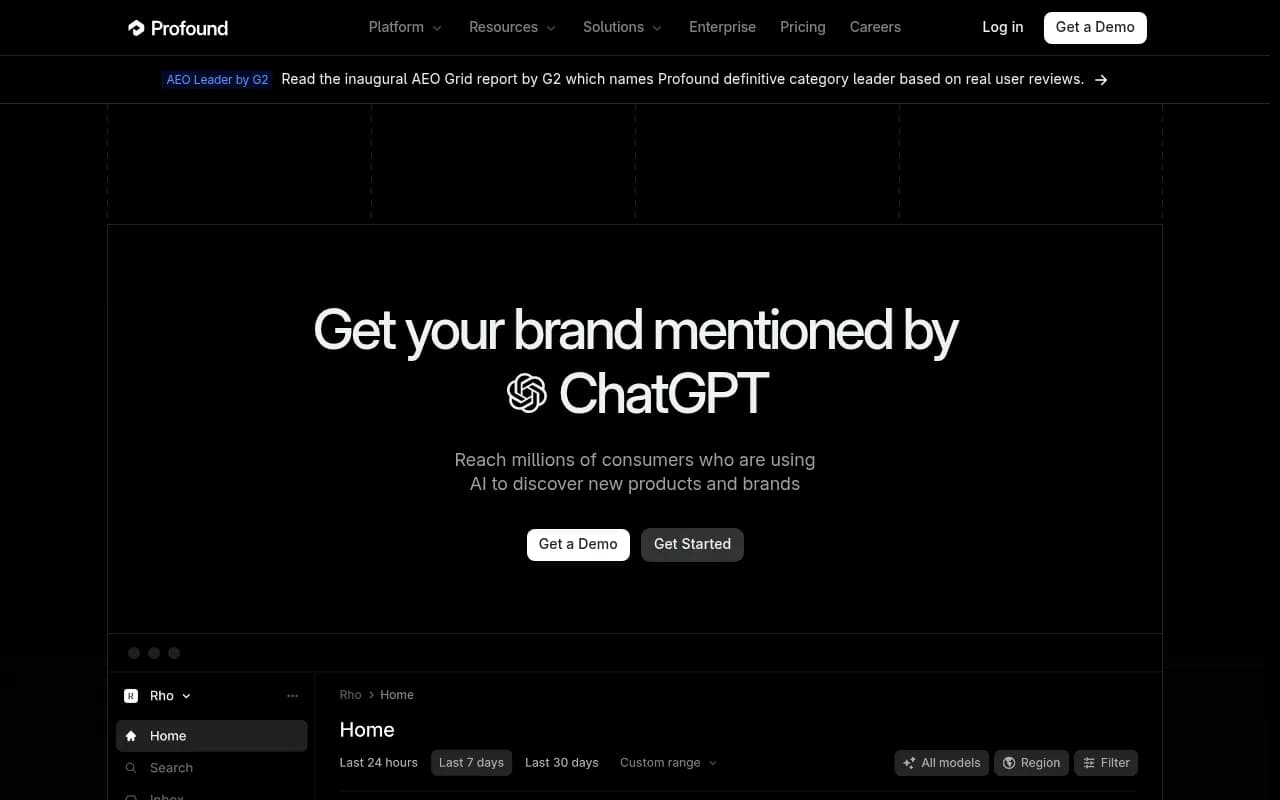
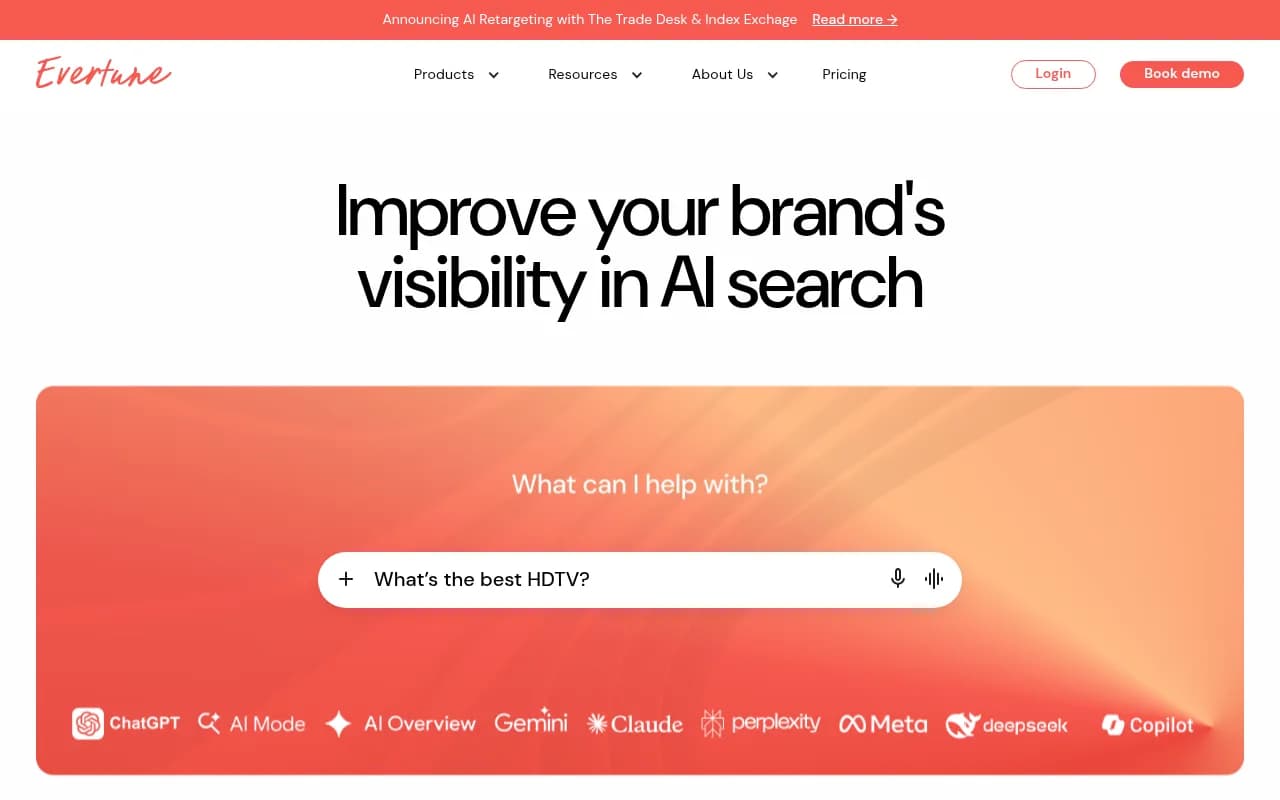
Enterprise-leaning options like Profound and Evertune exist as well, but both are demo-led. Evertune's own "10 best" list is vendor-authored, so read its rankings with that in mind.
Profound
Comparison table
This table summarizes positioning, not verified pricing. I didn't verify vendor pricing pages for this guide, so check each one directly.
| Tool | Type | Good first tool if... | Watch out for |
|---|---|---|---|
| Promptwatch | Tracking plus action platform | You want data and a to-do list, and have little time | More features than a pure monitor needs |
| Peec AI | Tracker | You're moving from classic SEO reporting | Monitoring focus |
| OtterlyAI | Tracker | Budget is the main constraint | Fewer optimization features |
| LLMrefs | Keyword-style tracker | You think in keyword lists | Familiar workflow, less AI-native |
| Semrush AI Toolkit | SEO suite add-on | You already use Semrush | Suite-style, shallower AI data |
| SE Visible | Tracker from SE Ranking | You want sources and search data | Tracks, doesn't fix |
| Nightwatch | Rank tracker plus AI | You need both in one tool | Agency-oriented |
| Scrunch | Optimization-oriented | You're mid-market and want to influence results | Higher tier |
| Profound | Enterprise platform | You have a team and budget | Demo required |
Matching a tool to your situation
Pick by constraint, not by feature count.
- No budget yet: run manual checks plus the free reports, then use a free plan if one is available.
- Small team, limited time: choose something that tells you what to do next, not only what happened.
- Already in an SEO suite: try its AI module for a month before adding a second subscription.
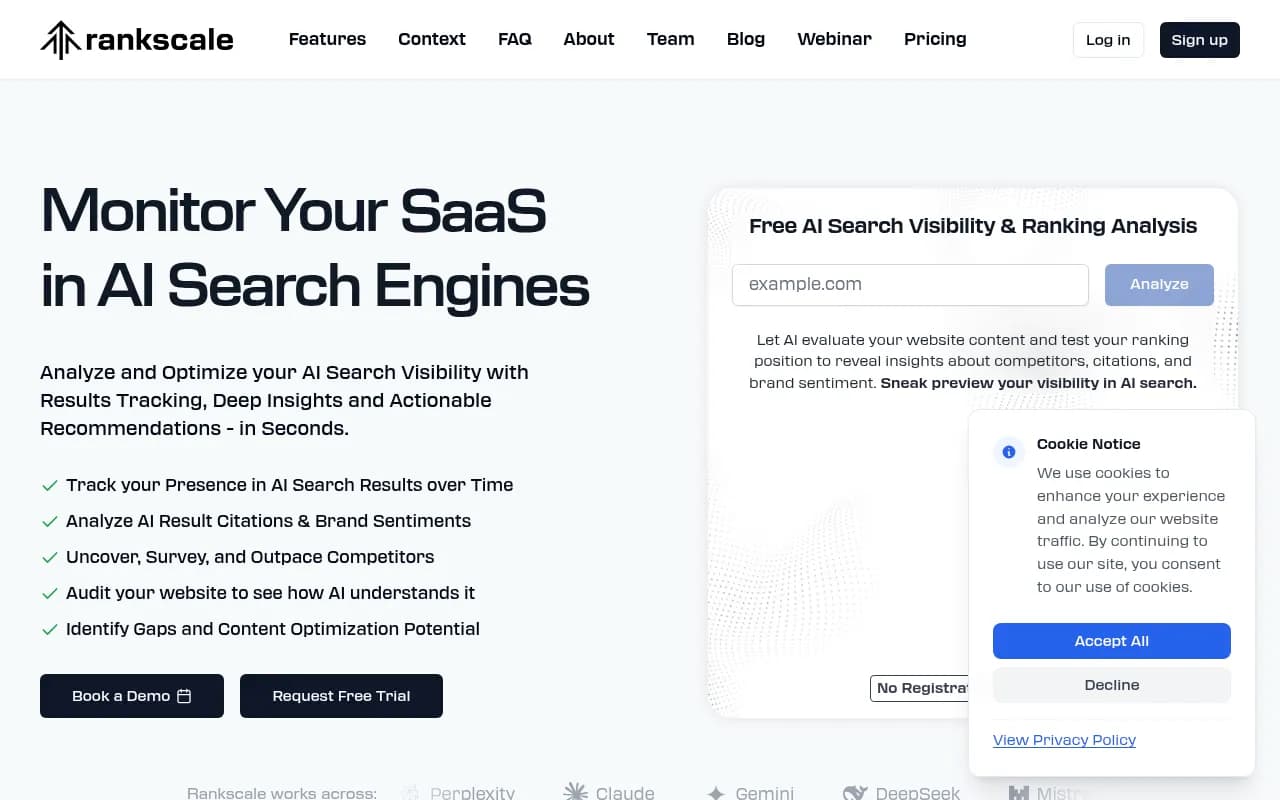
- Agency: look for white-label reporting and unlimited projects. Rankscale and AI Peekaboo are both pitched at agencies.
- Online store: a roundup of AI visibility tools suggests AthenaHQ or Goodie for shops, though I'd compare them against your own shopping-prompt needs.

If you want to browse more options by category, the GEO software directory at bestgeosoftware.com and the AI rank tracking directory at ai-rank-tools.com list far more tools than fit here.
Setting up your first tracking project
Pick 20 to 50 prompts
Resist the urge to track 500. Mix three types: broad category questions ("best project management software for agencies"), comparison prompts ("X vs Y"), and brand-specific ones ("is X worth it"). Keep them short. Longer, conversational prompts are fine for coverage, but short ones mirror how background searches are actually written.
Add 3 to 5 competitors
Use the brands that already show up in your manual checks, not only the ones you think are rivals. AI answers often include marketplaces, review sites and publishers you wouldn't call competitors but who take the slot you want.
Choose engines that match your audience
Start with ChatGPT, AI Overviews and Perplexity. Add Gemini and Copilot if your buyers use them. Treat Copilot as a monthly trend, given how volatile it was in the data above.
Let it run for two weeks before judging
Daily runs smooth out noise. A single day's result is an anecdote. Two weeks starts to look like a baseline.
Reading your first results
Numbers tell you where the problem sits if you read them together.
- Low share of voice usually means a coverage problem: you aren't in the answer set for those topics.
- Mentioned late in the answer is a prominence problem.
- Mentioned but your domain is never cited suggests a content or crawlability problem.
- Weak sentiment points to a reputation problem, often traced to review sites or forum threads the model reads.
Also look at which sources get cited rather than just whether you're named. Promptwatch Data on content types shows product pages were the most cited type in ChatGPT (22.4% of citations, Sep 28 to Oct 4, 2026), followed by landing pages and listicles. That can steer what you build first. And domain rank data for August 2026 found that sites rated DR 46-75 earned almost half of ChatGPT citations while DR 91-100 fell to about 3%, which is encouraging if you're not a giant brand.
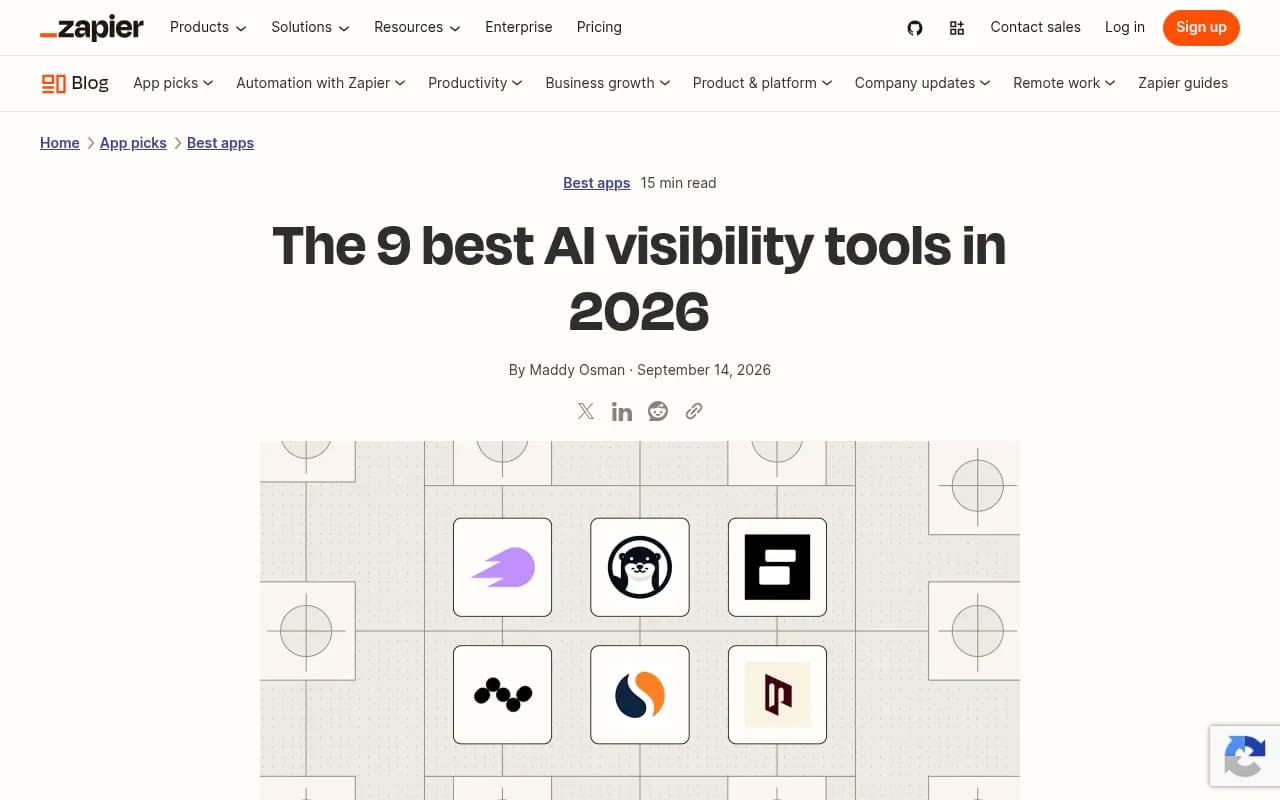
Zapier's list is a reasonable independent cross-check. Its author says she researched nearly 50 monitoring tools before narrowing to nine.
Common beginner mistakes
- Tracking too many prompts, then never reading the results.
- Judging after one day of data.
- Treating one engine's result as proof for all of them.
- Buying an enterprise tool before knowing what you'd do with the data.
- Ignoring technical access. If AI crawlers can't read your pages, no amount of tracking fixes that. Check your robots.txt and crawler access early.
- Trusting vendor-written "best of" lists without question. Most are written by a company that ranks itself.
A simple 30-day plan
- Week 1: manual checks, free scans, a list of competitors and prompts.
- Week 2: start a trial or free plan, load 25 prompts, pick three engines.
- Week 3: review the baseline, note which sources get cited, fix any crawler access issues.
- Week 4: choose two or three content gaps to address and set a re-check date.
After that, you'll know whether you need a heavier platform or whether a simple tracker is enough. If you outgrow the basics and want expert help with strategy, 1001 SEO Media is the agency that publishes this site and works on SEO and generative engine optimization for brands.
Bottom line
Start small. Do the free baseline, track a few dozen short prompts across several engines, and give it two weeks. If you want a cheap pure tracker, Peec AI or OtterlyAI are common picks. If you'd rather get a prioritized list of fixes along with the numbers, Promptwatch is the one I'd try first. Whatever you choose, confirm current pricing and model coverage on the vendor's own site, because both change often.