Key takeaways
- For teams publishing daily across five or more channels, per-seat pricing (Sprout Social, Hootsuite, Agorapulse) adds up fast — per-channel pricing (Buffer) or flat-rate plans (Sked Social, Planable) often work out cheaper.
- Agorapulse Professional runs about $4,284/year for a 3-person, 10-profile team, versus roughly $10,764/year for the equivalent Sprout Social tier and $14,364/year for Hootsuite Professional.
- Daily posting introduces real risk: Instagram's Basic Display API retired entirely in 2026, and unofficial scheduling workarounds are a documented cause of shadowbans.
- Approval workflows, not the scheduling calendar itself, are where most high-frequency teams break down as they scale — pick a tool built around review and sign-off, not just a queue.
- There's no single best tool. Agencies juggling client calendars want Planable or HeyOrca; solo creators posting daily want Buffer or Later; enterprise teams with compliance needs want Sprout Social or Hootsuite.
Why daily posting changes which tool you need
Most "best scheduler" roundups are written for someone posting three times a week. That's not this guide. If your team is publishing daily, or multiple times a day, across four, five, or ten channels, the tool you pick needs to survive volume: bulk uploads that don't choke, approval chains that don't stall a launch, and pricing that doesn't quietly double when you add a seventh channel.
I pulled current 2026 pricing, tested approval flows, and compared what happens when a team scales from 3 profiles to 15. The ranking below reflects that lens specifically — it is not a generic "best overall" list.
Quick comparison table
| Tool | Best for daily-posting teams because... | Starting price (2026) | Pricing model |
|---|---|---|---|
| Sprout Social | Deep cross-network analytics catch what's working before you burn out your queue | ~$199/seat/mo | Per seat |
| Agorapulse | Bulk CSV scheduling (up to 200 posts at once) plus a real inbox | $79/user/mo (annual) | Per seat |
| Buffer | Unlimited scheduled posts on every paid tier, cheap per channel at scale | $6/channel/mo | Per channel |
| Planable | Visual approvals that don't break when five people need to sign off daily | $39/mo (Basic) | Per workspace |
| Hootsuite | Enterprise dashboards when daily volume means multiple brands and regions | $99/mo (Standard) | Flat tier |
| Later | Visual grid planning for Instagram-heavy daily cadences | ~$25/mo (Starter) | Flat tier |
| Vista Social | Most features per dollar if you don't need enterprise polish | ~$64/mo (Professional) | Flat tier |
| Zoho Social | Cheapest entry point if you're already in the Zoho ecosystem | $15/mo (Standard) | Flat tier |
| Sked Social | No-login client approvals so extra reviewers don't cost extra seats | ~$59-69/mo | Flat tier |
| Loomly | Built-in idea generation when a daily calendar runs you dry on content | Varies by plan | Flat tier |
| CoSchedule | Marketing calendar that ties daily social posts to campaigns, not just a queue | Varies by plan | Flat tier |
The 11 tools, ranked
1. Sprout Social — best for teams that need proof the daily grind is working
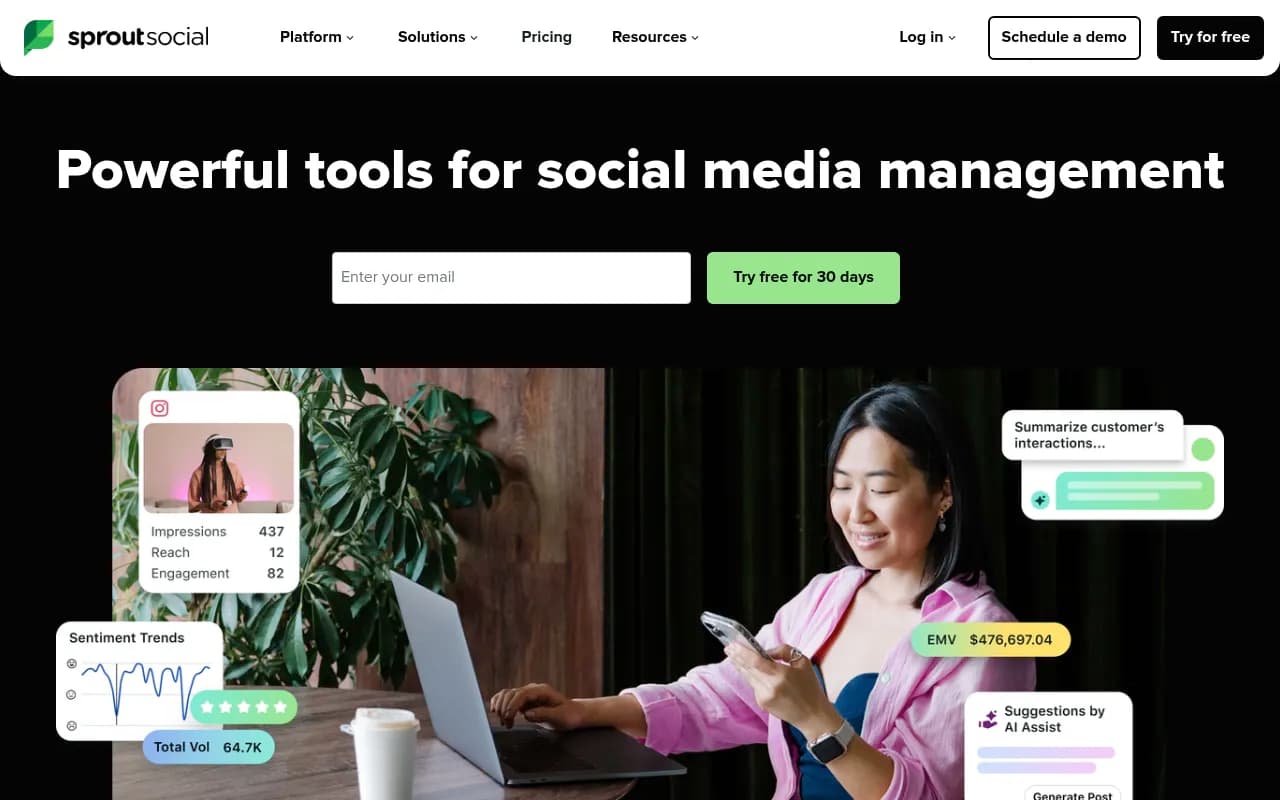
Sprout earns the top spot for high-volume teams because its analytics go deeper than almost anyone else's: cross-network reporting, ViralPost send-time optimization, and add-ons for social listening and employee advocacy. If you're posting daily, you need to know which of those posts actually moved the needle, and Sprout answers that better than most competitors.
The catch is price. Pricing pages and third-party trackers disagree on exact numbers in 2026 (Sprout's own site shows Standard around $199/seat/mo while some trackers cite $249), so get a live quote before committing. A 10-person team on the Advanced tier runs close to $48,000/year before add-ons — fine for enterprise budgets, painful for anyone smaller.
2. Agorapulse — best value for mid-sized teams posting constantly
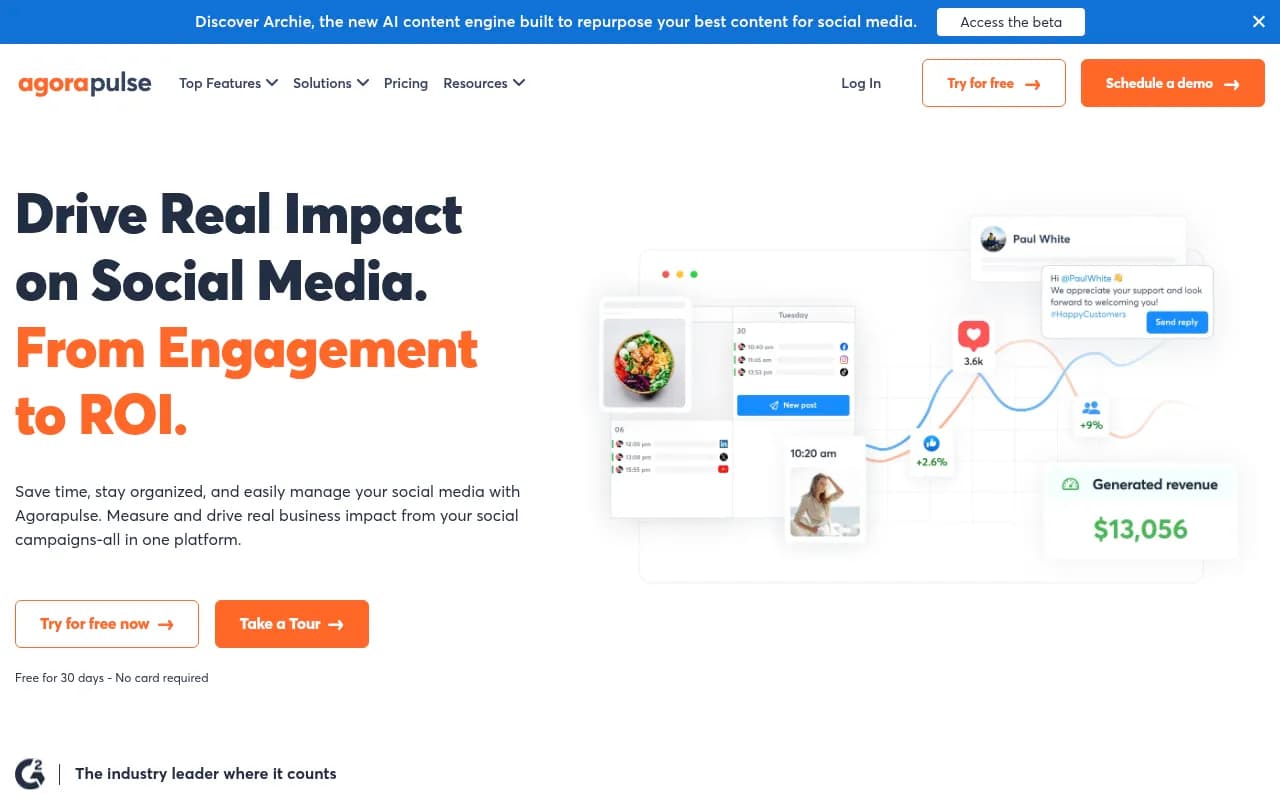
Agorapulse is the one I'd point most growing teams toward. Its Advanced plan supports bulk scheduling of up to 200 posts via CSV, which matters a lot when your content calendar is a spreadsheet full of daily posts rather than a handful of weekly ones. It also bundles a unified social inbox and automated ROI reporting that Sprout charges extra for.
For a 3-person team managing 10 profiles, Professional runs about $357/month (roughly $4,284/year) — less than half of Sprout's equivalent tier. The 30-day trial includes the full Advanced feature set, so you can stress-test bulk scheduling before paying.
3. Buffer — best if your costs need to scale with your channel count, not your team size
Buffer's per-channel pricing is unusual and, for daily-posting teams managing a lot of accounts with a small team, genuinely smart: $6/channel/mo for the first 10 channels, dropping to $1/channel once you're past 51. Every paid tier includes unlimited scheduled posts and unlimited AI Assistant credits, so volume itself never costs extra.
The tradeoff is that Buffer's collaboration and approval tools are lighter than Planable's or Agorapulse's. It's the right call for a lean team posting daily across many brands, not for a large team that needs multi-step sign-off on every post.
4. Planable — best for agencies drowning in daily client approvals
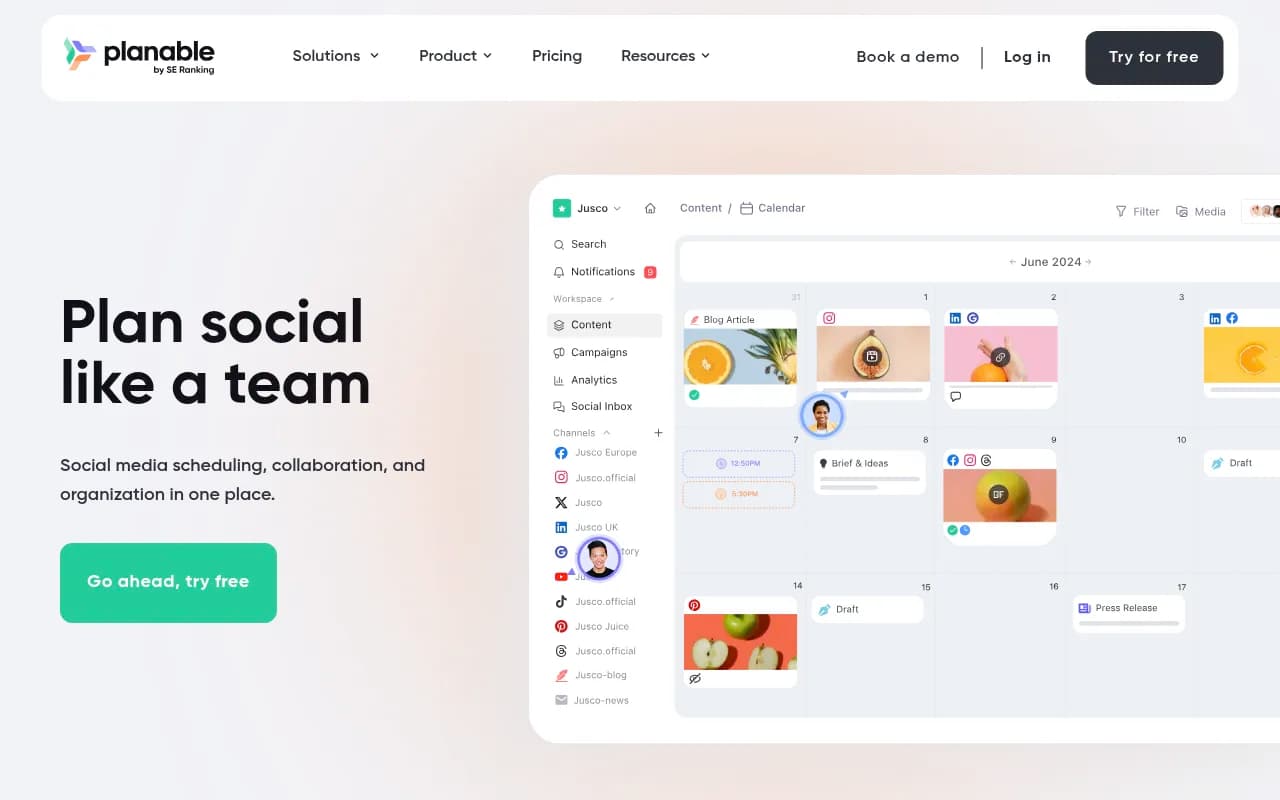
Planable's whole product is built around the approval bottleneck, and that's exactly where most daily-posting teams fail as they scale. Planable's own 2026 guide calls out that "the social media approval process breaks as you scale" as a near-universal failure pattern — and its visual, Canva-style post previews with built-in approval states address that directly rather than bolting it on.
Pricing is per workspace rather than per seat: Basic runs about $39/mo for 60 posts and 4 social pages, Pro around $59-89/mo for 150 posts and 10 pages. Agencies juggling several clients, each posting daily, will outgrow the free tier's 50-post cap almost immediately.
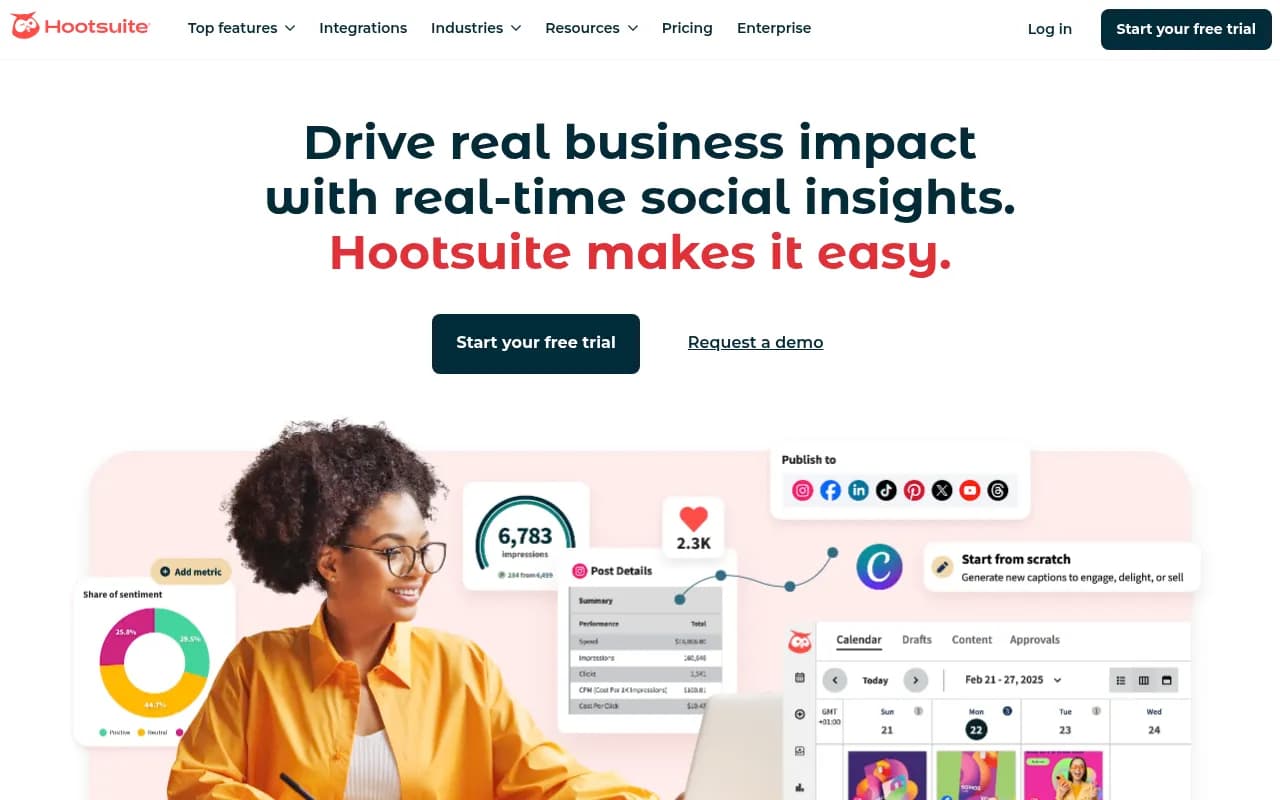
5. Hootsuite — best for multi-brand enterprise operations
Hootsuite is the enterprise default for a reason: centralized dashboards, social inbox, and the kind of permission structures big organizations need when ten people are posting daily across five brands. SpendHound's benchmark data puts average enterprise spend at roughly $155,813/year, which tells you who this is actually built for — it's not a tool a five-person team should reach for first.
Standard starts at $99/mo for up to 5 social accounts, which is genuinely too limited for a daily-posting team of any real size. You'll likely land on Professional ($199/mo) or Advanced ($399/mo) fast.
6. Later — best for Instagram-heavy daily cadences
Later's visual grid planning is still the best-in-class way to plan a daily Instagram feed before anything goes live, and its Starter plan ($18.75-25/mo depending on billing) is genuinely affordable for a solo operator or small brand. Growth and Scale tiers add approvals, a social inbox, and AI credits as the team and posting volume grow.
Where it falls short for daily, multi-platform teams is depth outside the visual-first networks — if your daily cadence spans LinkedIn and X as heavily as Instagram, Later feels secondary rather than central.

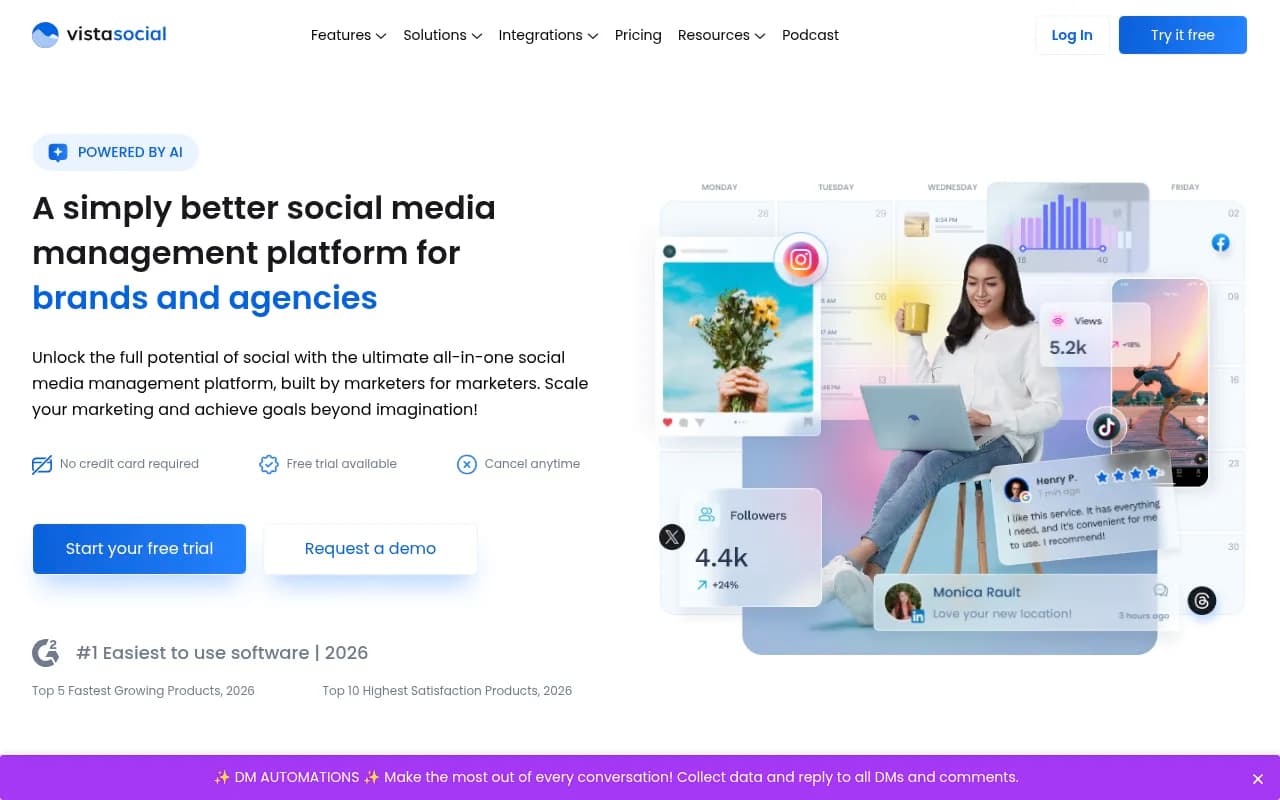
7. Vista Social — best features-per-dollar if you can live without the polish
Zapier's own comparison calls Vista Social "thousands of dollars less than Hootsuite," with the caveat that "it does lack some polish." For a daily-posting team on a budget, that tradeoff is usually worth it: Professional starts around $64-79/mo for up to 15 profiles and 3 users, and Advanced adds Zapier/Make integrations plus an MCP connector that most budget tools don't bother building.
8. Zoho Social — best cheap entry point, with real gaps
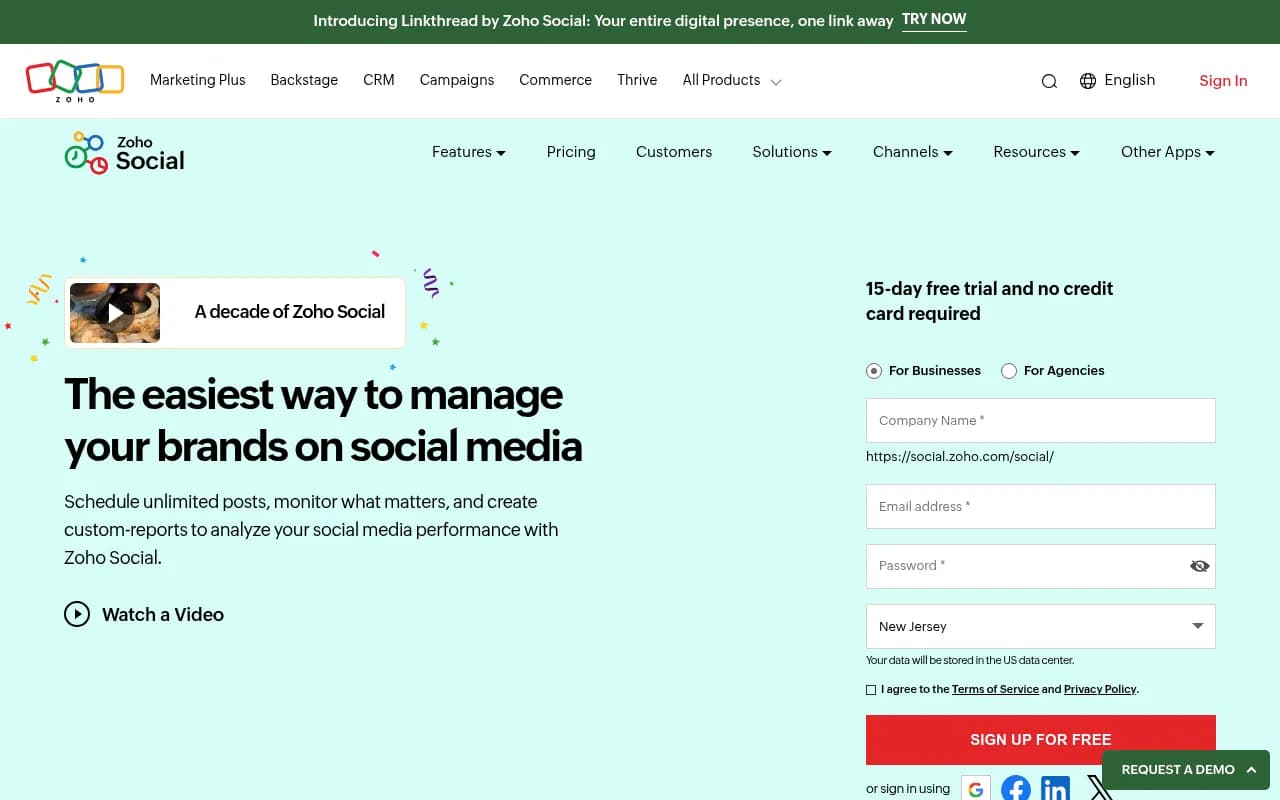
If you're already inside the Zoho ecosystem (CRM, Desk), Zoho Social's Premium tier at $65/mo bundles SmartQ scheduling and native CRM syncing that nothing else on this list offers at that price. But it has no Google Business Profile support and no native AI image generation, which matters if your daily content mix includes visuals or local posts.
9. Sked Social — best for agencies that can't afford per-seat approver pricing
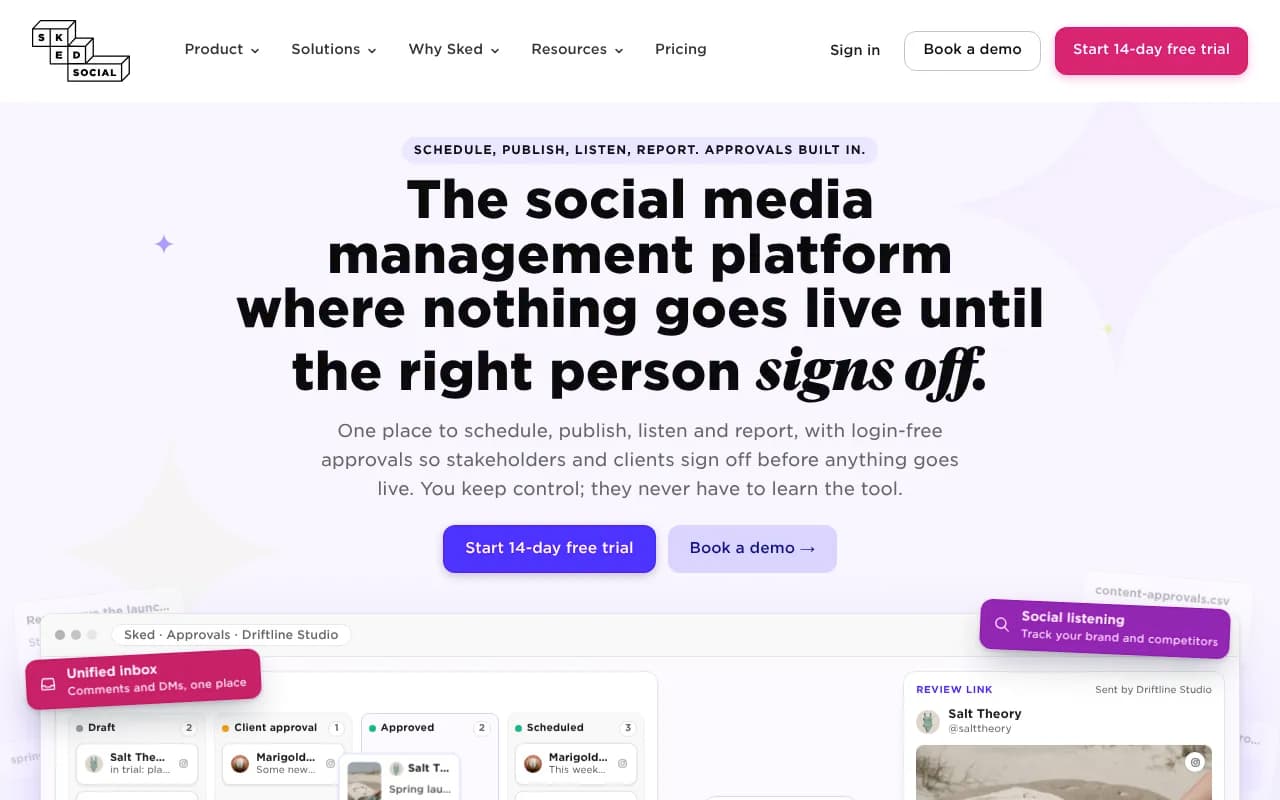
Sked's differentiator is its no-login client approval portal: external approvers don't consume a paid seat, which directly undercuts Sprout Social's $249/seat pricing model for agencies that need five clients each reviewing daily posts. Pricing across its own site and third-party recaps is inconsistent in 2026 (roughly $59-69/mo for the entry tier), so confirm the live number before you commit.
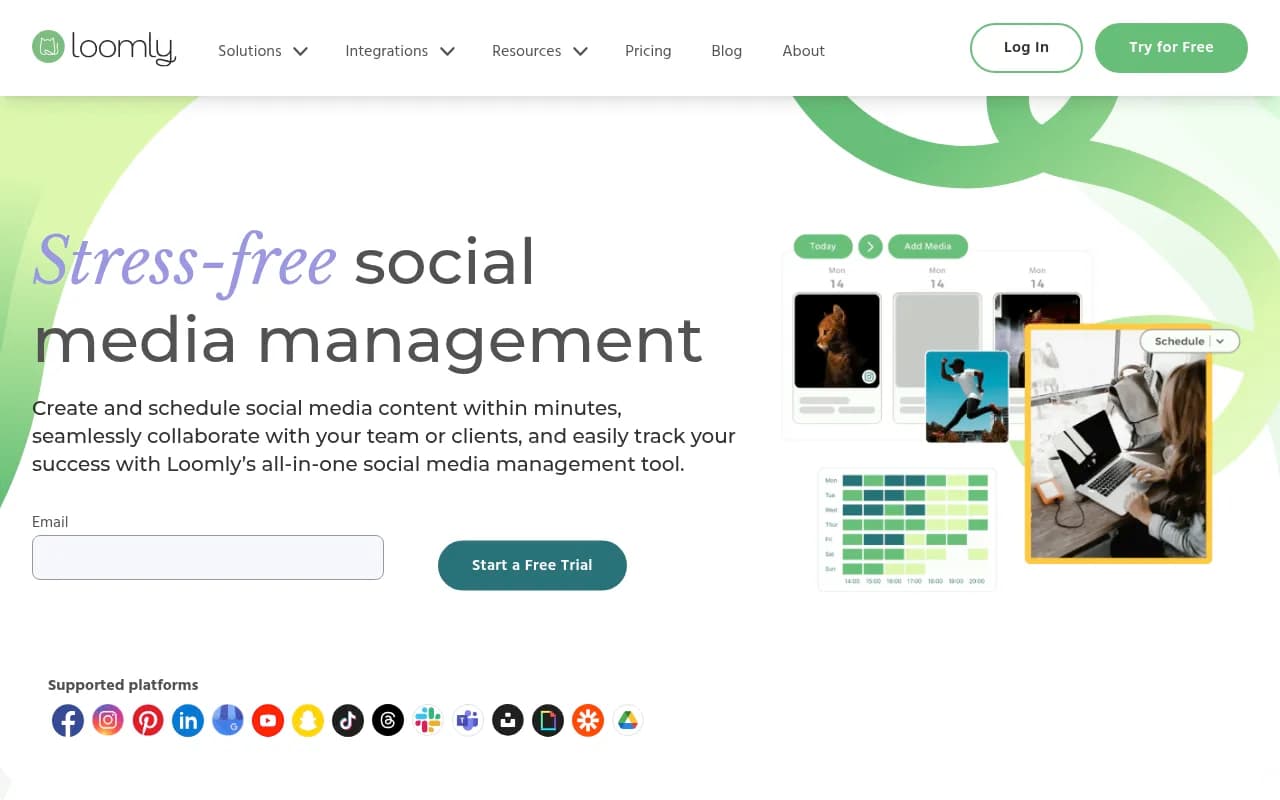
10. Loomly — best when your daily calendar runs you dry on ideas
Daily posting burns through content ideas fast. Loomly's built-in post idea generation and optimization tips exist specifically to solve that, plus it pushes scheduling updates through Slack or Microsoft Teams so a distributed team stays in sync without logging into the dashboard constantly.
11. CoSchedule — best for tying daily social posts back to campaigns
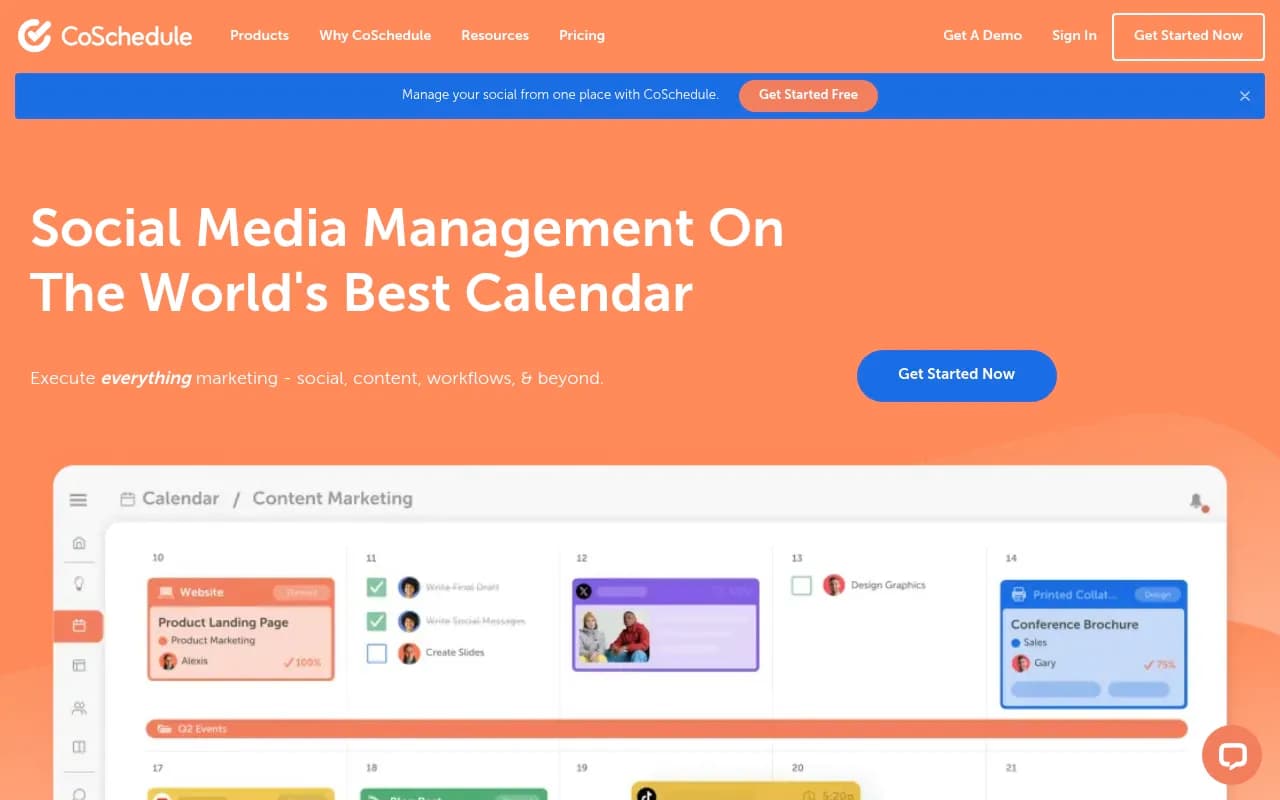
CoSchedule's marketing calendar treats social posts as part of a bigger campaign structure rather than an isolated queue, which is useful if your daily social cadence is meant to support blog launches, email sends, or product drops rather than exist in a vacuum.
Best times to actually post daily (and why the data disagrees with itself)
Here's something worth knowing before you build a daily schedule: the two biggest industry benchmarks for 2026 don't agree. Sprout Social's data points to Tuesday-Wednesday, 11 a.m.-6 p.m. local time as the overall sweet spot, with Facebook and Instagram performing best midweek during work hours. Emplifi's benchmark, built on 399 million analyzed posts, finds the opposite for Facebook and Instagram — Friday through Sunday evenings, specifically 9-10 p.m. — while agreeing that LinkedIn peaks Tuesday-Wednesday mornings.
The honest takeaway: don't copy either benchmark blindly. Pull your own account's posting-time data inside whatever scheduler you pick (most of the tools above include this natively) and test against it for a few weeks before locking in a daily send schedule.
As for raw frequency, Adobe's baseline guidance is a useful sanity check: one post per platform per day or every other day is sustainable, Facebook can handle 3-7 times a week, and X/Twitter engagement actually drops if you post more than twice a day. More daily volume isn't automatically better.
The pitfalls nobody mentions about posting daily through a scheduler
A few things worth flagging before you commit to a tool and a cadence.
Instagram's Basic Display API fully retired in 2026. It's been replaced by the Instagram Graph API with Instagram Login, which requires a Professional (business or creator) account — personal accounts now have zero API access. If your team or any client is still on a personal Instagram account, no scheduler on this list can publish or pull insights for it until that's fixed.
Unofficial or third-party automation that skirts platform APIs is a documented trigger for Instagram shadowbans. Every tool in this ranking uses official APIs, but if you're ever tempted by a cheaper, sketchier alternative because it promises more posts per day, that's exactly the shortcut that gets accounts throttled.
And the quieter pitfall: pricing models that scale badly. Per-channel pricing (Buffer, Zoho Social) means costs climb every time you add a brand account, and per-seat pricing (Sprout, Hootsuite, Agorapulse) means every extra reviewer or approver costs real money. If your daily-posting operation involves a lot of client approvers who only need to click "approve" once a day, a tool like Sked Social or Planable that doesn't charge per approver seat will save you more than the feature comparison suggests.
How to actually choose
Start from your actual bottleneck, not the feature list. If the bottleneck is approvals stalling your daily queue, Planable or HeyOrca solve that directly. If it's cost scaling badly as you add channels, Buffer's per-channel model or Sked Social's flat pricing wins. If the bottleneck is not knowing which of your daily posts are working, Sprout Social or Agorapulse's reporting earns its price tag. Nobody needs all eleven of these — most daily-posting teams need exactly one, picked for the specific thing that's currently breaking.
For teams exploring beyond this list, the broader software directory at surferstack.com has reviews and side-by-side comparisons across the wider marketing stack if scheduling is just one piece of a bigger workflow problem.