Key takeaways
- MCP (Model Context Protocol) is the connector that lets an AI agent read live SEO data (rankings, crawler logs, briefs) instead of you copy-pasting between ten tabs
- An agentic workflow is defined by five things: it works from a goal, covers the full content lifecycle, keeps watching after publish, diagnoses from evidence, and moves at the autonomy level you set
- Agent Chat interfaces (like the one inside Promptwatch) let you ask questions across your visibility, citation, and traffic data in plain language instead of building a dashboard for every question
- A realistic 2026 stack combines an MCP-compatible client (Claude Desktop, Cursor, ChatGPT), a research/content MCP server (Frase, Promptwatch), and an orchestration layer (n8n, Zapier) for anything that needs to run on a schedule
- Start small: connect one MCP server to one client, prove it saves you time on one recurring task, then chain the next step
What "agentic" actually means here
Everyone slapped "agentic" onto their SEO tool this year, so it's worth being precise. Frase's own definition is a decent bar: agentic SEO is a system that researches, drafts, optimizes, publishes, and fixes content at the autonomy level you set, working from a goal rather than a prompt you have to re-type at every step. If a tool needs a fresh instruction for every stage of the funnel, it's a good assistant, not an agent.
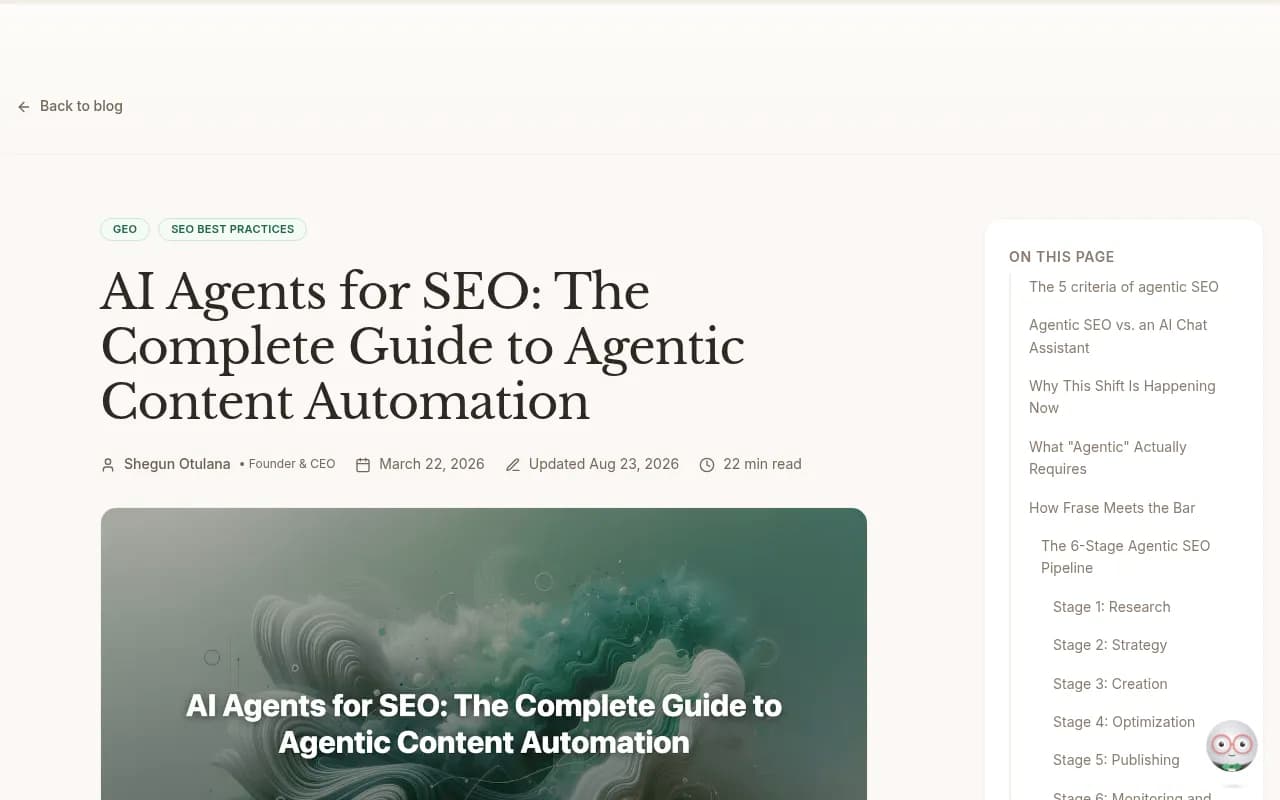
The five criteria worth checking against any tool you're evaluating:
- It works from a goal, not a prompt
- It covers the lifecycle, not one stage
- It keeps monitoring after the content goes live
- It diagnoses problems using that page's own data, not generic advice
- It runs at whatever speed you're comfortable with, from full autonomy to approve-every-step
MCP is the plumbing that makes most of this possible. Agent Chat is the interface that makes it usable without writing code every time you want an answer.
MCP, in plain terms
Model Context Protocol is an open standard, originally from Anthropic, that lets an AI client (Claude Desktop, Cursor, ChatGPT, or your own app) talk to external tools and data sources through a common interface. Instead of building a custom integration for every SEO tool you use, you install an MCP server once and any MCP-compatible client can call it.
For SEO research this matters because the actual work spans a dozen data sources: SERP data, crawler logs, keyword volumes, existing content, CMS state, analytics. Before MCP, "AI-assisted SEO" mostly meant pasting text into ChatGPT. With MCP, the agent can pull live data, act on it, and write results back, all inside one conversation.
A few SEO-relevant MCP servers worth knowing:
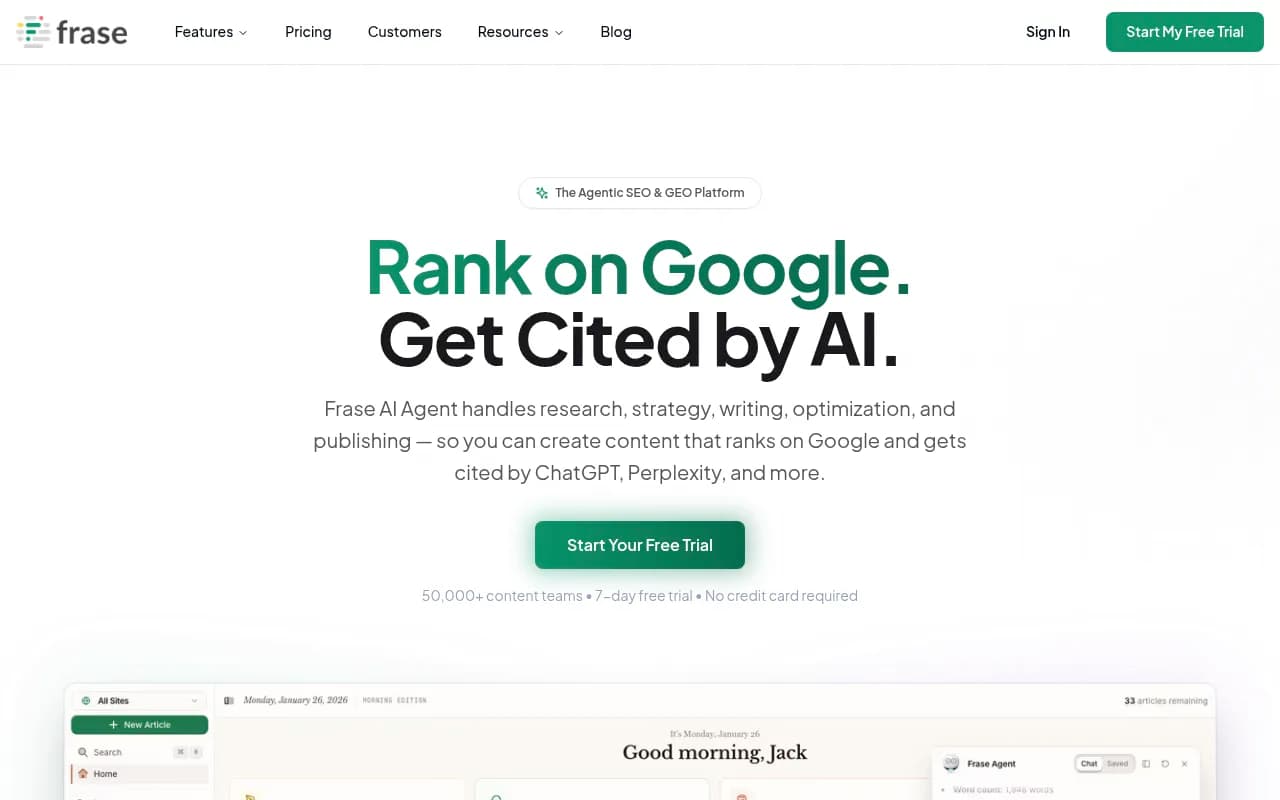
- Frase's MCP server gives read and write access across the lifecycle: SERP analysis, brief generation, AI writing with brand voice, SEO and GEO scoring, visibility tracking, and CMS publishing with schema markup
- Promptwatch exposes an MCP server (plus a ChatGPT plugin and Claude Connector) so an agent in Claude, Cursor, or ChatGPT can query your AI visibility data, crawler logs, and citation history directly

- Google Search Console and Google Analytics have unofficial and first-party connectors that most orchestration platforms wire up as MCP-style tools
Wix has a decent framing for this: MCP handles tool and data access, while newer protocols like WebMCP push further by turning a website's own functions into tools an agent can call directly through the browser. Worth watching, not yet something most SEO teams need to touch.
Where Agent Chat fits in
MCP gives an agent access to data. Agent Chat gives you a way to ask for it without writing a workflow every time. This is the layer people underrate: a conversational interface sitting on top of your live data that can run multi-step analysis and hand back an actual answer, not a raw export.
Promptwatch's Agent Chat is a good example of what this looks like in practice for AI search work specifically. You ask something like "why did our citation rate drop on the pricing page last month" and it digs through prompts, citations, competitor movement, and crawler logs, runs the multi-step analysis itself, and renders a chart. It's also available in Slack, which matters more than it sounds like, because it means the answer shows up where the team already argues about numbers instead of a separate login nobody checks.
That's the shift agentic workflows are making: from "here's a dashboard, go find the insight" to "ask the question, get the insight." The dashboard still exists underneath, but it's not the primary interface anymore.
Putting together an actual workflow
Here's a workflow structure that holds up whether you're a solo SEO or running this for a team.
Stage 1: Research and gap analysis
Connect an MCP-enabled client (Claude Desktop or Cursor work fine) to your keyword research and content gap tools. Frase's MCP server can pull SERP analysis and generate briefs directly inside a chat session. If your focus includes AI search visibility rather than just Google rankings, Promptwatch's content gap analysis maps your existing pages against what AI models are actually answering, with coverage scores per topic, so the agent knows exactly where the holes are before it drafts anything.
Stage 2: Drafting with evidence, not a blank prompt
The difference between a genuinely agentic draft and a generic AI-written page is whether the agent pulled real research first. A brief built from live SERP data, competitor gaps, and (if relevant) AI citation patterns produces something worth publishing. A brief built from a five-word prompt produces filler.
Stage 3: Publish and connect to the CMS
Both Frase and Promptwatch's Content Agents can publish directly to CMS platforms (Webflow, WordPress, Framer for Promptwatch) rather than handing you a Google Doc to copy-paste. That's the difference between a research tool and something that closes the loop.
Stage 4: Monitor after publish, automatically
This is the stage most "AI SEO" tools skip entirely. A page's real test starts the day it goes live. Agent crawler logs, sometimes called Agent Analytics, show you when ChatGPTBot, ClaudeBot, PerplexityBot, or GoogleOther actually visit a page, what they read, and whether they hit an error before a human ever notices something's wrong. Promptwatch tracks over 400 of these crawlers in real time and connects the crawl-to-citation path per page, which is the kind of diagnostic data most rank trackers simply don't have.
Worth noting: Claude's citation crawler has been growing as a share of total AI crawler traffic since late 2025, according to Promptwatch's data on crawler visits through April 2026, so this isn't a one-model problem you can ignore if you're only watching GPTBot.
Stage 5: Diagnose and fix, at the autonomy you choose
When a page slips, whether in Google rankings or AI citations, the agent should pull that specific page's own research history and the current competitive landscape, then propose a fix grounded in that evidence. Some teams want this to ship automatically. Most want a review inbox first. Promptwatch's Unified Actions produces a prioritized to-do list derived from visibility, citation, and crawler data, with a weekly digest, so you're triaging real signals instead of guessing which page needs attention.
Comparing the pieces of the stack
| Layer | What it does | Example tools |
|---|---|---|
| MCP client | Where you interact with the agent | Claude Desktop, Cursor, ChatGPT |
| Research/content MCP server | SERP data, briefs, drafting, publishing | Frase, Promptwatch |
| AI visibility MCP server | Citation data, crawler logs, prompt tracking | Promptwatch |
| Orchestration for scheduled runs | Chains steps that need to run without you present | n8n, Zapier, Make |
| Traditional SEO data feed | Rankings, backlinks, technical audits | Ahrefs, Semrush, Screaming Frog |
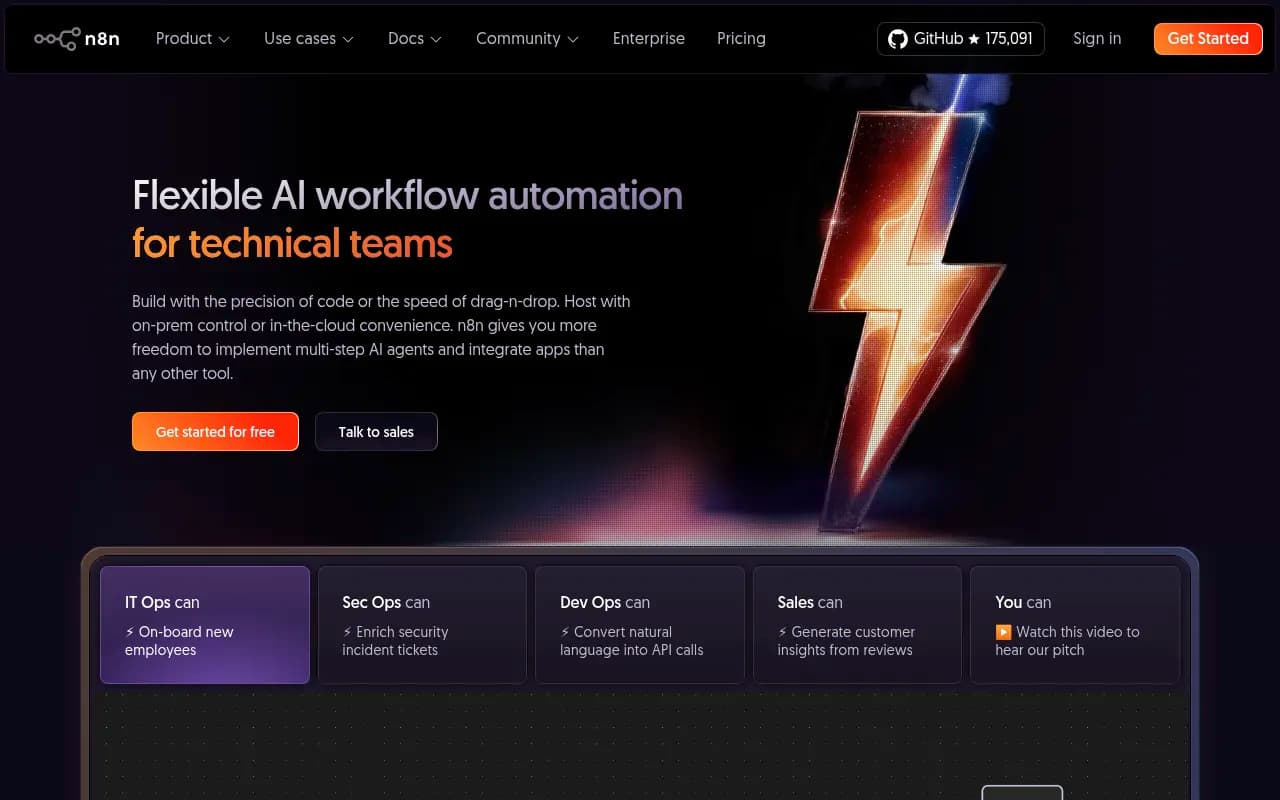
A note on n8n specifically, since it comes up constantly in agentic marketing setups: it's the tool most agencies reach for when a workflow needs to run on a schedule without a human triggering it, like a weekly competitor SERP pull that feeds straight into a brief generator. It's not a replacement for an MCP client, it's the layer that runs the recurring, unattended parts.
What to actually watch out for
A few honest caveats, because this space moves fast and the marketing outpaces the reality more often than not.
Most tools calling themselves "agentic" hit two or three of the five criteria, usually drafting and maybe optimization, and stop there. Ask specifically whether a tool monitors after publish and whether it diagnoses fixes from that page's own history, or whether it's giving you a generic "add more keywords" suggestion dressed up as an insight.
Crawler log access is the feature most competitors skip entirely, and it's the one that actually explains why a page isn't getting cited rather than just telling you it isn't. If a platform only shows you "mentioned" or "not mentioned," it's a tracker, not a diagnostic tool.
Finally, MCP servers vary wildly in how much they let an agent actually do versus just read. Read-only access is fine for research. If you want the agent to publish, tag, or fix things, confirm the server supports write access before you build a workflow around it.
A realistic starting point
Don't try to wire the whole stack on day one. A workable first step: install one MCP server (Frase or Promptwatch, whichever matches whether your priority is traditional SEO briefs or AI search visibility), connect it to Claude Desktop or Cursor, and run one recurring task through it for two weeks, like weekly gap analysis on your ten highest-traffic pages. If it saves real time, add the next stage. If it doesn't, you've lost nothing but a Tuesday afternoon.
For teams specifically trying to figure out which AI visibility or GEO platform actually supports this kind of agentic workflow rather than just monitoring, the comparison at bestgeosoftware.com is worth a look before committing budget.