Key takeaways
- Set up one monitor per client, built from a prompt set that mixes branded, category and competitor questions, plus short keyword-style variants.
- Daily runs beat one-off audits. A single snapshot of a few prompts tells you very little about a client's real visibility.
- Annotate every report with model-release dates. ChatGPT cited about 6.4 sources per response before GPT-5.3 and about 4.7 to 4.9 after, so a dip is not always the client's fault.
- Set two kinds of alerts: client-specific drops and platform-wide shifts. They need different responses.
- Pick a tool by dividing its monthly price and its monthly answer allowance by your client count, then check for white-label reporting.
Why agencies need a separate ChatGPT tracking workflow
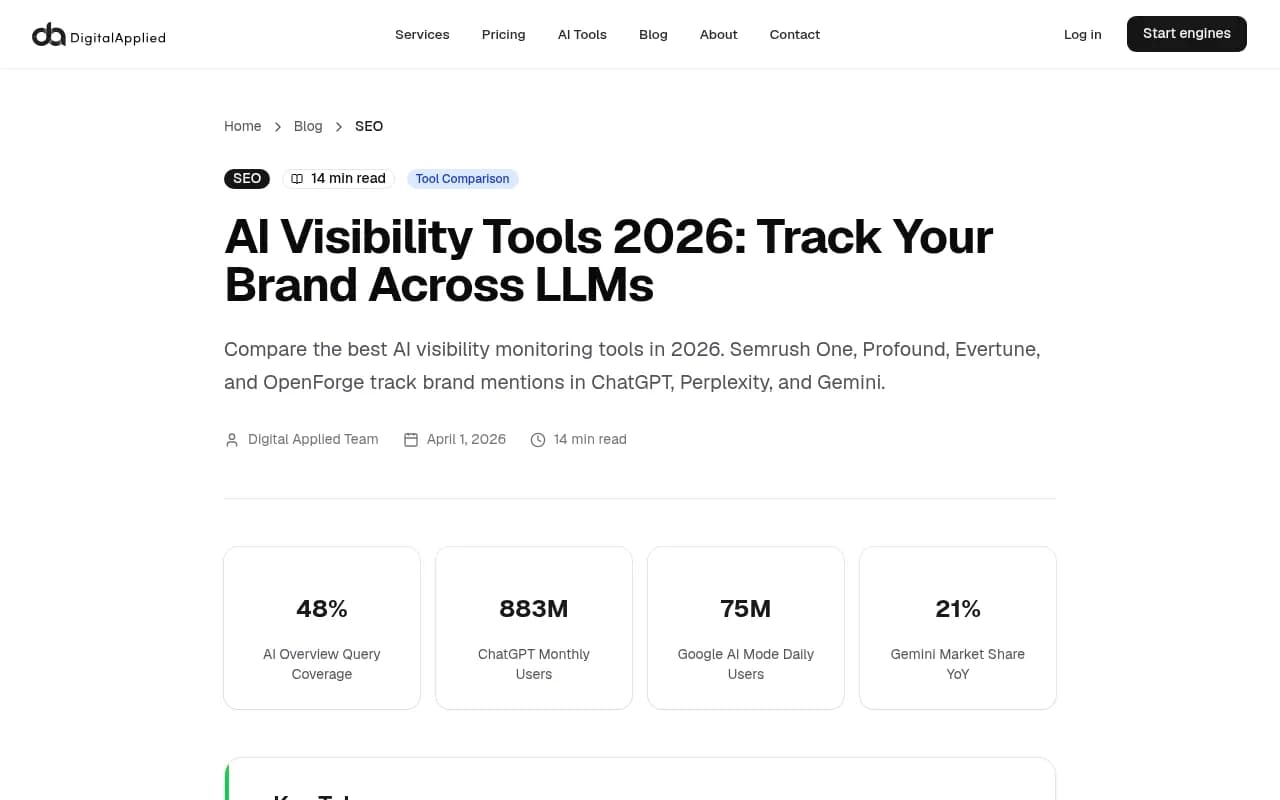
Clients have started asking the question. "Where do we show up in ChatGPT?" is now a standard line in quarterly reviews, and an agency that can answer with data looks very different from one that shrugs. The Digital Applied guide on AI visibility tools makes the same point: agencies that can give data-driven answers differentiate themselves in pitches, and showing that you already track existing clients signals a team that is ahead of the curve.
Rank trackers can't help here. They record where a URL sits in Google. They say nothing about whether ChatGPT names your client when a buyer asks for the best option in a category. The same Digital Applied piece notes that only 38% of pages cited in AI Overviews also rank in the top 10 for the same query. A client can rank first on Google and still be missing from the answer.
Agencies have a second problem on top of that: scale. One brand is a hobby. Ten or twenty clients, each with their own competitors, markets and reporting expectations, is an operations problem. This guide covers the setup in the order you would actually do it: monitors, prompts, reports, alerts, then tool choice.
Step 1: structure monitors per client
Give every client its own monitor, and name it consistently (client, market, language). Mixing clients in one prompt pool makes reporting a nightmare and makes alerts useless.
Before you add a single prompt, define three things for each client:
- Brand aliases. Common misspellings, product names, abbreviations, the old company name if there was a rebrand. A tool that only matches the exact brand string will undercount.
- Competitors. Agree on four to six with the client. Let the tool auto-discover more later, but start from a list the client recognizes.
- Markets and languages. If a client sells in three countries, ChatGPT answers can differ in each. Decide now which ones you report on.
The Dageno guide to ChatGPT brand monitoring suggests a practical pilot: define aliases and competitors before collection starts, and if you are comparing vendors, run at least two on the same model, market and dates. That is sensible for an agency choosing a platform for its whole roster. Thirty days is enough to see which tool's numbers hold steady.
Step 2: build the prompt set
The prompt set is the product. A weak one gives you a pretty dashboard about nothing.
A workable mix per client:
| Prompt type | Example | What it tells you |
|---|---|---|
| Category | "best project management software for agencies" | Whether the client is in the consideration set |
| Comparison | "Client vs Competitor A" | How the client is framed against rivals |
| Branded | "is Client worth it" | Sentiment and accuracy of what ChatGPT says |
| Problem-led | "how do I stop missing deadlines on client projects" | Whether the client shows up before the buyer knows the category |
| Short keyword variants | "agency PM tool" | How ChatGPT behaves when it fans out to short searches |
That last row matters more than it looks. Promptwatch's ChatGPT query fanout data shows average query length falling from about 117 characters in early December 2025 to roughly 53 characters in April 2026. ChatGPT is searching with shorter, more keyword-like queries than it used to, so a prompt set made only of long conversational questions misses part of the picture.
For the prompt count, be honest about limits. Qvery's agency review points out that at ten clients the plans in its roundup range from 300 answers a client (SE Ranking Core) to 12,000 (Trakkr Scale). Run the arithmetic before you promise a client "50 prompts tracked daily."
Run daily, not weekly
Answers vary between runs. Qvery's data on its own daily records found that, for companies named in a tenth or more of their market's answers, two readings of the same question list with each question asked once put visibility 8 points or more apart one time in ten on ChatGPT. Ask each question daily for a month and that gap drops to about 2 points. A report built on five questions a day can look steady and still be a report about five questions. The practical rule: favour daily collection, and report trends over weeks, not single-day numbers.
Step 3: choose the metrics that go into the client report
Clients don't want 40 charts. Pick a short set and keep it stable month to month:
- Visibility or mention rate across the prompt set
- Share of voice against the agreed competitors
- Position within the answer, when the tool measures it
- Sentiment, with a note on any inaccurate statements
- Cited sources: which pages and third-party sites ChatGPT uses
Separate two claims in the report, as Rankability's guide suggests: "our site was cited" and "our brand was supported by third-party evidence." They imply different things. A brand named in an answer without a citation back to its own site usually points to a content or crawlability problem. A brand cited only through review sites and forums points to an offsite authority story.
If the client cares about traffic, add AI-referred visits from analytics. Mentions are a leading indicator, but traffic and conversions are what finance cares about.
Step 4: report with context, not just charts
This is where most agency reports fail. A line that dips gets forwarded to the client's CEO with no explanation.
Annotate with model releases
Promptwatch's ChatGPT citation drop report is the example to keep in your back pocket. GPT-5.3 rolled out on March 4, 2026, and within a day the average number of citations per search-enabled response fell across GPT-5.3, GPT-5.4 and GPT-5-Mini. The week before, ChatGPT cited about 6.4 sources per response. By late March it sat around 4.7 to 4.9, roughly 27% fewer, and had not recovered a month later. Any client whose visibility fell that week was probably looking at a platform change, not a content failure.
So keep a running changelog and put it in every report. And track citations per response next to the client's own visibility, so you can tell "we lost visibility" from "ChatGPT cites fewer sources everywhere."
Keep each engine separate
Don't blend engines into one number. The source mix differs sharply. According to Promptwatch's social media citations by AI model report (Sep 28 to Oct 4, 2026), social platforms made up just 0.46% of ChatGPT's citations, while Google AI Overviews got 12.2% of its citations from social platforms. Reddit's share of ChatGPT citations collapsed in August 2026, as covered in the Reddit citations report. If you sold a client a Reddit strategy to lift ChatGPT visibility, that line item needs a new justification.
Tie movement to work done
Qvery's advice here is good: report a move beside the work done that month, compare the pages you changed with the ones you didn't, and let the client see both. Content also ages differently by type. Promptwatch's half-life of content in ChatGPT data shows landing pages and docs stay cited longest while news loses half its pages within 36 days, so refresh schedules should differ by page type.
Step 5: set up alerts that mean something
Most tools support Slack or email notifications. Digital Applied recommends alerts on significant mention drops or competitor gains, a weekly summary for the team and a monthly deep-dive for strategy meetings. That cadence works. Add these distinctions:
| Alert | Trigger | First response |
|---|---|---|
| Client drop | Visibility falls sharply on one client while peers hold steady | Check page changes, crawl access, recent content edits |
| Platform-wide shift | Several clients drop the same day | Check model release dates and citations per response before touching content |
| Competitor gain | A named rival's share of voice rises | Look at which sources are now citing them |
| Accuracy or sentiment | ChatGPT states something wrong about the brand | Fix source pages, then re-check the prompt |
| Zero-mention prompt | A high-value prompt returns no brand mention | Add to the content gap list |
The platform-wide row is the one agencies miss. If you're managing ten clients, a same-day drop across most of them is a signal in itself. Don't open ten tickets. Open one investigation.
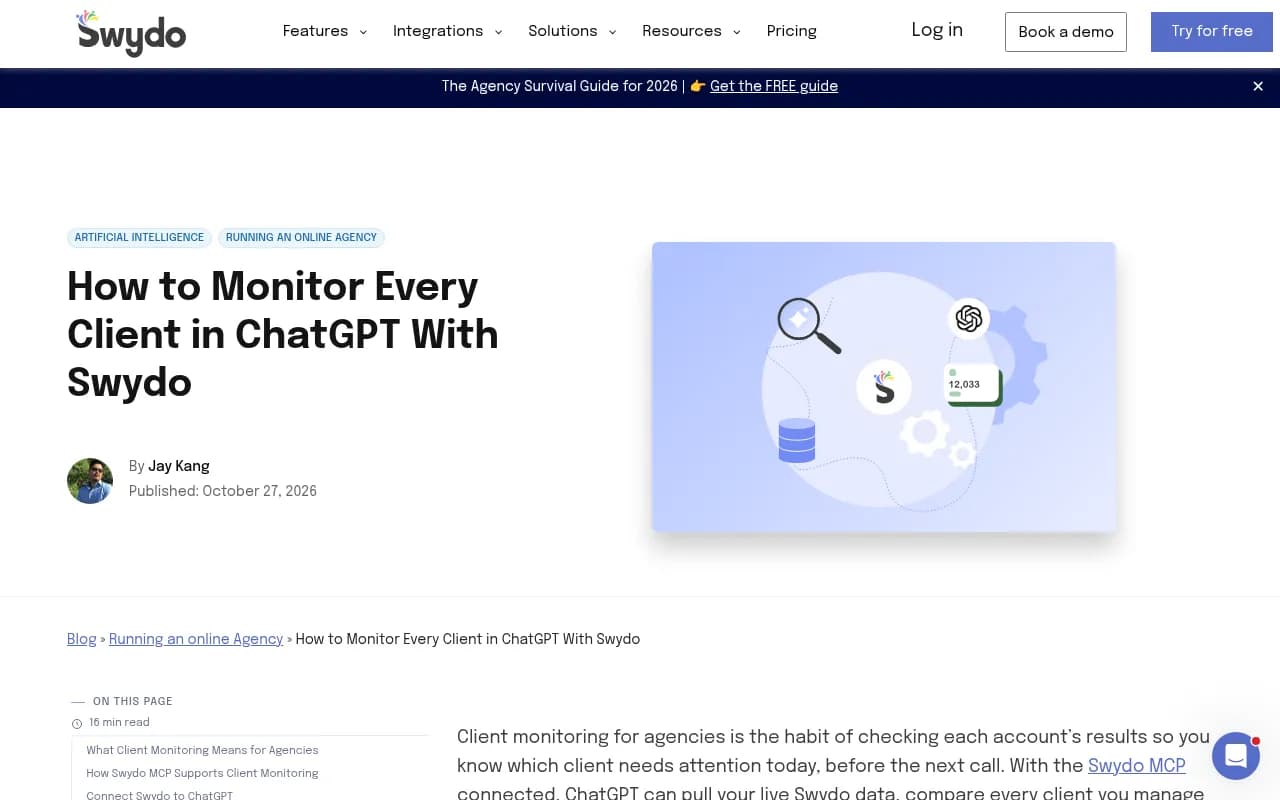
A caution from the Swydo walkthrough on monitoring clients in ChatGPT: that guide is about connecting ChatGPT to your ad-platform data through an MCP, not about tracking brand mentions inside answers. Its useful idea transfers, though. A chat-based review only runs when someone asks for it, while standing alerts keep checking every day. Treat anything ad hoc as a complement to scheduled monitoring, never the replacement.
Choosing a tool for an agency roster
What to demand: stored history so you can see trends, white-label or shareable reports, multi-client management, alerts, and enough daily answers per client to be stable. The Dageno guide lists history and alerts as essential for a reason: they separate trends from one-offs.
Here is how the main options sit for agency use, based on the research for this guide. Always confirm current pricing on each vendor's site.
| Tool | Agency angle | Notes |
|---|---|---|
| Promptwatch | Agency plans with unlimited projects and prompts, white-label exports, branded read-only client access | Goes beyond monitoring into crawler logs, AI traffic and content creation |
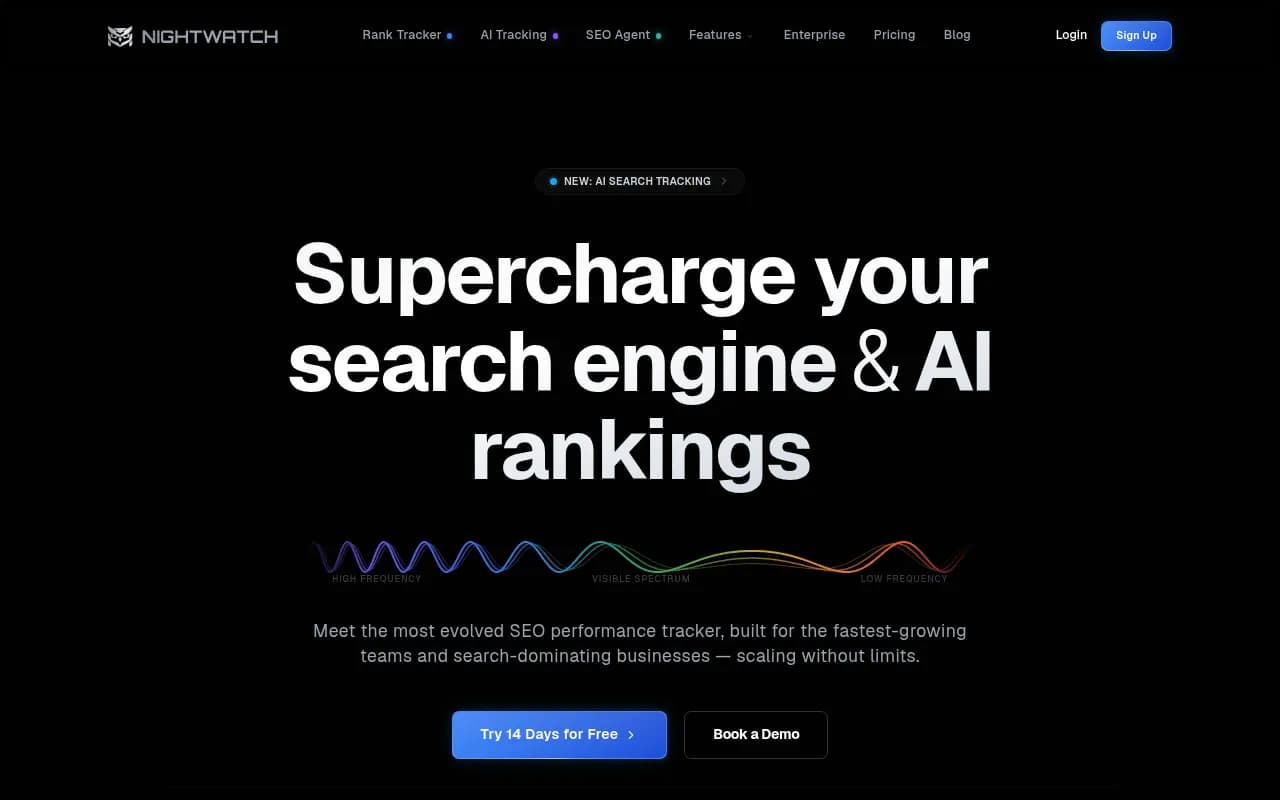
| Nightwatch | White-label reports, rankings beside AI answers | Suits clients whose report is still mostly rankings |
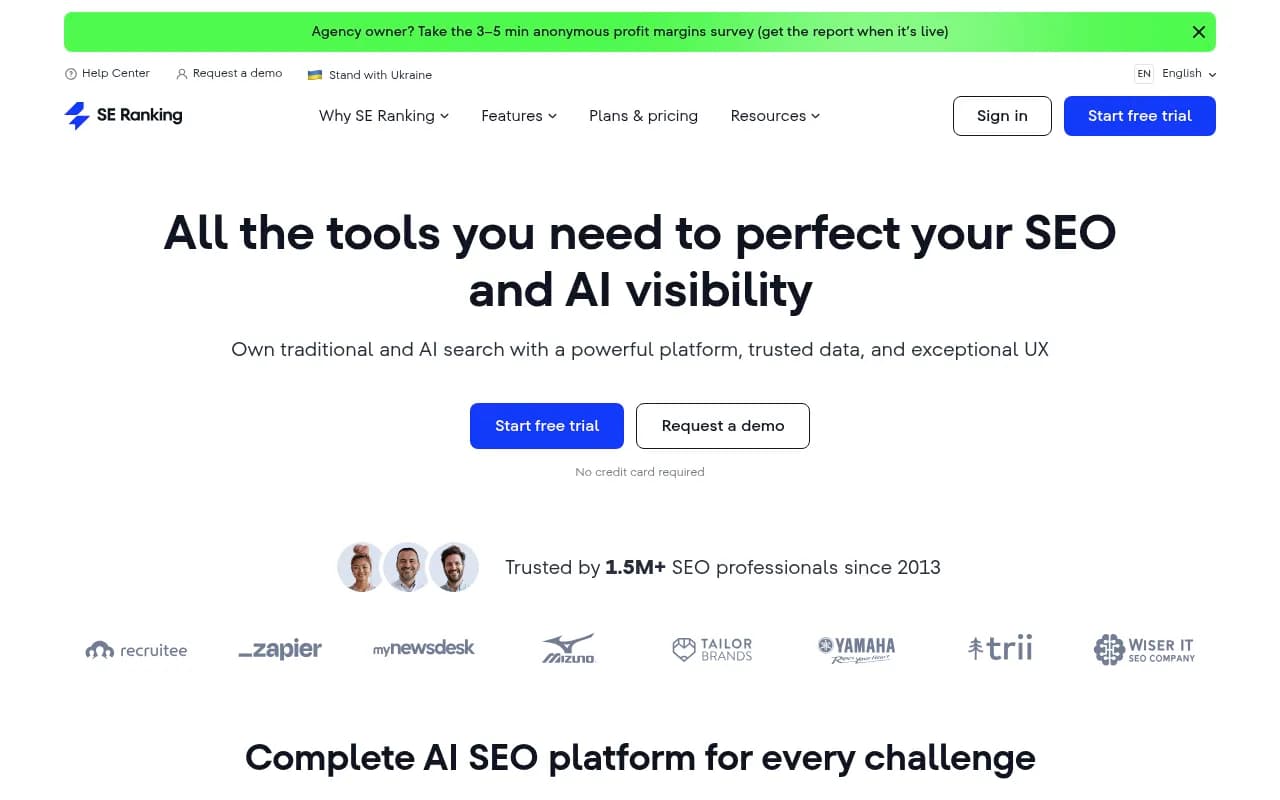
| SE Ranking | Agency Pack for white-label | Qvery lists Core at $129 plus Agency Pack at $69 for ten clients |
| Semrush | Pro Report add-on for AI prompts | Good if you already report from Semrush |
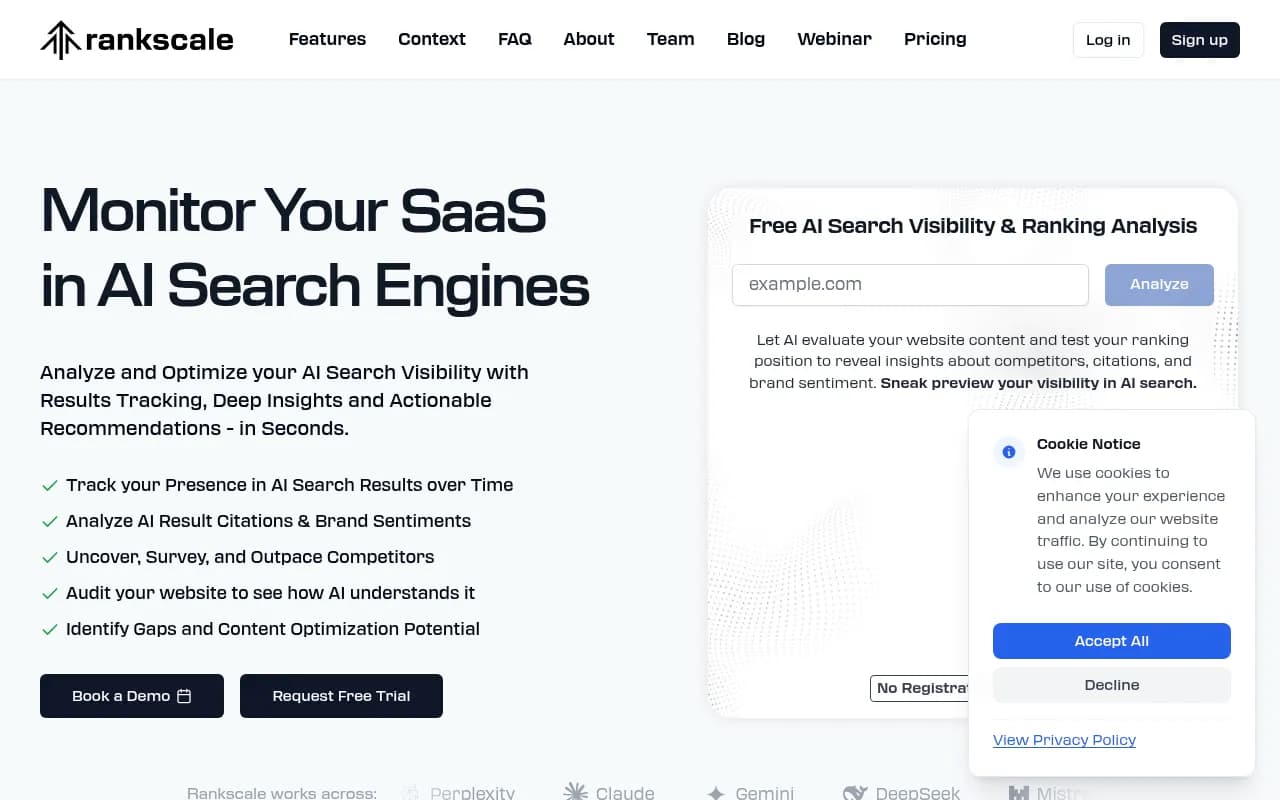
| Rankscale | Agency-focused, white-labeled share links | Lowest per-client cost in Qvery's list for ten clients |
| Otterly.AI | Budget-friendly, branded Looker Studio reports for Agency Partners | Simple setup, prompt-based tracking |
| Peec AI | Quick snapshots, shareable reports | Simple prompt management and competitor comparison |
On pricing math, Qvery's FAQ is blunt: divide the monthly price by the clients you will run on it, then divide its monthly AI answers the same way. At ten clients, the plans it lists run from $9.90 a client (Rankscale Pro) to $50 (Trakkr Scale).
Where Promptwatch fits
If you want the monitoring and the fixing in one place, Promptwatch is built for it. Its agency plans cover unlimited projects, pitch projects and prompts, with country, state and city tracking, white-label PDF exports and branded read-only client access. Because it tracks real ChatGPT interface responses and adds IP-verified AI crawler logs and visitor analytics, you can show a client not just that they're mentioned, but which pages get crawled, cited and clicked. Kick-off starts at $199/mo, with Growth at $399 and Scale at $799. Check promptwatch.com/pricing before quoting a client.

For a cheaper start or a narrower brief, several others are worth a look.
Otterly.AI


For more options beyond this list, the GEO software directory at bestgeosoftware.com and the AI rank tracking tools directory are good places to compare.
A repeatable onboarding checklist
When you sign a new client, run the same sequence every time:
- Collect brand name, aliases, product names, top competitors and target markets.
- Build 30 to 50 prompts across category, comparison, branded and problem-led types, plus short keyword variants.
- Create the monitor and set daily collection across the engines the client's buyers use.
- Record a baseline for two weeks before reporting any trend.
- Set alerts: client-specific drop, competitor gain, accuracy issue, and a shared channel for platform-wide shifts.
- Schedule a weekly internal summary and a monthly client report with a model-release changelog.
- Review the prompt set every quarter. Buyers' phrasing shifts and so does ChatGPT's search behaviour.
Common mistakes
Tracking five prompts and calling it a report. The numbers will wobble and the client will notice.
Blending engines. ChatGPT, AI Overviews and Perplexity cite very different things. One blended score hides the actual story.
Blaming content for platform changes. Check the date against model releases first.
Reporting mentions without outcomes. If the client can't see a path from visibility to traffic or leads, the report gets cut at the next budget review.
Promising Reddit or social lifts in ChatGPT without checking current citation data. It moved a lot in 2026.
Final thoughts
The agencies doing this well in 2026 aren't the ones with the fanciest dashboard. They have a consistent prompt set per client, daily collection, a changelog of platform events and alerts that tell them whether a drop is theirs to fix. Set that up once, template it, and each new client takes an afternoon instead of a week.
If you'd rather hand the whole AI-search program to specialists, 1001 SEO Media runs GEO and AI visibility work for brands, using Promptwatch for tracking.