Key Takeaways
- Google Search Console is first-party data: real impressions, clicks and queries from your own site. It also mixes AI Mode and AI Overviews into the Web search type, so you cannot cleanly isolate them.
- An AI Mode rank tracker queries the AI Mode interface itself and tells you whether your brand is named or cited, and who gets cited instead of you. It cannot tell you how many real users saw you.
- Position numbers on AI surfaces are shaky. AI Overview links inherit the block's position, and Google has not documented how AI Mode counts. Treat average position there as a dated reading with a caveat.
- Search Console history has known logging errors (May 13, 2025 to April 27, 2026, and several days in August 2026). Check Google's data anomalies page before blaming a traffic dip on rankings.
- You need both. Search Console answers "what happened to my traffic." A tracker answers "what does AI Mode say, and who does it cite."
The short version
People ask which of these they should buy or open first. That is the wrong framing, because the two tools answer different questions. One is a meter attached to your own site. The other is a probe pointed at Google's AI Mode tab from the outside.
Search Console tells you what Google logged. A tracker tells you what AI Mode appears to say right now across a set of prompts you picked. Neither gives you a clean "rank in AI Mode," and honestly, that phrase is a bit misleading anyway. AI Mode does not return a numbered list. It reads a question, fans it out into sub-questions, and writes one synthesized answer with a few inline citations. There is no position three to hold.
Google has said AI Mode passed one billion monthly users, so it is not a fringe surface (that figure comes from a vendor blog quoting Google's I/O 2026 announcement, so confirm it against Google's own post before you repeat it in a deck).
What Search Console actually shows you
Google Search Console is the only place you get real first-party data on the queries people typed before landing on your site, which pages they hit, and whether they clicked. It is free. It only starts collecting from the day you verify, so if you have not set it up, do that first.
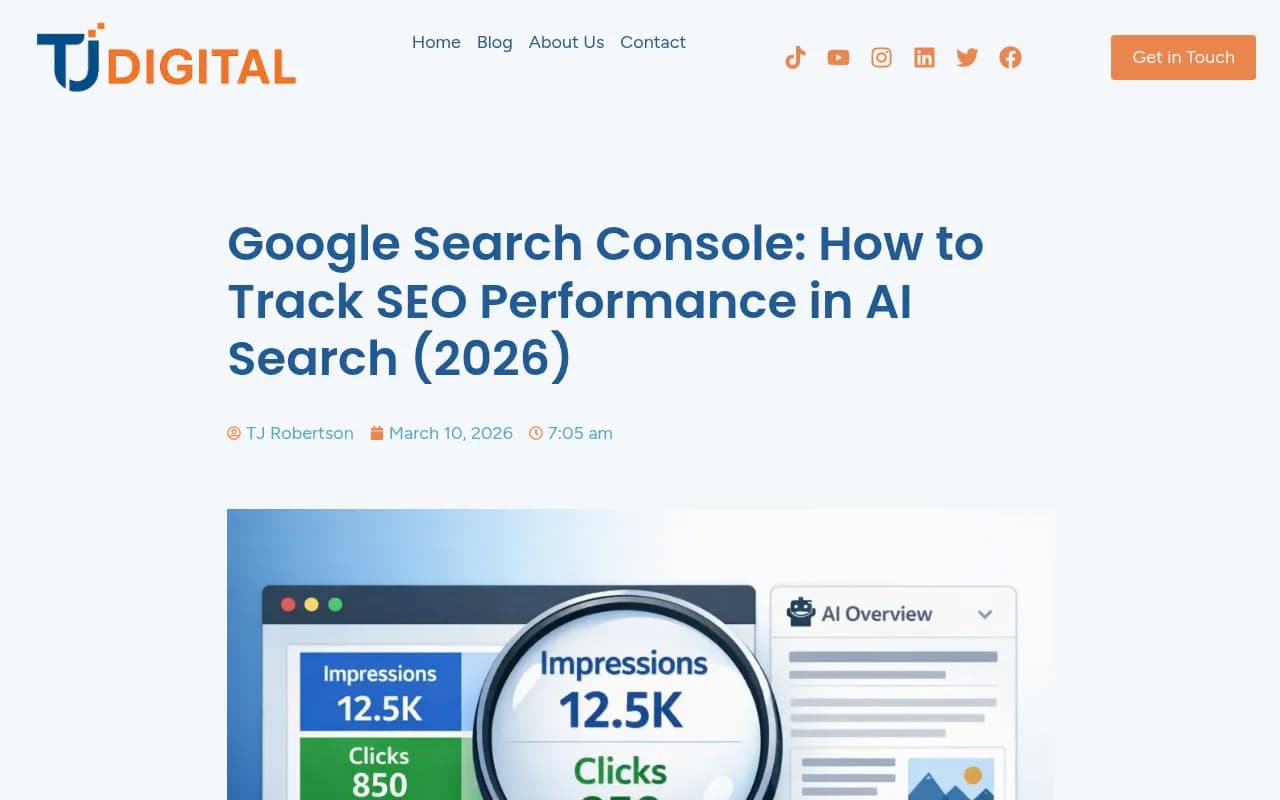
For AI surfaces, three behaviors matter, per reporting on statements from Google's John Mueller (verify against Google's documentation before quoting them in client reports):
- One impression per URL per query. If your page shows inside the AI Overview and again in the classic listings, you get one impression for that query, not two.
- AI Overview links inherit the block's position. If the overview sits at position 1 and carries five citations, all five report position 1. A page cited fourth inside the generated answer reports the same number as the first organic result below it.
- AI Mode position counting is undocumented. Nobody outside Google can say whether citations in an AI Mode response count sequentially or as one block at position 1. Mueller did not answer the direct question in September 2026, and the help documentation has not changed.
That third point is bigger than it looks. If AI Mode counts sequentially, average position tells you how prominently you were cited. If it counts as one block, average position tells you only that the block existed. You cannot tell which from the report.
Can you isolate AI Mode in Search Console?
This is where the sources disagree, and you should check your own account. One source describes an updated Search Type filter with dedicated AI Overviews and AI Mode segments. Another, more detailed one says Google places both inside the Web search type of the Performance report with no filter to separate them, and that a separate generative AI report shows impressions by page only, with no clicks and no queries. Given the second source quotes specific dates and Mueller exchanges, I would trust it more, but open your Performance report and look before you build a process around either claim.
One practical note: AI Mode follow-up queries (the short "yes, pricing" kind) show up in the main Performance report, blended with everything else. That is the only place with query data.
The holes in your comparison window
If you pull year-over-year numbers, you are comparing against data Google has admitted is flawed.
| Window | What was documented | What you cannot safely do |
|---|---|---|
| May 13, 2025 to April 27, 2026 | Logging error affected impression reporting; fix applied going forward, history not recalculated | Year-over-year impression or CTR comparisons reaching into that window |
| August 13, 2026 | Generative AI report under-counted impressions for several days (Google called it a logging issue) | Reading the dip as lost visibility |
| September 2025 | Removal of the &num=100 parameter deleted a layer of scraper impressions | Treating the following drop as a performance decline |
Before you call any drop a ranking change, check Google's data anomalies page.
What an AI Mode rank tracker actually shows you
An AI Mode tracker tells you whether AI Mode names or cites your brand when someone asks a question, how often, and who it cites instead. A decent one measures four things rather than a rank:
- Inclusion: did your brand or domain appear at all
- Mention: was your brand named in the answer text
- Citation: did AI Mode link one of your URLs (only a linked citation can send a click)
- Share of voice: across a prompt set, what fraction of the answer space is yours versus competitors
Named and cited are different. A brand can be named in 40% of answers on a topic and cited in 10%. Tracking both is the whole point.
The caveat every vendor should tell you: AI Mode has no public API for rank tracking. Tools drive a real browser session and read what comes back. So each number is a modeled estimate from repeated samples, not a count of what real users saw. That claim comes from a vendor blog (geotoolbox.ai), but it matches how the category works. Watch the trend, not any single check.
Side by side
| Question | Search Console | AI Mode tracker |
|---|---|---|
| Data source | First-party Google logs | Sampled from the real interface |
| Shows real clicks and impressions | Yes | No |
| Shows queries that sent traffic | Yes (blended with Web search) | No, you choose the prompts |
| Shows competitors cited | No | Yes |
| Separates AI Mode cleanly | Not reliably | Yes |
| Mentions without links | No | Yes |
| Position meaning | Block position for AI Overviews, undocumented for AI Mode | Inclusion and citation rate, not a rank |
| Cost | Free | Paid |
| Biggest risk | Logging errors, blended data | Sampling noise, vendor hiding AI Mode behind a higher tier |
What the citation data tells you to expect
It helps to know what AI Mode tends to cite, because it affects how you read both tools. Promptwatch Data's Google AI Mode citation share report for June 2026 (May 31 to June 26, month-to-date) found google.com took 7.31% of AI Mode citations, more than YouTube (2.88%) and Reddit (2.52%) combined. Counting YouTube, Google-owned properties take over 10%. No independent website cleared 1%. The report's takeaway is that open-web opportunity sits in the long tail, with tightly scoped pages that each fully answer one question.
That is useful context if your tracker shows you cited in 3% of prompts. In a surface where no independent site clears 1% overall, small numbers are normal. The gap between a mention and a citation matters more than the absolute figure.
AI Overviews look different. Promptwatch Data's top AI Overview sources view (a live 30-day window) shows YouTube around 4.1% and Reddit around 2.7%. Ahrefs has reported that AI Mode and AI Overviews cite the same URLs only 13.7% of the time, so a tracker that watches only one surface is blind to the other.
Choosing a tracker
Pricing and coverage change fast, so confirm on each vendor's page. The main thing to check is whether AI Mode is on the plan you can afford, and whether the vendor names AI Mode in plain words. One vendor comparison notes that AccuRanker and Keyword.com named only AI Overviews, not AI Mode, as of September 1, 2026. That claim is unverified, so check their current pages.
If you want AI Mode as part of a broader AI visibility platform that also covers crawler access and the content work, Promptwatch tracks Google AI Mode and AI Overviews from the real interfaces alongside ChatGPT, Gemini, Perplexity and others, then connects that to crawler logs, Search Console data and content creation. Its prompt tracking and Google AI Overviews page are the places to start.
Other options from the vendor comparisons in the research:
| Tool | AI Mode notes (per vendor comparison) | Best for |
|---|---|---|
| SE Ranking | Included from Core plan, about $129/month, 100 daily prompts | AI Mode next to large keyword sets |
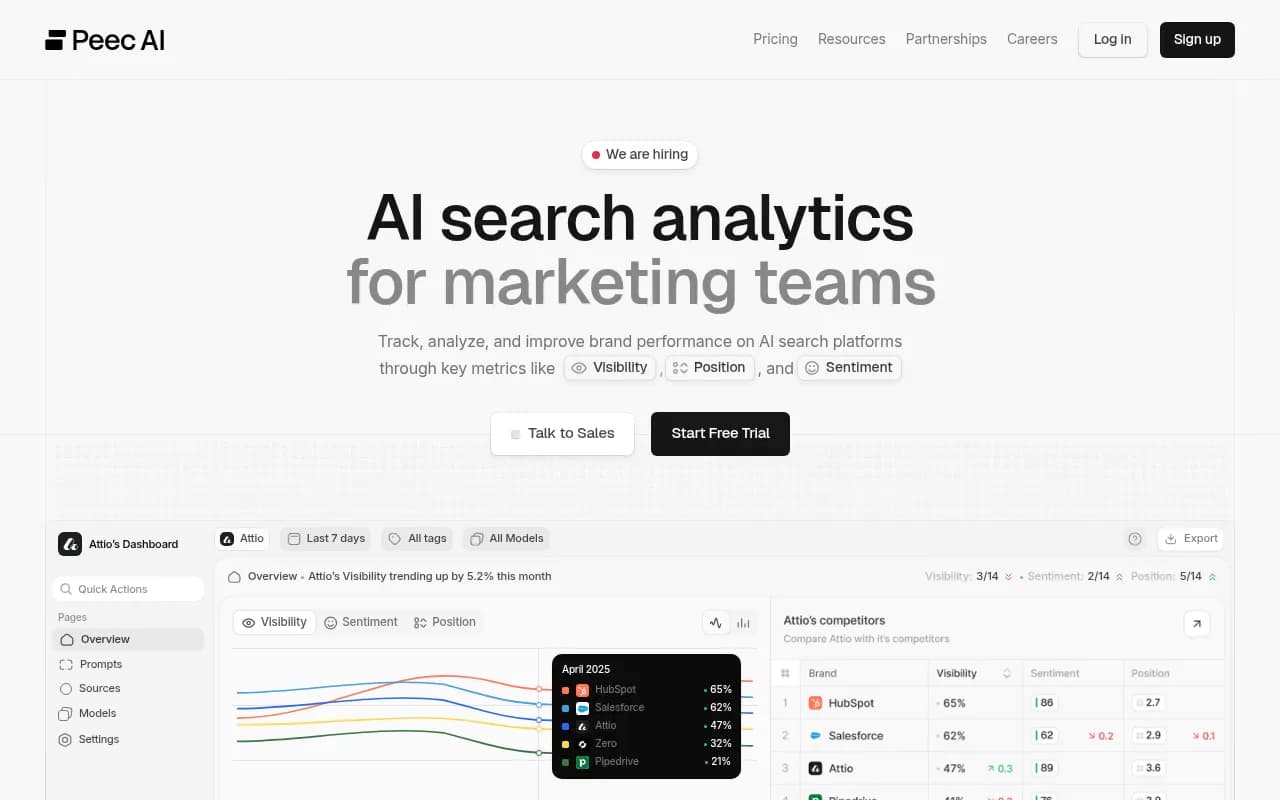
| Peec AI | One of three models you pick, Starter about $95/month | Simple prompt tracking |
| Nightwatch | Included on Starter, about 79 EUR/month, 1,500 AI answers a month | AI Mode beside daily Google rankings |
| Rankscale | Credit-based, about 0.25 credits per AI Mode run, from $17/month yearly | Budget and cadence control |
| Orchly | Real AI Mode interface as a paid add-on, ties to Search Console | AI Mode plus agents that act |
Those prices come from third-party comparison posts, and at least one of them is written by a vendor with its own product. Treat them as starting points. For a wider list, the GEO software directory and the AI rank tracking tools directory are good places to browse.
How to use both together
Step 1: Check reachability first
The fastest way to be missing from AI Mode is a page Google cannot load. Confirm the page is indexed and crawlable before you read any tracker. Search Console's indexing reports help here, and a free tool like Promptwatch's AI crawler URL inspector tests whether AI agents can fetch a page.
Step 2: Build a prompt set from your own queries
Pull your top queries from Search Console, including the conversational ones, and turn them into the prompts you track. This is the bridge between the two tools. Search Console tells you what real people typed. The tracker tells you what AI Mode does with those questions.
Step 3: Report the right thing with the right label
For Search Console, report impressions and clicks with the caveats above, and avoid presenting average position on AI surfaces as a rank. For the tracker, report inclusion, mention rate, citation rate and share of voice as trends over a stable prompt set. Annotate any date inside a known logging window.
Step 4: Diagnose the gap
| Pattern | Likely cause |
|---|---|
| Impressions up, clicks down in Search Console | AI features answering the query on the page |
| Tracker shows mentions but few citations | You lack a page built around that exact question |
| Tracker shows no inclusion, GSC shows impressions | Rankings fine in classic results, not pulled into AI answers |
| Sudden dip on one date in both | Check data anomalies and tracker sampling changes first |
What I would not do
I would not put a single average position figure for AI Mode in a client report. I would not compare year-over-year impressions across the logging error window. And I would not buy a tracker that hides the sampling limits, because that is selling confidence nobody can actually deliver.
The cleanest summary: Search Console is your ground truth for traffic, with blurry edges on AI. A tracker is your window into the answer itself, with sampling noise. Use the first to measure what happened and the second to figure out why.
Frequently asked questions
Does Search Console give every AI Overview link the same position?
Yes. Reporting on Mueller's September 2026 comments says the whole overview is treated as one result, so every link in it reports the block's position.
Can a rank tracker tell me how much traffic AI Mode sends me?
No. It samples answers and shows whether you were included or cited. Traffic comes from your analytics and Search Console.
Do I need a paid tracker if I have Search Console?
If you only care about traffic, Search Console may be enough. If you want to know which competitors get cited, whether you are mentioned without a link, or what AI Mode says about your brand, you need a tracker.
Which should I check first when traffic drops?
Search Console, and Google's data anomalies page, before you touch content.