Key takeaways
- An AI accuracy report should list the specific claim, the model that made it, how often it appears, and the page it most likely came from. A general statement like "AI gets us wrong" is not reportable.
- Most wrong claims trace back to the client's own product or landing pages, a review site, or a listicle. Check those first.
- Rank issues by frequency and commercial impact, then assign each one an owner and a fix.
- Keep a human on the final read. AI tools can collect and draft, but the account lead decides what reaches the client.
- Re-test after each fix and show the before and after in the next report.
Why accuracy reports are different from visibility reports
A visibility report answers "how often are we mentioned?" An accuracy report answers a harder question: "when we are mentioned, is it true?"
Clients feel this difference immediately. A wrong price, a discontinued feature, a competitor's strength attributed to them, or an outdated claim about a recall can cost real money. And unlike a bad review, nobody can reply to it. The claim lives inside a generated answer that changes between runs.
That is why the report needs to be more careful than a normal dashboard export. You are presenting evidence of a problem the client may not have known existed, and you need to be calm, specific, and ready with a plan.
What counts as an accuracy issue
Before building a report, agree with the client on categories. Otherwise every odd sentence becomes an "issue."
| Category | Example | Typical severity |
|---|---|---|
| Factual error | Wrong pricing, wrong founding year, wrong HQ | High |
| Outdated information | Describes a product line retired last year | High |
| Feature misattribution | Says the brand lacks a feature it ships | High |
| Competitor confusion | Credits a rival's award to the client | Medium to high |
| Tone or framing problem | Calls the brand "budget" when it positions premium | Medium |
| Omission | Leaves out a major product or market | Low to medium |
Write these definitions into your onboarding doc. It saves arguments later about whether a vague answer is a real problem.
Step 1: Collect the evidence properly
The weakest accuracy reports are screenshots from one person's ChatGPT session. Answers differ by country, language, account history, and run. A client's CMO will try the same prompt, get a different answer, and decide your report is wrong.
So collect evidence across many runs. For each issue, capture:
- The exact prompt and persona or audience
- Which AI engine and country
- The verbatim claim
- How many responses in the sample contain it
- The sources cited in those responses
- The date range of the test
This is where tooling matters. Promptwatch pulls answers from the real interfaces of ChatGPT, Gemini, Perplexity, Google AI Overviews and others, and its Brand Narrative feature extracts the individual claims AI makes about a brand, grouping repeated ones and showing which models say them. Fact Check then lets you mark a claim accurate or inaccurate and finds the pages on the client's site that state it or its opposite.
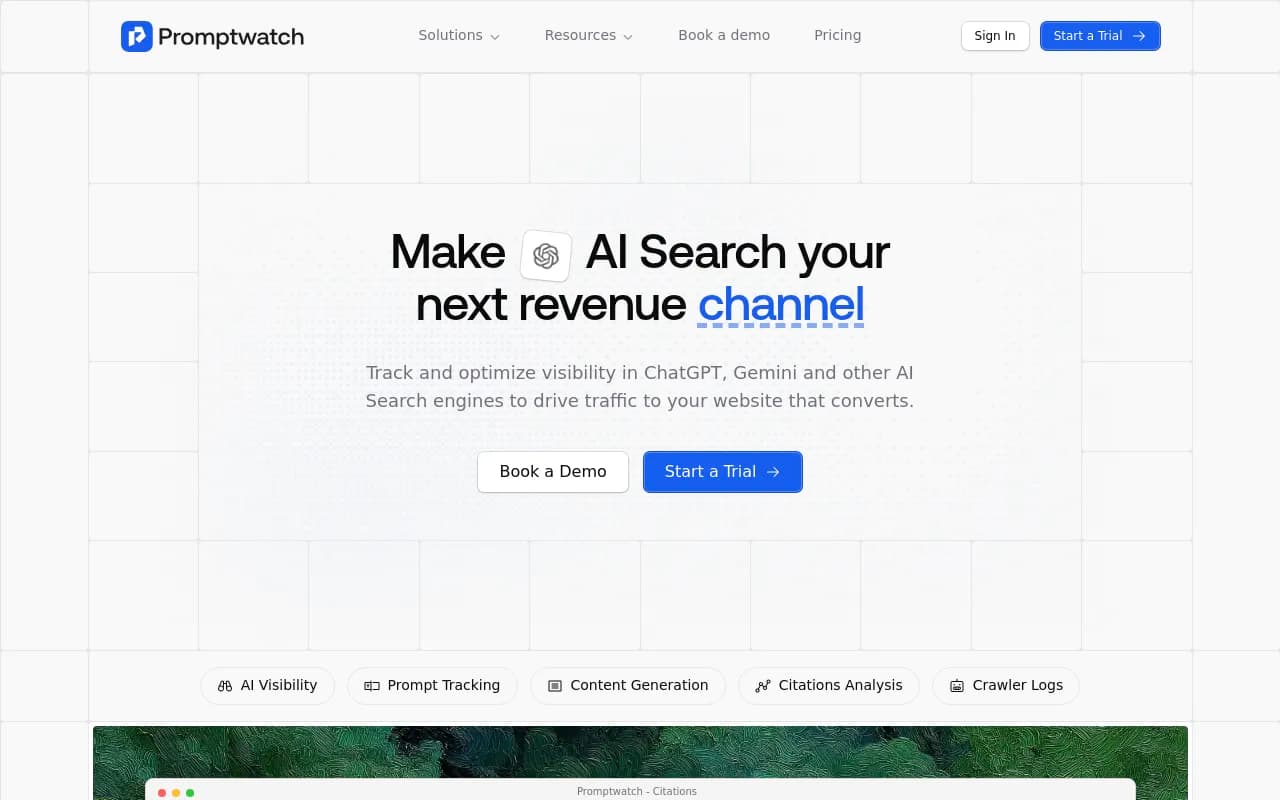
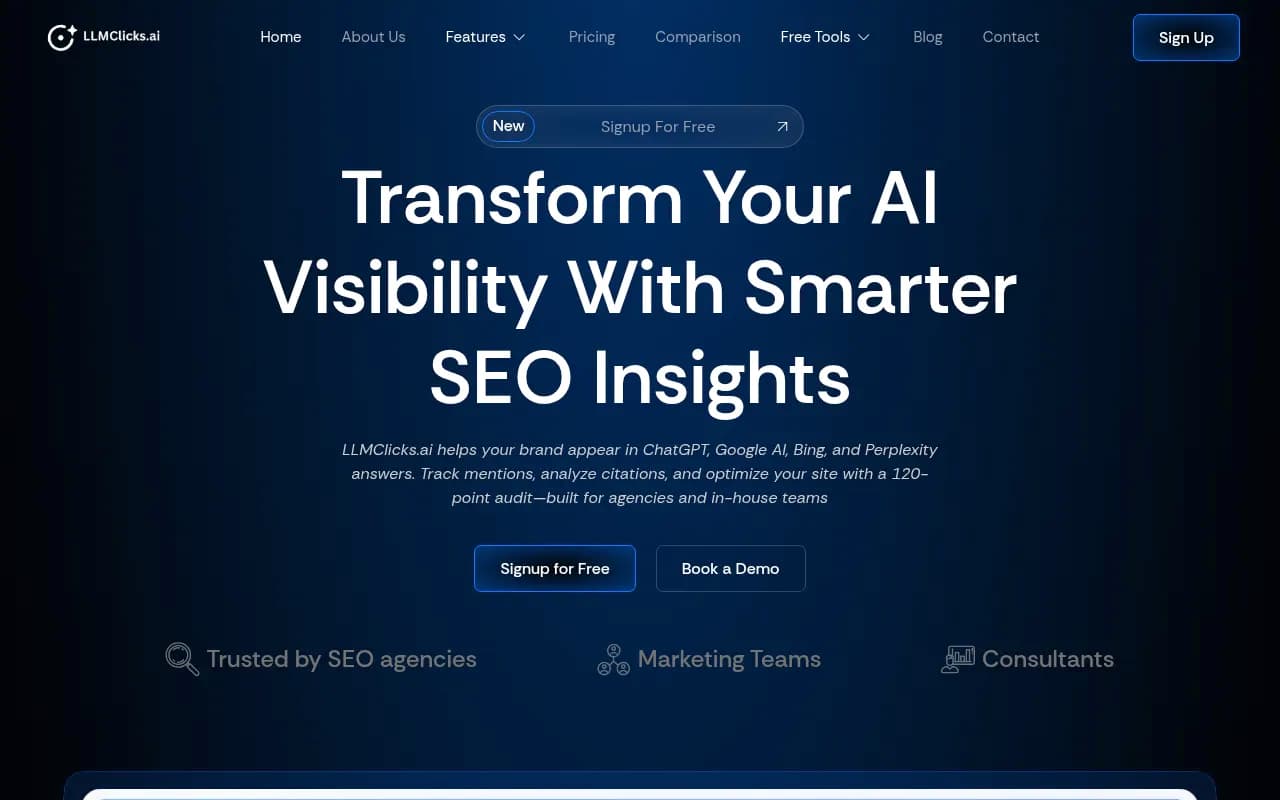
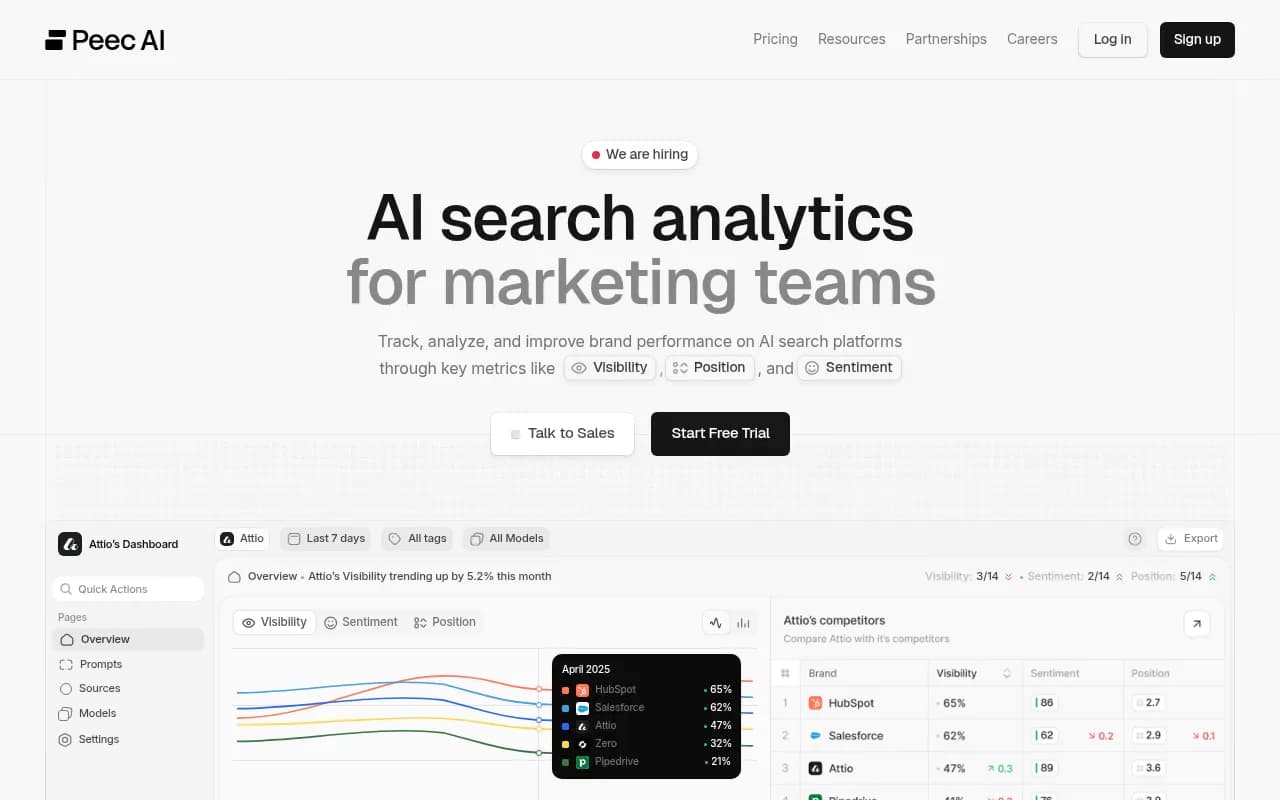
Other trackers in the category give you different slices. LLMClicks advertises hallucination detection, and Otterly.AI and Peec AI cover basic monitoring. If you are comparing options, the GEO software directory at bestgeosoftware.com lists many of them side by side.
Otterly.AI

Whichever you use, the test is the same: can it show you the claim, the frequency, and the source? If it only gives a score, you will still be doing the evidence work by hand.
Step 2: Trace each wrong claim to its source
A wrong answer is a symptom. The useful finding is where the model learned it.
Promptwatch Data gives a good starting point for where to look. In its analysis of ChatGPT citations from Sep 28 to Oct 4, 2026, product pages were the most cited content type at 22.4%, with landing pages next at 16.8%. For branded prompts, meaning those naming a company or product, product pages hit 23.3% and landing pages 22.8%. Reviews were 5.6% of branded citations, about three times their share across all prompts.
In plain terms, when someone asks ChatGPT about your client by name, it mostly quotes the client's own product and landing pages, then review sites, then listicles. So a wrong claim most likely lives in one of four places:
- The client's product or landing page (outdated, vague, or missing the fact)
- A review site profile the client never updated
- A third-party listicle or comparison
- A social or forum post
Check the client's own pages first. It is the cheapest fix and the one the client controls. It is also an uncomfortable finding sometimes, because the error turns out to be the client's own old pricing page. Say that plainly in the report rather than blaming the model.
The number of sources per answer also changes how many places an error can come from. Promptwatch's older average sources per response data (dated September 2025, so treat it as a rough guide) showed ChatGPT citing about 5 sources on web-search answers, while Google AI Overviews and Perplexity sat near 10. More sources means more places for a bad claim to originate, and also more places to fix.
Step 3: Separate access problems from content problems
If the page that states the correct fact never gets read by AI crawlers, no content rewrite will help. Before you recommend rewriting anything, check whether AI bots can reach the page at all.
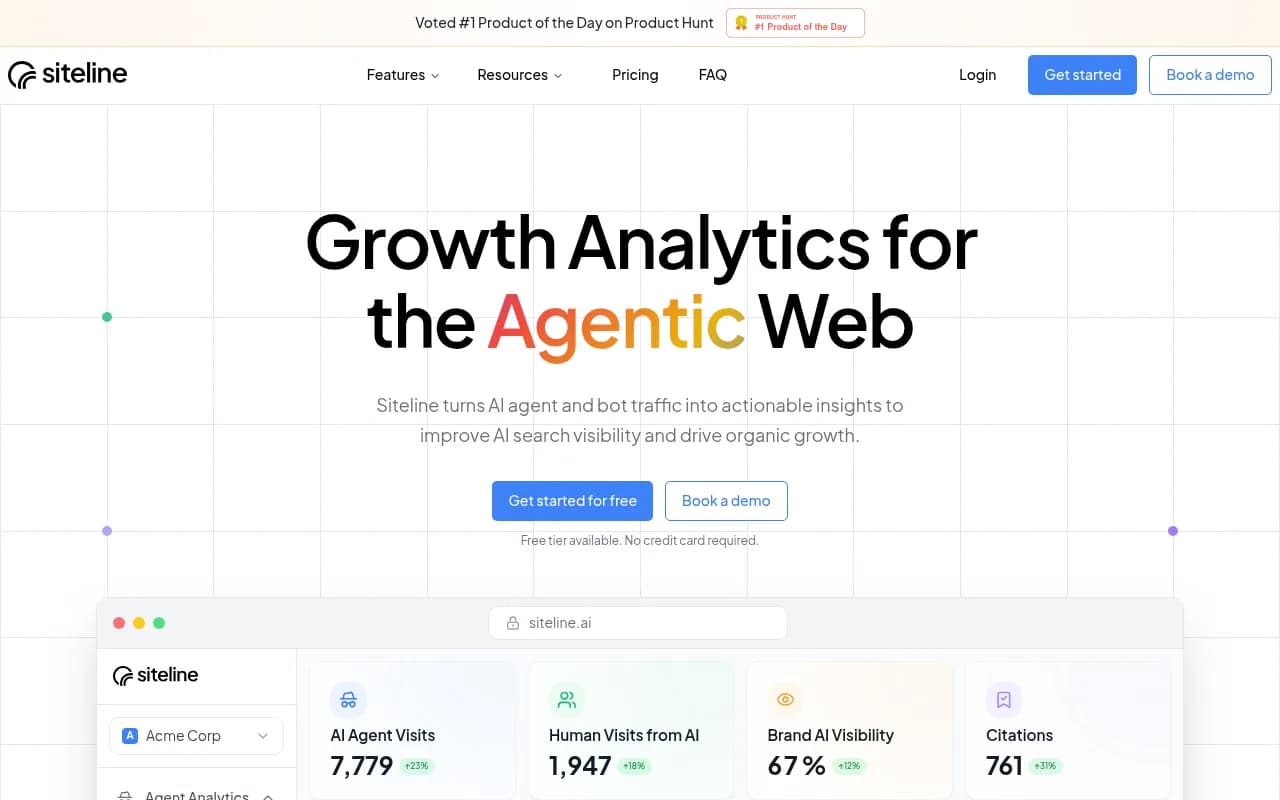
AI crawler logs show which bots hit which pages and where they fail. Promptwatch's crawler logs are IP-verified, which filters out spoofed bots. The free Agentic Readiness Check gives a quick first read on which AI crawlers can reach a site. Siteline AI and Scriptbee also monitor AI crawler traffic if you want alternatives.
This distinction changes what you tell the client. "The correct page is blocked in robots.txt" is a technical fix. "The page is readable but states the old price" is a content fix. Different owners, different timelines.
Step 4: Prioritize
A list of 40 inaccuracies is paralyzing. Score each on two axes.
| Factor | Question to ask |
|---|---|
| Frequency | In what share of sampled responses does the claim appear? |
| Reach | Does it show up on high-volume or high-intent prompts? |
| Commercial damage | Does it affect price, purchase decision, or safety? |
| Fix difficulty | Is the source the client's own page, or a third party? |
An error that appears in 60% of branded responses on a pricing prompt beats five rare oddities. Lead the report with the top three to five and put the rest in an appendix.
Step 5: Add client context before you send it
Data cannot tell you that the client changed pricing last month, paused a product in one market, or is mid-rebrand. The Supermetrics guide on AI reporting makes the same point about performance data: the model may not know what the client changed, so the agency has to add that context. The same logic applies here. A claim that looks wrong may be correct in one market, or may have been right until two weeks ago.
Ask the client's team to confirm each flagged claim as accurate or inaccurate before you finalize. This also gets them involved early, which makes the fixes easier to approve.
Keep a human on the final read. Draft the narrative with an assistant like Claude if you want to save time, but verify every number and quote against the raw data.
The template
Copy this into your reporting doc or slide deck. Fill the brackets.
AI BRAND ACCURACY REPORT
Client: [Client name]
Reporting period: [Start] to [End]
Prepared by: [Name, role]
Markets and languages tested: [List]
AI engines tested: [ChatGPT, Gemini, Perplexity, AI Overviews, ...]
Sample size: [N prompts, N responses]

1. SUMMARY (3 sentences max)
- Overall accuracy: [X of Y checked claims are accurate]
- Biggest risk: [one-line description]
- Decision needed from client: [approval, info, or access]

2. PRIORITY ISSUES
Issue 1
- Claim as stated by AI: "[verbatim quote]"
- Correct information: [fact + source of truth]
- Category: [Factual / Outdated / Misattribution / Competitor confusion / Framing]
- Engines affected: [list]
- Frequency: [% of sampled responses]
- Prompts where it appears: [examples]
- Likely source: [URL or source type]
- Severity: [High / Medium / Low]
- Recommended fix: [action]
- Owner and due date: [name, date]

(Repeat for issues 2 to 5)

3. TREND VS LAST PERIOD
- Issues resolved: [list]
- New issues: [list]
- Frequency changes on existing issues: [list]

4. ACCESS CHECK
- Can AI crawlers reach the pages that hold the correct facts? [Yes / No / Partial]
- Blockers found: [robots.txt, rendering, errors]

5. ACTIONS COMPLETED THIS PERIOD
- [Page updated, review profile corrected, new FAQ published, etc.]
- Re-test result: [claim still appears in X% of responses]

6. NEXT STEPS AND CLIENT ASKS
- [Item, owner, date]

7. METHOD NOTES
- Data collected from [tool], date range [dates], countries [list].
- Answers vary between runs; figures are shares of a sample, not guarantees.
- Claims verified with client on [date] by [name].
Two things to protect in this template. First, the verbatim quote: paraphrasing weakens your credibility and lets the client dismiss it. Second, the method notes. They are boring and they save you in the meeting where someone says "I asked ChatGPT and it was fine."
Step 6: Fix and re-test
An accuracy report that only lists problems is half a report. Pair every issue with an action and then show the result.
Typical fixes, roughly in order of speed:
- Update the client's product, pricing, and landing pages so the correct facts are complete and explicit. Promptwatch Data's advice for brand answers is to keep pricing, specs, and positioning on product pages complete and factual, since ChatGPT quotes them directly.
- Add an FAQ page answering the questions where the wrong claim appears.
- Correct or claim review site profiles and directory listings.
- Ask publishers of third-party listicles to correct specific errors.
- Publish clarifying content for claims the site never addresses.
If you need to produce content at volume, Promptwatch's Content Agent can plan and publish against the gaps, and its Action Board turns findings into a prioritized to-do list. Plain monitoring tools will leave that execution to you.
One caution on timing. Content does not stay cited forever. Promptwatch's content half-life data (pages ChatGPT cited on July 6, 2026, tracked for 90 days) found landing pages and docs stayed cited longest, while news lost half its pages within 36 days. Fixes on evergreen pages tend to last. Fixes that depend on a news article will fade, so tell clients to expect re-checks.
How often to report
Monthly works for most clients. Move to weekly during a rebrand, product launch, pricing change, or crisis. Some platforms support faster tracking (Promptwatch Business can run monitors every 12, 6, or 1 hours), which is useful when a launch is live and a wrong claim could spread.
Watch out for noisy engines. Copilot's average sources per response swung from under 2 to nearly 17 within a few weeks in Promptwatch's data, so judge it on monthly trends rather than weekly snapshots.
Comparison: what to look for in a tracking tool
| Capability | Why it matters for accuracy reporting | Examples in this category |
|---|---|---|
| Claim-level extraction | Shows what AI says, not just whether you are named | Promptwatch (Brand Narrative), LLMClicks (hallucination detection) |
| Source and citation tracing | Finds the page to fix | Promptwatch, ZipTie, Profound |
| Real-UI data by country | Matches what clients actually see | Promptwatch, Profound |
| Crawler visibility | Separates access from content problems | Promptwatch, Siteline AI, Scriptbee |
| Exportable reports | Lets you build client-ready PDFs | Promptwatch, Whatagraph for general reporting |
| Agency plans | Multiple clients, unlimited seats | Promptwatch agency plans, Rankscale |
For a wider view of options, the AI rank tracking directory is a reasonable place to browse.
Profound
Presenting it to the client
A few things I have learned to do in the meeting itself.
Lead with the decision, not the data. If you need approval to update three pages, say so in the first minute.
Show one verbatim wrong answer on screen. It lands harder than any chart. Then immediately show how often it happens and where it comes from.
Do not oversell certainty. AI answers vary. Say "appears in about 40% of sampled responses" rather than "ChatGPT says this."
And be honest about what you cannot fix. If the error originates on a third-party site you do not control, say so and show the outreach plan. Clients trust agencies that admit limits.
The agency workflow itself also gets scrutiny now. Forrester's June 2026 research with the 4As, cited in The Artist Studio's guide, found nine in ten US agencies surveyed use generative AI, so clients increasingly ask who checks the output. Having a stated review step in your method notes answers that question before it is asked.
If you would rather have a specialist team run this for you, an agency like 1001 SEO Media handles AI search and GEO work for brands, but the template above is built so an in-house team can run it too.
Common mistakes
- Reporting from a single session. Use samples across runs, models, and countries.
- Calling every omission an error. Agree on categories first.
- Skipping the client's own pages. The wrong claim often sits there.
- Sending the report without a human fact-check.
- Listing problems with no owners or dates.
- Never re-testing. The next report should show movement.
A simple monthly workflow
- Week 1: run the monitor, export claims, and mark suspected inaccuracies.
- Week 2: trace sources, check crawler access, and confirm claims with the client.
- Week 3: ship the fixes and draft the report.
- Week 4: re-test, finalize the report, and present.
It is not glamorous. But a clear, repeatable accuracy report is one of the few AI search deliverables that clients can act on immediately, and it gives you a concrete before and after to show for your work.