Key takeaways
- Google AI Overviews appear on more than 50% of searches in 2026 — being cited is now as important as ranking on page one
- AI Overviews pull from trusted, well-structured content, not just high-ranking pages; you can get cited even from page two
- The audit covers 10 areas: crawler access, E-E-A-T signals, content structure, answer-first formatting, schema markup, page speed, internal linking, freshness, competitor gap analysis, and ongoing tracking
- Most brands fail on the same two points: they block AI crawlers without realizing it, and they bury answers instead of leading with them
- Tracking your AI visibility over time (not just checking once) is what separates brands that grow their citation share from those that plateau
Google AI Overviews changed the game quietly. One day you're ranking well, the next you notice your click-through rates dropping even though your positions haven't moved. What happened? Google started answering questions directly at the top of the page, pulling from sources it trusts, and your content wasn't one of them.
The good news: getting cited in AI Overviews is auditable and improvable. It's not random. Google pulls from pages that are easy to read, easy to crawl, clearly authoritative, and structured to answer specific questions. If your content isn't showing up, something in that chain is broken.
This checklist walks through 10 things to check, in order of how often they're the actual problem.
Check 1: Confirm whether AI crawlers can actually access your site
This sounds obvious, but it's the most common silent killer. Many sites accidentally block Googlebot-Extended (the crawler used for AI features) in their robots.txt file, often because someone added a blanket disallow rule during a migration or security update.
Open your robots.txt file and look for any rules targeting Googlebot-Extended or broad disallow patterns that would catch it. The correct configuration to allow AI crawling is:
User-agent: Googlebot-Extended
Allow: /
If you're using a JavaScript-heavy site (React, Vue, Next.js), there's a second problem: even if crawlers can access your pages, they may not be able to render them properly. AI crawlers need to see the actual content, not a blank <div>. Check your server logs or use Google Search Console's URL Inspection tool to see what Googlebot actually renders when it visits your key pages.
Tools like Screaming Frog SEO Spider are useful here for crawling your own site the way a bot would.
Check 2: Verify your E-E-A-T signals are visible and specific
Google's AI Overviews heavily weight Experience, Expertise, Authoritativeness, and Trustworthiness (E-E-A-T). But here's the thing: these signals need to be explicit on the page, not implied.
Go through your key pages and check:
- Is there a named author with a bio that mentions relevant credentials or experience?
- Does the bio link to a profile page, LinkedIn, or other verifiable source?
- Are there citations, references, or links to authoritative external sources?
- Is the organization's contact information, physical address, or About page easy to find?
- For health, finance, or legal content: are professional qualifications stated clearly?
Vague author bylines like "Staff Writer" or "Admin" are a red flag. Google's systems look for real people with real track records. If your content is published under a generic account, that's worth fixing before anything else.
Check 3: Check your content structure for extractability
AI Overviews don't just cite pages, they extract specific passages. Google's systems need to identify a clean, self-contained answer within your content. If your key information is buried in long paragraphs with no clear structure, it's hard to extract even if the information is excellent.
Audit each important page for:
- Does the page have a clear H1 that matches the query it's targeting?
- Are subheadings (H2, H3) written as questions or direct statements, not clever puns?
- Is there a direct answer to the main question within the first 100-150 words?
- Are lists, tables, or step-by-step formats used where appropriate?
- Does each section stand alone well enough to be quoted out of context?
The last point matters more than people realize. AI systems often pull a single paragraph or list. If that paragraph only makes sense in context of the five paragraphs before it, it won't get cited.
Check 4: Audit for "answer-first" formatting
This is the single biggest content change most sites need to make. Traditional SEO writing often builds to the answer: context first, then the answer, then supporting detail. AI Overviews work the opposite way. They want the answer immediately, with supporting detail following.
Go through your top pages and ask: if someone read only the first paragraph of this article, would they get a useful answer?
For how-to content, this means leading with a one-sentence summary of the process before getting into steps. For definitional content, it means defining the term in the first sentence. For comparison content, it means stating the key difference upfront.
This doesn't mean your content becomes shallow. The depth still matters for E-E-A-T and for keeping readers on the page. But the structure needs to front-load the answer.
Check 5: Check your schema markup
Structured data helps Google understand what your content is about and how to categorize it. For AI Overview eligibility, the most relevant schema types are:
FAQPagefor question-and-answer contentHowTofor step-by-step guidesArticleorBlogPostingwithauthor,datePublished, anddateModifiedfilled inOrganizationwithname,url, andcontactPoint
Use Google's Rich Results Test (search.google.com/test/rich-results) to check whether your schema is valid and being recognized. Invalid schema is worse than no schema, because it can confuse crawlers.
One thing to check specifically: make sure your dateModified field is accurate. AI systems weight recency, and if your schema says an article was last modified in 2022 but the content is clearly outdated, that's a trust signal problem.
Check 6: Run a page speed and Core Web Vitals check
Slow pages get crawled less frequently and are less likely to be indexed properly for AI features. This isn't just a user experience issue. Google has been explicit that Core Web Vitals affect how pages are evaluated.
Run your key pages through Google PageSpeed Insights and check:
- Largest Contentful Paint (LCP): should be under 2.5 seconds
- Cumulative Layout Shift (CLS): should be under 0.1
- Interaction to Next Paint (INP): should be under 200ms
Pay particular attention to mobile scores. A large share of AI Overview queries come from mobile devices.
If your scores are poor, the most common culprits are unoptimized images, render-blocking JavaScript, and slow server response times. These are fixable, but they do require technical work.
Check 7: Audit your internal linking structure
AI systems build a picture of your site's topical authority partly from how your pages link to each other. A page that exists in isolation, with few internal links pointing to it and few links going out to related content, looks less authoritative than a page that's part of a well-connected content cluster.
For each important page, check:
- How many other pages on your site link to it? (Use Screaming Frog or a similar crawler to find this)
- Does it link out to related pages on your site that go deeper on subtopics?
- Is there a clear content cluster structure, where a pillar page links to supporting articles and vice versa?
If you have important pages with zero or one internal links pointing to them, that's a quick win. Find related content and add contextual links.
Check 8: Check content freshness and accuracy
Google's AI Overviews strongly prefer recent, accurate content. This doesn't mean you need to rewrite everything every year, but it does mean you need to check whether your key pages contain outdated information, broken external links, or statistics that are now several years old.
Go through your top pages and look for:
- Statistics or data points with years attached (e.g., "In 2021, X% of users..."). Update these or remove them if you can't find current data.
- External links that now return 404 errors or redirect to irrelevant pages
- Product names, tool names, or company information that has changed
- Any claims that contradict current best practices in your field
A quick way to find pages that need freshness updates: filter your Google Search Console data by pages that have declining impressions over the past 6 months. These are often pages where the content has aged out of relevance.
Check 9: Run a competitor citation gap analysis
This is where most audits stop being reactive and start being strategic. Instead of just fixing what's broken on your existing pages, you look at what your competitors are getting cited for that you're not, and then create content to fill those gaps.
The process:
- Identify 3-5 competitors who consistently appear in AI Overviews for queries in your space
- Run the same queries manually and note which URLs are being cited
- Compare those URLs against your own content inventory
- Identify topics, question types, or angles they cover that you don't
This is tedious to do manually at scale. Tools like Promptwatch have an Answer Gap Analysis feature that automates this, showing you exactly which prompts competitors rank for that you're invisible on.

The output of this step should be a prioritized list of content to create or expand, based on where the gap between your visibility and competitors' visibility is largest.
Check 10: Set up ongoing AI visibility tracking
A one-time audit is useful. Ongoing tracking is what actually moves the needle. AI Overviews change frequently. A page that gets cited today might not be cited next month. New competitors enter the picture. Google updates its source preferences.
You need a system that tells you:
- Which of your pages are currently being cited in AI Overviews, and for which queries
- When your citation share drops (so you can investigate why)
- Which new queries are generating AI Overviews that you could potentially rank in
Google Search Console shows some of this data, but it's limited for AI-specific tracking. Dedicated AI visibility platforms give you much more granular data.
A few tools worth knowing about:
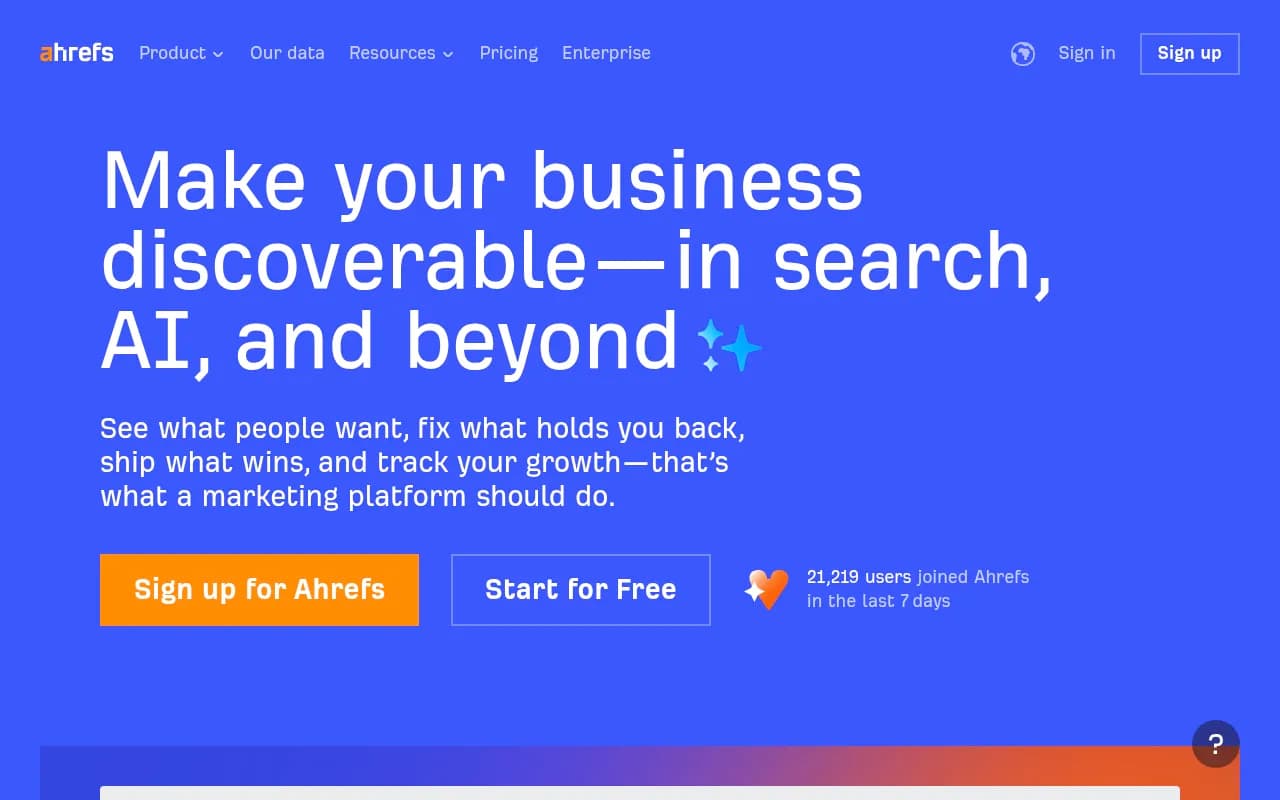
For teams that want to go beyond monitoring and actually act on what they find, Promptwatch is worth a look. It combines visibility tracking with content gap analysis and a built-in writing agent that generates content grounded in citation data, so you can close the loop between finding gaps and filling them.
Putting it all together: a practical audit workflow
Here's how to run through this checklist without it taking over your week:
| Priority | Check | Time required | Impact |
|---|---|---|---|
| 1 | Crawler access (robots.txt + rendering) | 30 min | High |
| 2 | Answer-first formatting on top 10 pages | 2-3 hours | High |
| 3 | E-E-A-T signals (author bios, citations) | 1-2 hours | High |
| 4 | Schema markup validation | 1 hour | Medium |
| 5 | Page speed (Core Web Vitals) | 1 hour to diagnose | Medium-High |
| 6 | Content freshness review | 2-3 hours | Medium |
| 7 | Internal linking audit | 1-2 hours | Medium |
| 8 | Structured content formatting (H2s, lists) | 2-3 hours | Medium |
| 9 | Competitor citation gap analysis | 2-4 hours | High |
| 10 | Set up ongoing tracking | 1 hour setup | High (ongoing) |
Start with checks 1, 2, and 3. Crawler access issues and poor answer formatting are responsible for the majority of AI Overview exclusions. If those are clean, work through the rest in order.
One honest note: some of these fixes take time to show results. Google's crawl and index cycle means changes you make today might not be reflected in AI Overviews for weeks. Don't expect overnight results. Track your visibility monthly, make incremental improvements, and the citation share will grow.
The brands that are winning in AI search right now aren't doing anything exotic. They're publishing clear, well-structured, authoritative content on topics their audience actually searches for, making sure Google can crawl and understand it, and updating it regularly. That's the whole game.