Key takeaways
- Export your Peec AI prompt library, visibility scores, and source data before canceling -- once your account closes, historical data is gone
- Map your existing prompts to your new platform's structure before migrating, not after
- Baseline your current visibility scores so you have a reference point to compare against post-migration
- Most Peec AI alternatives are monitoring-only; if you want to act on the data (not just see it), look for platforms with content gap analysis and generation built in
- Run both platforms in parallel for at least two to four weeks to validate data consistency before fully switching
Switching AI visibility platforms is more disruptive than it looks. With traditional SEO tools, you lose rank history but Google Search Console fills most of the gap. With AI visibility platforms like Peec AI, there's no equivalent safety net. Your prompt library, visibility trends, competitor benchmarks, and source data live entirely inside the platform. When you leave, you take only what you export.
This guide walks through the full migration process: what to export, how to preserve context, what to look for in a replacement, and how to validate that your new platform is actually tracking the same things.
Why people are leaving Peec AI in 2026
Peec AI does one thing well: it shows you how your brand appears across ChatGPT, Perplexity, Google AI Overviews, and DeepSeek. The interface is clean, setup is fast, and unlimited countries and languages at no extra cost is a real differentiator.
But the ceiling is low.
The Pro plan (€199/mo) caps you at 100 prompts and 9,000 AI answers per month. Claude, Gemini, and Google AI Mode are Enterprise add-ons with custom pricing. There's no content creation tooling, no site audits, no crawler logs, and no shopping visibility. Peec AI can tell you that you're invisible in AI answers -- it can't help you fix it.
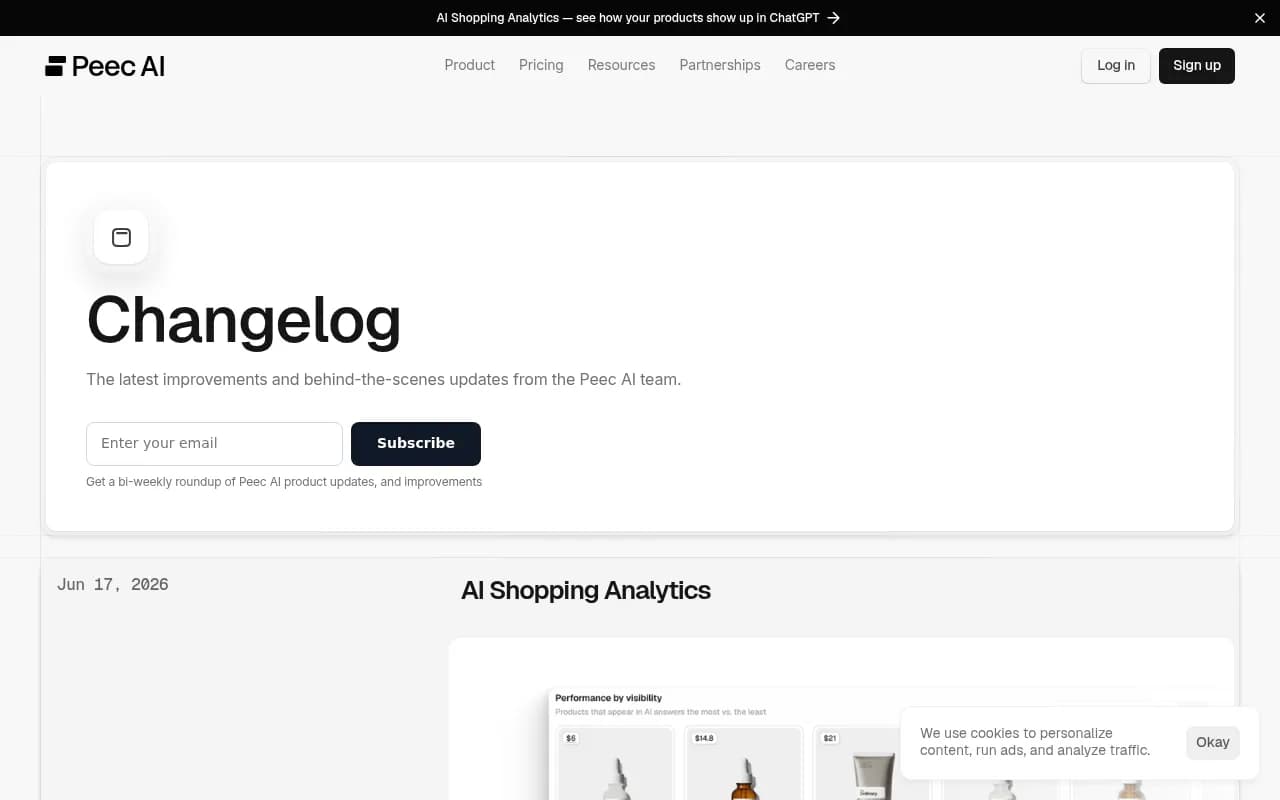
The June 2026 changelog added AI Shopping Analytics, which is genuinely useful for e-commerce brands tracking ChatGPT product recommendations. But for teams that need broader model coverage, content optimization, or a lower price point, the platform still has structural gaps.
That's the context for most migrations. You're not leaving because Peec AI is broken -- you're leaving because you've outgrown what it can do.
Phase 1: Export everything before you cancel
This is the step most teams skip, and it's the one that causes the most pain. Do this before you evaluate alternatives, before you sign up for a new tool, and definitely before you cancel your Peec AI subscription.
What to export from Peec AI
Prompt library. Export your full list of tracked prompts. This is your most valuable asset. It represents weeks or months of refinement -- the exact questions you've determined are worth tracking. Most platforms let you import a CSV of prompts directly, so preserving this list saves you from rebuilding from scratch.
Visibility scores over time. Download your historical visibility data for each prompt. You want at minimum the last 90 days, ideally 6 months if your plan retains that far. This becomes your baseline for comparing performance on the new platform.
Competitor benchmarks. Export any competitor visibility data you've accumulated. Knowing where competitors stood at the time of migration helps you contextualize changes on the new platform.
Source and citation data. If Peec AI has shown you which URLs, Reddit threads, or domains AI models cite in responses to your tracked prompts, export that too. It's directionally useful even if your new platform tracks sources differently.
Gap analysis reports. Any prompt gap analysis you've run -- prompts where competitors appear but you don't -- is worth saving as a reference document.
How to export
Peec AI supports CSV exports from most views. Go through each section of the dashboard systematically: Prompts, Visibility, Sources, Competitors, and any Gap Analysis views. Don't assume one export covers everything -- they often don't.
Take screenshots of your dashboard views as a backup. If export formats change or data is missing, screenshots give you a visual record of where things stood.
Phase 2: Document your current setup
Before you touch a new platform, write down exactly how you've structured your Peec AI account. This documentation becomes your migration spec.
What to document
- Total number of prompts tracked, broken down by category or funnel stage if you've organized them that way
- Which AI engines you were monitoring (ChatGPT, Perplexity, Google AI Overviews, DeepSeek)
- Which competitors you were tracking and how many
- Any custom prompt groupings or tags
- Your baseline visibility scores by prompt and by engine
- The prompts where you had the highest visibility (your wins to protect)
- The prompts where competitors outranked you (your priority gaps)
- Which sources were appearing most often in AI responses to your prompts
This document takes an hour to create and saves days of confusion later. When your new platform shows different numbers, you'll know whether that's a data discrepancy or a genuine change in your AI visibility.
Phase 3: Choose your replacement
The replacement decision depends on why you're leaving. Here's how the main alternatives stack up against Peec AI's specific gaps.
If you need broader model coverage
Peec AI's base plan covers four engines. If you need Claude, Gemini, or Google AI Mode without paying Enterprise rates, most alternatives include them in standard plans.
Promptwatch monitors 10 AI models including ChatGPT, Perplexity, Google AI Overviews, Google AI Mode, Claude, Gemini, Meta/Llama, DeepSeek, Grok, and Mistral -- all on standard plans starting at $99/mo.

If you need content tools alongside monitoring
This is the most common reason teams outgrow Peec AI. Monitoring tells you where you're invisible. Content tools help you fix it.
Platforms that include both tracking and content generation:
- Promptwatch -- Answer Gap Analysis shows which prompts competitors rank for that you don't, then Content Agents generate articles, listicles, and briefs grounded in that prompt data. The loop from "find the gap" to "publish content" to "track the result" is built into the platform.
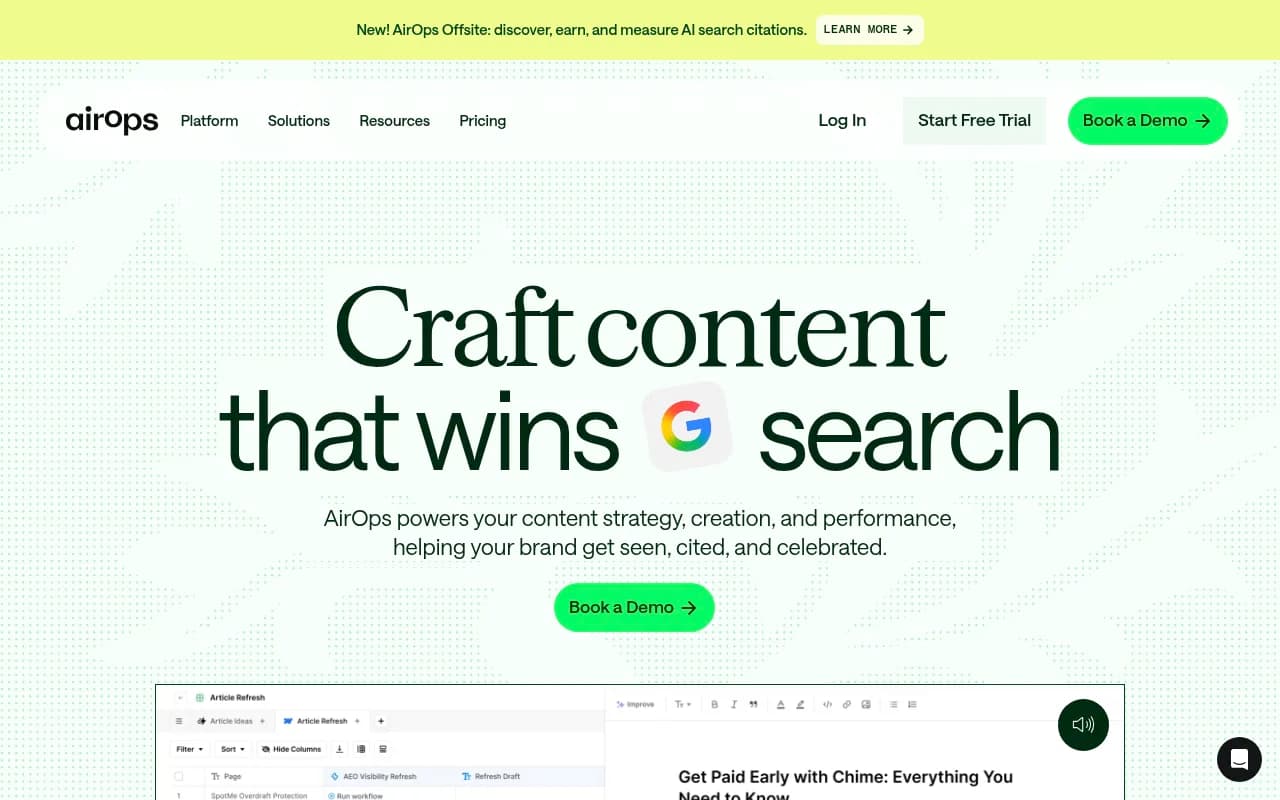
- AirOps -- content engineering platform with AI search visibility tracking built in
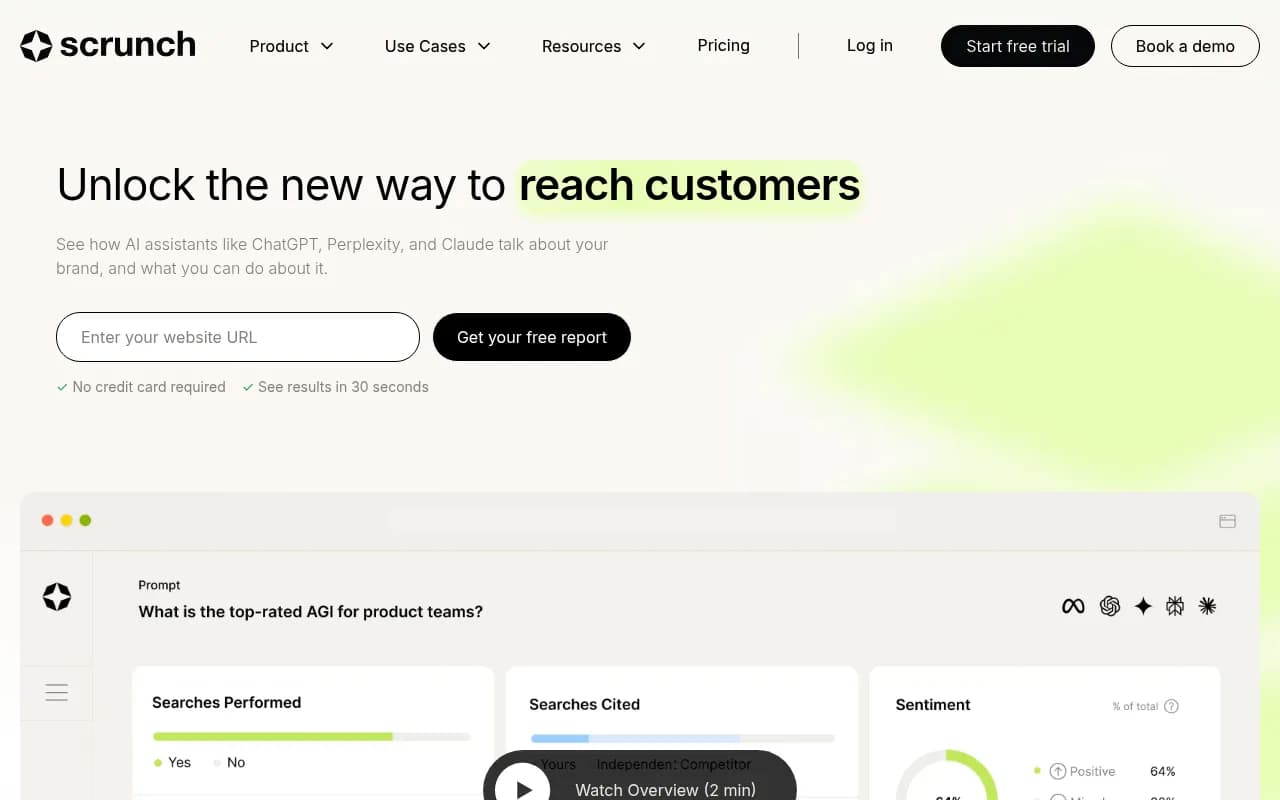
- Scrunch AI -- includes some optimization features alongside monitoring
If you need crawler logs and technical visibility
Peec AI has no crawler log functionality. You can't see which AI bots are hitting your site, which pages they're reading, or whether crawl errors are blocking your content from being cited.
Promptwatch's AI Crawler Logs show real-time logs of ChatGPT, Claude, Perplexity, and other AI crawlers hitting your website -- which pages they read, errors they encounter, and when pages move from crawl to citation. This is useful for diagnosing why content you've published isn't being picked up.
If price is the primary driver
| Platform | Entry price | Prompts included | AI engines | Content tools |
|---|---|---|---|---|
| Peec AI | €199/mo | 100 | 4 (base) | None |
| Promptwatch | $99/mo | 50 | 10 | Yes (5 articles/mo) |
| Otterly.AI | Lower | Limited | Fewer | None |
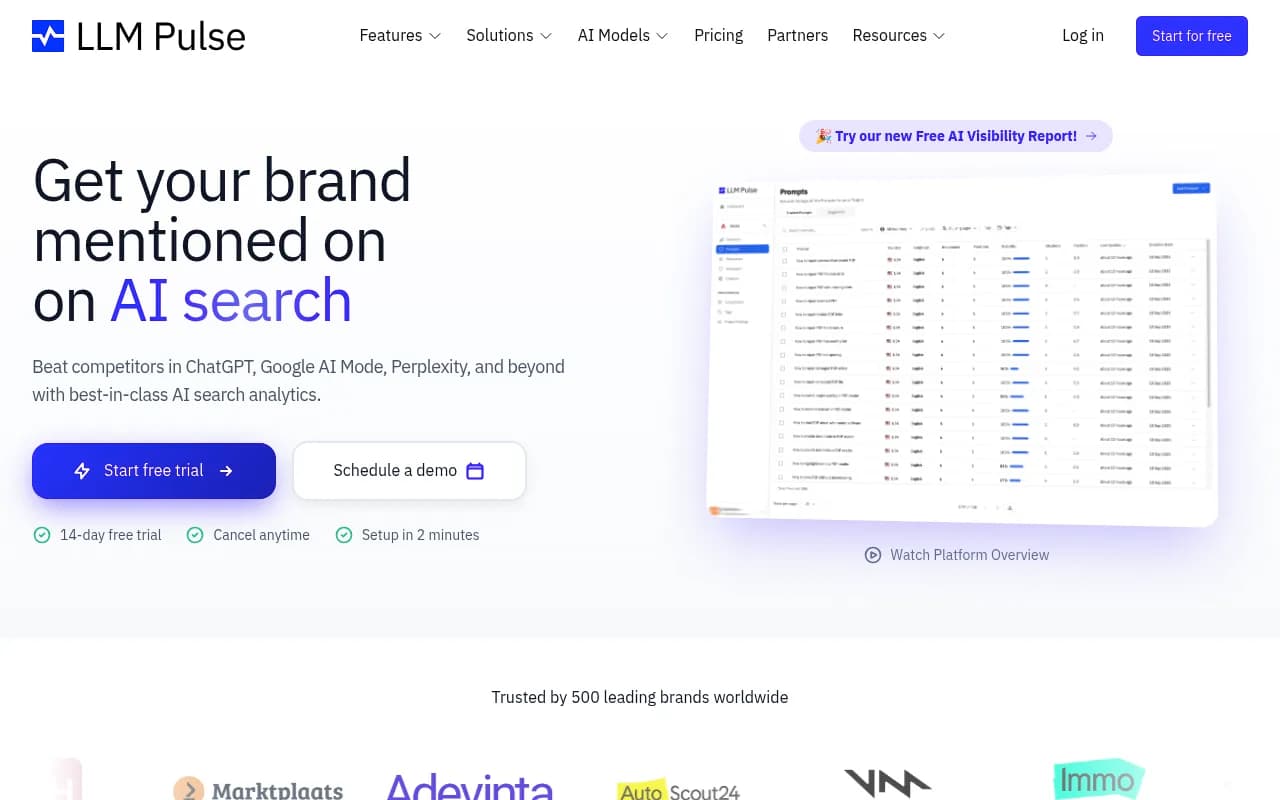
| LLM Pulse | Lower | Limited | Varies | None |
| Profound | Higher | More | 9+ | Some |
| Scrunch AI | Mid-range | Varies | Varies | Some |
Otterly.AI

Profound

If you're an agency managing multiple clients
Peec AI's structure doesn't scale well for agencies. Most alternatives offer multi-site plans or agency tiers.
Search Party
Phase 4: Set up your new platform before you migrate
Don't cancel Peec AI until your new platform is fully configured and you've run it in parallel for at least two to four weeks. Here's the setup sequence.
Step 1: Import your prompt library
Take the CSV you exported from Peec AI and import it into your new platform. Most tools accept a simple list of prompts or questions. If the format doesn't match, you'll need to reformat -- usually just cleaning up column headers.
Don't import everything blindly. Use this as an opportunity to audit your prompt list. Remove prompts that never generated useful data. Add prompts you've been meaning to track but hadn't gotten around to.
Step 2: Configure your competitors
Re-add the same competitors you were tracking in Peec AI. This ensures your competitive benchmarks are comparable.
Step 3: Set your baseline
Run your first full tracking cycle on the new platform. Record the visibility scores for each prompt. This is your migration baseline -- the starting point for measuring whether your AI visibility improves or declines after the switch.
Compare these scores against your Peec AI exports. Expect some discrepancy. Different platforms query AI engines differently, use different sampling methods, and may track at different times of day. A 10-20% variance in visibility scores is normal and doesn't mean one platform is wrong.
Step 4: Validate the data
For a subset of your most important prompts, manually check the AI engine responses yourself. Ask ChatGPT or Perplexity the question directly and see whether your brand appears. Compare what you see to what both platforms report. This sanity check catches systematic issues early.
Phase 5: The parallel running period
Run both platforms simultaneously for two to four weeks. This period serves three purposes:
- It lets you validate that the new platform is tracking correctly
- It gives you a continuous data record -- no gap in your visibility history
- It gives your team time to learn the new interface without losing access to familiar data
During this period, use Peec AI for reference and your new platform as the primary tool. When the new platform's data feels reliable and your team is comfortable with it, you're ready to cancel Peec AI.
Phase 6: Migration checklist
Use this as your final checklist before canceling Peec AI.
Data export
- Prompt library exported as CSV
- Historical visibility scores downloaded (90+ days)
- Competitor benchmark data exported
- Source and citation data saved
- Gap analysis reports saved
- Dashboard screenshots taken as backup
Documentation
- Current prompt structure documented
- Baseline visibility scores recorded by prompt and engine
- Top-performing prompts identified
- Priority gap prompts identified
- Competitor list documented
New platform setup
- Prompt library imported and audited
- Competitors configured
- AI engines confirmed (check that your target models are included)
- First tracking cycle completed
- Migration baseline recorded
- Data validated against manual checks
Parallel running
- Both platforms running simultaneously for 2-4 weeks
- New platform data feels consistent and reliable
- Team trained on new interface
Cancellation
- Confirm billing cycle end date before canceling
- Download any remaining data not yet exported
- Cancel Peec AI subscription
What to look for that Peec AI doesn't have
If you're going through the effort of migrating, it's worth being deliberate about what you're gaining, not just what you're replacing.
The gap most teams feel after using Peec AI for a while is the absence of any path from data to action. You can see that you're invisible for a set of prompts. You can see that a competitor appears in those responses. But the platform stops there. What content should you create? What should you change on your site? Which prompts are worth prioritizing?
Platforms that close this loop include content gap analysis (which specific topics are AI models answering from competitor content but not yours), content brief generation grounded in real prompt data, and page-level tracking that shows which of your pages are actually being cited and by which models.
Promptwatch's Answer Gap Analysis, for example, shows the exact prompts where competitors are visible but you're not, then lets you generate content briefs or full articles targeting those gaps. The agent analytics then tracks the timeline from publish to crawl to citation, so you can see whether the content you created actually moved the needle.
That's a meaningfully different workflow than monitoring alone.
Common migration mistakes
Canceling before exporting. Once your account closes, the data is gone. Export first, cancel last.
Importing prompts without auditing them. A migration is a good time to clean up your prompt list. Don't just copy everything over -- remove what wasn't useful.
Expecting identical numbers. Different platforms will report different visibility scores for the same prompts. This doesn't mean either is wrong. It means they're measuring slightly different things. What matters is consistency within a platform over time, not matching scores between platforms.
Skipping the parallel period. Two to four weeks feels like overhead. It isn't. The cost of discovering a data issue after you've canceled Peec AI is much higher than the cost of running both platforms briefly.
Not documenting your baseline. If you don't record where you started, you can't measure whether your AI visibility improved after migration. This baseline is also what you show stakeholders to justify the platform switch.
Final thought
Migrating AI visibility platforms is mostly a data management problem, not a technical one. The platforms themselves are straightforward to set up. The hard part is preserving the context you've built -- the prompt library, the historical benchmarks, the competitive picture -- so you're not starting from zero on the other side.
Export thoroughly, document carefully, run in parallel, and validate before you cancel. Do those four things and the migration is low-risk. Skip any of them and you'll spend weeks reconstructing data that should have taken an afternoon to save.