Key takeaways
- AI brand monitoring is now a separate discipline from traditional social listening -- Google Alerts and Meltwater won't tell you if ChatGPT is recommending your competitor instead of you.
- The fastest setup path: identify 15-25 core prompts your customers actually ask, then run them across at least three AI models (ChatGPT, Perplexity, and Google AI Overviews are the highest-priority starting points).
- Manual tracking with a spreadsheet works fine for a baseline, but you'll hit its limits within a few weeks once you want trend data and competitor comparisons.
- Dedicated AI visibility tools like Promptwatch go beyond monitoring -- they show you which content gaps are causing you to be invisible, then help you fix them.
- The whole initial setup -- prompt list, first manual checks, and tool trial -- takes under an hour if you stay focused.
Why this is different from social media monitoring
Most marketers already have some form of brand monitoring in place. You might have Google Alerts set up, or a social listening tool tracking Twitter mentions and news coverage. That's still worth doing. But it won't tell you anything about what happens when someone opens ChatGPT and asks "what's the best project management tool for remote teams?" or "which CRM should a 10-person startup use?"
Those are the moments that matter now. When an AI model answers a question, it synthesizes information from its training data and cited sources, then delivers a recommendation directly in the chat window. The user often never visits a search results page at all. If your brand isn't in that answer, you've lost a high-intent prospect before they ever saw your website.
The term floating around for this is "Share of Model" -- how often your brand appears in AI-generated responses compared to competitors. It's a genuinely new metric, and most businesses have no idea where they stand.
The good news: you can get a clear picture in under an hour. Here's how.
Step 1: Build your prompt list (15 minutes)
This is the most important part of the whole setup, and it's also where most people go wrong. They start with brand queries like "tell me about [Company Name]" -- which is useful but not where the real opportunity is.
The prompts that matter most are the ones your customers ask before they know which brand to choose. Think about the decision-making journey:
- "What's the best [category] tool for [use case]?"
- "How do I solve [specific problem] as a [persona]?"
- "Compare [your category] options for [company size/industry]"
- "What do experts recommend for [task]?"
Start with 15-25 prompts. A reasonable breakdown for a B2B SaaS company might look like:
- 5-8 category/comparison prompts ("best CRM for startups", "top project management tools 2026")
- 4-6 problem-based prompts ("how to manage remote team workflows", "how to track sales pipeline")
- 3-5 direct brand prompts ("what is [your brand]", "[your brand] vs [competitor]")
- 2-4 use-case prompts tied to your specific features
Write these in a spreadsheet with columns for: Prompt, AI Model, Your Brand Mentioned (Y/N), Position/Context, Competitors Mentioned, Date Checked.
Step 2: Run your first manual checks (20 minutes)
Open three browser tabs: ChatGPT, Perplexity, and Google (for AI Overviews). Run each prompt through all three. Note the results in your spreadsheet.
A few things to watch for:
- Is your brand mentioned at all?
- If yes, is it mentioned positively, neutrally, or with caveats?
- Which competitors appear in the same response?
- Does the AI cite any sources? If so, which ones?
This first pass will probably be eye-opening. Most businesses discover they're invisible for 60-80% of the prompts that matter most to their category -- even if they rank well in traditional Google search. That gap is what you're trying to close.
One practical tip: use incognito mode or a fresh session for each prompt. Some AI models personalize responses based on prior conversation history, which can skew your results.
Step 3: Choose your monitoring approach (10 minutes)
After your first manual pass, you have a decision to make: stick with manual tracking, or move to a dedicated tool. Here's an honest breakdown of both paths.
Manual tracking
Works well if you're just starting out, have fewer than 20 prompts to track, or want to understand the data before investing in tooling. The main limitation is time -- running 20 prompts across 5 AI models weekly is 100 manual checks. That's fine once, but it doesn't scale.
Dedicated AI visibility tools
These automate the prompt-running, track changes over time, and surface competitor comparisons you'd never catch manually. The market has grown fast in 2026 -- there are now tools ranging from basic trackers to full optimization platforms.
Here's a comparison of the main options worth considering:
| Tool | Best for | Monitoring only? | Content generation | Crawler logs | Starting price |
|---|---|---|---|---|---|
| Promptwatch | Full optimization loop | No | Yes (built-in AI writer) | Yes | $99/mo |
| Otterly.AI | Quick monitoring setup | Yes | No | No | ~$49/mo |
| Peec AI | Multi-model tracking | Yes | No | No | ~$49/mo |
| Profound | Enterprise scale | Mostly | Limited | No | Custom |
| LLM Pulse | Simple brand tracking | Yes | No | No | Freemium |
| Rankshift | ChatGPT + Perplexity focus | Yes | No | No | ~$49/mo |
| Nightwatch | Prompt-level monitoring | Mostly | No | No | $199/mo |
The core distinction to understand: most tools in this space are monitoring dashboards. They show you where you're invisible. That's useful, but it leaves you stuck -- you know the problem, but not how to fix it.
Promptwatch is built around a different idea. It shows you the specific prompts where competitors are visible and you're not (Answer Gap Analysis), then has a built-in AI writing agent that generates content designed to get cited by AI models. You can see your visibility scores improve as that content gets picked up. Most competitors stop at step one of that loop.

For teams that just want to start monitoring without committing to a paid plan, a few tools offer free tiers:
Otterly.AI


Step 4: Set up your monitoring workflow (15 minutes)
Whether you're going manual or tool-assisted, you need a repeatable workflow. Here's what works:
Weekly check-in (30 minutes)
Run your full prompt list once a week. Log results. Flag any prompts where your visibility changed -- either you appeared somewhere new, or a competitor gained ground.
Monthly analysis (1 hour)
Look at trends over the past four weeks. Which prompts are you consistently missing? Which competitors keep showing up? This is where you start identifying content gaps to address.
Quarterly prompt refresh (30 minutes)
AI search behavior changes. New question patterns emerge. Every quarter, revisit your prompt list and add 5-10 new ones based on what you're seeing in customer conversations, sales calls, and support tickets.
If you're using a dedicated tool, most of this gets automated. You set up your prompts once, and the tool runs them on a schedule and alerts you to changes.
Step 5: Understand what's driving your visibility (ongoing)
Monitoring tells you where you stand. Understanding why requires a bit more digging.
AI models cite content when it directly answers the question being asked. The sources they pull from tend to be:
- Well-structured articles that match the conversational query
- Pages with clear entity signals (your brand name, category, use cases all mentioned together)
- Content that appears in multiple places AI models crawl (your site, Reddit, YouTube, review platforms)
- Pages that other authoritative sources link to
If you're invisible for a prompt, it usually means one of three things: you don't have content that directly answers that question, your content exists but isn't structured in a way AI models can parse easily, or competitors have more authoritative content on that topic.
This is where the monitoring-vs-optimization distinction really matters. Knowing you're invisible is step one. Knowing what content to create to fix it is step two. Tools like Promptwatch surface both -- the gap and the recommended fix.
Tools worth knowing about
Beyond the main platforms, a few specialized tools are worth having in your stack depending on your situation:
If you're an agency managing multiple client brands:

If you want to track AI visibility alongside traditional SEO in one place:
Note that both Semrush and Ahrefs have added AI visibility features, but they use fixed prompt sets rather than letting you define your own -- which limits how useful they are for specific brand monitoring.
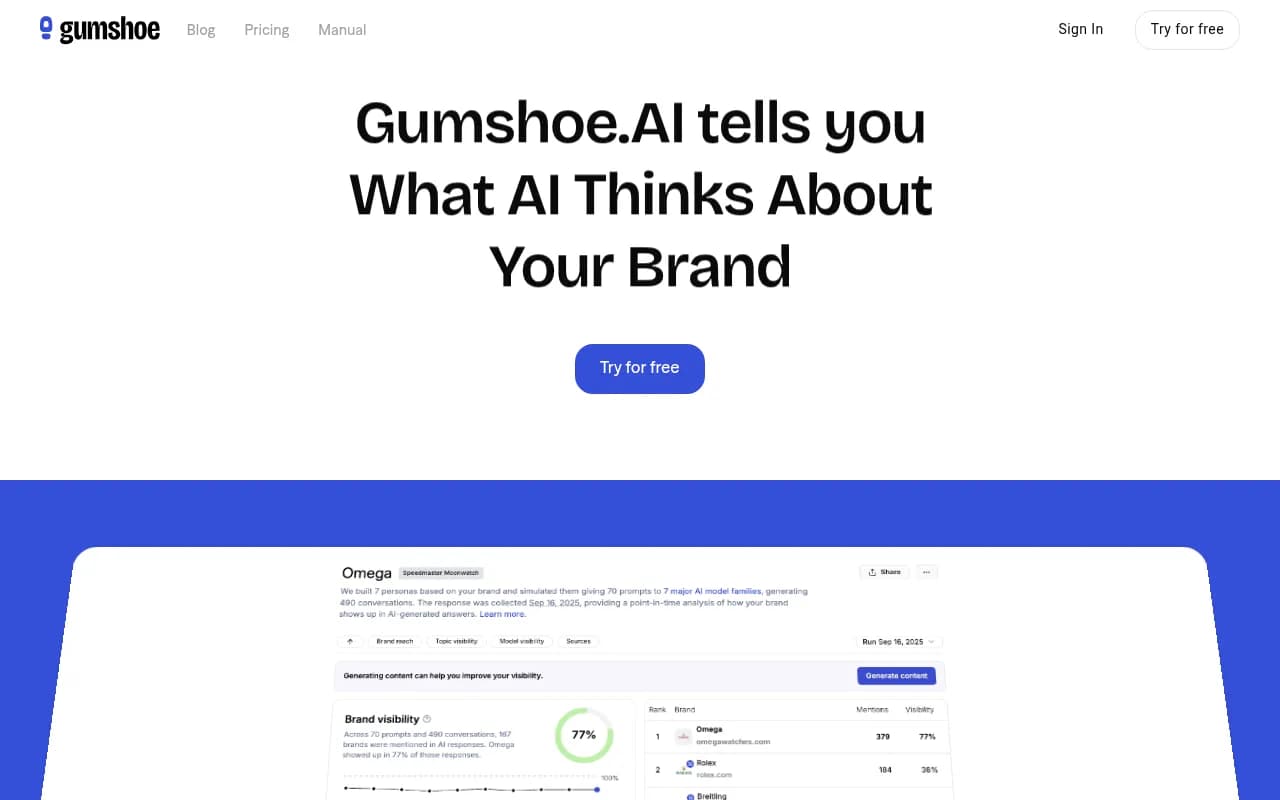
For tracking brand mentions specifically in ChatGPT shopping and product recommendations:

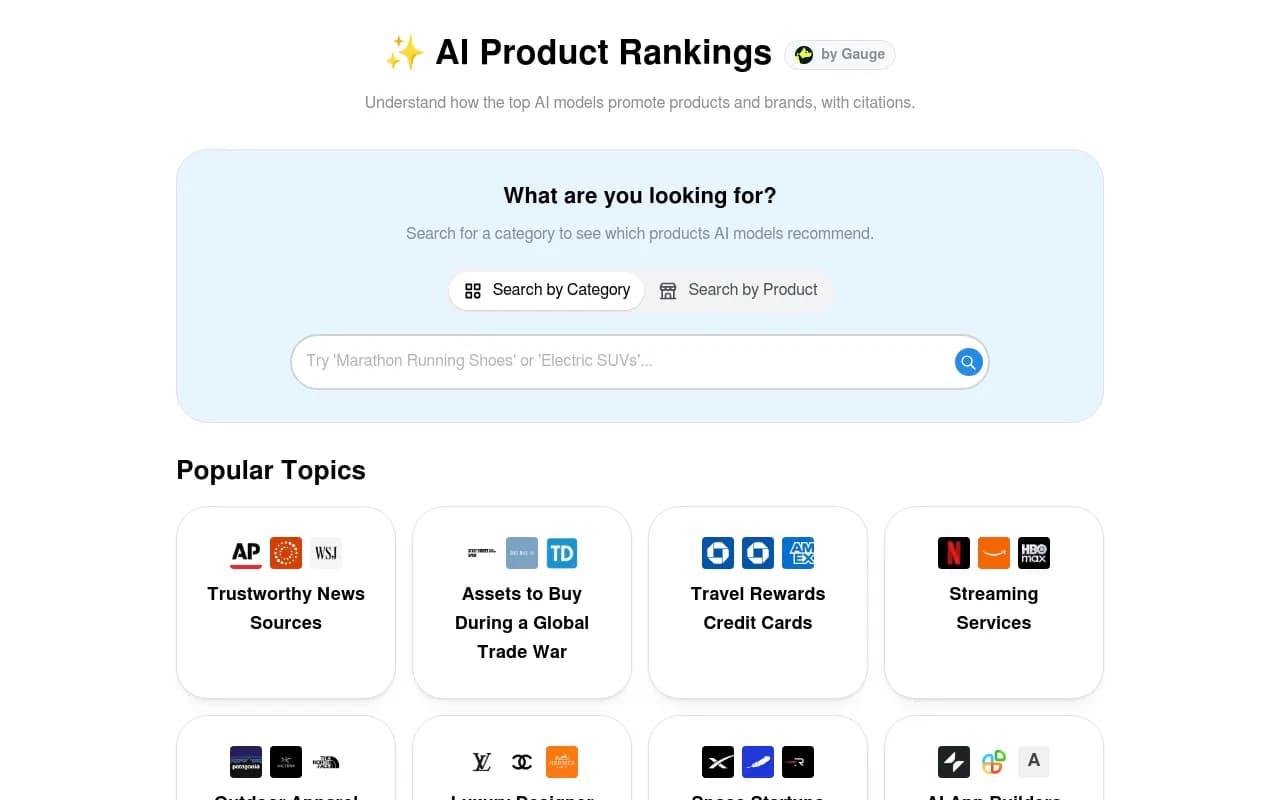
For a lightweight free option to get started:
Common mistakes to avoid
A few things that trip people up when they first start:
Tracking only brand-name queries. "What is [your brand]?" is easy to win. The harder and more valuable prompts are the category-level ones where you're competing against five other brands for a recommendation slot.
Checking too infrequently. AI model outputs change as models update and as the web content they draw from shifts. Weekly checks catch meaningful changes. Monthly is the minimum to stay informed.
Ignoring the source layer. When an AI cites a source in its response, that source is worth studying. If a competitor's blog post keeps getting cited, read it. Understand what it does that your content doesn't.
Treating all AI models the same. ChatGPT, Perplexity, and Google AI Overviews pull from different sources and have different citation behaviors. A brand that's visible in Perplexity might be invisible in Google AI Overviews. Track them separately.
Skipping competitor benchmarking. Your absolute visibility score matters less than your relative position. If you appear in 30% of relevant prompts but your main competitor appears in 70%, that gap is the real problem.
What to do with what you find
Once you have a few weeks of data, you'll start to see patterns. Some prompts where you're consistently invisible. Competitors who keep appearing in responses you should own. Sources getting cited that you're not on.
The next step is content. Not generic SEO content -- content that directly answers the prompts where you're invisible. This means:
- Writing articles that match the conversational structure of the prompts ("best [category] for [use case]" deserves an article structured around that exact question)
- Adding FAQ sections to existing pages that mirror how customers phrase questions to AI models
- Getting your brand mentioned in the sources AI models actually cite (relevant Reddit threads, YouTube reviews, industry publications)
- Making sure your entity signals are clear -- AI models need to understand what your brand does, who it's for, and why it's recommended
This is the optimization loop that separates brands that grow their AI visibility from those that just watch the numbers.
Your hour-one checklist
To recap, here's what you can realistically accomplish in your first hour:
- Build a prompt list of 15-25 queries (15 min)
- Run manual checks across ChatGPT, Perplexity, and Google AI Overviews (20 min)
- Log results in a spreadsheet with competitor data (10 min)
- Sign up for a free trial of a monitoring tool (10 min)
- Schedule your first weekly check-in (5 min)
That's it. You'll have a baseline, a process, and a tool to automate the ongoing work. From there, the job is to close the gaps -- one piece of content at a time.
The brands that figure this out in 2026 will have a real advantage. AI search is still early enough that consistent, focused effort moves the needle fast. The ones who wait another year will be playing catch-up against competitors who've been building AI visibility for 12 months.