Key takeaways
- AI engines build answers from local sources in the user's language, so the same question can name different brands in France and the US. A single global score hides that.
- Country and language are two separate settings. The country controls where the engine thinks the user is. The language controls how the question is asked and answered. Each market needs both.
- Translating your English prompts is a starting point, not a method. Build each market's prompt set from local search data, customer questions, and sales calls.
- Tools differ on how they set location, which engines return country-specific answers, and whether more than one market is included in the plan. Check those three things before you buy.
- Read results per market, then per engine. Local sources matter more in some engines than others.
Why one global score misleads you
A brand can lead in the US and be missing in Spain. That is not a bug in your tracking. It is how AI search works.
When a user in Spain asks in Spanish, the engine runs its fan-out searches against Spanish publishers, review sites, and retailers. It then recommends the brands those pages mention. If your Spanish footprint is thin, the answer skips you, even though your English presence is strong.
The number of citation slots makes this sharper. According to Promptwatch Data on average sources per response, ChatGPT cites about 5 sources per web-search answer, Google AI Overviews about 10, and Perplexity almost exactly 10 every day. These figures are global, not per market. But with so few slots, whichever local pages win them decide how the brand is described in that country.
Perception is not only about being mentioned. It is also about what the answer says: the tone, the claims, the competitors listed next to you. All of that can differ by market. A brand might be described as premium in Germany and as expensive in the UK, because different sources feed each answer.
What multi-market tracking actually means
You run the same underlying questions as if users in different countries asked them, in the language they would use, and keep each market's answers separate. Brands, competitors, citations, and sentiment are then measured per market.
Two settings make this work, and tools handle them differently.
Country: where the engine thinks the user is
The country setting tells the engine where the request comes from. Tools do this by routing requests through servers or residential IPs in that country, matching browser locale and timezone, or passing a location parameter where the engine accepts one. The engine then retrieves local sources such as national news sites, review platforms, and retailers.
Some tools go finer than country. City-level or state-level settings matter for local queries, multi-location brands, and any market where regional differences are real.
Language: how the question is asked and answered
Language is separate. A prompt in French from a French IP is not the same as a prompt in French from a Belgian IP. Regional variants matter too: French (Belgium) and French (France) pull different sources. If a tool only lets you pick one setting and infers the other, you can end up measuring a market that does not exist, like English answers served to a German IP.
Step 1: decide which markets deserve their own monitor
Do not start with 30 countries. Start with the markets where revenue sits or where you plan to grow in the next year.
A workable shortlist usually comes from three inputs:
- Revenue by country from your analytics or CRM
- Markets where you already have local-language content
- Markets where a local competitor is known to be strong
For each market, record the country, the language (including regional variant), and optionally the city. A Belgian business might need "BE, French" and "BE, Dutch" as two separate markets, because the same country speaks two languages and gets two sets of sources.
Step 2: build prompts from local data, not translation
This is where most multilingual tracking goes wrong. Teams take 50 English prompts, run them through a translator, and call it done. The result is prompts nobody in that market would type.
People in each market phrase questions differently, compare against local competitors, and use local terms. A US buyer might ask for "the best project management software for small teams". A German buyer might ask for a tool with specific data-residency guarantees, because that is what German procurement cares about.
Better sources for local prompts:
- Search Console queries filtered by country
- Questions from local sales calls and support tickets
- Local People Also Ask results
- Local forums, subreddits, and review sites
- Native speakers on your team or in your agency
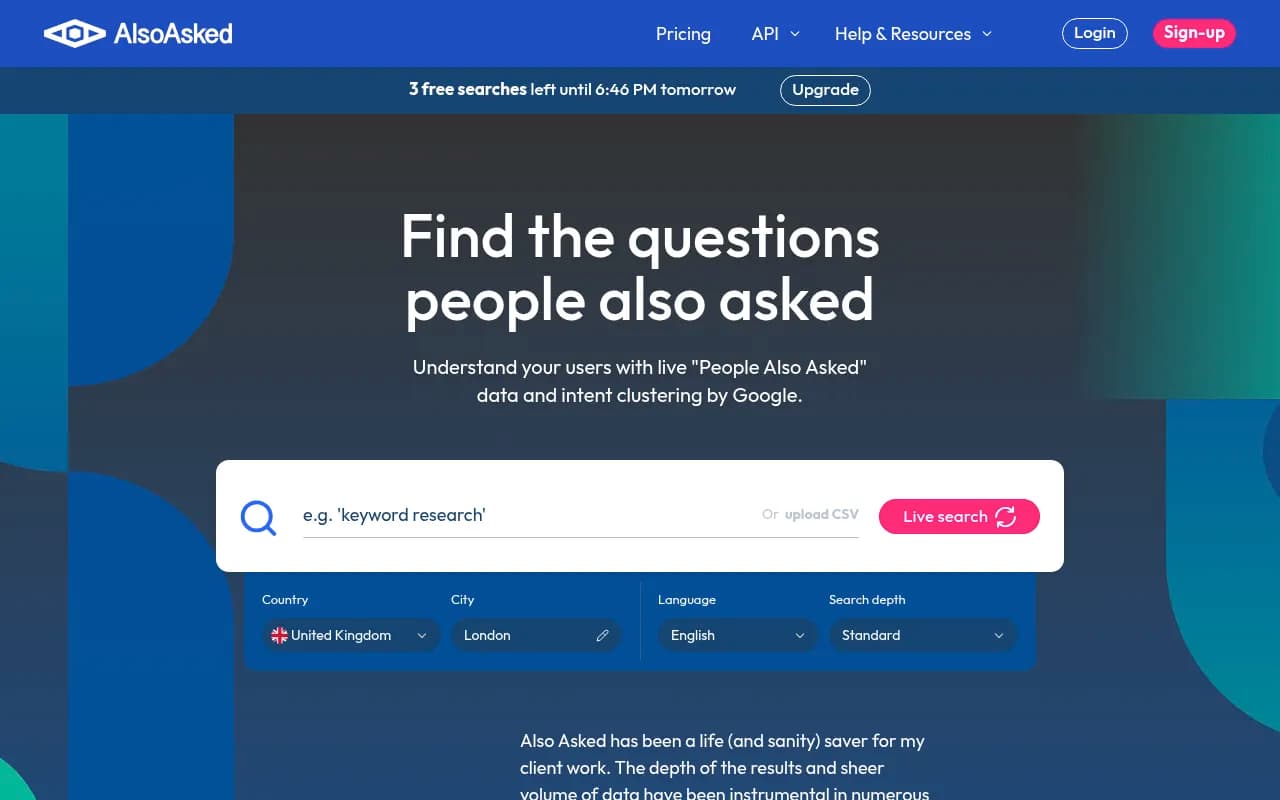
Tools like AlsoAsked and AnswerThePublic can help you find how questions are phrased, though check which languages and regions each one supports before you rely on them.
Keep a core set of prompts that exist in every market in some form (category, best-of, comparison, brand). This is what lets you compare markets later. Then add market-specific prompts on top.
Step 3: pick a tool that handles markets properly
Before you compare feature lists, ask three questions of every tool:
- How is the country set? Real geo-located requests, or just a language instruction in the prompt?
- Does it collect from the live interface of each engine, or from APIs? User-facing answers and citations can differ from API output.
- Is more than one market included in the plan, or is each country an upsell?
Here is how the main options compare, based on the vendor information available at time of writing. Confirm details on each vendor's site, because plans change.
| Tool | Market setup | Coverage notes | Best for |
|---|---|---|---|
| Promptwatch | One monitor per country and language, optional city or US state | Country tracking on every plan, state/city on Business and above; live interface collection; world map of visibility by country | Brands running several markets who want to act on the data |
| Semrush AI Visibility | Choose location (country, region, or city) and language per report | 53 languages listed for Brand Performance reports | Teams already inside the Semrush suite |
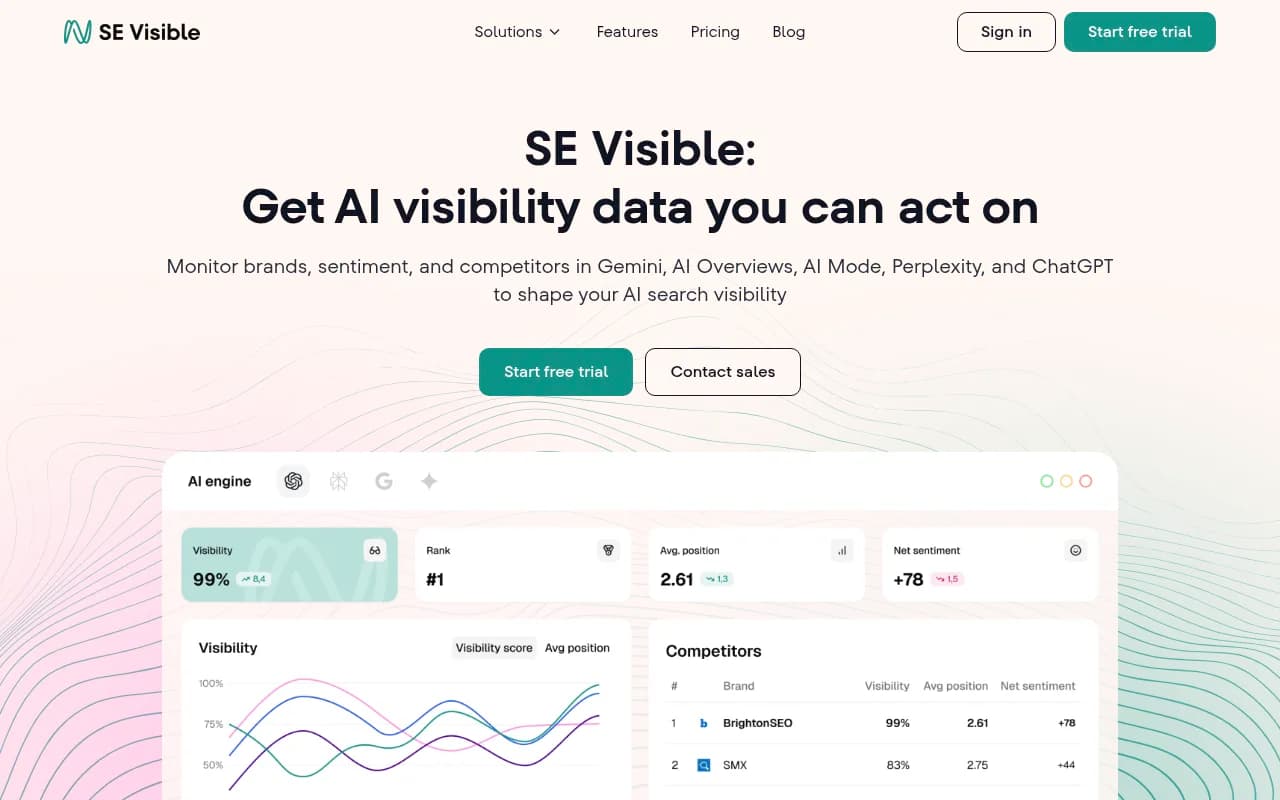
| SE Visible (SE Ranking) | Country and language selection | Lists analysis across 7 countries and 5 languages | Smaller footprint, a handful of core markets |
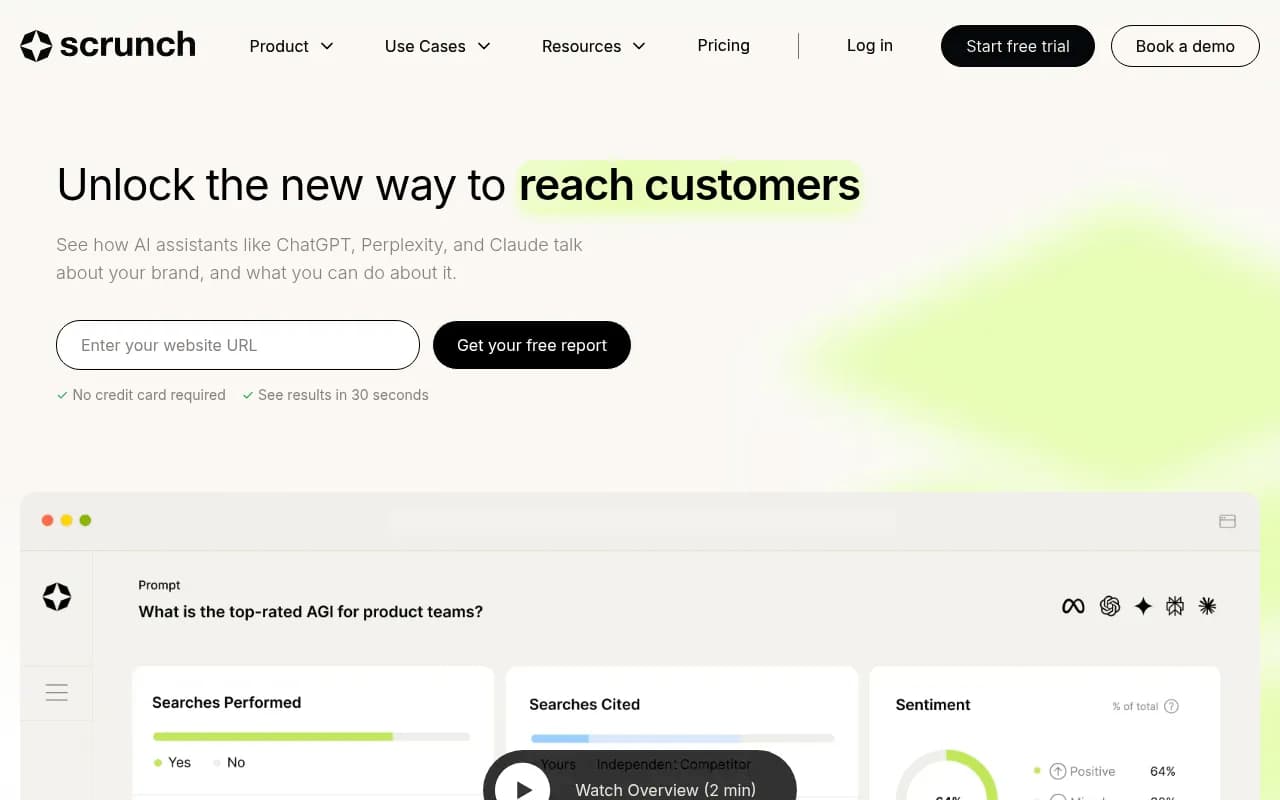
| Scrunch | Accepts prompts in any language | Check market limits per plan | Enterprise monitoring |
Where Promptwatch fits
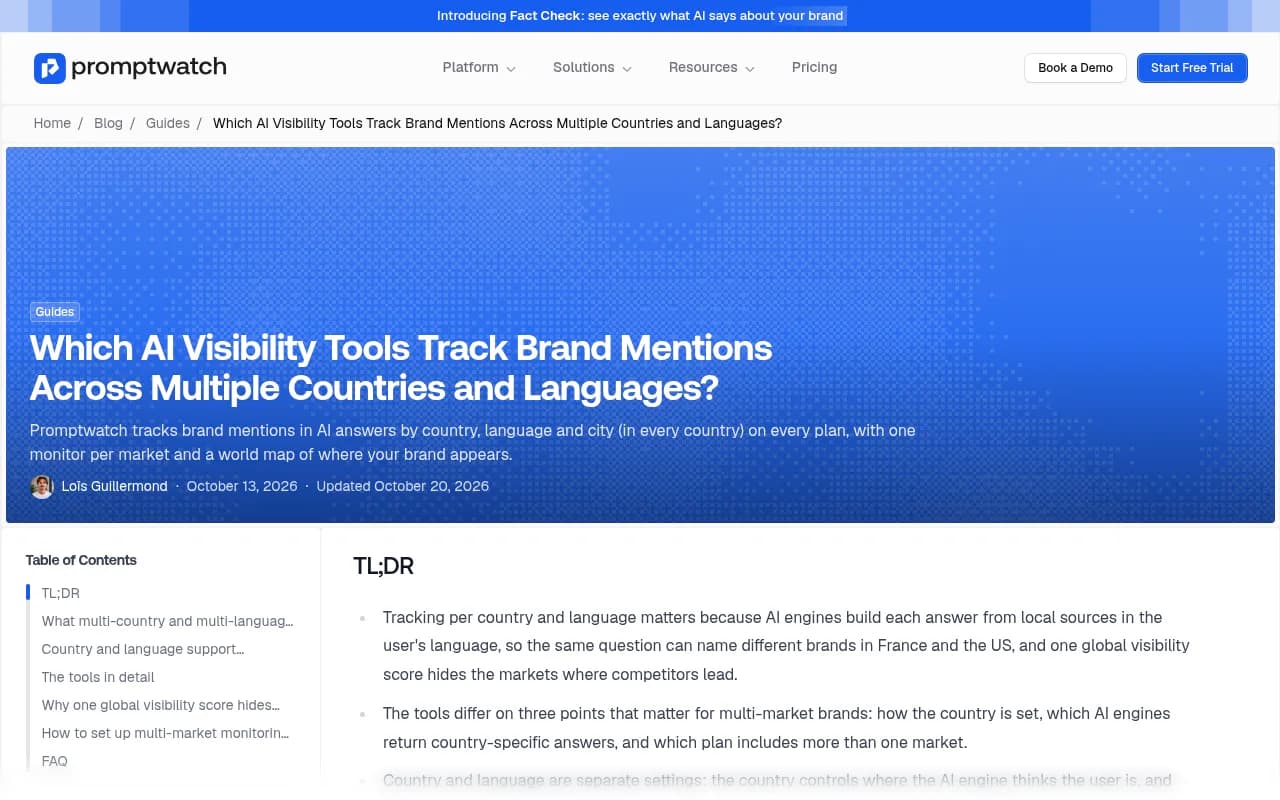
Promptwatch runs prompts as a monitor scoped to one country and one language, with an optional city or US state. You create one monitor per market, for example "DE, German", "FR, French, Paris" and "BE, French (Belgium)", and each keeps its own time series. Monitors collect from the real interfaces of ChatGPT, Gemini, Perplexity, Google AI Overviews, Google AI Mode, Copilot, and others, so answers reflect localization and citations the way a real user sees them. Country tracking is on every plan from $95/month; state and city tracking start on Business.

Two features matter for this specific job. The Visibility by Country map on the dashboard shows where your brand appears and which countries you do not track yet. And brand merging rolls local brand names or legal entities into one brand, which saves you from fragmented numbers when a product is sold under different names. Confirm current plan limits at promptwatch.com/pricing.
If you are comparing options more broadly, the GEO software directory at bestgeosoftware.com lists many more tools than this guide covers.
Step 4: set up monitors cleanly
A few rules that save pain later.
- One monitor per market. Never mix languages in a monitor. In Promptwatch a monitor's language and location are fixed once it is created, which forces this discipline.
- Name monitors consistently, like "FR-fr" and "BE-fr", so reports sort sensibly.
- Use the same core prompt types in every market so comparisons hold.
- Add local competitors per market. Your global rival may not even appear in Poland, where a domestic brand owns the category.
- Write brand rules for names that are also common words. A brand called "Apex" or "Bloom" needs instructions on what counts as a mention, and local-language meanings can make this worse.
Step 5: read the data per market, then per engine
Once data flows in, compare markets on a small set of metrics:
| Signal | What it tells you | Typical problem it points to |
|---|---|---|
| Visibility Score | How often and how prominently you appear | Coverage gap in that market |
| Share of voice | Your slice of all brand mentions | Local competitor dominance |
| Position | Where you land in the answer's brand order | Prominence problem |
| Sentiment | Tone of what the engine says | Reputation or local narrative issue |
| Citations | Which local pages feed the answer | Missing local sources |
Read them together. Low share of voice is a coverage problem. Late position is a prominence problem. Mentions without citations to your own domain point to a content or crawlability problem in that language.
Then split by engine, because local sources do not weigh equally everywhere. Promptwatch Data's social citations report for November 2026 covers Oct 11 to Nov 9, 2026 and is global rather than per country. It found social platforms earn 13.16% of Google AI Overviews citations, 1.94% of Perplexity's, and 0.64% of ChatGPT's. YouTube alone was 6.71% of AI Overviews citations. Treat that as a hint, not a rule for any one country: if your markets lean on local video and social discussion, AI Overviews is where that shows up first, while ChatGPT will lean on other source types.
Step 6: trace sentiment and claims back to local sources
Perception is the part people skip. Visibility tells you whether you are named. Sentiment and the individual claims tell you how.
For each market, look at what the engine says about pricing, features, support, and reputation. Then check the citations behind those claims. Often a single local review site or forum thread is shaping the narrative. Guides on brand sentiment monitoring across AI platforms go deeper on method.
Brand Narrative in Promptwatch extracts the individual claims AI makes about you and competitors, groups repeated ones, and scores themes per market. Fact Check, available on Business and above, lets you mark a claim accurate or inaccurate and then finds which of your pages state the wrong thing. If an engine says you lack a feature you added two years ago, that is usually a stale page in one language.
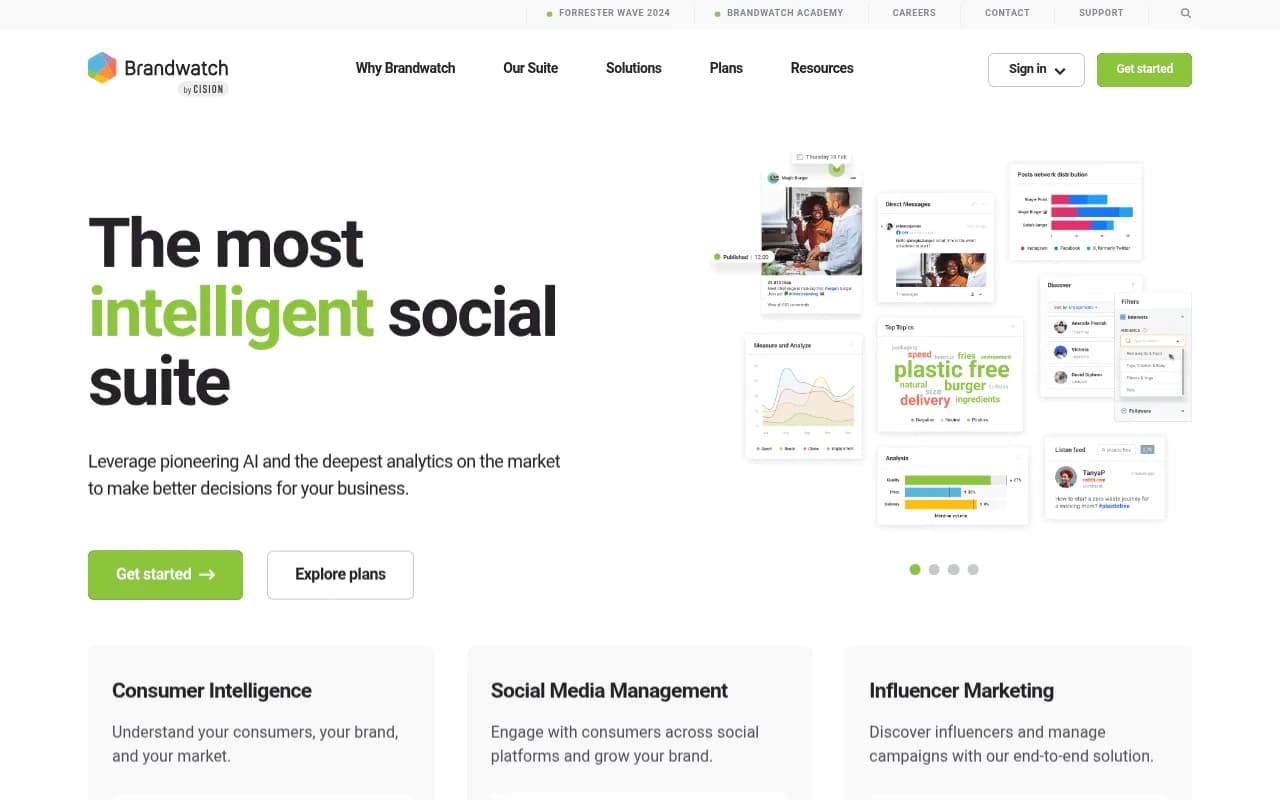
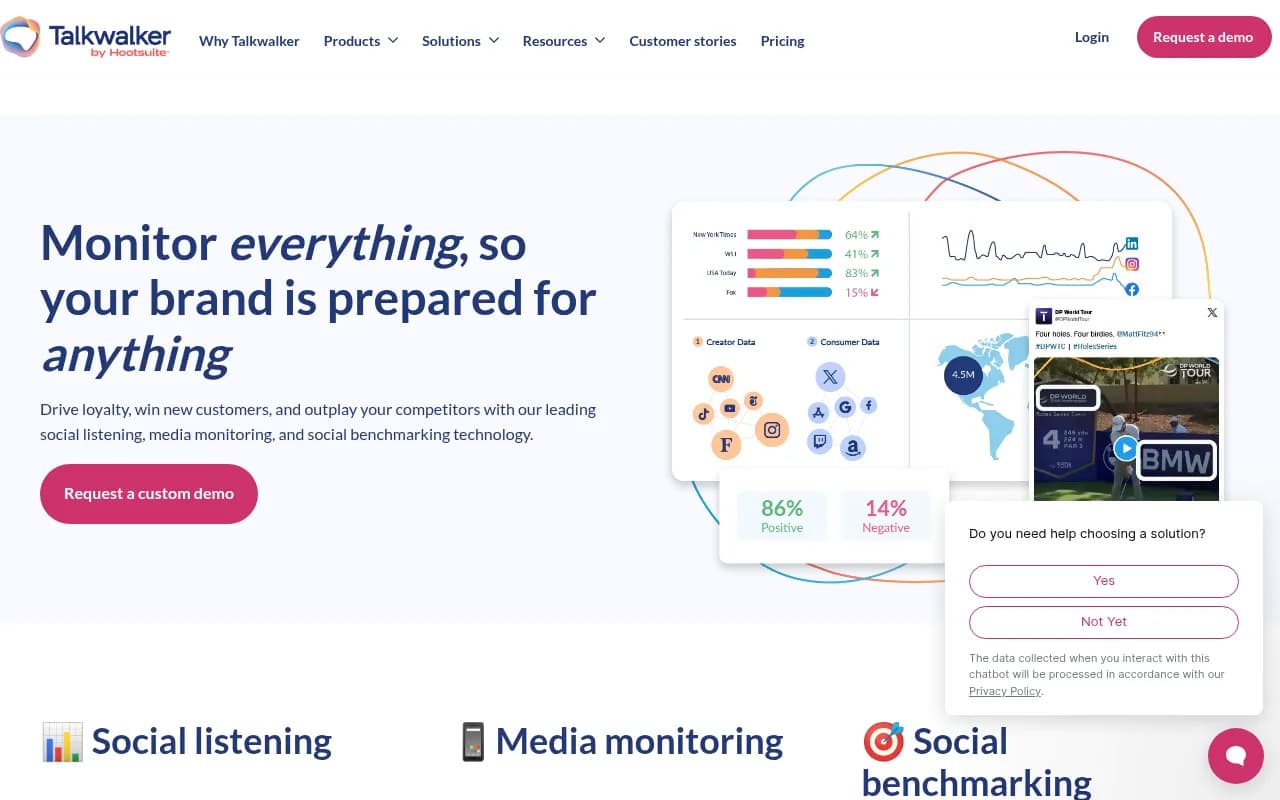
For wider reputation signals beyond AI answers, social listening tools such as Brandwatch and Talkwalker cover many languages, and they are useful as a cross-check on what local audiences actually say.
Step 7: fix the gaps market by market
Tracking is only useful if it changes what you publish. Typical fixes:
- Publish local-language pages for questions the engine answers but your site does not. A content gap analysis against each market's prompts shows these directly.
- Earn mentions on the local publishers and review sites the engine already cites.
- Check that AI crawlers can actually read your localized pages. Hreflang mistakes, blocked paths, and client-side rendering hit non-English sections hardest.
- Correct inaccurate claims on the pages that teach the engine the wrong thing.
- Refresh old translated pages. Stale translations are a quiet source of bad answers.
For teams that want the data and the fixing in one place, Promptwatch's Content Agent writes and publishes in the prompt's language, and its crawler logs show whether AI bots read each localized page. Teams that need senior help planning a multi-market GEO program can also talk to an agency; 1001 SEO Media runs AI search and GEO work for brands, and uses Promptwatch for its own AI visibility tracking.
Common mistakes
- Tracking only English prompts and calling the result "global"
- Using one monitor for several countries, so the averages hide everything
- Confusing language with country, especially for Spanish, French, Arabic, and Portuguese markets
- Judging a market on too few prompts. Ten prompts is noise. Aim for enough that one odd response cannot swing the score.
- Comparing markets without a shared core prompt set
- Ignoring local competitors because the global rival list looks complete
- Checking monthly. Answers shift often, so daily tracking with weekly review is a better rhythm.
FAQ
Can I track AI visibility in languages other than English?
Yes. Most AI visibility tools accept prompts in any language. What differs is whether the tool sets the language and location as separate controls, and whether it supports regional variants like French (Belgium).
Is translating my English prompts enough?
No. Use translation to draft, then have a native speaker rewrite and add market-specific questions from local search data and sales conversations.
How many markets should I start with?
Two to four. Pick the highest-revenue markets plus one growth market. Add more once the first set produces actions you can actually complete.
Does ChatGPT give different answers by country?
It can. Location and language change which sources the engine retrieves, so the brands named can differ. That is the reason to track per market. Run a test yourself: ask the same question from two locations and compare the cited sources.
Where to start this week
Pick your top three markets. Write 20 local-language prompts for each from Search Console and sales calls. Set up one monitor per market with the right country and language. Give it two weeks of daily data, then compare share of voice and sentiment side by side. The market with the biggest gap to its revenue share is your first project. If you want a quick baseline before committing to a tool, Promptwatch's free AI visibility report scans how ChatGPT, Gemini, and Perplexity describe your brand with no login.