Summary
- Survey your existing customers to discover which AI models they use for research and decision-making
- Analyze traffic patterns and referral data to identify which AI platforms are already sending visitors to your site
- Use AI crawler logs to see which models are actively indexing your content and how often
- Prioritize tracking and optimization for the 2-3 AI models your specific audience actually uses, not all 10+
- Validate your assumptions with behavioral data -- what people say they use and what they actually use often differ
Why tracking the wrong AI models wastes your budget
Most AI visibility platforms let you monitor 10+ language models: ChatGPT, Perplexity, Claude, Gemini, Google AI Overviews, Grok, DeepSeek, Copilot, Mistral, Meta AI. The pitch sounds compelling -- track everything, miss nothing.
The reality? Your customers probably use 2-3 of those models regularly. The rest are noise.
If you're a B2B SaaS company selling to developers, your audience likely defaults to ChatGPT and Claude. If you're targeting enterprise procurement teams, they're probably using Copilot and Google AI Overviews inside their existing Microsoft and Google workflows. Consumer brands might see heavy Perplexity usage from research-oriented buyers.
Tracking all 10 models means:
- Burning budget on prompt credits you don't need
- Diluting your optimization efforts across platforms that don't matter
- Reporting on vanity metrics that don't correlate with revenue
- Missing opportunities to dominate the 2-3 platforms that actually drive conversions
The first step isn't picking a tracking tool. It's figuring out which AI models your specific customers actually use.
Method 1: Survey your existing customers directly
The fastest way to understand AI usage patterns is asking people who already buy from you.
Create a short survey (5-7 questions max) and send it to:
- Recent customers (purchased in the last 90 days)
- Active trial users
- High-engagement email subscribers
- LinkedIn followers in your ICP
Key questions to include:
Which AI tools do you use for work-related research? (multiple choice)
- ChatGPT
- Claude
- Perplexity
- Google AI Overviews
- Copilot
- Gemini
- Other (please specify)
- I don't use AI tools
How often do you use AI tools to research [your product category]?
- Daily
- Weekly
- Monthly
- Rarely
- Never
When you used AI to research solutions like ours, which tool did you use? (open-ended)
Did an AI tool mention our brand before you visited our website? (yes/no/unsure)
Tools like SurveyMonkey or Google Forms work fine for this. Offer a small incentive (gift card, extended trial, exclusive content) to boost response rates above 15%.
The goal isn't statistical perfection. You need directional data: if 70% of respondents mention ChatGPT and Perplexity but nobody mentions Grok or DeepSeek, you have your answer.
Method 2: Analyze your existing traffic and referral sources
AI models are already sending traffic to your website. Most brands just don't know how to measure it.
Start with Google Analytics (or your analytics platform of choice):
Check referral traffic sources
Navigate to Acquisition > Traffic Acquisition and filter for referrals containing:
perplexity.aichatgpt.comclaude.aigemini.google.comyou.com
You'll see which AI platforms are already driving sessions. Sort by conversions (not just sessions) to identify which platforms send qualified traffic.
Look for AI-specific UTM parameters
Some AI platforms append identifiable parameters to outbound links. Check your URL query strings for patterns like:
?ref=chatgpt?source=perplexity?utm_source=ai
If you're not seeing referral data, it doesn't mean AI models aren't influencing your traffic -- it means users are copying URLs or navigating indirectly. This is where the next method becomes critical.
Track direct traffic spikes after AI mentions
When an AI model starts citing your brand heavily, you'll often see a spike in direct traffic (no referrer) because users copy-paste URLs from AI responses.
Cross-reference direct traffic spikes with:
- Dates when you published new content
- Keyword rankings changes
- Social media mentions
- PR coverage
If none of those explain the spike, AI visibility is a likely driver.
Method 3: Monitor AI crawler activity on your website
AI models send crawlers to index your content before they can cite it. These crawlers leave fingerprints in your server logs.
The most common AI crawlers to track:
| Crawler | AI Model | User-Agent String |
|---|---|---|
| GPTBot | ChatGPT | GPTBot |
| ClaudeBot | Claude | ClaudeBot |
| PerplexityBot | Perplexity | PerplexityBot |
| Google-Extended | Gemini/Bard | Google-Extended |
| Applebot-Extended | Apple Intelligence | Applebot-Extended |
| Bytespider | TikTok/Grok | Bytespider |
Option A: Manual log analysis
If you have access to your web server logs (Apache, Nginx, Cloudflare), grep for AI bot user agents:
grep -i "GPTBot\|ClaudeBot\|PerplexityBot" access.log | wc -l
This shows you total requests from each bot. To see which pages they're crawling most:
grep -i "GPTBot" access.log | awk '{print $7}' | sort | uniq -c | sort -rn | head -20
If you see heavy crawler activity from specific bots, those models are actively indexing your content -- a strong signal that your audience uses them.
Option B: Use a platform with built-in crawler tracking
Promptwatch includes real-time AI crawler logs that show:
- Which AI bots are hitting your site
- How often they return
- Which pages they're indexing
- Errors they encounter (404s, timeouts, blocked resources)

This removes the need for manual log analysis and gives you a dashboard view of AI indexing activity. If ChatGPT's crawler visits your site 500 times per week but Grok's crawler hasn't shown up in months, you know where to focus.
Other platforms with crawler monitoring:
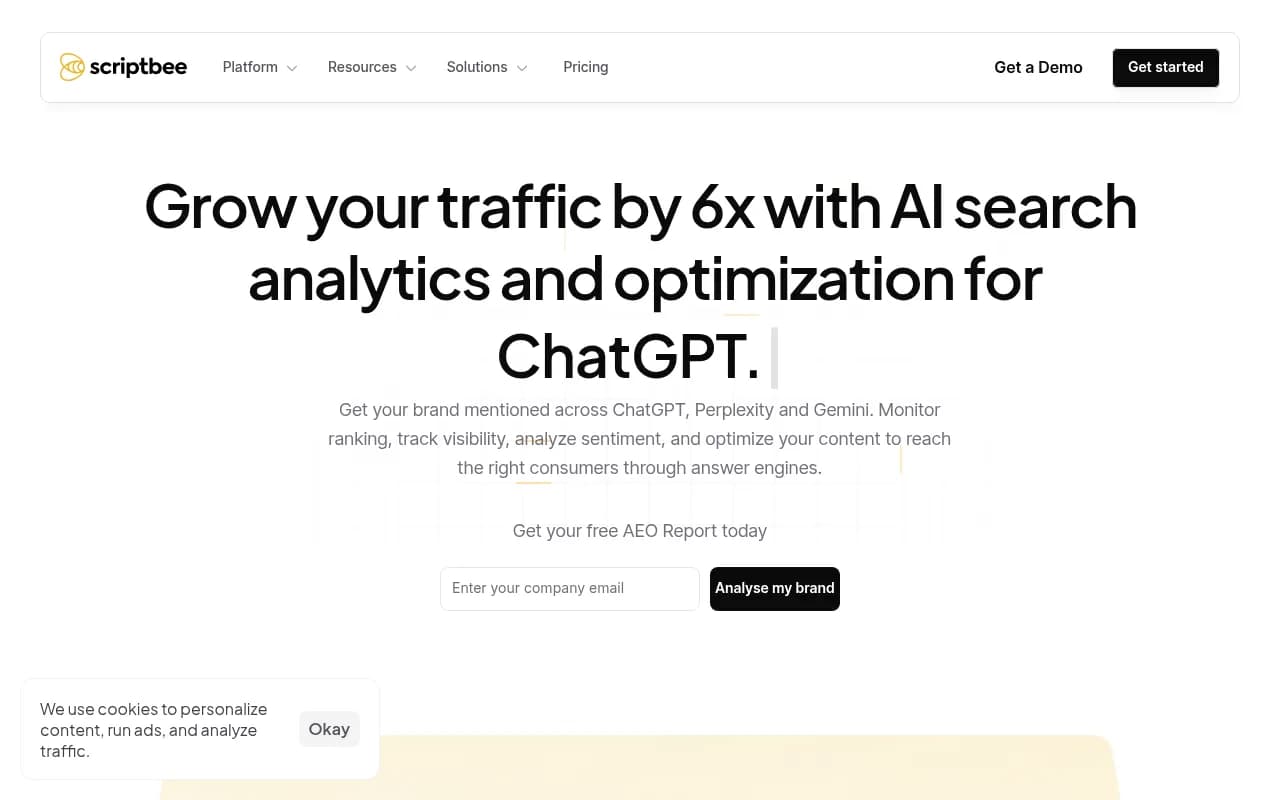
- Scriptbee -- unlimited domains with AI crawler tracking
- Atomic AGI -- multi-engine tracking with workflow automation
Method 4: Test prompts and compare response quality across models
Even if you know which models your audience uses, response quality varies wildly by topic and industry.
Run the same 10-20 buyer-intent prompts across multiple AI models and evaluate:
- Does the model return a relevant answer?
- Does it cite sources (and are they accurate)?
- Does it mention your brand or competitors?
- How detailed and useful is the response?
Example prompts to test:
- "What's the best [product category] for [use case]?"
- "Compare [your brand] vs [competitor]"
- "How do I solve [problem your product addresses]?"
- "What are the top [product category] tools in 2026?"
If ChatGPT consistently returns detailed, citation-rich answers for your prompts but Claude returns generic responses with no sources, ChatGPT is the better optimization target -- even if your survey data shows equal usage.
You can run these tests manually (tedious but free) or use a platform like Promptwatch to automate prompt testing across models and track response changes over time.
Method 5: Check industry benchmarks and persona-specific usage data
Some AI models skew heavily toward specific user segments:
Developers and technical users:
- ChatGPT (especially Plus/Pro subscribers)
- Claude (Anthropic's developer-friendly positioning)
- GitHub Copilot (for coding workflows)
Enterprise and corporate users:
- Microsoft Copilot (integrated into Office 365)
- Google Gemini (integrated into Workspace)
- ChatGPT Enterprise
Researchers and students:
- Perplexity (citation-focused interface)
- ChatGPT (most widely known)
- Claude (academic use cases)
General consumers:
- ChatGPT (highest brand awareness)
- Google AI Overviews (integrated into search)
- Perplexity (growing among power users)
If your ICP is "VP of Marketing at B2B SaaS companies," you're more likely to see Copilot and ChatGPT usage than Grok or DeepSeek. If you're targeting college students, Perplexity and ChatGPT dominate.
Cross-reference your survey data with these patterns. If your results contradict industry norms, dig deeper -- you might have discovered a niche usage pattern worth exploiting.
How to prioritize models once you have the data
You've surveyed customers, analyzed traffic, checked crawler logs, and tested prompts. Now you have a messy spreadsheet of data points. How do you decide which 2-3 models to focus on?
Use this prioritization framework:
Tier 1: Must-track models
These meet all three criteria:
- 40%+ of survey respondents use it
- Crawler activity shows consistent indexing (weekly or more)
- Prompt testing shows relevant, citation-rich responses
Action: Track daily, optimize aggressively, allocate 60% of your AI visibility budget here.
Tier 2: Watch-list models
These meet two of three criteria:
- Moderate survey mentions (15-40%)
- Some crawler activity or referral traffic
- Decent prompt response quality
Action: Track weekly, optimize opportunistically, allocate 30% of budget.
Tier 3: Ignore for now
These meet one or zero criteria:
- Low survey mentions (<15%)
- No crawler activity
- Poor or irrelevant prompt responses
Action: Check quarterly to see if usage patterns shift. Don't waste resources here.
For most B2B brands, Tier 1 ends up being ChatGPT + one other model (Claude, Perplexity, or Copilot). For consumer brands, it's often ChatGPT + Google AI Overviews.
Common mistakes when tracking AI model usage
Mistake 1: Trusting self-reported data without validation
People say they use Claude because it sounds sophisticated. Then you check crawler logs and see zero ClaudeBot activity. Behavioral data (logs, traffic, prompt testing) always beats survey responses.
Mistake 2: Tracking models your competitors track
Just because a competitor monitors Grok doesn't mean your audience uses it. Your ICP might be completely different.
Mistake 3: Assuming Google AI Overviews = high priority
Google AI Overviews appear in traditional search results, so they feel important. But if your audience skips Google entirely and goes straight to ChatGPT, Overviews don't matter. Check your Google Search Console data -- if AI Overview impressions are negligible, deprioritize.
Mistake 4: Ignoring model-specific content preferences
ChatGPT loves long-form guides and listicles. Perplexity prioritizes recent, citation-heavy content. Claude favors nuanced, well-structured arguments. If you optimize the same content for all models, you'll underperform everywhere. Tailor your content strategy to the models your audience actually uses.
Mistake 5: Tracking too many models and optimizing for none
Monitoring 10 models feels comprehensive. But if you're a 3-person marketing team, you don't have bandwidth to create model-specific content for all 10. Pick 2-3 and dominate them.
Tools that help you track AI model usage
Once you know which models to prioritize, you need a system to monitor visibility and track changes over time.
All-in-one platforms (tracking + optimization)
These platforms combine tracking, content gap analysis, and optimization tools:
Promptwatch -- tracks 10 AI models, includes crawler logs, content gap analysis, and an AI writing agent that generates articles designed to rank in AI search. The only platform that closes the loop from tracking to content creation to results measurement.
Profound -- enterprise platform tracking 9+ AI engines with strong feature set but higher price point. No Reddit tracking or ChatGPT Shopping.
Profound

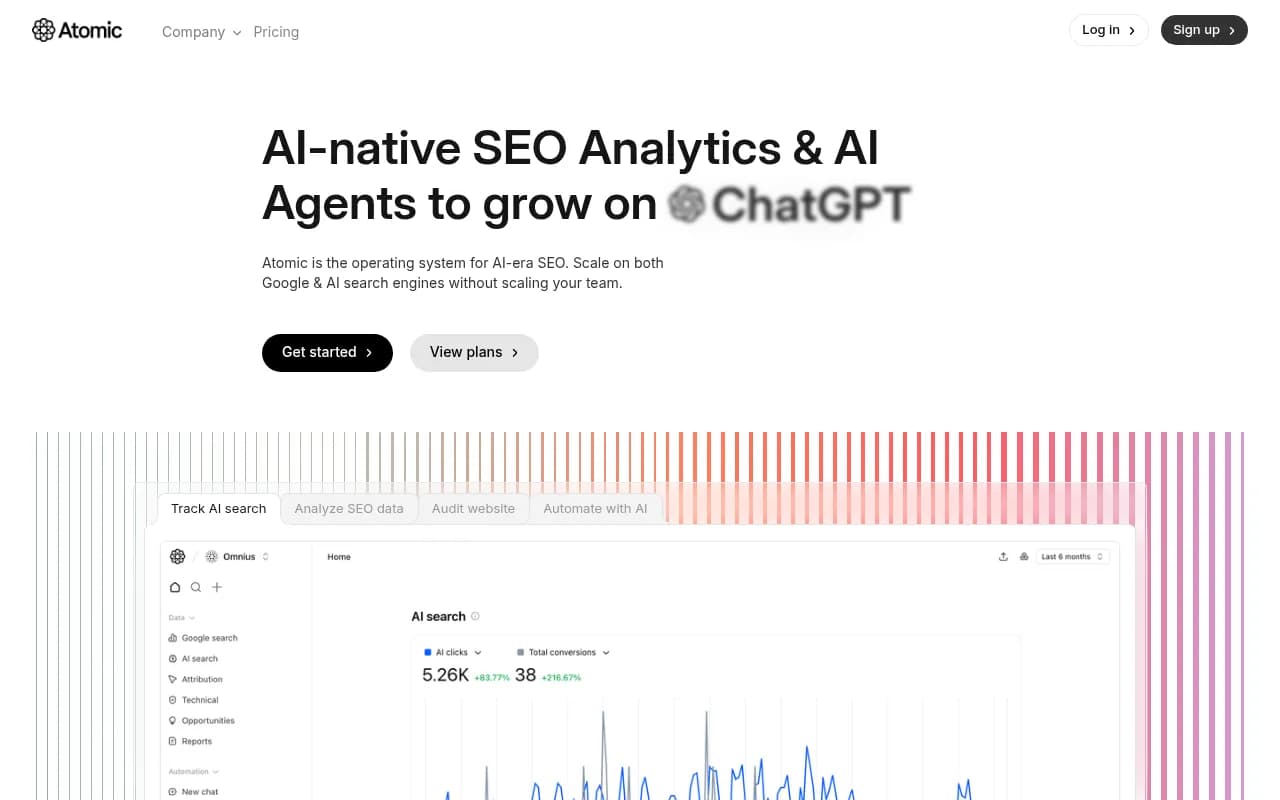
Atomic AGI -- combines multi-engine tracking with workflow automation. Good for teams that want to build custom optimization processes.
Monitoring-only platforms (tracking without optimization)
These show you visibility data but don't help you fix gaps:
Otterly.AI -- basic monitoring for ChatGPT, Perplexity, and Google AI Overviews. No crawler logs, no visitor analytics, no content generation.
Otterly.AI

Peec AI -- tracks ChatGPT, Perplexity, and Claude. Clean interface but limited actionability.

AthenaHQ -- monitoring-focused, lacks content optimization and generation capabilities.

Comparison table: Key features by platform
| Platform | Models tracked | Crawler logs | Content gap analysis | AI content generation | Starting price |
|---|---|---|---|---|---|
| Promptwatch | 10 | Yes | Yes | Yes | $99/mo |
| Profound | 9+ | No | Limited | No | Higher |
| Atomic AGI | Multiple | Yes | Yes | Via workflows | Custom |
| Otterly.AI | 3 | No | No | No | $49/mo |
| Peec AI | 3 | No | No | No | $79/mo |
| AthenaHQ | Multiple | No | Limited | No | $99/mo |
If you're just starting out and want to validate which models matter before committing to a paid tool, use the manual methods outlined earlier (surveys, log analysis, prompt testing). Once you've identified your Tier 1 models, invest in a platform that covers those specific engines.
How to validate your tracking strategy is working
You've picked your priority models and started tracking. How do you know it's working?
Leading indicators (check weekly):
- Visibility scores increasing for target prompts
- Crawler activity increasing on new content
- Citation frequency improving in AI responses
Lagging indicators (check monthly):
- Referral traffic from AI platforms increasing
- Direct traffic spikes correlating with AI visibility gains
- Conversions from AI-influenced traffic improving
If you're seeing leading indicators move but lagging indicators stay flat, you're tracking the wrong prompts or optimizing for low-intent queries. Revisit your prompt list and focus on buyer-intent keywords.
If both leading and lagging indicators are flat after 60 days, you're either:
- Tracking the wrong models (go back to customer research)
- Creating content AI models don't want to cite (check citation patterns)
- Facing technical issues (crawler blocks, indexing errors)
What to do once you know which models your customers use
Tracking is step one. Optimization is where ROI happens.
Once you've identified your Tier 1 models:
- Audit your existing content -- which pages are being cited, which aren't, and why
- Run an Answer Gap Analysis -- identify prompts where competitors appear but you don't
- Create model-specific content -- write articles, guides, and comparisons designed for the citation patterns of your priority models
- Fix technical issues -- ensure AI crawlers can access your content (no blocks, fast load times, clean HTML)
- Track results -- connect visibility gains to actual traffic and revenue
Platforms like Promptwatch automate most of this workflow. You see the gaps, generate the content, and track the results in one place. For teams without dedicated AI visibility resources, this closed-loop approach is the difference between tracking vanity metrics and driving real business outcomes.
The brands that win in AI search aren't the ones monitoring every model. They're the ones that figured out which 2-3 models their customers actually use, then dominated those platforms with targeted, high-quality content.