Key takeaways
- Product analytics shows you what users do inside your product -- but AI search data reveals what they wish it could do, often before they ever contact support.
- Combining in-app behavioral data with AI search visibility signals gives you a more complete picture of unmet feature demand.
- The most actionable approach: identify features with high usage but low AI citation coverage, then treat those gaps as content and roadmap priorities.
- Tools like Amplitude, Mixpanel, and PostHog handle the behavioral side; platforms like Promptwatch handle the AI visibility side.
- The goal isn't just to rank in AI search -- it's to use AI search data as a real-time feedback loop on what your customers actually want.
There's a gap in how most product teams think about customer research in 2026, and it's costing them roadmap clarity.
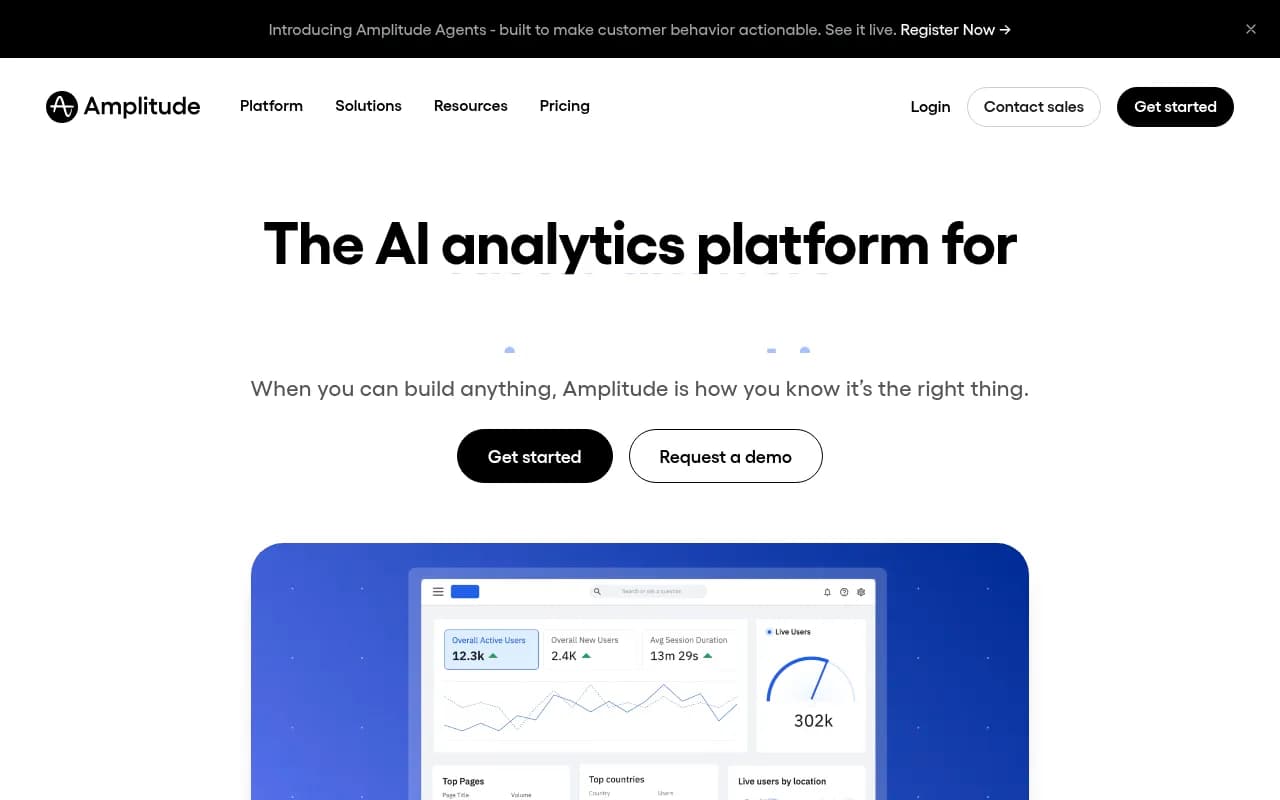
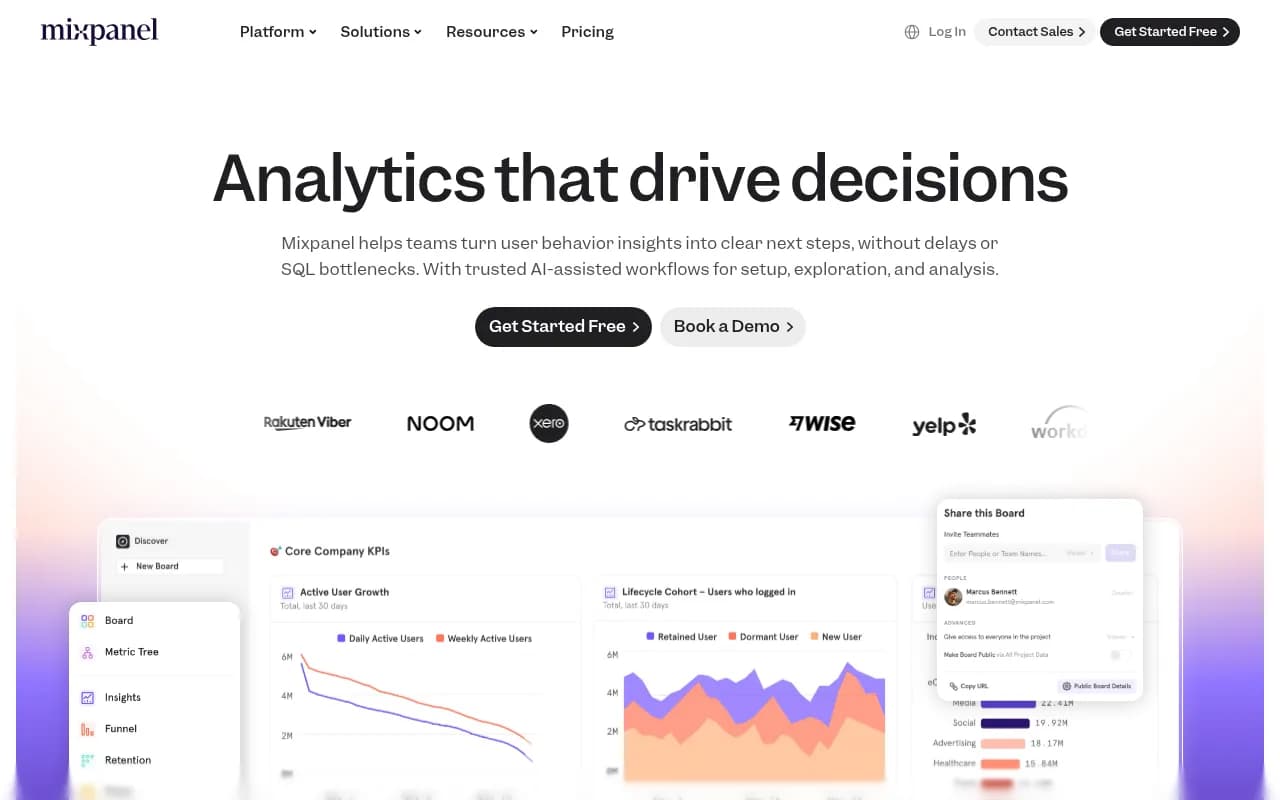
On one side, you have product analytics -- Amplitude, Mixpanel, PostHog, Pendo. These tools are excellent at telling you what users do inside your product: which features get used, where people drop off, which flows convert. That's valuable. But it's backward-looking. It tells you what already happened.
On the other side, something new is happening. Customers are increasingly turning to ChatGPT, Perplexity, Claude, and Gemini to ask questions about software products before they ever open a support ticket or submit a feature request. They're asking things like "how do I export data from [your product]?" or "does [your product] support Zapier integrations?" or "what's the best way to set up automated reports in [your product]?"
Those questions are a goldmine of unmet demand. And most product teams have no idea they're happening.
This guide walks through how to connect both signals -- behavioral analytics and AI search data -- to build a clearer picture of what your customers actually want.
Why AI search behavior is a new product research signal
Think about how you use AI assistants yourself. When you're stuck on something in a product, you might ask ChatGPT before you search Google, before you open the help docs, and definitely before you file a support ticket. Your customers are doing the same thing.
This matters for product teams because:
- Questions asked to AI engines often reveal confusion or friction that never surfaces in your analytics (users who are confused often just churn quietly)
- The specific phrasing of AI queries tells you how customers think about your features, which is useful for naming, positioning, and documentation
- If AI engines can't answer questions about your product accurately, customers may get wrong information -- or worse, get pointed to a competitor
The volume of AI-mediated product research has grown fast. According to data from Promptwatch, which has processed over 1.1 billion prompts and citations, product and software queries are among the fastest-growing categories in AI search. People aren't just asking AI about news or recipes -- they're using it to evaluate, troubleshoot, and compare software tools.

Step 1: Audit your product analytics for high-friction features
Before you can identify which features customers are asking AI about, you need to know which features are worth investigating. Start with your existing product analytics data.
What to look for
Pull data on:
- Features with high activation but low retention (users try it, then stop)
- Features with low activation despite being prominently placed in the UI
- Support ticket clusters -- which features generate the most "how do I" questions
- Funnel drop-offs -- where users abandon a workflow mid-task
- Search queries within your product (if you have internal search, this is underused gold)
Tools like Amplitude and Mixpanel make this relatively straightforward with funnel analysis and cohort breakdowns.
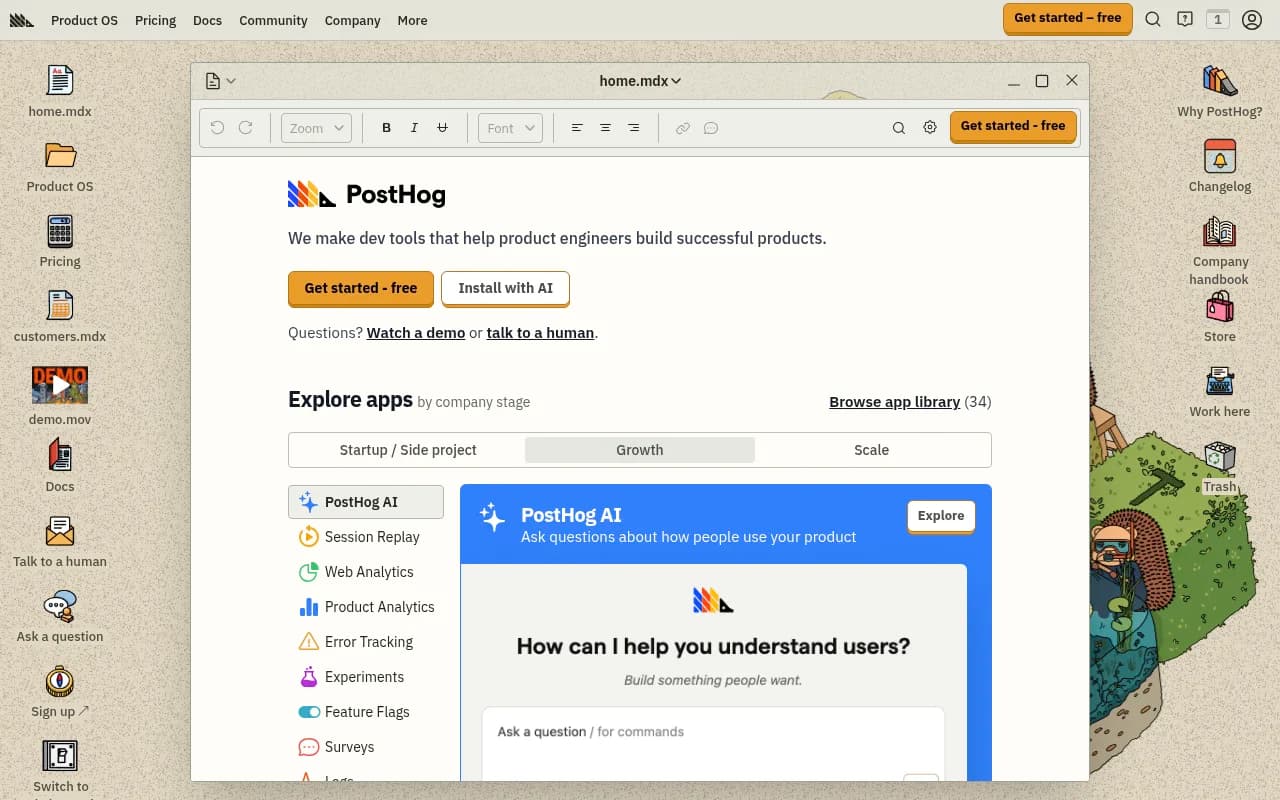
PostHog is worth mentioning here too -- it combines product analytics with session replay, which lets you watch actual user behavior around confusing features rather than just seeing the numbers.
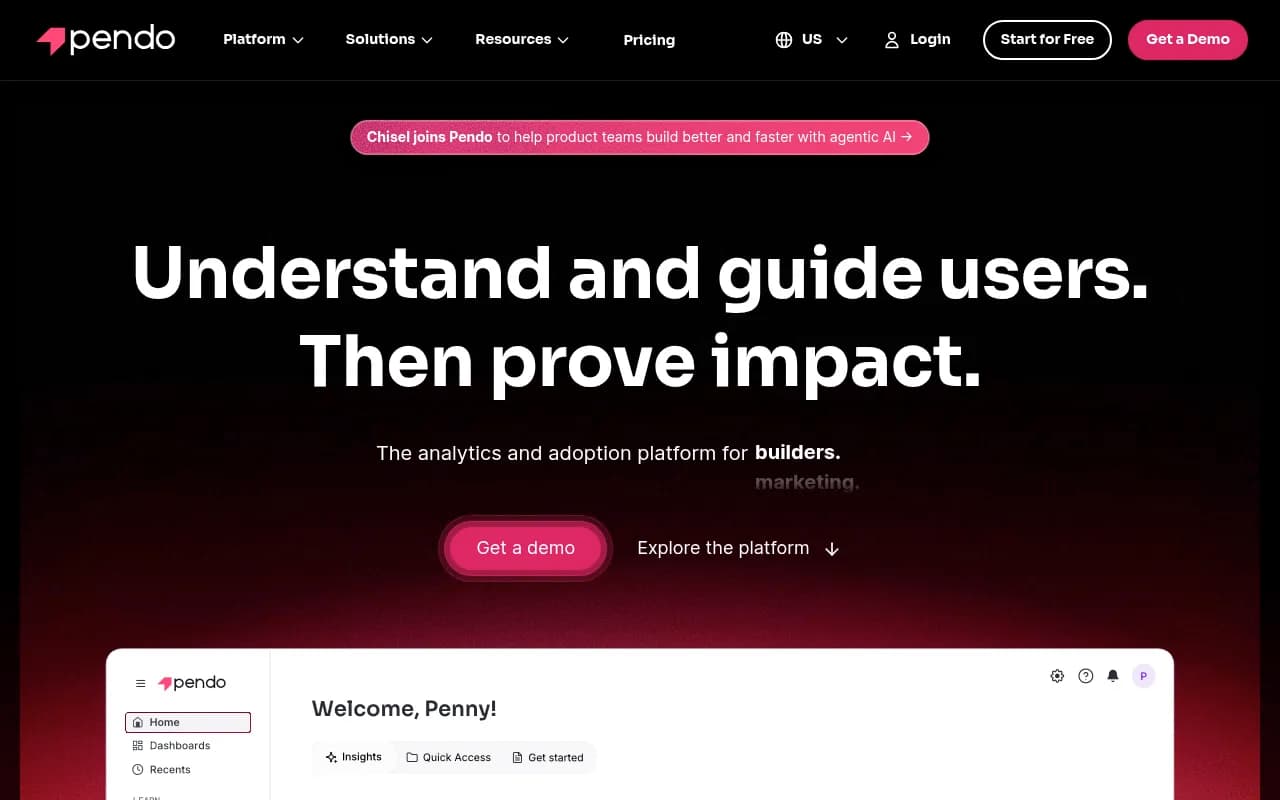
Pendo goes a step further by letting you add in-app surveys directly on top of confusing UI elements, so you can ask users what they were trying to do right at the moment of friction.
Build your "friction feature list"
By the end of this step, you want a list of 10-20 features that show signs of confusion, underuse, or abandonment. These are your candidates for AI search investigation.
Step 2: Find out what AI engines are saying about those features
This is the step most product teams skip entirely, and it's where the interesting signal lives.
For each feature on your friction list, you want to know:
- Are customers asking AI engines about this feature?
- What exactly are they asking?
- What answer is the AI giving them?
- Is your product even mentioned in that answer?
How to do this manually (to start)
The simplest starting point is to just ask. Go to ChatGPT, Perplexity, and Claude and type in the kinds of questions your customers might ask about each feature. Be realistic about phrasing -- customers don't ask "what is the data export functionality of [product]?" They ask "how do I export my data from [product]?" or "can [product] export to CSV?"
Note what comes back. Is your product mentioned? Is the answer accurate? Does it reference a competitor instead? Does it cite your documentation, or some random third-party blog post?
Do this for your top 10 friction features and you'll already start to see patterns.
How to do this at scale
Manual testing gets tedious fast, especially if you have a complex product with dozens of features. This is where AI visibility platforms become useful.
Promptwatch lets you set up structured prompts around your product's features and track how AI engines respond over time. You can see which prompts your competitors are being cited for that you're not -- that's the Answer Gap Analysis feature, and for product teams it's particularly useful because it surfaces the exact questions customers are asking where a competitor is getting the credit.
For a lighter-weight starting point, tools like Otterly.AI and Peec AI offer basic brand monitoring across AI engines.
Otterly.AI


Step 3: Cross-reference the two datasets
Now you have two lists:
- Features with friction or confusion signals from your product analytics
- Features where AI engines are giving incomplete, wrong, or competitor-favoring answers
The overlap between these two lists is your highest-priority area. These are features where:
- Users are already struggling (you can see it in your analytics)
- They're turning to AI for help (you can see it in AI search data)
- The AI isn't giving them good answers about your product (you can see that too)
That triple overlap is a clear signal. It means customers are confused, they're seeking help, and they're not getting accurate information about your product. That's a problem you can fix.
A simple prioritization matrix
| Feature | Friction score (analytics) | AI query volume | Your AI citation rate | Priority |
|---|---|---|---|---|
| Data export | High | High | Low | Critical |
| Zapier integration | Medium | High | Medium | High |
| Custom reporting | High | Medium | None | High |
| User permissions | Low | Low | High | Monitor |
| API access | Medium | High | Low | High |
Fill this in for your friction feature list. The features with high friction, high AI query volume, and low citation rate are where you focus first.
Step 4: Decide what to do about each gap
Once you've identified the gaps, you have a few options. They're not mutually exclusive.
Fix the product
Sometimes the AI search data reveals that customers are asking about a feature because it genuinely doesn't work well. If dozens of people are asking "why does [feature] keep failing in [product]?" that's not a content problem -- it's a product problem. Take it back to your engineering team.
Fix the documentation
More often, the feature works fine but the documentation is thin, outdated, or hard to find. AI engines heavily weight official documentation when forming answers. If your help center article on data export is three years old and 200 words long, that's probably why AI engines aren't citing it when customers ask.
Rewrite the documentation to be comprehensive and specific. Include the exact questions customers ask, not just feature descriptions. "How to export your data to CSV" is a better article title than "Data Export Overview."
Create content that answers the question directly
For features where customers are asking AI engines comparison or evaluation questions ("is [product] better than [competitor] for reporting?"), you may need to create dedicated comparison content or feature-specific landing pages.
This is where the AI visibility loop closes: you use AI search data to identify what content is missing, create that content, and then track whether AI engines start citing it. Promptwatch's built-in content generation tools are designed specifically for this -- generating articles grounded in real citation data rather than generic SEO filler.
Add it to the roadmap
Sometimes the AI search data reveals feature requests that don't exist yet. If customers are repeatedly asking AI engines "can [product] do X?" and the answer is "no," that's a product gap worth evaluating. It's not a definitive signal on its own, but combined with your analytics data and customer interviews, it can strengthen the case for a new feature.
Step 5: Track whether the gaps close
This is the part that turns a one-time exercise into an ongoing feedback loop.
After you've updated documentation, created new content, or shipped a feature improvement, you want to know if AI engines are now giving better answers. That means tracking your AI citation rate for the specific prompts you care about.
Promptwatch does this at the page level -- you can see exactly which pages are being cited by which AI models, how often, and whether that's changing over time. If you rewrote your data export documentation in March and your citation rate for "how to export data from [product]" doubled by April, that's a concrete result.
For teams that want to connect AI visibility to actual traffic and revenue, Promptwatch also supports traffic attribution via a code snippet, Google Search Console integration, or server log analysis. That's useful for making the business case internally -- "our AI visibility improvements drove X additional visits and Y conversions" is a much stronger argument than "we think our AI citations went up."
Putting it all together: the workflow
Here's the full process condensed into a repeatable workflow:
- Pull your product analytics and identify 10-20 features with friction, confusion, or abandonment signals
- For each feature, run structured prompts through ChatGPT, Perplexity, and Claude to see what answers customers are getting
- Use an AI visibility platform to scale this and track it over time
- Cross-reference the two datasets to find the triple-overlap features (high friction + high AI query volume + low citation rate)
- For each gap, decide: fix the product, fix the docs, create new content, or add to roadmap
- Track citation rates over time to measure whether the gaps are closing
This isn't a one-time project. The most useful version of this is a monthly or quarterly review that becomes part of your normal product discovery process.
A note on what this isn't
This approach won't replace user interviews, usability testing, or direct customer feedback. Those are still essential. What AI search data adds is scale and speed -- you're essentially getting a continuous stream of unfiltered customer questions, at volume, without having to recruit anyone or run a survey.
It's also worth being honest about the limitations. AI search query data tells you what questions are being asked, but not always by whom. A question about your enterprise reporting feature might be coming from a prospect evaluating you, not an existing customer. Context matters, and you'll want to triangulate with your other research methods.
But as a signal for identifying where your product documentation, feature design, or roadmap has gaps? It's one of the more underused sources of insight available to product teams right now.
Tools summary
| Tool | Primary use | Best for |
|---|---|---|
| Amplitude | Product analytics, funnel analysis | Identifying feature friction |
| Mixpanel | Behavioral analytics, cohort analysis | Usage pattern analysis |
| PostHog | Analytics + session replay | Watching actual user confusion |
| Pendo | In-app analytics + guidance | Surveying users at friction points |
| Promptwatch | AI visibility tracking + content generation | Full AI search gap analysis and optimization |
| Otterly.AI | Basic AI brand monitoring | Lightweight AI mention tracking |
| Peec AI | AI visibility monitoring | Cross-LLM brand tracking |
The combination of strong product analytics and AI search visibility data gives you a more complete picture of customer needs than either source alone. Your analytics show you what users do. AI search data shows you what they wish they could do -- and who they're asking when they can't figure it out.
That's a useful thing to know.