Key Takeaways
- Amplitude — Best for enterprise teams needing advanced cohort analysis and predictive analytics, with AI-powered insights and generous free tier (10K MTUs)
- PostHog — Best for engineering teams who want an all-in-one platform with session replay, feature flags, and A/B testing; open-source with unlimited self-hosted events
- Google Analytics — Best for content sites and small businesses needing basic web analytics for free, though limited for product-specific event tracking
- Heap — Best for teams wanting automatic event capture without manual instrumentation, now part of Contentsquare with powerful retroactive analysis
- Pendo — Best for SaaS companies needing in-app guidance and user onboarding alongside analytics, with AI-powered churn prediction
Mixpanel has been a go-to product analytics platform since 2009, but it's not the only option — and for many teams, it's not the best one. Common reasons to look for alternatives include pricing that scales unpredictably with event volume (at $0.28 per 1K events, costs can balloon fast), limited session replay capabilities, no built-in A/B testing or feature flags, and a learning curve that slows down non-technical team members.
Whether you're a startup watching your budget, an engineering team that wants more control, or an enterprise looking for deeper integrations, there's likely a better fit. Here's an honest comparison of the top Mixpanel alternatives in 2026, covering what each does well, where it falls short, and who should pick it.
Amplitude
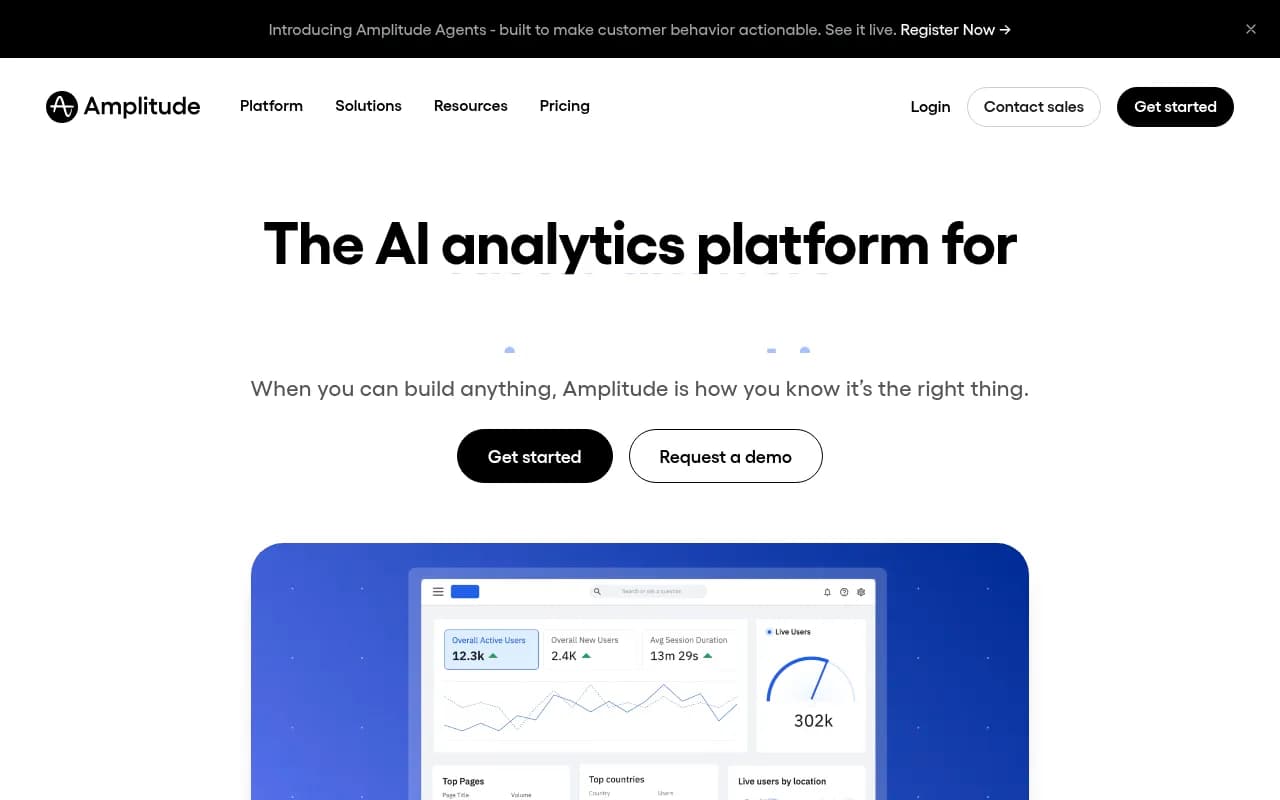
Amplitude is Mixpanel's closest competitor and often wins on depth of analysis. It's built for product teams that need to understand not just what users do, but why they do it and what they'll do next. The platform excels at cohort analysis, behavioral segmentation, and predictive analytics — features that help you spot churn risks before they happen.
What it does better than Mixpanel:
- Predictive analytics: AI-powered models forecast which users are likely to convert or churn, something Mixpanel doesn't offer natively
- More generous free tier: 10K monthly tracked users (MTUs) vs Mixpanel's 1M events, which can be more predictable for budgeting
- Better collaboration tools: Notebooks and shared dashboards make it easier for cross-functional teams to work together
- Deeper integrations: Stronger connections with data warehouses (Snowflake, BigQuery) and CDPs (Segment, mParticle)
Trade-offs:
- Steeper learning curve — the interface assumes you know what cohorts, funnels, and retention curves are
- Slower setup for non-technical users compared to plug-and-play tools
- Pricing jumps significantly after the free tier (typically $2K-$50K+/year depending on MTUs)
Pricing comparison: Amplitude's free tier covers up to 10K MTUs. The Plus plan starts at $49/month for 300K MTUs, but most teams end up on Growth or Enterprise plans ($2K-$50K+/year). Mixpanel charges per event ($0.28/1K events), which can be cheaper for low-activity users but more expensive for high-engagement products.
Best for: Mid-market to enterprise product teams (especially B2C apps, SaaS platforms, and marketplaces) that need advanced analytics and can invest time in setup. If you're running experiments and need to predict user behavior, Amplitude is worth the complexity.
PostHog
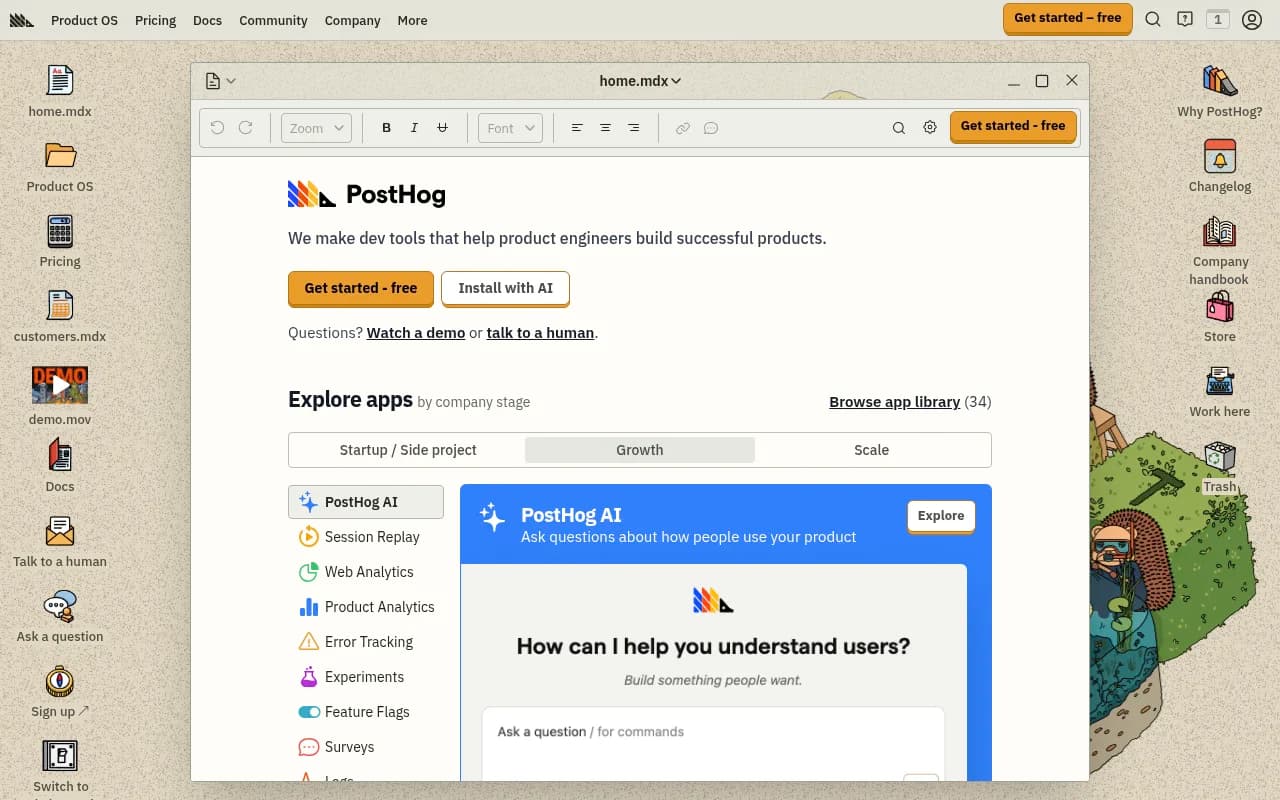
PostHog is the open-source alternative that combines product analytics, session replay, feature flags, A/B testing, and user surveys in one platform. It's built for engineers who want full control over their data and don't want to juggle five different tools. The big differentiator: you can self-host it for free with unlimited events, or use the cloud version with transparent, usage-based pricing.
What it does better than Mixpanel:
- All-in-one platform: Session replay, feature flags, and A/B testing are built-in, not add-ons or separate products
- Self-hosting option: Run it on your own infrastructure for free with no event limits — ideal for privacy-conscious teams or those with strict data residency requirements
- Transparent pricing: $0.00031/event, $0.005/replay, $0.0001/flag request. No hidden fees or surprise bills
- Developer-friendly: Built by engineers for engineers, with great docs, APIs, and integrations
Trade-offs:
- Less polished UI compared to Mixpanel or Amplitude — it's functional but not as slick
- Smaller ecosystem of pre-built integrations (though the API is solid)
- Self-hosting requires DevOps resources to maintain
Pricing comparison: PostHog's free tier includes 1M events, 5K session replays, and 1M feature flag requests per month. Cloud pricing is usage-based: $0.00031/event (vs Mixpanel's $0.28/1K events, which is $0.00028/event — nearly identical). The real savings come from self-hosting, which is completely free and unlimited.
Best for: Engineering-led teams, startups, and privacy-focused companies that want an all-in-one platform without vendor lock-in. If you're comfortable with self-hosting or want to avoid juggling multiple tools, PostHog is a strong pick.
Google Analytics
Google Analytics (GA4) is the default choice for most websites, and for good reason: it's free, integrates seamlessly with Google Ads and Search Console, and handles up to 10M events per month without charging a cent. But it's not a true product analytics platform — it's designed for marketing teams tracking website traffic, not product teams analyzing user behavior in apps.
What it does better than Mixpanel:
- Free forever: Up to 10M events/month at no cost, which is unbeatable for small businesses and content sites
- Marketing integrations: Native connections to Google Ads, Search Console, and BigQuery make it ideal for SEO and paid media teams
- Ease of use: Simpler setup for basic tracking (pageviews, sessions, conversions) compared to event-based platforms
Trade-offs:
- Not built for product analytics: Event tracking is clunky, user-level analysis is limited, and cohort/funnel reports are basic compared to Mixpanel
- Data sampling: GA4 samples data for large datasets, which can lead to inaccurate insights
- Privacy limitations: Relies on cookies and IP tracking, which conflicts with GDPR/CCPA compliance for some use cases
- No session replay or feature flags: You'll need separate tools for those capabilities
Pricing comparison: Google Analytics is free up to 10M events/month. Google Analytics 360 (enterprise) starts at $50K/year. Mixpanel's free tier covers 1M events/month, then charges $0.28/1K events. For basic website tracking, GA4 wins on cost. For product analytics, it's not even close.
Best for: Content sites, small businesses, and marketing teams that need basic web analytics and don't require deep product insights. If you're tracking blog traffic, ad campaigns, or e-commerce conversions, GA4 is hard to beat. If you're analyzing user behavior in a SaaS product or mobile app, look elsewhere.
Heap
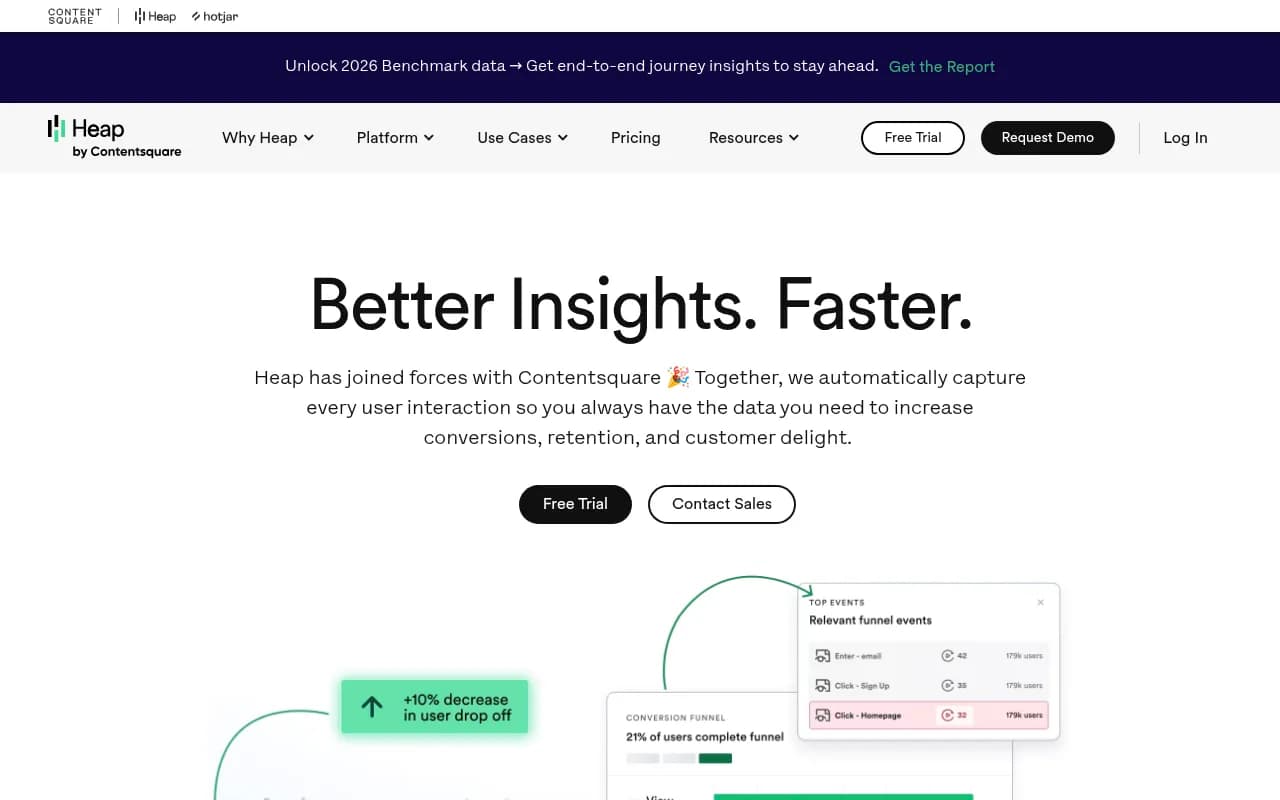
Heap's killer feature is automatic event capture — it tracks every click, tap, pageview, and form submission without requiring manual instrumentation. This means you can retroactively analyze user behavior without having to define events upfront, which is a huge advantage when you're not sure what to track yet. Now part of Contentsquare, Heap combines quantitative analytics with session replay and AI-powered insights.
What it does better than Mixpanel:
- Automatic capture: No need to manually define events — Heap tracks everything by default, then lets you create events retroactively
- Retroactive analysis: Analyze historical data for events you didn't know you needed to track
- Session replay built-in: See exactly what users did, not just aggregate data
- Easier for non-technical teams: Less setup required compared to Mixpanel's event-based approach
Trade-offs:
- Higher cost: Heap is significantly more expensive than Mixpanel, especially at scale (typical customers pay $300-$1K/month, with a $10K/year minimum)
- Data bloat: Automatic capture means you're storing a lot of irrelevant data, which can slow down queries
- Less flexible for custom events: If you need precise control over event properties, Mixpanel's manual approach is better
Pricing comparison: Heap starts at $10K/year minimum, with typical customers paying $300-$1K/month based on sessions, seats, and data retention. Mixpanel's free tier covers 1M events/month, then charges $0.28/1K events. For small teams, Mixpanel is cheaper. For larger teams that value automatic capture, Heap's premium is worth it.
Best for: Product teams that want to move fast without worrying about instrumentation, or teams that frequently discover new questions about user behavior after the fact. If you're constantly saying "I wish we'd tracked that," Heap solves that problem.
Pendo
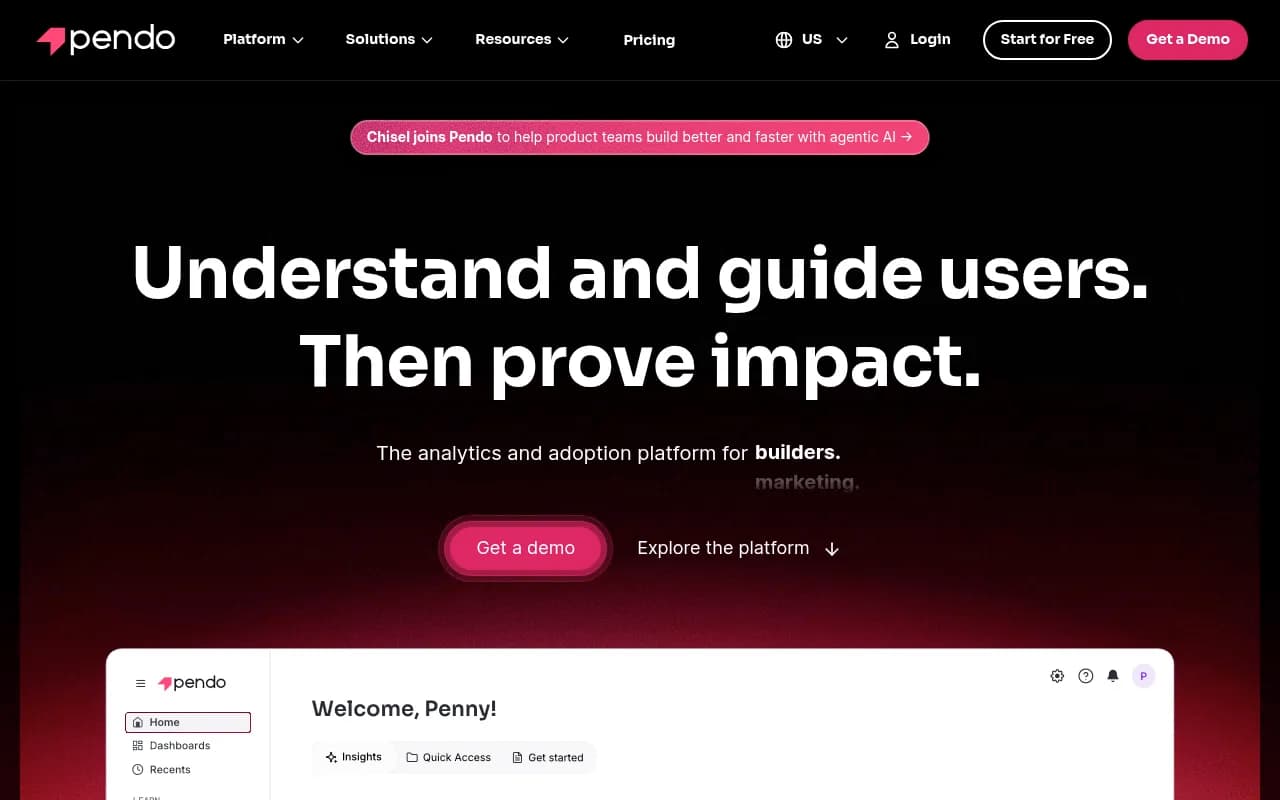
Pendo is more than an analytics platform — it's a product experience platform that combines analytics, in-app guidance, user onboarding, and AI-powered churn prediction. It's designed for SaaS companies that want to understand user behavior and influence it with tooltips, walkthroughs, and feature announcements. Used by 14,000+ teams including Okta, Salesforce, and United Airlines.
What it does better than Mixpanel:
- In-app guidance: Create tooltips, modals, and walkthroughs without engineering help — something Mixpanel doesn't offer at all
- Churn prediction: AI models predict which users are at risk of churning, then suggest interventions
- User feedback tools: Built-in surveys and NPS tracking to understand the "why" behind user behavior
- Better for non-technical teams: Product managers and customer success teams can use Pendo without relying on engineers
Trade-offs:
- Expensive: Pricing starts around $7K-$10K/year for 1K-5K MAUs, with enterprise plans running $50K+
- Less flexible analytics: Pendo's analytics are solid but not as deep as Mixpanel or Amplitude for complex queries
- Overkill for analytics-only needs: If you just want event tracking, Pendo's extra features add cost without value
Pricing comparison:
Pendo has five plans: Free (up to 500 MAUs), Base ($7K-$10K/year for 1K-5K MAUs), Core ($20K-$30K/year), Pulse (~$50K+/year), and Ultimate (custom enterprise pricing). Mixpanel's Growth plan starts at $24/month for 10M events. Pendo is significantly more expensive, but you're paying for in-app guidance and onboarding tools, not just analytics.
Best for: SaaS companies that need to onboard users, reduce churn, and drive feature adoption with in-app messaging. If you're a product manager who wants to guide users without waiting for engineering, Pendo is worth the premium. If you just need analytics, it's overkill.
Fullstory

Fullstory is a behavioral data platform that captures every user interaction, then uses AI to surface friction points and optimize digital experiences. It's trusted by Duolingo, Chipotle, and 6,000+ brands to reduce support tickets, increase conversions, and improve UX. The standout feature: session replay that's tightly integrated with analytics, so you can see why users drop off, not just that they did.
What it does better than Mixpanel:
- Session replay as a core feature: Fullstory's replay is more robust than Mixpanel's (which requires a separate add-on)
- AI-powered insights: Automatically surfaces friction points, rage clicks, and error-prone flows
- Better for UX teams: Combines quantitative data (funnels, heatmaps) with qualitative insights (session replays, user feedback)
- Guides and surveys: Built-in tools for in-app guidance and feedback collection
Trade-offs:
- High cost: Starts at $10K/year minimum, with typical customers paying $300-$1K/month
- Overkill for simple analytics: If you just need event tracking, Fullstory's premium features add unnecessary cost
- Less flexible for custom queries: Fullstory is optimized for UX analysis, not deep product analytics
Pricing comparison: Fullstory starts at $10K/year minimum, with typical customers paying $300-$1K/month based on sessions, seats, and data retention. Mixpanel's Growth plan starts at $24/month for 10M events. Fullstory is significantly more expensive, but you're paying for session replay, AI insights, and UX tools.
Best for: UX teams, e-commerce businesses, and customer experience teams that need to understand why users struggle, not just where they drop off. If you're optimizing checkout flows, onboarding experiences, or support workflows, Fullstory's session replay and AI insights are worth the cost.
OpenPanel
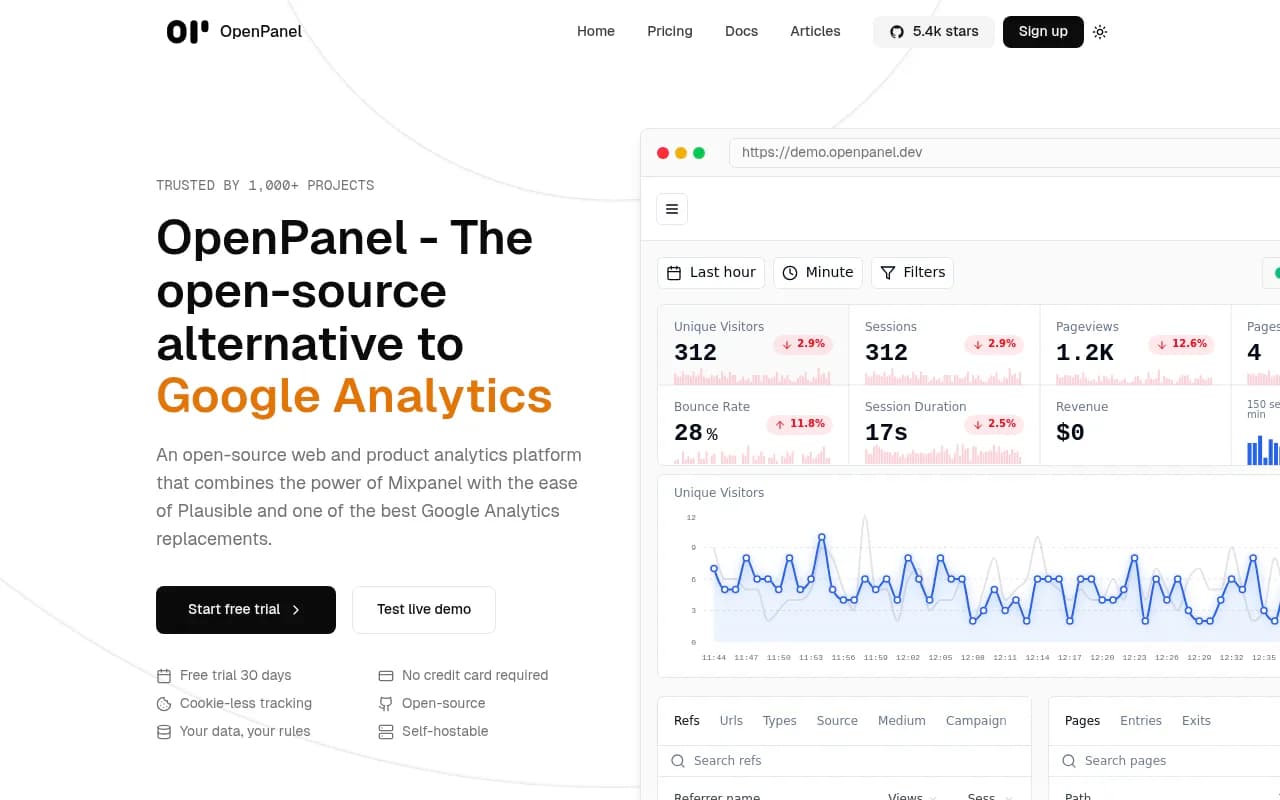
OpenPanel is an open-source alternative that combines the power of Mixpanel with the simplicity of Plausible and the privacy-first approach of modern analytics tools. It's built for teams that want full control over their data without sacrificing usability. You can self-host for free with unlimited events, or use the cloud starting at $9/month. Trusted by 1,000+ projects including Midday and Uneed.
What it does better than Mixpanel:
- Privacy-first: Cookie-less tracking that respects GDPR/CCPA without compromising on insights
- Open-source: Full transparency and control over your data, with the option to self-host for free
- Simpler pricing: Cloud plans start at $9/month for 10K events, scaling to $499/month for 50M events — no surprise bills
- Revenue tracking: Built-in revenue analytics tied to user profiles, which Mixpanel requires custom setup for
Trade-offs:
- Smaller ecosystem: Fewer pre-built integrations compared to Mixpanel or Amplitude
- Less mature: OpenPanel is newer and doesn't have the same depth of features (no predictive analytics, limited cohort analysis)
- Self-hosting requires DevOps: If you want unlimited free events, you need to maintain your own infrastructure
Pricing comparison: OpenPanel's cloud plans: $9/month (10K events), $49/month (100K events), $149/month (1M events), $499/month (50M events). Mixpanel charges $0.28/1K events, which is $28 for 100K events — cheaper than OpenPanel's $49/month tier, but Mixpanel's pricing scales faster. Self-hosting OpenPanel is free with unlimited events.
Best for: Privacy-conscious teams, startups, and developers who want Mixpanel-like analytics without vendor lock-in. If you value open-source software, need GDPR-compliant tracking, or want to avoid unpredictable pricing, OpenPanel is a solid choice.
Kissmetrics
Kissmetrics is a person-centric analytics platform that tracks individual customer journeys across web and mobile to help SaaS companies, e-commerce businesses, and digital marketers reduce churn and increase conversions. Unlike session-based tools, it ties every action to a human, enabling multi-channel attribution and lifetime value analysis. Trusted by 10,000+ companies with $10 billion in tracked transaction volume.
What it does better than Mixpanel:
- Person-centric tracking: Every event is tied to an individual user, making it easier to track cross-device and multi-channel journeys
- Revenue attribution: Built-in tools for tracking revenue, lifetime value, and multi-touch attribution — Mixpanel requires custom setup
- Simpler for marketers: Less technical than Mixpanel, with pre-built reports for common e-commerce and SaaS metrics
- Longer track record: Been around since 2010 with a proven track record in e-commerce and SaaS
Trade-offs:
- Outdated interface: The UI feels dated compared to modern tools like Amplitude or PostHog
- Limited free tier: No free plan — pricing starts at $299/month for 2M events
- Fewer integrations: Smaller ecosystem compared to Mixpanel or Amplitude
- Less flexible for custom analysis: Pre-built reports are great for common use cases, but custom queries are harder
Pricing comparison: Kissmetrics starts at $299/month (Silver plan: 2M events, 2 seats), $499/month (Gold: 5M events, 5 seats), and custom enterprise pricing for Platinum. Mixpanel's Growth plan starts at $24/month for 10M events. Kissmetrics is significantly more expensive, but you're paying for person-centric tracking and revenue attribution.
Best for: E-commerce businesses and SaaS companies that need to track revenue, lifetime value, and multi-channel attribution. If you're optimizing for revenue per customer (not just engagement), Kissmetrics is worth the premium. If you're a product team focused on feature usage, Mixpanel or Amplitude are better fits.
How to Choose the Right Mixpanel Alternative
Here's a quick decision framework based on your priorities:
If you need advanced analytics and predictive insights: Go with Amplitude. It's the closest competitor to Mixpanel in terms of depth, with better AI-powered features and a more generous free tier.
If you're an engineering team that wants full control: Choose PostHog. The all-in-one platform (analytics + session replay + feature flags + A/B testing) and self-hosting option make it ideal for developer-led teams.
If you just need basic web analytics for free: Stick with Google Analytics. It's not a product analytics platform, but for content sites and small businesses, it's unbeatable on cost.
If you want automatic event capture without manual instrumentation: Pick Heap. The ability to retroactively analyze events you didn't know you needed to track is a game-changer for fast-moving teams.
If you need in-app guidance and onboarding tools: Go with Pendo. It's more than analytics — it's a full product experience platform for SaaS companies.
If you prioritize session replay and UX optimization: Choose Fullstory. The combination of analytics, AI-powered insights, and robust session replay is ideal for UX and CX teams.
If you value privacy, open-source, and predictable pricing: Try OpenPanel. It's a newer player, but the privacy-first approach and self-hosting option make it a strong alternative for teams that want control.
If you're focused on revenue and e-commerce: Consider Kissmetrics. Person-centric tracking and built-in revenue attribution make it ideal for businesses optimizing for lifetime value.
Final Thoughts
Mixpanel is a solid product analytics platform, but it's not the best fit for every team. Pricing that scales unpredictably, limited session replay, and no built-in A/B testing or feature flags are legitimate reasons to look elsewhere. The good news: there are excellent alternatives that solve these problems, whether you need deeper analytics (Amplitude), full control (PostHog), automatic capture (Heap), or in-app guidance (Pendo).
The right choice depends on your team's priorities, budget, and technical resources. If you're still unsure, start with free trials — most platforms (Amplitude, PostHog, Heap, Pendo) offer 14-30 day trials that let you test before committing. And if you're tracking how your brand appears in AI search results like ChatGPT, Claude, or Perplexity, consider pairing your analytics platform with Promptwatch to monitor and optimize your AI visibility.
