Key takeaways
- Product analytics tools track what users actually do inside your product -- and that behavioral data maps almost perfectly to what people ask AI search engines
- Funnel drop-off points, search queries, feature adoption gaps, and support ticket clusters all signal content opportunities that AI models are hungry to answer
- Combining product analytics insights with AI visibility tracking closes the loop: you find the topic, write the content, and verify that AI engines start citing you
- Tools like Amplitude, Mixpanel, PostHog, Heap, and Pendo each surface different signals -- the best content strategies pull from multiple sources
- This approach works because AI search engines prioritize content that answers real, specific questions -- and product analytics tells you exactly what those questions are
Most content strategies start in the wrong place. Teams pick topics based on keyword volume, competitor blogs, or gut instinct. Then they wonder why ChatGPT and Perplexity keep citing someone else.
Here's the thing: your product analytics platform is sitting on a mountain of signal about what your users genuinely struggle with, search for, and want explained. That signal maps almost directly to what people ask AI search engines. And AI search engines reward content that answers real, specific questions -- not content that was written to hit a keyword.
This guide walks through 10 concrete ways to extract content intelligence from tools like Amplitude, Mixpanel, PostHog, Heap, and Pendo -- and turn it into articles, comparisons, and guides that actually get cited.
1. Mine funnel drop-off points for "why" content
Every funnel has leaks. In Mixpanel or Amplitude, you can see exactly where users abandon a workflow -- the step where 40% of people disappear before completing onboarding, or the checkout stage where conversions crater.
Those drop-off points represent confusion. And confusion generates questions. If users are abandoning your pricing page, they're probably asking ChatGPT "how does [your product] pricing work" or "is [your product] worth it for small teams." If they're dropping off during API setup, they're asking "how to integrate [your product] with [platform]."
The content play: export your top 5 funnel drop-off points and write a dedicated explainer for each one. Make them genuinely useful -- not marketing copy, but actual answers. That's what AI engines cite.
2. Use in-app search queries as a keyword goldmine
If your product has a search bar, you're sitting on one of the most underused content research tools available. What users type into your in-app search is almost verbatim what they type into ChatGPT.
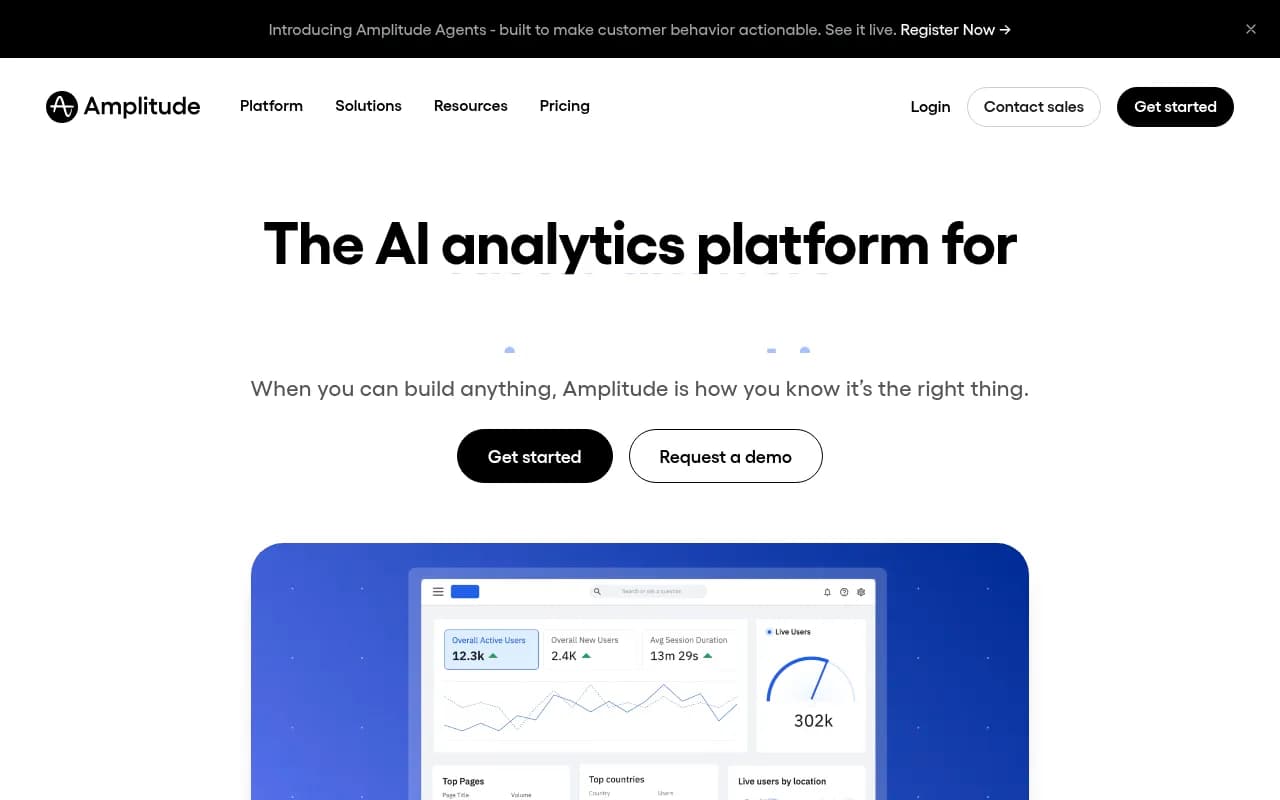
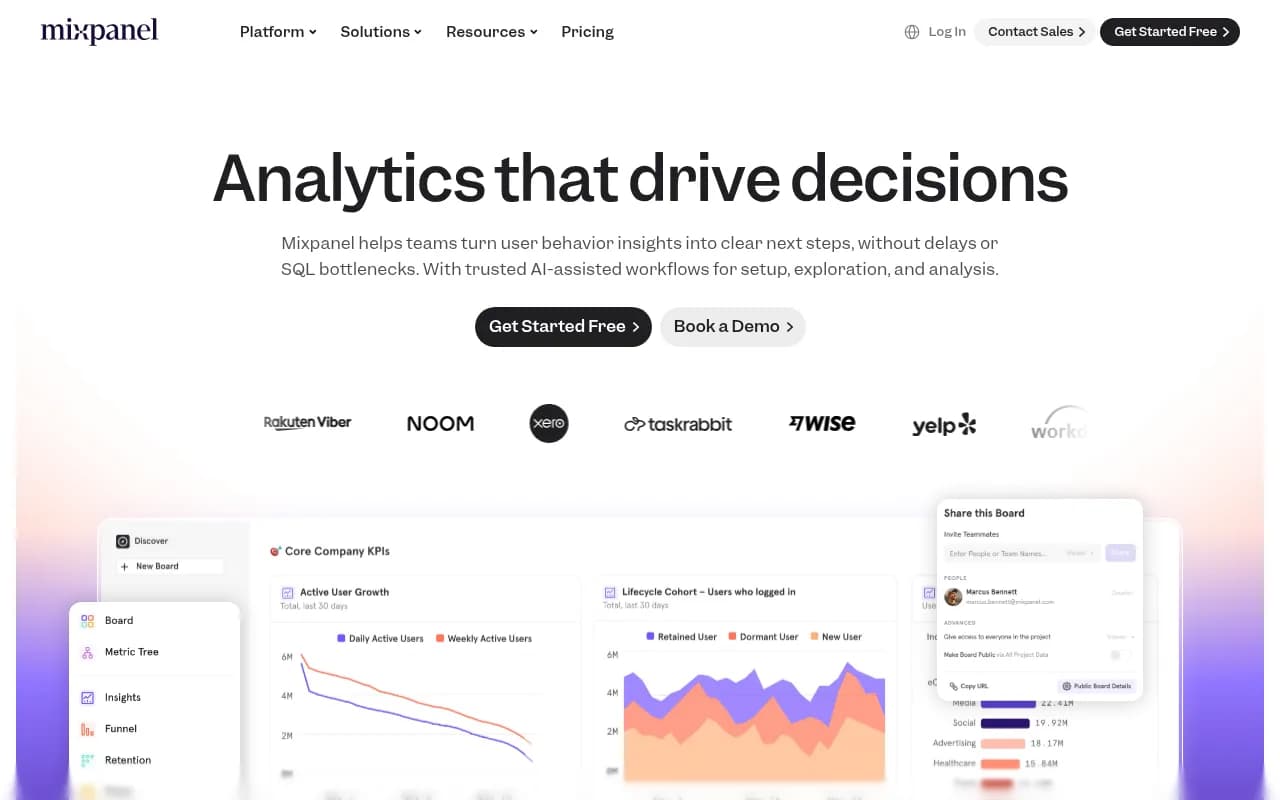
Amplitude's behavioral cohort analysis and Mixpanel's event tracking can both surface the most common search terms within your product. Sort by volume, filter for zero-results searches (where your product couldn't help them), and you have a prioritized list of content gaps.
Zero-results searches are especially valuable. They tell you what users expected to find but didn't -- which means there's likely no good answer anywhere on your site. Write that content, and you're filling a gap that AI models will notice.
3. Segment by user persona to match AI search intent
Not all users ask the same questions. A developer integrating your API has completely different questions than a marketing manager trying to pull a report. Amplitude's cohort analysis and Mixpanel's user segmentation let you separate these groups and analyze their behavior independently.
This matters for AI search because modern AI engines like Perplexity and ChatGPT are increasingly persona-aware. A prompt like "best analytics tool for non-technical teams" gets a different answer than "best analytics tool for data engineers." If your content doesn't speak to specific personas, it won't get cited for persona-specific queries.
The content play: build separate content clusters for each major user persona. Use your analytics data to understand what each persona struggles with, and write to those specific pain points.
4. Track feature adoption gaps to find "how to" opportunities
Low feature adoption is a content problem as much as a product problem. If 80% of your users never touch a feature, part of the reason is probably that they don't understand what it does or how to use it.
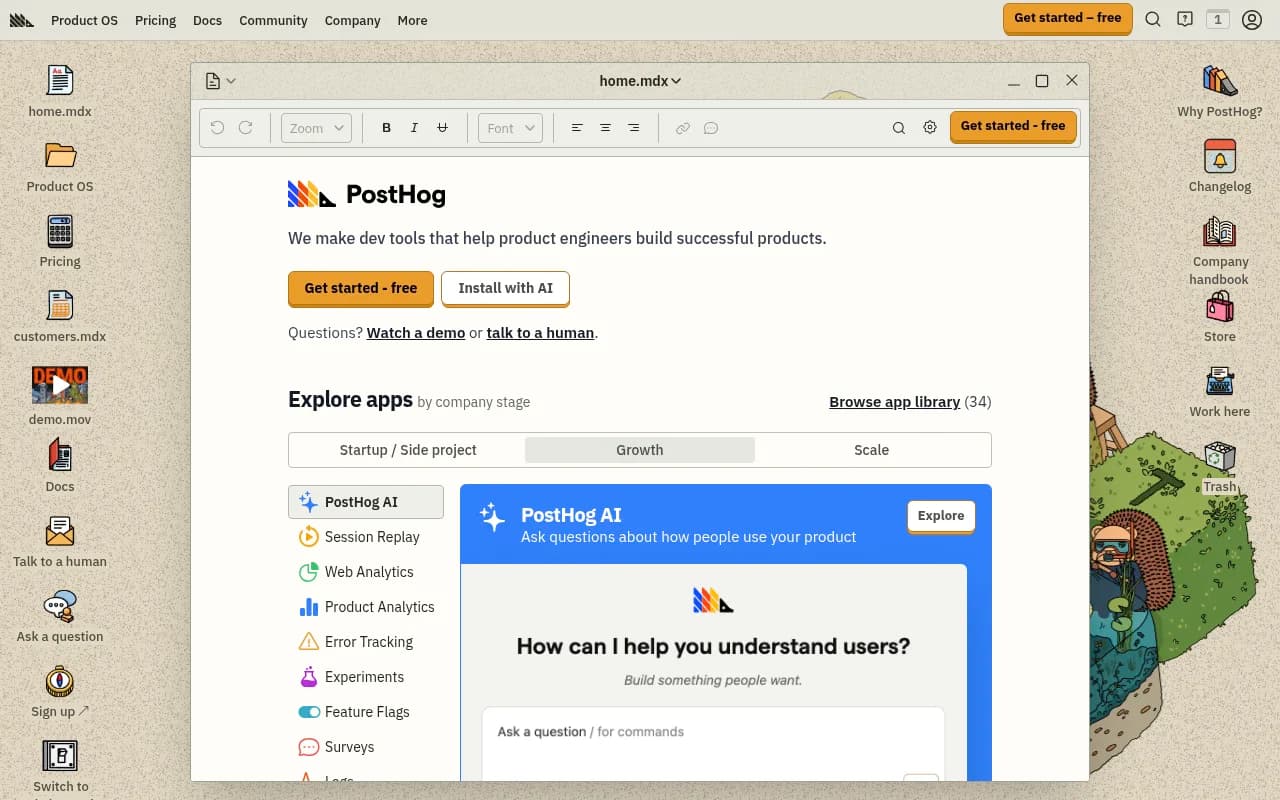
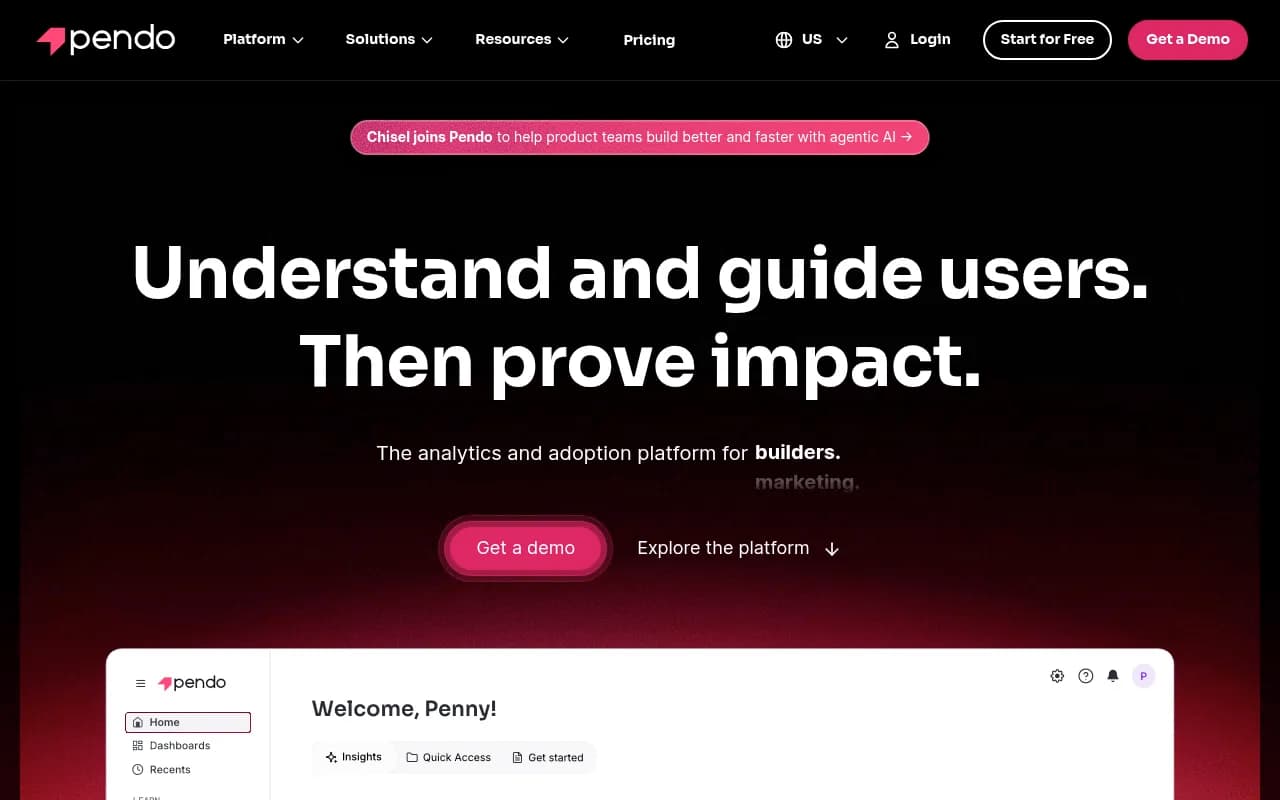
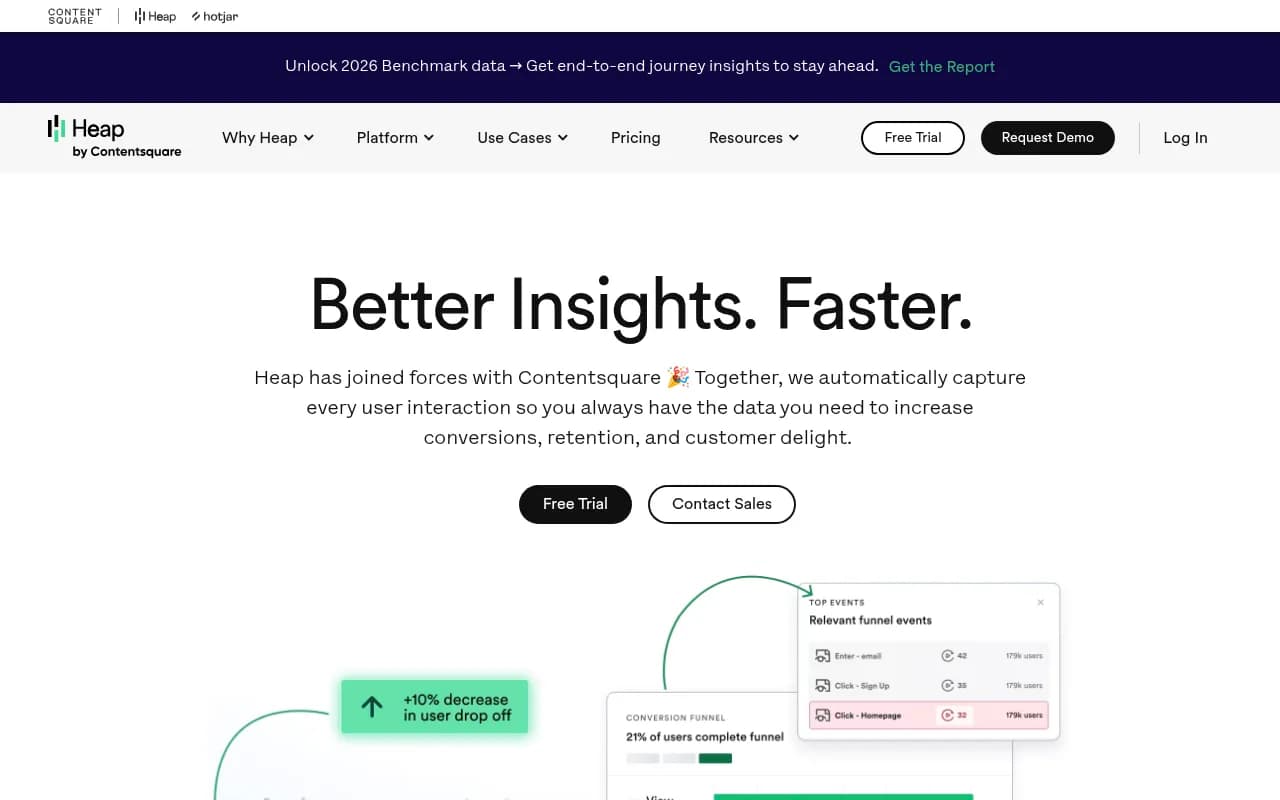
PostHog's feature flag and analytics combination is particularly good at surfacing this. Heap's automatic event capture (no manual instrumentation needed) makes it easy to see which features get touched and which get ignored. Pendo adds in-app guidance data on top, showing where users need hand-holding.
Each low-adoption feature is a "how to" article waiting to be written. "How to use [feature] to do [job]" is exactly the kind of query that shows up in AI search. Write it well, with real examples and step-by-step instructions, and you have a strong citation candidate.
5. Analyze retention cohorts to find the "aha moment" content gap
Retention analysis in Amplitude or Mixpanel shows you which actions correlate with users sticking around. The actions that predict retention are your product's "aha moments" -- the points where users finally get the value.
Here's the content angle: if users who complete action X retain at 3x the rate of those who don't, then content that helps users reach action X faster is extremely high-value. It's also exactly what a new user would ask an AI search engine: "how do I get started with [your product]" or "what's the first thing to do after signing up for [your product]."
Write content that bridges the gap between signup and aha moment. It serves your users and it serves AI search engines looking for practical, actionable answers.
6. Pull support ticket themes from session replay data
PostHog includes session replay alongside its analytics. Fullstory takes this further with behavioral intelligence. Both let you watch real user sessions and see where people get stuck, click repeatedly on non-interactive elements (rage clicks), or backtrack through a workflow.
Those moments of frustration are content opportunities. A user who rage-clicks a button that doesn't do what they expected is going to Google or ask ChatGPT about it later. If your content answers that question, you get the citation.
The practical workflow: review your top 20 rage-click events from session replay, identify the underlying confusion, and write a clear explainer for each. This is tedious but it produces content that's genuinely useful -- which is exactly what AI engines reward.
7. Use event data to identify comparison queries
Amplitude and Mixpanel both let you track which external links users click before converting, or which pages they visit in sequence. If you see users consistently visiting your pricing page, then a competitor's pricing page, then coming back -- they're in comparison mode.
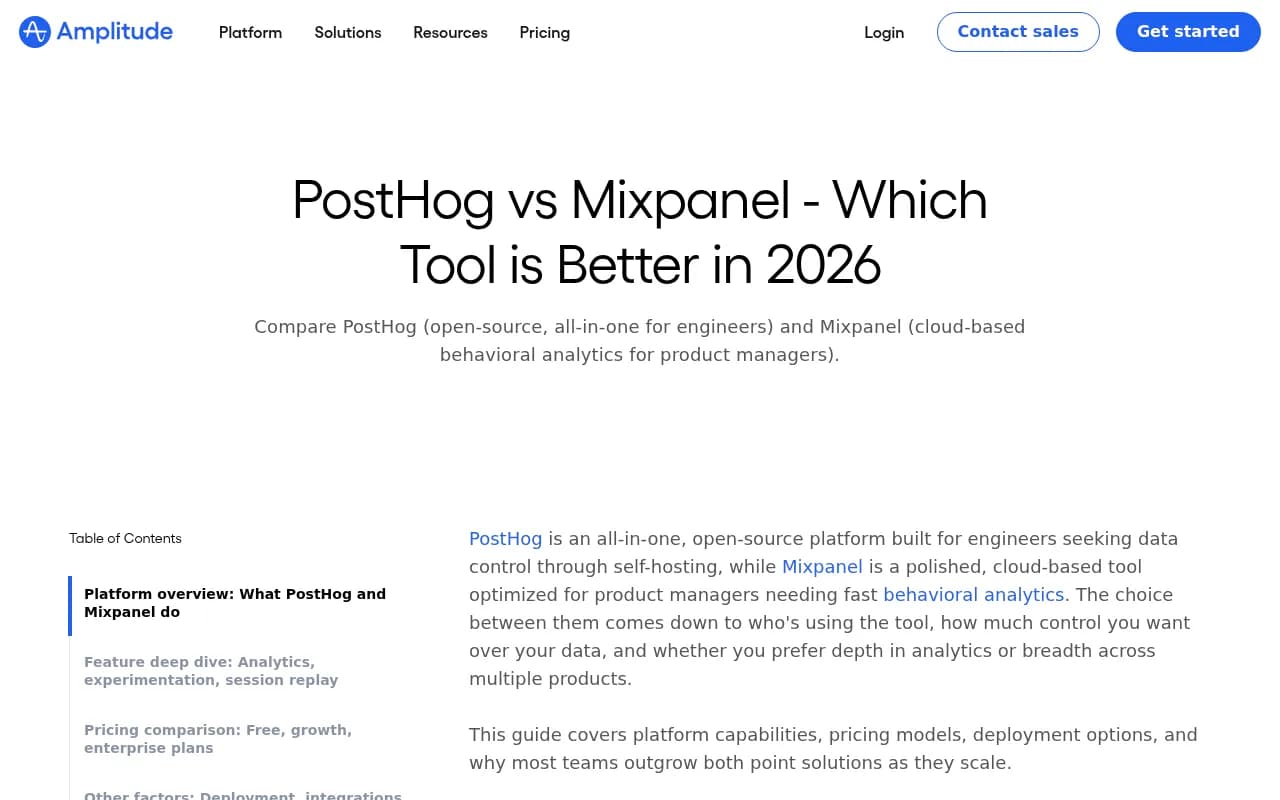
Comparison queries are huge in AI search. "Amplitude vs Mixpanel," "PostHog vs Heap for startups," "best product analytics tool for GDPR compliance" -- these are high-volume, high-intent prompts that AI engines answer regularly.
Your behavioral data tells you which comparisons your users are actually making. Write those specific comparison articles with honest, detailed analysis. AI engines cite comparison content heavily because it directly answers "which is better" questions.
8. Map NPS and in-app survey responses to content topics
Pendo and PostHog both include user survey capabilities. If you're running NPS surveys or in-app feedback collection, you're gathering qualitative data that complements your quantitative event tracking.
Open-ended NPS responses are particularly valuable. When users write "I wish I understood how to..." or "I couldn't figure out..." -- those are direct content briefs. Cluster them by theme, prioritize by frequency, and you have a content calendar that's grounded in real user language.
The language users use in feedback is often closer to how they'd phrase an AI search query than any keyword tool output. "I couldn't figure out how to export data to Salesforce" becomes the article title "How to export [product] data to Salesforce."
9. Identify power user behaviors to create advanced content
Most content targets beginners. But AI search engines also get asked advanced questions -- and there's often much less content competing for those queries.
Amplitude's behavioral cohort analysis lets you isolate your power users (top 10% by engagement) and analyze what they do differently. Those advanced behaviors -- the workflows, integrations, and use cases that only experienced users discover -- are the basis for advanced content that has almost no competition.
"How to use [product] with [advanced integration]" or "advanced [product] workflows for [specific use case]" are queries that AI engines struggle to answer well because so little content exists. Write them, and you're likely to get cited by default.
10. Track referral sources to find the communities AI engines trust
This one is slightly indirect but powerful. Amplitude and Mixpanel can both show you where your users come from -- and if you see significant traffic from Reddit threads, specific YouTube videos, or niche community forums, that's a signal.
AI search engines heavily cite Reddit, YouTube, and community content when answering questions. If a Reddit thread about your product is driving real traffic, that thread is probably also influencing what ChatGPT says about you. Engaging in those communities, or creating content that addresses the same questions those threads cover, puts you in the citation pool.
PostHog's open-source community is a good example -- developer forums and GitHub discussions about PostHog directly influence how AI engines describe it. Understanding where your users come from helps you understand where AI engines are looking for answers.
Putting it together: from analytics insight to AI search citation
Here's the honest challenge: extracting these signals from product analytics tools takes time, and knowing which topics to prioritize requires judgment. The tools give you the data; you still have to decide what to write.
That's where the workflow gets interesting. Once you've identified content gaps from your analytics data, you need to verify whether AI engines are already answering those queries -- and whether they're citing you or a competitor. Tools like Promptwatch can show you exactly which prompts your competitors rank for that you don't, so you can cross-reference your analytics-derived content ideas against actual AI search visibility gaps.

The combination is more powerful than either alone: product analytics tells you what your users struggle with, and AI visibility data tells you whether those struggles are being answered by AI engines -- and by whom.
Quick comparison: which tool surfaces which signal
| Tool | Best signal for content | Standout capability |
|---|---|---|
| Amplitude | Retention cohorts, funnel analysis, behavioral cohorts | Deep user journey mapping at scale |
| Mixpanel | Funnel drop-offs, event tracking, retention | Fast setup, non-technical friendly |
| PostHog | Session replay, feature flags, in-app surveys | Open-source, self-hostable, all-in-one |
| Heap | Feature adoption, automatic event capture | Retroactive analysis without pre-instrumentation |
| Pendo | In-app guidance gaps, NPS responses, feature adoption | Combines analytics with in-app guidance |
| Fullstory | Rage clicks, session frustration signals | Behavioral intelligence from session data |
A note on prioritization
Not every signal from your analytics is worth a piece of content. Before writing, ask:
- Is this question specific enough to be useful? (Vague topics don't get cited)
- Does an AI engine already have a good answer for this? (If yes, you need to be meaningfully better)
- Is this question asked by enough people to matter? (Low-volume niche questions are fine, but prioritize accordingly)
- Does answering this question serve both your users and potential customers? (The best content does both)
Product analytics gives you the raw material. The judgment about what to build with it is still yours.
The broader point is that the best content for AI search in 2026 isn't written by guessing what might rank -- it's written by understanding what real people actually struggle with. Your product analytics platform has been collecting that data all along. Most teams just haven't thought to use it this way.