Key takeaways
- "AI search tools" means two different things for a small team: assistants you search and research with (ChatGPT, Perplexity, Gemini, Claude), and tools that show whether AI engines mention and cite your brand.
- Start free. Prezent's 2026 roundup notes that Gemini, Perplexity, Canva, Notion, Zapier and Otter.ai all have free tiers, so you can see real value before paying.
- Different engines cite different things. In Promptwatch Data for Sep 28 to Oct 4, 2026, ChatGPT drew 0.46% of citations from social platforms, while Google AI Overviews drew 12.2%.
- For a team of 1 to 5, a lean stack is one assistant, one visibility tracker, Google Search Console, and a scheduler. Everything else is optional.
- Product pages, landing pages and listicles earn most ChatGPT citations, so fix those before publishing more blog posts.
What "AI search tools" means for a small team
The phrase gets used for two jobs, and most roundups blur them together.
The first job is searching with AI. You use ChatGPT, Perplexity, Gemini or Claude to research competitors, draft briefs, summarize calls and answer questions faster than Google would. That is about your productivity.
The second job is being found by AI. When a buyer asks ChatGPT "best CRM for a five-person agency," does your brand come up? Which pages get cited? That is about visibility, and it needs different tools.
A team of three can't afford to treat these as separate projects with separate budgets. So the useful question is: what is the smallest set of tools that covers both?
One caution before the list. Most "best AI tools" posts are written by vendors. Storyflow's 2026 small business roundup is a rare honest one: it discloses that Storyflow is its own product, ranks it tenth, and tells readers to claim the free Google Business Profile before buying anything. I'd apply that same test to every tool below. Buy AI only where you personally are the bottleneck.
Part one: AI assistants for research and drafting
These are the tools you'll open ten times a day. For a small team, one or two is enough.
ChatGPT
The default. It handles research, first drafts, data analysis on spreadsheets, and the awkward emails nobody wants to write. Storyflow lists it at free or about $20 a month, which is the cheapest big productivity gain a small team can buy. Check current plans on OpenAI's site before committing.
Claude
I reach for Claude when the job is long: rewriting a 3,000-word draft, reading a long PDF, or keeping a consistent voice across a document. It is a good second assistant if ChatGPT's tone starts to feel samey.
Perplexity and Gemini
Perplexity is the one to use when you want an answer with visible sources. Gemini is the natural pick if your team already lives in Google Workspace. Both have free tiers, per Prezent's roundup. They aren't in our tools catalog, so I won't card them, but they're worth a week of testing each.
Which assistant for which job
| Job | Good first pick | Why |
|---|---|---|
| Quick research with sources | Perplexity | Shows citations inline |
| Drafting and editing long content | Claude | Handles long context well |
| General purpose, spreadsheets, emails | ChatGPT | Broadest feature set |
| Docs, Gmail, Sheets users | Gemini | Lives inside Workspace |
Don't subscribe to all four. Pick one paid assistant, use the free tiers of the others for comparison, and revisit in a quarter.
Part two: tools that show how AI talks about your brand
This is the category that didn't exist three years ago and now matters for any team that depends on organic discovery.
Why a small team should care
AI engines don't behave alike. Promptwatch's data for Sep 28 to Oct 4, 2026 found ChatGPT drew just 0.46% of its citations from social platforms, while Google AI Overviews drew 12.2%, about 26 times more. Perplexity sat at 2.7%.
That changes where a tiny team should spend its hours:
- For Google AI Overviews, YouTube leads social citations at 4.28%, followed by Facebook at 2.38%, then Reddit at 2.15%. Complete Facebook and Instagram profiles and a few useful videos pay off here.
- For ChatGPT, don't count on Reddit. Its share of ChatGPT citations fell from about 4% to 0.5% on August 14, 2026.
- For Perplexity, LinkedIn and Reddit tie at 0.86% each, so publishing there is still worthwhile.
- Skip X. It peaks at 0.1% of citations, on Perplexity.
Without measurement you'd be guessing at all of this.
Promptwatch
Promptwatch is the platform we use at 1001 SEO Media for this work, and it fits small teams better than the category's reputation suggests. It tracks how your brand appears across ChatGPT, Google AI Overviews, Google AI Mode, Gemini, Perplexity, Copilot and others, using the real interfaces rather than just APIs. The part that matters when you have no spare headcount is what happens after the report: the Action Board lists prioritized fixes, and on the Business plan the Content Agent can draft and publish articles to Webflow, Framer or WordPress against the gaps it finds.

Pricing, to confirm at promptwatch.com/pricing: a free Explore plan (1 project, 10 prompts, ChatGPT only), Essential at $95 a month (50 prompts, all models, site audit, 500 Agent Credits), Professional at $245 a month, and Business at $579 a month. A solo marketer will be fine on Essential. A team of five publishing weekly should look at Professional or Business.
If you want to test before paying, the free AI Visibility Report scans how ChatGPT, Gemini and Perplexity describe your brand without a login.
Lighter and cheaper trackers
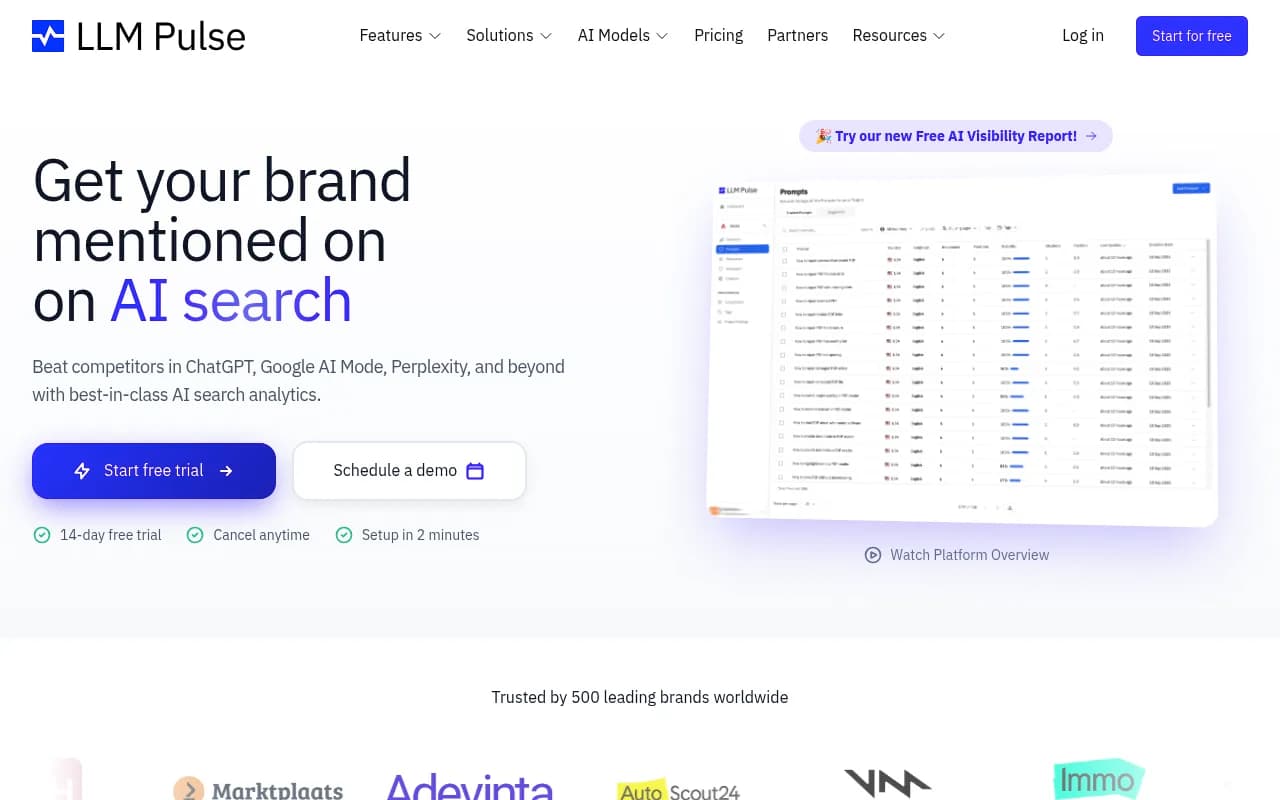
If you only need to answer "are we mentioned?", several monitoring-focused tools exist. I'd treat these as options to trial, and I haven't verified current pricing for any of them.
Otterly.AI



The trade-off is consistent. Monitoring-only tools tell you the score and stop there. With a team of two, the gap between "you're invisible for 'best X for small business'" and "here's the page to write about it" is where the hours go. If you're comparing options, the directories at bestgeosoftware.com and ai-rank-tools.com list far more of them.
If you already pay for an SEO suite
Semrush and Ahrefs both added AI visibility features. If you already have a seat, try those first before adding another subscription. Just know that they tend to work from fixed prompt sets, so you get less control over what is tracked.
What to optimize once you can see the data
Tracking is pointless without a to-do list. Promptwatch's report on which content types ChatGPT cites (Sep 28 to Oct 4, 2026) gives a pretty clear one:
| Content type | Share of ChatGPT citations |
|---|---|
| Product pages | 22.4% |
| Landing pages | 16.8% |
| Listicles | 13.6% |
| How-tos | 8.7% |
| Documentation | 7.5% |
| General articles | 6.1% |
| Comparisons | 5.9% |
| News | 5.7% |
For commercial prompts like "best CRM for small businesses," product pages, landing pages, listicles and comparisons add up to almost 70% of citations.
Practical consequences for a small team:
- Make pricing, specs and "who it's for" obvious on product pages. This beats another thought-leadership post.
- Get into "best of" roundups, and publish your own honest comparison pages.
- Collect reviews. Branded prompts pull in review content more often.
- Don't lean on news-style posts. In Promptwatch's content half-life data, news lost half its cited pages within 36 days, while landing pages and docs stayed cited for months.
One more point against chasing big-name backlinks. Promptwatch's domain rank data shows sites with DR 46 to 75 earned almost half of ChatGPT citations in August 2026, while DR 91 to 100 fell to about 3%. A mid-authority small site is not locked out.
Also note engines cite different numbers of sources. Promptwatch's older sources-per-response report (published September 2025, so treat the numbers as dated) put ChatGPT at about 5 sources per answer, and Google AI Overviews and Perplexity at about 10. More slots generally means more room for smaller domains.
Part three: the supporting cast
A small team doesn't need thirty tools. These fill the gaps around the two core jobs.
Free baseline
Google Search Console and Google Analytics cost nothing and tell you what traditional search is doing. Keep them even if you adopt an AI tracker, because the best insight comes from comparing the two.
Content and design
Canva is the usual pick for visuals on a tiny team, and Grammarly catches the errors you'll miss at 6pm. For SEO-oriented drafting, Writesonic and Jasper are common choices, though Nextiva's roundup positions Jasper specifically for performance marketing copy. Be honest with yourself about whether you need a dedicated writer if you already pay for ChatGPT or Claude.


Automation and scheduling
Zapier moves data between your tools without a developer, and it's on Prezent's free-to-start list. For social, Buffer is the simple, affordable option.
Local businesses
If customers find you on a map, the free Google Business Profile comes before anything else in this guide. Storyflow says as much, and I agree. After that, BrightLocal is worth a look for local tracking.
Sample stacks by team size
| Team | Core assistant | Visibility tracking | Supporting tools | Rough monthly spend |
|---|---|---|---|---|
| Solo marketer | ChatGPT or Claude | Free AI Visibility Report, then Essential | Search Console, Canva | Around $20 to $120 |
| 2 to 3 people | One paid assistant | Promptwatch Essential or Professional | Zapier, Buffer, Grammarly | Roughly $150 to $350 |
| 4 to 5 people | Assistant plus one backup | Promptwatch Professional or Business | Automation, scheduler, reporting | Budget $300 and up |
These figures are estimates built from published entry prices and will shift. Confirm current pricing before you plan a budget.
How to choose without wasting a quarter
A few rules I'd follow.
- Run a 30-day trial per tool with one specific question. "Which of our pages does ChatGPT cite?" is a good question. "Is this tool good?" isn't.
- Pay for execution, not dashboards. If a tool can't tell you what to do next, you'll be the one doing the analysis, and you're already the bottleneck.
- Check what is really measured. Real-interface tracking and API-based tracking can return different answers, because user-facing answers and citations differ from API outputs.
- Cut anything you haven't opened in a month.
- Watch for tool sprawl. Prezent and Marketer Milk both list 20 to 30 tools. A team of three can't operate that many.
When to bring in outside help
Sometimes the tooling is fine and the hours simply don't exist. If your team can't turn visibility findings into content and technical fixes, an agency can take that off your plate. 1001 SEO Media covers technical SEO, content, digital PR and generative engine optimization with no long-term contracts. That is only worth it when the bottleneck is capacity, not software.
A simple first week
- Day 1: Run the free AI Visibility Report and note which prompts mention you and which don't.
- Day 2: Connect Google Search Console and check which pages already earn impressions.
- Day 3: Pick five commercial prompts your buyers really ask. Track them.
- Day 4: Fix your product and landing pages first: pricing, specs, audience, FAQs.
- Day 5: Draft one comparison page with your assistant, then edit it by hand.
By the end of the week you'll know which engine matters most for your market, and that alone is worth more than another subscription. For broader software comparisons beyond AI search, SurferStack is a good place to keep browsing.