Key takeaways
- Run the briefing as a repeatable workflow with a fixed timeline: research in week T-3, drafts in T-2, review and rehearsal in T-1, then a one-page brief on launch day.
- Use AI research assistants for sourced market and competitor research, and check every claim against its cited source before it reaches a rep.
- Add one step most teams skip: ask AI search tools what they say about your brand and your competitors. Buyers will ask the same questions, and your reps should know the answers they get.
- Keep a named human accountable for pricing, positioning and claims. AI drafts, people approve.
- Start with one launch and one measurable outcome, such as fewer ad hoc questions to product marketing in launch week.
Why the pre-launch sales brief needs a new workflow
Every launch week has the same scene. Sales gets a deck on Thursday, a Slack message on Friday, and by Monday reps are asking product marketing the same six questions in six different threads. What does it replace? How do we beat the incumbent? Can I quote this price? What do I say when the prospect already asked ChatGPT?
That last question is new, and it changes the job. Buyers now walk into calls having read an AI-generated summary of you and your competitors. The Supermetrics 2026 Marketing Data Report, which surveyed 435 marketers, found that 80% feel pressure to adopt AI but only 6% have fully embedded it in their workflows. So most teams are experimenting, few have a process, and the sales brief is one of the best places to build one. It is repetitive, it has a deadline, and you can tell quickly whether it worked.
This guide lays out a workflow you can run for your next launch. It uses general AI assistants, AI visibility tools and your existing sales enablement stack. I'll be honest about the gaps too: I found no good primary research on the mechanics of pre-launch briefing itself, so the structure below is a practical method rather than a proven benchmark.
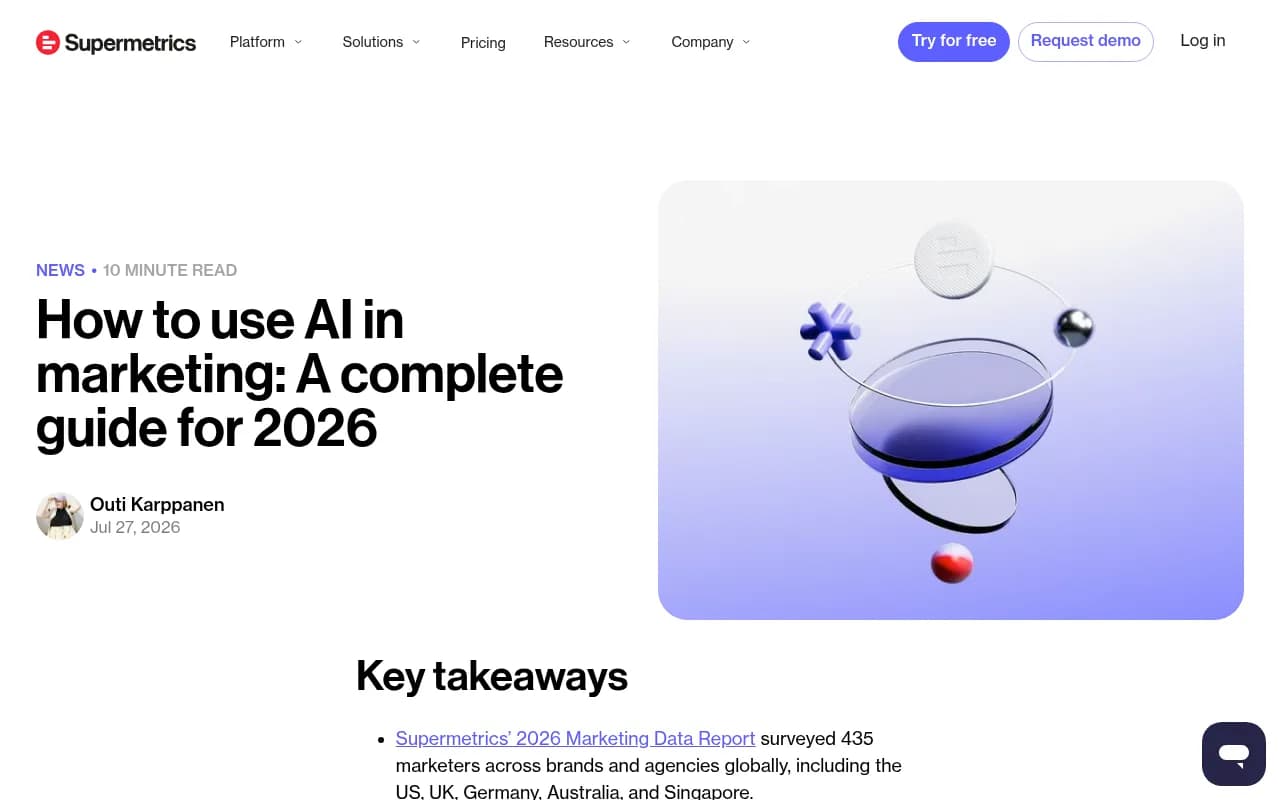
The Supermetrics guide above makes a point worth borrowing: define one task, the data it needs, a baseline, and a person who reviews the result. We will apply that to the sales brief.
The four-week timeline
Work backwards from launch day. The exact dates matter less than the sequence.
| Week | Goal | AI's role | Human owner |
|---|---|---|---|
| T-3 | Gather facts | Sourced research, competitor scans, AI visibility baseline | Product marketing |
| T-2 | Draft assets | First drafts of one-pager, battlecards, objection handling, email templates | Product marketing + sales lead |
| T-1 | Review and rehearse | Role-play prep, FAQ generation, gap checks | Sales enablement |
| Launch week | Support | Daily question log, quick updates to the brief | Product marketing |
Step 1: Build the fact base with a research assistant
Start with the inputs the AI should be allowed to use: approved positioning, pricing and packaging, release notes, customer quotes, and a list of named competitors. Put them in one document. Then use an AI research assistant for the outside-in part.
Which assistant? It depends on the job, and pricing shifts quickly, so verify against vendor pages. Third-party comparisons from 2026 put the entry tiers of ChatGPT Plus, Claude Pro and Perplexity Pro at about $20 per month, with Google AI Pro at $19.99. Higher tiers run to $100 or $200 per month, and Claude Team is listed at $25 to $30 per user per month with a five-seat minimum.
| Assistant | Entry price (third-party, verify) | Good for in this workflow |
|---|---|---|
| ChatGPT | about $20/month | General drafting, summarizing, Deep Research runs (roughly 10 to 25 a month on Plus) |
| Claude | about $17 to $20/month | Long documents, careful rewriting of the brief |
| Perplexity | about $20/month | Research where you want inline citations to check |
| Google Gemini | $19.99/month (AI Pro) | Teams living in Gmail and Docs |
My own preference for this stage: use the tool that shows its sources. Perplexity is positioned that way in the comparisons I reviewed, because every claim has an inline citation you can click. That matters here because a rep who repeats a wrong competitor claim on a live call costs you more than the time you saved.
A research prompt that works
Give the assistant a role, a boundary and an output format:
You are preparing a pre-launch brief for B2B sales reps.
Product: [name, one-line description]
Competitors: [A, B, C]
Use only public sources from the last 12 months. For each competitor give:
1. Positioning in their own words (quote and link)
2. Pricing model if public
3. Three claims they make against us and whether the source supports them
Mark anything you could not verify as UNVERIFIED.
The UNVERIFIED instruction is the useful part. It gives reviewers something concrete to check instead of trusting polished prose.
Step 2: Check what AI search says about you right now
This is the step most launch plans lack. Before reps talk to prospects, find out how ChatGPT, Gemini, Perplexity and Google AI Overviews describe your brand and your competitors. If an AI answer says your product lacks a feature it shipped last quarter, sales will hear about it on the first call.
The sourcing patterns are worth understanding because they tell you how much to trust what you see. According to Promptwatch Data for Sep 28 to Oct 4, 2026, 47.6% of ChatGPT responses cite 10 or more unique domains, and only 6% cite three or fewer. But the split by prompt type matters for briefing:
- Organic prompts that name no brand: 52.5% cite 10 or more domains.
- Competitor comparison prompts: 49.1% cite 10 or more, and only 0.35% cite a single domain.
- Brand-specific prompts: just 21.3% cite 10 or more, and the most common count is 5 domains.
In plain terms, when a buyer asks about you by name, the AI leans on a small set of sources, often review sites and forums. When they ask for comparisons, it pulls from many third-party pages. So your brief should cover both: what the AI says about you specifically, and how it frames you against alternatives. Promptwatch's report also suggests publishing your own comparison pages and checking that third-party reviews describe you accurately, which is a to-do for marketing, not sales.
Older Promptwatch Data on average sources per response (published September 2025, so check current numbers) put ChatGPT at around 5 sources per web-search answer, Google AI Overviews around 10, and Perplexity near 10. The point is not the exact figure. Different engines draw on different amounts of evidence, so test more than one.
Tools for the AI visibility baseline
You can do a rough version by hand: write 15 to 20 questions a buyer would ask, run them in each assistant, and paste the answers into a sheet. It works for a single launch. It gets tedious fast, and manual runs miss the fact that answers vary by country and day.
Promptwatch is the tool I'd point a team at for a recurring version. It tracks how your brand appears across ChatGPT, Google AI Overviews, Gemini, Perplexity and others, shows which sources are being cited, and has a free AI Visibility Report that needs no login if you want a quick first look.

Other trackers in the catalog cover similar ground at different depths, including Peec AI, Otterly.AI and Profound. If you want to compare options, the GEO software directory at bestgeosoftware.com lists many of them side by side.
Otterly.AI

Profound
Whatever you use, record three things for the brief: where AI describes you wrongly, which competitor it recommends first, and which third-party sources it cites most. Reps can use the first two directly. Marketing owns the third.
Step 3: Turn research into battlecards
A battlecard should fit on one screen. If your AI-drafted version runs three pages, cut it. A structure that holds up:
- One sentence on who this competitor wins with and why.
- Where we win, with one proof point each.
- Where they win, stated honestly.
- Landmines: questions to ask that expose their weak spots.
- Objections and approved responses.
- What AI search says about both of us (from Step 2).
That last line is the new part. If Perplexity tells prospects your rival is cheaper and that is actually true for the entry tier only, the card should say so and give the rep the accurate comparison.
If you already run a dedicated competitive intelligence or enablement tool, use it for distribution and keep the AI assistant for drafting. Highspot handles content delivery to reps, Klue and Crayon specialize in competitive intel, and Gong shows how real calls go so you can feed actual objections back into the next brief.
| Job | Tool category | Examples |
|---|---|---|
| Sourced research | AI research assistant | Perplexity, ChatGPT, Gemini |
| Drafting and rewriting | General LLM | Claude, ChatGPT |
| AI answer baseline | AI visibility tracker | Promptwatch, Otterly.AI, Profound |
| Battlecard delivery | Sales enablement | Highspot |
| Competitive monitoring | CI platform | Klue, Crayon |
| Learning from calls | Revenue intelligence | Gong |
| Moving data around | Automation | Zapier, n8n |
Step 4: Draft the objection handling
This is where AI saves real time, as long as you feed it real objections. Pull from three places: lost-deal notes in the CRM, recorded calls, and the questions reps sent you after the last launch. Then ask the assistant to cluster them and draft responses, with this rule: every response must reference an approved fact from your fact base, and anything else must be flagged.
A sample instruction:
Here are 40 objections from our last launch and our approved fact base.
Cluster them into 8 to 10 themes. For each theme write a 2-sentence response
using only facts from the fact base. If the fact base cannot answer, write
NEEDS INPUT and name which team should answer.
NEEDS INPUT is a feature. It tells you which gaps a human must fill before launch week, which is far better than an assistant inventing a confident answer about security certifications.
A caution from the retail guidance I reviewed applies here too: AI should not set prices, approve discounts or make commercial commitments by itself. Keep a named person responsible for every customer-facing claim. The Pipedrive guide mentions a "30% rule" some teams use, where AI automates about a third of a workflow and people handle the judgment. I'd use that as a loose guide, not a law, but the instinct is right for sales briefs.
Step 5: Package it for how reps actually read
Reps do not read long documents the week of a launch. Produce three formats from the same source material:
- A one-page launch brief: what shipped, who it is for, the three-sentence pitch, pricing, and where to ask questions.
- Battlecards: one per main competitor.
- A short recorded walkthrough, five minutes at most. Tools like Loom make this easy, and an AI assistant can turn the transcript into a written summary.
If your CRM and chat tools are connected through Zapier or n8n, you can automate the boring parts: post the brief to the right Slack channel, attach it to open opportunities in the relevant segment, and log questions to a shared sheet. The agency write-up from Taskip quotes an agency owner saying the biggest wins from AI were the boring operational loops, not better copy. That matches my experience. Distribution automation is less exciting than drafting and usually saves more time.
Step 6: Review gate and rehearsal
In T-1, run a review that is deliberately adversarial.
- Product marketing checks every factual claim against a source link.
- Legal or finance checks pricing, guarantees and comparative claims.
- A sales lead reads it cold and marks anything they would not say aloud.
- Run a role-play: ask an assistant to play a skeptical buyer who has just read an AI summary praising your competitor, and have two reps practice answering.
The role-play sounds gimmicky, but it works for one reason: it forces reps to say the new messaging out loud before a real prospect hears it. Keep the transcripts and fix the weak spots in the brief.
Step 7: Support during launch week
Open a single channel for questions and log each one. Every day, ask the assistant to cluster the day's questions and suggest edits to the brief. Ship updates at a fixed time, say 9 am, so reps know when to look. Mark what changed at the top.
After day three, rerun your AI visibility checks. If the AI answers still describe the old product, that is useful intelligence: reps will keep meeting that framing, and marketing has content work to do. A tracker like Promptwatch can show whether new pages are getting cited over time, but give it a few weeks, since AI answers do not update overnight.
What to skip
- Letting an assistant write pricing or discount guidance with no review.
- Sending reps unsourced competitor claims. Cut anything marked UNVERIFIED.
- Building a 20-tool stack for one launch. The Pipedrive guidance on small teams is sensible: one core tool and a few specialist ones beats a fragmented stack.
- Treating a single AI answer as truth. Answers differ by engine, country and day, so sample several.
- Feeding confidential roadmap details into consumer-tier tools without checking your company's data policy.
How to tell whether it worked
Pick two or three numbers before you start, and compare to your last launch:
- Number of ad hoc questions to product marketing in launch week.
- Time from final messaging sign-off to briefing delivered.
- Rep confidence, from a three-question survey after rehearsal.
- Win rate or stage progression on launch-related opportunities after 30 days, if you have enough volume to say anything.
Do not expect to prove revenue impact from one launch. You can prove that the brief arrived earlier and generated fewer scrambling questions, and that is enough to justify running the workflow again.
A reusable checklist
- Assemble the approved fact base.
- Run sourced competitor research and mark unverified claims.
- Baseline what AI search says about you and rivals.
- Draft battlecards and objection responses from real objections.
- Package a one-pager, cards and a short video.
- Run the adversarial review and a role-play.
- Log questions daily and patch the brief.
- Rerun the AI visibility check and feed gaps back to content.
If you want more options for any category here, the software directory at surferstack.com covers research, enablement and automation tools. Start with one launch, keep the human sign-off, and tighten the process each time.