Key takeaways
- KWFinder, LowFruits, AlsoAsked, and AnswerThePublic each solve a different part of the keyword research problem -- none of them does everything
- For AI search, question-based tools like AlsoAsked and AnswerThePublic are increasingly valuable because AI models answer questions, not just match keywords
- LowFruits is the best option for finding low-competition targets where you can actually rank without a massive domain authority
- KWFinder remains the most beginner-friendly paid option for traditional keyword difficulty scoring and long-tail discovery
- Keyword research alone won't get you cited by ChatGPT or Perplexity -- you also need to understand which topics AI models are pulling from and what content gaps exist on your site
Keyword research in 2026 looks different than it did three years ago. You're not just trying to rank on page one of Google anymore. You're trying to show up in ChatGPT's answers, Perplexity's citations, Google AI Overviews, and a dozen other AI surfaces that now intercept a significant chunk of search traffic before users ever click a blue link.
The tools most people are using were built for a different era. That doesn't make them useless -- far from it. But it does mean you need to understand what each tool was actually designed for, and where its blind spots are.
This guide focuses on four tools that come up constantly in 2026 keyword research discussions: KWFinder, LowFruits, AlsoAsked, and AnswerThePublic. They're all affordable, they all have genuine strengths, and they all have real limitations worth knowing about before you commit.
What's actually changed about keyword research for AI search
Before getting into the tools, it's worth being clear about what's different.
Traditional SEO keyword research was about finding terms with decent search volume and manageable competition, then creating content that matched Google's ranking signals. The goal was a top-10 result.
AI search doesn't work that way. When someone asks ChatGPT "what's the best project management tool for remote teams," the model isn't scanning a keyword-matched index. It's synthesizing information from sources it was trained on and, increasingly, from real-time web retrieval. What gets cited depends on whether your content clearly answers the question, whether it's structured in a way that's easy for AI to parse, and whether you're a trusted source in your space.
This shifts keyword research in a few directions:
- Questions matter more than head terms. "Best CRM for startups" is a keyword. "What CRM should a 10-person startup use if they're already using HubSpot for marketing?" is a prompt. The latter is closer to how people actually talk to AI.
- Long-tail and conversational queries are where AI search is most active. Short, competitive head terms are still dominated by traditional SEO.
- Content gaps -- topics you haven't covered that competitors have -- directly affect whether AI models can find an answer on your site.
With that context, here's how the four tools stack up.
KWFinder: the best entry point for traditional keyword difficulty
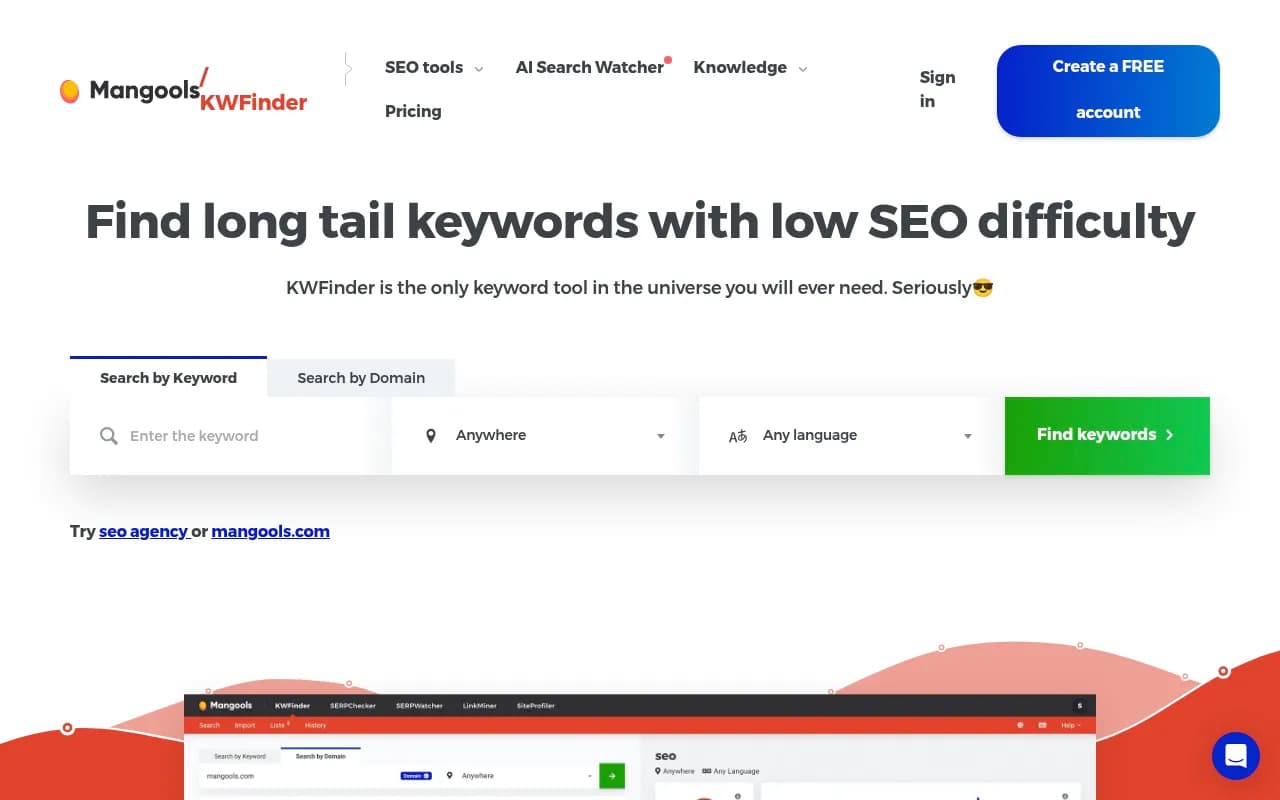
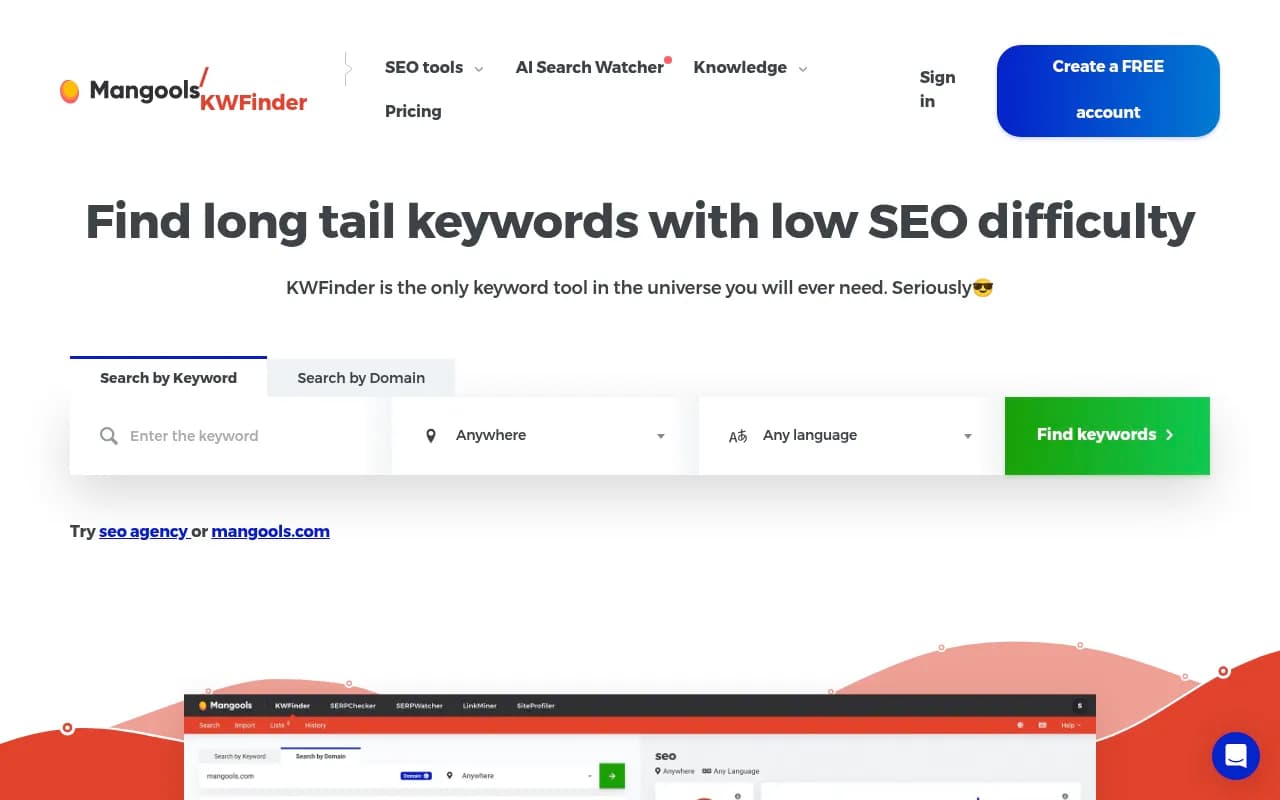
KWFinder, part of the Mangools suite, has been a go-to for bloggers and small business owners for years. Its main appeal is simplicity: you type in a seed keyword, and you get a list of related terms with search volume, keyword difficulty (KD) scores, and SERP data -- all in a clean interface that doesn't require a tutorial to understand.
The KD score is genuinely useful. It's based on the link profiles of the pages currently ranking, so it gives you a realistic sense of whether a new or mid-authority site can compete. For someone just starting out, this is more actionable than Ahrefs' or Semrush's difficulty scores, which can feel abstract.
Where KWFinder works well
- Finding long-tail variations of a seed keyword
- Checking difficulty before investing in a piece of content
- Competitor keyword analysis (you can enter a competitor's URL and see what they rank for)
- Local keyword research with location filters
Where it falls short for AI search
KWFinder is fundamentally a Google-first tool. It surfaces keywords based on Google search volume data, and its difficulty scoring is built around backlink competition -- which is a Google ranking factor, not an AI citation factor.
It won't tell you which questions AI models are actively answering, which topics your competitors are getting cited for in ChatGPT, or what content gaps exist on your site relative to AI search. For that, you need different tools.
Pricing
Mangools plans start at around $29/month (Entry), with the Basic plan at $49/month covering most individual use cases. It's one of the more affordable paid keyword tools on the market.
LowFruits: surgical low-competition keyword finding
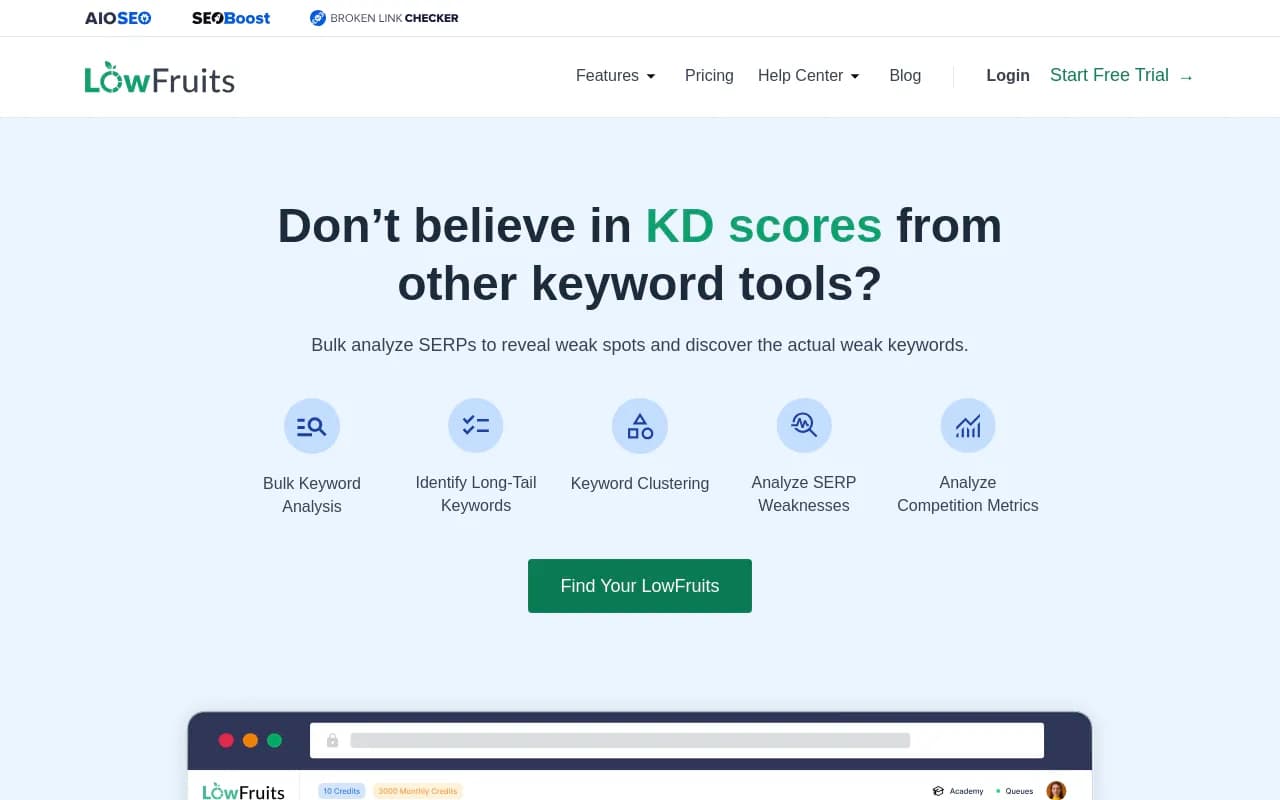
LowFruits takes a different approach. Instead of just showing you keyword difficulty scores, it analyzes the actual SERP for each keyword and flags "weak spots" -- results from low-authority sites, forums, Reddit threads, and user-generated content that you could realistically displace.
The idea is that a keyword with a KD of 25 might still be dominated by Forbes and HubSpot, making it nearly impossible to rank for. But a keyword with a KD of 35 might have three Reddit threads and a Quora answer on page one -- which means a well-written article from a mid-authority site has a real shot.
This is a genuinely useful distinction that most other tools miss.
Where LowFruits works well
- Finding winnable keywords for new or low-authority sites
- Identifying clusters of low-competition questions around a topic
- Pay-as-you-go pricing (you buy credits rather than a monthly subscription) -- good for occasional research
- Surfacing forum and UGC content in SERPs, which is also a signal for where AI models are pulling answers from
Where it falls short for AI search
LowFruits is still analyzing Google SERPs. The "weak spots" it identifies are weak spots in Google rankings, not necessarily in AI search coverage. A topic might have weak Google competition but be thoroughly covered by AI models already -- or vice versa.
That said, there's an indirect benefit: if forums and Reddit threads are ranking for a keyword, that's often a sign that AI models are also drawing on those sources. Creating authoritative content that outranks those forum threads can improve your AI visibility too.
Pricing
LowFruits offers a pay-as-you-go credit system (around $25 for 2,000 credits) and a subscription starting at roughly $29/month. For sporadic research, the credit model is hard to beat.
AlsoAsked: mapping the questions AI actually answers
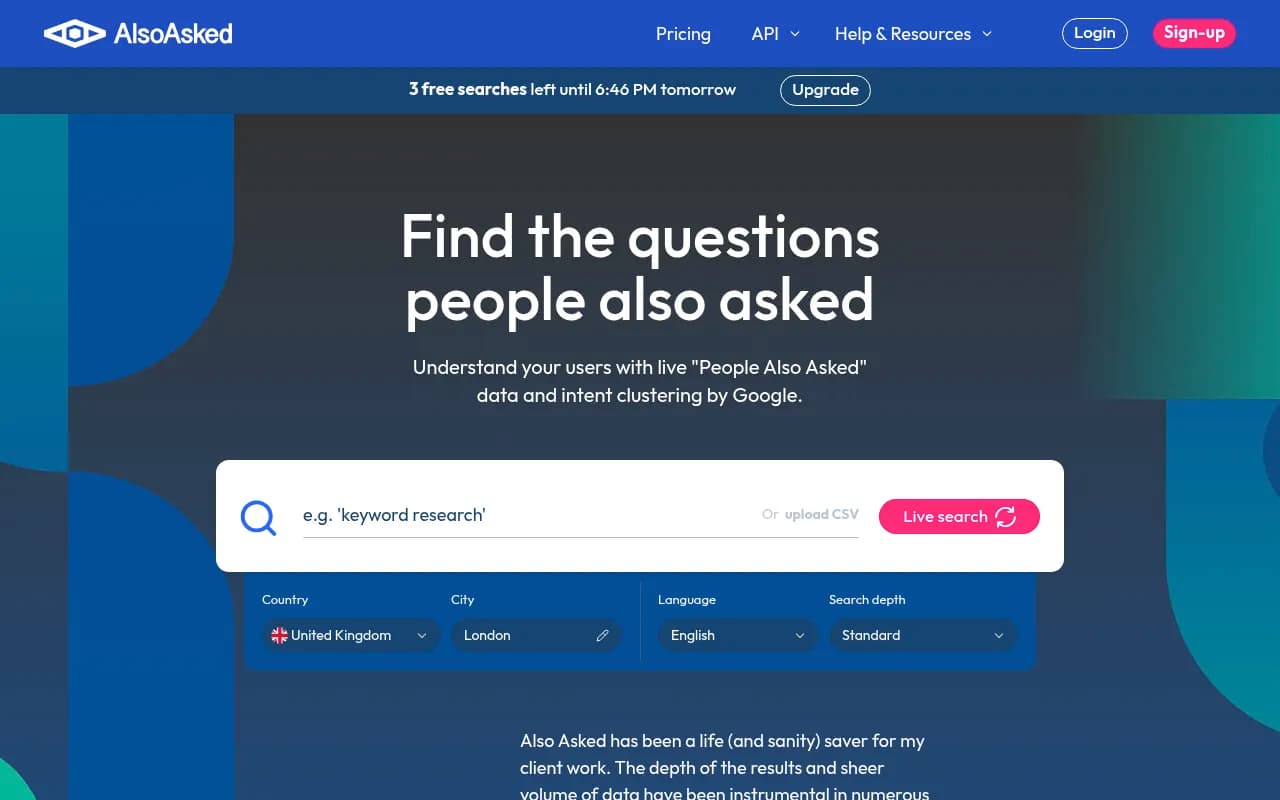
AlsoAsked pulls live "People Also Ask" (PAA) data from Google and maps it into a hierarchical tree showing how questions branch from a seed topic. Type in "email marketing," and you'll see the questions Google surfaces, then the follow-up questions those answers generate, and so on.
This is more useful for AI search than it might look at first glance. PAA data reflects how people actually phrase questions -- and those phrasings are close to how people prompt AI models. If Google's PAA box shows "What is the best email marketing tool for small businesses?", there's a good chance people are asking something similar to ChatGPT.
The hierarchical view is particularly valuable. It shows you the logical flow of a topic -- what someone wants to know first, then what they ask next. That's a content structure blueprint.
Where AlsoAsked works well
- Building topic clusters and content hierarchies
- Finding question-based content angles that match conversational search
- Understanding the full scope of a topic before writing
- Identifying sub-questions your existing content might be missing
Where it falls short
AlsoAsked is a research and ideation tool, not a keyword research tool in the traditional sense. It doesn't give you search volume, keyword difficulty, or competitive data. You'll need to pair it with something like KWFinder or Semrush to understand whether a question is worth targeting.
It also only pulls Google PAA data -- it doesn't tell you what questions AI models are specifically being asked, or which ones your competitors are showing up for in AI responses.
Pricing
AlsoAsked has a free tier (limited searches per month) and paid plans starting at around $15/month for the Basic plan. It's one of the most affordable specialized tools in this list.
AnswerThePublic: visual question mapping for content ideation
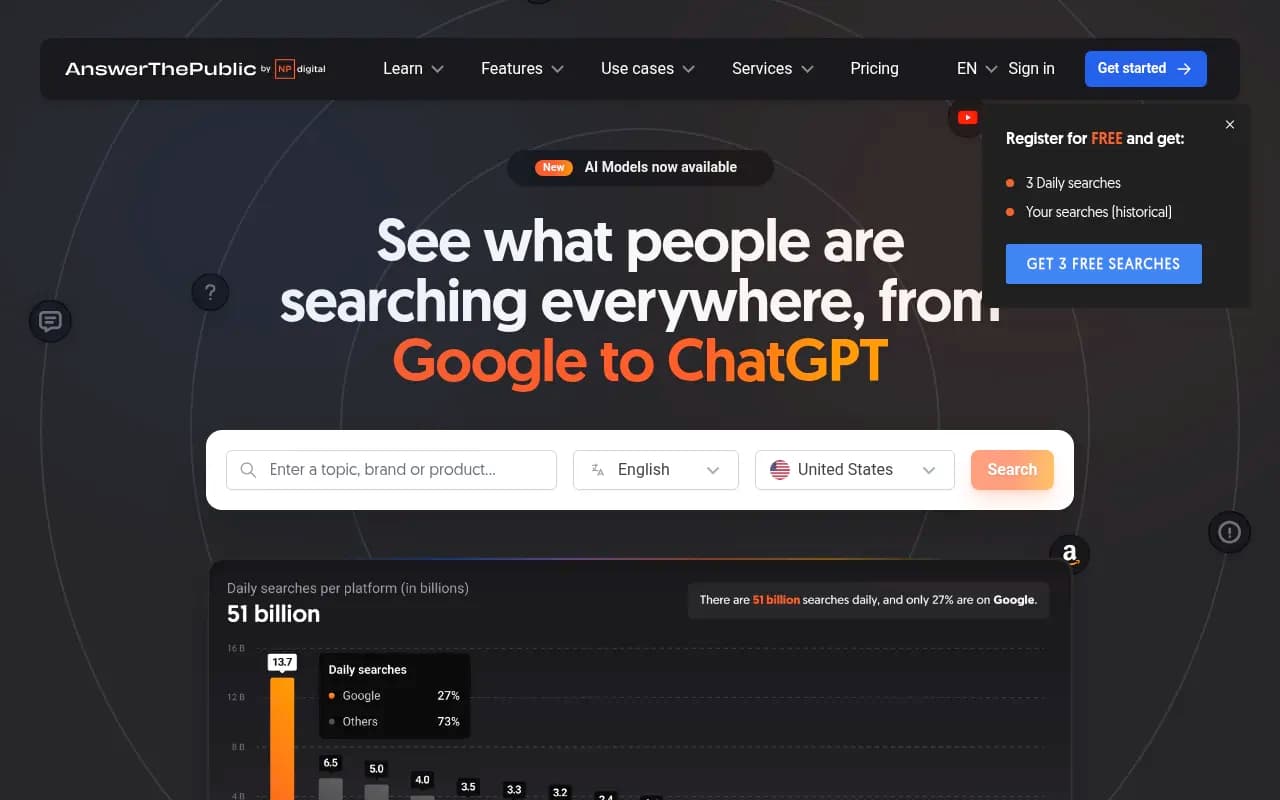
AnswerThePublic has been around since 2014 and remains useful for one specific thing: generating a comprehensive visual map of questions, prepositions, comparisons, and related terms around a seed keyword. It pulls from Google and Bing autocomplete data to show you how people phrase queries.
The visual "sunburst" format is distinctive -- questions radiate out from the center keyword, grouped by question type (who, what, when, where, why, how). It's a good brainstorming tool, especially early in the content planning process.
Where AnswerThePublic works well
- Initial topic brainstorming and ideation
- Finding angles you hadn't considered
- Identifying "comparison" queries (X vs Y) and "best for" queries that are common in AI search
- Exporting large lists of question variations quickly
Where it falls short
AnswerThePublic doesn't provide search volume, difficulty scores, or SERP data. It also doesn't update in real time -- the data can lag behind current trends. Since Neil Patel's company acquired it in 2022, the free tier has become more restricted (3 searches per day).
Like AlsoAsked, it's a starting point, not a complete research workflow. And it has no AI search-specific features.
Pricing
Free (3 searches/day) or paid plans starting at around $11/month (Individual). The paid tier removes limits and adds comparison features.
Head-to-head comparison
| Feature | KWFinder | LowFruits | AlsoAsked | AnswerThePublic |
|---|---|---|---|---|
| Search volume data | Yes | Yes | No | No |
| Keyword difficulty scoring | Yes | Yes (SERP-based) | No | No |
| Question-based research | Limited | Limited | Strong | Strong |
| SERP weak spot analysis | No | Yes | No | No |
| AI search relevance | Low | Medium | Medium-High | Medium |
| Competitor keyword analysis | Yes | No | No | No |
| Free tier | No (7-day trial) | Yes (credits) | Yes (limited) | Yes (3/day) |
| Starting price | ~$29/mo | ~$25 credits | ~$15/mo | ~$11/mo |
| Best for | Long-tail + difficulty | Low-competition wins | Topic hierarchies | Content ideation |
How to combine these tools for AI search in 2026
No single tool here gives you a complete picture. The most effective workflow combines them:
-
Start with AnswerThePublic or AlsoAsked to map the question landscape around your topic. This gives you the conversational angles that matter for AI search.
-
Take those questions into KWFinder to check search volume and difficulty. Filter for questions with realistic competition levels.
-
Run the most promising keywords through LowFruits to identify which ones have genuinely weak SERP competition -- where you can rank without massive domain authority.
-
Create content that directly answers the questions, structured clearly enough that AI models can parse and cite it.
This workflow handles the traditional SEO side reasonably well. But there's a gap it doesn't address: you won't know which of these topics AI models are actually covering, which competitors are getting cited in AI responses, or what content your site is missing relative to AI search demand.
For that layer, tools built specifically for AI search visibility are worth looking at. Promptwatch tracks which prompts your competitors appear for across ChatGPT, Perplexity, Claude, and other AI engines, and its Answer Gap Analysis shows you the specific topics AI models want to answer but can't find on your site. That's a different kind of keyword research -- one that's native to how AI search actually works.

Which tool should you start with?
It depends on where you are:
If you're new to keyword research and want one tool that covers the basics clearly, KWFinder is the easiest starting point. The interface is intuitive, the difficulty scores are actionable, and the price is reasonable.
If you have a newer or lower-authority site and need to find keywords you can actually rank for, LowFruits is worth the investment. The SERP weak spot analysis is genuinely differentiated.
If you're planning a content strategy and want to understand the full question landscape around a topic, AlsoAsked is the most structured option. The hierarchical view of PAA data is useful for building topic clusters.
If you're early in ideation and just want to generate a large volume of question ideas quickly, AnswerThePublic does that faster than anything else.
For most people, the answer is some combination of two or three of these tools rather than picking just one. The good news is that none of them are expensive, and several have free tiers that let you test before committing.
The bigger picture: keyword research is only part of AI visibility
It's worth being direct about one thing: traditional keyword research tools, even used well, don't fully address the AI search problem.
Ranking in Google and appearing in AI-generated answers are related but distinct challenges. AI models don't rank pages -- they synthesize answers from sources they find credible and comprehensive. The question isn't just "what keywords should I target?" but "what topics is my site authoritative on, and what's missing?"
Tools like AlsoAsked and AnswerThePublic get closer to this by focusing on questions rather than keywords. But they're still working from Google autocomplete data, not from actual AI model behavior.
If AI search visibility is a priority for your business -- and for most brands, it should be in 2026 -- it's worth pairing your keyword research workflow with a dedicated AI visibility platform that can show you what's actually happening in ChatGPT, Perplexity, and Google AI Overviews. The keyword tools covered here are a solid foundation. They just don't complete the picture on their own.