Key takeaways
- Buffer is cheaper to start, has a genuine free plan, and works well for solo creators and small teams managing a handful of channels.
- Later is built around visual content planning and Instagram-first workflows, making it a better fit for brands and creators where aesthetics and feed preview matter.
- Buffer's per-channel pricing model gets expensive fast once you scale past 10 channels; Later's flat-tier pricing is more predictable for agencies.
- Both tools now include AI writing assistance, but neither is a replacement for a dedicated content strategy workflow.
- If you're managing more than five accounts or need deep analytics, neither Buffer nor Later is the obvious winner -- there are better-suited alternatives worth considering.
Two tools dominate the "I just need to schedule my posts" conversation: Buffer and Later. They've been around long enough to feel like defaults, and both have iterated significantly over the past couple of years. But "which one should I pay for?" is a question that deserves a real answer, not a feature matrix copy-paste.
Let's go through it properly.
What each tool is actually trying to do
Before comparing features, it helps to understand the design philosophy behind each product.
Buffer was built for simplicity. The whole pitch is: connect your accounts, drop your posts into a queue, and let it run. It's deliberately lean. The interface is clean, the learning curve is minimal, and it doesn't try to be everything. That's a feature, not a limitation -- if you want something that just works without a three-hour onboarding session, Buffer delivers.
Later started as an Instagram scheduler. That origin story still shapes the product. The visual content calendar, the drag-and-drop media library, the feed preview -- all of it reflects a tool designed for people who think in grids and aesthetics. It's expanded to cover TikTok, Pinterest, LinkedIn, Facebook, and X, but Instagram remains where it shines.

Pricing: what you actually pay
This is where things get interesting, and where a lot of comparison articles gloss over the details.
Buffer pricing (2026):
- Free: 3 channels, 10 scheduled posts per channel, basic analytics
- Essentials: $6/month per channel (billed annually)
- Team: $12/month per channel
- Agency: $120/month for 10 channels, then $6 per additional channel
The per-channel model sounds affordable at first. Three channels for $18/month is fine. But if you're managing 15 channels for a mid-size brand, you're suddenly looking at $90-180/month just for scheduling. It adds up faster than the pricing page makes it seem.
Later pricing (2026):
- Free: 1 social set (one profile per platform), 30 posts per profile per month
- Starter: $18/month (1 social set)
- Growth: $40/month (3 social sets)
- Advanced: $80/month (6 social sets)
- Agency: $200/month (15 social sets)
Later's flat-tier model is more predictable. If you're an agency managing 15 client accounts, the $200/month Agency plan is a known cost. With Buffer, the same scenario could run anywhere from $90 to $180+ depending on how many channels each client uses.
| Buffer | Later | |
|---|---|---|
| Free plan | Yes (3 channels, real usability) | Yes (1 social set, limited posts) |
| Starting paid price | $6/channel/month | $18/month |
| Best value for | 1-5 channels | 3+ social sets / agencies |
| Pricing model | Per channel | Per social set (flat tiers) |
| Scales well to 15+ channels | Gets expensive | More predictable |
| Annual discount | Yes | Yes |
Features that actually matter
Scheduling and publishing
Both tools handle the basics well: scheduled posts, draft queues, auto-publishing across major platforms. Buffer's queue system is slightly more intuitive for batch scheduling -- you set posting times, drop content in, and it flows through automatically. Later's calendar view is more visual, which some people love and others find cluttered.
One area where Later genuinely leads: the visual media library. You can drag photos and videos directly onto the calendar, preview how your Instagram grid will look before anything goes live, and organize assets by label or campaign. For brands where visual consistency is a core concern, this is genuinely useful. Buffer doesn't have an equivalent.
Later also has a link-in-bio tool (Linkin.bio) built into most plans. Buffer has a similar feature called Start Page. Both are functional; neither is as polished as a dedicated link-in-bio tool, but they're good enough that you probably don't need a separate subscription.
AI writing assistance
Both platforms added AI writing tools in 2024-2025, and both are... fine. Buffer's AI Assistant can generate captions, suggest variations, and repurpose content across formats. Later's AI Caption Writer does similar work. Neither will replace a copywriter or a content strategist, but they're useful for breaking through blank-page paralysis on a Tuesday morning.
Buffer's AI Assistant is included on paid plans. Later's is also included, though the depth of suggestions varies by plan tier.
Analytics
This is where both tools show their limitations compared to dedicated analytics platforms.
Buffer's analytics are clean and readable: engagement rates, reach, post performance, best times to post. The data is accurate and presented without unnecessary complexity. For a solo creator or small team, it's probably enough.
Later's analytics go slightly deeper on Instagram specifically -- story views, follower growth, hashtag performance. If Instagram is your primary channel, Later gives you more to work with. For other platforms, the data is comparable to Buffer.
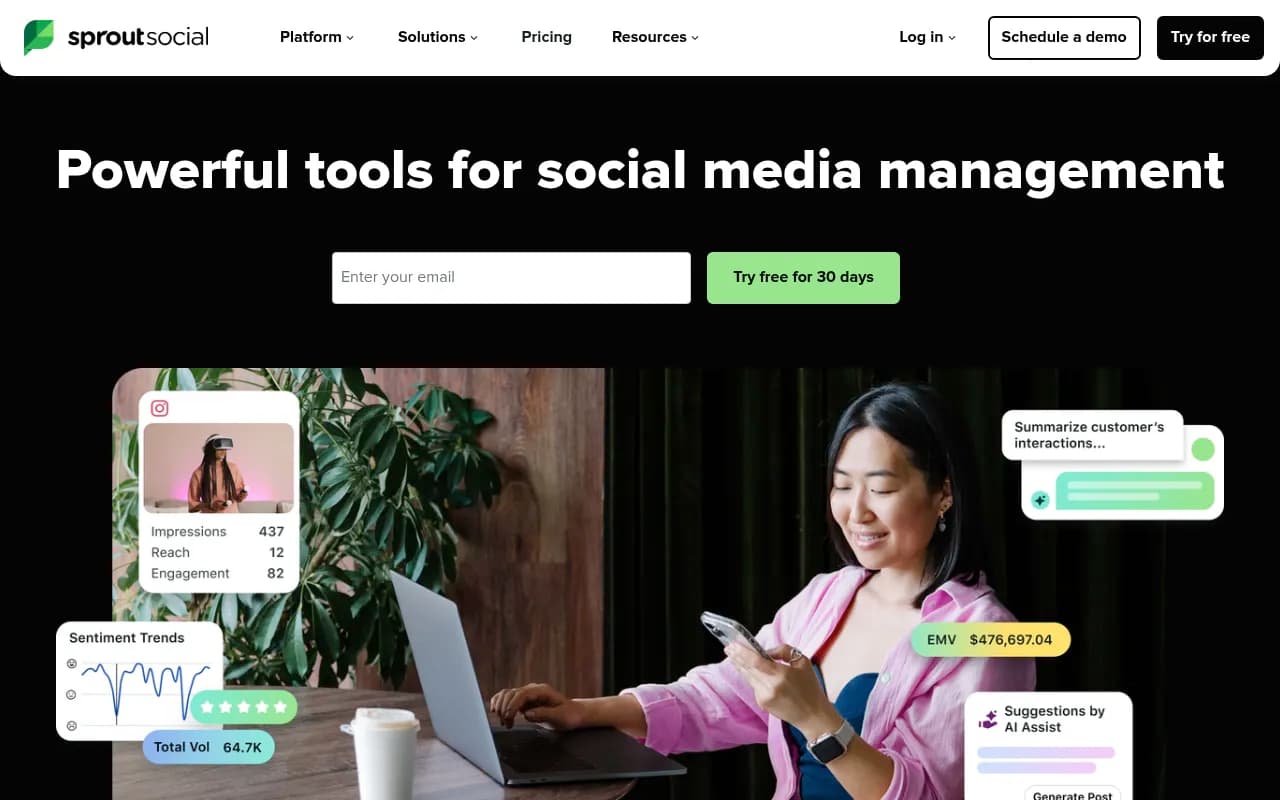
Neither tool offers the kind of cross-channel attribution, competitor benchmarking, or audience demographic depth you'd get from a dedicated social analytics tool like Sprout Social.
Collaboration features
Buffer's Team plan adds collaboration features: draft approvals, team member access, and basic role permissions. It works for small teams but isn't built for agency-scale workflows where you need client approval flows, white-label reporting, or granular permission structures.
Later's collaboration tools are similar at the Growth tier and above. You can add team members, set roles, and manage approval workflows. The interface for collaboration is arguably cleaner than Buffer's.
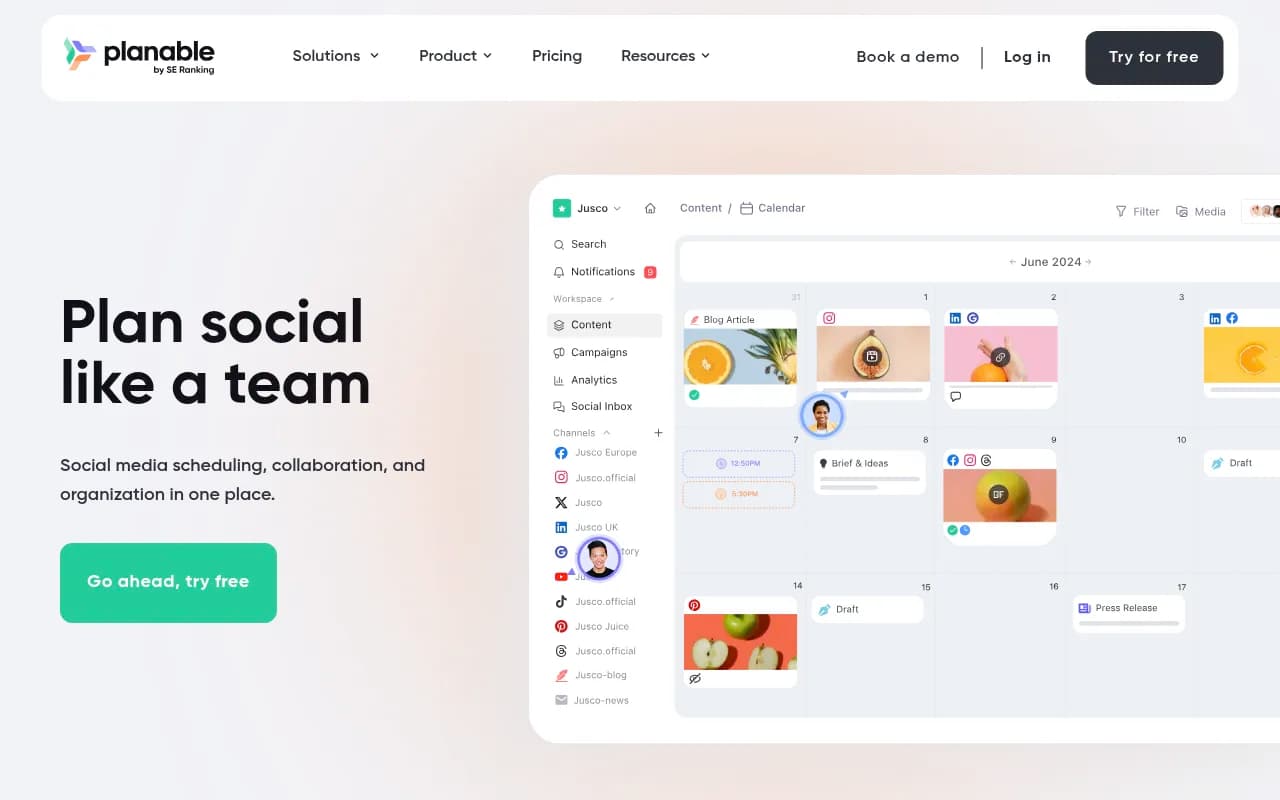
If agency collaboration is a primary use case, tools like Planable or Hootsuite are worth a look -- they're built specifically for that workflow.

Platform coverage
Both tools support the major platforms: Instagram, Facebook, X (Twitter), LinkedIn, TikTok, Pinterest, and YouTube.
A few nuances worth knowing:
- Later has stronger Pinterest support than Buffer, which matters if Pinterest is part of your strategy.
- Buffer supports Google Business Profile posting, which Later doesn't. Useful for local businesses.
- TikTok support on both platforms is functional but limited compared to native TikTok scheduling tools -- auto-publishing works, but some features (like duets or stitches) require manual steps.
- Neither tool supports Threads scheduling reliably as of mid-2026, though both have it on their roadmaps.
Who should use Buffer
Buffer makes the most sense if:
- You're a solo creator or freelancer managing 3-6 social channels
- You want something that works immediately without a learning curve
- You care more about queue management than visual content planning
- You need Google Business Profile posting
- You want the cheapest possible entry point with a real free tier
The free plan is genuinely usable -- 3 channels and 10 scheduled posts per channel is enough for someone just starting out or testing whether scheduling tools fit their workflow.
Who should use Later
Later makes the most sense if:
- Instagram is your primary or most important channel
- You think visually and want to preview your feed before publishing
- You're managing multiple client accounts at a predictable flat rate
- Pinterest is part of your content mix
- You want a built-in media library for organizing visual assets
The visual calendar and feed preview are the features that genuinely differentiate Later. If those matter to your workflow, Later is worth the premium over Buffer.
The honest verdict
Neither tool is clearly better in the abstract. They're optimized for different users.
Buffer wins on price and simplicity for small-scale use. If you're managing a handful of channels and want a no-fuss scheduler, it's hard to beat -- especially with the free plan as a starting point.
Later wins on visual workflow and Instagram depth. If aesthetics and feed planning are central to your content strategy, the extra cost is justified.
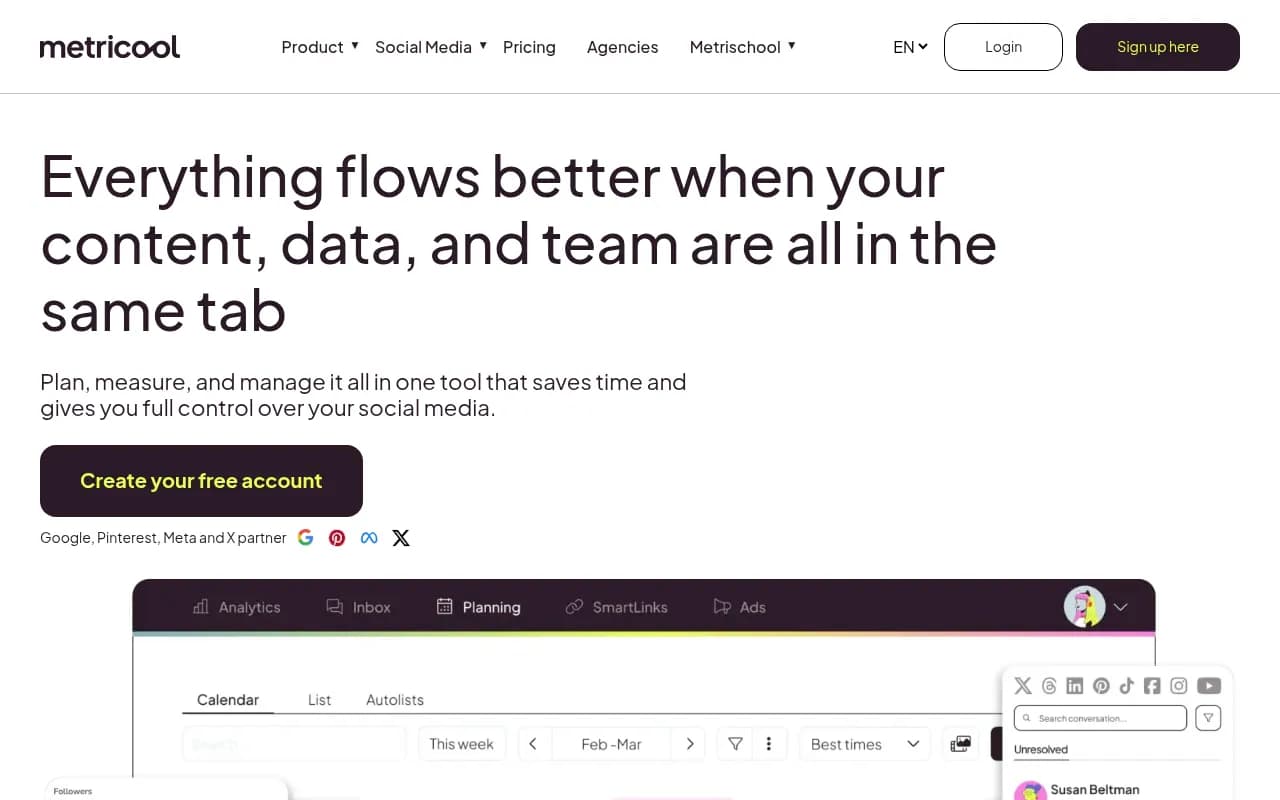
Where both tools fall short: if you're managing more than 10 accounts, need serious analytics, or want robust client reporting, you'll hit their ceilings quickly. At that point, tools like Hootsuite, Sprout Social, or Metricool start making more sense.
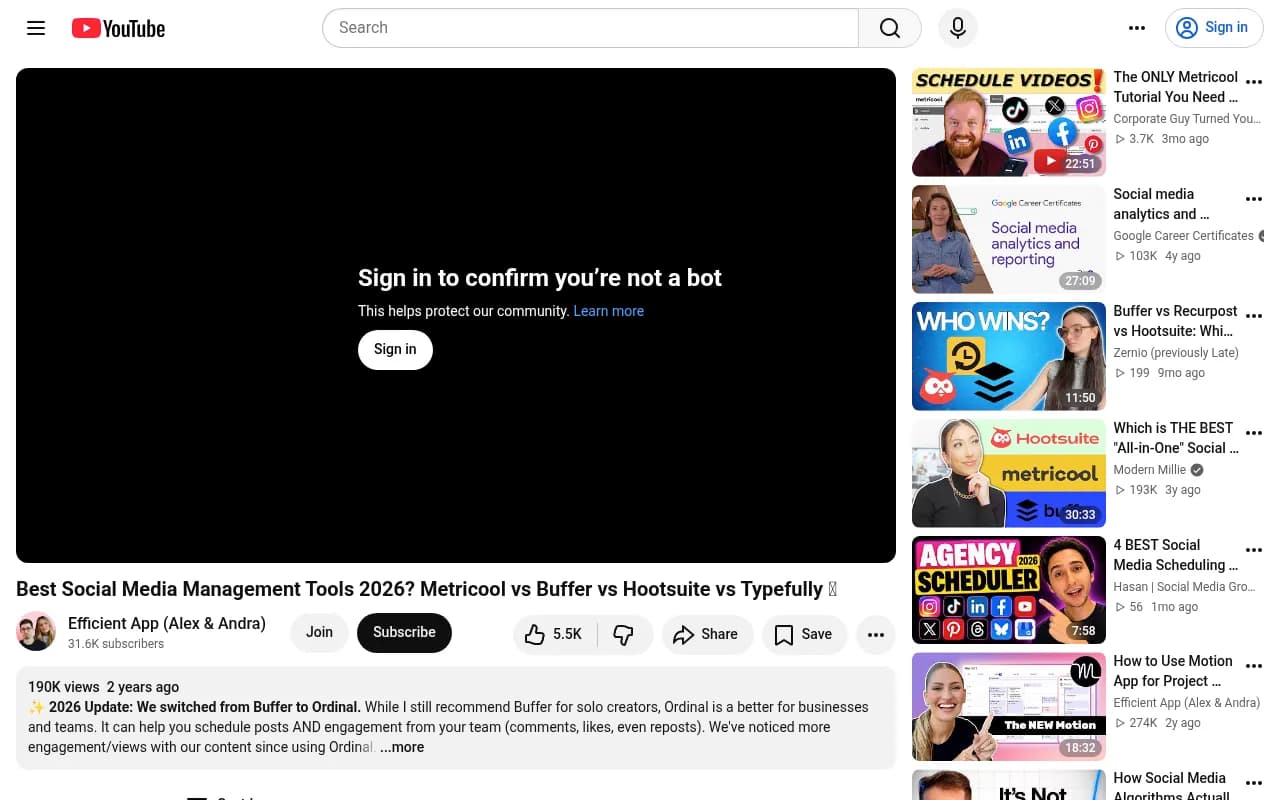
One thing worth noting: a 2026 comparison from Efficient App found that for businesses (as opposed to solo creators), tools like Ordinal were starting to edge out Buffer on features. Buffer's sweet spot remains individual creators and early-stage teams rather than scaling businesses.
A few alternatives worth knowing about
If you've read this far and neither Buffer nor Later feels quite right, here are a few other tools worth considering:
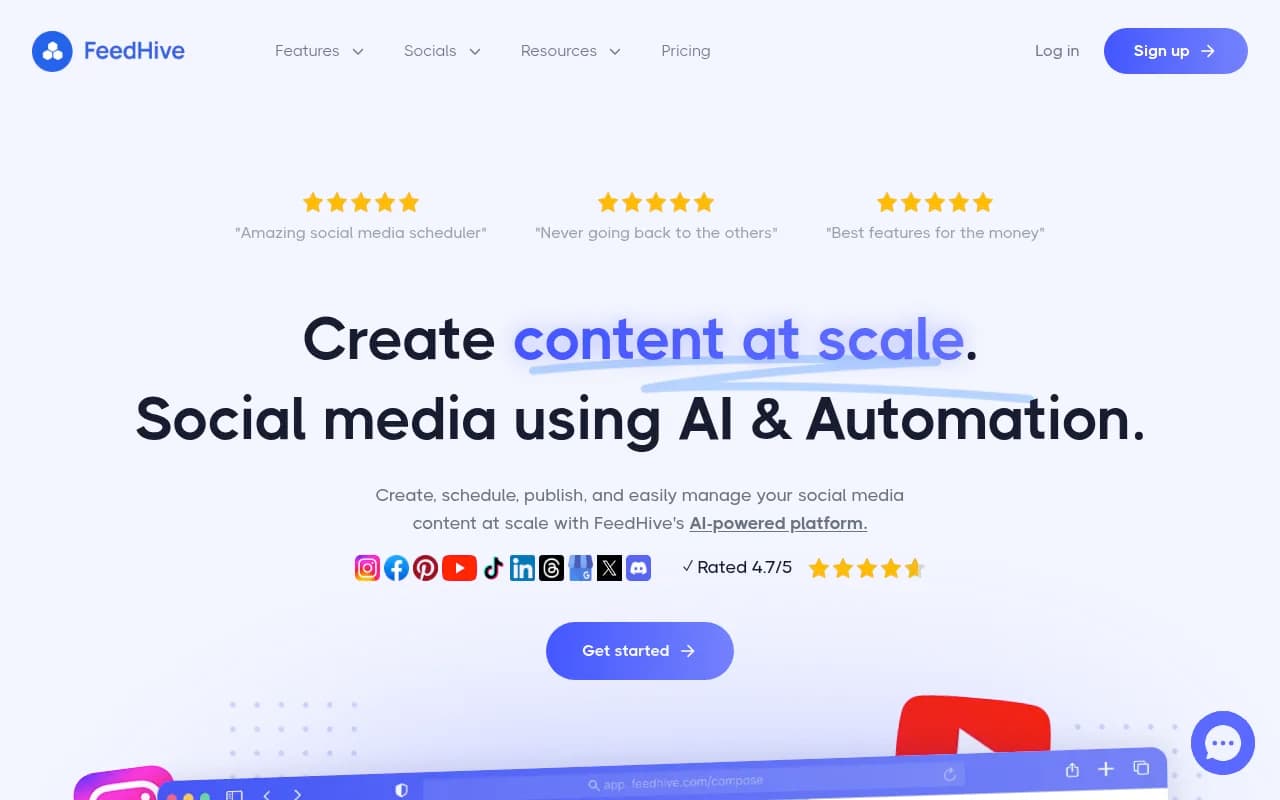
FeedHive -- Good for content recycling and AI-assisted repurposing. Better suited for creators who want to squeeze more out of existing content.
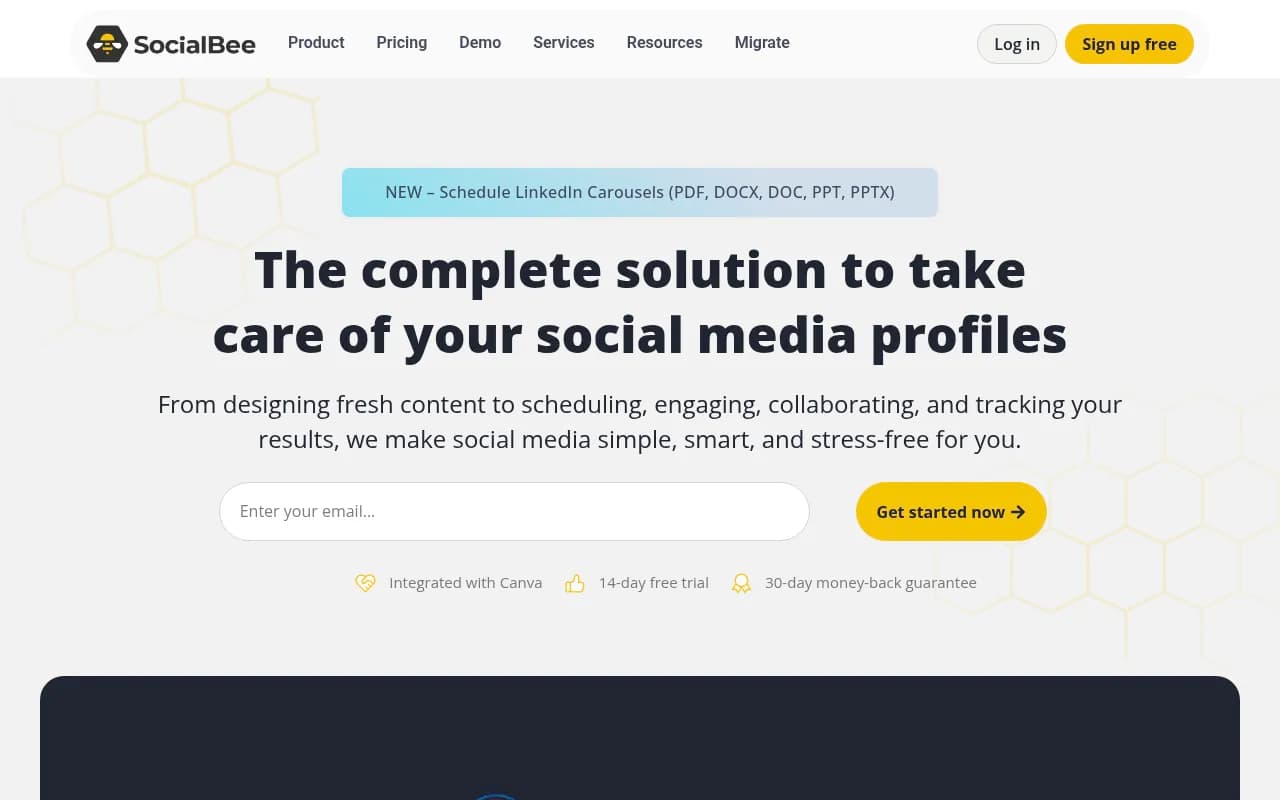
SocialBee -- Stronger category-based scheduling and content recycling than either Buffer or Later. Popular with small businesses that want more structure in their content calendar.
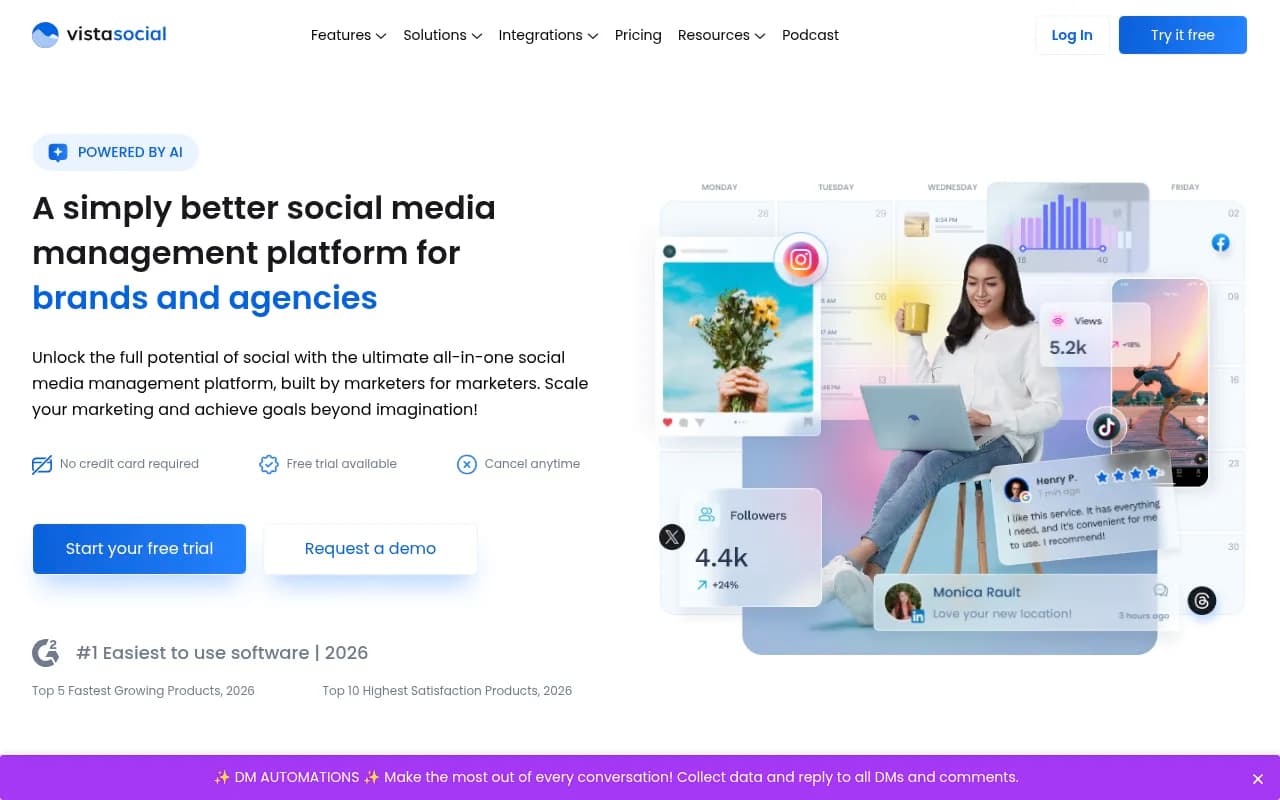
Vista Social -- Budget-friendly option with more features per dollar than Buffer at comparable price points. Worth a look if you're price-sensitive but need more than Buffer's free plan offers.
Publer -- Solid mid-tier option with a clean interface and good multi-platform support, including some features (like watermarking and RSS auto-posting) that Buffer and Later don't offer.

The bottom line
Buffer and Later are both good tools. They're not trying to do the same thing, which is why comparing them directly can feel like comparing a Swiss Army knife to a chef's knife -- the right answer depends entirely on what you're cutting.
Pay for Buffer if you want simplicity and per-channel flexibility at a low entry price. Pay for Later if Instagram is central to your strategy and you want visual planning tools that actually match how you think about content.
And if you're scaling beyond what either tool handles well, that's a signal to look at the next tier of social media management platforms rather than trying to make a scheduling tool do the work of a full management suite.